
~
~
~
~
~
~
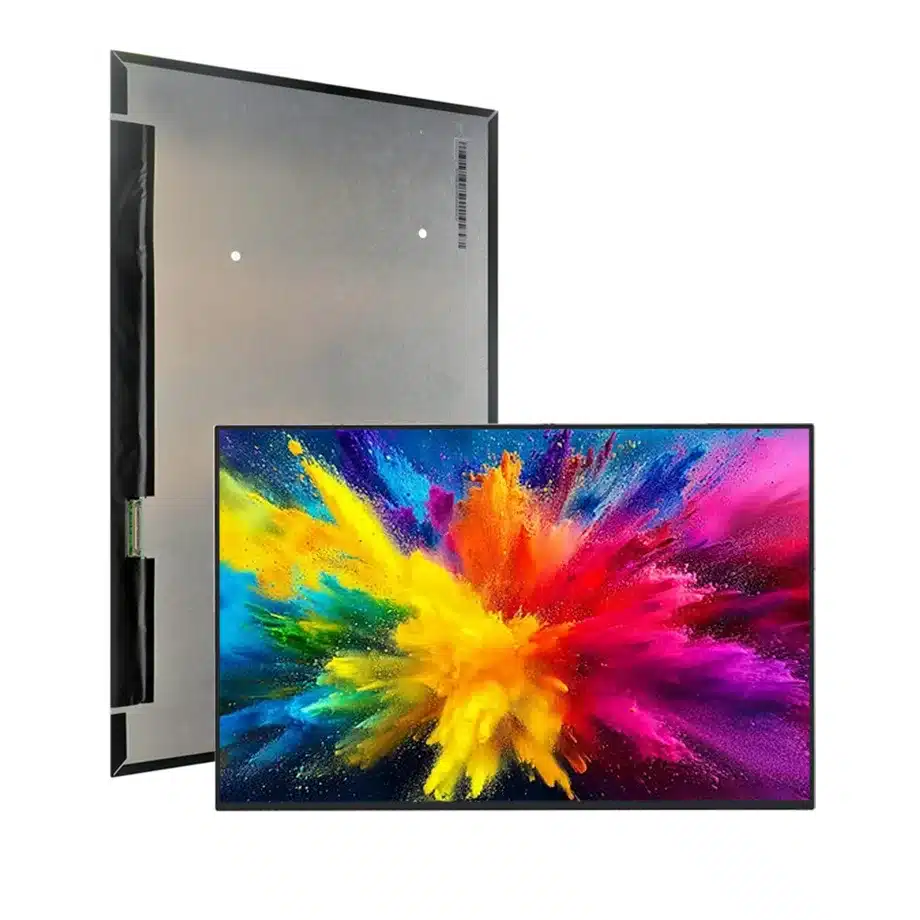
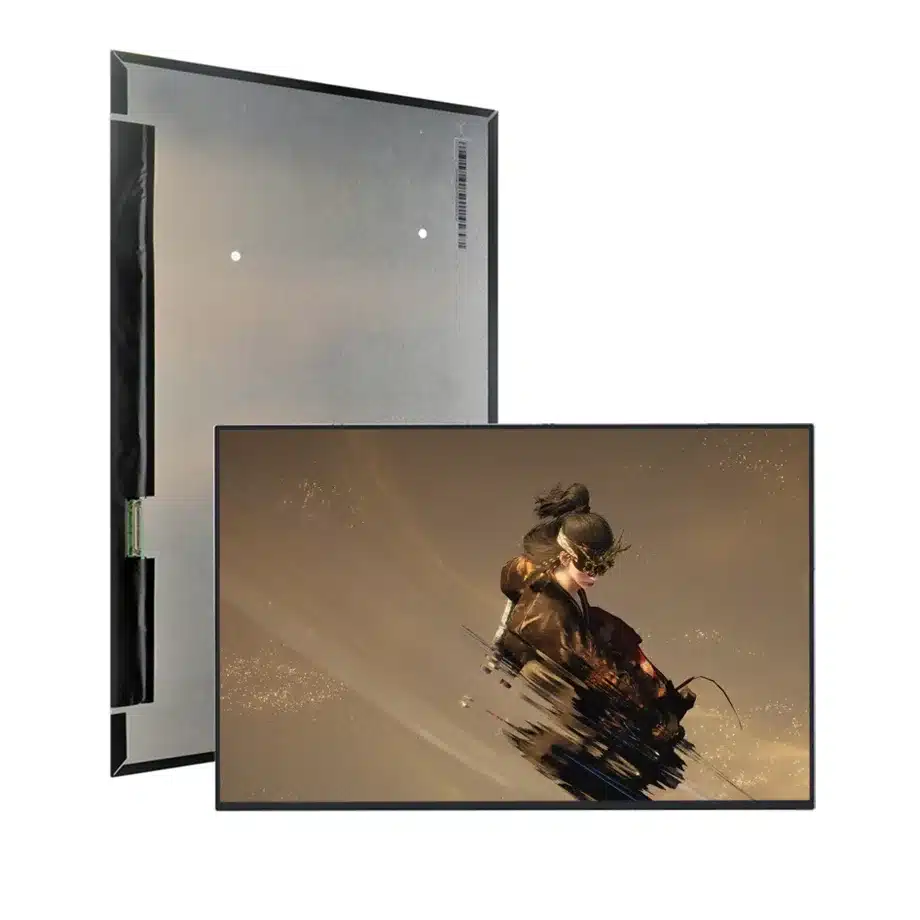
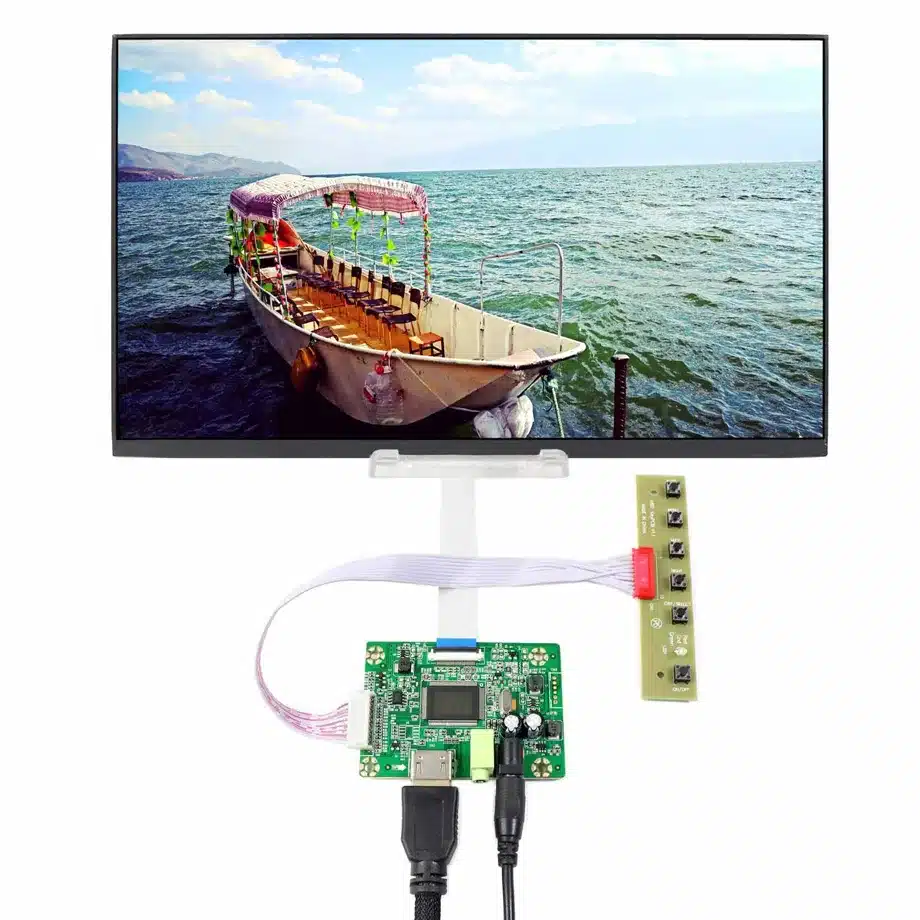
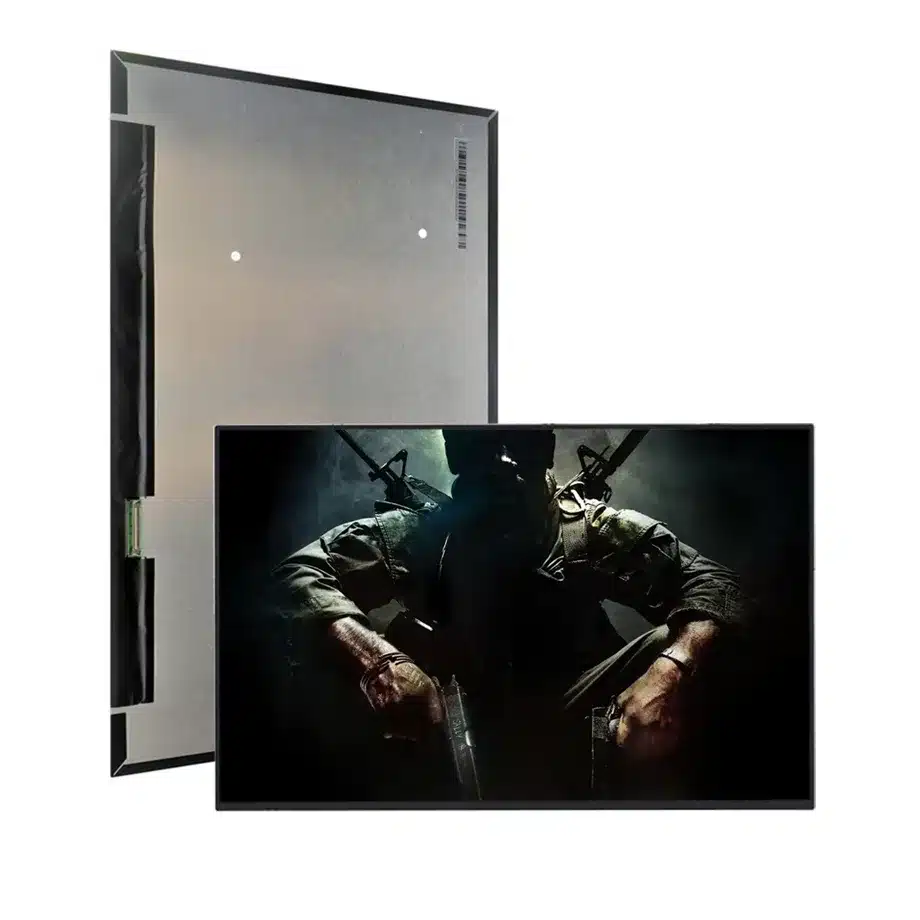
B160UAN08.1 Adaptive-Sync HBR2 OD WUXGA LCM AUO
Model P/N
Size
Resolution
Brightness
Viewing Angle
Connector Type
Operating Temp
Overall(mm)
auo
B160UAN08.1
Brand
Panel Size (inch)
Model P/N
Resolution
Brightness (nits)
Viewing Angle
Contrast Ratio
Response Time
Overall (mm)
Active Area (mm)
Refresh Rate
Display Colors
Panel Type
Connector Type
Surface Treatment
Operating Temp
Touchscreen Type
Storage Temp
Work Mode
Pixel Format
Input Voltage (V)
Vibration Resistance
Weight (g)
Designed For
Product Details
B160UAN08.1 Adaptive-Sync HBR2 OD WUXGA LCM is the high-refresh WUXGA reference for HBR2 link stress, adaptive-sync transitions and overdrive review.
B160UAN08.1 Adaptive-Sync HBR2 OD WUXGA LCM is a 16-inch AUO a-Si TFT-LCD module combining a 1920(RGB)×1200, WUXGA, 16:10 canvas with a 144 Hz refresh target. The exact model uses four-lane eDP 1.4 HBR2 through a 40-pin connector and is described with FreeSync/G-Sync-related adaptive-sync features, PSR-SU/PSR2 references and overdrive. The integration priority is therefore motion stability across the full host, cable and firmware stack.
Three buyer value propositions
144 Hz WUXGA performance without moving to a higher pixel count
The 1920×1200 16:10 format keeps a practical notebook pixel load while the 144 Hz target improves motion cadence. This can suit gaming systems that prioritize frame rate, provided the target GPU and HBR2 link are validated together.
Adaptive-sync and PSR feature set for gaming-platform qualification
The exact-model description includes G-Sync/FreeSync, PSR-SU, PSR-SU RC and PSR2 references. These features provide a concrete test agenda for variable refresh and display power states without implying universal host support.
Overdrive-specific response data for motion review
The panel lists 5 ms G-to-G and 3 ms G-to-G with OD, alongside 8 ms Tr+Td. Keeping the conditional OD value explicit helps buyers compare motion behavior without converting the fastest mode into an unconditional response claim.
B160UAN08.1 Adaptive-Sync HBR2 OD WUXGA LCM should be tested at 144 Hz with the production 40-pin cable, target GPU stack and bent-PCBA lid clearances.
Key Specifications at a Glance
| Brand | AUO |
|---|---|
| Model P/N | B160UAN08.1 |
| Size | 16 inch |
| Resolution | 1920(RGB)×1200, WUXGA, 16:10 |
| Active Area | 344.68×215.42 mm (H×V) |
| Overall | 349.68×224.42×5.2 mm |
| Brightness | 300 cd/m² (Typ.) |
| Viewing Angle | 85/85/85/85 (Typ.)(CR≥10) |
| Display Colors | 16.7M, 45% NTSC |
| Weight | 380 g (Max.) |
| Refresh Rate | 144 Hz |
| Connector / Native Interface | eDP (4 Lanes), eDP1.4, HBR2 (5.4G/lane), 40 pins 0.5 mm connector |
| Input Voltage | 3.3 V (Typ.) |
| Operating Temperature | 0 ~ 50 °C |
| Storage Temperature | -20 ~ 60 °C |
| Vibration | 1.5G (14.7 m/s²) |
| Panel Type | a-Si TFT-LCD, LCM |
| Pixel Format | RGB Vertical Stripe |
| Surface Treatment | Antiglare |
| Contrast Ratio | 1000:1 (Typ.) |
| Response Time | 8 ms (Typ.)(Tr+Td), 5 ms (Typ.)(G2G), 3 ms (Typ.)(G2G)(OD) |
| Work Mode | AHVA, Normally Black, Transmissive |
| Backlight / Emission | 15,000 hours (WLED, integrated LED driver, DC) |
| Designed For | Laptop and gaming notebook display integration; 144 Hz adaptive-sync WUXGA platforms |
| Touchscreen Type | Without touch screen |
Stress the HBR2 path at the real 144 Hz mode
Validate four-lane link training, AUX communication and production-cable integrity at 1920×1200/144 Hz. Include repeated boot, sleep/wake, lid cycles and long gaming sessions. A stable 60 Hz desktop does not prove the higher-rate link.
Adaptive sync needs a defined operating window
Measure the actual variable-refresh range exposed by the GPU and driver. Test transitions near the limits and observe flicker, blanking and frame pacing. Preserve the BIOS and driver baseline used for approval so later updates can be regression-tested.
Mechanical comparison for a bent-PCBA module
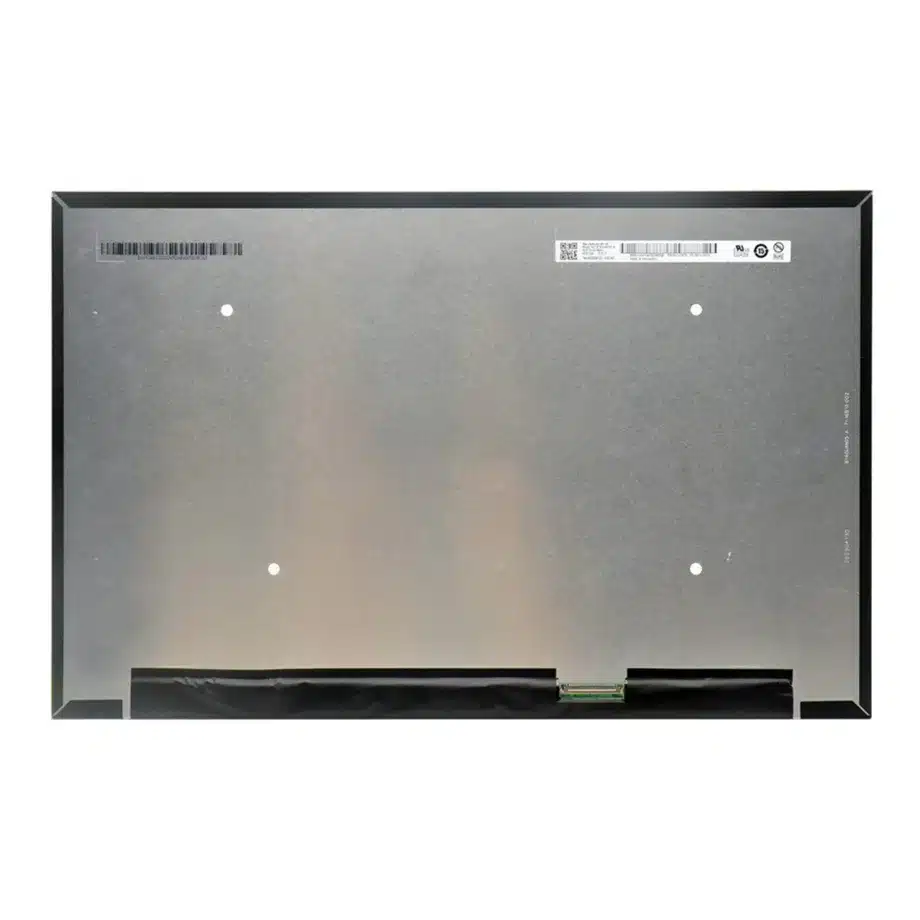
The 349.68×224.42×5.2 mm envelope differs from thinner flat-PCBA WUXGA panels. Check connector position, cable fold, hinge sweep and rear-cover clearance before treating another 16-inch display as a replacement.
Release record
Keep the HBR2 cable, 144 Hz timing, adaptive-sync/PSR/OD test notes, exact drawing and 3.3 V sequence with the product BOM. Future substitutes should be compared against this controlled package.
B160UAN08.1 Adaptive-Sync HBR2 OD WUXGA LCM belongs with the adaptive-sync window, PSR transition notes, OD motion review and exact mechanical drawing.
HBR2 cable stress at 144 Hz
Four-lane HBR2 is the panel-facing transport for the 144 Hz WUXGA mode. Qualify the production cable through the actual hinge path and check link training after repeated boot, sleep and lid cycles. A cable that works at 60 Hz can still be marginal at the high-refresh operating point. If the platform exposes link diagnostics, record them with the approval data. Also verify connector retention and grounding because intermittent faults can appear only after mechanical movement or thermal cycling.
Adaptive-sync operating window
FreeSync and G-Sync references should be converted into a measured platform window. Determine the minimum and maximum refresh rates actually exposed by the GPU and driver, then sweep frame rate across that range. Observe flicker, blanking, judder and fallback behavior near the boundaries. Repeat after resume and graphics-driver restart. The exact-model feature labels justify this test, but they do not prove compatibility with every GPU generation or software stack. The approved behavior belongs to the tested notebook configuration.
PSR-SU and PSR2 power-state checks
The same-model description also includes PSR-SU, PSR-SU RC and PSR2 wording. Test static-screen entry, partial updates, video windows and transitions back to active rendering. Verify that brightness and refresh state recover correctly after sleep. Because adaptive sync and panel self refresh can both affect display timing, include combined cases where the system changes workload quickly. Store the BIOS and driver versions used for sign-off so future software updates can be regression-tested against the original approved behavior.
Overdrive and visible motion
The exact response record distinguishes 8 ms Tr+Td, 5 ms G-to-G and 3 ms G-to-G with overdrive. Test moving edges and dark-to-light transitions with OD enabled and disabled when the platform permits it. Look for overshoot or inverse ghosting at both fixed 144 Hz and lower adaptive-sync rates. The fastest number should remain conditional on OD rather than being presented as an unconditional panel response. Motion acceptance should reflect the real drive mode used by the shipping notebook.
WUXGA optical baseline
The module is specified at 300 cd/m² typical luminance and 45% NTSC wording. That is adequate evidence for a standard-gamut notebook target but not for wide-gamut, HDR or direct-sunlight claims. Evaluate brightness, glare and uniformity through the final lid. If gaming marketing emphasizes refresh performance, keep optical claims separate so a high-refresh feature is not accidentally used to imply color capability that the exact model does not document.
Bent-PCBA service compatibility
The 349.68×224.42×5.2 mm package uses a bent-PCBA form. Compare connector position and rear clearance carefully when screening a replacement because flatter WUXGA modules can have different cable paths. During service validation, check hinge sweep, cable strain and bezel pressure through repeated open-close cycles. Preserve the exact drawing and cable part number with the approved model. This creates a practical service baseline and prevents a visually similar 16-inch panel from being installed without mechanical and electrical review.
First-article report for a 144 Hz adaptive-sync panel
The approval report should capture the exact panel model, cable revision, BIOS and driver versions, 144 Hz timing, adaptive-sync window, PSR behavior and OD setting. Include evidence from repeated sleep/wake and lid cycles, because high-refresh notebooks often expose issues during state transitions rather than continuous rendering. Add a mechanical check of the bent-PCBA area and cable route. If the platform supports several refresh modes, list the approved modes explicitly instead of assuming every intermediate rate is equally stable. A structured report gives service and sourcing teams a reproducible reference when firmware or panel lots change.
Keep gaming language separate from unsupported optical claims
The model's strongest evidence is high refresh, HBR2 transport, adaptive-sync-related features and OD-specific response data. Its 300 cd/m² and 45% NTSC optical specifications should remain equally visible so buyers do not infer a wide-gamut or HDR product from the gaming positioning. A finished notebook may still deliver a good gaming experience, but that conclusion belongs to the complete system. Product and procurement language should therefore connect claims to the exact tested configuration and avoid extending panel feature labels into certifications, universal GPU compatibility or color performance that the supplied exact-model record does not document.
Production handoff control
For ongoing production, use periodic sample checks to confirm that the approved high-refresh behavior remains stable across incoming lots. The check does not need to duplicate the full qualification every time, but it should verify identity, maximum-refresh operation, basic adaptive-sync behavior and the production cable connection. If the supplier lot or firmware context changes materially, escalate to the complete regression matrix. This balances manufacturing practicality with the higher integration risk of a 144 Hz adaptive-sync panel. It also gives sourcing a clear trigger for engineering review rather than relying on subjective judgments about whether a new lot looks similar.
During sourcing review, compare the exact incoming model marking, connector geometry, cable retention and high-refresh functional behavior with the approved baseline. If any of those controls change, treat the lot as an engineering review item rather than accepting it automatically. This discipline is especially important where several 16-inch WUXGA panels share similar headline specifications but differ in link architecture or mechanical packaging.
Engineering and sourcing review
For release, provide the GPU/BIOS baseline, HBR2 production cable, 144 Hz and adaptive-sync mode requirements, and exact lid drawing. Record high-refresh link stability, overdrive behavior and PSR transitions before approving the component for production.
Recommended: Same Size
(16")
Applications & Value of LCD Panel

- Fast sourcing with in-stock panels & cross-reference alternatives
- Stable supply chain with long-term availability
- Engineering-level support from panel to integration
- Custom solutions: cable, touch & optical bonding
- Strict quality control with IQC / OQC / aging test
- Full traceability system for quality assurance
- Complete technical documentation & drawings
- Compliance support: RoHS & certification files
