
Transparent LCD Displays

See-through LCD solutions for illuminated showcases and product presentations. Review rear lighting, transmittance, contrast and viewing geometry as a complete installation rather than evaluating the panel in isolation.
Transparent LCD Displays product family concept illustration
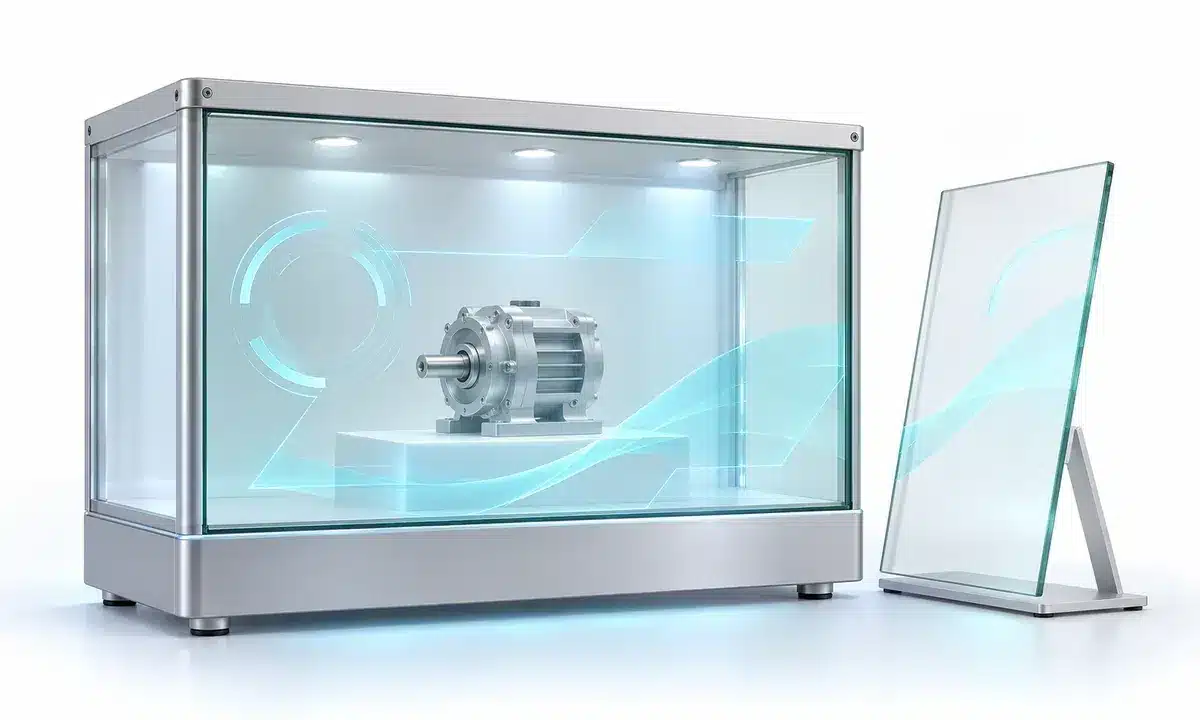
Lighting and rear scene

Design rear illumination and the visible background together.

Transmittance and contrast

Balance the displayed overlay with the object behind it.

Mechanical and optical support

Integrate panel support, enclosure and light management.

Content and control

Prepare content for the transparent viewing experience.

Transparent LCD Displays product family concept illustration

Category Overview

Transparent LCD projects depend on the relationship between the displayed image and the scene or product behind it. Rear illumination, enclosure color, viewing angle and content design affect both product visibility and image contrast. HuiSoar supports transparent LCD configuration review for showcases and commercial installations. Distinguish panel-only supply from an illuminated showcase assembly, and confirm the mechanical support, controller, lighting and service requirements included in the proposal.

Transparent LCD Displays Product Selection

Filter by Specifications

Sort by:
4 Products Found

90 Inch Retail Showcase Transparent LCD Display Case for Exhibitions
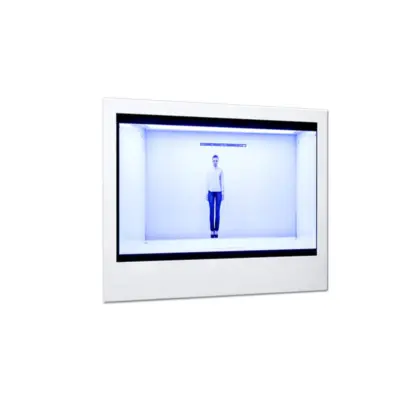
Size:90″
Resolution:1920×1080
Brightness:0 cd/m²
huisoar HS0215TM-G 21.5-inch 1920×1080 tft-lcd Not Specified display

21.5" Transparent LCD 1920x1080 75%+ for Commercial Display
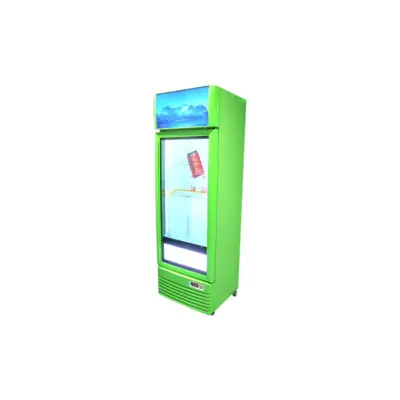
Size:21.5″
Resolution:1920×1080
Brightness:300 cd/m²
huisoar HS0430TM-G 43-inch 1920×1080 lcos Not Specified display

43 inch Transparent LCD Display 1920x1080 75% for Showcase 4000:1
Size:43″
Resolution:1920×1080
Brightness:280 cd/m²
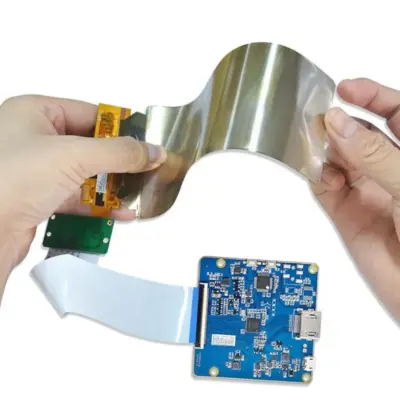
6 inch flexible AMOLED touch display with 1080x2160 resolution MIPI interface and PCAP touch

6 Inch Flexible AMOLED Touch Display for Smart Devices & Wearables

Size:6.0″
Resolution:1080×2160
Brightness:390 cd/m²

Technical Selection Guide

Use these four checks to compare transparent lcd displays for your equipment. Freeze the required configuration and verify the exact drawing, electrical specification and sample behavior before approving production.

Lighting and rear scene

Define the product or scene behind the panel and the available rear illumination. Evaluate display content and product visibility together under the intended lighting.

Transmittance and contrast

Request model-specific optical information and measurement conditions. Compare see-through appearance and readable content using a representative sample installation.

Mechanical and optical support

Review panel mounting, protective glass, cable exit and enclosure depth. Define any touch integration and the resulting optical stack.

Content and control

Use content that preserves the intended see-through areas. Confirm signal input, native resolution, controller scope and installation maintenance access.

Typical Applications

Transparent LCD Displays typical OEM application scenarios

Retail showcases

Digital overlays combined with illuminated product displays.

Museum exhibits

Interpretive content layered over physical objects.

Product presentations

Demonstrations that combine real hardware and digital graphics.

Exhibition installations

See-through display concepts with controlled illumination.

Commercial display windows

Projects reviewed for viewing geometry and site lighting.

Transparent LCD Displays FAQ

Does a transparent LCD work like a conventional monitor?
Its optical environment is different. The visible result depends on light and objects behind the panel as well as the displayed content. Evaluate the complete showcase or installation rather than expecting the appearance of an opaque backlit monitor.
Is rear illumination needed?
An appropriate lighting arrangement is important to the intended image and product visibility. Confirm the proposed rear illumination, enclosure and content conditions. A panel-only quotation may not include the lighting needed for the final installation.
What does transmittance tell a buyer?
Transmittance describes an optical property under stated conditions, but does not alone determine finished-system appearance. Review measurement conditions, displayed content, rear scene, lighting and viewing geometry with a representative sample.
Can a physical product remain visible behind the screen?
That is the purpose of many transparent showcase applications, but visibility depends on lighting, content and the product scene. Test the actual object, background and viewing angles before approving the optical design.
Can touch be added to a transparent LCD showcase?
Touch integration may be possible for a defined configuration. Specify sensor technology, cover glass, controller and interaction area. Review the additional optical surfaces and mechanical support rather than assuming no effect on transparency.
Is a transparent LCD suitable for direct outdoor sunlight?
Outdoor suitability is not established by transparency alone. Define solar exposure, temperature, reflections, lighting and weather protection. Request configuration-specific evidence and evaluate a representative installation before committing to an outdoor design.
Which content works best on a transparent LCD?
Content should be designed around the physical object and desired see-through regions. Assess graphic density, contrast and visual hierarchy using the final lighting and viewing conditions. Conventional full-screen opaque video may not meet the presentation objective.
Does the quotation include the showcase enclosure?
Only if specified. Clarify the panel, controller, cables, touch layer, lighting, enclosure and mounting components included. Agree mechanical drawings and service access so the supplied scope matches the planned installation.
What information should I include in an RFQ?
For transparent lcd displays, provide panel size, rear product or scene, lighting concept, enclosure drawing, viewing distance, input signal, touch needs and required supply scope. Include sample and annual quantities, target schedule, destination and any mandatory validation requirements. This supports a configuration-specific quotation and identifies unresolved engineering items before purchasing.
How are samples, MOQ and tooling charges confirmed?
Sample availability, minimum order quantity, engineering charges and tooling depend on the selected configuration. Ask for these items separately in the quotation. Approve the sample, drawing revision and acceptance criteria before releasing a production purchase order.
Which technical and compliance documents should be reviewed?
Request the exact transparent lcd displays part number and revision, specification, mechanical drawing and relevant electrical information. Request applicable material declarations or test reports for that configuration; a category description or illustrative image is not evidence of certification.
How should overseas buyers plan delivery and continuing supply?
Confirm stock or production status, quoted lead time, packaging, shipping terms and required export documents before ordering. For recurring programs, discuss forecast volumes, revision control and change notification. Reconfirm availability when placing each order rather than assuming permanent supply.

Discuss Your Custom Display Requirements

Share your target application, mechanical drawing, interface, operating conditions and volume plan. Our engineering team can review suitable configurations and sample requirements.

Scroll to Top
Request Quote / Datasheet

Response within 12-24 hours. NDA available. Engineering support included.

Fields marked with an asterisk (*) are required.

Contact Information

Request Details