Freya Yang
+86 18318948097
+852 62667476
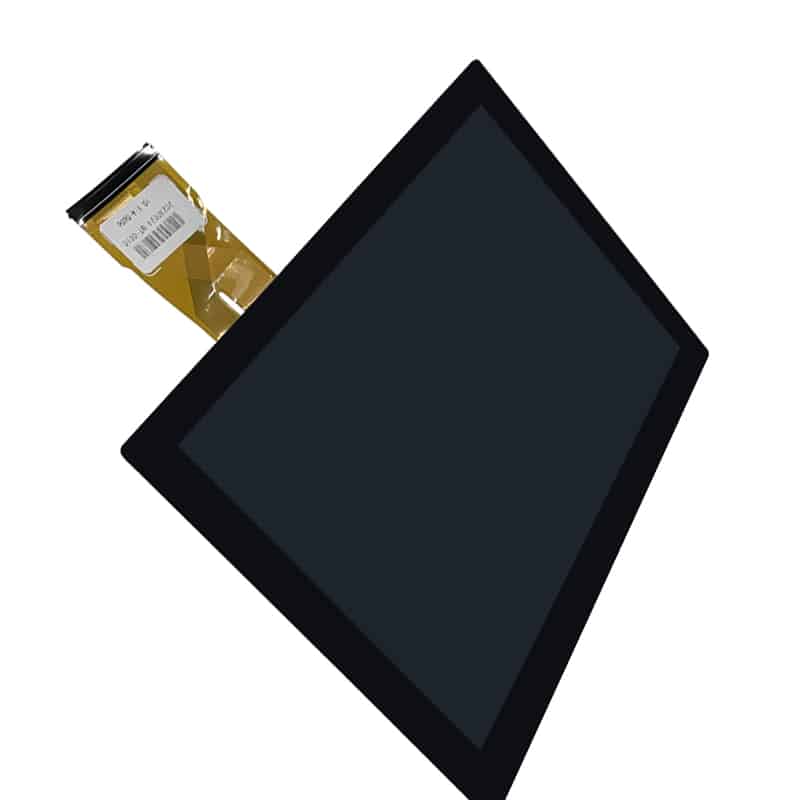
7 Inch Compact HMI Touchscreen Display Module for Control Panels


Model P/N
Size
Resolution
Brightness
Viewing Angle
Connector Type
Operating Temp
Overall(mm)
huisoar
HS070-CTP
Brand
Panel Size (inch)
Model P/N
Resolution
Brightness (nits)
Viewing Angle
Contrast Ratio
Response Time
Overall (mm)
Active Area (mm)
Refresh Rate
Bezel Opening
Display Colors
Panel Type
Connector Type
Surface Treatment
Operating Temp
Touchscreen Type
Storage Temp
Work Mode
Pixel Format
Touch Interface
Control Type
Weight (g)
Protective Glass Specification
Operating Environment
Motherboard Type
Designed For
7 Inch Compact HMI Touchscreen Display Module for Control Panels
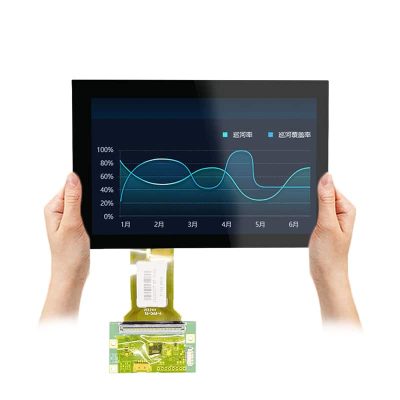
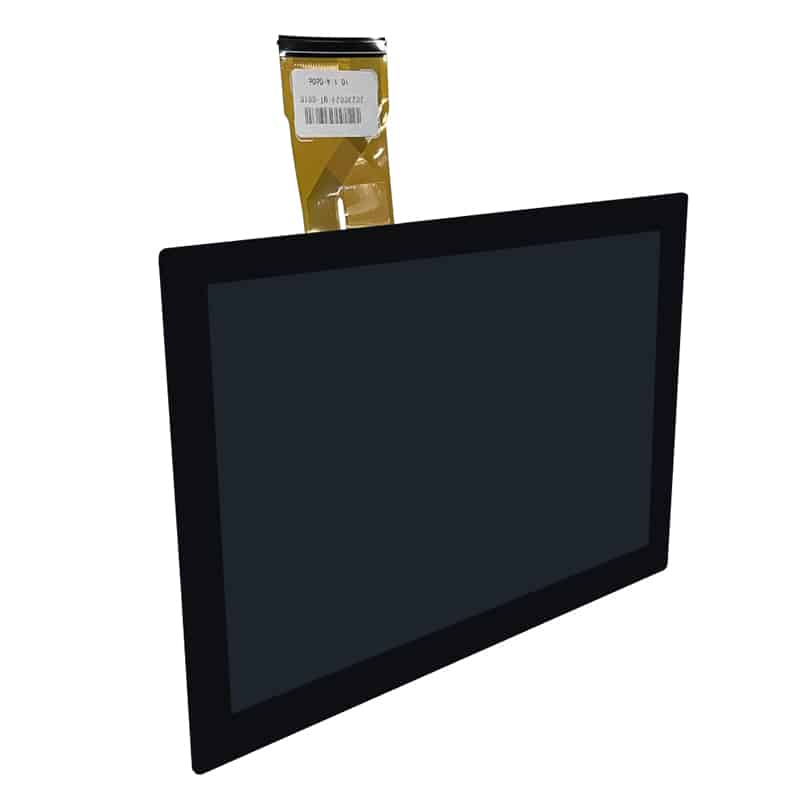
This Compact HMI Touchscreen Display Module combines a 7-inch 1024 × 600 screen, LVDS image input and a separate GT911 I²C capacitive-touch path for embedded control interfaces.
Product Summary
The 7-inch landscape format provides a practical display area for compact equipment controls, machine settings, status pages and operator menus. A native 1024 × 600 resolution supports graphical HMI layouts without requiring the enclosure space of a larger panel.
The display and touch functions use separate signal paths. Image data is supplied through LVDS, while touch coordinates are handled by the GT911 controller through an I²C connection. This separation allows engineers to qualify the display timing and touch communication independently.
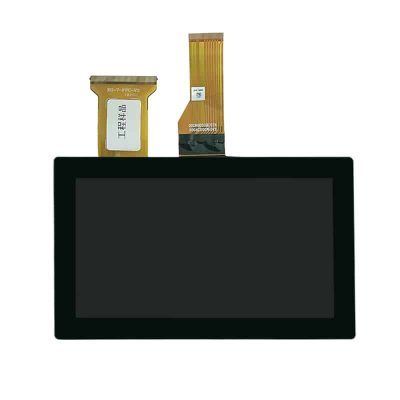
The touch assembly uses a G/G structure with a six-pin FPC. Its cover lens measures 176.8 × 108.8 mm, with a 155.3 × 88.0 mm viewing area and a 164.13 × 99.17 mm sensor outline.
Key Specifications
| Parameter | Value |
|---|---|
| Display size | 7 inch |
| Resolution | 1024 × 600 pixels |
| Image interface | LVDS |
| Display pin count | 30 pins, pending drawing confirmation |
| Touch type | Projected-capacitive touch |
| Touch controller | GT911 |
| Touch interface | I²C |
| Touch FPC | 6 pins |
| Touch structure | G/G |
| Touch lens OD | 176.8 × 108.8 mm |
| Touch lens VA | 155.3 × 88.0 mm |
| Sensor OD | 164.13 × 99.17 mm |
| Touch transmittance | ≥83% |
| Surface hardness | 6H pencil |
| Touch operating temperature | −10°C to +60°C |
| Touch storage temperature | −20°C to +70°C |
Planning a 1024 × 600 Compact HMI Interface
Screen Layout and Touch Targets
A 1024 × 600 landscape interface can support status information, navigation controls, settings and process values within a compact front panel. The design should prioritize clear hierarchy rather than filling every available pixel.
Recommended UI planning includes:
- clearly separated touch targets
- readable labels
- consistent navigation
- visible system status
- confirmation for critical commands
- sufficient spacing between adjacent controls
- high contrast for warnings and alarms
- restrained animation
- a defined startup and fault screen
Touch-target dimensions should be validated on the finished cover lens rather than only in desktop design software.
Landscape Content Planning
The 1024 × 600 aspect ratio suits horizontal control layouts with a navigation region, main operating area and persistent status bar. It can also support equipment diagrams, parameter lists, charts and step-by-step operating instructions.
Before software release, confirm:
- native timing
- refresh rate
- color depth
- display orientation
- scaling behavior
- startup image
- sleep and wake operation
- touch-coordinate mapping
- rotation handling
- calibration requirements
Compact HMI Touchscreen Display Module Integration
Qualifying the LVDS Image Path
The LVDS connection must be checked against the approved display specification before PCB or controller selection.
Confirm:
- connector part number
- 30-pin assignment
- LVDS channel count
- six-bit or eight-bit mapping
- clock polarity
- panel timing
- color depth
- supply voltage
- enable sequence
- backlight voltage and current
- dimming method
- FPC contact side
- cable length
A matching resolution or pin count does not establish electrical compatibility.
Connecting the GT911 Touch Path
The GT911 touch controller communicates separately from the LVDS image input. The touch FPC is shown as a six-pin connection and should be reviewed for:
- supply voltage
- ground
- I²C clock
- I²C data
- reset
- interrupt
- I²C address
- firmware version
- interrupt polarity
- startup timing
The host processor must support the required I²C communication and the project-specific GT911 firmware.
The LVDS image path and the GT911 I²C touch path must be qualified separately.
Why Matching Pin Count Is Not Enough
Two 30-pin LVDS displays may differ in channel mapping, power rails, backlight control, connector orientation and timing. Likewise, two GT911 touch panels may use different firmware, sensor geometry, I²C addresses or reset sequences.
Interchangeability should be based on the approved interface tables and drawings, not size, resolution or pin count alone.
Touch-Lens and Enclosure Design
The touch lens outside dimensions are 176.8 × 108.8 mm. The viewing area is 155.3 × 88.0 mm, while the sensor outline is 164.13 × 99.17 mm.
The mechanical design should account for:
- front-panel opening
- lens edge overlap
- visible-area alignment
- sensor clearance
- adhesive or bonding area
- touch FPC exit
- bend radius
- connector access
- LCD-to-touch alignment
- gasket compression
- chassis tolerance
- assembly sequence
- service access
The supplied touch dimensions should not be treated as the LCD-module outline. The applicable LCD drawing is still required before enclosure tooling is released.
The supplied touch drawing confirms touch-stack mechanics but does not confirm the LCD outline or backlight specification.
Optical and Environmental Boundaries
The touch assembly is specified with at least 83% transmittance and 6H pencil hardness. These values describe the touch stack and do not establish final display brightness or complete-system impact resistance.
Finished optical performance also depends on:
- LCD luminance
- air-gap or bonding method
- cover-lens printing
- surface coating
- ambient light
- enclosure geometry
- reflections
- viewing direction
- backlight current
- panel temperature
The touch assembly is listed for operation from −10°C to +60°C and storage from −20°C to +70°C. The LCD, bonding materials and finished enclosure must be qualified separately.
No IP rating, direct-sunlight grade or anti-glare surface is assigned to the standard configuration without project-specific documentation.
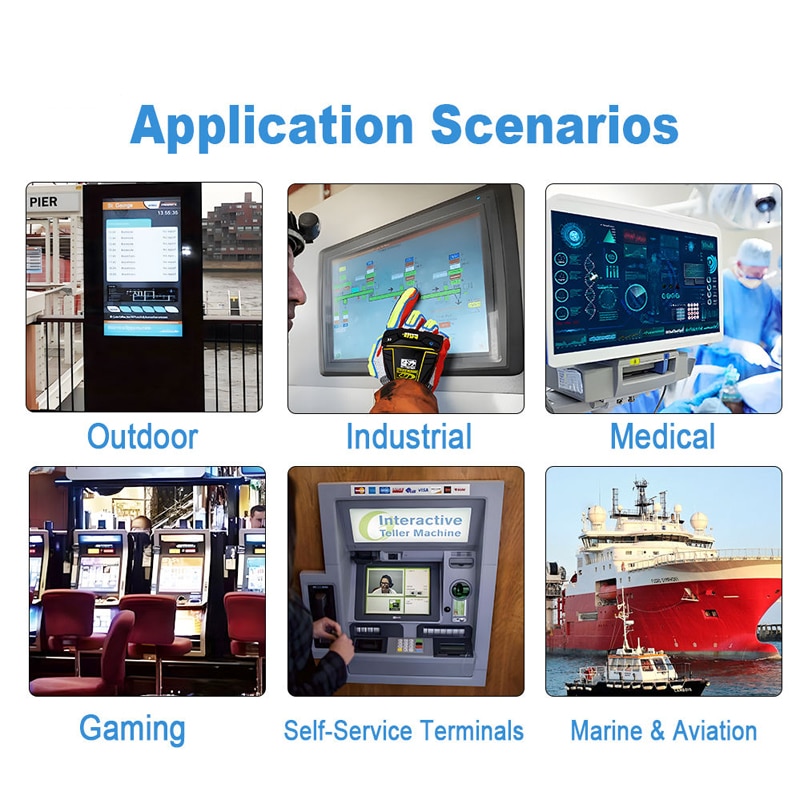
Recommended Control-Panel Applications
Compact Industrial Controls
The module can support parameter entry, status monitoring and equipment setup where a 7-inch landscape interface fits the front-panel space.
Embedded HMI Terminals
Separate LVDS and I²C paths allow integration with embedded processors that provide a compatible display output and touch-control bus.
Appliance Control Interfaces
The screen format can accommodate operating modes, timers, settings and visual status indicators in appliance-control panels.
Access-Control Panels
The touch interface can support menu navigation, user prompts and system status when the final product’s security and environmental requirements are validated separately.
Equipment Operator Interfaces
The module can be evaluated for instruments, testing equipment and compact operator panels that require a graphical interface and direct touch input.
These are integration routes rather than certifications for any regulated or harsh-environment end product.
Customization and Engineering Review
Project-specific review can cover:
- cover-lens size
- viewing-area dimensions
- silk printing
- logo treatment
- glass thickness
- surface coating
- optical or perimeter bonding
- touch firmware
- touch sensitivity
- FPC length and shape
- connector orientation
- LCD interface conversion
- enclosure design
- gasket structure
- mounting method
Custom configurations are generally reviewed from 500 pieces, subject to tooling requirements, material availability and the approved specification. Sample and standard-module quantities are confirmed separately.
Procurement Checklist
Before approving a sample or production design, confirm:
- native 1024 × 600 timing
- refresh rate
- LVDS channel count
- six-bit or eight-bit mapping
- 30-pin connector part number
- complete display pinout
- FPC contact side
- panel supply voltage
- backlight voltage and current
- backlight enable and dimming
- GT911 supply voltage
- I²C address
- reset and interrupt logic
- touch firmware
- six-pin touch FPC assignment
- touch-point requirement
- cover-lens OD
- lens viewing area
- sensor outline
- LCD active area
- LCD outline and thickness
- mounting points
- display brightness
- panel technology
- viewing angles
- response time
- operating and storage limits
- bonding method
- surface treatment
- compliance documents
- sample quantity
- annual demand
FAQ
About 7 Inch Compact HMI Touchscreen Display Module
What must be checked before connecting a 30-pin LVDS host?
Are the display and touch signals carried through the same connector?
Which dimensions should control the front-panel opening?
Can the 1000-nit and IP65 statements be treated as standard specifications?
What information is required before sample approval?
Freya Yang
+86 18318948097