
~
~
~
~
~
~
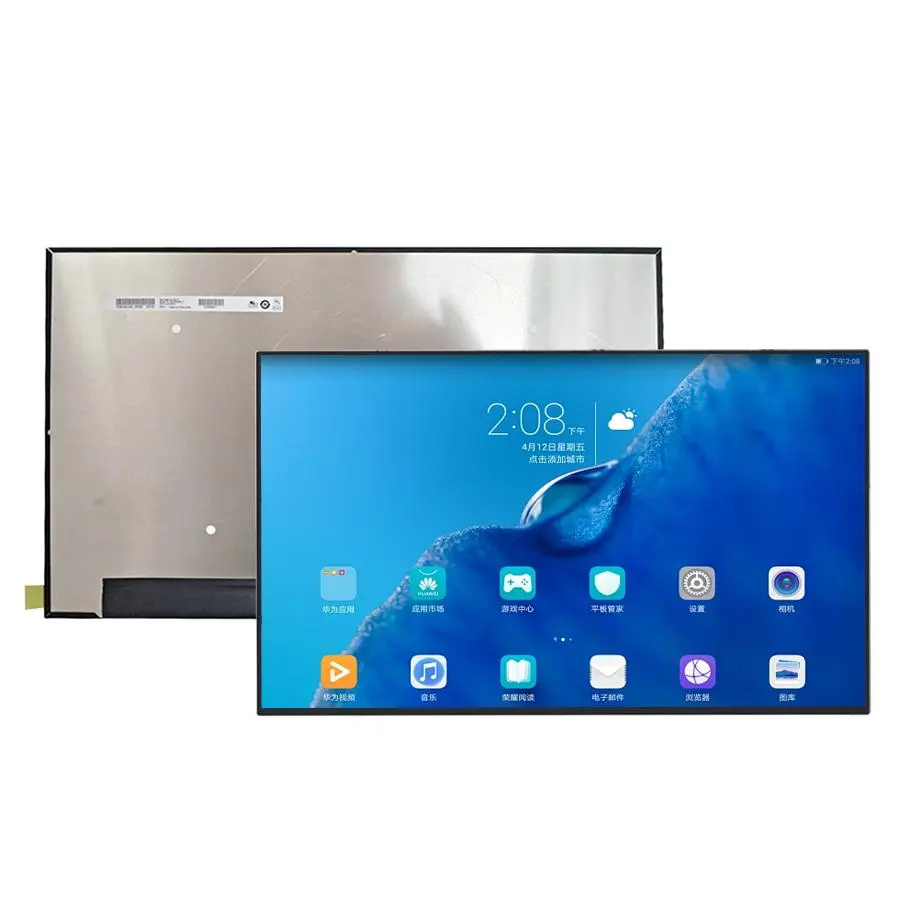
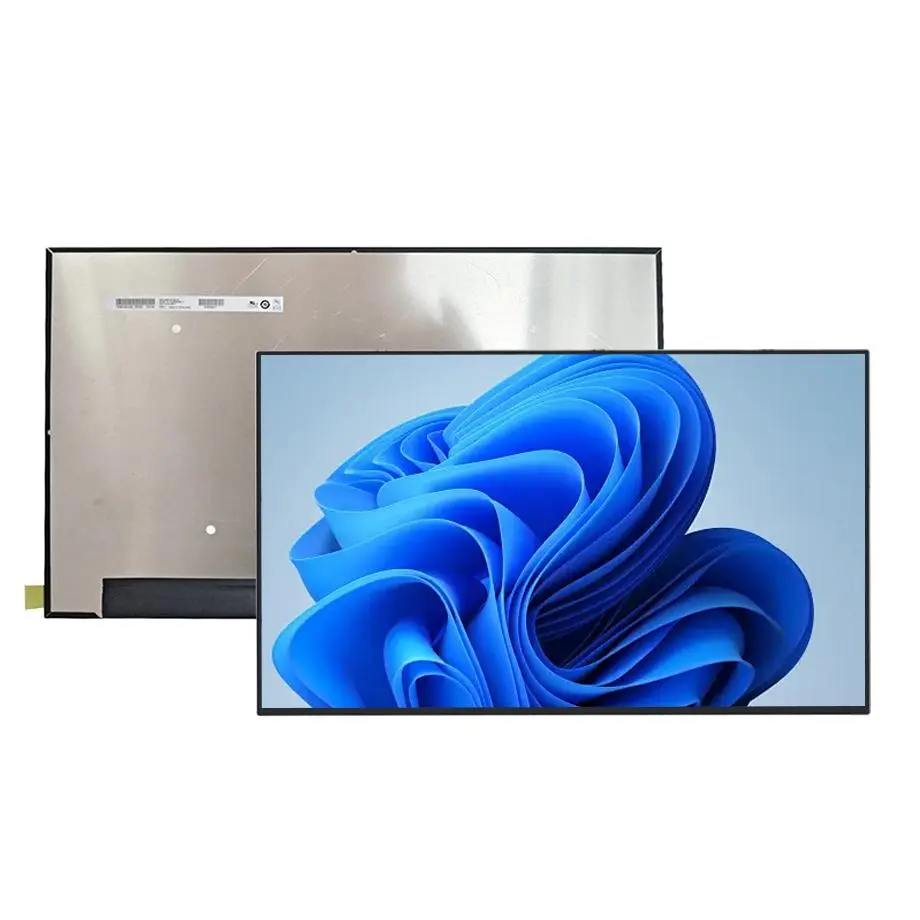
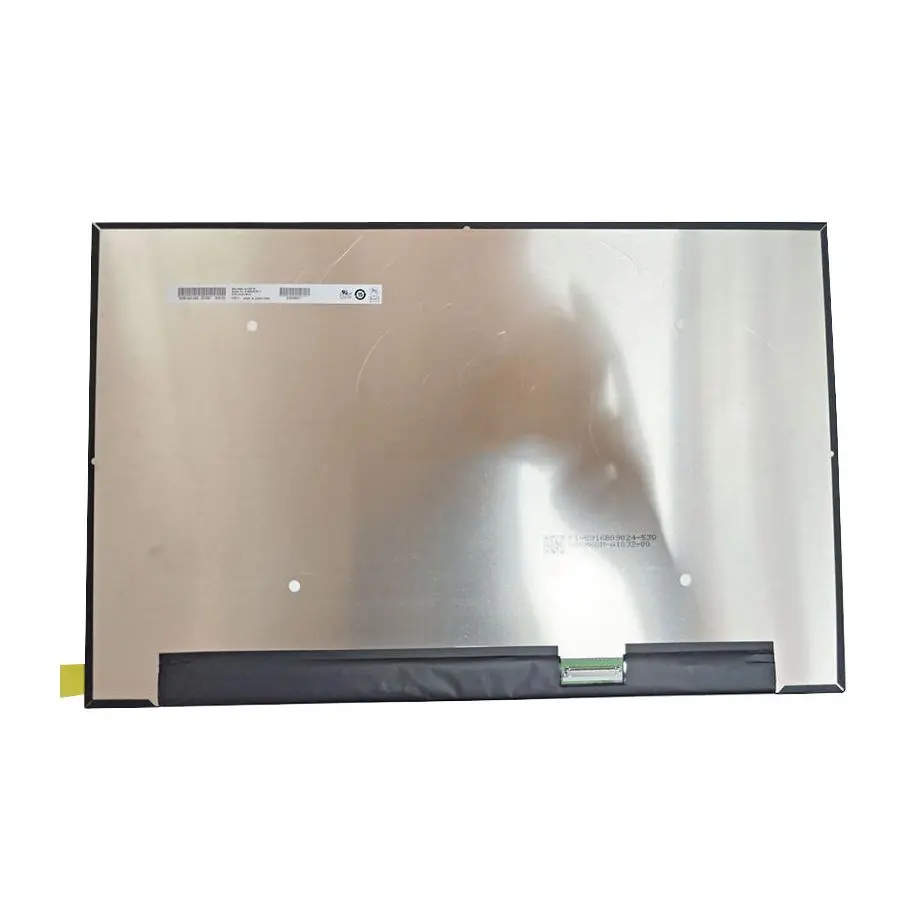
B160QANAA.L 180Hz WQXGA FreeSync Low-Blue Panel 16 Inch AUO
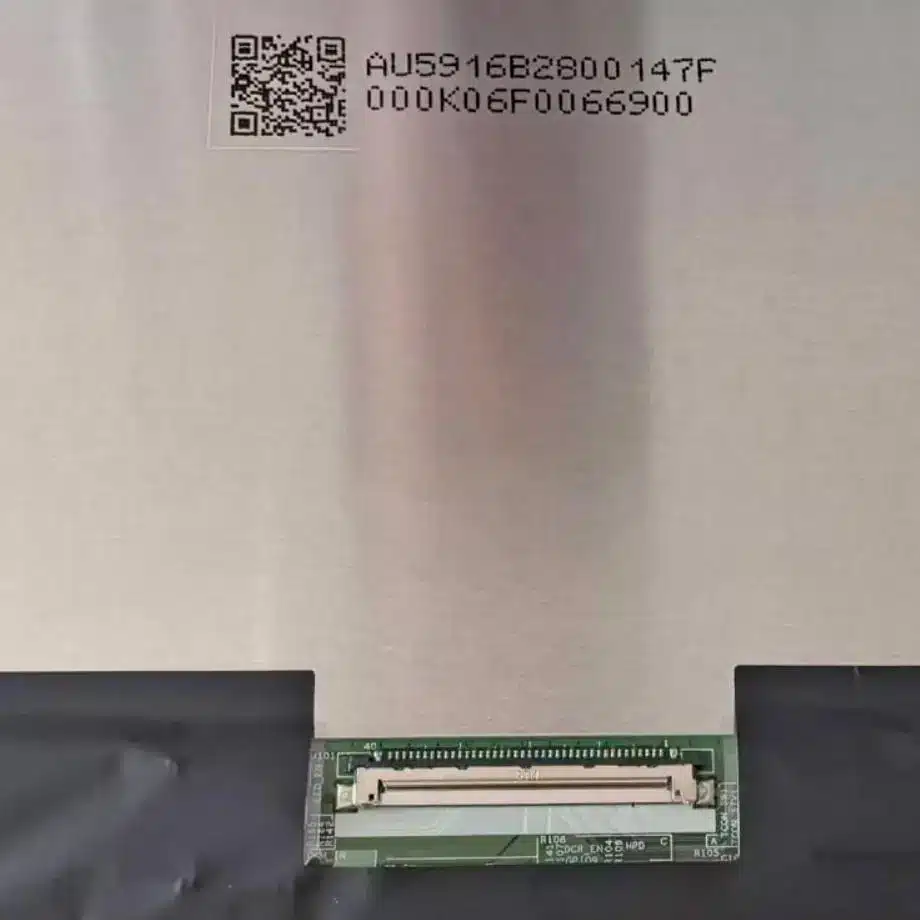
Model P/N
Size
Resolution
Brightness
Viewing Angle
Connector Type
Operating Temp
Overall(mm)
auo
B160QANAA.L
Brand
Panel Size (inch)
Model P/N
Resolution
Brightness (nits)
Viewing Angle
Contrast Ratio
Response Time
Overall (mm)
Active Area (mm)
Refresh Rate
Display Colors
Panel Type
Connector Type
Surface Treatment
Operating Temp
Touchscreen Type
Storage Temp
Work Mode
Pixel Format
Input Voltage (V)
Vibration Resistance
Weight (g)
Designed For
Product Details
Product Overview
The B160QANAA.L 180Hz WQXGA FreeSync Low-Blue Panel is a 16.0-inch AUO LTPS TFT-LCD module for high-refresh notebook and gaming-display integration. The current row-scoped packet identifies the HW0B hardware revision while the formal Product Model remains B160QANAA.L. It uses a native 2560(RGB)×1600 WQXGA raster in a 16:10 format, with a 344.678 × 215.424 mm active area inside a 349.678 × 224.424 × 4.6 mm module outline. The module is specified at 365 g maximum.
Optically, the panel provides 500 cd/m² typical luminance, 1200:1 typical contrast, symmetric 89/89/89/89 typical viewing at CR≥10 and 1.06 billion colors with 100% sRGB coverage. It uses AHVA normally-black transmissive operation with an antiglare 3H surface. The native display path is four-lane eDP 1.4 through a 40-pin connector, supplied from 3.3 V typical panel power. A WLED backlight and LED driver are integrated, and the current parameters specify 180 Hz operation, AMD FreeSync and Low Blue Light positioning.
Three Core Buyer Value Propositions
180 Hz WQXGA combines high pixel density with a gaming-class refresh target
The 2560×1600 raster provides substantially more workspace than FHD while the specified 180 Hz refresh rate supports motion-focused notebook designs. That combination makes controller qualification more demanding than a standard 60 Hz WQXGA panel: link bandwidth, GPU timing, cable integrity, firmware tables and power states all need to be validated at the production operating point. The value for buyers is a clearly defined performance target rather than an assumption that any 40-pin eDP notebook panel is equivalent.
100% sRGB and 500-nit luminance create a stronger visual baseline for premium notebooks
The panel is specified for full sRGB coverage and 500 cd/m² typical luminance, with 1.06B color support. Those facts give engineering teams a concrete panel-level baseline for gaming, creator and productivity systems. They do not by themselves guarantee factory calibration, HDR performance or outdoor readability. White point, gamma, color error, uniformity and cover-glass reflections remain finished-system validation items.
Four-lane eDP 1.4 plus integrated WLED driving provides a defined high-bandwidth module boundary
The display uses four eDP lanes and includes the LED driver, reducing the number of separate display-power subsystems the host must implement. VESA describes eDP as the internal interface used to carry high-resolution, high-refresh graphics data to embedded displays (VESA Embedded DisplayPort overview). The exact AUO link rate, pin map, timing and control sequence still require the current B160QANAA.L documentation.
Key Specifications at a Glance
| Parameter | Specification |
|---|---|
| Manufacturer / model | AUO B160QANAA.L; current packet references HW0B revision |
| Size / type | 16.0 inch LTPS TFT-LCD, LCM |
| Resolution | 2560(RGB)×1600 WQXGA, 16:10 |
| Active area / outline | 344.678 × 215.424 mm / 349.678 × 224.424 × 4.6 mm |
| Weight | 365 g maximum |
| Brightness / contrast | 500 cd/m² typical / 1200:1 typical |
| Viewing angle | 89/89/89/89 typical at CR≥10, symmetry |
| Response | 8 ms typical Tr+Td; 5 ms typical G2G; 3 ms typical G2G with OD |
| Display mode / color | AHVA normally black transmissive / 1.06B colors, 100% sRGB, Low Blue Light |
| Surface | Antiglare, hard coating 3H |
| Refresh / VRR | 180 Hz; AMD FreeSync listed in current product parameters |
| Native interface | eDP 1.4, 4 lanes, 40-pin connector |
| Panel input | 3.3 V typical |
| Backlight | WLED, 15K-hour reference, with LED driver |
| Touch | Without touch screen |
| Temperature | Operating 0 to 50 °C; storage -20 to 60 °C |
| Designed for | Laptop / Gaming |
How should a 180 Hz four-lane eDP panel be qualified?
The B160QANAA.L 180Hz WQXGA FreeSync Low-Blue Panel should be tested at its native 2560×1600 timing and intended 180 Hz mode using the production GPU, BIOS/firmware and cable. A controller that can drive WQXGA at 60 Hz is not automatically suitable for this module. Four-lane eDP 1.4 establishes the interface family, but actual compatibility depends on link rate, timing, panel power states, AUX behavior and the model-specific 40-pin assignment.
Qualification should include cold boot, warm restart, AC/battery transitions, sleep/wake and repeated display-mode changes. Use high-motion patterns as well as static content. Watch for link-training failures, frame drops, intermittent blanking, line artifacts and behavior changes when the system shifts performance or power policy. Preserve the exact cable, firmware and hardware revision that passes because high-refresh margin can be sensitive to the complete signal path.
High refresh does not remove the need to verify response and overdrive behavior
The packet lists multiple response references: 8 ms typical Tr+Td, 5 ms typical G2G and 3 ms typical G2G with overdrive. These values describe different test methods and operating conditions and should not be collapsed into one universal “3 ms” claim. The notebook integrator should validate motion behavior at the chosen overdrive and refresh configuration, checking for overshoot, inverse ghosting and thermal or power-state changes.
What does FreeSync mean for system integration?
AMD FreeSync is listed in the current model parameters, indicating a variable-refresh-oriented use case. VESA explains the broader Adaptive-Sync mechanism as allowing a display refresh rate to change in response to the rendering frame rate, which can reduce tearing and stutter (VESA Adaptive-Sync overview). That standards context does not mean this panel is VESA-certified, nor does it establish the exact variable-refresh range or GPU policy for a specific notebook.
Validate the complete VRR path rather than the panel label alone
For a gaming notebook, verify that the GPU driver, BIOS, eDP timing configuration and panel firmware expose the intended variable-refresh behavior. Test frame-rate transitions, low-frame-rate scenes, menu-to-game switches and AC/battery changes. If the project requires a specific minimum VRR frequency, low-frame-rate compensation behavior or certification logo, obtain evidence for that requirement separately. Do not infer those values from the 180 Hz maximum or the FreeSync label.
How should 500 nits, 100% sRGB and Low Blue Light be interpreted?
The 500 cd/m² typical luminance and 100% sRGB specification provide useful panel-level optical targets for a premium notebook. They support a stronger brightness and gamut baseline than commodity office panels, but they do not prove HDR certification, sunlight readability or factory color accuracy. A complete notebook includes cover materials, brightness-control firmware, thermal limits and calibration choices that can change measured front-of-screen performance.
Low Blue Light is also listed as a panel feature. It should be treated as a product attribute, not as a medical or eye-health guarantee. AUO’s notebook portfolio highlights high refresh, low-blue-light technology, high-color graphics and LTPS designs as current notebook directions (AUO notebook display technologies). Project-specific color, spectral or compliance requirements still need the exact model documentation and finished-system measurements.
Mechanical fit and thermal design for a 16-inch gaming notebook
The module outline is 349.678 × 224.424 × 4.6 mm and the active area is 344.678 × 215.424 mm. The current packet describes a slim PCBA-bent form. Mechanical teams should use the current drawing to confirm connector location, cable bend, board keep-out, bezel opening and mounting/support details rather than treating another 16-inch 16:10 panel as mechanically identical.
The operating range is 0 to 50 °C, so high-refresh qualification should include display-area temperature after the GPU, backlight and system cooling have reached steady state. Gaming workloads can raise internal chassis temperature while simultaneously keeping the panel at high brightness and refresh. Confirm that the module remains within its documented operating range and that thermal policy changes do not create display instability or unacceptable brightness/refresh behavior.
Replacement, revision and procurement controls
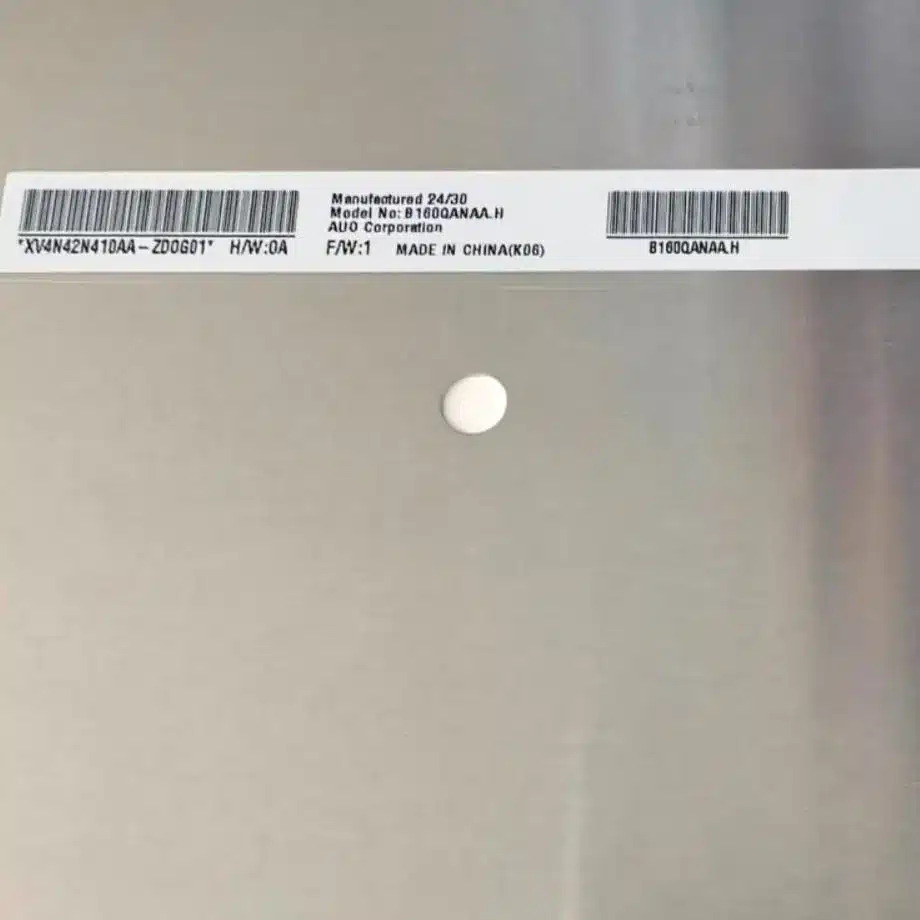
The B160QANAA.L 180Hz WQXGA FreeSync Low-Blue Panel should be purchased and qualified against the intended B160QANAA.L hardware revision. The row-scoped product packet identifies HW0B, and current third-party model-family listings also show B160QANAA.L HW0B as a distinct revision. A replacement candidate should match the 2560×1600 timing, 180 Hz requirement, four-lane eDP architecture, 40-pin mapping, 3.3 V power, optical targets, outline and backlight-control behavior.
Supporting sourcing information indicates Q2 2025 mass production and an in-production status at the time of the reference. That signal is useful for procurement planning but is not an AUO supply-duration guarantee. Confirm the offered revision, traceability and applicable PCN/EOL information with AUO or an authorized channel before volume purchasing. Do not convert marketplace stock counts into HS-LCD inventory or a long-term availability commitment.
Engineering Answers in Brief
B160QANAA.L is a 16-inch AUO LTPS WQXGA notebook module with 2560×1600 resolution, four-lane eDP 1.4 and a 3.3 V typical panel input.
The panel is specified for 180 Hz, AMD FreeSync, 500 cd/m² typical luminance and 100% sRGB, while exact VRR range and certification status require separate system evidence.
The integrated WLED driver simplifies backlight architecture, and the 15K-hour figure remains a reference rather than a notebook service-life guarantee.
The B160QANAA.L 180Hz WQXGA FreeSync Low-Blue Panel should be qualified with the exact HW0B revision context, production cable, GPU/firmware and thermal design before replacement or volume approval.
Procurement Checklist
- Specify AUO B160QANAA.L and confirm whether the offered unit matches the HW0B revision used for qualification.
- Request the current four-lane eDP 1.4 timing, 40-pin assignment and panel power sequence.
- Validate native 2560×1600 operation at 180 Hz using the released GPU, BIOS/firmware and production cable.
- Verify FreeSync/variable-refresh behavior across the required frame-rate and power-state conditions without assuming a certification logo.
- Measure brightness, color and motion performance using the final notebook optical stack and overdrive configuration.
- Check the 349.678 × 224.424 × 4.6 mm module outline and PCBA-bent geometry against the chassis and cable route.
- Test thermal stability under sustained gaming workloads while keeping the panel within 0 to 50 °C operation.
- Reconfirm lifecycle, traceability and PCN/EOL expectations before volume purchasing.
The B160QANAA.L 180Hz WQXGA FreeSync Low-Blue Panel provides a high-refresh WQXGA display platform for performance notebooks, combining LTPS construction, full-sRGB color, four-lane eDP and an integrated backlight driver. Production qualification should keep refresh behavior, optical performance, revision identity, mechanics and lifecycle evidence tied to the exact AUO configuration rather than treating the part as a generic 16-inch gaming panel.
Recommended: Same Size
(16")
Applications & Value of LCD Panel

- Fast sourcing with in-stock panels & cross-reference alternatives
- Stable supply chain with long-term availability
- Engineering-level support from panel to integration
- Custom solutions: cable, touch & optical bonding
- Strict quality control with IQC / OQC / aging test
- Full traceability system for quality assurance
- Complete technical documentation & drawings
- Compliance support: RoHS & certification files
FAQ
About B160QANAA.L 180Hz WQXGA FreeSync Low-Blue Panel
What interface does B160QANAA.L use at 180 Hz?
Does AMD FreeSync mean the panel is VESA AdaptiveSync certified?
What color and brightness performance is confirmed for B160QANAA.L?
How should the listed response-time values be interpreted?
Can another 16-inch 2560×1600 gaming panel replace B160QANAA.L?
What should procurement confirm before a volume purchase?
What is the minimum order quantity (MOQ) for custom display modules with specific touch interfaces?
MOQ for custom display modules with specific touch interfaces depends on the level of customization and the chosen touch technology. For the B160QANAA.L, which is a standard 16.0-inch panel without touch, adding a custom touch interface typically requires a project-specific quotation. As a guideline, MOQs for custom touch integration often start at several hundred units to justify tooling and engineering. To obtain an exact MOQ, please share your required touch type, interface, and annual volume so we can confirm with our engineering and production teams.
Can you integrate a touch controller and provide a fully assembled display module?
Yes, we can integrate a touch controller and provide a fully assembled display module. The B160QANAA.L is currently offered as a 16.0-inch panel without a touch screen, but we can add a touch sensor and controller as part of a custom assembly. The integration would include bonding the touch panel to the display, connecting the controller via the appropriate interface, and testing the complete module. To proceed, please specify your required touch technology, interface, and any environmental or durability requirements so we can confirm feasibility and lead time.
Can you customize the mechanical dimensions and mounting holes of a standard LCD panel to fit our specific enclosure design?
Customizing mechanical dimensions and mounting holes is possible but subject to engineering review. Modifying the outline or adding custom mounting features may affect structural integrity and optical performance. We recommend sharing your enclosure design and required tolerances so our engineers can assess feasibility. Any changes would require a custom tooling and validation process, and we will confirm what modifications are possible on a request basis.
What are the packaging options for shipping displays to prevent damage during transit?
We offer packaging options designed to prevent damage during transit, including anti-static bags, foam cushioning, and reinforced cartons. Standard options include individual trays or blister packs for small quantities and bulk cartons with dividers for larger orders. To recommend the most suitable packaging, please provide your destination, transport mode, and any handling requirements so we can confirm the best solution.
