~
~
~
~
~
~
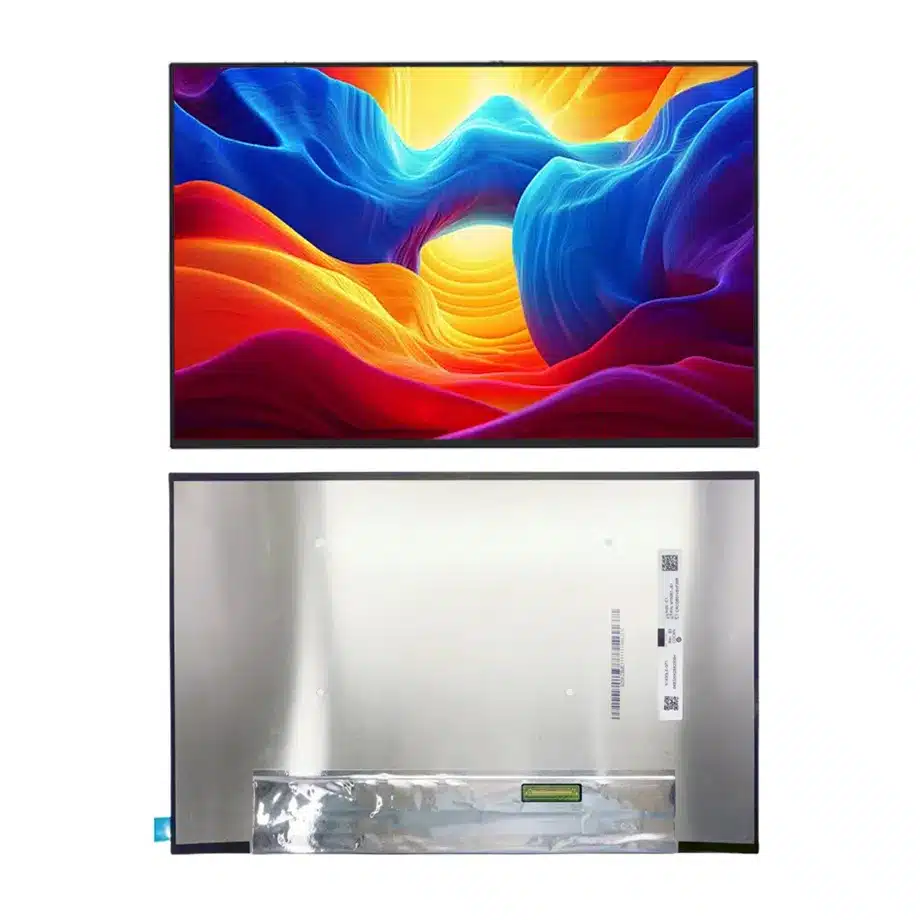
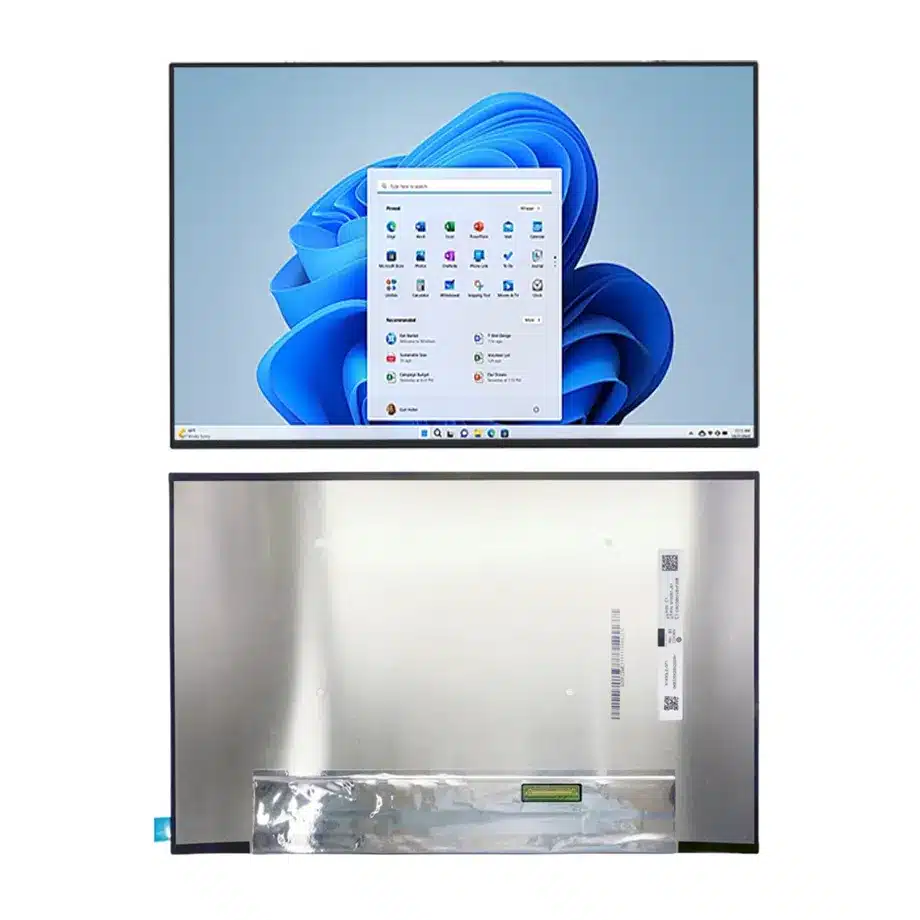
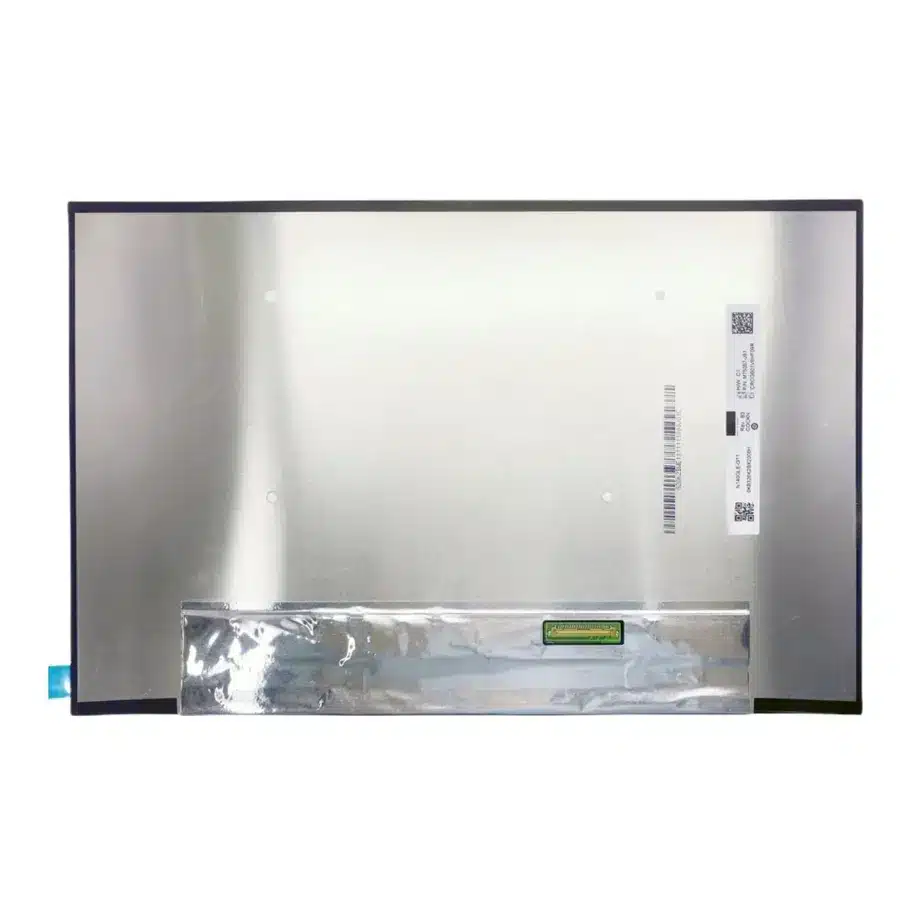
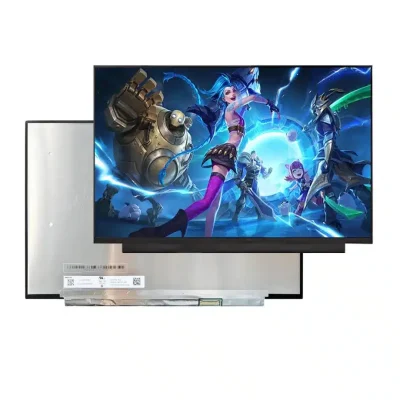
N140JLG-GT1 sRGB WUXGA Notebook Display AAS Antiglare Innolux
Model P/N
Size
Resolution
Brightness
Viewing Angle
Connector Type
Operating Temp
Overall(mm)
innolux
N140JLG-GT1
Brand
Panel Size (inch)
Model P/N
Resolution
Brightness (nits)
Viewing Angle
Contrast Ratio
Response Time
Overall (mm)
Active Area (mm)
Refresh Rate
Display Colors
Panel Type
Connector Type
Surface Treatment
Operating Temp
Touchscreen Type
Storage Temp
Work Mode
Pixel Format
Input Voltage (V)
Vibration Resistance
Designed For
Product Details
Product Overview
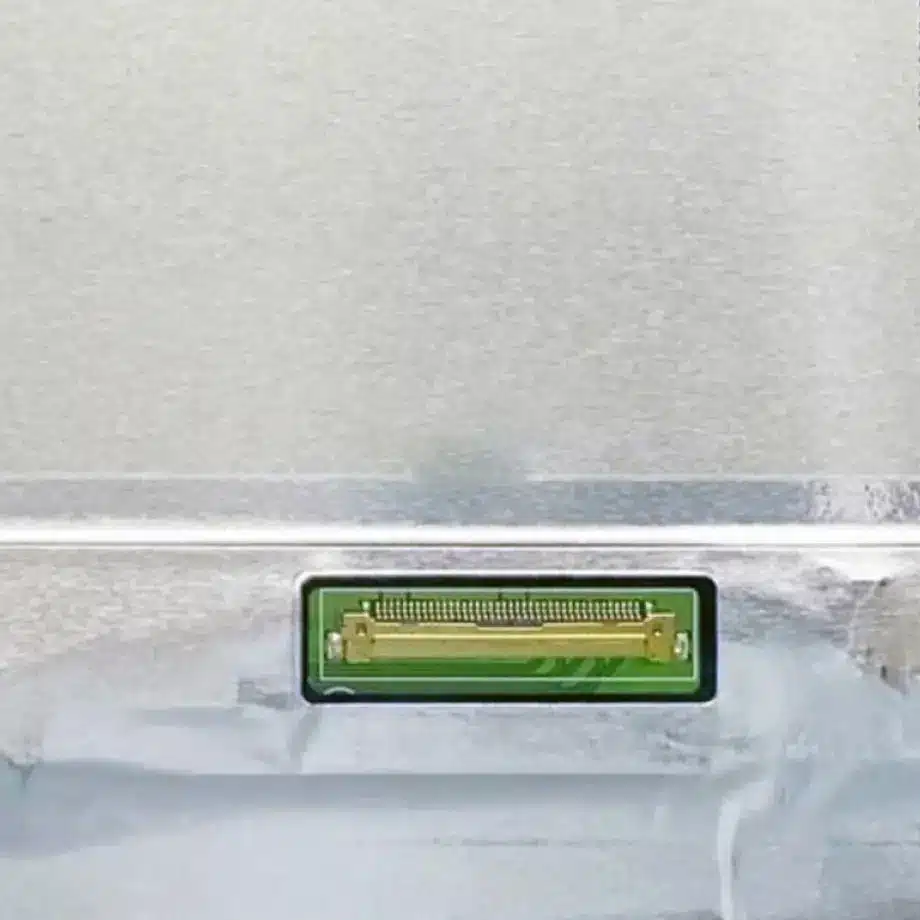
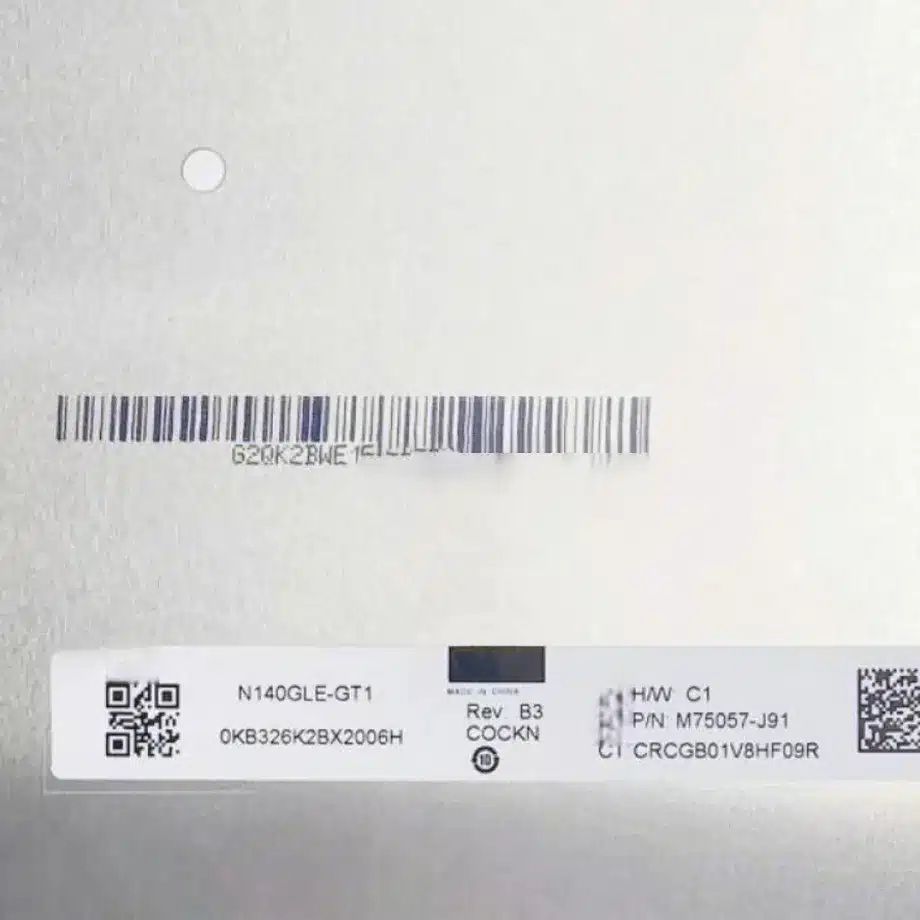
N140JLG-GT1 sRGB WUXGA Notebook Display is a 14.0-inch Innolux a-Si TFT-LCD LCM designed for laptop display integration. The native image format is 1920(RGB)×1200 WUXGA at 16:10, with a 301.594 × 188.496 mm active area inside a 307.29 × 199.25 × 3.8 mm module outline. The panel uses AAS, normally-black, transmissive operation with 400 cd/m² typical luminance, a 1500:1 typical contrast ratio and 16.7M colors with 100% sRGB and Low Blue Light wording. It runs at 60 Hz and is supplied without a touch screen.
The native electrical path is two-lane eDP 1.4 on a 30-pin, 0.5 mm connector with 3.3 V typical panel input. A WLED backlight and LED driver are integrated, with a 15K-hour backlight-life reference. Exact-model documentation also identifies panel self-refresh and FreeSync-related operation in the 48–60 Hz range. These capabilities are useful integration inputs, but they do not prove that every notebook mainboard can enable every optional timing feature. Cable pinout, firmware, power sequence and mechanical fit still require exact-platform validation.
Three Core Buyer Value Propositions
1. 16:10 WUXGA geometry gives replacement teams a precise image-format target
The 1920×1200 raster and 301.594 × 188.496 mm active area distinguish this panel from common 1920×1080 16:9 notebook modules. For replacement projects, those values help screen out panels that may share a 14-inch diagonal but present a different visible aperture or native timing. The boundary remains mechanical: outer dimensions, connector position and mounting construction must all match the target lid before an alternate panel is accepted.
2. 400-nit, 100% sRGB and Low Blue Light wording support a defined optical qualification plan
Brightness, gamut and blue-light feature wording address different buyer requirements and should be evaluated separately. The 400 cd/m² luminance gives a measurable output target, while 100% sRGB describes gamut coverage and Low Blue Light is a documented feature phrase. None of these values proves factory color accuracy, sunlight readability or a specific eye-comfort certification. Those outcomes require their own evidence and finished-system testing.
3. Two-lane eDP with a documented slim module reduces early integration ambiguity
The 30-pin two-lane eDP 1.4 connection, 3.3 V typical supply, 3.8 mm overall thickness and 190/205 g typical/maximum mass give electrical and mechanical teams concrete starting points. They support cable, lid and hinge reviews before sample approval. A physically mating 30-pin cable still does not prove electrical compatibility; exact pin assignment, connector orientation, AUX behavior and timing must be checked against the controlled specification.
Key Specifications at a Glance
| Parameter | Confirmed value |
|---|---|
| Manufacturer / model | Innolux N140JLG-GT1 |
| Display size | 14.0 inch |
| Panel type | a-Si TFT-LCD, LCM |
| Native resolution | 1920(RGB)×1200 WUXGA, 16:10 |
| Active area | 301.594 × 188.496 mm |
| Outline | 307.29 × 199.25 × 3.8 mm |
| Weight | 190 / 205 g typical / maximum |
| Brightness | 400 cd/m² typical |
| Contrast ratio | 1500:1 typical |
| Viewing-angle values | 89/89/89/89 typical at CR≥10 |
| Response time | 16/14 ms Tr/Td |
| Colors | 16.7M, 100% sRGB, Low Blue Light |
| Surface | Antiglare, hard coating |
| Refresh rate | 60 Hz; exact-model documentation also identifies 48–60 Hz FreeSync-related operation |
| Native interface | eDP 1.4, 2 lanes, 30-pin 0.5 mm connector |
| Panel input | 3.3 V typical |
| Backlight | WLED, 15K hrs, with LED driver |
| Touch | Without touch screen |
| Operating / storage | 0 to 50 °C / -20 to 60 °C |
What does 16:10 WUXGA change in a laptop replacement?
A 14-inch diagonal does not define the image geometry. N140JLG-GT1 uses 1920×1200 in a 16:10 format, while many 14-inch notebook panels use 1920×1080 at 16:9. The additional vertical pixels change the active image shape and can affect bezel alignment, platform timing and the expected desktop layout. Replacement screening should therefore use the exact native raster and active area rather than diagonal size alone.
For N140JLG-GT1 sRGB WUXGA Notebook Display, the 301.594 × 188.496 mm active area should be checked against the visible lid aperture, while the 307.29 × 199.25 mm module outline should be compared with the actual cavity and retention method. A same-resolution alternative can still fail mechanical qualification if connector location, bracket geometry or module depth differs. The current drawing or a controlled sample should be the final fit reference.
How should two-lane eDP 1.4 be brought up?
VESA describes Embedded DisplayPort as the internal display interface used between system graphics and an embedded panel. Its eDP overview gives standards context, while the exact Innolux implementation remains product-specific. N140JLG-GT1 uses two eDP lanes and a 30-pin connector, so the host and cable need the correct lane mapping, AUX path, panel timing and power sequencing.
Bring-up should cover cold boot, repeated power cycles, sleep/resume, brightness control and native 1920×1200 image stability. If panel self-refresh or variable-refresh operation is required, validate it on the intended GPU, firmware and operating modes rather than assuming the feature is enabled simply because the panel documentation mentions it. External HDMI or USB-C ports belong to the notebook system and do not define the panel-native electrical interface.
How should 100% sRGB and Low Blue Light be qualified?
The 100% sRGB wording is a gamut-coverage statement. It gives color-sensitive notebook projects a defined target but does not establish calibration accuracy, Delta E, white point, gamma or uniformity. If the product needs controlled color, define those metrics separately and measure them on the production system at the intended brightness levels. GPU output, profiles and operating-system color management remain part of the result.
Low Blue Light is also documented as a feature, but the phrase should not be expanded into a particular third-party certification unless model-specific evidence is available. Innolux’s application overview confirms notebook displays as a major manufacturer application area; portfolio-level statements do not add certification to this exact model. Buyers should keep the panel feature wording distinct from any regulatory or certification requirement in their product specification.
Why is the response-time unit represented as milliseconds?
The response-time specification identifies the field as Response Time but shows the unit “mm,” which is a length unit. The numeric values 16/14 are preserved and represented as 16/14 ms Tr/Td because response time is a time quantity. This is a source-semantic unit correction, not a new measurement and not a change to the user-supplied numeric values.
Response time should also be kept separate from system input latency. Pixel transitions, display transport, GPU processing, frame buffering and operating-system behavior are different contributors. The 60 Hz panel rate and 16/14 ms transition value can be used for component comparison, but the complete notebook must be measured if a project has a user-experience latency requirement.
Surface, viewing behavior and ambient-light limits
The module is documented with an antiglare surface and hard coating. Antiglare treatment can reduce specular reflections, but no claim is made here about a specific haze percentage because the exact-model data does not provide one. The 89/89/89/89 typical viewing-angle values at CR≥10 and 1500:1 typical contrast provide panel-level optical references under their defined measurement conditions.
Finished-lid behavior can change if a cover layer, protective film or touch assembly is added. Reflection, contrast and apparent brightness should be measured with the actual front stack. The 400 cd/m² luminance is useful for normal notebook qualification but should not be relabeled as sunlight-readable or outdoor grade without evidence that addresses the complete optical system and intended ambient conditions.
Power, backlight and thermal planning
The exact-model datasheet identifies a maximum power figure of about 2.45 W for the panel configuration. That value is an extended engineering fact and is not stored in a dedicated JetEngine power column. It can support system power budgeting, while the notebook’s total display subsystem still includes conversion losses, graphics activity and other platform loads. The panel input itself remains 3.3 V typical.
For N140JLG-GT1 sRGB WUXGA Notebook Display, the integrated WLED subsystem carries a 15K-hour backlight-life reference. This is not a notebook warranty period or a guaranteed useful-life figure at every brightness and temperature. Thermal validation should include sustained operation in the production lid because the 0 to 50 °C panel operating range applies to the component environment. Service planning should separately address revision control and current sourcing status instead of treating backlight life as supply-life evidence.
Application fit for notebook integration and controlled replacement
N140JLG-GT1 sRGB WUXGA Notebook Display is documented for laptop use and is strongest as a component for 14-inch 16:10 notebook platforms that need WUXGA resolution, 400-nit luminance, 100% sRGB wording and a two-lane eDP 1.4 connection. Exact-model replacement is also reasonable where the original label is N140JLG-GT1 and the physical and electrical details remain unchanged.
No touch layer is integrated. A touch-enabled notebook therefore needs a separately qualified sensor, controller, cover stack and cabling. The 0 to 50 °C operating range and 1.5G vibration reference do not by themselves prove industrial, automotive or rugged qualification. Specialized applications require their own evidence, environmental limits and compliance review.
Procurement and validation checklist
- Lock the exact Innolux N140JLG-GT1 suffix in the BOM and incoming inspection plan.
- Match 1920×1200 WUXGA timing, 16:10 geometry and the intended 60 Hz operating mode.
- Verify two-lane eDP 1.4, the 30-pin 0.5 mm connector, exact pin assignment and cable orientation.
- Check the 307.29 × 199.25 × 3.8 mm outline, 301.594 × 188.496 mm active area and 190/205 g mass against the lid design.
- Validate 400 cd/m² luminance, 100% sRGB behavior and the antiglare surface in the production optical stack.
- Qualify panel self-refresh or variable-refresh behavior only if the target platform requires it.
- Keep Low Blue Light as documented feature wording unless exact certification evidence is supplied.
- Confirm that the platform does not require an integrated touch function.
- Request current revision, quantity and change-status information before volume procurement; do not infer a guaranteed supply horizon from current availability.
For N140JLG-GT1 qualification, provide the target laptop platform, production eDP cable, mechanical drawing, WUXGA timing requirements, optical acceptance limits and required quantity. The safest replacement decision remains exact-model control backed by cable, drawing and sample verification rather than size or connector-count matching alone.
Recommended: Same Size
(14")
Applications & Value of LCD Panel

- Fast sourcing with in-stock panels & cross-reference alternatives
- Stable supply chain with long-term availability
- Engineering-level support from panel to integration
- Custom solutions: cable, touch & optical bonding
- Strict quality control with IQC / OQC / aging test
- Full traceability system for quality assurance
- Complete technical documentation & drawings
- Compliance support: RoHS & certification files