
~
~
~
~
~
~
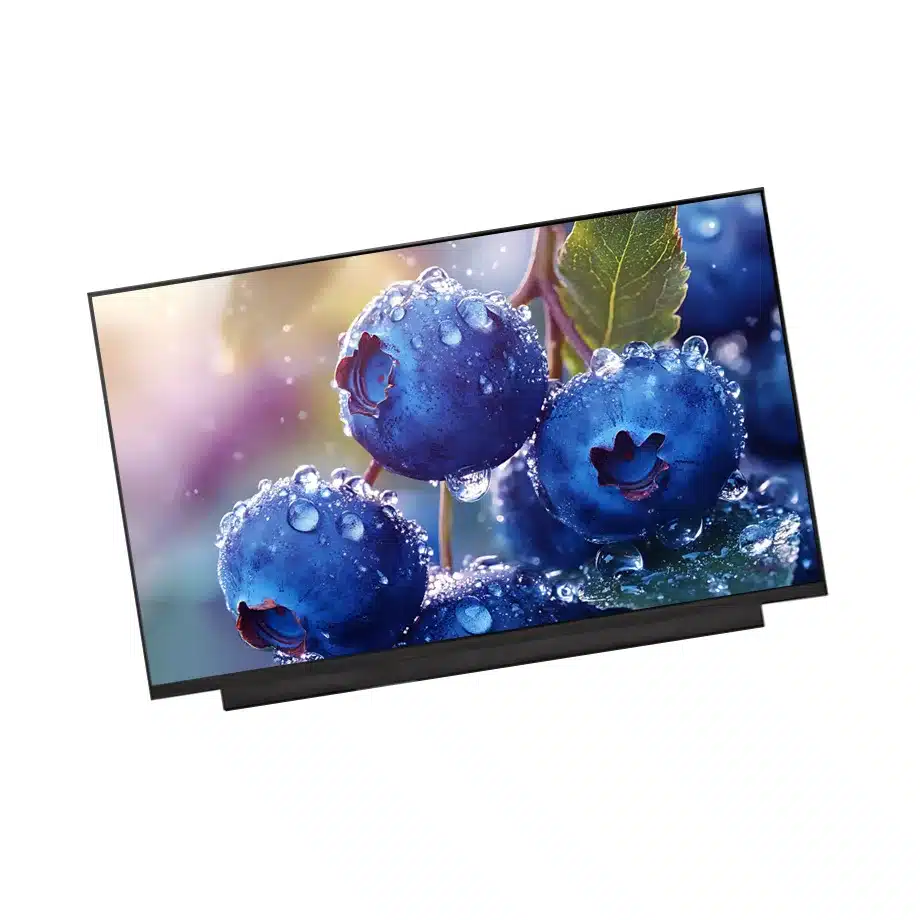
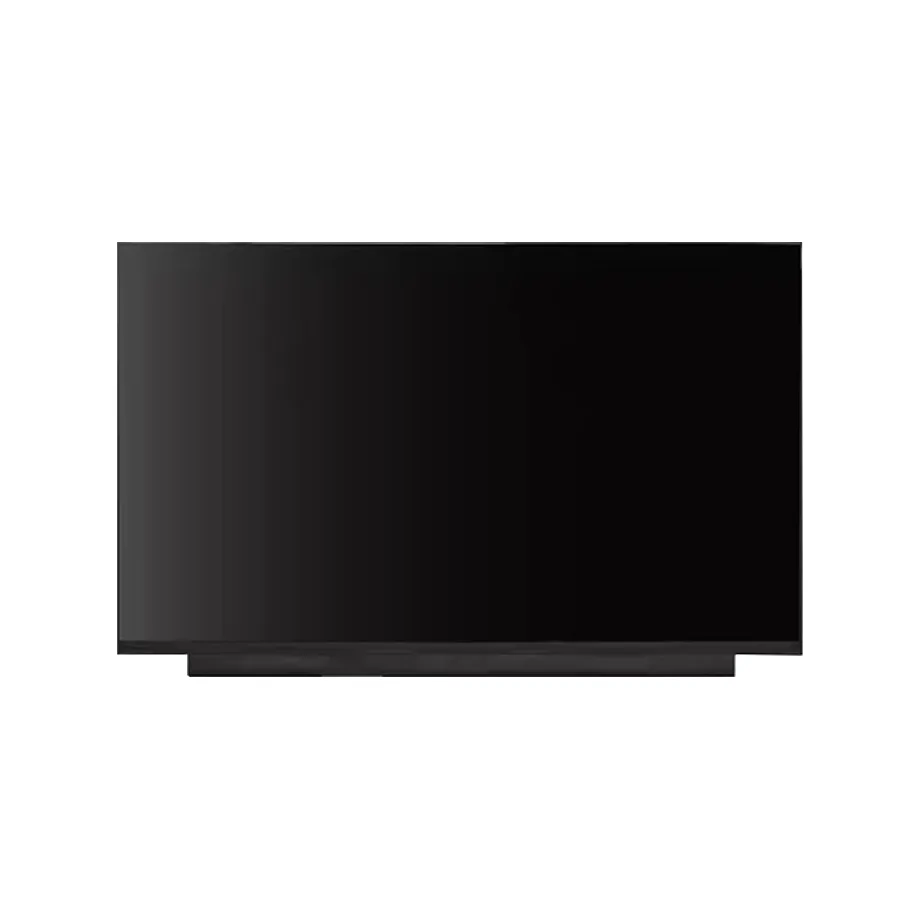
QMC265FF01-D01 360Hz QD-OLED Gaming Panel Samsung
Model P/N
Size
Resolution
Brightness
Viewing Angle
Connector Type
Operating Temp
Overall(mm)
samsung
QMC265FF01-D01
Brand
Panel Size (inch)
Model P/N
Resolution
Brightness (nits)
Viewing Angle
Contrast Ratio
Response Time
Overall (mm)
Active Area (mm)
Refresh Rate
Display Colors
Panel Type
Connector Type
Surface Treatment
Operating Temp
Touchscreen Type
Storage Temp
Work Mode
Pixel Format
Input Voltage (V)
Designed For
Product Details
Product Overview
QMC265FF01-D01 360Hz QD-OLED Gaming Panel is a 26.5-inch Samsung AM-OLED full module for high-refresh desktop-monitor and gaming integration. The user-supplied exact-model row defines a 2560(RGB)×1440 Quad-HD image in a 16:9 format using a Q-Square pixel layout. The active area is 590.42 × 333.72 mm and the module outline is 606.31 × 344.2 mm. Module mass is 850 g typical; a complete depth value is not established in the supplied row and remains unresolved.
The exact optical specification is 250 cd/m² typical luminance with HDR400, a 1,500,000:1 typical contrast ratio and 89/89/89/89 minimum viewing at CR≥10000. The panel supports 1.07B colors with 99% DCI-P3 and Low Blue Light. Response is 0.1 ms typical G-to-G and refresh is 360 Hz. The module is self-emissive, with a 30,000-hour light-source figure in the supplied row, and it is non-touch.
The native signal path is V-by-One with 32 lanes through a 163-pin connector, powered from 10.5 V / 20.7 V typical VDD / ELVDD rails. The exact-model technical listing supports the QD-OLED, desktop-monitor and gaming application. Samsung Display also describes QD-OLED as a premium monitor technology used across gaming and professional monitor products. Public sources are used for application context only and do not replace the user-supplied electrical or optical fields.
Three Core Buyer Value Propositions
1. 360 Hz QHD supports premium high-frame-rate gaming monitors
The 2560×1440 native image combines a useful desktop pixel count with a 360 Hz refresh target, producing a frame interval of about 2.78 ms. This is well suited to esports, high-frame-rate gaming and fast desktop visualization. The panel rating does not prove complete monitor latency or gaming certification because source GPU delivery, monitor processing and firmware still contribute to the finished system.
2. QD-OLED self-emissive contrast supports dark-scene performance
The supplied module carries a 1,500,000:1 typical contrast specification and self-emissive OLED architecture. That gives the panel a very different black-level mechanism from backlit LCD. Finished dark-scene performance still depends on ambient reflection, antireflection treatment and monitor electronics. Buyers should validate the complete chassis under realistic room lighting rather than relying on the contrast number alone.
3. 99% DCI-P3 and 1.07B colors provide a wide-gamut visual platform
The exact-model color specification supports premium gaming art, media and creator-oriented desktop use. The 99% DCI-P3 target and 1.07B-color capability are strong component inputs, but they are not a factory-calibration certificate. A finished monitor still needs defined white point, gamma, color-management and uniformity acceptance criteria if accurate color is part of the product requirement.
Key Specifications at a Glance
| Parameter | Confirmed value |
|---|---|
| Manufacturer / model | Samsung QMC265FF01-D01 |
| Display size | 26.5 inch |
| Technology | AM-OLED, OLED full module / QD-OLED feature context |
| Resolution | 2560(RGB)×1440, Quad-HD, 16:9 |
| Pixel structure | Q-Square |
| Active area | 590.42 × 333.72 mm |
| Outline | 606.31 × 344.2 mm; depth unresolved |
| Weight | 850 g typical |
| Brightness | 250 cd/m² typical, HDR400 listed |
| Contrast | 1,500,000:1 typical |
| Viewing | 89/89/89/89 minimum at CR≥10000 |
| Response | 0.1 ms typical G-to-G |
| Color | 1.07B, 99% DCI-P3, Low Blue Light |
| Refresh | 360 Hz |
| Interface | V-by-One, 32 lanes, 163-pin connector |
| Supply | 10.5 V / 20.7 V typical, VDD / ELVDD |
| Light source | Self-emissive OLED, 30K-hour source figure |
| Touch | Without touch screen |
| Operating / storage | 0 to 45 °C / -20 to 60 °C |
How Should 360 Hz and 0.1 ms Be Interpreted Together?
A 360 Hz refresh target and a 0.1 ms G-to-G response describe different portions of motion performance. Refresh controls how frequently new frames can be presented, while pixel response describes a transition after the panel receives a drive command. Neither number is equal to complete input latency. QMC265FF01-D01 360Hz QD-OLED Gaming Panel should be tested with the production controller, target GPU and an end-to-end latency method appropriate to the finished monitor.
Evaluate scrolling text, high-contrast moving targets, dark game scenes and real high-frame-rate content. Check that native QHD 360 Hz remains stable through cold boot, mode changes and sleep/wake. If the finished monitor also supports 240, 144 or 60 Hz, those modes should be verified independently rather than assuming that the 360 Hz tuning automatically gives ideal motion at every rate.
Controller processing still matters
Frame buffering, scaling, HDR processing and firmware can add delay or alter motion behavior before the OLED pixels respond. Marketing claims about total latency therefore require system-level measurement. The panel response figure is best used as one component of the finished monitor's performance story.
What Must Match on the 32-Lane V-by-One Interface?
The user-supplied exact-model interface is V-by-One with 32 lanes through a 163-pin connector. That is a specialized internal monitor-panel connection and should not be confused with a consumer HDMI or external DisplayPort input. The monitor controller must generate the exact panel-side timing and electrical behavior required by Samsung.
Obtain the production interface specification for lane mapping, connector assignment, power rails, startup sequence and any control lines. The panel uses separate 10.5 V and 20.7 V typical VDD / ELVDD rails, so controller and power design should treat those values as exact model requirements. A related QD-OLED family panel can use another lane count or electrical implementation.
How Should HDR400 and 250 cd/m² Be Positioned?
The exact user row lists 250 cd/m² typical luminance and HDR400 as a feature. Those facts can coexist because an HDR label can depend on peak, windowed or system-level behavior that is not captured by a single typical-luminance entry. Public copy should preserve both facts without inventing an unlisted peak-brightness number.
A complete HDR monitor requires the controller, source device, operating system and content path to work together. If a finished monitor will carry a formal HDR certification or logo, validate the complete product against that program. Do not treat the panel feature label by itself as proof of finished-device certification.
How Should 99% DCI-P3 Be Qualified?
The supplied 99% DCI-P3 and 1.07B-color figures provide a strong wide-gamut baseline. A monitor program should measure gamut, white point, gamma and color error after production firmware and brightness settings are fixed. If multiple color modes are offered, each mode should have separate acceptance criteria.
The Q-Square pixel structure can influence fine text and subpixel rendering compared with conventional RGB stripe LCD. Evaluate desktop text, spreadsheets, game HUDs and creator software at the intended viewing distance. This is a design characteristic, not a reason to infer a defect, and it should be judged within the actual monitor use case.
What OLED-Specific Reliability Questions Matter?
Static UI, high average picture level and long desktop duty cycles can contribute to image retention or differential aging in self-emissive displays. The supplied row provides a 30K-hour source figure, but it does not define burn-in behavior or a complete monitor lifetime guarantee. Request Samsung's exact lifetime and retention definitions if those are required by the product program.
For gaming and desktop use, test representative static toolbars, HUDs and mixed bright/dark content. Any pixel-shift, panel-refresh or logo-dimming feature belongs to the monitor controller or system unless Samsung documents it as part of the module. Thermal behavior should also be tested because OLED power changes with image content.
Where Does QMC265FF01-D01 Fit Best?
The supplied applications are Desktop Monitor and Gaming. QMC265FF01-D01 360Hz QD-OLED Gaming Panel therefore fits premium esports displays, high-refresh QHD gaming monitors and creator/gaming hybrid monitors where 360 Hz motion, wide-gamut color and self-emissive contrast are desired together. These are evidence-backed application classes, not guarantees of fit in a named monitor chassis or controller.
The module is non-touch and operates from 0 to 45 °C, so it should remain in the OLED & AMOLED inventory category rather than being reclassified as industrial wide temperature or touch. Same-model public information also supports QD-OLED and Low Blue Light feature context.
Why Is Module Depth Left Unresolved?
The current user row provides width and height but not a complete depth value. The production workflow should preserve that gap rather than borrow a thickness from a related Samsung OLED family member. Depth is mechanically important for enclosure clearance, cooling and connector access, so it should be filled only when exact-model documentation establishes it.
The 850 g typical mass and 606.31 × 344.2 mm outline are established and can be used in early chassis planning. Final mechanical release should still use Samsung's full drawing, including connector location and any rear electronics keep-out zones.
How Should First-Article Approval Be Structured?
Record the complete QMC265FF01-D01 label, production controller, V-by-One cable/interface assembly and firmware. Bring the panel up at native 2560×1440 and verify stable 360 Hz operation before testing lower user modes or HDR behavior. Exercise cold boot, input switching, sleep/wake and repeated mode changes.
After the monitor enclosure is complete, measure the controlled 250 cd/m² typical luminance, dark-level behavior, gamut and visible uniformity. Include text rendering, high-frame-rate game content and static-UI endurance. Keep the first article as the incoming-lot baseline for image, mechanics and label identity.
How Should Incoming Lots Be Controlled?
Incoming inspection should verify the exact Samsung model label, 163-pin connector, panel outline and surface condition. Sample units should be tested at native QHD 360 Hz with the approved controller and power system. Gamut, brightness and uniformity should be compared with the approved baseline before a new lot enters final assembly.
Current production and stock references are time-sensitive. High-performance OLED monitor programs should separately confirm current revision, change-notification expectations and panel-care requirements through the manufacturer or authorized supply channel. A different QMC265 suffix should be treated as a new qualification candidate.
Procurement Checklist
- Confirm exact Samsung QMC265FF01-D01 identity and current production revision.
- Match the 606.31 × 344.2 mm outline and 850 g typical mass; keep depth unresolved.
- Verify the 32-lane V-by-One path and exact 163-pin connector mapping.
- Qualify the 10.5 V / 20.7 V VDD / ELVDD power rails and startup sequence.
- Validate native 2560×1440 at 360 Hz with the production controller.
- Use 250 cd/m², 1,500,000:1 contrast and 99% DCI-P3 as the optical baseline.
- Request exact OLED lifetime / image-retention guidance for desktop duty cycles.
- Confirm lifecycle and change-notification information before volume sourcing.
QMC265FF01-D01 360Hz QD-OLED Gaming Panel is a specialized Samsung QD-OLED platform for premium QHD gaming monitors, combining 360 Hz motion, wide-gamut color and very high self-emissive contrast. Production success depends on exact V-by-One and power integration, disciplined OLED reliability testing and preservation of the user-supplied optical baseline.
Recommended: Same Size
(26.5")
Applications & Value of LCD Panel

- Fast sourcing with in-stock panels & cross-reference alternatives
- Stable supply chain with long-term availability
- Engineering-level support from panel to integration
- Custom solutions: cable, touch & optical bonding
- Strict quality control with IQC / OQC / aging test
- Full traceability system for quality assurance
- Complete technical documentation & drawings
- Compliance support: RoHS & certification files
