
~
~
~
~
~
~
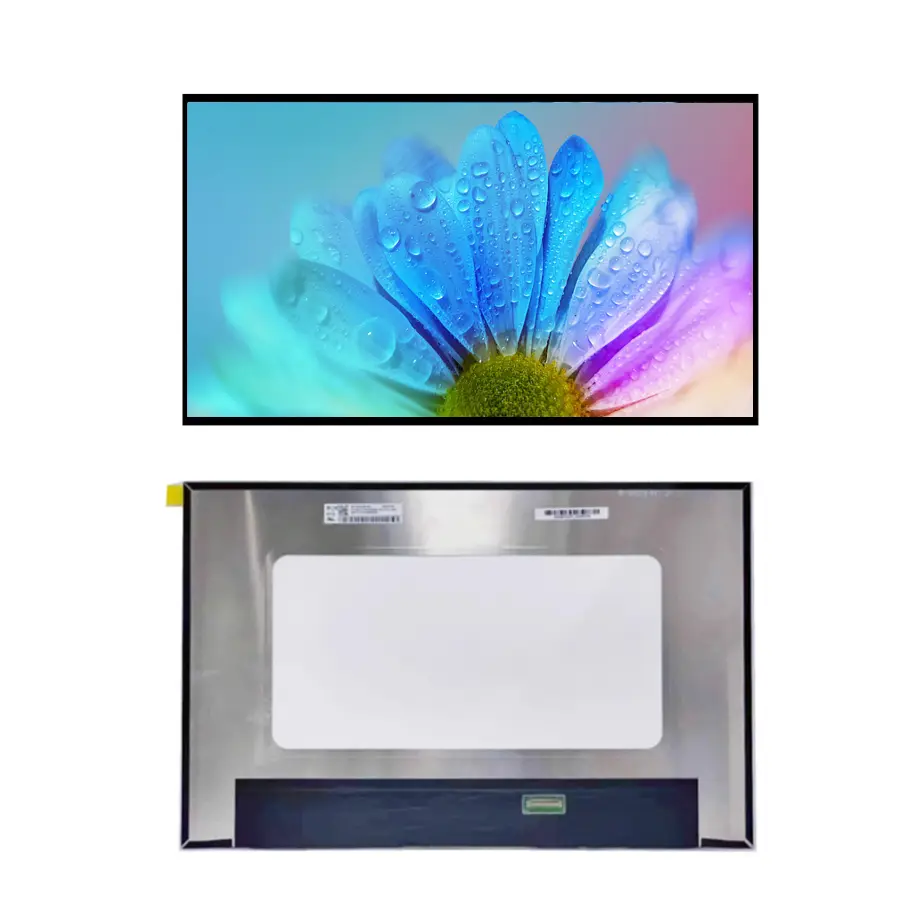
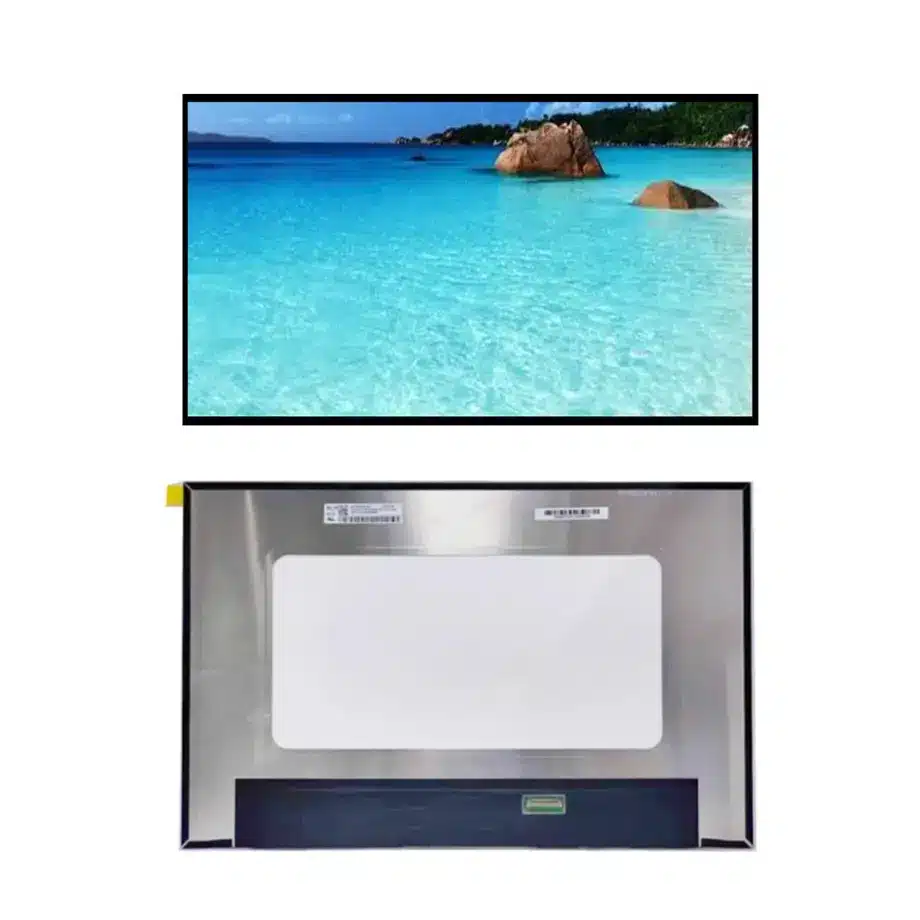
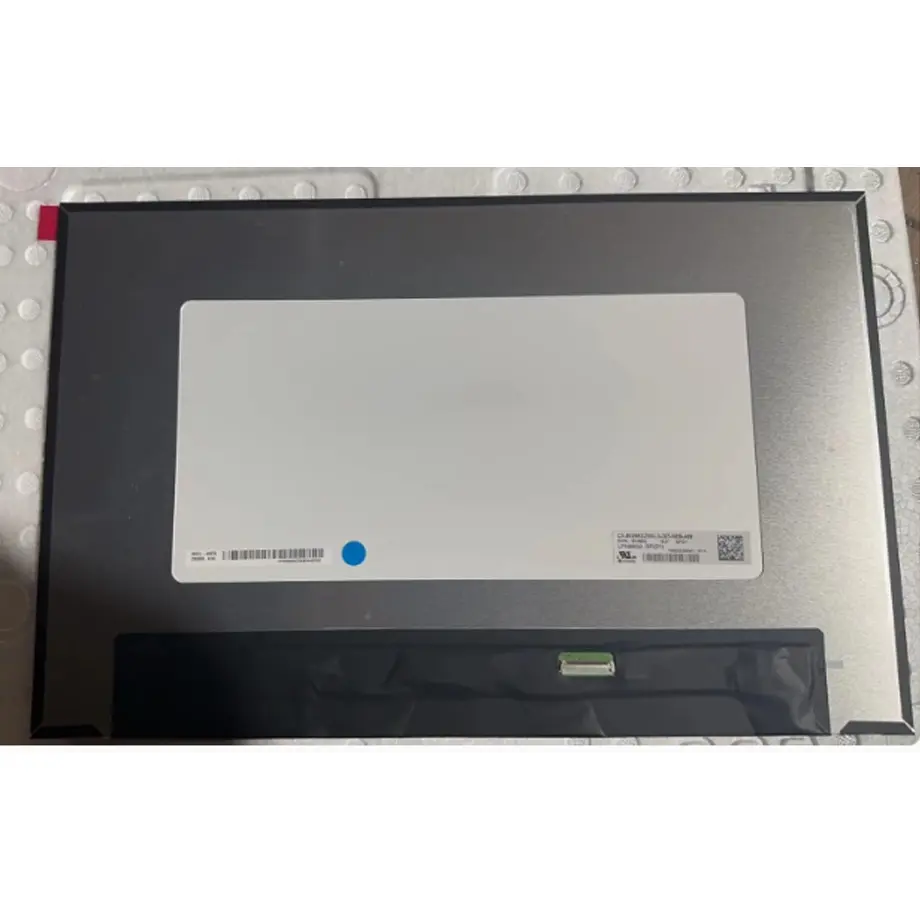
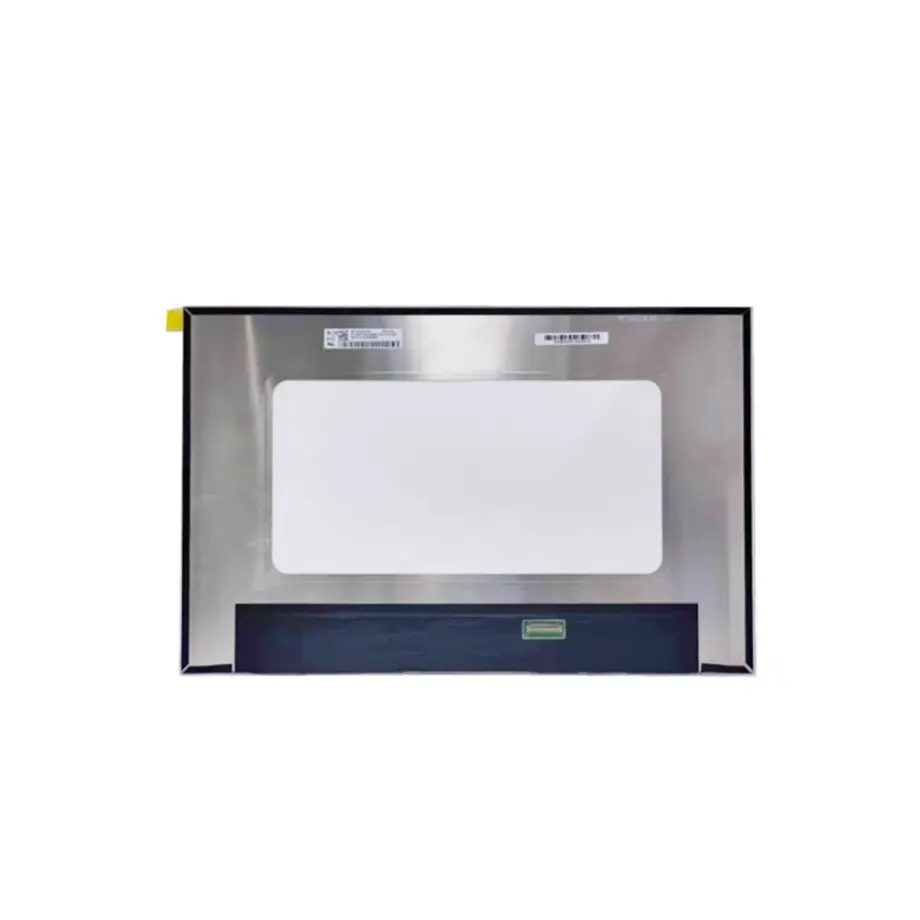
NE160QDM-N42 PSR-SU BIST 120Hz Reverse-I/F WQXGA Panel
Model P/N
Size
Resolution
Brightness
Viewing Angle
Connector Type
Operating Temp
Overall(mm)
boe
NE160QDM-N42
Brand
Panel Size (inch)
Model P/N
Resolution
Brightness (nits)
Viewing Angle
Contrast Ratio
Response Time
Overall (mm)
Active Area (mm)
Refresh Rate
Display Colors
Panel Type
Connector Type
Surface Treatment
Operating Temp
Touchscreen Type
Storage Temp
Work Mode
Pixel Format
Input Voltage (V)
Vibration Resistance
Weight (g)
Designed For
Product Details
NE160QDM-N42 PSR-SU BIST 120Hz Reverse-I/F WQXGA Panel is a BOE 16.0-inch Oxide TFT-LCD module intended for laptop and gaming systems. Its 2560×1600 16:10 canvas, 120 Hz frame rate, four-lane eDP 1.4 HBR2 link and 100% sRGB wording define the engineering target. The module is not touch-enabled, and its feature record also includes FreeSync, PSR2, PSR-SU, DC dimming and low-blue-light references that need to be exercised on the actual host platform.
For a sourcing team, the useful question is not whether a replacement is another 16-inch WQXGA screen. The useful question is whether the candidate preserves the same timing, lane rate, connector pitch, mechanical PCBA fold, brightness-control behavior and firmware-visible feature set. Those details determine whether a notebook lid closes correctly and whether a high-refresh link remains stable after boot, suspend and driver updates.
Three buyer value propositions
120 Hz WQXGA performance in a 16:10 notebook format
The 2560×1600 canvas combines additional vertical workspace with a 120 Hz refresh target. For gaming and performance notebooks, this creates a defined balance between pixel density and motion performance. Qualification should still verify the supported timing set and transition behavior on the actual GPU, BIOS and production cable rather than assuming that every WQXGA host mode reaches 120 Hz.
Four-lane HBR2 eDP plus PSR-oriented platform features
The exact configuration uses eDP 1.4 with four HBR2 lanes and is documented with PSR2/PSR-SU-related feature wording. Those details are useful for platform power and display-state planning, but they remain system functions: the motherboard, firmware and operating system must support the same mechanisms for them to work correctly in the finished notebook.
sRGB and antiglare baseline for general productivity and gaming
The model is specified with 100% sRGB wording, 1.06B colors, 300 cd/m² typical luminance and an antiglare Haze 25% 3H surface. These parameters provide an evidence-based optical baseline for notebooks. They do not imply a particular factory calibration tolerance, HDR certification or outdoor-readability grade.
Key Specifications at a Glance
NE160QDM-N42 PSR-SU BIST 120Hz Reverse-I/F WQXGA Panel should be compared against this approved exact-model baseline before board or cable release.
| Brand | BOE |
|---|---|
| Model P/N | NE160QDM-N42 |
| Size | 16.0 inch |
| Resolution | 2560(RGB)×1600, WQXGA, 16:10 |
| Active Area | 344.678(H)×215.424(V) mm |
| Overall | 349.68×225.32×5 mm |
| Brightness | 300 cd/m² (Typ.) |
| Viewing Angle | 85/85/85/85 (Typ.)(CR≥10) |
| Display Colors | 1.06B, 100% sRGB, Low Blue Light |
| Weight | 363 g (Typ.), 380 g (Max.) |
| Refresh Rate | 120 Hz |
| Connector / Native Interface | eDP (4 Lanes), eDP1.4, HBR2 (5.4G/lane), 40 pins 0.4 mm connector |
| Input Voltage | 3.3 V (Typ.) |
| Operating Temperature | 0 ~ 50 °C |
| Storage Temperature | -20 ~ 60 °C |
| Vibration | 1.5G (14.7 m/s²) |
| Panel Type | Oxide TFT-LCD, LCM |
| Pixel Format | RGB Vertical Stripe |
| Surface Treatment | Antiglare (Haze 25%), Hard coating (3H) |
| Contrast Ratio | 1500:1 (Typ.) |
| Response Time | 25 ms (Typ.)(Tr+Td) |
| Work Mode | ADS, Normally Black, Transmissive |
| Backlight / Emission | 15,000 hours (12S6P WLED, integrated LED driver) |
| Designed For | Laptop and gaming notebook display integration |
| Touchscreen Type | Without touch screen |
Host validation matrix for 120 Hz operation
Start qualification with the native 2560×1600 timing at 120 Hz, then repeat the same checks at any lower refresh modes the product plans to expose. Record eDP link rate, lane count, training result and AUX behavior during cold boot. Repeat after S3/S0 or modern-standby transitions, lid close/open and graphics-driver restart. A cable that works at a lower mode can still show marginal behavior at HBR2, so the production harness—not only a laboratory cable—belongs in the test loop.
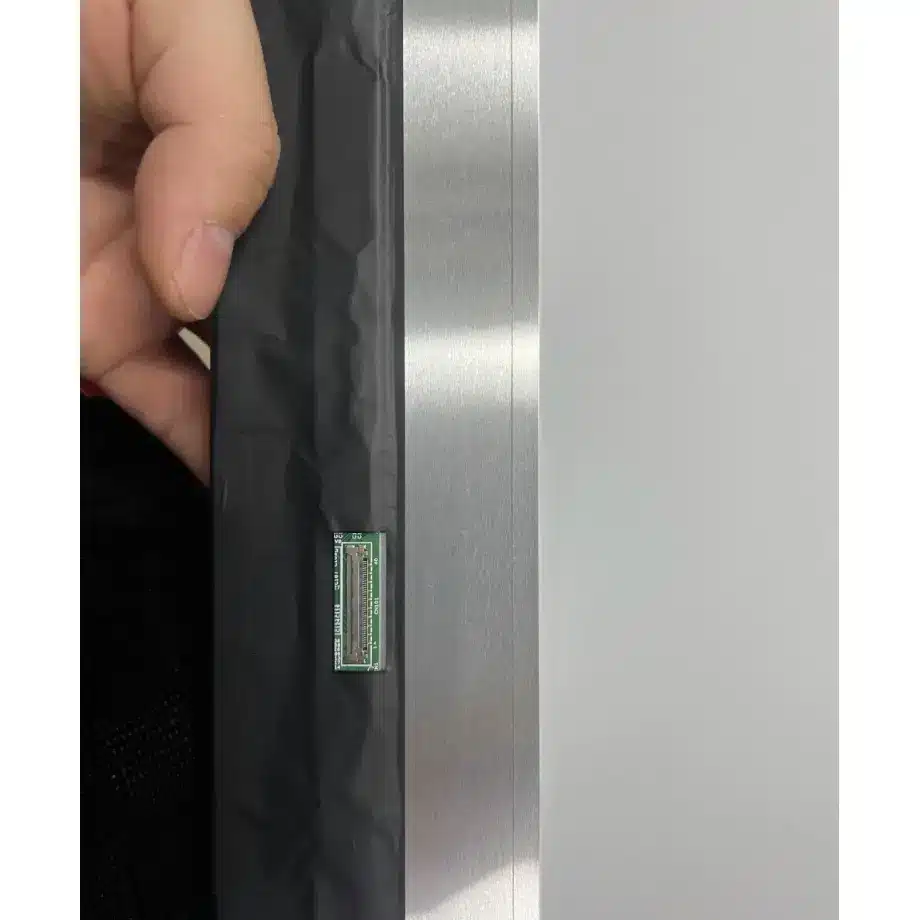
Because the connector is a 40-pin 0.4 mm type, cable selection should be based on the exact pin assignment and mechanical location. Do not treat every 40-pin notebook cable as equivalent. Verify the 3.3 V panel supply at the connector during startup and resume, and check whether any platform-specific panel-enable or backlight-enable timing changes across BIOS revisions.
PSR-SU, PSR2 and FreeSync: separate capability from implementation
NE160QDM-N42 PSR-SU BIST 120Hz Reverse-I/F WQXGA Panel carries exact-model feature references for PSR2, PSR-SU and AMD FreeSync. Those references justify system-level qualification of those functions; they do not prove that a given GPU/BIOS combination exposes them correctly. For panel self refresh, test static desktop, partial-screen updates, video playback and resume behavior. For variable refresh, define the intended operating window and look for flicker, blanking, frame pacing artifacts and failed recovery when content moves in and out of that window.
Keep a record of the BIOS version, graphics driver and operating-system build used for approval. If a later firmware update changes display power management or link policy, regression testing should include PSR entry/exit and refresh transitions. That documentation is more useful to service engineering than a generic statement that the panel “supports FreeSync.”
Optical acceptance for the production lid
The module is specified at 300 cd/m² typical luminance, 1500:1 typical contrast, 1.06B colors and 100% sRGB wording. Its surface is antiglare with 25% haze and 3H hard coating. These values establish a component baseline, while the finished notebook adds bezel geometry, any protective film and platform brightness-control curves. Define acceptance at the assembled-lid level: luminance at selected brightness steps, uniformity, color behavior, glare in representative office lighting and any low-blue-light mode the product intends to expose.
The 25 ms Tr+Td response figure should also be kept separate from gaming-marketing response claims. A 120 Hz refresh rate describes frame presentation cadence; it does not turn a 25 ms response specification into a faster value. Validate moving-image behavior using the system's actual drive conditions instead of mixing refresh and pixel-response numbers.
Slim bent-PCBA mechanics
The module envelope is 349.68×225.32×5 mm, with a 344.678×215.424 mm active area. The bent-PCBA construction makes connector clearance, cable fold and adhesive/foam placement important. Compare hinge sweep, bezel pressure and rear-cover clearance with the exact drawing. A nominally similar 16-inch module may put the connector several millimeters away from the qualified location or use a different PCB fold, enough to create cable strain or lid interference.
Mass is 363 g typical and 380 g maximum. Use the maximum value where hinge torque or drop-loading calculations need a conservative component input. The component vibration reference is 1.5G; finished-notebook shock and vibration performance still depends on lid stiffness, fasteners and how the panel is supported.
Backlight and thermal release notes
The 12S6P WLED system includes its LED driver and is listed at 15,000 hours. Preserve the exact brightness-control method used by the approved platform, including DC dimming behavior when applicable. During sustained gaming, GPU heat can raise the lid and cable temperature even if room ambient is moderate. Measure the panel environment against the documented 0 to 50 °C operating range rather than assuming the display remains near room temperature.
Controlled sourcing record
Release NE160QDM-N42 PSR-SU BIST 120Hz Reverse-I/F WQXGA Panel only with the approved mechanical drawing, 40-pin cable part number, native timing table, 3.3 V sequencing, brightness-control settings and a short functional record for 120 Hz, FreeSync and PSR behavior. A proposed alternate should be checked against that record field by field. Shared diagonal size, WQXGA resolution or connector count is not sufficient evidence of interchangeability.
Recommended: Same Size
(16")
Applications & Value of LCD Panel

- Fast sourcing with in-stock panels & cross-reference alternatives
- Stable supply chain with long-term availability
- Engineering-level support from panel to integration
- Custom solutions: cable, touch & optical bonding
- Strict quality control with IQC / OQC / aging test
- Full traceability system for quality assurance
- Complete technical documentation & drawings
- Compliance support: RoHS & certification files
