
~
~
~
~
~
~
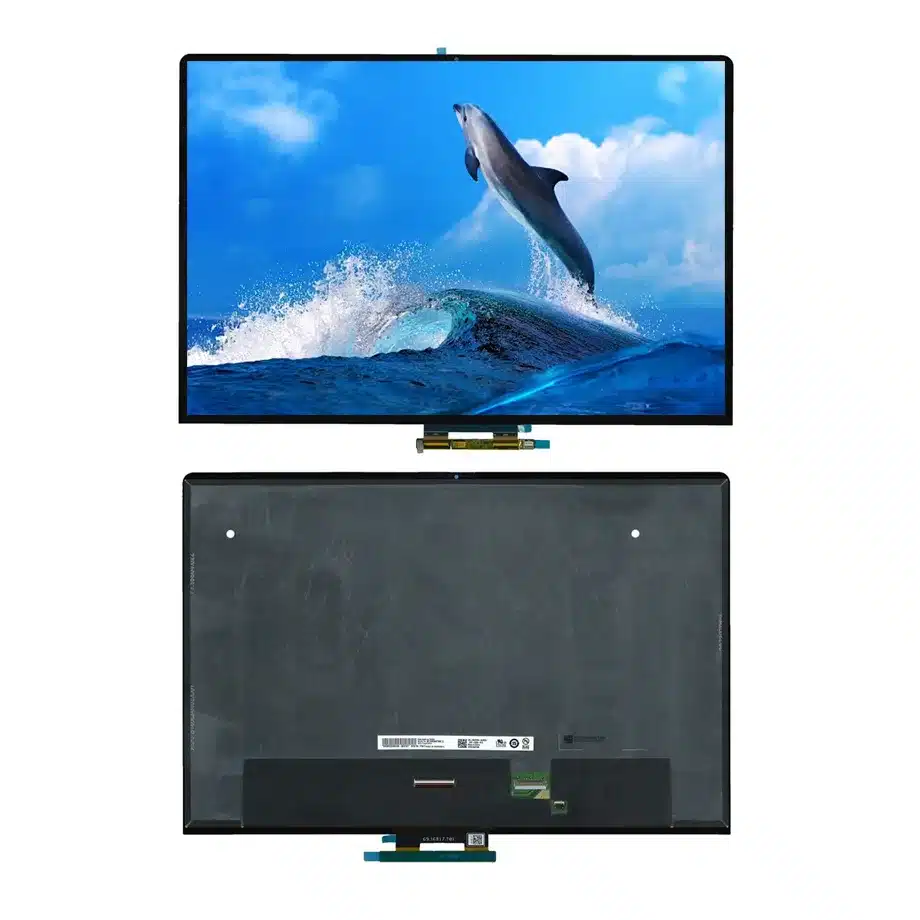
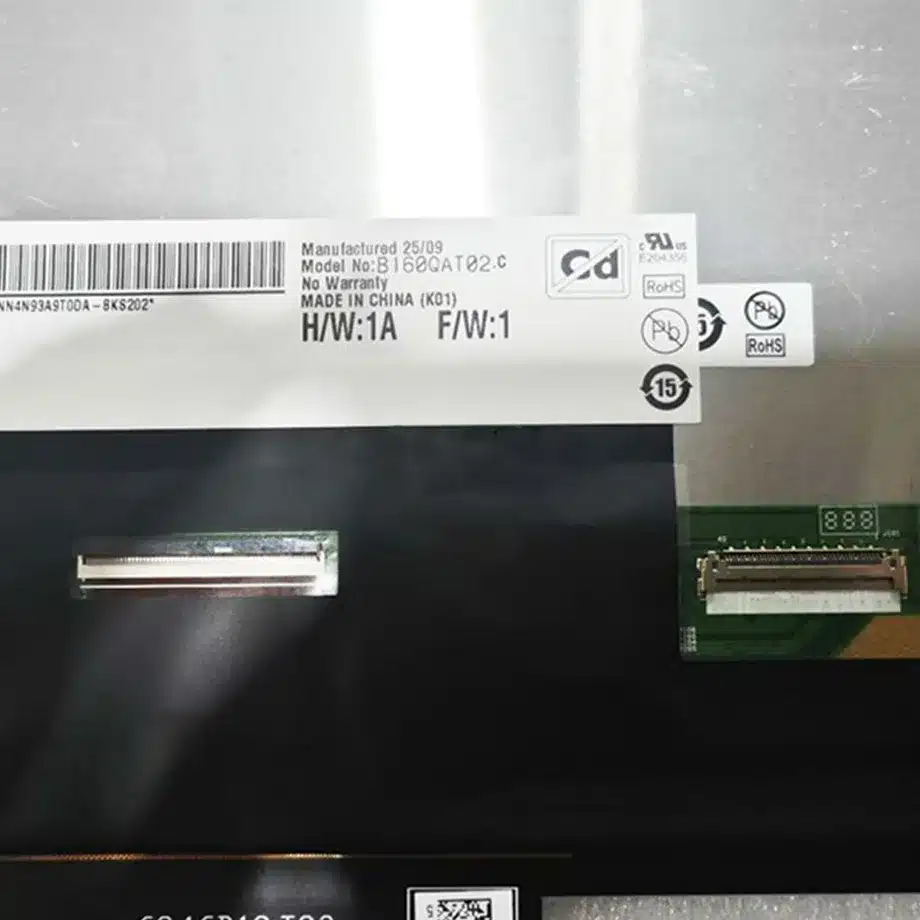
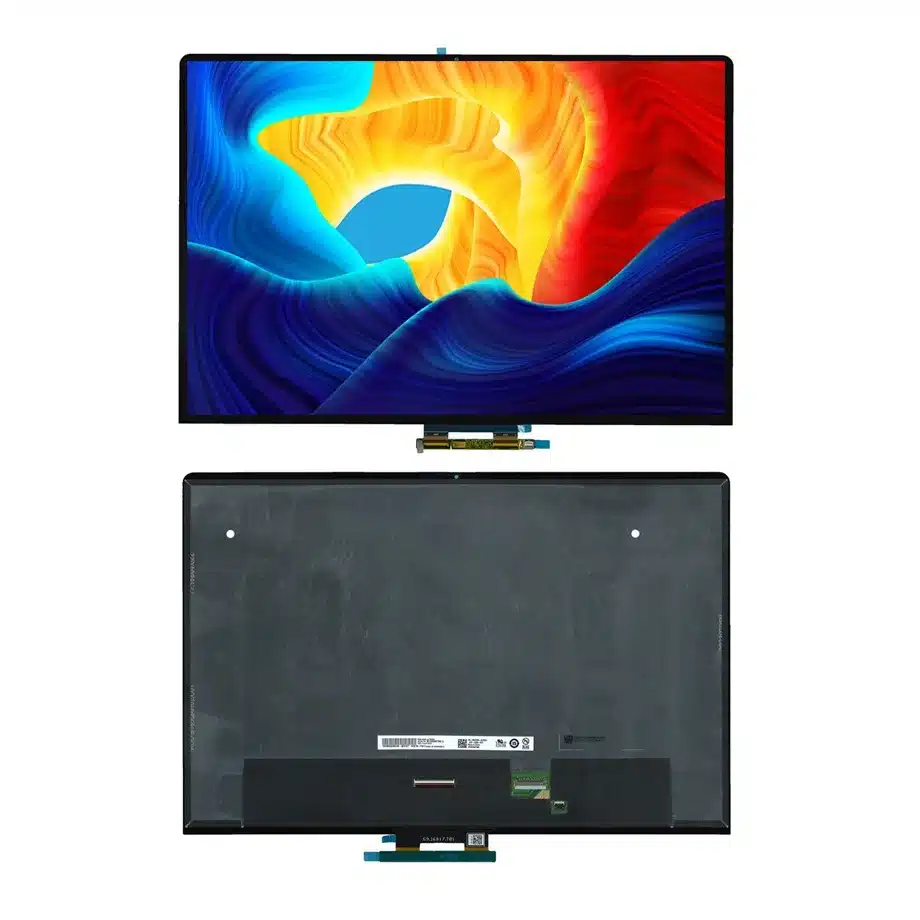
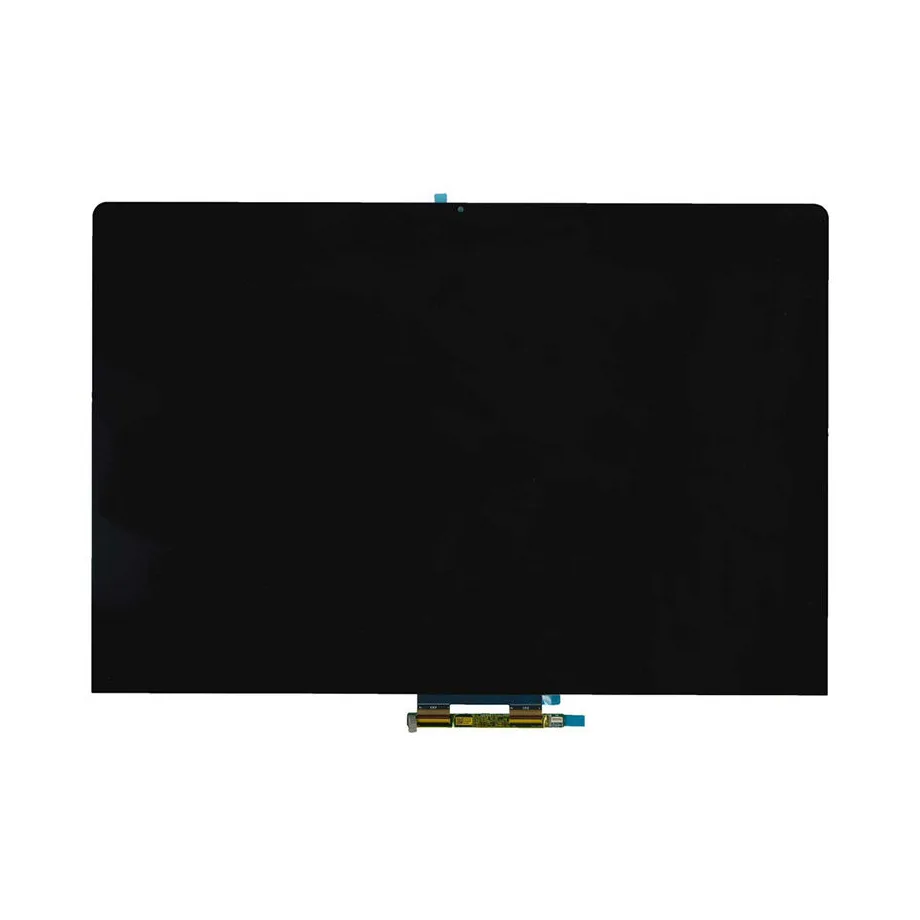
B160QAT02.C HDR600 Mini LED PCAP Touch Assembly AUO
Model P/N
Size
Resolution
Brightness
Viewing Angle
Connector Type
Operating Temp
Overall(mm)
auo
B160QAT02.C
Brand
Panel Size (inch)
Model P/N
Resolution
Brightness (nits)
Viewing Angle
Contrast Ratio
Response Time
Overall (mm)
Active Area (mm)
Refresh Rate
Display Colors
Panel Type
Connector Type
Surface Treatment
Operating Temp
Touchscreen Type
Storage Temp
Work Mode
Pixel Format
Input Voltage (V)
Touch Interface
Weight (g)
Designed For
Product Details
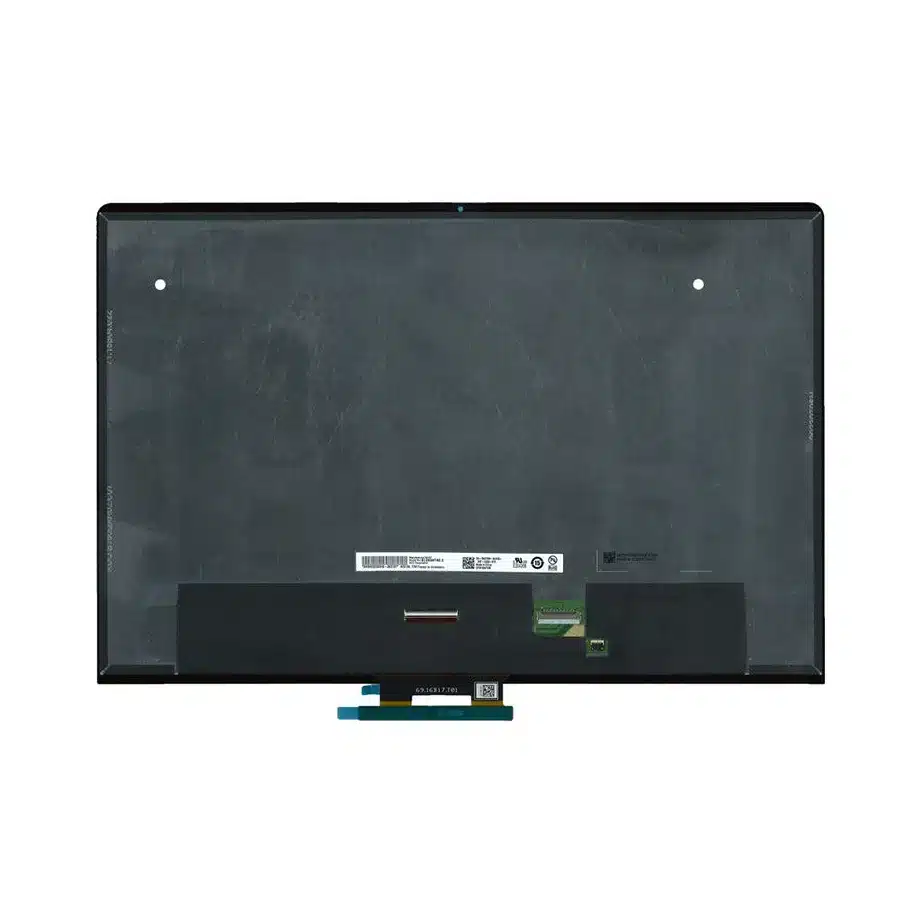
B160QAT02.C HDR600 Mini LED PCAP Touch Assembly is the assembly-level reference for coordinating Mini LED display transport with PCAP/I²C touch validation.
B160QAT02.C HDR600 Mini LED PCAP Touch Assembly is a 16-inch AUO LTPS TFT-LCD assembly combining a Mini LED backlight and integrated PCAP touch. The supplied configuration uses 2560(RGB)×1600, WQXGA, 16:10, 90 Hz refresh, four-lane eDP 1.4 for display data and I²C for touch communication. It also carries HDR600 wording and a 100% DCI-P3 color-gamut reference, so display, touch, optical stack and host firmware all belong in the same first-article plan.
Three buyer value propositions
Integrated PCAP touch with a separate I²C control path
The exact-model parameters explicitly confirm PCAP touch and I²C communication. That lets engineering treat touch as a verified part of the assembly while still keeping display eDP signaling and touch firmware as separate interfaces.
Mini LED architecture paired with HDR600 wording
Mini LED is confirmed for the backlight and the supplied record includes HDR600 terminology. This supports targeted HDR and local-dimming qualification without turning a component feature into an unconditional finished-notebook certification.
7H anti-fingerprint surface for a touch-oriented assembly
The surface is specified with anti-fingerprint treatment and 7H hard coating. This is directly relevant to a touch notebook assembly, while any additional protective layer, adhesive or cover construction still requires final optical and touch validation.
B160QAT02.C HDR600 Mini LED PCAP Touch Assembly should be evaluated with the Windows touch stack, 90 Hz eDP timing and 7H anti-fingerprint surface in the final lid.
Key Specifications at a Glance
| Brand | AUO |
|---|---|
| Model P/N | B160QAT02.C |
| Size | 16 inch |
| Resolution | 2560(RGB)×1600, WQXGA, 16:10 |
| Active Area | 344.678×215.424 mm (H×V) |
| Overall | 352.08×234.57×5.97 mm |
| Brightness | 375 cd/m² (Typ.) |
| Viewing Angle | 85/85/85/85 (Typ.)(CR≥10) |
| Display Colors | 1.06B, 100% DCI-P3 |
| Weight | 590 g (Max.) |
| Refresh Rate | 90 Hz |
| Connector / Native Interface | eDP (4 Lanes), eDP1.4, 40 pins 0.4 mm connector |
| Input Voltage | 3.3 V (Typ.) |
| Operating Temperature | 0 ~ 50 °C |
| Storage Temperature | -20 ~ 60 °C |
| Panel Type | LTPS TFT-LCD, Assembly |
| Pixel Format | RGB Vertical Stripe |
| Surface Treatment | Anti Fingerprint, Hard coating (7H) |
| Contrast Ratio | 1000:1 (Typ.) |
| Response Time | 8.0 ms (Typ.)(G to G) |
| Work Mode | AHVA, Normally Black, Transmissive |
| Backlight / Emission | 15,000 hours (Mini LED, integrated LED driver) |
| Designed For | Laptop display integration; integrated PCAP touch notebook assemblies |
| Touchscreen Type | PCAP |
| Touch Interface | I²C |
Split the interface checklist into display and touch
For the eDP path, validate four-lane mapping, AUX, native 2560×1600 timing and the 40-pin 0.4 mm connector. For touch, validate I²C addressing, interrupt/reset behavior, coordinate orientation and Windows 11 operation. One passing path does not validate the other.
Treat HDR600 as an implementation test
Measure brightness behavior, local dimming, black-level transitions and thermal response with the intended firmware. The supplied 375 cd/m² typical luminance must remain visible in the fact record rather than being silently replaced by an HDR peak assumption.
Assembly mechanics differ from a bare LCM
The 352.08×234.57×5.97 mm package and 590 g maximum mass include the touch-oriented assembly. Check hinge loading, bezel pressure, cover alignment and cable/flex routing using the exact assembly drawing.
Service documentation
Save the eDP cable, touch interface definition, assembly drawing, 90 Hz timing, Windows touch baseline and Mini LED/HDR test record. That prevents a non-touch WQXGA panel from being mistaken for a functional replacement.
B160QAT02.C HDR600 Mini LED PCAP Touch Assembly belongs in one controlled dossier with the touch firmware, eDP cable, assembly drawing and Mini LED optical acceptance results.
Display and touch bring-up sequence
Bring up the eDP display path and I²C touch path independently before validating them together. For display, confirm native timing, lane mapping, AUX communication and 3.3 V sequencing. For touch, confirm controller address, reset and interrupt behavior, orientation and firmware compatibility. Once both functions operate, test simultaneous high-load scenarios such as rapid touch input during video playback or graphics transitions. This helps expose grounding, power or firmware interactions that may not appear when the two subsystems are tested separately. Preserve the exact touch-controller and firmware assumptions with the assembly BOM.
PCAP edge performance and mechanical pressure
Integrated touch performance should be checked after the module is installed in the final lid, not only on a bench. Bezel compression, adhesive thickness, grounding and nearby conductive structures can influence edge response or false-touch behavior. Build a test grid that covers corners, edges, multi-touch gestures and operation at several display brightness levels. If the product uses a protective film or cover treatment, include it in the sample because the anti-fingerprint 7H surface may be altered by added layers. Mechanical pressure that does not visibly damage the display can still affect touch behavior.
Mini LED and HDR system qualification
The Mini LED backlight and HDR600 wording justify a focused high-dynamic-range test plan, but the finished experience depends on the host graphics pipeline and backlight control. Use dark scenes, bright highlights, mixed-content windows and sustained high-brightness patterns. Evaluate blooming, transition artifacts and thermal behavior. Keep the supplied 375 cd/m² typical luminance visible in the engineering record; do not silently replace it with an assumed HDR peak value. If the program intends to claim a formal HDR certification, verify the certification scope for the complete notebook independently.
90 Hz operation and power-state recovery
At 90 Hz, validate the exact 2560×1600 timing and confirm that the production eDP cable remains stable after repeated sleep, wake and lid-close cycles. Because this assembly also includes touch, ensure that display resume and touch resume occur in a predictable order and that neither subsystem remains unresponsive after power-state transitions. Test operating-system restart, graphics-driver restart and touch-driver reload. A successful cold boot is only the first step; notebook field issues often appear after state changes and long-duration use.
Surface and cleaning considerations
The anti-fingerprint treatment and 7H hard coating are exact-model surface facts. Define the cleaning materials and handling process used during assembly and service so the intended surface behavior is not degraded. If adhesives, protective shipping films or additional cover layers are used, verify that removal or bonding does not damage the surface or change touch sensitivity. Do not infer chemical-resistance ratings that are not documented. The production acceptance plan should focus on supported properties such as visible surface condition, touch response and optical clarity.
Assembly-level replacement control
A replacement for B160QAT02.C must preserve more than WQXGA resolution. The controlled package includes the 352.08×234.57×5.97 mm assembly envelope, eDP connector, PCAP touch path, Mini LED architecture and approved firmware behavior. Store the display cable and touch-interface details together with the drawing. If a non-touch or differently integrated panel is proposed later, treat it as a new system design decision rather than a simple panel substitute. This prevents service teams from accidentally removing required touch functionality or creating incompatible mechanical stacks.
First-article approval must include touch and display together
The first-article package should document both functions of the assembly. Record the display timing, eDP cable, touch-controller firmware, I²C configuration, Windows device behavior, mechanical stack and representative touch-grid results. Include at least one test after sleep and resume, because display and touch can recover on different schedules. Also inspect the anti-fingerprint surface after normal assembly handling and cleaning. A single pass/fail statement for 'the screen' is not enough for an integrated touch assembly. Separating the evidence by subsystem makes troubleshooting and later supplier-lot review substantially more reliable.
Keep HDR and touch claims configuration-specific
The exact configuration supports PCAP touch, I²C communication, Mini LED and HDR600 wording. Those points should remain attached to B160QAT02.C and its validated assembly, not generalized to a family name or another AUO panel. Likewise, the presence of Windows 11 wording in the supplied source does not prove compatibility with every host controller or driver package. Commercial and technical documents should state the verified interface and assembly facts, then direct the customer to host-level qualification for firmware, touch gestures, HDR behavior and mechanical fit. This preserves a clear line between component capability and finished-device performance.
Production handoff control
For production handoff, define ownership for display firmware, touch firmware and mechanical assembly acceptance. The display team should retain eDP timing and Mini LED behavior; the touch team should retain I²C addressing, Windows interaction and edge-response results; mechanical engineering should retain the assembly drawing and pressure-clearance evidence. Keeping those records connected to the same exact model prevents a later sourcing change from validating only the image while overlooking touch or surface behavior. It also gives service teams a clear basis for deciding whether a replacement assembly is truly functionally equivalent.
Document every approved production revision.
Engineering and sourcing review
For release, provide the motherboard, eDP cable, I²C touch definition, Windows touch requirements, assembly drawing and optical acceptance criteria. Qualification should close display, touch, Mini LED and housing risks as one assembly rather than as independent generic components.
Recommended: Same Size
(16")
Applications & Value of LCD Panel

- Fast sourcing with in-stock panels & cross-reference alternatives
- Stable supply chain with long-term availability
- Engineering-level support from panel to integration
- Custom solutions: cable, touch & optical bonding
- Strict quality control with IQC / OQC / aging test
- Full traceability system for quality assurance
- Complete technical documentation & drawings
- Compliance support: RoHS & certification files
