
~
~
~
~
~
~
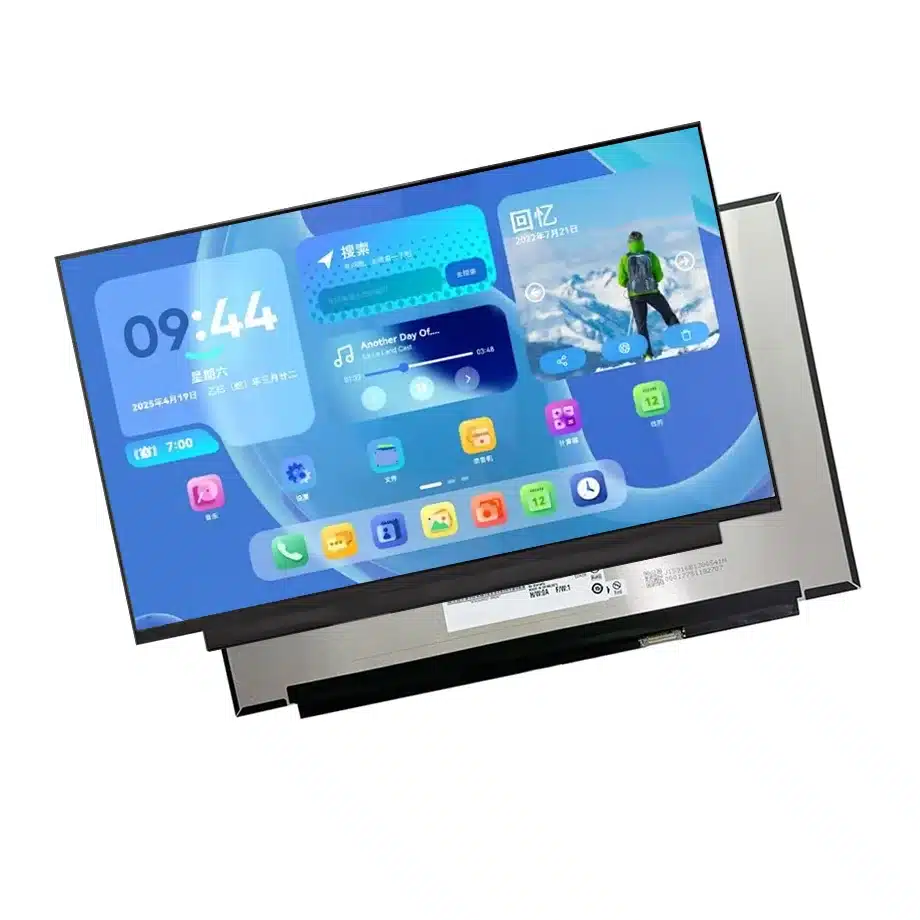
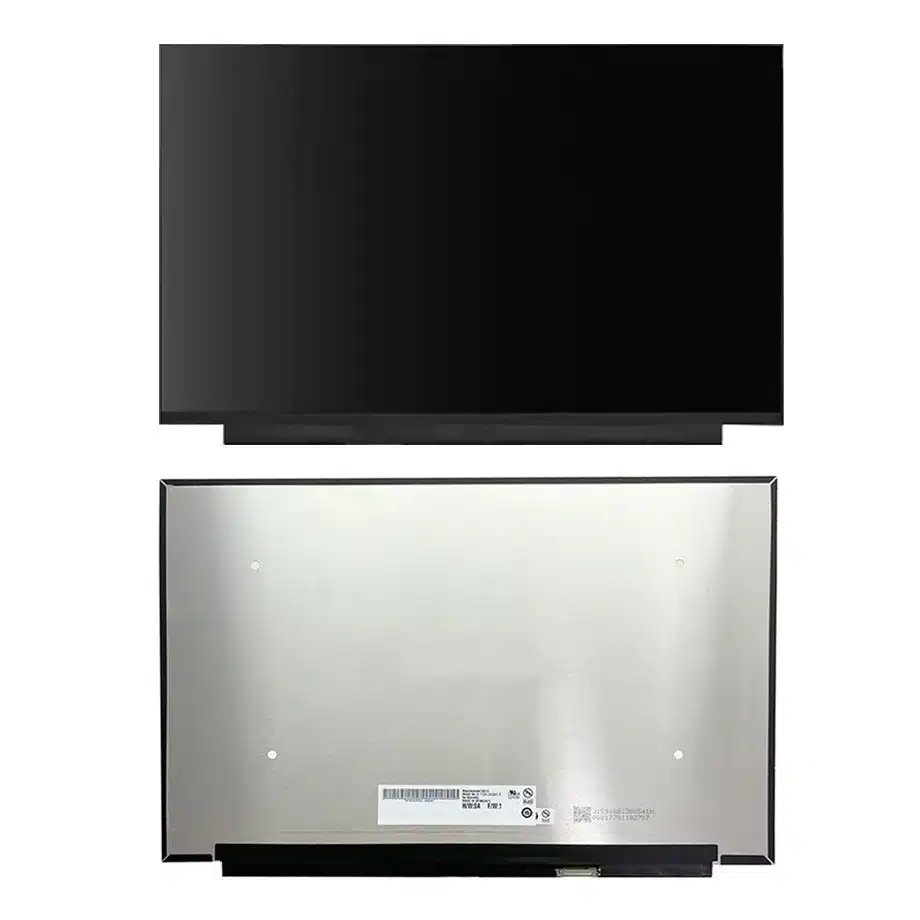
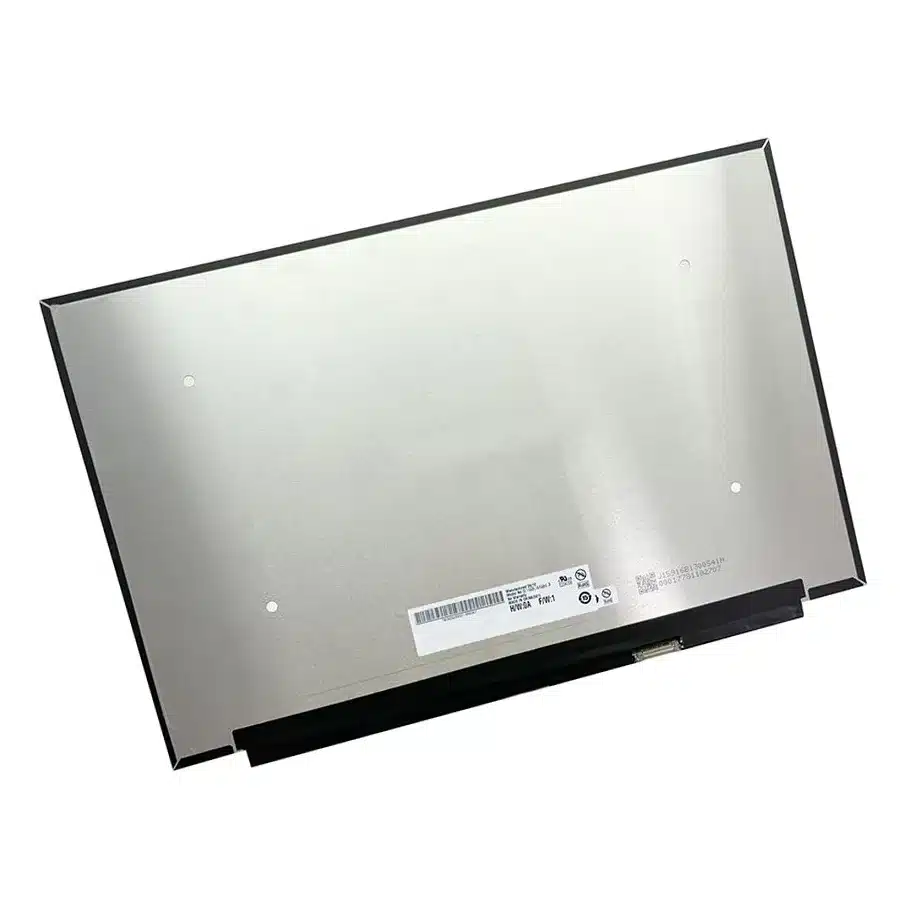
B160UAN04.3 DMRRS 2-Lane WUXGA DC AHVA Notebook Panel AUO
Model P/N
Size
Resolution
Brightness
Viewing Angle
Connector Type
Operating Temp
Overall(mm)
auo
B160UAN04.3
Brand
Panel Size (inch)
Model P/N
Resolution
Brightness (nits)
Viewing Angle
Contrast Ratio
Response Time
Overall (mm)
Active Area (mm)
Refresh Rate
Display Colors
Panel Type
Connector Type
Surface Treatment
Operating Temp
Touchscreen Type
Storage Temp
Work Mode
Pixel Format
Input Voltage (V)
Vibration Resistance
Weight (g)
Designed For
Product Details
B160UAN04.3 DMRRS 2-Lane WUXGA DC AHVA Notebook Panel is the exact BOM identity that maintenance teams should use when screening later WUXGA replacement proposals.
B160UAN04.3 DMRRS 2-Lane WUXGA DC AHVA Notebook Panel is the retrofit reference for comparing a two-lane eDP 1.2 WUXGA path against an installed notebook display.
B160UAN04.3 DMRRS 2-Lane WUXGA Notebook Panel is a 16-inch AUO a-Si TFT-LCD module for WUXGA notebook integration. The user-supplied record fixes 1920(RGB)×1200, WUXGA, 16:10, 300 cd/m² typical luminance, 60 Hz operation and a two-lane eDP 1.2 interface through a 30-pin connector. The supporting same-model description also identifies DMRRS/sDRRS and AMD FreeSync-related features, which should be treated as platform behaviors to validate rather than as guaranteed compatibility claims.
Three buyer value propositions
Two-lane eDP architecture for controlled WUXGA replacements
The exact two-lane eDP 1.2 path and 30-pin connector provide a specific electrical baseline for service or platform refresh work. That can reduce unnecessary bandwidth complexity when the target host is designed for this link, but exact pin mapping and timing remain mandatory.
16:10 WUXGA geometry for notebook productivity layouts
The 1920×1200 canvas provides more vertical workspace than 16:9 FHD while retaining a conventional 60 Hz operating point. This can help preserve UI layout during controlled notebook replacement projects.
Thin 3 mm module with DC-driven WLED system
The flat-PCBA module is specified at 3 mm depth with an integrated WLED driver and DC control. Mechanical fit, brightness behavior and cable placement still need to be verified in the exact lid.
B160UAN04.3 DMRRS 2-Lane WUXGA DC AHVA Notebook Panel should be checked with the original cable, DMRRS/sDRRS behavior and flat 3 mm lid geometry before substitution.
Key Specifications at a Glance
| Brand | AUO |
|---|---|
| Model P/N | B160UAN04.3 |
| Size | 16 inch |
| Resolution | 1920(RGB)×1200, WUXGA, 16:10 |
| Active Area | 344.68×215.42 mm (H×V) |
| Overall | 349.68×231.92×3 mm |
| Brightness | 300 cd/m² (Typ.) |
| Viewing Angle | 85/85/85/85 (Typ.)(CR≥10) |
| Display Colors | 16.7M, 45% NTSC |
| Weight | 400 g (Max.) |
| Refresh Rate | 60 Hz |
| Connector / Native Interface | eDP (2 Lanes), eDP1.2, 30 pins 0.5 mm connector |
| Input Voltage | 3.3 V (Typ.) |
| Operating Temperature | 0 ~ 50 °C |
| Storage Temperature | -20 ~ 60 °C |
| Vibration | 1.5G (14.7 m/s²) |
| Panel Type | a-Si TFT-LCD, LCM |
| Pixel Format | RGB Vertical Stripe |
| Surface Treatment | Antiglare |
| Contrast Ratio | 1000:1 (Typ.) |
| Response Time | 25 ms (Typ.)(Tr+Td) |
| Work Mode | AHVA, Normally Black, Transmissive |
| Backlight / Emission | 15,000 hours (WLED, integrated LED driver, DC) |
| Designed For | Laptop display integration; WUXGA 16:10 notebook replacement and platform validation |
| Touchscreen Type | Without touch screen |
Replacement engineering starts with the old panel record
Capture the installed panel model, cable part number, pin assignment, BIOS timing and connector position. Then compare the 349.68×231.92×3 mm outline and two-lane eDP requirements. Resolution alone does not establish a safe swap.
Validate dynamic refresh-related features on the host
DMRRS/sDRRS and FreeSync wording in the same-model description justify targeted testing of refresh-state transitions. Record the platform software baseline and test resume behavior, image stability and state changes rather than promising support across unrelated motherboards.
Optical expectations remain modest and evidence-bounded
The supplied values are 300 cd/m² typical luminance and 45% NTSC. They support ordinary notebook evaluation, not wide-gamut, HDR or sunlight-readable claims. Test through the actual bezel and any protective layers used by the finished lid.
Procurement baseline
Preserve the exact drawing, 30-pin production cable, two-lane eDP timing, 3.3 V sequence and qualified DMRRS/sDRRS behavior. This keeps later service decisions tied to a reproducible component package.
B160UAN04.3 DMRRS 2-Lane WUXGA DC AHVA Notebook Panel belongs with the 30-pin cable map, WUXGA timing and replacement-fit evidence used by service engineering.
Establish the retrofit baseline first
For a notebook replacement program, begin by documenting the installed panel and cable before ordering samples. Record the original model, 30-pin connector map, eDP lane count, 3.3 V sequencing, connector location and lid clearances. Compare those items with B160UAN04.3 rather than relying on the shared 16-inch WUXGA format. If the original panel uses a different number of lanes or another PCB layout, a new cable or BIOS configuration may be required. The replacement decision should be traceable to a field-by-field comparison.
Two-lane eDP validation
The two-lane eDP 1.2 architecture is a defining feature of this exact model. Verify that the host can train at the required link configuration and that the production cable is pinned for the same assignment. Test AUX communication, power-up timing and recovery after sleep or lid close. A four-lane host may still support a two-lane panel, but firmware policy and cable wiring must match. Likewise, another 30-pin WUXGA panel may use a different internal mapping. Treat the panel-facing interface as an exact electrical contract.
DMRRS and sDRRS behavior
The supporting same-model description includes DMRRS and sDRRS references. Use those labels to create a targeted validation plan for refresh-state transitions on the intended platform. Observe image stability when content changes, when the system enters low-power states and after resume. Record the BIOS, GPU driver and operating-system baseline. These feature references do not establish guaranteed behavior on unrelated notebooks, and they should not be converted into a broad compatibility claim. The approved system is the one that has been tested.
Brightness and color expectations
At 300 cd/m² typical luminance and 45% NTSC wording, this panel belongs to a standard notebook optical class rather than a wide-gamut or outdoor-readable category. Evaluate the assembled lid at representative indoor lighting levels and define acceptance for brightness, uniformity and visible defects. If the project needs higher gamut or sunlight readability, choose a model with evidence for those requirements instead of stretching the interpretation of this one. Keeping the optical target realistic reduces procurement ambiguity and prevents unsupported marketing language.
Mechanical fit of the flat-PCBA module
The physical envelope is 349.68×231.92×3 mm with a flat-PCBA construction. Compare connector position, rear-cover clearance, adhesive zones and cable fold with the target lid. Because the panel is thin, localized pressure from foam or clips can affect image uniformity even when the outline fits. Run a fully assembled sample through repeated lid cycles and inspect the cable near the hinge. Mechanical compatibility should be proven from drawings and first articles rather than inferred from diagonal size.
Lifecycle-sensitive replacement planning
The supporting source marks the model as discontinued, but marketplace status is not a formal manufacturer lifecycle guarantee. Treat that information as a sourcing signal that justifies controlled replacement planning, not as a claim about exact EOL dates or supply duration. Preserve the approved panel/cable record, identify critical interface constraints and qualify alternates before inventory becomes urgent. Do not promise second-source equivalence until a candidate has passed electrical, mechanical and optical comparison. Procurement should separate availability observations from engineering compatibility.
First-article comparison for a service replacement
A practical replacement report should show the old panel and B160UAN04.3 side by side across the fields that can stop a swap: connector mapping, lane count, 3.3 V sequence, outline, active area, connector location, cable fold and BIOS timing. Add photographs of the installed cable route and any areas where the rear cover or bezel contacts the panel. Then run cold boot, repeated resume and a representative graphics workload. This approach is more useful than a generic compatibility statement because it records exactly why the new panel was accepted in that notebook. The same comparison can later be reused when another substitute is proposed.
Procurement should separate discontinuation signals from compatibility
A discontinued marketplace label can motivate planning, but it should not be turned into an unverified EOL date, supply guarantee or urgency claim. Procurement should instead use the engineering baseline to identify what an alternate must match and begin qualification early. If another 16-inch WUXGA panel is available, compare its eDP lane count, connector, mechanical package, optical target and firmware-visible features before discussing it as a replacement. This avoids the common failure mode where commercial availability drives a technically weak substitution. Compatibility remains an engineering conclusion supported by measured evidence, not a conclusion drawn from stock status.
Production handoff control
For maintenance programs, include the qualified replacement logic in the service documentation. A technician should be able to identify the exact panel, cable and required host settings without relying on informal model-family assumptions. Where a future alternate is proposed, route it through the same comparison table used for the first replacement decision and document any cable or firmware changes required. This makes the service path auditable and prevents a technically different panel from becoming an uncontrolled substitute simply because it fits the bezel. The exact B160UAN04.3 record should remain the baseline until a replacement is separately approved.
Engineering and sourcing review
For release, provide the installed or target notebook model, original panel/cable where relevant, two-lane eDP timing, DMRRS/sDRRS requirements and lid geometry. The decision should be based on a controlled replacement comparison, not the shared 16-inch WUXGA format.
Recommended: Same Size
(16")
Applications & Value of LCD Panel

- Fast sourcing with in-stock panels & cross-reference alternatives
- Stable supply chain with long-term availability
- Engineering-level support from panel to integration
- Custom solutions: cable, touch & optical bonding
- Strict quality control with IQC / OQC / aging test
- Full traceability system for quality assurance
- Complete technical documentation & drawings
- Compliance support: RoHS & certification files
FAQ
About B160UAN04.3 DMRRS 2-Lane WUXGA DC AHVA Notebook Panel
What controller path is required for B160UAN04.3?
How should DMRRS and sDRRS references be qualified?
Can B160UAN04.3 replace any 16-inch WUXGA panel?
What does 300 cd/m² with 45% NTSC mean for deployment?
Is this model touch-enabled?
What should procurement record for future replacement checks?
What is your MOQ and sample policy for B160UAN04.3?
MOQ and sample policy for the B160UAN04.3 are set per order and are not fixed on this page. For procurement planning, we recommend requesting a formal quotation that states the minimum order quantity and sample availability. Because this is a 16-inch AUO WUXGA panel with a two-lane eDP 1.2 interface, sample quantities may be limited to support platform validation. Please confirm your target volume and validation timeline so we can align sample and production schedules. Contact our sales team to receive the current MOQ and sample terms for your specific requirement.
What are the warranty terms and after-sales service for your display products?
Warranty terms and after-sales service for the B160UAN04.3 follow our standard display product policy, which is confirmed at the time of order. The panel is specified for 0 to 50 °C operating and -20 to 60 °C storage, so warranty coverage assumes use within these conditions. For after-sales support, we provide technical assistance for integration and replacement scenarios. Please request the warranty statement and service terms with your quotation so they can be reviewed alongside your procurement contract. Final warranty duration and coverage are confirmed on request.
Can you integrate capacitive or resistive touch screens with optically bonded covers for enhanced durability?
The B160UAN04.3 is a non-touch panel, so capacitive or resistive touch integration with optically bonded covers is not a standard configuration for this model. If your project requires touch, we can review a custom integration approach that adds a touch sensor and optical bonding to a compatible display. This would be a custom build, and feasibility depends on your mechanical, optical, and interface requirements. Please share your touch type, cover glass specification, and bonding requirements so our engineering team can confirm whether a suitable solution can be developed.
Can you provide a custom LCD panel with specific dimensions and a round shape?
The B160UAN04.3 is a standard 16-inch rectangular panel with a 1920×1200 WUXGA resolution and an active area of 344.68×215.42 mm, so it is not available in a round shape or custom dimensions as a catalog item. For a custom LCD panel with specific dimensions or a round form factor, we can review a custom development request. Please provide your target dimensions, shape, resolution, interface, and brightness requirements. Our engineering team will confirm feasibility, tooling, and lead time on request.
