~
~
~
~
~
~
N140BGN-EAK TN WXGA Notebook Replacement Module 14″ Innolux
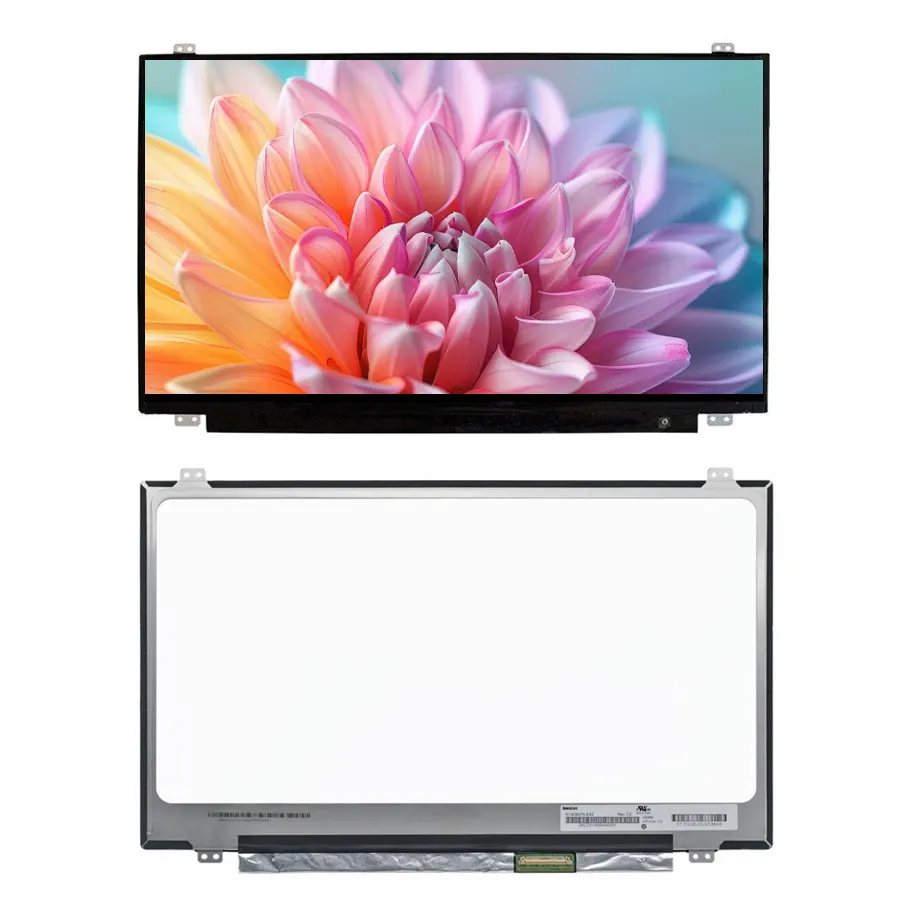
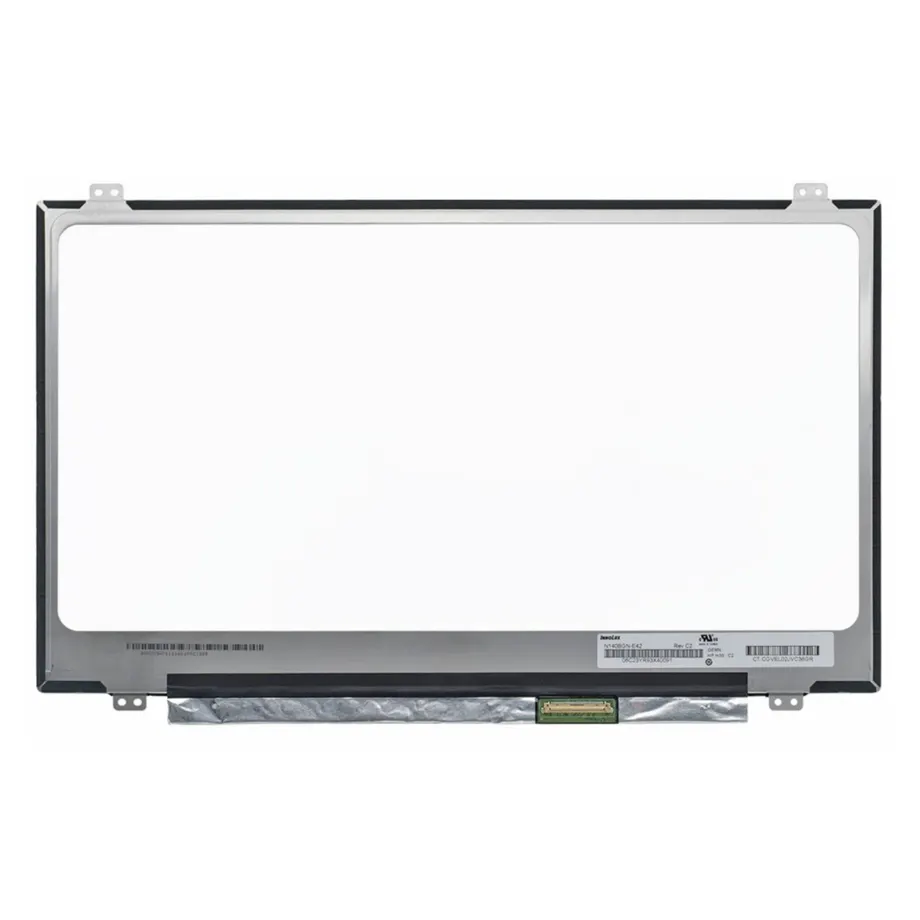
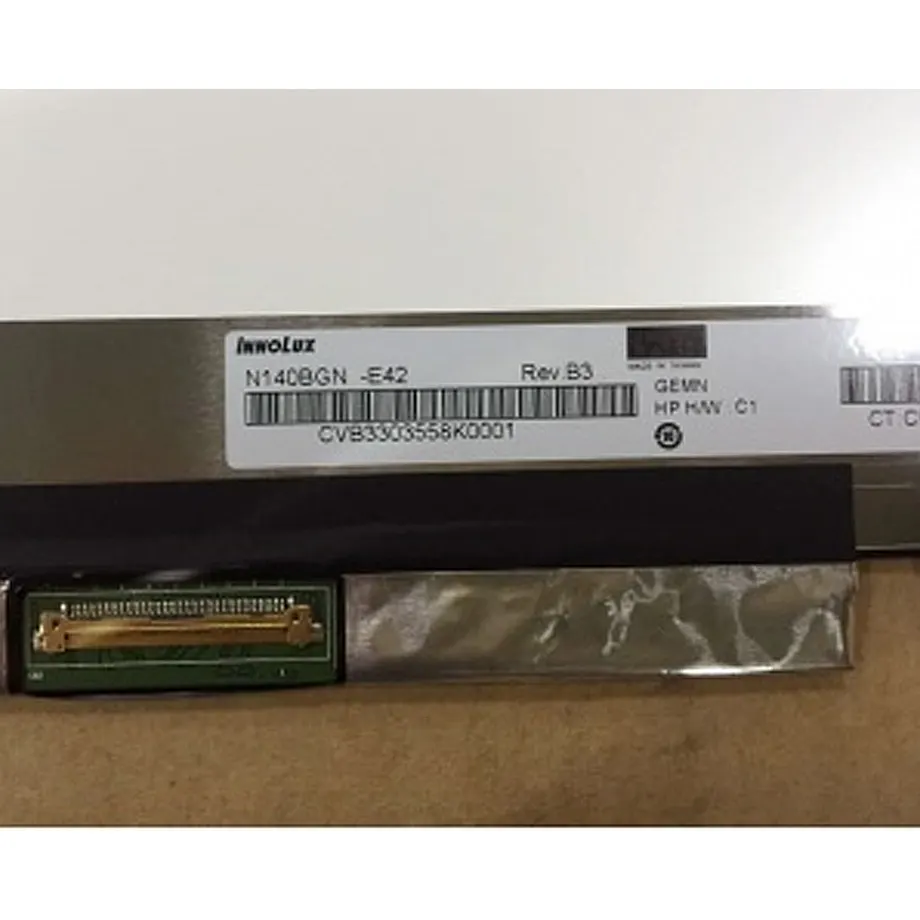
Model P/N
Size
Resolution
Brightness
Viewing Angle
Connector Type
Operating Temp
Overall(mm)
innolux
N140BGN-EAK
Brand
Panel Size (inch)
Model P/N
Resolution
Brightness (nits)
Viewing Angle
Contrast Ratio
Response Time
Overall (mm)
Active Area (mm)
Refresh Rate
Display Colors
Panel Type
Connector Type
Surface Treatment
Operating Temp
Touchscreen Type
Storage Temp
Work Mode
Pixel Format
Input Voltage (V)
Designed For
Product Details
Product Overview
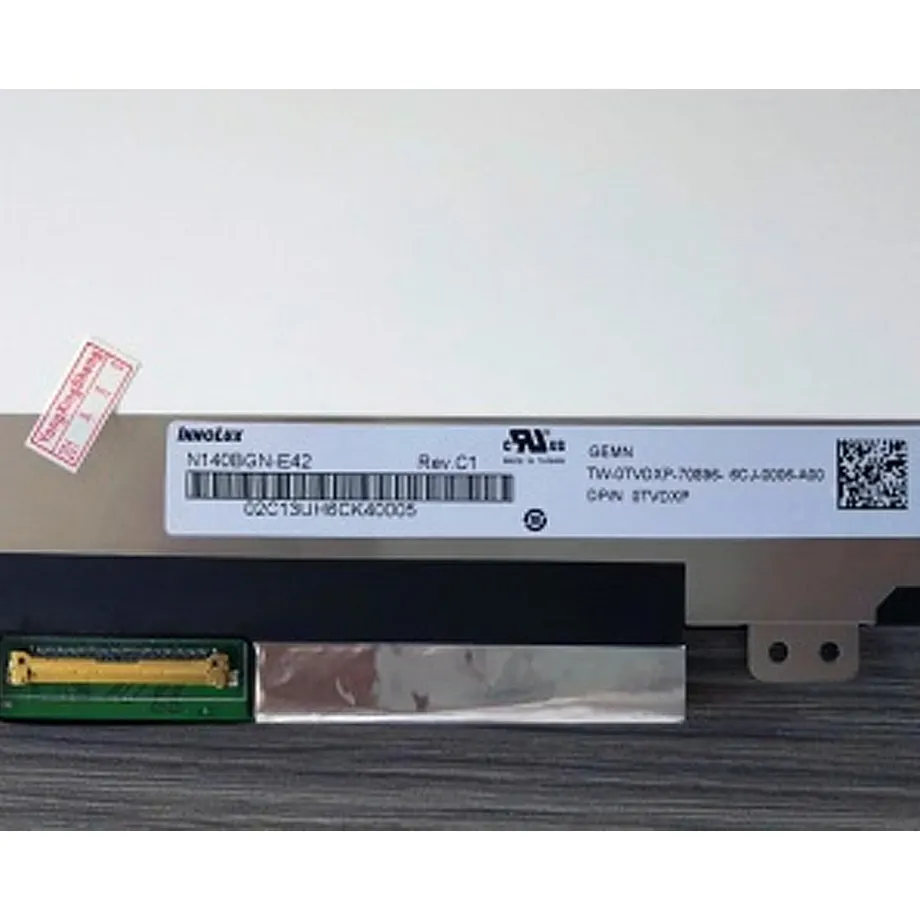
N140BGN-EAK TN WXGA Notebook Replacement Module is a 14.0-inch Innolux a-Si TFT-LCD LCM for notebook display integration. The module uses a native 1366(RGB)×768 WXGA raster in a 16:9 format, TN normally-white transmissive operation and a 60 Hz frame rate. The confirmed active area is 309.399 × 173.952 mm, with 262K display colors and a 600:1 typical contrast ratio. Its preferred viewing direction is 6 o'clock, and the documented viewing-angle values are 45/45/20/45 typical at CR≥10.
The electrical architecture is a single-lane eDP 1.2 connection with 3.3 V typical panel input. The current exact-model data identifies a slim flat-PCBA form at or below 3.2 mm and a 255/270 g typical/maximum mass, while complete outline dimensions are not confirmed. A WLED backlight and LED driver are integrated with a 15K-hour backlight-life reference. Luminance, full outline size and touch status remain unresolved and are intentionally not filled from another N140BGN suffix.
Three Core Buyer Value Propositions
1. One-lane eDP 1.2 gives replacement teams a narrow electrical screening path
A notebook service team can use the one-lane eDP 1.2 requirement to eliminate panels that rely on a different lane count or interface architecture. The reference information also identifies reverse-interface orientation as a notable feature. That helps cable and connector planning, but it does not prove compatibility by itself. Pin assignment, connector position, cable direction, panel timing, power sequence and firmware behavior must still be checked against the target notebook or an approved original sample.
2. Known mass and thin form support lid-level mechanical budgeting
The module is documented at 255 g typical and 270 g maximum with a slim flat-PCBA construction at or below 3.2 mm. Those values can be used in hinge-load, lid-balance and portable-system weight reviews. The qualification boundary is the missing full outline: the active area is known, but enclosure fit, bracket geometry, connector placement and bezel alignment cannot be approved solely from mass, diagonal size or the slim-form description.
3. TN optical behavior is explicit enough to prevent inappropriate wide-view assumptions
The panel is TN, normally white and transmissive, with a 6 o'clock view direction and asymmetric viewing-angle values. This lets buyers distinguish it from wide-view AAS or IPS-class laptop modules that may share the same 14-inch diagonal. The 262K color specification and 600:1 typical contrast ratio are also clear screening facts. They should not be upgraded to a wider gamut, higher color depth or symmetric wide-view claim without exact-model evidence.
Key Specifications at a Glance
| Parameter | Confirmed value |
|---|---|
| Manufacturer / model | Innolux N140BGN-EAK |
| Display size | 14.0 inch |
| Panel type | a-Si TFT-LCD, LCM |
| Native resolution | 1366(RGB)×768 WXGA, 16:9 |
| Active area | 309.399 × 173.952 mm |
| Outline | Not confirmed; slim flat-PCBA form T≤3.2 mm |
| Weight | 255 / 270 g typical / maximum |
| Brightness | Not confirmed |
| Display mode | TN, Normally White, Transmissive |
| Contrast ratio | 600:1 typical |
| Viewing-angle values | 45/45/20/45 typical at CR≥10 |
| View direction | 6 o'clock |
| Response time | 3/7 ms typical Tr/Td |
| Colors | 262K |
| Surface | Hard coating |
| Refresh rate | 60 Hz |
| Native interface | eDP, 1 lane, eDP 1.2 |
| Panel input | 3.3 V typical |
| Backlight | WLED, 15K hrs, with LED driver |
| Touch | Not confirmed |
| Operating / storage | 0 to 50 °C / -20 to 60 °C |
How should a single-lane eDP 1.2 panel be qualified?
VESA's eDP 1.2 overview explains that Embedded DisplayPort was developed for internal display links and includes panel and backlight control over the AUX channel. That standards context is useful, but the exact N140BGN-EAK timing, cable orientation and connector implementation remain product-specific. A notebook that supports eDP in general is not automatically compatible with every one-lane panel.
For N140BGN-EAK TN WXGA Notebook Replacement Module, bring-up should verify one-lane link operation, 1366×768 native timing, cold boot, sleep/resume, brightness control, connector orientation and 3.3 V power sequencing. The reverse-interface feature makes cable direction especially relevant in replacement work. If the original cable exits on the opposite side or uses a different contact orientation, a physically similar panel can still be unsuitable even before firmware timing is considered.
Why should unresolved brightness remain blank?
The exact-model input provides no reliable luminance number. A family member or visually similar 14-inch WXGA panel may be listed at 220 cd/m² or another common value, but that does not authorize assigning the same brightness to N140BGN-EAK. Leaving the dedicated brightness field blank is more useful than publishing a guessed specification because purchasing teams can see that luminance requires confirmation from the current datasheet, supplier documentation or an approved sample.
This distinction also matters for replacement expectations. A new panel can be electrically functional yet appear brighter or dimmer than the original. If luminance is important to the service program, define a minimum acceptance requirement and measure the incoming sample with the intended notebook brightness control. Do not describe the panel as high-brightness, sunlight-readable or outdoor-capable without exact evidence.
What does the 6 o'clock view direction mean in use?
TN panels can have different optical behavior above and below the normal viewing axis. The documented 6 o'clock direction and 45/45/20/45 typical viewing-angle values provide a more specific expectation than the generic term “laptop screen.” In a hinged notebook, the normal screen angle and user eye position should be checked because contrast and color appearance can change more quickly off-axis than on a symmetric wide-view panel.
The response-time values are 3 ms rise and 7 ms decay under the stated measurement basis. These are pixel-transition measurements, not total system latency. Graphics processing, frame delivery and operating-system behavior are separate. The 60 Hz refresh rate should likewise be evaluated as part of the complete notebook timing path instead of being treated as a stand-alone indicator of responsiveness.
Mechanical qualification when the full outline is missing
The active image area is 309.399 × 173.952 mm, and the module is identified as a slim flat-PCBA design at or below 3.2 mm. These facts help with visible-area and thickness screening, while the 255/270 g typical/maximum mass helps lid weight calculations. They are not enough to approve mechanical fit because the full width, height, connector position and retention details are not confirmed in the available exact-model specification.
Use the current mechanical drawing or an approved original module to compare the lid cavity, bezel opening, adhesive or bracket method and cable route. If a proposed replacement has the same 14-inch diagonal and WXGA resolution but different mounting or connector geometry, treat it as a separate qualification. A screen that fits electrically can still create pressure, cable strain or bezel misalignment when the lid is assembled.
Backlight and service planning
The LCM includes a WLED backlight and LED driver with a 15K-hour life reference. That is a component-level backlight specification, not a notebook warranty or a guaranteed service-life figure. Backlight duty cycle, brightness setting, thermal environment and power management affect practical aging. The product's 0 to 50 °C operating range should also be evaluated against the actual lid temperature rather than assumed to represent a rugged or wide-temperature class.
Innolux describes notebook applications as an area where thin profile, low power and high-resolution panel design matter on its company application overview. That manufacturer context supports the notebook application category, but it does not fill missing brightness, dimensions or touch data for this exact suffix. Exact-model evidence remains the controlling source for those parameters.
Application fit and replacement boundary
N140BGN-EAK TN WXGA Notebook Replacement Module is documented for laptop use. Its strongest fit is a notebook platform built around a 14-inch WXGA TN LCM with one-lane eDP 1.2, an integrated WLED driver and the documented reverse-interface orientation. It can also be evaluated as an exact-model service replacement when the installed panel label matches N140BGN-EAK. No claim is made that every 14-inch 1366×768 notebook can use it.
Touch functionality remains unresolved, so a buyer should not assume either an integrated touch sensor or a guaranteed non-touch construction from the available exact-model documentation alone. If the finished notebook requires touch, verify the complete display assembly, digitizer, cover and cable architecture separately. The same evidence boundary applies to brightness and full outline dimensions.
Procurement and incoming-quality checklist
- Confirm the full Innolux N140BGN-EAK model identity on the incoming panel label.
- Match native 1366×768 WXGA timing and 60 Hz operation.
- Verify one-lane eDP 1.2, connector orientation, pin assignment and the reverse-interface cable path.
- Confirm 3.3 V typical panel power and the required power sequence on the target motherboard.
- Use the 309.399 × 173.952 mm active area and slim T≤3.2 mm construction only as preliminary mechanical inputs.
- Check the 255/270 g mass against hinge and lid requirements.
- Keep luminance, full outline dimensions and touch type blank until exact-model evidence is obtained.
- Validate the TN 6 o'clock viewing behavior and 262K color requirement in the finished notebook.
- Confirm current revision and change status before repeat purchasing; current production or marketplace listings are not a guaranteed supply horizon.
When qualifying N140BGN-EAK TN WXGA Notebook Replacement Module, provide the original panel label, notebook platform, production display cable, mechanical drawing or sample, brightness requirement and quantity. The replacement decision should remain controlled by the exact module identity rather than by diagonal size, WXGA resolution or an eDP label alone.
Recommended: Same Size
(14")
Applications & Value of LCD Panel

- Fast sourcing with in-stock panels & cross-reference alternatives
- Stable supply chain with long-term availability
- Engineering-level support from panel to integration
- Custom solutions: cable, touch & optical bonding
- Strict quality control with IQC / OQC / aging test
- Full traceability system for quality assurance
- Complete technical documentation & drawings
- Compliance support: RoHS & certification files