~
~
~
~
~
~
NE140WUM-NX1 HADS PSR1 Gaming Laptop Display BOE
Model P/N
Size
Resolution
Brightness
Viewing Angle
Connector Type
Operating Temp
Overall(mm)
boe
NE140WUM-NX1
Brand
Panel Size (inch)
Model P/N
Resolution
Brightness (nits)
Viewing Angle
Contrast Ratio
Response Time
Overall (mm)
Active Area (mm)
Refresh Rate
Display Colors
Panel Type
Connector Type
Surface Treatment
Operating Temp
Touchscreen Type
Storage Temp
Work Mode
Pixel Format
Input Voltage (V)
Vibration Resistance
Designed For
Product Details
Product Overview
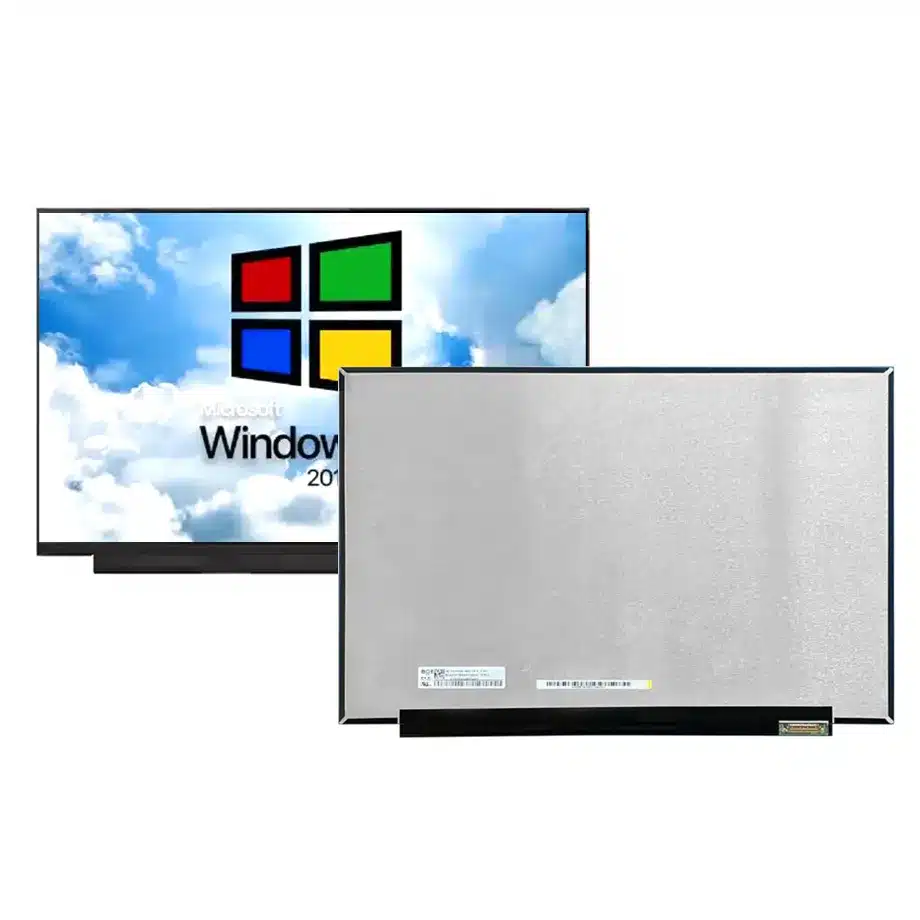
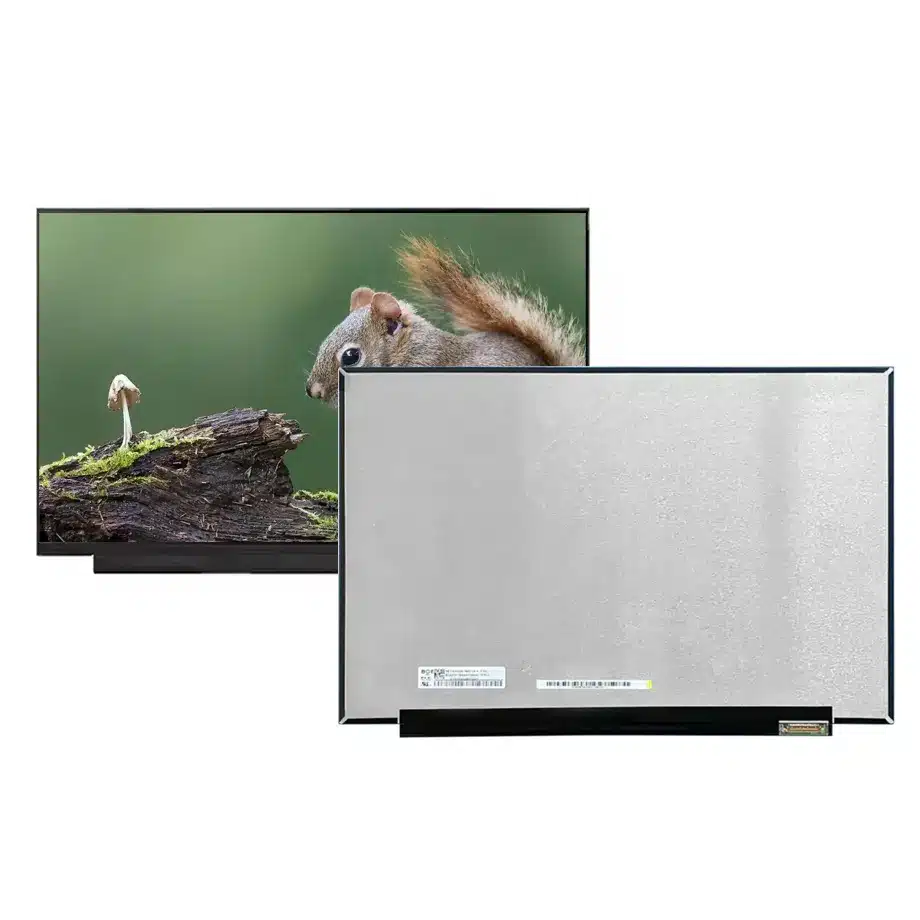
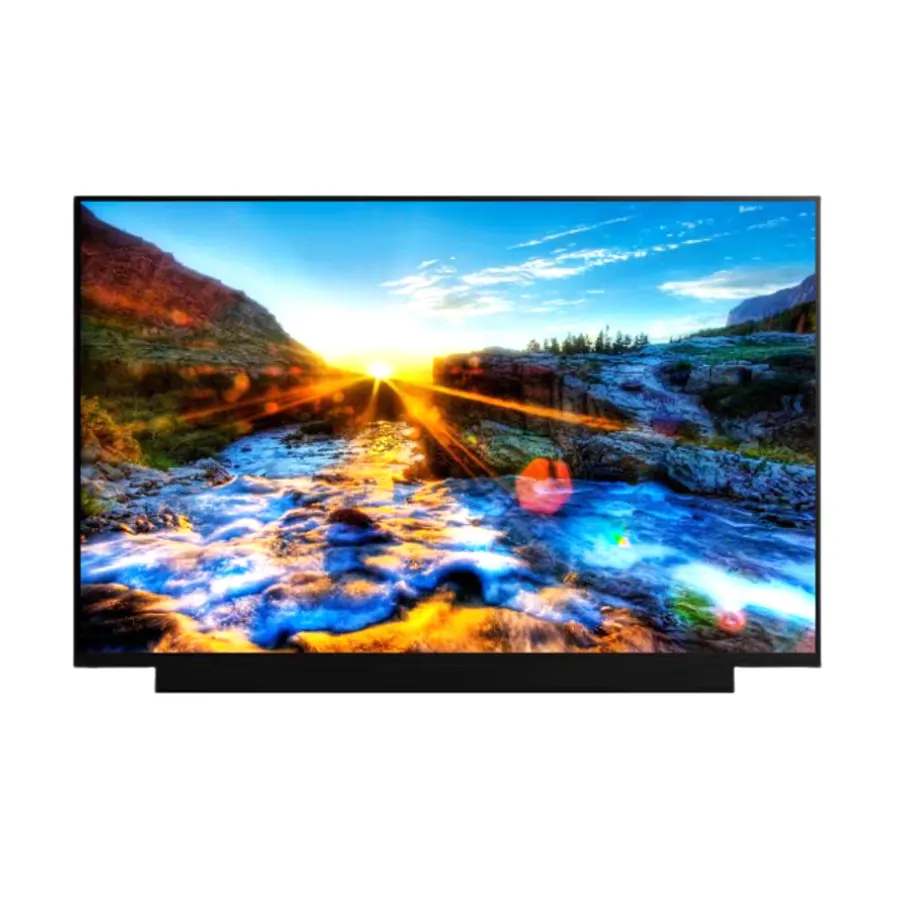
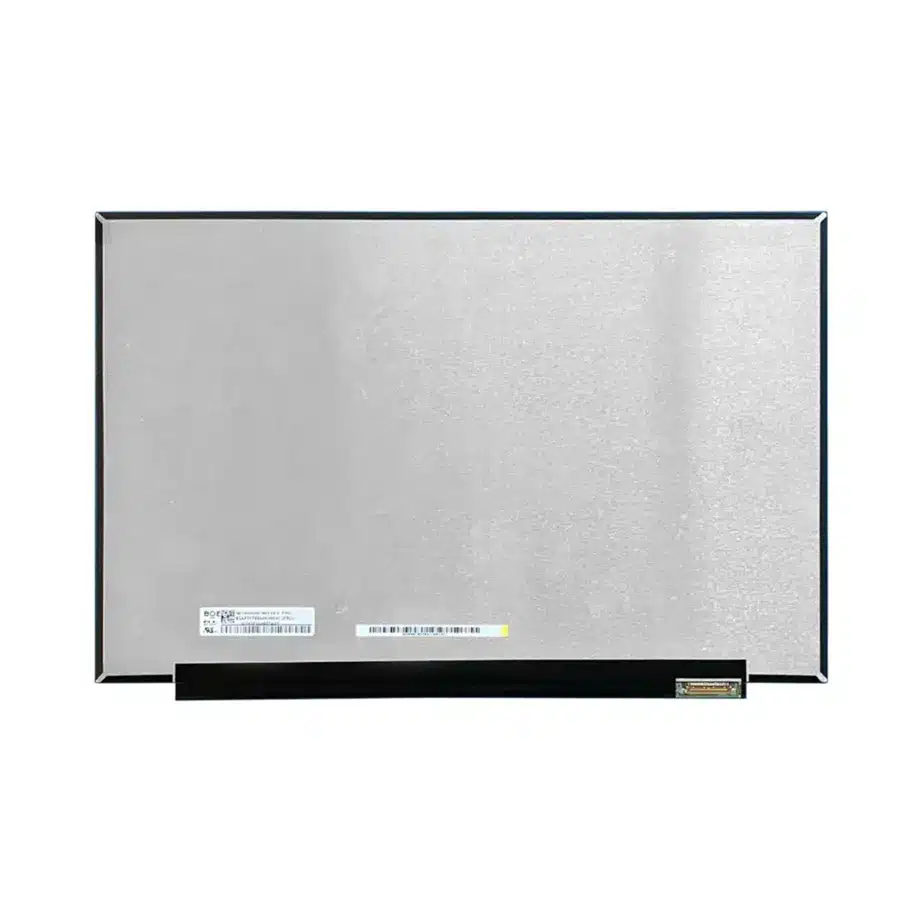
NE140WUM-NX1 HADS PSR1 Gaming Laptop Display is a 14.0-inch BOE Oxide TFT-LCD module for laptop and gaming-oriented notebook integration. The native raster is 1920(RGB)×1200 WUXGA in a 16:10 format, with a 301.594 × 188.496 mm active area inside a 306.59 × 205.1 × 2.4 mm outline. Maximum mass is 240 g. The HADS normally-black transmissive panel is specified at 400 cd/m² typical luminance, 1200:1 typical contrast, 80/80/80/80 minimum viewing-angle values at CR≥10 and 16.7M colors. The surface is antiglare with 3H hard coating.
The module operates at 144 Hz and uses four-lane eDP 1.3 at HBR2, 5.4 Gbit/s per lane, through a 40-pin 0.4 mm connector. A 3.3 V typical panel input is documented. The integrated 10S6P WLED backlight includes its LED driver and carries a 15K-hour reference. The module is supplied without touch and uses a slim flat-PCBA form with T≤3.2 mm wording. Response specifications include 9 ms typical Tr+Td and 3 ms typical G2G with overdrive. The feature set also includes sRGB, Reverse I/F, PSR1, OD, FreeSync, G-Sync and BIST wording; those labels should be validated at system level rather than promoted as universal platform compatibility or certification.
Three Core Buyer Value Propositions
1. 144 Hz WUXGA combines smooth motion with a productivity-friendly 16:10 canvas
The 1920×1200 raster adds vertical workspace over conventional FHD while keeping the graphics load moderate enough for high-refresh notebook use. At 144 Hz, the screen can present more frequent updates for scrolling, animation and game content when the GPU and firmware sustain the target timing. This makes the panel relevant to compact performance laptops that need both everyday productivity and faster motion, without implying a particular frame rate from the application itself.
2. 400-nit HADS optics provide a strong portable-display baseline without inventing gamut coverage
The 400 cd/m² typical luminance, 1200:1 contrast and wide HADS viewing values are concrete optical targets for notebook validation. The exact-model feature list contains sRGB wording, but no numerical sRGB percentage is confirmed in the available exact-model documentation. That percentage should remain unstated rather than borrowing a laboratory measurement or sibling specification. If color accuracy matters, define white point, gamma, Delta E and uniformity separately for the finished notebook.
3. HBR2 eDP, 40-pin 0.4 mm connector and reverse-interface wording narrow replacement risk
The exact four-lane HBR2 path and fine-pitch 40-pin connector give motherboard and cable teams a precise electrical boundary. Reverse-interface wording makes physical connector orientation and cable exit equally important. These facts help screen replacement candidates before sampling, but exact pin mapping, AUX behavior, power sequence and lid mechanics still control compatibility. A generic 14-inch 144 Hz WUXGA panel should not be accepted as interchangeable from search keywords alone.
Key Specifications at a Glance
| Parameter | Confirmed value |
|---|---|
| Manufacturer / model | BOE NE140WUM-NX1 |
| Display size | 14.0 inch |
| Panel type | Oxide TFT-LCD, LCM |
| Native resolution | 1920(RGB)×1200 WUXGA, 16:10 |
| Active area | 301.594 × 188.496 mm |
| Outline | 306.59 × 205.1 × 2.4 mm |
| Weight | 240 g maximum |
| Brightness | 400 cd/m² typical |
| Display mode | HADS, Normally Black, Transmissive |
| Contrast ratio | 1200:1 typical |
| Viewing-angle values | 80/80/80/80 minimum at CR≥10 |
| Response time | 9 ms typical Tr+Td; 3 ms typical G2G with OD |
| Colors | 16.7M; sRGB feature wording |
| Surface | Antiglare, hard coating 3H |
| Refresh rate | 144 Hz |
| Native interface | eDP 1.3, 4 lanes, HBR2 5.4 Gbit/s per lane |
| Connector | 40-pin 0.4 mm connector |
| Panel input | 3.3 V typical |
| Backlight | 10S6P WLED, 15K hrs, with LED driver |
| Touch | Without touch screen |
| Operating / storage | 0 to 50 °C / -20 to 60 °C |
How should 144 Hz operation be qualified in a thin notebook?
High refresh is a panel capability that only becomes a product experience when the GPU, firmware and application frame delivery are coordinated. At 144 Hz, the display can update every 6.94 ms, but the documented liquid-crystal response metrics remain separate. Test scrolling, video, gaming workloads and desktop animation at the intended native timing, and confirm that the system does not fall back to another mode unexpectedly during battery operation or sleep/resume.
For NE140WUM-NX1 HADS PSR1 Gaming Laptop Display, system qualification should include repeated cold boot, graphics-driver updates, lid close/open cycles and power-state transitions. If the finished notebook offers selectable 60/144 Hz modes, verify both and measure their impact on power and thermal behavior. Do not treat 144 Hz as evidence of a particular game frame rate or total input latency.
How should response time, overdrive and adaptive-sync wording be validated?
The exact model documents 9 ms typical Tr+Td and 3 ms typical G2G with OD. These values use different measurement definitions and should both retain their qualifiers. Overdrive can reduce selected transitions but can also create overshoot if tuning is not matched to the panel. The finished notebook should therefore test real moving content rather than presenting the 3 ms number as unconditional end-to-end response.
The feature list includes FreeSync and G-Sync wording. Those labels are useful signals for engineering investigation, but finished-system support depends on GPU, BIOS, firmware, link configuration and validation. They should not be presented as universal certification for every notebook that uses the panel. Where adaptive refresh is a product requirement, verify its actual operating range and behavior on the target platform.
What should engineers verify for HBR2 eDP and the 0.4 mm connector?
VESA's Embedded DisplayPort overview provides standards context for internal notebook display links. This exact module uses four HBR2 lanes at 5.4 Gbit/s per lane, eDP 1.3 and a 40-pin connector with 0.4 mm pitch. The fine pitch and reverse-interface wording make connector orientation, retention and cable routing significant mechanical requirements.
Validate link training, AUX transactions and image stability through the production cable routed around the hinge. A cable that works while flat on a bench may behave differently after repeated lid motion. Connector position should be checked against the 306.59 × 205.1 × 2.4 mm module envelope and flat-PCBA region before the lid design is frozen.
What does sRGB wording mean when no percentage is confirmed?
The exact-model feature list includes sRGB, but the available exact-model documentation does not provide a numeric gamut percentage. Public specifications should therefore say that sRGB support/feature wording is documented without turning it into “100% sRGB.” Independent laboratory measurements may be informative for a particular sample, but they do not replace the controlled product fact unless the source and measurement basis are adopted explicitly.
BOE's laptop display portfolio highlights high refresh, fast response and notebook applications across the company's wider range. This supports the general Laptop and Gaming application direction while keeping exact NE140WUM-NX1 values separate. A professional color claim should be based on a defined acceptance test for the finished notebook.
400-nit luminance and matte surface in portable use
The 400 cd/m² typical luminance provides a measurable indoor portable-computing brightness target. The antiglare 3H surface helps control sharp reflections, but no haze percentage is confirmed in the current exact-model facts. Brightness alone does not establish sunlight readability, and the actual user experience depends on ambient light, display brightness tables and any front cover or protective film.
For sample approval, measure center and multi-point luminance, black level and contrast at representative brightness settings. If battery-saving modes reduce refresh or backlight output, include those modes in the test plan. This keeps the panel specification connected to how the shipping notebook actually operates rather than evaluating only a factory test pattern.
Slim flat-PCBA mechanics and replacement screening
The module is only 2.4 mm deep at its maximum outline and uses a slim flat-PCBA form with T≤3.2 mm wording for the board region. The 240 g maximum mass is useful for hinge and lid-balance design. Mechanical compatibility still depends on connector side, cable reach, support zones and bezel aperture, not only the 14-inch diagonal.
Exact-model replacement references identify NE140WUM-NX1 in real notebook service channels, but named-device compatibility should be verified by panel label, cable and chassis before purchase. A seller's compatible-model list can be a lead for engineering review, not proof that every revision or assembly uses the same connector and timing.
Backlight, PSR1 and portable power behavior
The 10S6P WLED backlight includes its LED driver and a 15K-hour reference. The panel feature list also includes PSR1 wording, which can be relevant to reducing display-link activity during static images when the graphics platform supports the feature correctly. Power savings are a system behavior, not an automatic panel-level guarantee.
Test PSR behavior if enabled, brightness control, sleep/wake and sustained 144 Hz operation under realistic notebook thermal conditions. The 15K-hour backlight figure should remain a component reference and should not be turned into a device warranty or supply commitment. Similarly, no total panel-power figure is confirmed here, so battery-life estimates should come from production-intent measurements.
Application fit for compact gaming and high-refresh productivity notebooks
NE140WUM-NX1 HADS PSR1 Gaming Laptop Display is documented for Laptop and Gaming use. A strong fit is a 14-inch performance notebook designed around WUXGA 16:10, 144 Hz, 400-nit HADS optics and four-lane HBR2 eDP. High-refresh productivity, gaming and portable creator systems are reasonable scenarios when the target platform validates color, response, power and adaptive-refresh behavior. No named MSI or other notebook fit is guaranteed solely from the panel record.
The module is non-touch, so a convertible or touch product needs a different front-stack architecture. Procurement should lock the full NE140WUM-NX1 suffix and compare exact dimensions, connector, refresh, backlight and response data before approving an alternate. A nearby BOE WUXGA panel can share diagonal size while using different refresh, pinout or optical characteristics.
Procurement and validation checklist
- Lock BOE NE140WUM-NX1 and the complete suffix in the BOM.
- Validate native 1920×1200 operation at 144 Hz over four-lane eDP 1.3 HBR2.
- Confirm the 40-pin 0.4 mm connector, reverse-interface orientation, AUX behavior and 3.3 V power sequence.
- Check the 306.59 × 205.1 × 2.4 mm outline and 240 g maximum mass against the lid.
- Verify 400 cd/m² typical luminance, 1200:1 contrast and the antiglare 3H surface.
- Preserve both 9 ms Tr+Td and 3 ms G2G-with-OD response definitions.
- Validate any FreeSync, G-Sync, OD or PSR1 functionality on the target GPU/firmware instead of assuming universal support.
- Do not state a numeric sRGB coverage percentage until exact-model evidence supports it.
- Confirm current revision and sourcing status without inferring price, MOQ, lead time or lifecycle guarantees.
For NE140WUM-NX1 HADS PSR1 Gaming Laptop Display qualification, provide the target gaming or performance notebook platform, production eDP cable, 144 Hz timing plan, lid drawing, response and color acceptance criteria, thermal conditions and required quantity. Exact-model electrical, optical and mechanical validation should control release.
Applications & Value of LCD Panel

- Fast sourcing with in-stock panels & cross-reference alternatives
- Stable supply chain with long-term availability
- Engineering-level support from panel to integration
- Custom solutions: cable, touch & optical bonding
- Strict quality control with IQC / OQC / aging test
- Full traceability system for quality assurance
- Complete technical documentation & drawings
- Compliance support: RoHS & certification files