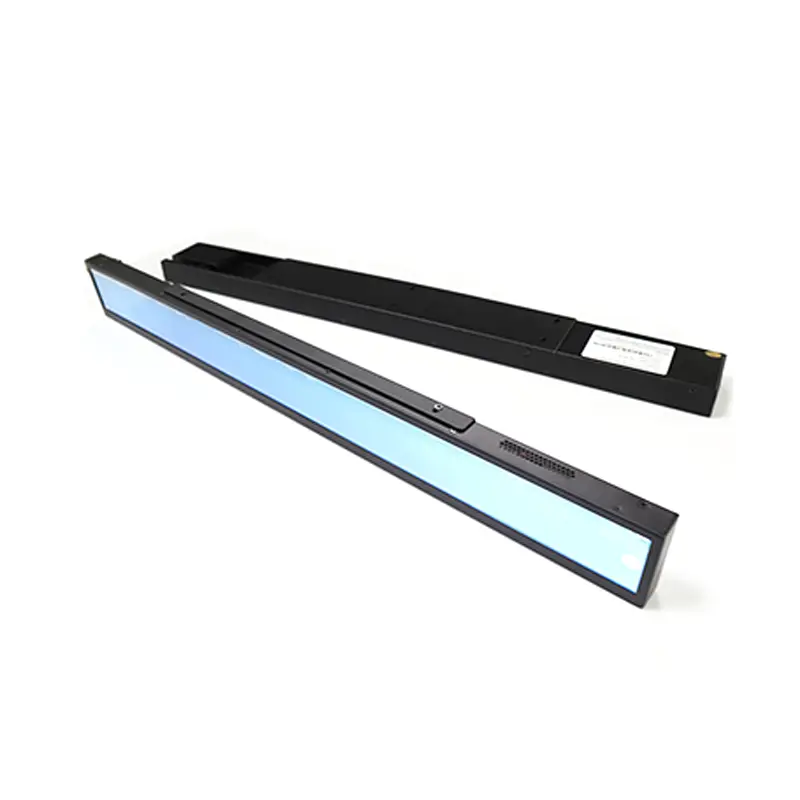
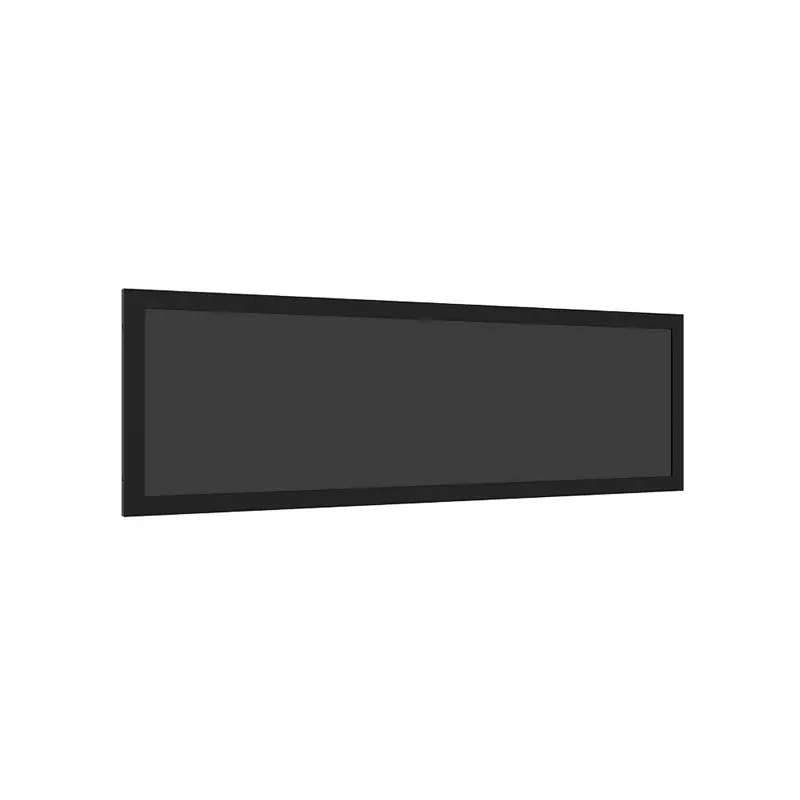
1920×540 High-Brightness Strip Display with Micro-USB, TF Input, and DC12V Power
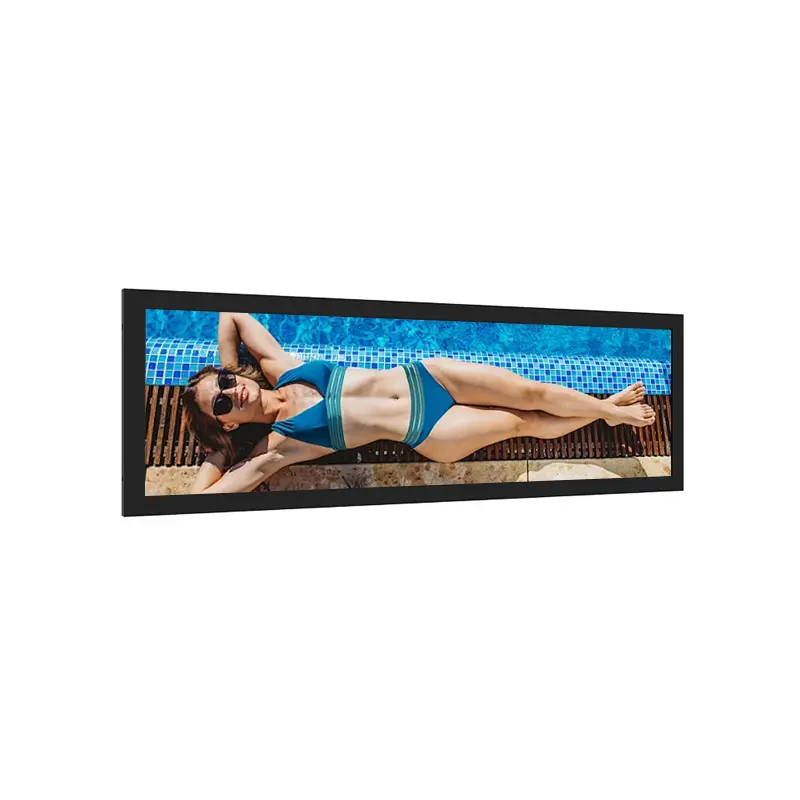
A 23.1 Inch USB Signage Strip Display is a slim 1920×540 stretched LCD for passenger information strips, EV charger messages, industrial HMI headers, and retail notice areas. It combines 500–5000 nits brightness, 178° horizontal and vertical viewing, Micro-USB and TF input, DC12V 2A power, ≤18 W consumption, bracket mounting, and a 21.50 mm profile. For OEM signage projects, it offers a narrow high-brightness format that can present route text, status prompts, and commercial messages without using a full rectangular monitor.
At a Glance: 23.1-Inch USB Strip Display Highlights
- 23.1-inch stretched LCD format supports narrow message areas, station notices, HMI headers, and shelf-style signage.
- 1920×540 resolution gives designers a long content canvas for text, icons, route prompts, and segmented advertising.
- 500–5000 nits brightness range supports indoor, bright public-space, and daylight-exposed project evaluation.
- Micro-USB and TF input help simplify content updates for signage applications that do not need a full external video interface.
- DC12V 2A input and ≤18 W power consumption provide a clear electrical starting point for enclosure planning.
- 598.62 × 65.4 × 21.50 mm dimensions and 1.2 kg net weight support slim bracket-mounted installation.
- 178° H/V viewing helps maintain readability for passengers, operators, and shoppers viewing from different positions.
Product Overview of the 23.1 Inch USB Signage Strip Display
The 23.1 Inch USB Signage Strip Display is designed for spaces where a conventional monitor is too tall, too visually heavy, or mechanically awkward. Its 1920×540 layout creates a long horizontal information band for route guidance, station prompts, machine status, queue messages, commercial notices, and equipment headers. This makes it useful for transit fixtures, EV charging kiosks, industrial panels, warehouse displays, and retail environments.
The strongest product angle is deployment simplicity. Unlike raw LCD modules that require a separate signal interface and controller-board discussion from the start, this display provides Micro-USB and TF input for media or content update workflows. That makes it more suitable for signage-strip projects where the display may operate as a compact information player rather than only a panel component.
Optically, the display supports a 500–5000 nits brightness range, 178° horizontal and vertical viewing, ≥1000:1 contrast, and 16.7M colors. Those specifications help buyers evaluate readability in public locations where viewing angle, ambient light, and message clarity matter. Before sample approval, buyers should confirm brightness target, media update method, bracket mounting, front protection, and thermal conditions.
Key Features of the 23.1 Inch USB Signage Strip Display
| Key Feature | B2B Value |
|---|---|
| 1920×540 stretched format | Provides a long horizontal canvas for transport prompts, retail messages, and equipment status strips. |
| 500–5000 nits brightness | Lets buyers match the display to indoor, bright indoor, or outdoor-facing conditions. |
| Micro-USB and TF input | Supports convenient content updates for compact signage and notice-display projects. |
| DC12V 2A input | Gives power engineers a clear input requirement for system-level planning. |
| ≤18 W power consumption | Helps slim signage systems control power budget and heat planning. |
| 598.62 × 65.4 × 21.50 mm structure | Fits narrow enclosures, bracket systems, header panels, and shallow public-display housings. |
| Mounting bracket support | Helps integrators plan a more deployment-ready installation path. |
| 178° H/V viewing | Supports readable information from side angles in public and industrial spaces. |
| 1.2 kg net weight | Helps mechanical teams review bracket load and cabinet structure early. |
Technical Specifications of the 23.1-Inch High-Brightness Strip Display
| Specification | Value |
|---|---|
| Product Type | Ultra-high brightness stretch LCD display |
| Display Size | 23.1 inch |
| Resolution | 1920 (RGB) × 540, 40 PPI |
| Active Display Area | 585.6 × 48.19 mm |
| Brightness | 500–5000 nits |
| Viewing Angle | 178° (H) / 178° (V) |
| Contrast Ratio | ≥1000:1 |
| Input Interface | Micro-USB, TF, reboot button |
| Input Power | DC12V, 2A |
| Power Consumption | ≤18 W |
| Dimensions | 598.62 × 65.4 × 21.50 mm |
| Mounting | With mounting bracket |
| Operating Temperature | -20°C ~ 70°C |
These confirmed values are the main engineering parameters for display selection. The public table excludes uncertain values, including the conflicting storage-temperature data, because buyers should confirm logistics and storage requirements from the final datasheet before committing to tooling or bulk procurement.
Why Choose a USB Signage Strip Display for Slim Public Fixtures?
A USB signage strip display is useful when the project needs a long visual message area and a simpler media-update path. Instead of building every installation around a full external video source, the Micro-USB and TF input direction can support compact information-display workflows for repeat messages, route notices, and commercial content.
1920×540 Strip Layout for Passenger and HMI Messages
The 1920×540 resolution gives a balanced ultra-wide canvas for short text, icons, arrows, status zones, and promotional strips. In passenger information systems, it can show stop names, directions, platform messages, or service notices. In industrial HMI headers, it can present equipment status, warning prompts, or process information above the main control area.
Micro-USB and TF Input for Content Update Workflows
Micro-USB and TF input make this product different from many LVDS-only bar LCD modules. For signage integrators, this can reduce system complexity when the project requires a compact information strip with periodic content updates. Buyers should still confirm supported file formats, update process, playback behavior, reboot handling, and any controller limitations before mass production.
Bracket-Mounted Slim Structure for Narrow Housings
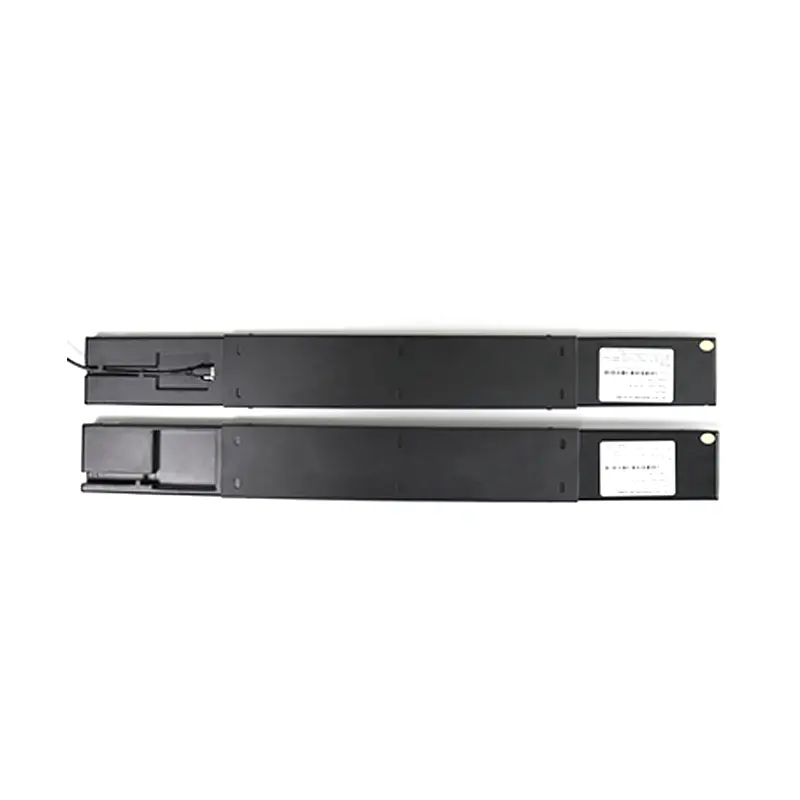
The 21.50 mm depth, 1.2 kg net weight, and included mounting bracket make the display practical for slim cabinets and public-facing fixtures. Mechanical engineers should review the bracket load, service access, front window opening, cable route, and heat path before finalizing the housing.
Display Readability for 500–5000 Nits Public Signage
The 500–5000 nits brightness range gives project teams a wide optical selection window. Lower configurations may fit controlled indoor signage, while higher brightness can be evaluated for bus stops, rail stations, EV charging kiosks, and window-facing commercial areas.
Brightness Selection for Daylight-Exposed Installations
Brightness should be selected with the full system in mind. For daylight-exposed use, a higher nit level may improve readability, but the enclosure, cover glass, reflection control, ventilation, and thermal dissipation must also be reviewed. Brightness alone does not make the finished product waterproof or outdoor-certified.
178° Viewing for Passenger and Queue Areas
The 178° horizontal and vertical viewing angle supports installations where users approach from multiple directions. This is important in transit corridors, retail aisles, warehouse walkways, and service counters where viewers rarely stand directly in front of a display.
Contrast and Color for Short-Text Visibility
The ≥1000:1 contrast ratio and 16.7M display colors support clear presentation of text, icons, status graphics, and simple advertising. For fast-reading public signage, content designers should use suitable font size, strong contrast, and simple message hierarchy rather than relying only on panel brightness.
Media Input, Power, and Bracket Integration
The display should be evaluated as a compact signage subsystem, not only as a raw LCD panel. The confirmed Micro-USB, TF, reboot button, DC12V 2A input, and ≤18 W power consumption give engineering teams concrete starting points for electrical and media-flow planning.
Micro-USB, TF, and Reboot Button Planning
Before procurement, confirm how the Micro-USB and TF inputs are used in the final display configuration. Buyers should request playback details, content-update procedure, supported storage requirements, reboot behavior, and maintenance access. For public installations, the interface area may need protection against unauthorized access.
DC12V 2A and ≤18 W Electrical Review
The DC12V 2A input and ≤18 W power consumption help power-system designers estimate wiring, adapter capacity, thermal margin, and serviceability. If the display is used in a sealed or sunny environment, thermal validation should be performed under the selected brightness level.
Mechanical Fit with 598.62 × 65.4 × 21.50 mm Dimensions
The slim shape is one of the main integration advantages. Designers should compare the overall dimension, bracket position, cable route, front protection, and visible area before cutting the enclosure. If a cover glass or protective front layer is required, reflection and service access should be reviewed together.
Recommended Applications for Slim Signage Strip Projects
The display fits projects where information must be visible, horizontal, and space-efficient.
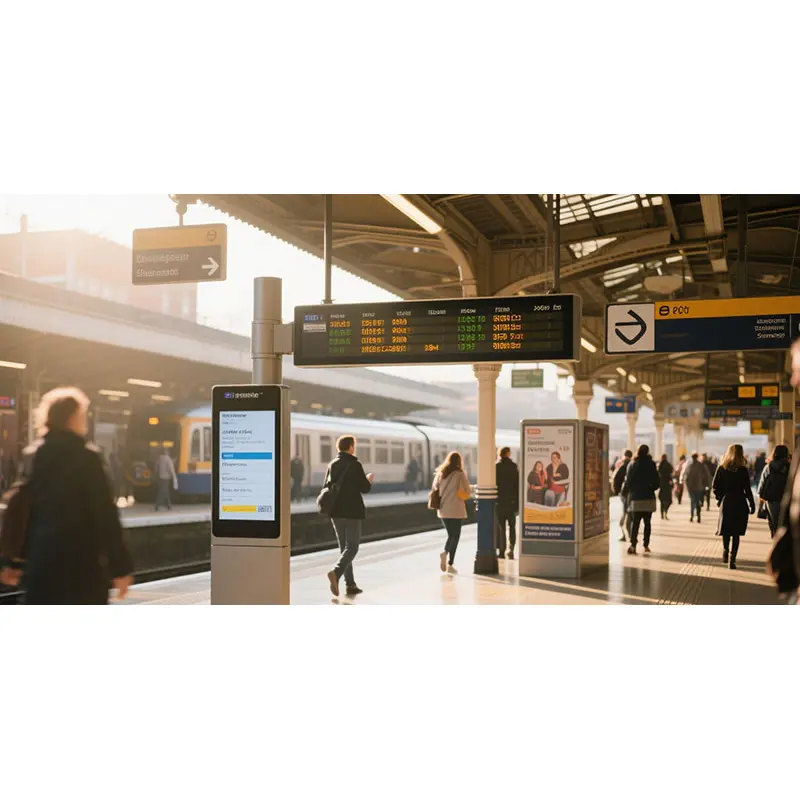
Passenger Information Strips for Bus, Metro, and Rail
Transit systems can use the display for route prompts, service alerts, platform notices, and directional text. The long shape is useful for headers and narrow installation zones where a conventional monitor would occupy too much height.
EV Charging and Outdoor-Facing Message Areas
EV charging kiosks can use a slim signage strip for charging status, instructions, pricing notices, promotional content, or operating prompts. For outdoor-facing installations, the final system should evaluate front glass, sealing, heat, and reflection control.
Industrial HMI Headers and Warehouse Status Panels
Factories and warehouses can use the display for machine state, line status, safety prompts, loading dock notices, or shift messages. The bracket-ready format and low-height structure help fit it above workstations, equipment panels, or warehouse aisles.
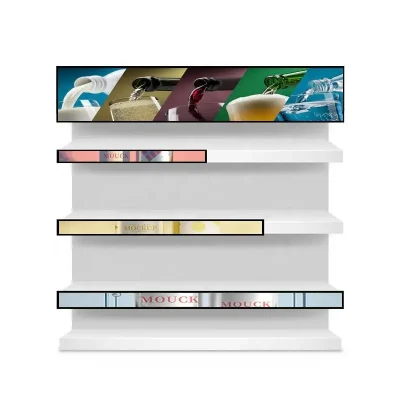
Retail Shelf-Style and Commercial Notice Displays
Retail and commercial environments can use the display for shelf-edge promotions, queue information, product-area guidance, mall notices, or short advertising strips. The Micro-USB/TF direction may simplify content updates in smaller installations.
Customization Options for 23.1-Inch Signage Strip Projects
Project evaluation can include brightness selection, cover glass, anti-glare or AR surface review, optical bonding assessment, bracket adaptation, enclosure design, cable routing, front protection, and media workflow review. These options should be validated against the final installation environment, quantity, maintenance access, and visual-performance requirements.
If the display will be used outdoors or in a semi-outdoor setting, confirm the finished enclosure protection separately. The panel and display data support high-brightness evaluation, but they do not by themselves prove waterproof or IP-rated performance.
Procurement and Engineering Checklist for USB Signage Strip Selection
- Confirm the 1920×540 content plan, including font size, icon width, and message length.
- Select the brightness target based on ambient light, cover glass, and viewing distance.
- Confirm Micro-USB and TF content-update workflow before designing the service access area.
- Review DC12V 2A input, ≤18 W power budget, cable routing, and adapter requirements.
- Compare 598.62 × 65.4 × 21.50 mm dimensions with the enclosure and bracket design.
- Validate bracket load, mounting surface, vibration exposure, and service clearance.
- Confirm whether a front cover glass, anti-glare layer, or optical bonding is needed.
- Resolve the storage-temperature conflict before logistics or long-term storage planning.