
~
~
~
~
~
~
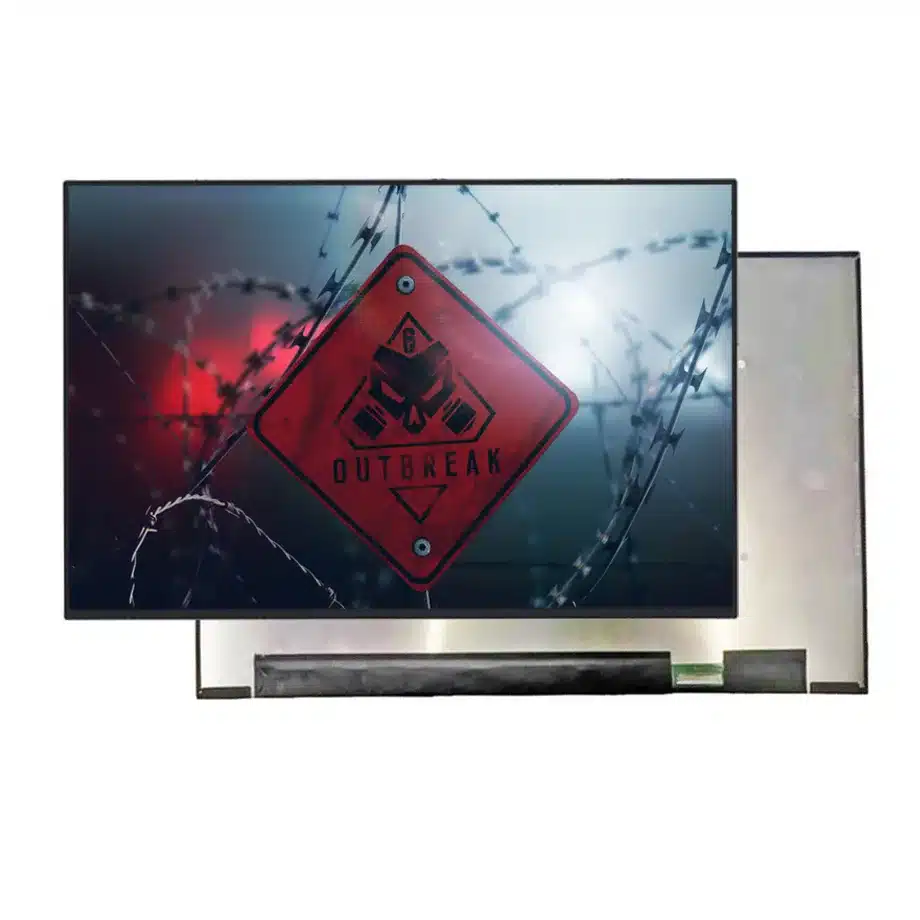
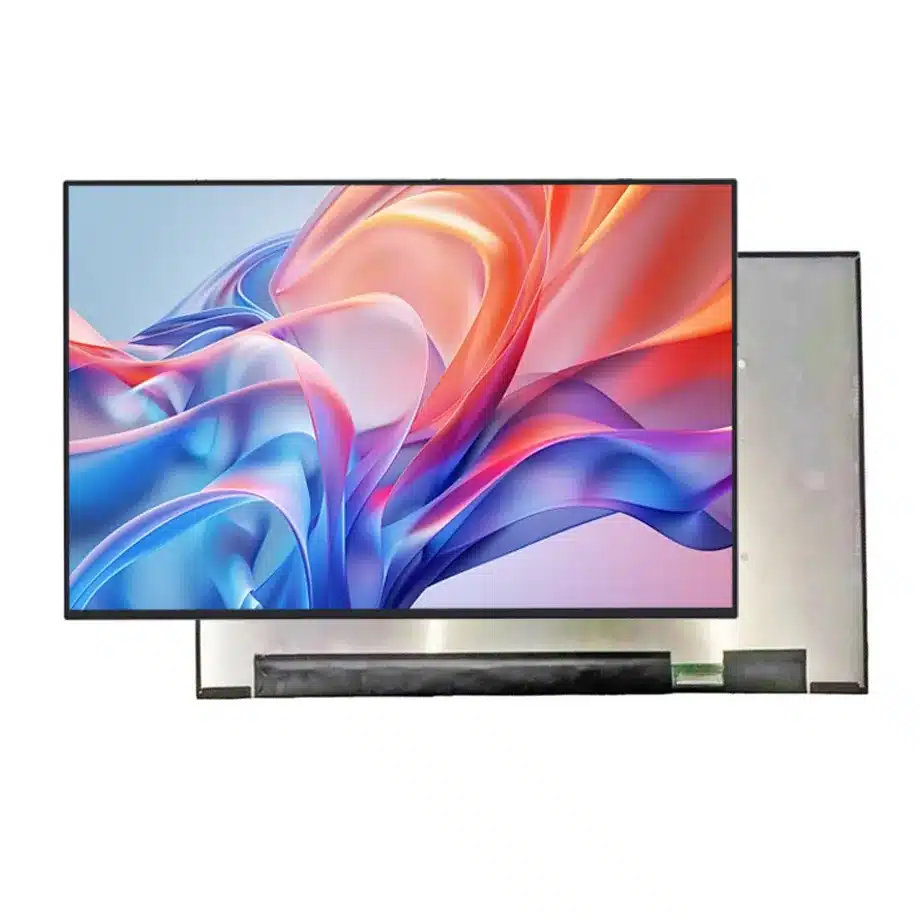
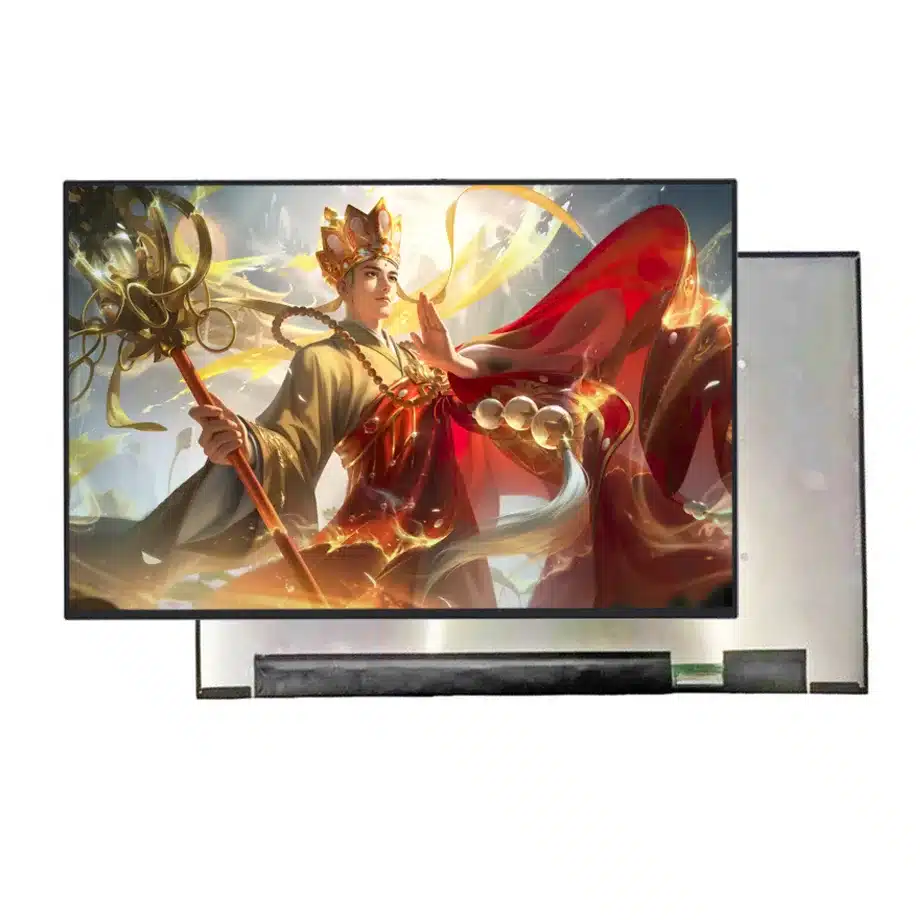
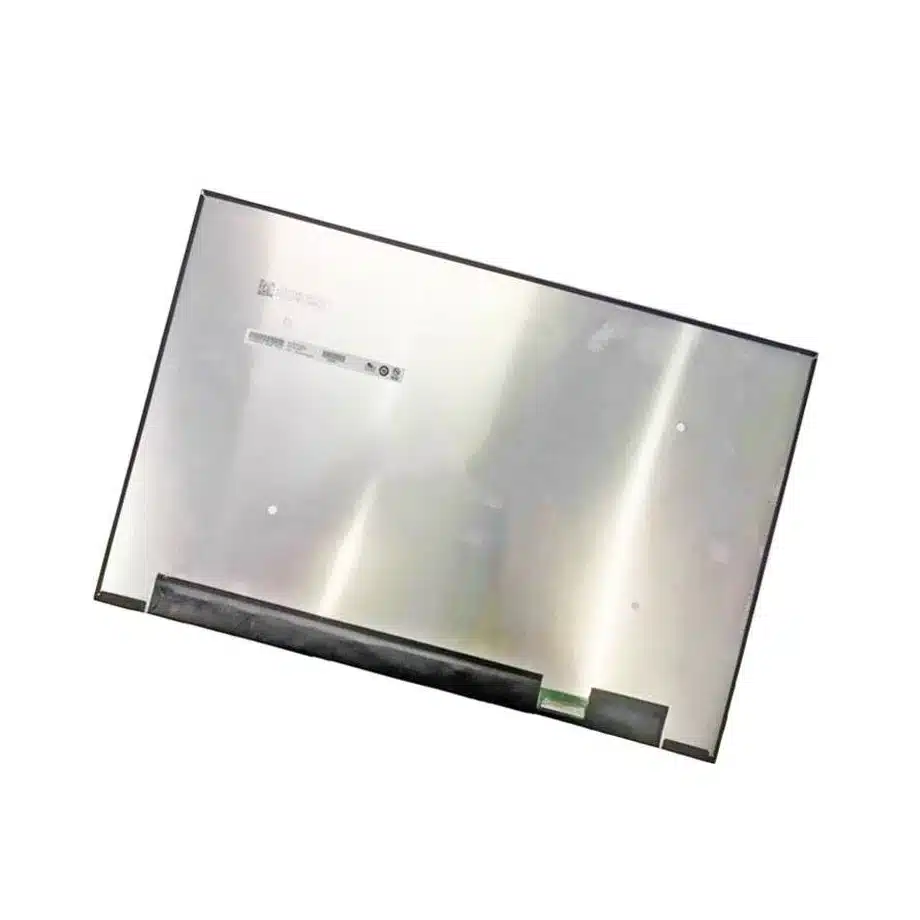
B180QAN01.6 Antireflection DMRRS sDRRS 18in LTPS Display AUO
Model P/N
Size
Resolution
Brightness
Viewing Angle
Connector Type
Operating Temp
Overall(mm)
auo
B180QAN01.6
Brand
Panel Size (inch)
Model P/N
Resolution
Brightness (nits)
Viewing Angle
Contrast Ratio
Response Time
Overall (mm)
Active Area (mm)
Refresh Rate
Display Colors
Panel Type
Connector Type
Surface Treatment
Operating Temp
Touchscreen Type
Storage Temp
Work Mode
Pixel Format
Input Voltage (V)
Vibration Resistance
Weight (g)
Designed For
Product Details
The B180QAN01.6 Antireflection DMRRS sDRRS 18in LTPS Display is an 18.0-inch AUO LTPS TFT-LCD module designed around a 2560×1600 16:10 image and a 240 Hz performance target. The current-run parameters establish 500 cd/m² typical luminance, 99% DCI-P3 wording, antiglare/antireflection treatment, a 394.76×253.75×5.5 mm outline and four-lane eDP 1.4b HBR3. The exact-model reference further lists sDRRS, DMRRS, PSR1/PSR2 and G-Sync/FreeSync-related capabilities. This combination makes the panel suitable for premium gaming-notebook evaluation where bandwidth, color, motion and lid structure are all first-order design inputs.
At 18 inches, integration is not simply a scaled-up 16-inch exercise. The 560 g maximum mass changes hinge and torsion loads, HBR3 places tighter demands on the production cable, and the 240 Hz mode must coexist with power-state features and overdrive. Qualification should therefore preserve a known-good GPU/BIOS/driver baseline and an exact mechanical drawing rather than treating the module as a generic WQXGA screen.
Three buyer value propositions
240 Hz WQXGA on an 18-inch 16:10 workspace
The panel combines an expansive 18-inch active area with a 2560×1600 native image and 240 Hz refresh. That gives performance notebooks a defined balance between vertical workspace and motion cadence. The buyer value depends on validating the real HBR3 path and approved timing set, not merely on seeing 240 Hz in a feature list.
99% DCI-P3 wording with antireflection surface treatment
The user-supplied facts include 1.06B colors, 99% DCI-P3, 500 cd/m² typical luminance and an antiglare/antireflection surface. These parameters establish a strong component-level optical baseline for gaming or creator-oriented notebooks while stopping short of claiming factory calibration, HDR certification or a particular Delta-E.
DMRRS, PSR and adaptive-sync references for system power and motion control
The same-model description names DMRRS, sDRRS, PSR1, PSR2, G-Sync, FreeSync and adaptive sync. Those functions give firmware teams a concrete validation matrix for display-state transitions. They remain host-dependent and should be released with the specific GPU and BIOS used in the final notebook.
Key Specifications at a Glance
| Brand | AUO |
|---|---|
| Model P/N | B180QAN01.6 |
| Size | 18.0 inch |
| Resolution | 2560(RGB)×1600, WQXGA, 16:10 |
| Active Area | 387.763×242.352 mm (H×V) |
| Overall | 394.76×253.75×5.5 mm |
| Brightness | 500 cd/m² (Typ.) |
| Viewing Angle | 85/85/85/85 (Typ.)(CR≥10) |
| Display Colors | 1.06B, 99% DCI-P3, Low Blue Light |
| Weight | 560 g (Max.) |
| Refresh Rate | 240 Hz, FreeSync / G-Sync |
| Connector / Native Interface | eDP (4 Lanes), eDP1.4b, HBR3 (8.1G/lane), 40 pins 0.5 mm connector |
| Input Voltage | 3.3 V (Typ.) |
| Operating Temperature | 0 ~ 50 °C |
| Storage Temperature | -20 ~ 60 °C |
| Vibration | 1.5G (14.7 m/s²) |
| Panel Type | LTPS TFT-LCD, LCM |
| Pixel Format | RGB Vertical Stripe |
| Surface Treatment | Antiglare, Antireflection |
| Contrast Ratio | 1700:1 (Typ.) |
| Response Time | 8 ms (Typ.)(Tr+Td), 5 ms (Typ.)(G2G), 3 ms (Typ.)(G2G)(OD) |
| Work Mode | AHVA, Normally Black, Transmissive |
| Backlight / Emission | 15,000 hours (WLED, integrated LED driver) |
| Designed For | Laptop and gaming notebook display integration; 18-inch high-refresh WQXGA performance systems |
| Touchscreen Type | Without touch screen |
How much HBR3 margin is needed for the 240 Hz mode?
Treat the four-lane 8.1 Gbit/s-per-lane path as a signal-integrity design, not a connector checkbox. Use the shipping cable routed through the hinge, then run repeated cold boot, restart, sleep/wake and long-duration high-frame-rate tests. Watch for link retraining, momentary black frames, sparkles and fallback behavior. If the platform exposes link diagnostics, preserve them with the first-article report. Cable construction, bend radius, grounding and connector retention can materially affect HBR3 margin, especially in a large lid with a longer harness.
What should DMRRS and PSR testing look like?
Create state-transition cases rather than checking only a steady desktop. For DMRRS/sDRRS, observe refresh changes during content shifts, idle states and resume. For PSR1/PSR2, use static windows, partial updates and mixed video/UI workloads. Then combine those states with 240 Hz and adaptive-sync cases to reveal firmware interactions. Record the exact BIOS, graphics driver and operating-system build used for approval. These panel feature references support targeted testing, but any measured power benefit belongs to the complete platform.
How should FreeSync and G-Sync references be qualified?
Determine which adaptive-sync path the target GPU actually exposes and measure the usable range. Sweep frame rate slowly through the range limits and also create rapid transitions with representative games. Evaluate flicker, frame pacing, blanking and recovery after alt-tab, external-monitor changes and suspend/resume. The exact-model reference supports FreeSync/G-Sync-related evaluation but does not establish universal certification or compatibility across every GPU generation. Keep the claim at the panel-capability level unless the finished notebook has its own validated program.
Antireflection, color gamut and finished-lid optics
The antiglare/antireflection surface, 500 cd/m² typical luminance and 99% DCI-P3 wording should be measured through the completed lid. Bezel geometry, protective films and panel calibration can alter perceived glare and color. Define whether the product needs gamut coverage, white-point control, color-error limits or merely a broad-gamut target. A component specification is not a substitute for factory calibration. If the notebook includes software low-blue-light modes, qualify them separately because their color shift is intentional and system-controlled.
Overdrive acceptance at multiple refresh points
The supplied response data includes 8 ms Tr+Td, 5 ms G2G and 3 ms G2G with overdrive. Use high-contrast moving edges, dark transitions and representative game scenes to inspect overshoot at fixed 240 Hz and lower refresh states. Adaptive sync can expose artifacts that do not appear at a single maximum mode. Keep the 3 ms figure explicitly tied to OD. A sourcing comparison should consider the complete response set rather than replacing it with the smallest conditional number.
18-inch hinge loading and lid stiffness
At up to 560 g, the panel contributes materially to hinge torque and lid inertia. Compare the exact 394.76×253.75×5.5 mm outline, connector exit and bent-PCBA region against the chassis. Check bezel support for even pressure across the large panel and confirm that hinge movement does not pull on the eDP cable. Run repeated open-close cycles and handling tests on a fully assembled first article. Panel-level vibration evidence of 1.5G is useful context but does not predict the vibration behavior of the finished lid.
Backlight and thermal behavior during sustained gaming
The integrated WLED system is listed at 15,000 hours. Sustained 500-nit operation plus GPU heat can raise the panel environment above a simple room-temperature assumption. Instrument the lid during a representative gaming workload, especially near the backlight electronics and cable. Validate the documented 0 to 50 °C panel operating boundary at the component location. Avoid turning the backlight-hour figure into a notebook lifetime guarantee; operating temperature, duty cycle and platform power policy influence field life.
Release dossier for an 18-inch performance display
Preserve the exact AUO model, drawing, HBR3 cable, native timing, 240 Hz mode, adaptive-sync range, DMRRS/PSR results, OD observations and optical acceptance data. Include the BIOS and graphics-driver baseline. If a future panel has the same diagonal and WQXGA resolution, compare this entire package before calling it a replacement. This avoids expensive late-stage issues caused by a different connector location, cable loss, refresh-state behavior or surface treatment.
First-article evidence for an 18-inch 240 Hz platform
The first-article package should show more than a successful desktop image. Record the panel marking, HBR3 cable revision, native timing, fixed 240 Hz behavior, adaptive-sync window, DMRRS/PSR transitions, overdrive observations and assembled-lid optical checks. Include hinge-torque and cable-strain observations because the 18-inch mass materially affects mechanics. If a failure occurs only after resume or under a high-load game, document that exact scenario. A reproducible evidence package helps engineering separate panel, cable, firmware and chassis causes when later lots or software updates behave differently.
Large-panel handling and incoming inspection
At 394.76×253.75 mm and up to 560 g, handling controls matter before the panel reaches the assembly station. Define acceptable packaging, edge handling, connector protection and cosmetic inspection without inventing unsupported quality grades. Sample functional inspection can include native 240 Hz operation and a representative dark/motion scene. If a lot shows unusual pressure marks, backlight behavior or link-training changes, stop automatic release and compare it with the approved sample. This prevents a mechanically stressed or configuration-different lot from becoming the new baseline by accident.
Configuration-specific commercial language
The strongest supported claims are WQXGA, 240 Hz, 500 cd/m² typical luminance, 99% DCI-P3 wording, antireflection treatment and the named adaptive/power-management features. Do not extend those facts into universal GPU compatibility, calibrated color accuracy, HDR certification, battery-life improvement or guaranteed gaming performance. Commercial copy should remain tied to the exact tested configuration and direct buyers to host-level qualification. Clear claim boundaries make procurement decisions more defensible when a future alternate has different firmware-visible behavior.
Production regression triggers
Define regression triggers after release. A new HBR3 cable should rerun maximum-refresh and resume checks; a BIOS display-policy change should rerun DMRRS, PSR and adaptive-sync cases; a lid or hinge revision should rerun cable-strain and pressure review. Optical recalibration should be repeated if the cover stack or brightness-control curve changes. This keeps engineering effort focused on the interfaces that actually changed while preserving a traceable known-good configuration for future lots and service replacements.
Evidence and engineering references
Use the supplied B180QAN01.6 reference for exact-model traceability. For eDP/HBR terminology, consult the current VESA standards resources; they do not replace model-specific host qualification.
Engineering and sourcing review
For release, keep B180QAN01.6 tied to the exact current-run fact set, approved drawing or first article, native interface definition, power sequence, optical acceptance and the target system configuration. Replacement approval should be evidence-based and model-specific; shared size, resolution, connector count or family name is not sufficient proof of interchangeability.
Recommended: Same Size
(18")
Applications & Value of LCD Panel

- Fast sourcing with in-stock panels & cross-reference alternatives
- Stable supply chain with long-term availability
- Engineering-level support from panel to integration
- Custom solutions: cable, touch & optical bonding
- Strict quality control with IQC / OQC / aging test
- Full traceability system for quality assurance
- Complete technical documentation & drawings
- Compliance support: RoHS & certification files
