
~
~
~
~
~
~
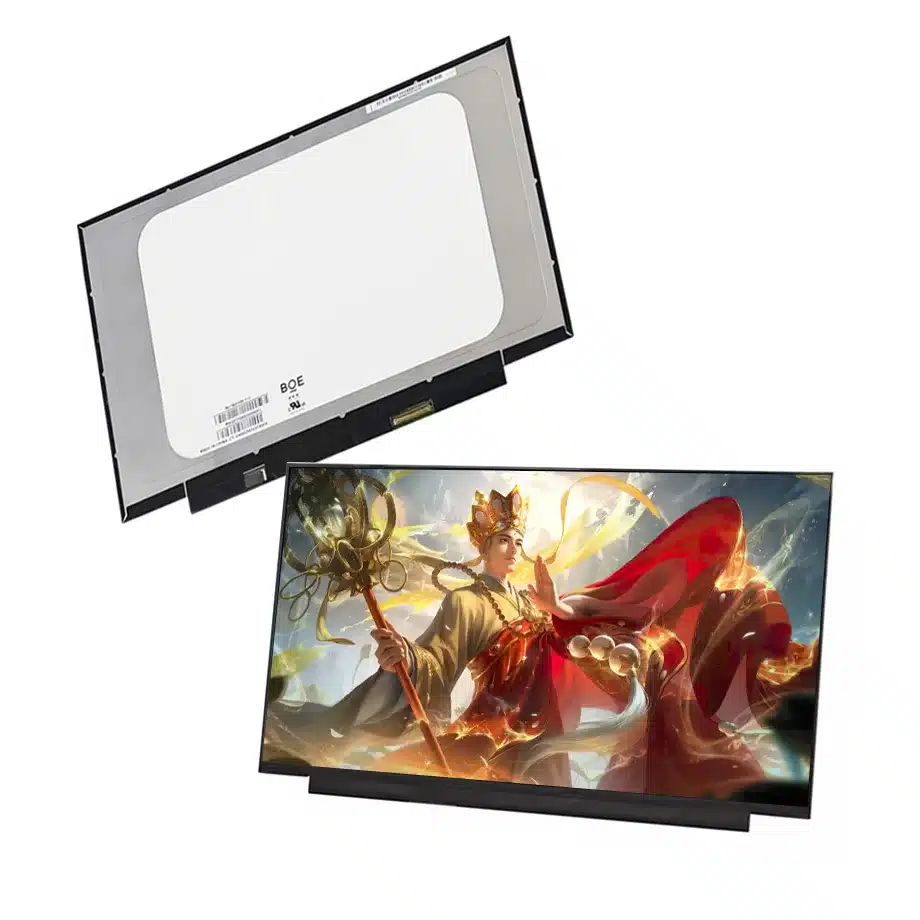
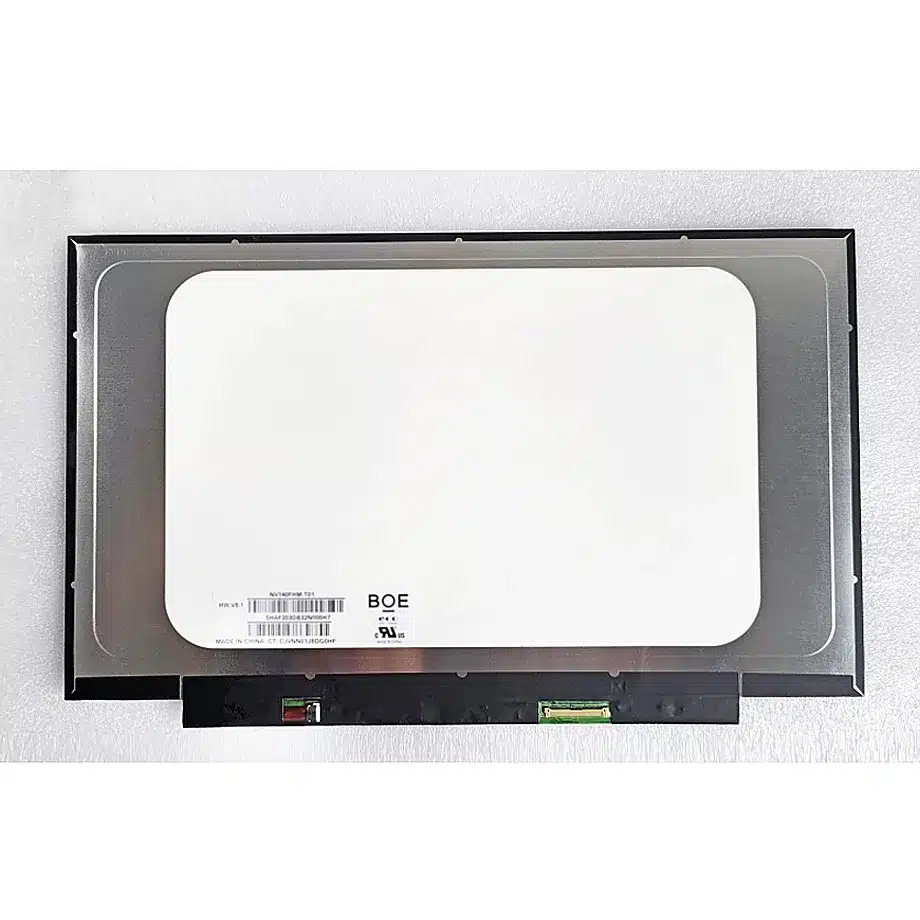
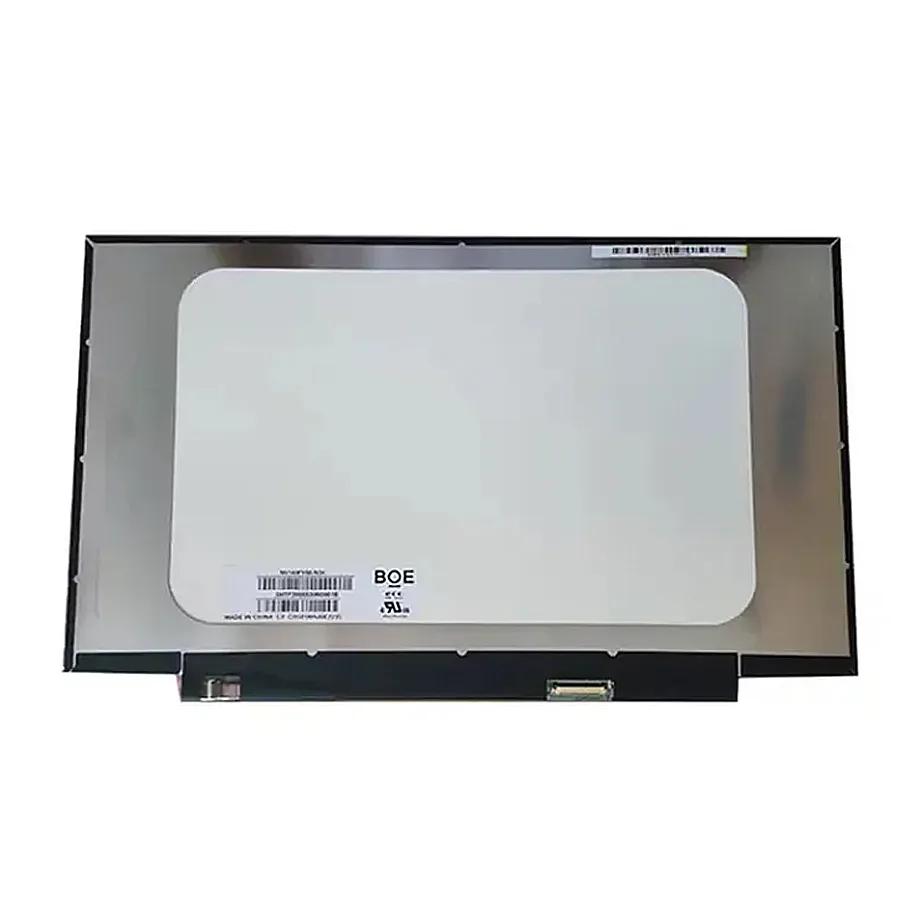
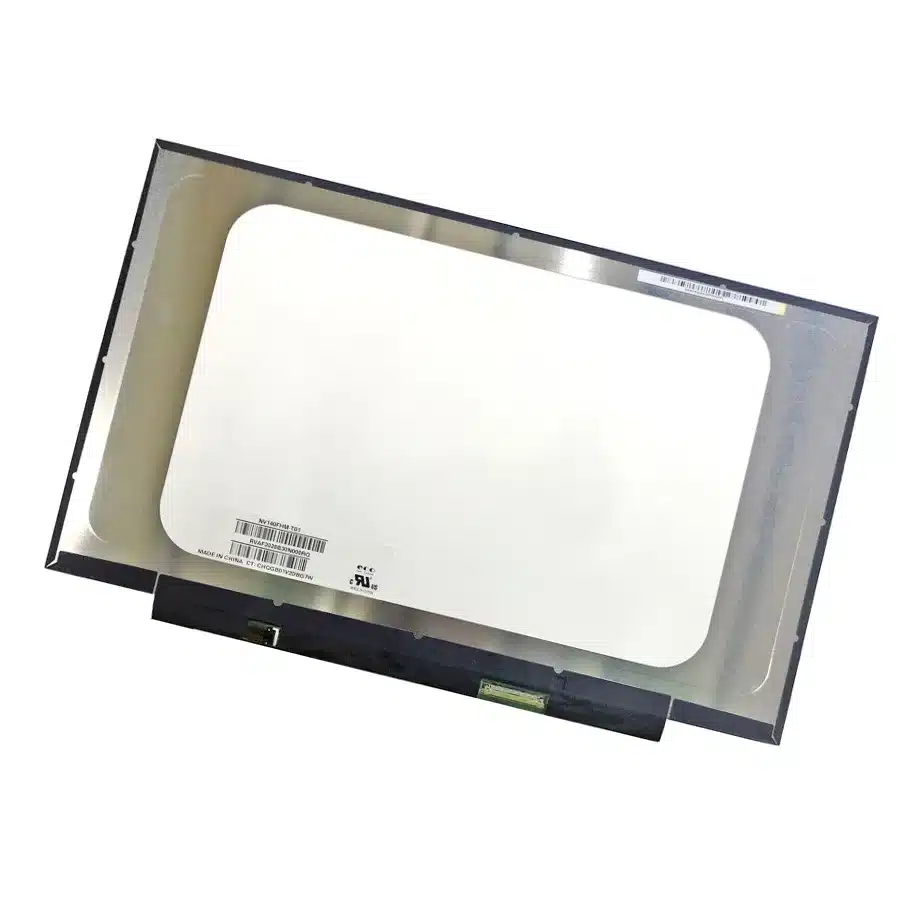
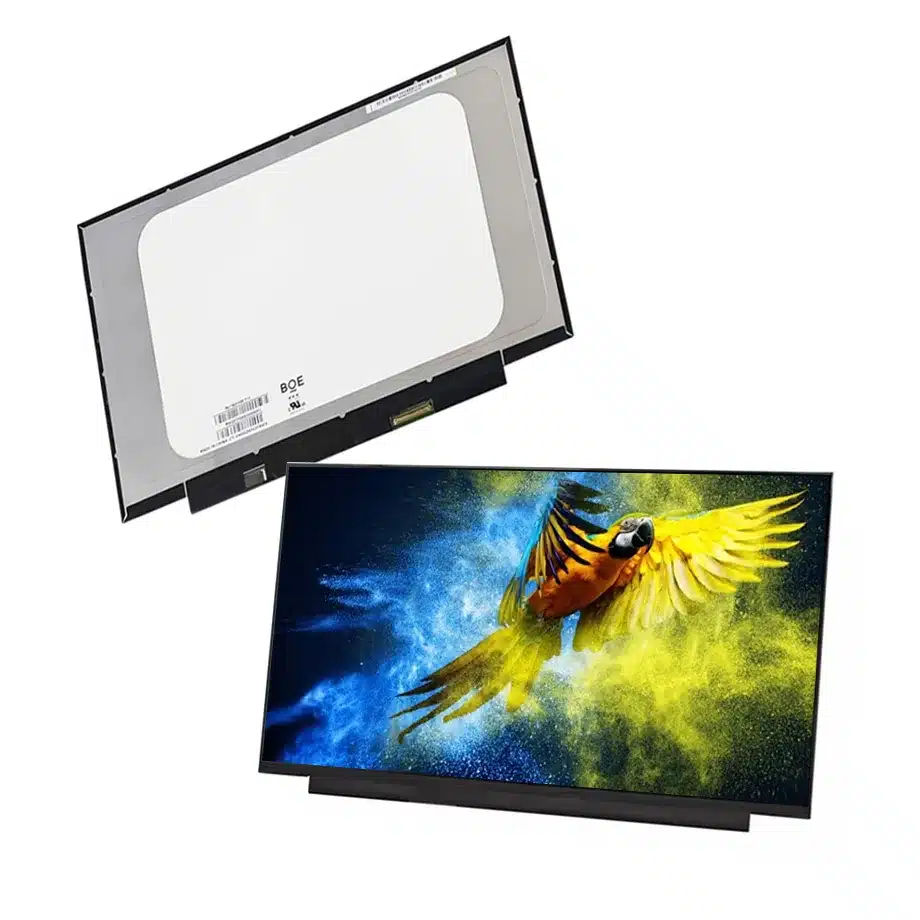
NV140FHM-T12 262K Flat-PCBA Touch LCM 14 Inch eDP1.2 BOE
Model P/N
Size
Resolution
Brightness
Viewing Angle
Connector Type
Operating Temp
Overall(mm)
boe
NV140FHM-T12
Brand
Panel Size (inch)
Model P/N
Resolution
Brightness (nits)
Viewing Angle
Contrast Ratio
Response Time
Overall (mm)
Active Area (mm)
Refresh Rate
Display Colors
Panel Type
Connector Type
Surface Treatment
Operating Temp
Touchscreen Type
Storage Temp
Work Mode
Pixel Format
Input Voltage (V)
Vibration Resistance
Weight (g)
Designed For
Product Details
Product Overview
NV140FHM-T12 262K Flat-PCBA Touch LCM is a 14.0-inch BOE a-Si TFT-LCD module with integrated On-Cell Touch for FHD notebook use. It uses 1920(RGB)×1080 resolution in a 16:9 aspect ratio with a 309.31 × 173.99 mm active area. The panel operates in ADS normally-black transmissive mode and is specified for 800:1 typical contrast, 85/85/85/85 typical viewing at CR≥10, a 30 ms typical Tr+Td response and 262K display colors. Same-model public distributor information adds a 300 cd/m² typical brightness and approximately 280 g weight for the exact model.
The surface is antiglare with 3H hard coating. The module runs at 60 Hz and includes a WLED backlight with integrated LED driver and a 15,000-hour source-life figure. Its display interface is two-lane eDP 1.2 at HBR1 2.7 Gbit/s per lane on a 40-pin connector, powered from a 3.3 V typical panel rail. The On-Cell Touch function is confirmed, while a separate touch-interface field is not established and should not be guessed.
The exact-model technical listing identifies the model for laptop use and documents the touch-enabled 40-pin configuration. An independent same-model distributor specification corroborates 300 cd/m² brightness, 280 g weight and the On-Cell Touch notebook configuration. For eDP architecture context, VESA eDP guidance explains the role of embedded links inside portable systems.
Three Core Buyer Value Propositions
1. On-Cell Touch integrates the interactive layer into the notebook display
The confirmed touch architecture is On-Cell Touch rather than an external add-on panel. That can simplify the front display stack and preserve a slim notebook package when the system cable and touch electronics are designed for the exact model. The feature does not prove a particular stylus mode, glove behavior, touch service life or controller protocol. Those properties need exact BOE documentation or complete-device validation.
2. A 40-pin eDP 1.2 path creates a specific touch-replacement boundary
Touch notebook panels often use a different connector and cable arrangement from non-touch screens. NV140FHM-T12 uses two eDP lanes at HBR1 through a 40-pin connector, making pin assignment and cable compatibility central to replacement planning. A 14-inch FHD non-touch screen with a 30-pin connector is not an electrical substitute even when the active display area is similar.
3. Flat-PCBA slim packaging suits compact FHD notebook assemblies
The exact model is described as a slim flat-PCBA configuration with T≤3.2 mm for the relevant board/package area. That can be useful where the rear lid has limited clearance, but it does not replace the need for the complete mechanical drawing. The flat-board footprint, connector position, cable route and touch-enabled front stack all need to match the target computer.
Key Specifications at a Glance
| Parameter | Confirmed value |
|---|---|
| Manufacturer / model | BOE NV140FHM-T12 |
| Display size | 14.0 inch |
| Panel type | a-Si TFT-LCD, LCM |
| Resolution | 1920(RGB)×1080, FHD, 16:9 |
| Active area | 309.31 × 173.99 mm |
| Brightness | 300 cd/m² typical from same-model distributor evidence |
| Contrast | 800:1 typical |
| Viewing | 85/85/85/85 typical at CR≥10 |
| Response | 30 ms typical Tr+Td |
| Display colors | 262K |
| Refresh | 60 Hz |
| Surface | Antiglare, 3H hard coating |
| Interface | eDP 1.2, 2 lanes, HBR1, 40-pin connector |
| Supply | 3.3 V typical |
| Backlight | WLED, 15K hours, integrated LED driver |
| Touch | On-Cell Touch |
| Weight | Approximately 280 g from same-model distributor evidence |
| Operating / storage | 0 to 50 °C / -20 to 60 °C |
What Must Match in an On-Cell Touch Replacement?
A successful replacement needs more than the same 14-inch diagonal and FHD resolution. Verify the 40-pin connector, exact pin assignment, cable orientation, eDP timing, panel power and the touch-related signals carried by the notebook cable. The image may work even if the touch path is not wired correctly, so display output alone is not a complete acceptance test.
NV140FHM-T12 262K Flat-PCBA Touch LCM should be checked for image operation, touch enumeration, coordinate accuracy, multi-touch behavior and recovery after sleep or lid-close events. If the original notebook uses a specific cable or lid assembly for touch, preserve those parts until engineering has verified an alternative. A non-touch cable should not be assumed to expose the lines required by the On-Cell implementation.
Do not infer the touch controller protocol
The touch type is confirmed, but a dedicated touch-interface field is not. It would be unsafe to label the touch path I²C, USB or another protocol simply because a different On-Cell panel uses it. Obtain the exact BOE electrical documentation before designing a custom controller or cable.
How Should the 300 cd/m² Brightness Be Used?
The 300 cd/m² typical value comes from same-model public distributor evidence and fills a parameter that is absent from the supplied technical row. It places the panel in a mainstream indoor notebook brightness class rather than a sunlight-readable category. Validate the final machine under ordinary office and travel lighting, especially because touch front stacks can change reflectance and perceived contrast.
Brightness should be measured after the complete touch display is installed and warmed up. The backlight driver is integrated, but the notebook firmware controls user brightness and power policy. If the service or OEM program has a minimum luminance requirement, define the measurement method and acceptable tolerance rather than using a single nominal number without context.
What Does 262K Color Mean for Product Positioning?
The confirmed display-color value is 262K. That should be preserved even when a reseller lists a broader color-space percentage for the same panel, because the supplied field is already established. The module therefore should be positioned primarily around touch integration, FHD notebook compatibility and the exact cable architecture instead of making wide-gamut or creator-display claims.
For ordinary business, education and mobile UI use, the relevant questions are whether text, controls and images meet the finished notebook's visual requirements. If a program needs full-sRGB or color-critical performance, request exact BOE gamut documentation and test representative units rather than upgrading the product category from unrelated family expectations.
Why Is Flat-PCBA Geometry Important?
The panel uses a slim flat-PCBA arrangement, meaning the rear electronics occupy a different envelope from a bent-board notebook panel. Cable routing and rear-lid clearances should be checked against the mechanical drawing. A screen can have the correct active area and connector yet create pressure, cable strain or bezel interference if its rear electronics sit in another location.
The exact full outline dimensions are not sufficiently clear from the available engineering sources to store with confidence, so they should remain unresolved until the BOE drawing is obtained. This is safer than converting an ambiguously labeled reseller dimension into a production mechanical specification. The 309.31 × 173.99 mm active area remains useful for the visible opening but is not a substitute for the complete module envelope.
Where Does NV140FHM-T12 Fit Best?
The documented application is laptop use, and replacement-market sources independently identify it as a 14-inch FHD On-Cell Touch notebook screen. NV140FHM-T12 262K Flat-PCBA Touch LCM fits touch-enabled business laptops, education notebooks and portable productivity systems where the exact 40-pin eDP 1.2 cable and slim flat-PCBA package match the chassis.
It is not a high-refresh gaming panel; the base refresh is 60 Hz. The operating range of 0 to 50 °C is a normal notebook component range, not evidence of rugged or industrial wide-temperature qualification. Touch integration alone should also not be interpreted as a kiosk, medical or automotive classification without separate application evidence.
How Should First-Article Approval Be Structured?
Record the exact NV140FHM-T12 label, notebook cable and motherboard/BIOS revision. Bring up native 1920×1080 at 60 Hz, verify brightness control and confirm that the touch device enumerates reliably after cold boot. Test coordinate mapping at the corners and center, multi-touch gestures and recovery after sleep or lid-close transitions.
Then install the panel into the production lid and inspect rear-PCBA clearance, cable bend and bezel pressure. Recheck touch accuracy after the mechanical stack is complete because pressure, cover materials and grounding can affect behavior. Keep the approved panel and cable combination in the bill of materials so a later non-touch or differently wired 40-pin substitute is not introduced without review.
How Should Incoming Touch Modules Be Controlled?
Incoming inspection should verify the full NV140FHM-T12 label, 40-pin connector condition and touch-enabled configuration before the module is released to assembly. A sample from each new lot should be tested for native FHD image output and touch enumeration using the approved notebook cable. Mechanical inspection should also confirm that the flat-PCBA region and connector position match the controlled drawing. If a supplier offers a nominally compatible 14-inch FHD touch panel, require separate approval for pin mapping, touch behavior and lid fit rather than accepting it from size and resolution alone.
Procurement Checklist
- Confirm exact BOE NV140FHM-T12 identity and current revision.
- Match two-lane HBR1 eDP 1.2 and the exact 40-pin connector map.
- Verify 3.3 V panel power and native 1920×1080 timing.
- Test On-Cell Touch enumeration, coordinate accuracy and sleep/wake recovery.
- Use 300 cd/m² and approximately 280 g only as same-model completed values, subject to current BOE confirmation.
- Keep the supplied 262K color value as the established product fact.
- Request the exact BOE mechanical drawing before using full outline dimensions in tooling.
- Confirm current lifecycle and revision information before volume sourcing.
NV140FHM-T12 262K Flat-PCBA Touch LCM is a touch-enabled FHD notebook module whose main integration advantage is the exact combination of On-Cell Touch, a 40-pin eDP 1.2 path and slim flat-PCBA packaging. Replacement and OEM qualification should treat the display and touch functions as one controlled system rather than assuming that any 14-inch FHD touch panel is interchangeable.
Recommended: Same Size
(14")
Applications & Value of LCD Panel

- Fast sourcing with in-stock panels & cross-reference alternatives
- Stable supply chain with long-term availability
- Engineering-level support from panel to integration
- Custom solutions: cable, touch & optical bonding
- Strict quality control with IQC / OQC / aging test
- Full traceability system for quality assurance
- Complete technical documentation & drawings
- Compliance support: RoHS & certification files
