
~
~
~
~
~
~
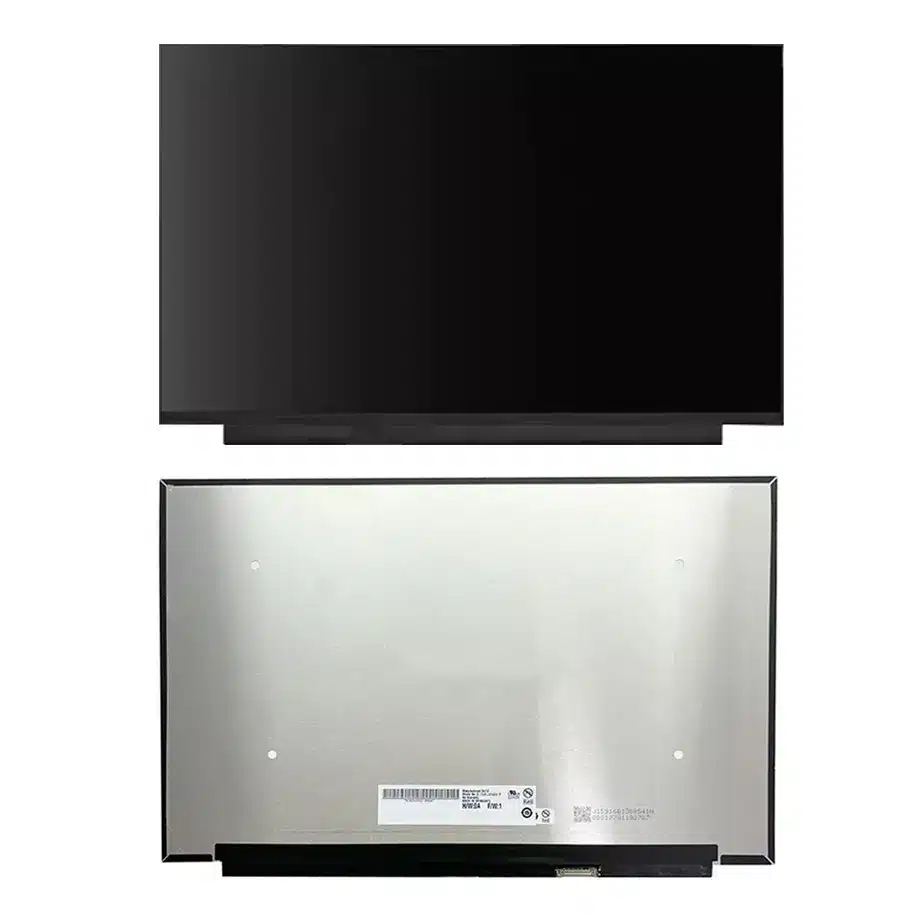
B160UAN06.N PSR-SU Reverse-I/F WUXGA LCM AUO
Model P/N
Size
Resolution
Brightness
Viewing Angle
Connector Type
Operating Temp
Overall(mm)
auo
B160UAN06.N
Brand
Panel Size (inch)
Model P/N
Resolution
Brightness (nits)
Viewing Angle
Contrast Ratio
Response Time
Overall (mm)
Active Area (mm)
Refresh Rate
Display Colors
Panel Type
Connector Type
Surface Treatment
Operating Temp
Touchscreen Type
Storage Temp
Work Mode
Pixel Format
Input Voltage (V)
Vibration Resistance
Weight (g)
Designed For
Product Details
Product Overview
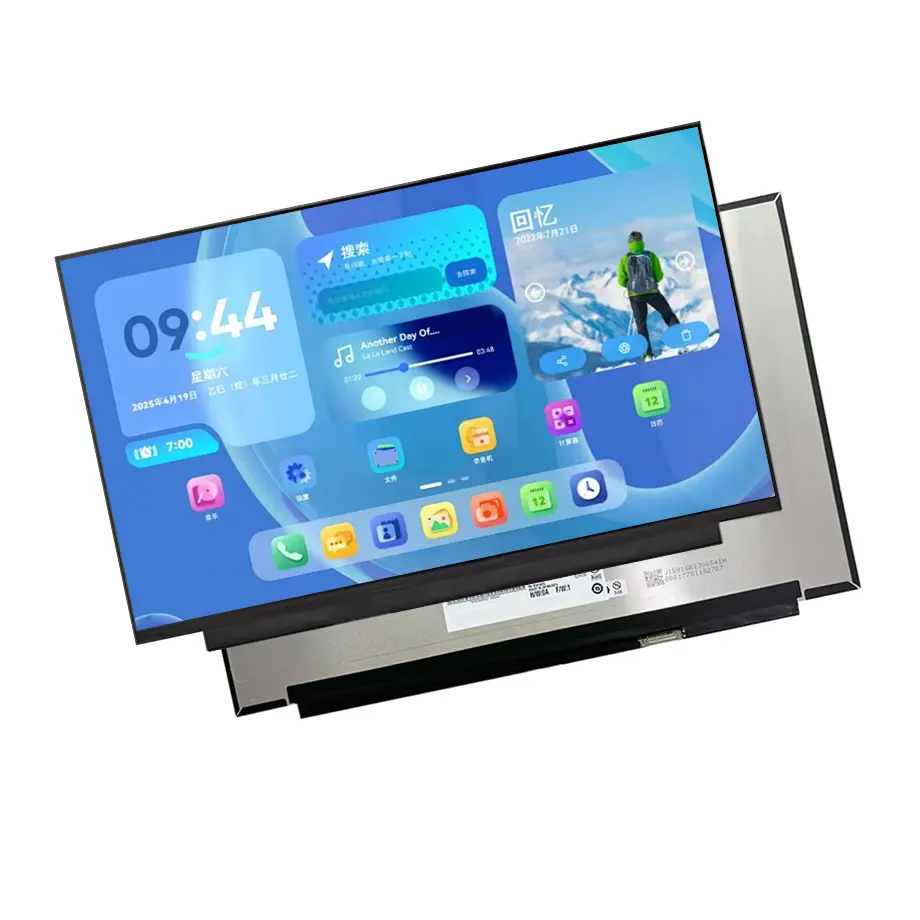
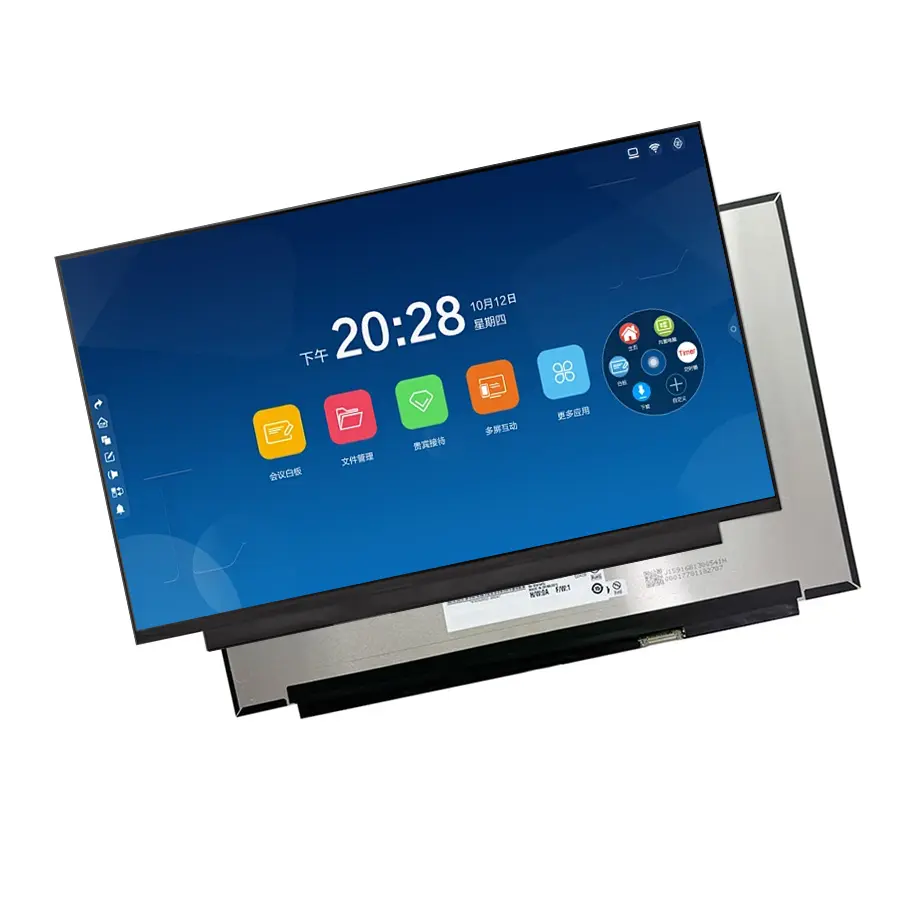
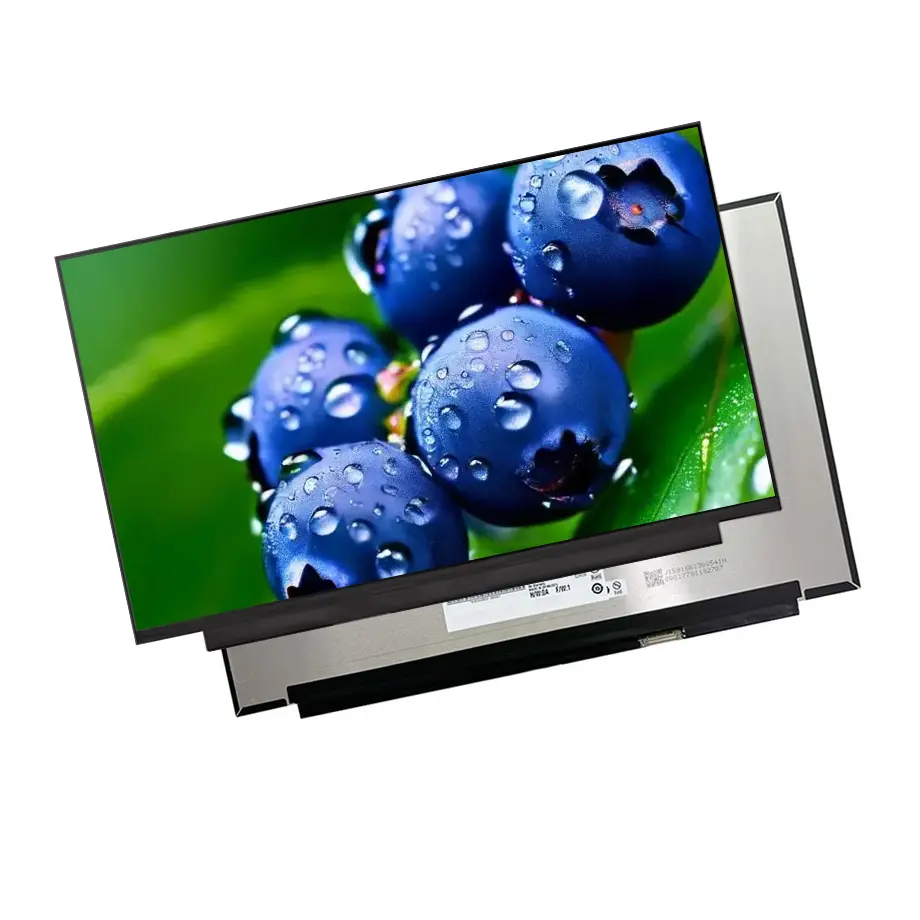
B160UAN06.N PSR-SU Reverse-I/F WUXGA LCM is a 16.0-inch AUO a-Si TFT-LCD module for productivity-oriented notebook platforms. It uses a 1920(RGB)×1200 WUXGA format with a 16:10 aspect ratio, 344.678 × 215.424 mm active area and a 349.68 × 224.924 × 4.6 mm outline. The supplied panel facts specify 500 cd/m² typical luminance, 1200:1 typical contrast, symmetric 89/89/89/89 viewing at CR≥10 and 16.7M colors with 100% sRGB coverage.
The electrical path is two-lane eDP 1.4b through a 30-pin connector, with a 3.3 V typical panel supply. The LCM includes a WLED backlight and LED driver, uses DC backlight control and has no touch screen. Same-model feature information lists AMD FreeSync, adaptive sync and PSR-SU. These should be treated as system-integration inputs rather than standalone promises of battery life or gaming certification.
AUO identifies notebook panels within its display portfolio. VESA eDP 1.4 material provides context for embedded display transport and power-aware functions. The production release must still use the exact B160UAN06.N pinout, timing table and mechanical drawing.
Three Core Buyer Value Propositions
1. 500-nit WUXGA output for premium productivity notebooks
The 500 cd/m² typical luminance gives a 16-inch business or creator notebook more brightness margin than a common 250–300 nit panel while preserving the practical 1920×1200 workload of WUXGA. That can support brighter office environments and strong UI readability without the graphics demand of WQXGA. It does not establish outdoor or sunlight-readable capability, because reflection and system brightness policies remain decisive.
2. 100% sRGB with 1200:1 typical contrast
The panel combines full sRGB coverage with a 1200:1 typical contrast ratio. That is a useful specification for office graphics, web content and mainstream creative work where standard-gamut consistency matters. It is not a factory calibration statement. Notebook-level white point, gamma, profile management and uniformity should be checked with the intended production settings.
3. PSR-SU and eDP 1.4b support a power-aware platform design
The same-model facts identify PSR-SU in addition to eDP 1.4b. Selective-update self-refresh can reduce unnecessary display-link activity during suitable static workloads, but actual energy savings depend on GPU, firmware and operating-system behavior. Treat the feature as an engineering opportunity that must be measured on the target notebook rather than as a fixed battery-life percentage.
Key Specifications at a Glance
| Parameter | Confirmed value |
|---|---|
| Model | AUO B160UAN06.N |
| Display size | 16.0 inch |
| Panel type | a-Si TFT-LCD, LCM |
| Resolution | 1920(RGB)×1200, WUXGA, 16:10 |
| Active area | 344.678 × 215.424 mm |
| Outline | 349.68 × 224.924 × 4.6 mm |
| Weight | 320 g maximum |
| Brightness | 500 cd/m² typical |
| Contrast | 1200:1 typical |
| Viewing | 89/89/89/89 typical at CR≥10 |
| Color | 16.7M, 100% sRGB |
| Refresh | 60 Hz, AMD FreeSync listed |
| Response | 20 ms typical Tr+Td |
| Interface | eDP 1.4b, 2 lanes, 30-pin connector |
| Supply | 3.3 V typical |
| Backlight | WLED, 15K hours, integrated LED driver, DC |
| Touch | Without touch screen |
| Operating / storage | 0 to 50 °C / -20 to 60 °C |
How Should PSR-SU Be Validated?
Self-refresh features work across the panel, GPU and software stack. A component listing can confirm that the panel supports a relevant mode, but it cannot show how often the operating system enters it or how much energy a complete notebook saves. Use telemetry or platform power measurement during reading, document editing, static desktop and light browsing workloads to establish whether the feature activates as intended.
B160UAN06.N PSR-SU Reverse-I/F WUXGA LCM should also be tested through suspend/resume, lid close/open, graphics-driver updates and brightness changes. Watch for stale regions, flicker or delayed repaint when the screen moves between self-refresh and fully updated states. If firmware settings are changed later, rerun these tests rather than assuming the original qualification remains valid.
Measure instead of extrapolating
Separate backlight power from display-link power when analyzing battery impact. The 500-nit panel can consume more backlight power at high luminance even if link activity is optimized by self-refresh. A useful system decision comes from measured watt-hours under defined brightness and workload settings, not from technology names alone.
Why Is a 30-Pin eDP 1.4b Match Still Model-Specific?
Thirty-pin eDP is common in notebooks, but the connector shell does not guarantee electrical or mechanical interchangeability. The cable must match the exact lane mapping, AUX lines, power controls, connector orientation and panel-side timing. The production notebook also has to route the cable cleanly through the hinge without creating strain at the bent-PCBA region.
The 3.3 V typical supply applies to the panel electronics. Do not use it as a generic voltage assumption for every signal or for the complete notebook. Validate startup sequencing, stable native timing and backlight control on the intended mainboard, then record the approved cable and firmware combination for procurement.
What Does the 500 cd/m² Optical Target Require?
High notebook luminance is useful only if the thermal and battery design can sustain the intended operating point. Qualification should measure center and corner brightness after warm-up, with the final lid closed around the panel. The antiglare 3H surface helps manage reflections, but no numeric reflectance value is supplied, so the product should not be promoted as a sunlight-readable panel.
The 100% sRGB figure makes color consistency an important incoming-quality criterion. If a replacement source proposes a family variant with lower gamut, it is not an equivalent optical substitute even when resolution and connector match. Establish the acceptable color and luminance tolerances in the approved-parts record.
Which Mechanical Details Matter for a 16-Inch WUXGA Module?
The outer package is 349.68 × 224.924 × 4.6 mm and the maximum mass is 320 g. The source describes a slim, bent-PCBA style. That means rear-board geometry, cable fold and lid keep-out areas deserve direct comparison with the original mechanical drawing. The active area of 344.678 × 215.424 mm controls the visible opening but cannot be used as a substitute for the full outline.
During a sample build, inspect for bezel pressure, uneven backlight and cable interference while cycling the hinge. A panel can pass bench electrical testing yet fail mechanically once installed in a thin lid. Keep the production-intent bezel, rear cover and cable in the approval sample.
Where Does B160UAN06.N Fit Best?
The user-supplied application is Laptop. B160UAN06.N PSR-SU Reverse-I/F WUXGA LCM is therefore appropriate for 16-inch productivity notebooks, business laptops and mobile workstations that want WUXGA 16:10, 500-nit output and 100% sRGB without the bandwidth and GPU load of a high-refresh WQXGA panel. The 60 Hz base refresh and 20 ms typical Tr+Td response keep it out of a high-refresh gaming classification even though AMD FreeSync is listed.
The operating range of 0 to 50 °C and storage range of -20 to 60 °C are normal notebook component limits. They do not justify industrial wide-temperature, rugged or outdoor categories. No touch sensor is included, so a touch notebook needs a different exact module or a separately engineered touch stack.
How Should Replacement and Sourcing Risk Be Controlled?
Record the full `B160UAN06.N` identity, not just a 16-inch WUXGA description. Similar AUO panels can differ in brightness, gamut, eDP revision and outline. Incoming inspection should verify the rear label and sample optical behavior before a new supplier lot is accepted. Current production or supplier-stock information is time-sensitive and should not be turned into a supply-horizon guarantee.
For long-lived programs, request current revision status and change-notification expectations from AUO or the authorized channel. If an alternative panel is proposed, evaluate it as a new candidate through the affected electrical, optical and mechanical checks rather than assuming family-level interchangeability.
How Should First-Article Notebook Approval Be Recorded?
A controlled first article should include the exact panel label, 30-pin cable, motherboard revision and system firmware. Begin with fixed native 1920×1200 operation and verify clean startup, brightness control and image stability before testing PSR-SU or adaptive-sync behavior. This establishes a known-good baseline and helps isolate whether a later artifact is caused by the link, firmware or a power-management feature.
After electrical bring-up, assemble the production lid and recheck the 500 cd/m² brightness target, visual uniformity and surface behavior under realistic office lighting. Measure after warm-up rather than from a cold panel. If the product uses several display suppliers, compare the approved units at the same luminance and color-profile settings so differences in gamut or white point are visible before volume production.
Document which values are mandatory incoming-inspection checks. For this module, exact model identity, WUXGA timing, 30-pin eDP1.4b, 3.3 V supply, module outline, 500-nit class and 100% sRGB are meaningful acceptance points. Battery runtime, touch support and rugged environmental performance are not provided by the panel specification and should remain outside the component acceptance record unless separate system evidence exists.
Procurement Checklist
- Confirm exact B160UAN06.N identity and current drawing revision.
- Match two-lane eDP 1.4b, the 30-pin connector and 3.3 V panel supply.
- Verify the 349.68 × 224.924 × 4.6 mm module envelope and bent-PCBA clearance.
- Measure 500 cd/m² behavior and 100% sRGB on the production notebook.
- Validate PSR-SU, sleep/wake and brightness-control behavior with target firmware.
- Keep FreeSync positioning separate from the confirmed 60 Hz base refresh.
- Confirm current lifecycle and change information before volume sourcing.
B160UAN06.N PSR-SU Reverse-I/F WUXGA LCM is a bright, standard-gamut 16-inch WUXGA module for power-aware notebook platforms. The correct design decision comes from matching its exact eDP1.4b interface, optics and mechanical package to the target system.
Recommended: Same Size
(16")
Applications & Value of LCD Panel

- Fast sourcing with in-stock panels & cross-reference alternatives
- Stable supply chain with long-term availability
- Engineering-level support from panel to integration
- Custom solutions: cable, touch & optical bonding
- Strict quality control with IQC / OQC / aging test
- Full traceability system for quality assurance
- Complete technical documentation & drawings
- Compliance support: RoHS & certification files
