
~
~
~
~
~
~
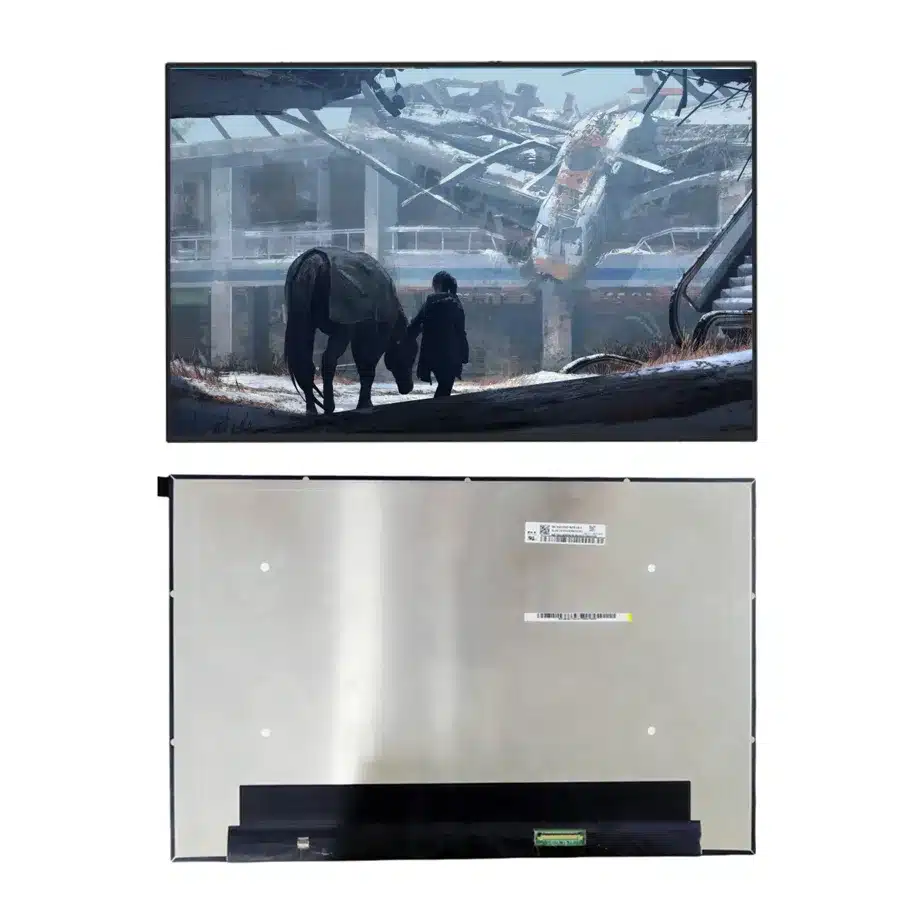
NE160QDM-NZC PSR2 Low-Blue OD Notebook LCM 16 Inch BIST P3 BOE
Model P/N
Size
Resolution
Brightness
Viewing Angle
Connector Type
Operating Temp
Overall(mm)
boe
NE160QDM-NZC
Brand
Panel Size (inch)
Model P/N
Resolution
Brightness (nits)
Viewing Angle
Contrast Ratio
Response Time
Overall (mm)
Active Area (mm)
Refresh Rate
Display Colors
Panel Type
Connector Type
Surface Treatment
Operating Temp
Touchscreen Type
Storage Temp
Work Mode
Pixel Format
Input Voltage (V)
Vibration Resistance
Weight (g)
Designed For
Product Details
Product Overview
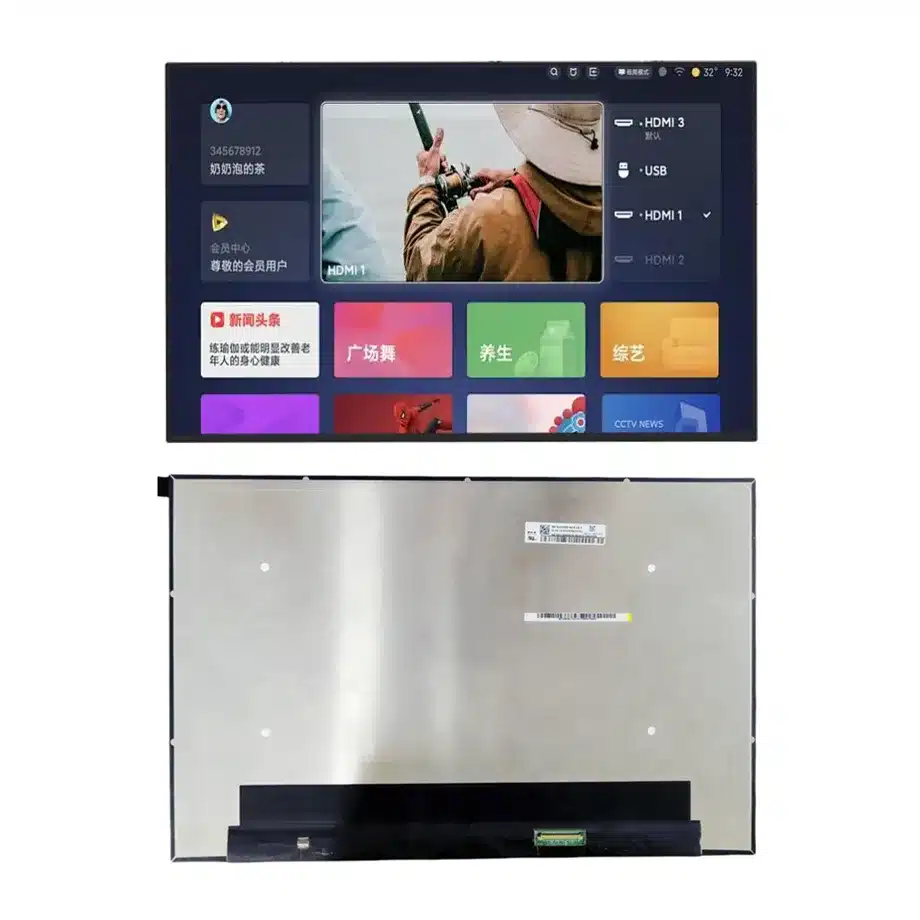
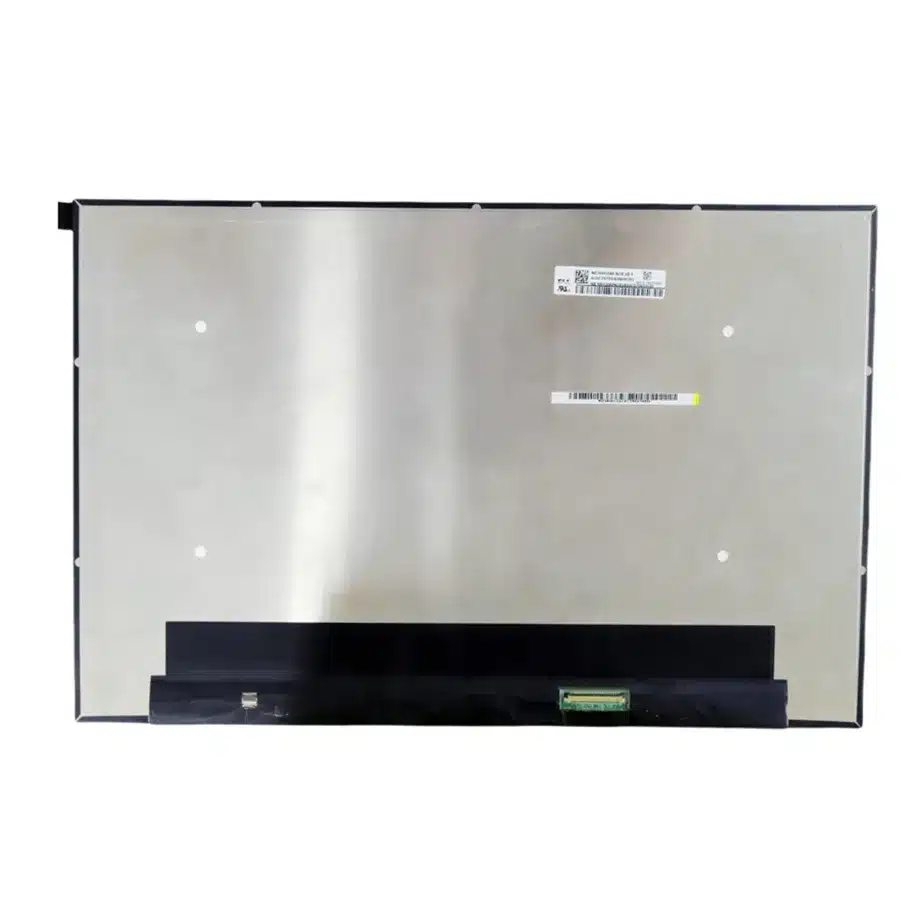
NE160QDM-NZC PSR2 Low-Blue OD Notebook LCM is a 16.0-inch BOE Oxide TFT-LCD module for premium WQXGA notebook and gaming systems. It delivers 2560(RGB)×1600 resolution in a 16:10 aspect ratio across a 344.678 × 215.424 mm active area. The outline is 349.68 × 224.42 × 4.6 mm and maximum panel mass is 322 g. The exact optical configuration is rated at 425 cd/m² typical luminance, 1700:1 typical contrast, 89/89/89/89 typical viewing at CR≥10 and 1.06B colors with 100% DCI-P3 plus Low Blue Light.
The module operates at 240 Hz and lists FreeSync / G-Sync, overdrive, PSR1, PSR2, BIST and DC dimming among its same-model features. The native display link is four-lane eDP 1.4b at HBR2 5.4 Gbit/s per lane through a 40-pin connector. Panel electronics use a 3.3 V typical rail, and the integrated 11S8P WLED system includes a driver and a 15,000-hour source-life figure. Touch is not included.
The exact-model technical page identifies BOE0CFB for laptop and gaming applications and documents the high-refresh feature set. VESA eDP guidance provides interface context for higher-bandwidth embedded links and power-management features used in modern mobile displays.
Three Core Buyer Value Propositions
1. 240 Hz WQXGA supports high-motion premium notebook platforms
The panel combines a 2560×1600 workspace with a 240 Hz refresh target, allowing a performance notebook to preserve 16:10 productivity space while substantially increasing motion cadence. This is useful for gaming, fast UI work and mobile visualization. The panel rating does not prove end-to-end system latency or a certified variable-refresh range; the complete GPU, firmware and cable path still need qualification.
2. 100% DCI-P3 and 1700:1 contrast strengthen the visual baseline
The exact-model specification provides a wide-gamut 1.06B-color target with 100% DCI-P3 and 1700:1 typical contrast. Those figures are relevant to premium gaming art, video and creator workflows. They do not replace calibration. A finished notebook still needs to control white point, gamma, color management and unit-to-unit variation if consistent visual output is part of the product requirement.
3. PSR2, DC dimming and low-blue-light features broaden system-level tuning options
The model offers several capabilities that can be useful beyond raw refresh rate. PSR2 can support selective or reduced link activity in appropriate states, DC dimming affects backlight control, and Low Blue Light is listed as a panel feature. These should be treated as engineering inputs that require platform validation rather than as automatic battery, comfort or health claims.
Key Specifications at a Glance
| Parameter | Confirmed value |
|---|---|
| Manufacturer / model | BOE NE160QDM-NZC / BOE0CFB |
| Display size | 16.0 inch |
| Panel type | Oxide TFT-LCD, LCM |
| Resolution | 2560(RGB)×1600, WQXGA, 16:10 |
| Active area | 344.678 × 215.424 mm |
| Outline | 349.68 × 224.42 × 4.6 mm |
| Weight | 322 g maximum |
| Brightness | 425 cd/m² typical |
| Contrast | 1700:1 typical |
| Viewing | 89/89/89/89 typical at CR≥10 |
| Color | 1.06B, 100% DCI-P3, Low Blue Light |
| Response | 11 ms Tr+Td; 7 ms G2G; 3.8 ms max G2G with OD |
| Refresh | 240 Hz, FreeSync / G-Sync listed |
| Interface | eDP 1.4b, 4 lanes, HBR2, 40-pin connector |
| Supply | 3.3 V typical |
| Backlight | 11S8P WLED, 15K hours, LED driver, DC |
| Touch | Without touch screen |
| Operating / storage | 0 to 50 °C / -20 to 60 °C |
How Should 240 Hz and Overdrive Be Evaluated Together?
A 240 Hz display refreshes every 4.17 ms, while the panel's confirmed transition data includes 11 ms typical Tr+Td, 7 ms typical G2G and 3.8 ms maximum G2G with OD. Those numbers describe different test conditions and should not be collapsed into one marketing metric. The engineering question is whether overdrive provides fast enough transitions without excessive overshoot, inverse ghosting or dark-transition artifacts at the target operating modes.
NE160QDM-NZC PSR2 Low-Blue OD Notebook LCM should be tested with high-contrast moving objects, dark game scenes, scrolling text and variable frame delivery. Validate fixed 240 Hz operation first. Then exercise FreeSync / G-Sync-related behavior and changes between game, desktop and power-saving modes. Record the panel revision, BIOS, graphics driver and cable used during approval because motion tuning can depend on the complete platform.
Do not equate pixel response with input latency
Even the fastest G2G figure is only a panel transition measurement. Input latency includes frame scheduling, GPU output, display-link transport and system processing. Any finished-device response claim should therefore come from platform testing rather than from the OD number alone.
What Does PSR2 Add to a 240 Hz Notebook?
High-refresh panels can consume more display-link power during active use. PSR2 provides a mechanism for reducing update activity when content is static or only part of the image changes, depending on the supported graphics implementation. That creates a useful engineering contrast: the same panel can prioritize 240 Hz motion under load and use lower-activity display states during reading or other static work.
Measure actual notebook power with a controlled brightness setting during representative workloads. Verify entry and exit from self-refresh, cursor movement, video playback, window animation and sleep/wake. The correct product statement is that PSR2 is available as an exact-model capability; a specific battery-life gain requires measurement on the final computer.
How Should Low Blue Light and DC Dimming Be Positioned?
Low Blue Light is part of the model's confirmed feature set, while DC dimming describes the backlight-control method. Both can be relevant to a premium notebook, but neither should be expanded into a health claim. The page can accurately explain that the features exist and can influence spectral output or brightness control. Any comfort, eye-care or flicker certification needs its own documented test method and evidence.
For dimming validation, measure the brightness curve from high to low settings and inspect color or uniformity changes. If the notebook uses different firmware brightness tables on battery and AC power, qualify both. The integrated WLED driver simplifies the module boundary, but the system still controls the user-visible operating policy.
What Must Match on the HBR2 eDP Path?
The display uses four HBR2 lanes through a 40-pin eDP 1.4b connector. Verify the exact lane mapping, AUX behavior, 3.3 V rail, connector orientation and power sequence from BOE documentation. A 40-pin connector from another 16-inch gaming panel is not sufficient proof of compatibility, particularly when touch, lane count or pin assignment differs.
Signal integrity should be evaluated in the production chassis with the actual hinge route. At 5.4 Gbit/s per lane, cable bend, impedance, connector quality and nearby power circuits can affect margin. Exercise repeated startup and sleep/wake while watching for transient blanking or link retraining.
Where Does NE160QDM-NZC Fit Best?
The documented applications are laptop and gaming. NE160QDM-NZC PSR2 Low-Blue OD Notebook LCM fits premium gaming notebooks, high-refresh mobile workstations and creator-performance systems where WQXGA, 240 Hz and wide-gamut color are desired together. It is non-touch and should not be substituted into a touch-dependent platform without a separately engineered input layer and mechanical stack.
The 425 cd/m² typical luminance is suitable for bright indoor mobile use but should not be reframed as sunlight-readable or outdoor high-brightness evidence. The 0 to 50 °C operating range likewise remains a notebook component range rather than an industrial wide-temperature classification.
How Should First-Article Approval Be Structured?
First confirm identity, mechanical fit and electrical bring-up using the production 40-pin cable. Verify native WQXGA timing, stable 240 Hz operation, 3.3 V sequencing and brightness control. Exercise BIOS, operating-system startup, GPU mode changes and repeated sleep/wake before enabling advanced adaptive-refresh or self-refresh behavior.
After installation in the final lid, measure luminance, contrast, gamut and visible uniformity after warm-up. Check cable strain and bent-PCBA clearance through the full hinge travel. If the finished notebook will market G-Sync, FreeSync, low-blue-light or another branded feature, separate the component capability from whatever certification or system validation the final device requires.
How Should Incoming Lots Be Controlled?
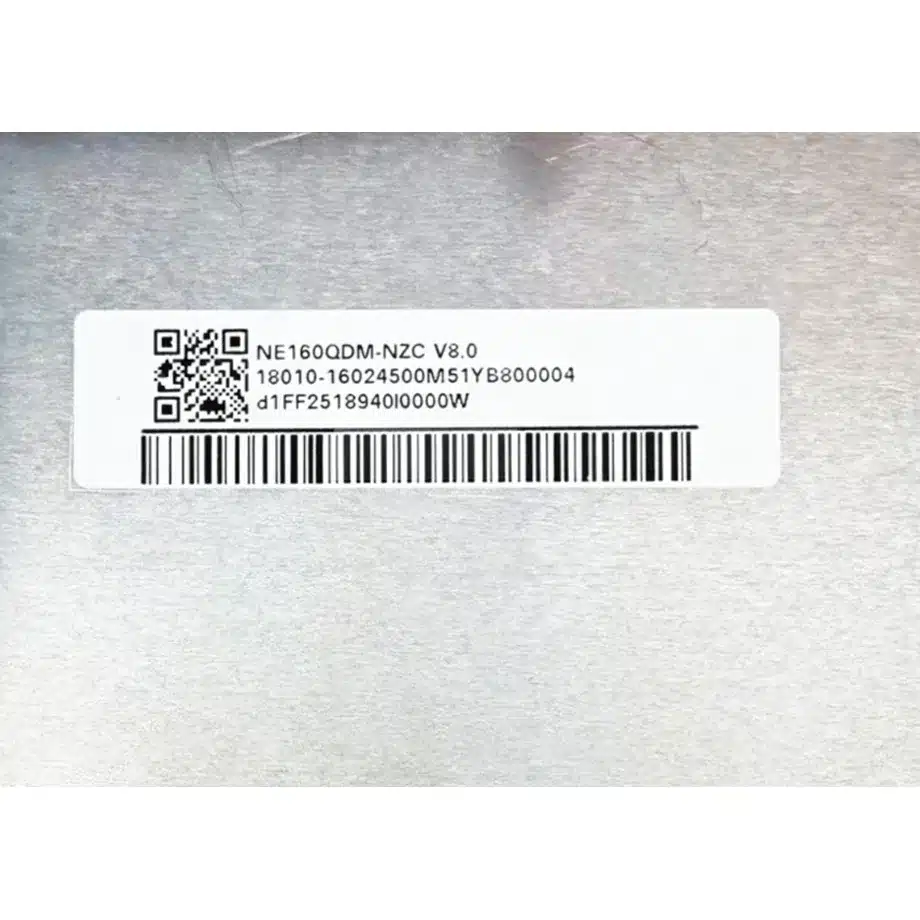
For volume production, sample-check the BOE0CFB identity, 40-pin connector, module outline and front surface on each new supplier lot. Run a short fixed-240-Hz stability test with the approved cable and firmware before the panel enters final assembly. Wide-gamut performance and overdrive behavior are also meaningful acceptance items for this model, so an alternate NE160QDM suffix should not be approved from family similarity alone. Any revision change that affects timing, color, mechanics or backlight control should invalidate the dependent qualification checks.
Document the accepted surface condition, cable revision and firmware baseline so later supplier changes can be assessed quickly.
Procurement Checklist
- Confirm exact NE160QDM-NZC / BOE0CFB identity and revision.
- Match the 349.68 × 224.42 × 4.6 mm outline and 322 g maximum mass.
- Validate 2560×1600 at 240 Hz over four-lane HBR2 eDP 1.4b.
- Verify the exact 40-pin map and 3.3 V power sequence.
- Measure 425 cd/m², 1700:1 contrast and 100% DCI-P3 after final assembly.
- Qualify overdrive, PSR2 and adaptive-refresh transitions with production firmware.
- Describe Low Blue Light and DC dimming without unsupported health or certification claims.
- Confirm current revision and lifecycle information before volume sourcing.
NE160QDM-NZC PSR2 Low-Blue OD Notebook LCM brings together 240 Hz WQXGA motion, wide-gamut color, strong contrast and a modern HBR2 notebook interface. Production success depends on validating those capabilities as one system while keeping component features distinct from finished-device certifications and user-experience claims.
Recommended: Same Size
(16")
Applications & Value of LCD Panel

- Fast sourcing with in-stock panels & cross-reference alternatives
- Stable supply chain with long-term availability
- Engineering-level support from panel to integration
- Custom solutions: cable, touch & optical bonding
- Strict quality control with IQC / OQC / aging test
- Full traceability system for quality assurance
- Complete technical documentation & drawings
- Compliance support: RoHS & certification files
