
~
~
~
~
~
~
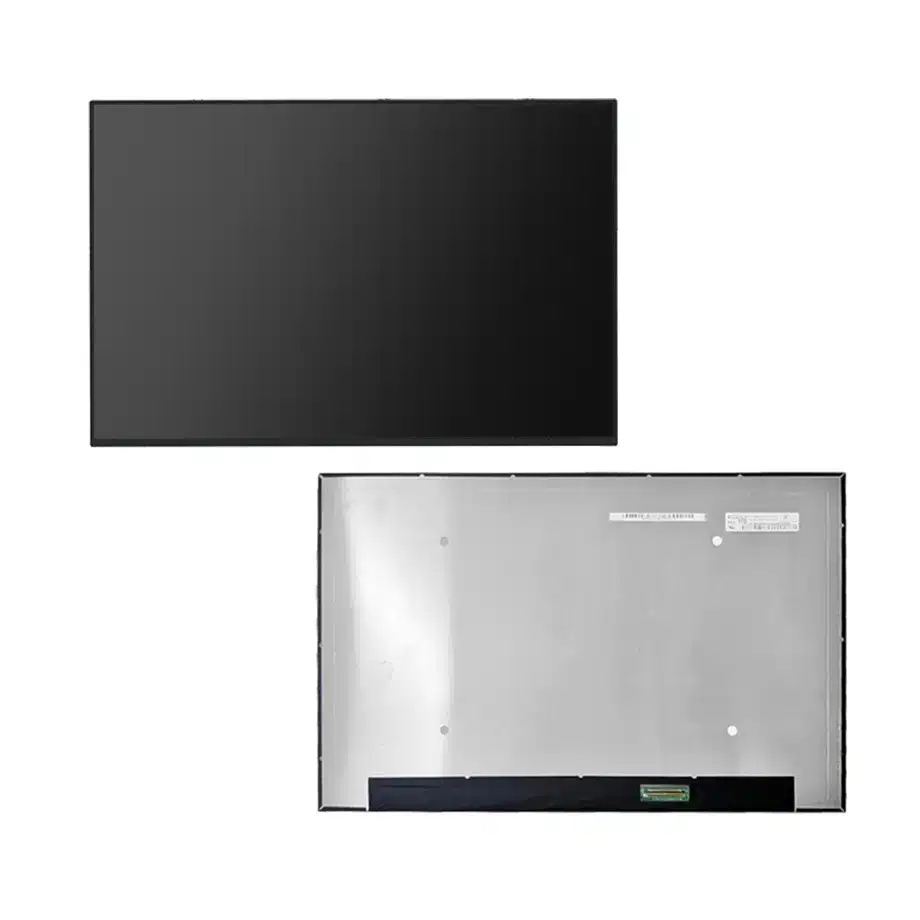
NE160QDM-NYL 180Hz PSR1 HDR Notebook LCM 16 Inch WQXGA BOE
Model P/N
Size
Resolution
Brightness
Viewing Angle
Connector Type
Operating Temp
Overall(mm)
boe
NE160QDM-NYL
Brand
Panel Size (inch)
Model P/N
Resolution
Brightness (nits)
Viewing Angle
Contrast Ratio
Response Time
Overall (mm)
Active Area (mm)
Refresh Rate
Display Colors
Panel Type
Connector Type
Surface Treatment
Operating Temp
Touchscreen Type
Storage Temp
Work Mode
Pixel Format
Input Voltage (V)
Vibration Resistance
Weight (g)
Designed For
Product Details
Product Overview
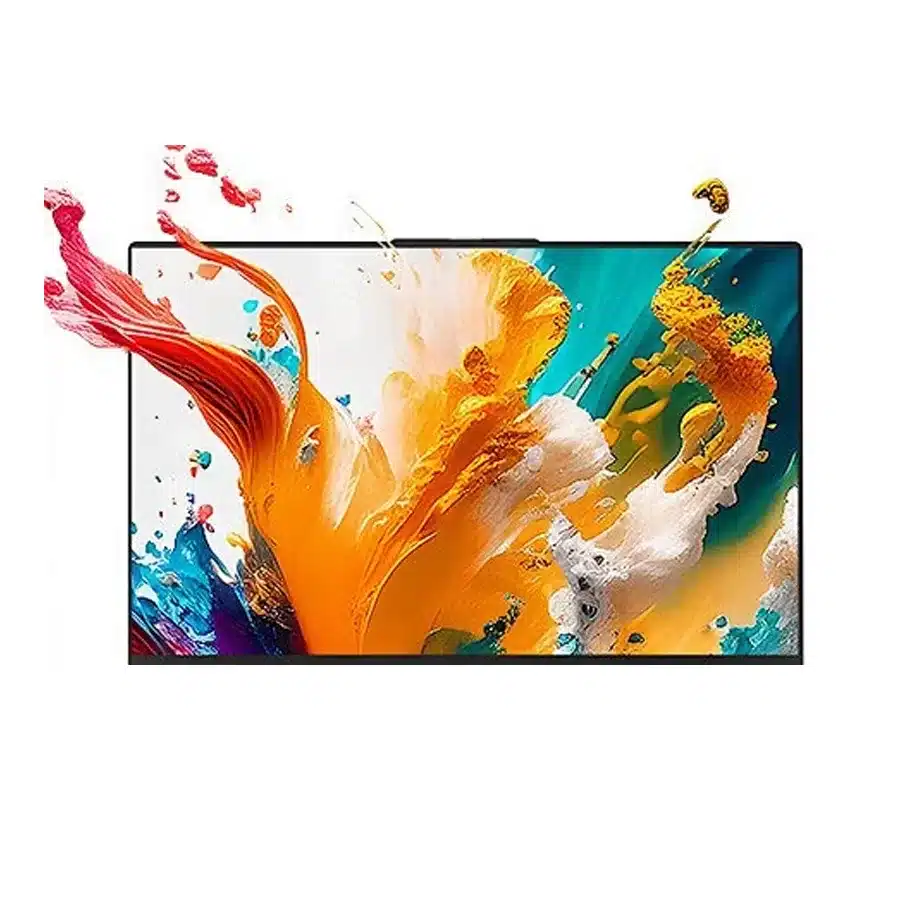
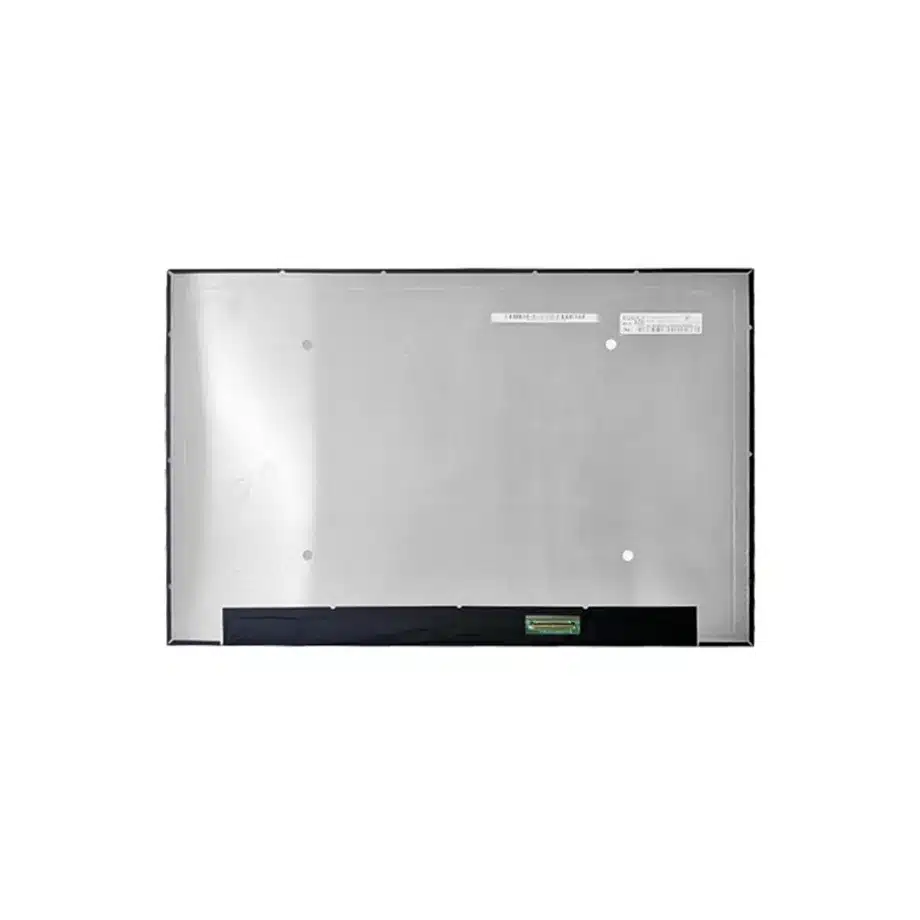
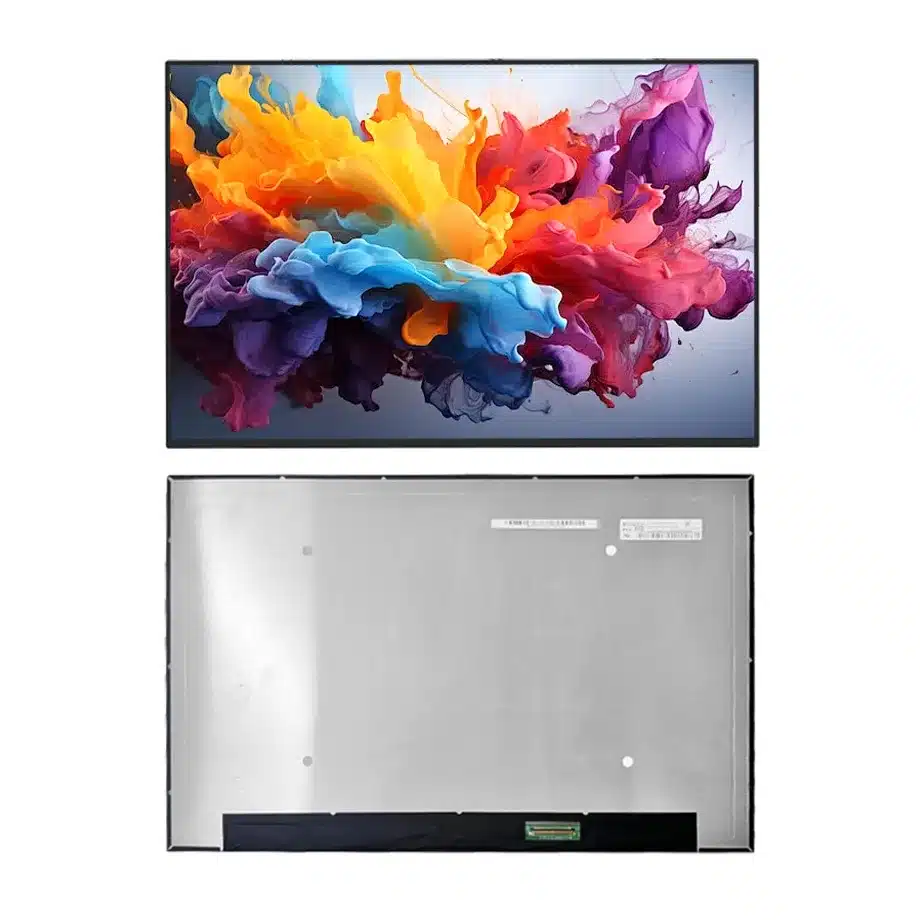
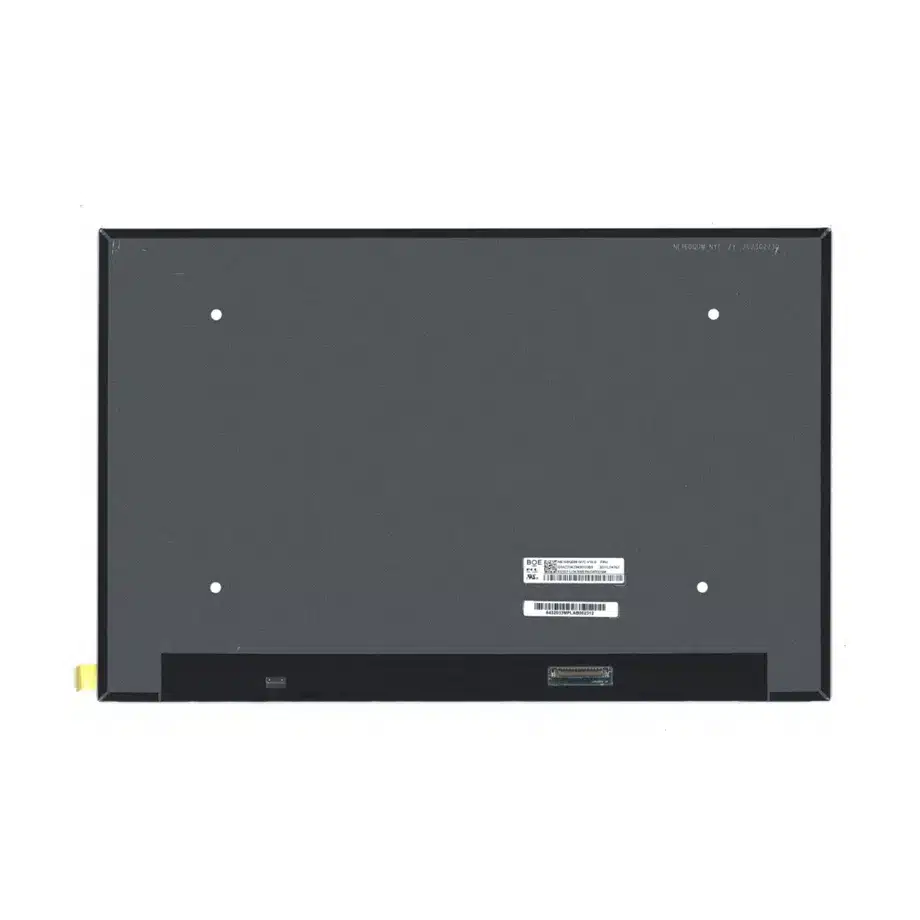
NE160QDM-NYL 180Hz PSR1 HDR Notebook LCM is a 16.0-inch BOE Oxide TFT-LCD module for high-performance WQXGA notebooks. The native image is 2560(RGB)×1600 in a 16:10 aspect ratio with a 344.678 × 215.424 mm active area. Its module outline is 349.68 × 224.42 × 4.6 mm and maximum mass is 312 g. The display is specified at 500 cd/m² typical luminance with HDR400 positioning, 1200:1 typical contrast, 89/89/89/89 typical viewing at CR≥10 and 1.06B colors with 100% sRGB.
The panel runs at 180 Hz and lists AMD FreeSync among its exact-model features. The signal interface is four-lane eDP 1.4b at HBR2 5.4 Gbit/s per lane on a 40-pin connector, with a 3.3 V typical supply. The module includes an 11S8P WLED backlight, 15,000-hour source-life figure and integrated LED driver. Touch is not included. Same-model data also identifies Reverse I/F, PSR1, BIST and HDR400-related feature context.
The exact-model technical listing documents the BOE0D5E configuration and its laptop/gaming application. Independent notebook testing also identifies this panel in high-performance notebook use. For embedded-link context, VESA eDP guidance describes the role of higher-bandwidth eDP links and power-management functions in mobile displays.
Three Core Buyer Value Propositions
1. 180 Hz WQXGA balances image detail and motion cadence
The 2560×1600 native image provides more workspace and pixel density than FHD while the 180 Hz refresh target substantially increases motion cadence over a standard 60 Hz notebook panel. That combination is useful for performance laptops that need sharp productivity content during the day and higher-refresh gaming or visualization at other times. It does not guarantee finished-system latency or FreeSync certification because the GPU, firmware and panel timing still operate as one platform.
2. 500 cd/m², HDR400 positioning and 100% sRGB support premium notebook optics
The optical specification gives engineering and procurement teams a clear premium baseline: 500 cd/m² typical luminance, 1200:1 contrast, 1.06B colors and 100% sRGB. Those facts support bright indoor use and standard-gamut creator workloads. HDR400 is an exact-model feature label, but the finished notebook should still validate its complete HDR pipeline, tone mapping and luminance behavior rather than assuming a panel label alone proves a complete device certification.
3. PSR1 and eDP 1.4b enable power-aware high-bandwidth integration
The model combines four-lane HBR2 transport with PSR1 support. That gives a mobile platform a route to high-refresh WQXGA operation while retaining a panel-self-refresh mechanism for suitable static content. Real battery savings depend on the graphics driver, firmware and workload. The engineering value is the available capability, not an unmeasured percentage improvement in battery runtime.
Key Specifications at a Glance
| Parameter | Confirmed value |
|---|---|
| Manufacturer / model | BOE NE160QDM-NYL / BOE0D5E |
| Display size | 16.0 inch |
| Panel type | Oxide TFT-LCD, LCM |
| Resolution | 2560(RGB)×1600, WQXGA, 16:10 |
| Active area | 344.678 × 215.424 mm |
| Outline | 349.68 × 224.42 × 4.6 mm |
| Weight | 312 g maximum |
| Brightness | 500 cd/m² typical, HDR400 listed |
| Contrast | 1200:1 typical |
| Viewing | 89/89/89/89 typical at CR≥10 |
| Color | 1.06B, 100% sRGB |
| Response | 9 ms typical Tr+Td |
| Refresh | 180 Hz, AMD FreeSync listed |
| Interface | eDP 1.4b, 4 lanes, HBR2, 40-pin connector |
| Supply | 3.3 V typical |
| Backlight | 11S8P WLED, 15K hours, integrated LED driver |
| Touch | Without touch screen |
| Operating / storage | 0 to 50 °C / -20 to 60 °C |
How Should 180 Hz WQXGA Be Qualified?
A 180 Hz refresh rate produces a frame interval of about 5.56 ms, but that figure is not the same as pixel-transition time or end-to-end input latency. The confirmed Tr+Td response is 9 ms typical. Engineers should therefore use high-motion content, dark transitions, scrolling text and game scenes to evaluate real motion quality rather than treating refresh rate as the only motion metric.
NE160QDM-NYL 180Hz PSR1 HDR Notebook LCM should first pass fixed native-mode validation at 2560×1600 and 180 Hz. The test plan should include BIOS output, operating-system startup, GPU driver initialization, full-screen mode changes and sleep/wake. After the fixed timing is stable, enable FreeSync-related behavior and verify that frame-rate transitions do not create blanking, flicker or unexpected link retraining.
Controller and firmware traceability
Keep the approved mainboard, cable, BIOS and graphics-driver versions in one record. High-refresh notebook panels can be sensitive to changes that appear unrelated to the display, including firmware updates that alter power policy or link training. A traceable baseline makes it easier to separate a panel defect from a platform change.
What Does HBR2 eDP 1.4b Require From the Cable?
The panel uses four HBR2 lanes on a 40-pin connector. At 5.4 Gbit/s per lane, cable construction, impedance control, pair matching and hinge routing are meaningful engineering variables. An open-bench cable that appears stable may lose margin after it is folded through the production hinge or routed near high-current power circuits.
Verify exact pin assignment, AUX communication, panel-enable sequencing and the 3.3 V rail using the BOE drawing. Do not assume that another 40-pin WQXGA panel has the same electrical map. Replacement compatibility requires the connector location, pinout, lane architecture and mechanical envelope to agree with the target notebook.
How Should PSR1 Be Used Without Overstating Power Savings?
Panel Self Refresh can allow the panel to maintain static content with reduced link activity, but the display only enters that state when the graphics stack and operating system support it. Measure system power under controlled brightness during static desktop, document reading and light productivity workloads. Then compare the result with PSR disabled or with a dynamic workload to understand the actual platform benefit.
High brightness and high refresh can increase display power, so the same panel can support both performance and efficiency depending on operating policy. The useful product claim is that PSR1 is available as an exact-model feature. Battery runtime remains a finished-notebook result that includes CPU, GPU, memory, wireless, storage and backlight power.
What Does HDR400 Mean for Product Positioning?
The panel is listed with HDR400 and 500 cd/m² typical luminance. That is evidence for an HDR-oriented notebook panel, but a complete notebook implementation needs an end-to-end path: appropriate GPU output, operating-system handling, color pipeline, tone mapping and content support. If the product is to carry a formal certification or specific HDR logo, confirm the certification requirements for the finished device independently.
The 100% sRGB specification is a separate property and should not be confused with wide-gamut DCI-P3 coverage. Standard-gamut color can still be highly useful for web, office and mainstream creative workloads. A procurement team should keep gamut, HDR behavior and calibration as distinct acceptance categories.
Where Does NE160QDM-NYL Fit?
The documented applications are laptop and gaming. NE160QDM-NYL 180Hz PSR1 HDR Notebook LCM fits premium gaming notebooks, performance laptops and mobile workstations that want a 16:10 WQXGA canvas, high refresh, strong indoor luminance and standard-gamut color. Independent notebook references show the exact model in high-performance portable computers, which supports that application context without creating a universal fit claim.
No touch screen is included. The 0 to 50 °C operating range is a notebook component limit and does not establish industrial wide-temperature or rugged qualification. The panel should therefore remain in the notebook/gaming taxonomy unless a separate exact configuration provides evidence for another category.
How Should First-Article Approval Be Structured?
Start with a production-intent 40-pin cable and mainboard. Confirm 3.3 V power, four-lane HBR2 training and stable 180 Hz operation at native resolution. Exercise cold boot, restart, sleep/wake, lid close/open and transitions between battery and AC power. Record any firmware setting that changes panel timing or display power policy.
Install the panel into the final lid before optical sign-off. Check active-area alignment, bent-PCBA clearance, cable strain and bezel pressure. Measure luminance, contrast and color after warm-up at representative user brightness settings. If HDR400 or FreeSync is part of the finished notebook's marketing, validate those features as complete system behaviors rather than simply repeating component feature labels.
How Should Incoming Lots Be Controlled?
Incoming inspection should verify the complete BOE0D5E identity, 40-pin connector condition and module outline before installation. Sample units should be exercised at native WQXGA 180 Hz with the approved cable and firmware, then checked for luminance and obvious uniformity after warm-up. If the supplier proposes another NE160QDM suffix, treat it as a separate engineering candidate because refresh, color, brightness, interface features or mechanical details can differ even when the diagonal and resolution appear similar.
Procurement Checklist
- Confirm exact NE160QDM-NYL / BOE0D5E identity and revision.
- Match 349.68 × 224.42 × 4.6 mm mechanics and the 312 g maximum mass.
- Validate 2560×1600 at 180 Hz over four-lane HBR2 eDP 1.4b.
- Confirm the exact 40-pin mapping and 3.3 V power sequence.
- Measure 500 cd/m² and 100% sRGB on the finished notebook.
- Test PSR1, FreeSync-related behavior and sleep/wake using production firmware.
- Keep HDR400 component evidence separate from finished-device certification.
- Confirm current revision and lifecycle information before volume sourcing.
NE160QDM-NYL 180Hz PSR1 HDR Notebook LCM combines WQXGA detail, 180 Hz motion, strong luminance and a modern HBR2 eDP path in a slim 16-inch module. Its strongest procurement value comes from qualifying the exact model as a complete notebook subsystem rather than treating one headline feature as a guarantee of total platform performance.
Recommended: Same Size
(16")
Applications & Value of LCD Panel

- Fast sourcing with in-stock panels & cross-reference alternatives
- Stable supply chain with long-term availability
- Engineering-level support from panel to integration
- Custom solutions: cable, touch & optical bonding
- Strict quality control with IQC / OQC / aging test
- Full traceability system for quality assurance
- Complete technical documentation & drawings
- Compliance support: RoHS & certification files
