
~
~
~
~
~
~
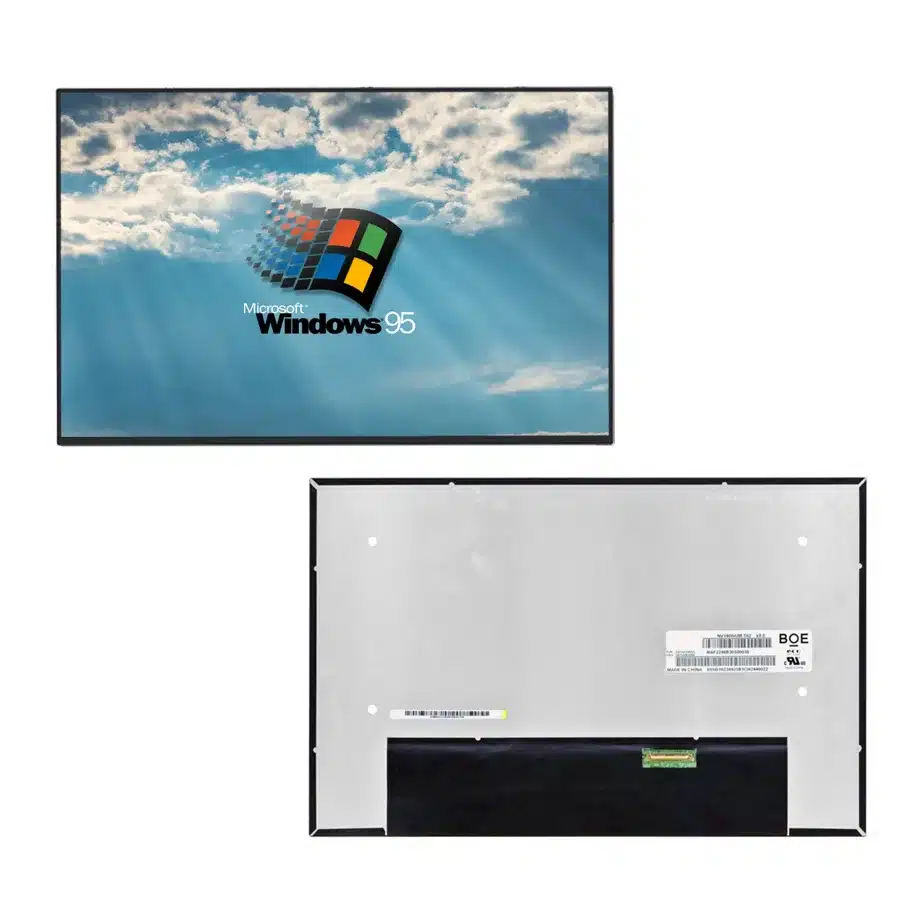
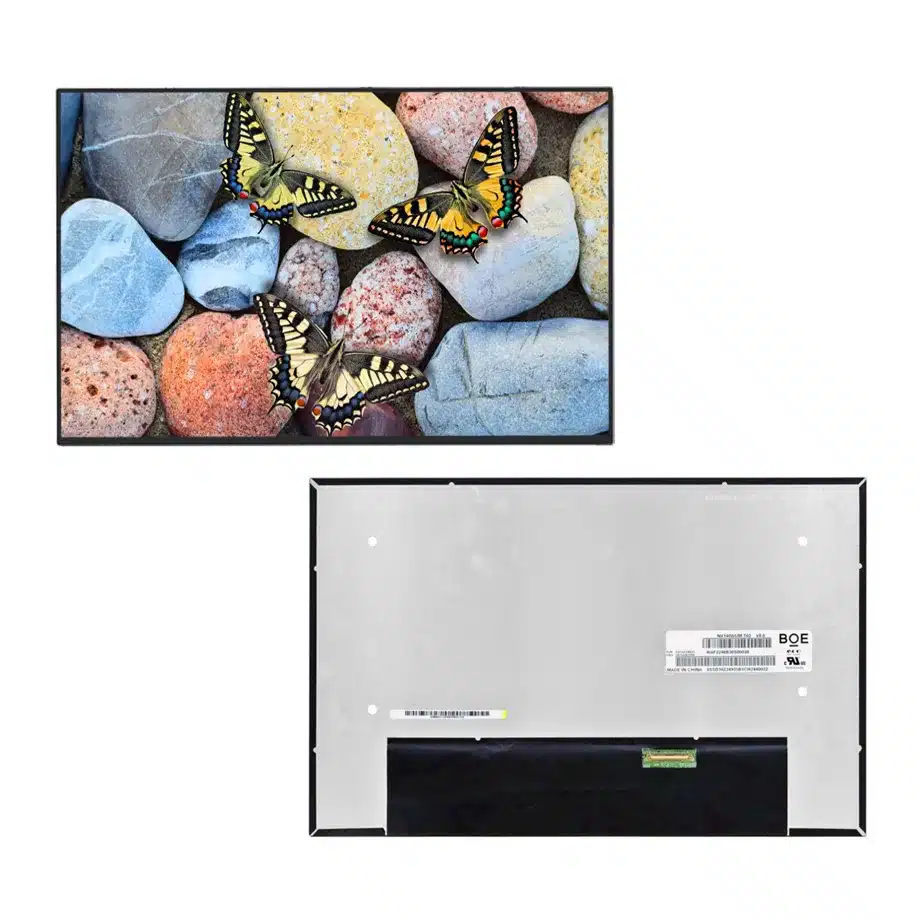
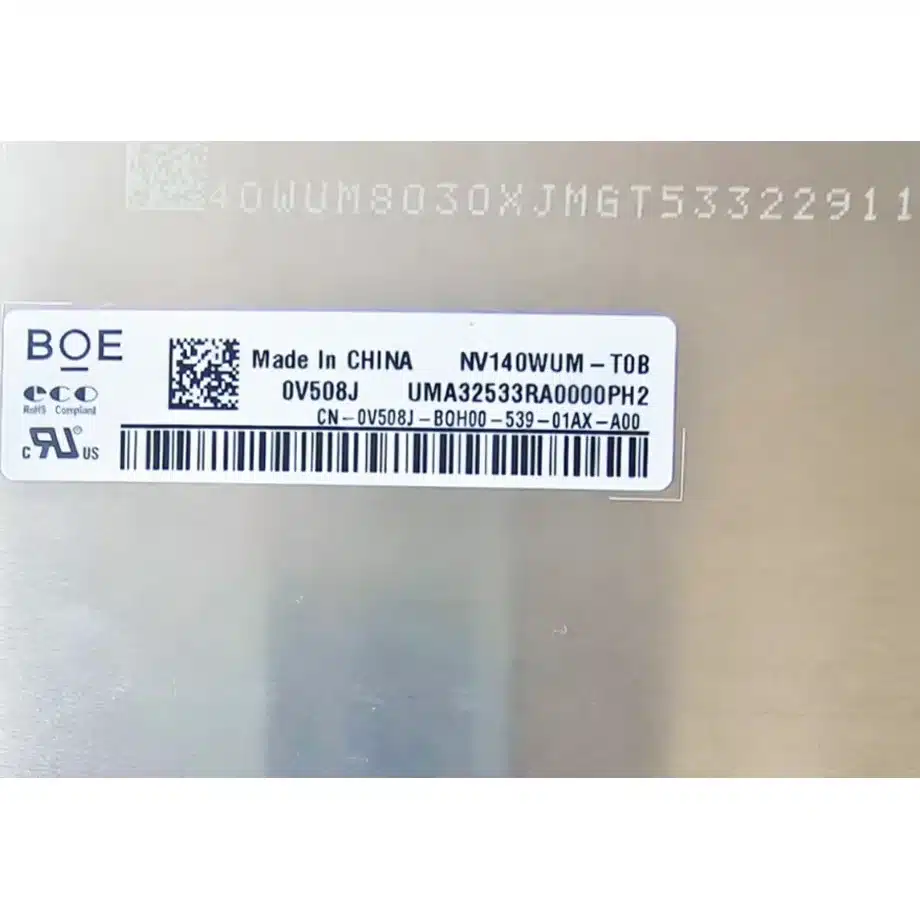
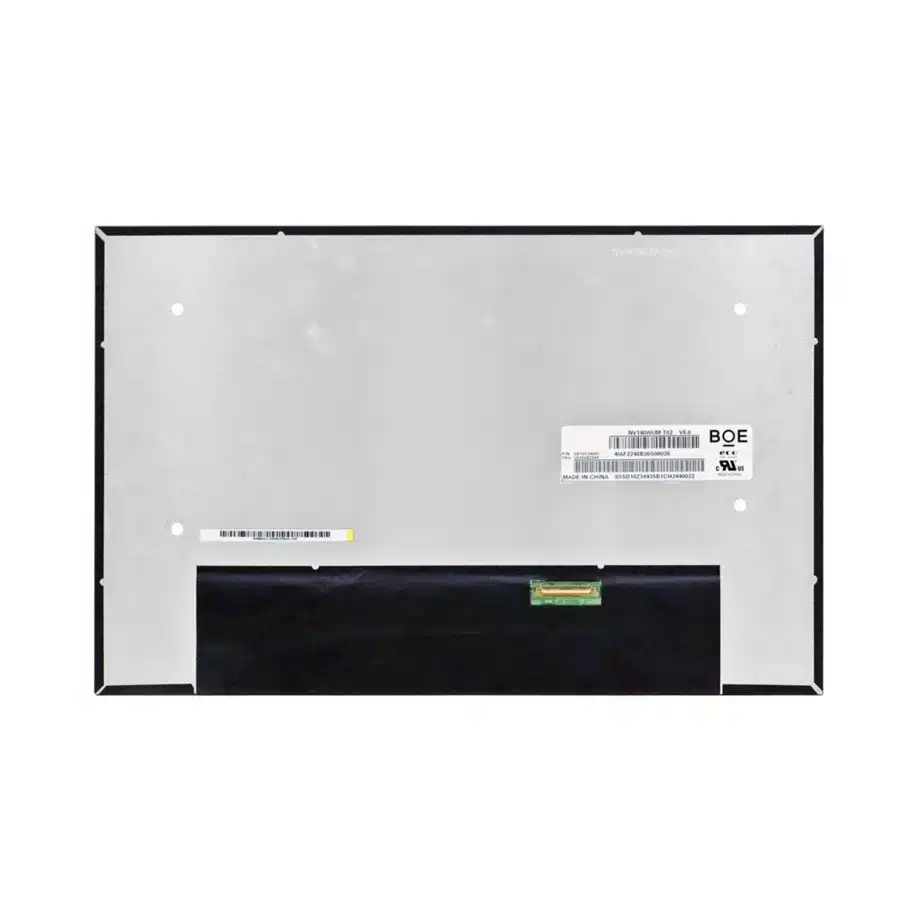
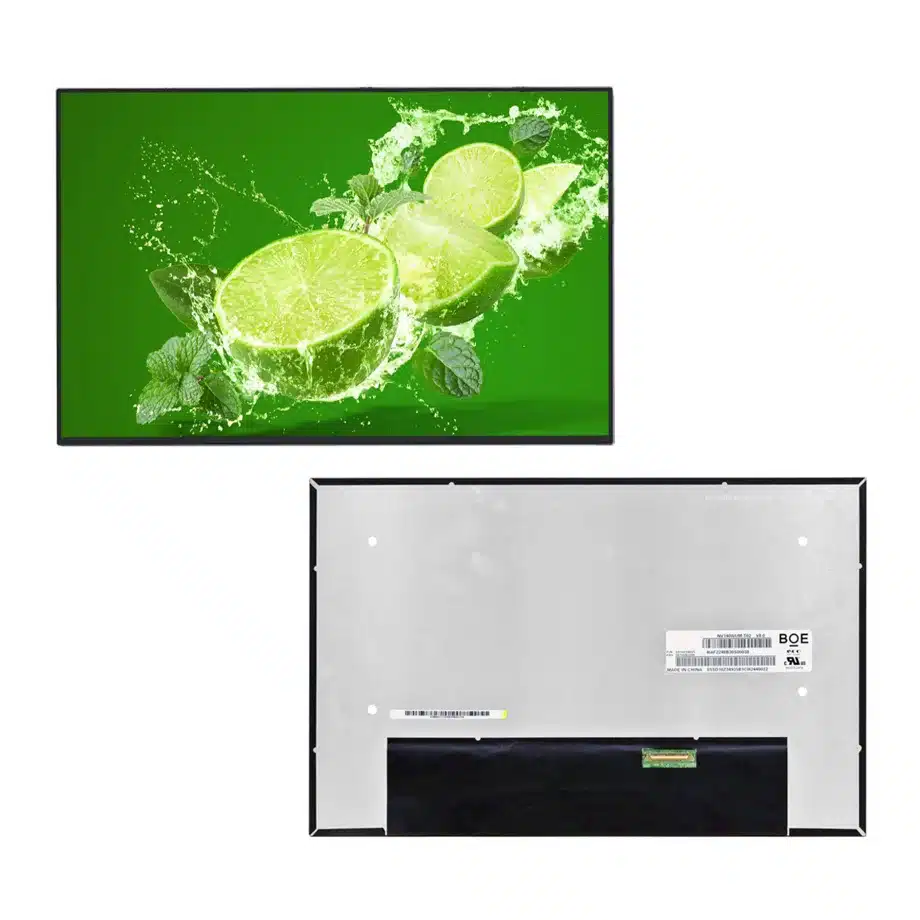
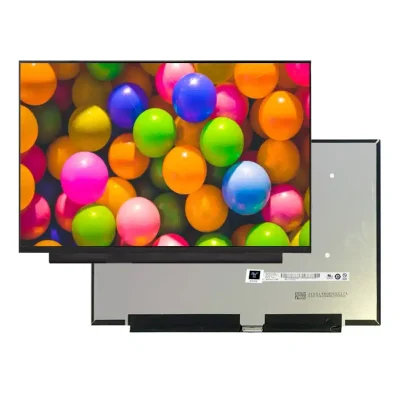
NV140WUM-T0B Dell 0V508J I2C Touch LCM BOE
Model P/N
Size
Resolution
Brightness
Viewing Angle
Connector Type
Operating Temp
Overall(mm)
boe
NV140WUM-T0B
Brand
Panel Size (inch)
Model P/N
Resolution
Brightness (nits)
Viewing Angle
Contrast Ratio
Response Time
Overall (mm)
Active Area (mm)
Refresh Rate
Display Colors
Panel Type
Connector Type
Surface Treatment
Operating Temp
Touchscreen Type
Storage Temp
Work Mode
Pixel Format
Input Voltage (V)
Touch Interface
Vibration Resistance
Designed For
Product Details
Product Overview
NV140WUM-T0B Dell 0V508J I2C Touch LCM is a 14.0-inch BOE a-Si TFT-LCD notebook module with integrated On-Cell Touch. The user-supplied exact-model row defines a 1920(RGB)×1200 WUXGA image in a 16:10 aspect ratio, a 301.594 × 188.496 mm active area and a 306.594 × 198.396 × 5.16 mm physical envelope. Module mass is 287 g typical and 320 g maximum. The surface is antiglare with 25% haze and 3H hard coating.
The confirmed optical specification is 300 cd/m² typical luminance, 800:1 typical contrast, 85/85/85/85 typical viewing at CR≥10 and 16.7M colors with 100% NTSC. The display operates in HADS normally-black transmissive mode at 60 Hz. It includes a 9S6P WLED backlight with a 15,000-hour source-life figure and DC backlight control. Touch is On-Cell Touch over I²C and is identified for Windows 11 use in the supplied row.
The panel-side signal path is two-lane eDP 1.3 at HBR1 2.7 Gbit/s per lane through a 40-pin connector with a 3.3 V typical panel supply. Same-model supporting information identifies Dell DP/N 0V508J, Wide Color Gamut, sRGB, Reverse I/F and laptop use. The exact-model technical page supports that context, while VESA eDP guidance provides general embedded-link background.
Three Core Buyer Value Propositions
1. Exact Dell 0V508J context helps narrow replacement qualification
The same-model source associates NV140WUM-T0B with Dell DP/N 0V508J. That is useful procurement evidence when screening replacement stock because it ties the BOE panel to a concrete service-part context. It should not be expanded into a claim that the panel fits every Dell notebook. Buyers still need to match the original panel label, cable, lid mechanics and system firmware for the specific computer.
2. Integrated I²C On-Cell Touch defines a controlled interactive module
The touch layer is part of the exact display configuration rather than an external accessory. That means a visually similar non-touch 14-inch WUXGA panel is not an equivalent replacement. The image path, touch communication and cable need to work together. For OEM and service programs, this reduces ambiguity when the product record keeps the exact BOE model, 40-pin interface and I²C touch implementation as one controlled assembly.
3. 100% NTSC with 25% haze gives a distinctive optical profile
The supplied row combines 100% NTSC color coverage with a 25% haze antiglare surface. That supports color-rich notebook interfaces while reducing distinct reflections more aggressively than a low-haze surface. The tradeoff should be evaluated at real viewing distance because stronger haze can affect perceived sharpness on fine text. The color figure is a panel specification, not a finished-notebook calibration certificate.
Key Specifications at a Glance
| Parameter | Confirmed value |
|---|---|
| Manufacturer / model | BOE NV140WUM-T0B / BOE0CC7 |
| Display size | 14.0 inch |
| Panel type | a-Si TFT-LCD, LCM |
| Resolution | 1920(RGB)×1200, WUXGA, 16:10 |
| Active area | 301.594 × 188.496 mm |
| Outline | 306.594 × 198.396 × 5.16 mm |
| Weight | 287 g typical / 320 g maximum |
| Brightness | 300 cd/m² typical |
| Contrast | 800:1 typical |
| Viewing | 85/85/85/85 typical at CR≥10 |
| Color | 16.7M, 100% NTSC |
| Surface | Antiglare, 25% haze, 3H hard coating |
| Refresh | 60 Hz |
| Interface | eDP 1.3, 2 lanes, HBR1, 40-pin connector |
| Panel supply | 3.3 V typical |
| Backlight | 9S6P WLED, 15K hours, DC |
| Touch | On-Cell Touch, I²C, for Windows 11 |
| Operating / storage | 0 to 50 °C / -20 to 60 °C |
What Must Match for a Touch-Enabled Replacement?
A replacement should match more than diagonal and resolution. The exact display uses two eDP lanes through a 40-pin connector and also carries the touch implementation required by the notebook. The production cable needs to support the correct panel-side pin assignment, I²C touch communication, power rails and connector orientation. A 40-pin connector on another panel does not prove electrical equivalence.
NV140WUM-T0B Dell 0V508J I2C Touch LCM should be tested first with the original or production-approved cable. Verify native 1920×1200 image output, brightness control and touch enumeration at cold boot. Check coordinate accuracy at the corners and center, multi-touch gestures and recovery from sleep or lid-close events. A stable image with failed touch is not a successful replacement.
Touch behavior beyond I²C remains a separate requirement
The row confirms On-Cell Touch and I²C, but it does not establish stylus support, glove operation, wet-touch behavior or a touch-life figure. Those should remain unclaimed unless BOE documentation or system-level testing supports them. If a program needs those capabilities, make them explicit acceptance criteria rather than inferring them from the Windows 11 note.
How Should the 300-Nit Optical Target Be Used?
Three hundred cd/m² typical luminance is suitable for ordinary indoor notebook environments. It should not be described as sunlight readable or outdoor high brightness. The 25% haze surface can diffuse reflections from windows and overhead lighting, but installed visibility still depends on ambient light, bezel geometry and any additional cover layers in the finished laptop.
Measure the notebook after warm-up using the production brightness policy. If a fleet replacement program compares multiple candidate panels, keep 300 cd/m² and 800:1 contrast as exact acceptance points rather than allowing a similar family panel to substitute a different optical class. Color-profile validation is separate from the 100% NTSC gamut specification.
Why Does the Two-Lane eDP 1.3 Path Matter?
Two-lane HBR1 eDP is a different transport boundary from the four-lane links used by many high-refresh or higher-resolution notebook panels. The exact pin map, AUX communication, panel enable and 3.3 V sequencing should be verified from the BOE document. Connector shell and pin count alone are insufficient because another 40-pin touch panel can still use different signal assignments.
Run repeated cold starts, restarts and suspend/resume cycles after the cable is routed through the hinge. Watch for blanking, intermittent image loss or touch failures caused by cable strain. Keep the approved cable part number, BIOS and graphics-driver baseline with the panel record so future lots can be checked against a reproducible configuration.
How Should Wide Color Gamut Be Positioned?
The exact user-supplied color field is 100% NTSC, while the same-model reference also describes Wide Color Gamut and sRGB. Public copy can therefore position the panel as a color-rich notebook display without replacing the locked numeric gamut value. Finished-system calibration, white point, gamma and uniformity remain separate requirements.
For creator or brand-sensitive work, sample several assembled notebooks at the same brightness and color-profile settings. A gamut figure by itself does not show color error. If a proposed replacement has a different gamut or surface haze, treat it as a new optical qualification even if the electrical interface matches.
Why Do Bent-PCBA Mechanics Matter?
The panel is described as a slim bent-PCBA design with a T≤3.5 mm subassembly reference, while the complete module thickness is 5.16 mm. These values represent different mechanical objects and should not be collapsed. The BOE mechanical drawing should control rear-board keep-out zones, connector position, cable fold and any bezel support.
During prototype or service qualification, cycle the lid through its full range and inspect cable strain. Check for pressure-related mura after the bezel and rear cover are assembled. A panel can pass a bench image test and still fail in the lid if the PCBA or cable bend occupies a different region from the original part.
Where Does NV140WUM-T0B Fit Best?
The supplied application is Laptop, and same-model evidence identifies Dell DP/N 0V508J. NV140WUM-T0B Dell 0V508J I2C Touch LCM therefore fits touch-enabled 14-inch WUXGA notebook programs and exact-model service replacement where the Dell part context, cable and lid mechanics agree. This is evidence of a real notebook implementation, not universal compatibility with every Dell or Windows 11 system.
The 0 to 50 °C operating range keeps the panel in normal notebook territory. It should not be categorized as industrial wide temperature, outdoor high brightness or automotive. The closed inventory taxonomy should reflect its TFT-LCD and touch-display roles rather than broad application phrases.
How Should First-Article Approval Be Structured?
Record the complete NV140WUM-T0B / BOE0CC7 label, cable, notebook model and firmware baseline. Bring the panel up at native WUXGA, confirm 60 Hz operation and verify that the touch controller enumerates. Test brightness adjustment, restart, suspend/resume and lid-close recovery before accepting the sample.
Then install it in the production lid and compare the 306.594 × 198.396 × 5.16 mm outline, active-area position and rear-PCBA clearance with the original. Recheck touch accuracy after final assembly because grounding, pressure or cover materials can affect input behavior. Keep the first article as the reference for incoming lots.
How Should Incoming Lots Be Controlled?
Incoming inspection should verify the exact model label, Dell 0V508J context where applicable, 40-pin connector condition and touch-enabled configuration. Sample units should be tested with the approved notebook cable for WUXGA image output and I²C touch operation. Surface haze, module outline and rear-board geometry should also match the controlled drawing.
Current production and marketplace stock information is time-sensitive. It can support sourcing decisions but should not be converted into a lifecycle guarantee. If a supplier proposes another NV140WUM suffix, requalify its optics, touch interface, mechanics and eDP mapping before it enters the approved bill of materials.
Procurement Checklist
- Confirm exact BOE NV140WUM-T0B / BOE0CC7 identity and current revision.
- Match the 306.594 × 198.396 × 5.16 mm outline and 320 g maximum mass.
- Verify two-lane eDP 1.3 HBR1 and the exact 40-pin mapping.
- Test On-Cell I²C touch, coordinate accuracy and sleep/wake recovery.
- Use 300 cd/m², 800:1 contrast and 100% NTSC as the optical baseline.
- Check the 25% haze surface against the finished notebook requirement.
- Preserve the approved cable, BIOS and service-part context.
- Confirm lifecycle and change-notification information before volume sourcing.
NV140WUM-T0B Dell 0V508J I2C Touch LCM is a model-specific WUXGA touch notebook module whose strongest procurement value comes from its Dell 0V508J context, I²C On-Cell Touch, two-lane eDP path and controlled mechanical package. Accurate replacement decisions depend on qualifying the complete display-and-touch assembly rather than matching only size and resolution.
Recommended: Same Size
(14")
Applications & Value of LCD Panel

- Fast sourcing with in-stock panels & cross-reference alternatives
- Stable supply chain with long-term availability
- Engineering-level support from panel to integration
- Custom solutions: cable, touch & optical bonding
- Strict quality control with IQC / OQC / aging test
- Full traceability system for quality assurance
- Complete technical documentation & drawings
- Compliance support: RoHS & certification files
