
~
~
~
~
~
~
NE180QAM-NZ2 WQUXGA eSport HSR HBR3 240Hz Panel
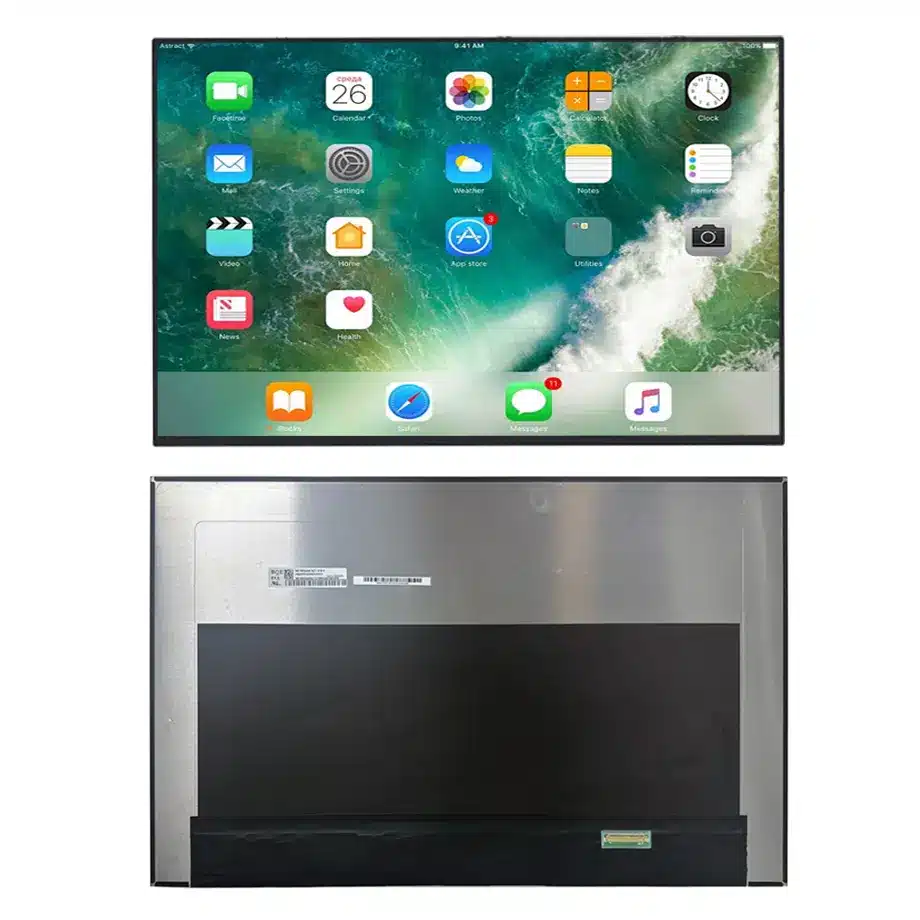
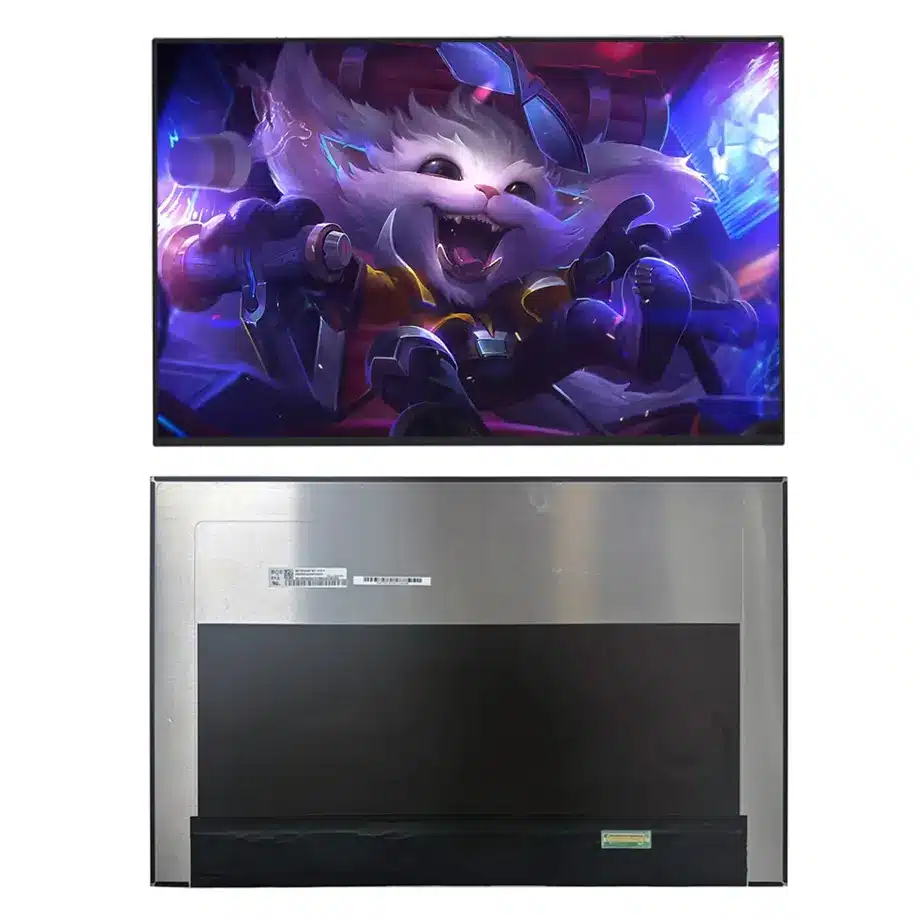
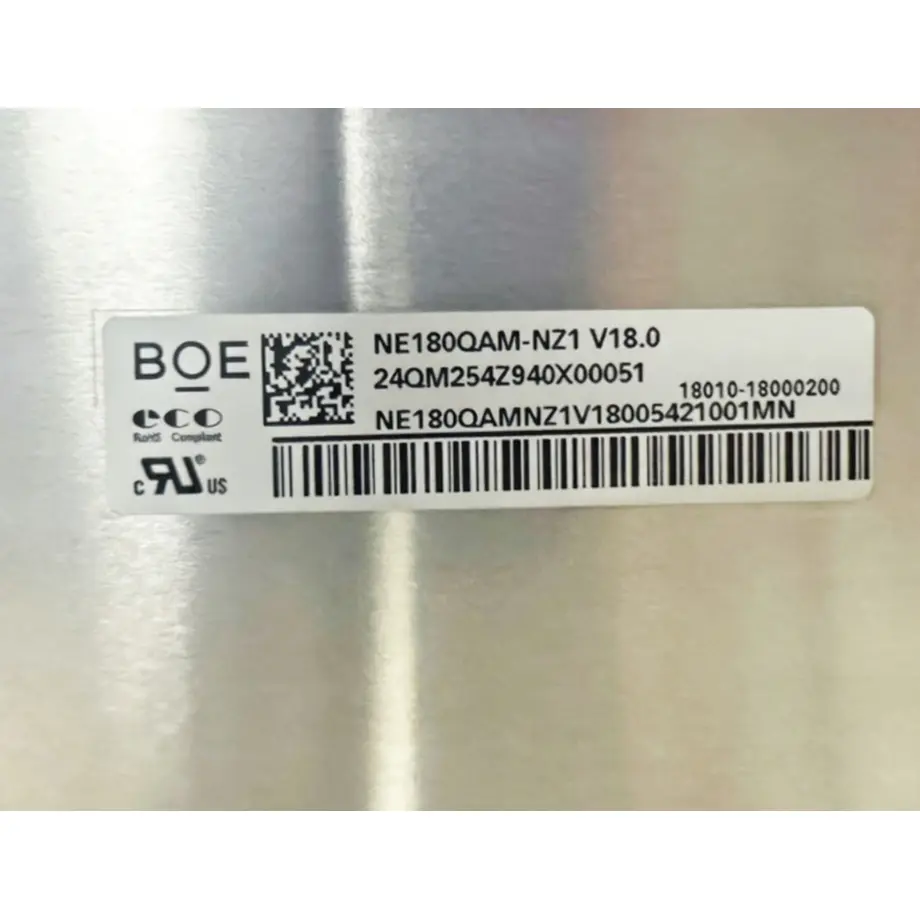
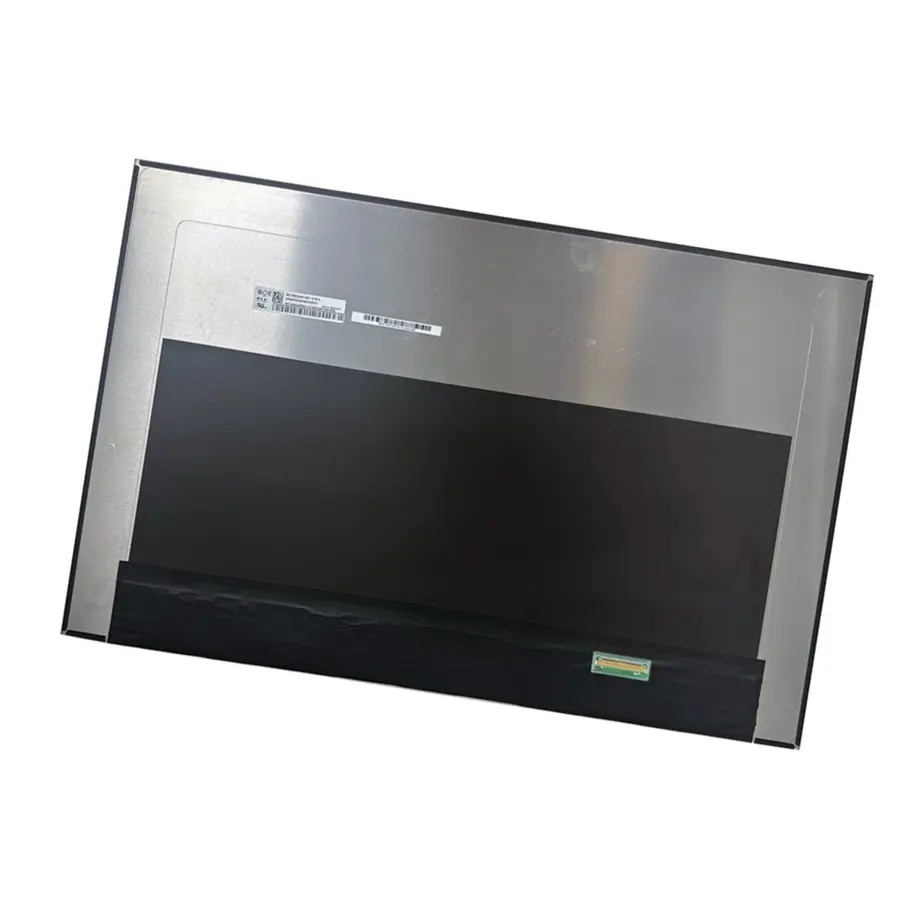
Model P/N
Size
Resolution
Brightness
Viewing Angle
Connector Type
Operating Temp
Overall(mm)
boe
NE180QAM-NZ2
Brand
Panel Size (inch)
Model P/N
Resolution
Brightness (nits)
Viewing Angle
Contrast Ratio
Response Time
Overall (mm)
Active Area (mm)
Refresh Rate
Display Colors
Panel Type
Connector Type
Surface Treatment
Operating Temp
Touchscreen Type
Storage Temp
Work Mode
Pixel Format
Input Voltage (V)
Vibration Resistance
Weight (g)
Designed For
Product Details
NE180QAM-NZ2 WQUXGA eSport HSR HBR3 240Hz Panel is an 18.0-inch BOE Oxide TFT-LCD module built around a 3840×2400 WQUXGA 16:10 image and a 240 Hz refresh target. The exact-model record combines four-lane eDP 1.4 HBR3, 520 cd/m² typical luminance, 100% DCI-P3 wording, HDR400 terminology and FreeSync/G-Sync-related features. Those specifications make the module a high-bandwidth notebook component whose performance depends heavily on the host GPU, cable and firmware.
The integration risk is concentrated in interactions: pixel count multiplied by refresh rate stresses the display link; overdrive interacts with refresh behavior; HDR and wide-gamut rendering depend on the graphics pipeline; and an 18-inch lid adds mechanical and thermal constraints. Qualification should therefore be organized around the intended performance modes rather than treating each datasheet line as an isolated checkbox.
Three buyer value propositions
240 Hz refresh on an 18-inch 3840×2400 canvas
The panel combines a WQUXGA 16:10 desktop-scale workspace with a 240 Hz target normally associated with performance gaming. That combination can support premium gaming notebooks or mobile workstations when the host has sufficient display bandwidth. It also raises the bar for cable, GPU and firmware validation because high pixel count and high refresh must be sustained together.
HBR3 eDP path for high-bandwidth notebook platforms
Four-lane eDP 1.4 HBR3 at 8.1 Gbit/s per lane defines the panel-facing transport. Engineering can use that as a precise signal-chain requirement instead of treating the module as a generic 40-pin eDP screen. Link training, cable loss, AUX communication and any compression or timing behavior used by the target platform must be qualified with the production harness.
DCI-P3 and 520-nit optical target with fast overdrive mode
The exact-model record combines 100% DCI-P3 wording, 1.07B colors, 520 cd/m² typical luminance and a 3 ms G-to-G response with overdrive. These are strong component-level targets for gaming image quality. They do not automatically prove finished-system HDR certification, calibration accuracy or identical response behavior under every drive mode.
Key Specifications at a Glance
The release baseline for NE180QAM-NZ2 WQUXGA eSport HSR HBR3 240Hz Panel is the following exact-model data.
| Brand | BOE |
|---|---|
| Model P/N | NE180QAM-NZ2 |
| Size | 18.0 inch |
| Resolution | 3840(RGB)×2400, WQUXGA, 16:10 |
| Active Area | 387.763(W)×242.352(H) mm |
| Overall | 394.76×253.75×5.5 mm |
| Brightness | 520 cd/m² (Typ.), HDR400 |
| Viewing Angle | 89/89/89/89 (Typ.)(CR≥10) |
| Display Colors | 1.07B, 100% DCI-P3, Low Blue Light |
| Weight | 540 g (Max.) |
| Refresh Rate | 240 Hz, FreeSync / G-Sync |
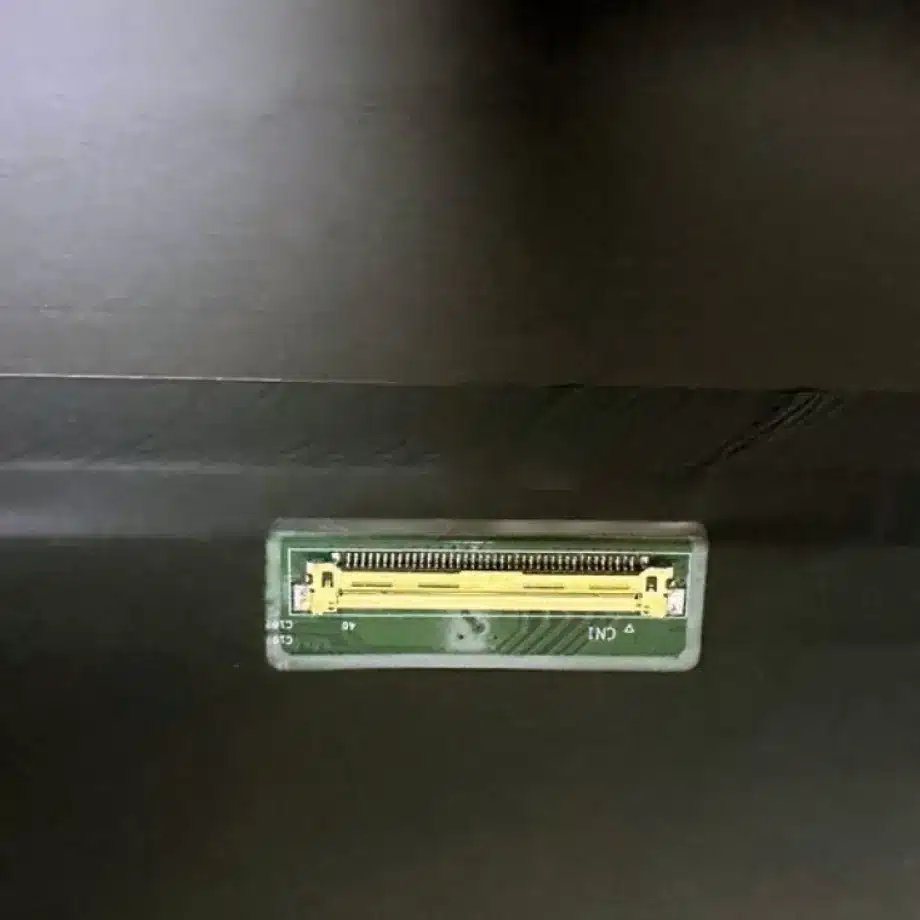
| Connector / Native Interface | eDP (4 Lanes), eDP1.4, HBR3 (8.1G/lane), 40 pins 0.5 mm connector |
| Input Voltage | 3.3 V (Typ.) |
| Operating Temperature | 0 ~ 50 °C |
| Storage Temperature | -20 ~ 60 °C |
| Vibration | 1.5G (14.7 m/s²) |
| Panel Type | Oxide TFT-LCD, LCM |
| Pixel Format | RGB Vertical Stripe |
| Surface Treatment | Antiglare, Hard coating (3H) |
| Contrast Ratio | 1350:1 (Typ.) |
| Response Time | 5 ms (Typ.)(G to G), 3 ms (Typ.)(G to G)(OD) |
| Work Mode | ADS, Normally Black, Transmissive |
| Backlight / Emission | 15,000 hours (WLED, integrated LED driver) |
| Designed For | Laptop and gaming notebook display integration |
| Touchscreen Type | Without touch screen |
Build a bandwidth budget before the first sample arrives
The panel link is four-lane HBR3 at 8.1 Gbit/s per lane. Map the motherboard's display engine, connector, cable length and any platform compression/timing strategy to the native 3840×2400/240 Hz target before sample testing. Then confirm real link training and AUX communication on hardware. A board schematic that labels an output “eDP 1.4” does not prove that the complete path, including cable insertion loss and firmware settings, can sustain the target mode.
Use stress cases that change link state: boot from cold, reboot repeatedly, enter and leave sleep, switch refresh modes, attach and detach external monitors, and run a sustained high-frame-rate workload. Capture whether failures occur as blanking, sparkles, retraining, refresh fallback or resume problems. These observations help separate a marginal physical link from a software timing issue.
Variable refresh and HSR/eSport feature review
The exact-model evidence includes FreeSync, G-Sync, HSR and eSport wording. Treat each as a reason to test the relevant operating mode, not as a universal compatibility promise. Define the GPU and driver baseline for the intended notebook, identify the variable-refresh range actually exposed by the system, and test frame pacing near its boundaries. If high-speed modes require different timing or compression behavior, record those transitions as part of platform qualification.
NE180QAM-NZ2 WQUXGA eSport HSR HBR3 240Hz Panel also lists 5 ms typical G-to-G response and 3 ms typical G-to-G with overdrive. Keep both values in the engineering record. The 3 ms figure is conditional on OD; it should not replace the non-OD figure in contexts where overdrive state is unknown. Visual acceptance should include overshoot, inverse ghosting and behavior at several refresh points rather than a single headline response number.
Wide gamut and HDR400 without overclaiming
The panel is specified with 1.07B colors, 100% DCI-P3 wording and 520 cd/m² typical luminance. Those are useful display-component targets for wide-gamut content. They do not by themselves establish the color-calibration error of a shipped notebook. Define a production color workflow and measure the assembled unit if the product has calibration requirements.
HDR400 terminology should likewise remain tied to the documented panel evidence. Finished-system HDR behavior depends on the OS, GPU output, tone mapping, backlight control and the certification scope of the complete product. Procurement copy should not turn a component feature label into a certification guarantee for every device that uses the panel.
18-inch mechanical package: lid stiffness becomes part of display quality
The module measures 394.76×253.75×5.5 mm around a 387.763×242.352 mm active area and weighs up to 540 g. At this scale, lid torsion, hinge loading and bezel pressure deserve explicit review. Compare screw or tape locations, cable fold, connector exit and the bent-PCBA clearance to the exact drawing. Uneven support can create stress or visual non-uniformity even when the panel fits nominally inside the lid.
The component vibration reference is 1.5G. That value can inform engineering, but the assembled notebook's shock and vibration behavior is governed by the complete lid, fasteners, cable restraint and enclosure resonance. Use the finished mechanical design for product-level qualification.
Thermal behavior during a gaming workload
The display's documented operating range is 0 to 50 °C. High GPU power, panel backlight power and a large lid area can produce thermal conditions different from an office-idle test. Instrument the panel vicinity during a representative game or graphics workload at the intended brightness. The integrated WLED driver and 15,000-hour backlight rating are component facts; they are not a finished-notebook service-life guarantee.
Release packet for service and second-lot screening
For NE180QAM-NZ2 WQUXGA eSport HSR HBR3 240Hz Panel, retain the exact BOE model, WQUXGA timing, 240 Hz mode set, HBR3 cable, BIOS/driver baseline, mechanical drawing, color target and validated variable-refresh/OD behavior. When a future lot or alternate module is proposed, that packet gives engineering a reproducible comparison point and prevents resolution or connector count from being mistaken for drop-in equivalence.
Recommended: Same Size
(18")
Applications & Value of LCD Panel

- Fast sourcing with in-stock panels & cross-reference alternatives
- Stable supply chain with long-term availability
- Engineering-level support from panel to integration
- Custom solutions: cable, touch & optical bonding
- Strict quality control with IQC / OQC / aging test
- Full traceability system for quality assurance
- Complete technical documentation & drawings
- Compliance support: RoHS & certification files
