
~
~
~
~
~
~
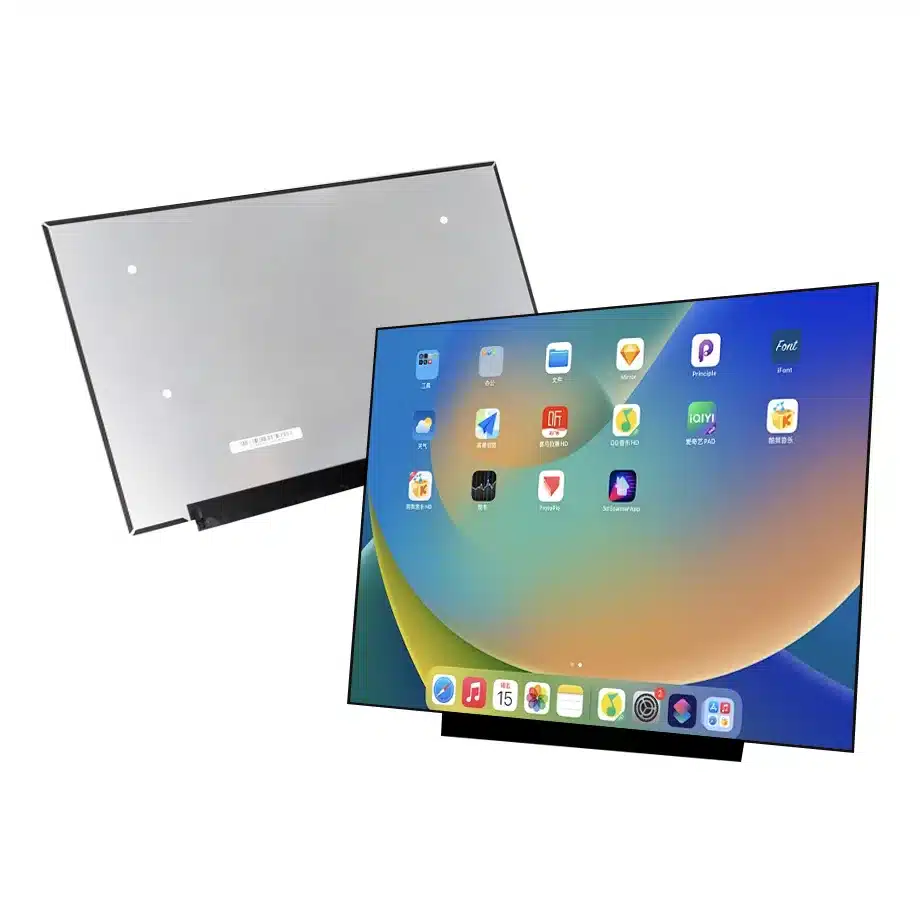
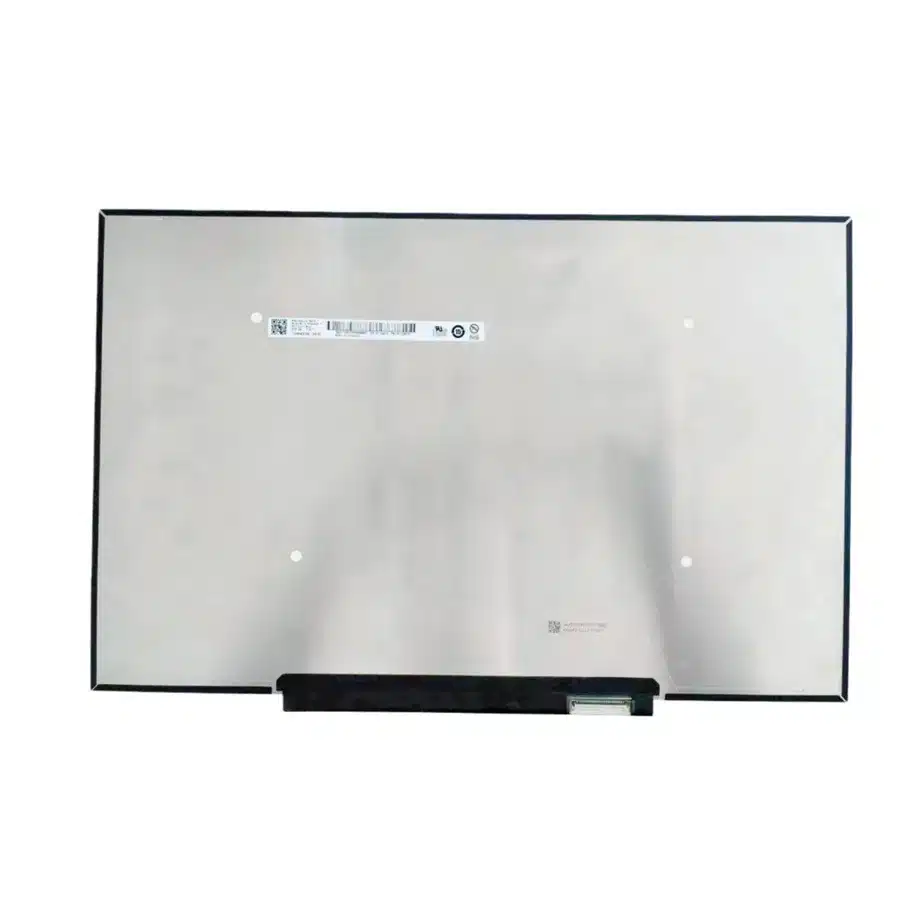
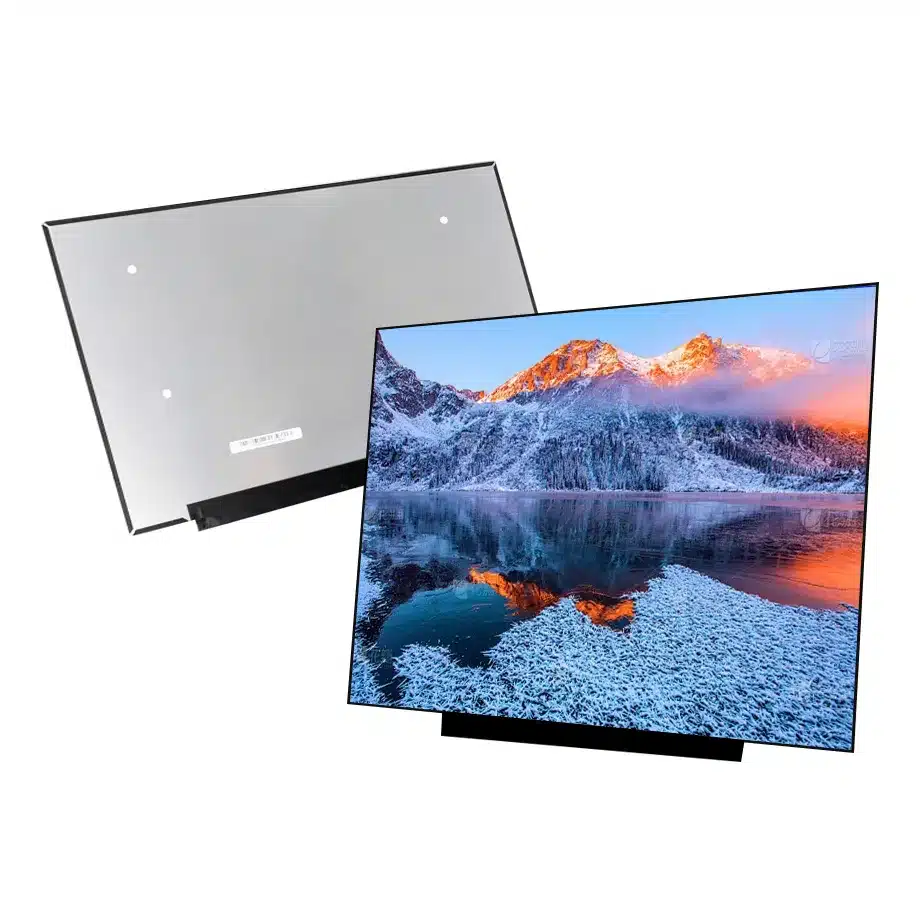
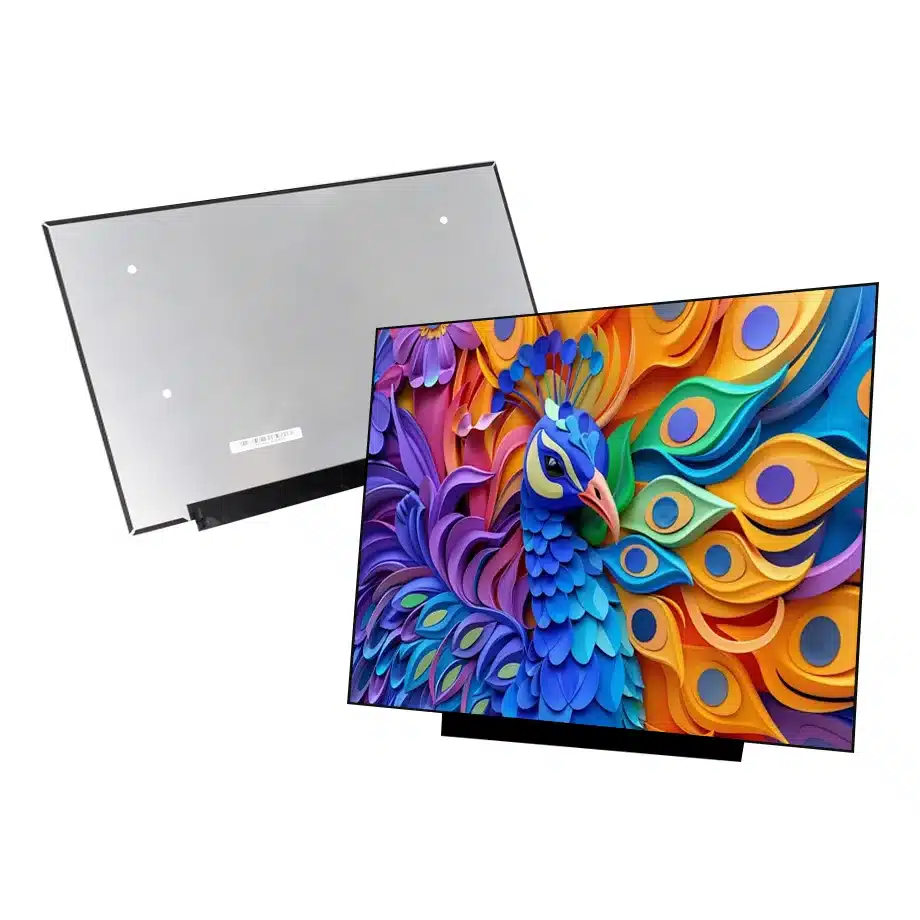
B160QAN05.0 PSR-SU RC 120Hz LTPS PWM AHVA Notebook Panel AUO
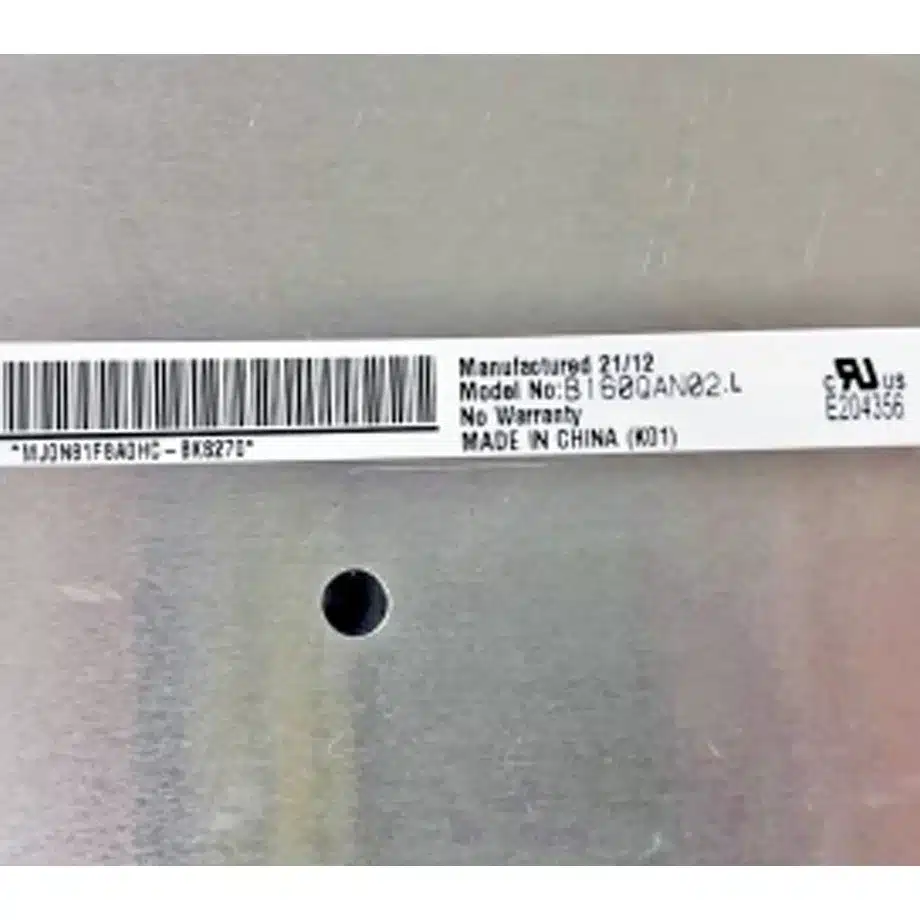
Model P/N
Size
Resolution
Brightness
Viewing Angle
Connector Type
Operating Temp
Overall(mm)
auo
B160QAN05.0
Brand
Panel Size (inch)
Model P/N
Resolution
Brightness (nits)
Viewing Angle
Contrast Ratio
Response Time
Overall (mm)
Active Area (mm)
Refresh Rate
Display Colors
Panel Type
Connector Type
Surface Treatment
Operating Temp
Touchscreen Type
Storage Temp
Work Mode
Pixel Format
Input Voltage (V)
Vibration Resistance
Weight (g)
Designed For
Product Details
B160QAN05.0 PSR-SU RC 120Hz LTPS PWM AHVA Notebook Panel is the exact BOM identity that procurement should use when comparing replacement lots after engineering approval.
B160QAN05.0 PSR-SU RC 120Hz LTPS PWM AHVA Notebook Panel is the controlled reference for testing PSR-SU RC transitions, 120 Hz timing and the flat-PCBA lid package.
B160QAN05.0 PSR-SU RC 120Hz LTPS Notebook Panel is a 16-inch AUO LTPS TFT-LCD module built around a 2560(RGB)×1600, WQXGA, 16:10 notebook canvas, 120 Hz refresh and four-lane eDP 1.4b. Its exact-model feature set includes AMD FreeSync, PSR, PSR-SU and PSR-SU RC references. Those capabilities are most useful when the platform team treats them as power-state and timing functions to be verified on the actual motherboard rather than as label-only promises.
Three buyer value propositions
PSR-SU RC support for display-state engineering
The supplied exact-model description explicitly includes PSR-SU RC. That creates a supported basis for partial-update and panel-self-refresh qualification while keeping power savings bounded by host firmware and system implementation.
120 Hz WQXGA path for laptop and gaming use
A 2560×1600 16:10 canvas at 120 Hz gives a defined performance target for productivity and gaming. The four-lane eDP 1.4b path, exact timing and production cable must all remain stable through boot and resume.
Thin flat-PCBA package with 100% sRGB wording
The 3 mm module depth and flat-PCBA architecture support slim notebook designs. Optical evidence includes 400 cd/m² typical luminance and 100% sRGB wording, which should be verified at the assembled-lid level.
B160QAN05.0 PSR-SU RC 120Hz LTPS PWM AHVA Notebook Panel should be qualified with the target BIOS during static-screen, partial-update and adaptive-sync workloads before notebook release.
Key Specifications at a Glance
| Brand | AUO |
|---|---|
| Model P/N | B160QAN05.0 |
| Size | 16 inch |
| Resolution | 2560(RGB)×1600, WQXGA, 16:10 |
| Active Area | 344.678×215.424 mm (H×V) |
| Overall | 349.68×231.42×3 mm |
| Brightness | 400 cd/m² (Typ.) |
| Viewing Angle | 89/89/89/89 (Typ.)(CR≥10) |
| Display Colors | 16.7M, 100% sRGB, Low Blue Light |
| Weight | 315 g (Max.) |
| Refresh Rate | 120 Hz |
| Connector / Native Interface | eDP (4 Lanes), eDP1.4b, 40 pins 0.5 mm connector |
| Input Voltage | 3.3 V (Typ.) |
| Operating Temperature | 0 ~ 50 °C |
| Storage Temperature | -20 ~ 60 °C |
| Vibration | 1.5G (14.7 m/s²) |
| Panel Type | LTPS TFT-LCD, LCM |
| Pixel Format | RGB Vertical Stripe |
| Surface Treatment | Antiglare, Hard coating (3H) |
| Contrast Ratio | 1200:1 (Typ.) |
| Response Time | 5 ms (Typ.)(G to G) |
| Work Mode | AHVA, Normally Black, Transmissive |
| Backlight / Emission | 15,000 hours (WLED, integrated LED driver, PWM) |
| Designed For | Laptop and gaming notebook display integration; 120 Hz adaptive-sync platforms |
| Touchscreen Type | Without touch screen |
Qualify PSR transitions separately from refresh performance
Test static desktop, partial screen updates, video playback and sleep/wake while logging whether PSR states enter and exit correctly. Then test the 120 Hz timing as a separate matrix. Combining the two helps expose platform interactions that a simple image-on test will miss.
FreeSync is a motherboard-level compatibility question
Define the variable-refresh window the target GPU exposes and check frame pacing near the boundaries. Driver or BIOS changes can alter behavior even when the panel itself is unchanged, so preserve the software baseline used for approval.
Mechanical fit and cable route
Use the 349.68×231.42×3 mm outline, flat-PCBA layout and connector location from the exact drawing. Check hinge clearance, tape or foam zones and cable fold before declaring interchangeability with another 16-inch WQXGA display.
Controlled replacement package
Store the approved drawing, cable, 120 Hz timing, 3.3 V sequence, PSR-SU RC test result and adaptive-sync baseline with the BOM. That package is more useful than a generic specification such as '16-inch WQXGA eDP'.
B160QAN05.0 PSR-SU RC 120Hz LTPS PWM AHVA Notebook Panel belongs with the 40-pin cable, PSR-SU RC test matrix and 3 mm mechanical drawing in the approved replacement record.
Panel-self-refresh test design
PSR-SU RC should be validated with content patterns that trigger both static and partial-update behavior. Use a stationary desktop, cursor movement, scrolling text, video windows and mixed UI animation while observing whether the host enters and exits the expected state. Repeat after sleep, lid close and graphics-driver restart because power-state bugs often appear during transitions rather than steady display. Capture the BIOS and driver versions used for approval. If a platform update changes display power policy, rerun these cases before assuming the panel remains functionally equivalent. The goal is stable user-visible behavior, not merely confirmation that a feature bit is present.
120 Hz timing and adaptive-sync matrix
Create a timing matrix that separates fixed 120 Hz operation from any variable-refresh modes exposed by the target GPU. Verify link training, image stability and recovery at each approved setting. For adaptive sync, move frame rate slowly through the operating range and test rapid transitions caused by real applications. Watch for flicker, black frames, incorrect fallback or persistent low-refresh states after resume. Because B160QAN05.0 uses four eDP lanes, a cable that appears fine at a lower mode can still show intermittent errors at the production mode. Use the shipping harness and route it through the real hinge during test.
PWM backlight and brightness behavior
The WLED system is specified with an integrated driver and PWM control. Determine the platform's intended dimming curve and measure behavior at several user brightness levels, especially near the low end where PWM artifacts may become more noticeable. Do not assume that another AUO panel with a similar connector uses the same control characteristics. Check startup brightness, resume brightness and whether firmware restores the last user level correctly. If the project has flicker-sensitive or camera-viewing requirements, define a measurable acceptance method rather than relying on the presence of a PWM label alone.
sRGB optical acceptance
The exact-model parameters include 100% sRGB wording and 400 cd/m² typical luminance. These values are useful for procurement and engineering, but they should be translated into assembled-lid acceptance criteria. Decide whether the program needs gamut coverage only, color-error limits, white-point control or uniformity thresholds. Measure through the final bezel and any protective layers. If a low-blue-light mode is enabled by software, evaluate it separately because it can shift color rendering by design. Keep the component specification distinct from any finished-system marketing or certification claim.
Three-millimeter mechanical package
The 3 mm physical depth supports a slim lid, but thin does not mean mechanically interchangeable. Compare the flat-PCBA geometry, connector exit, active-area centering and adhesive zones with the target enclosure. Check rear-cover clearance under chassis flex and verify that the cable bend does not load the connector. During sample build, inspect edge pressure and image uniformity after the bezel is fully assembled. A replacement panel with the same diagonal and WQXGA resolution may have a different PCB location or mounting datum that causes interference even when its headline dimensions seem close.
Configuration record for maintenance
Maintenance teams need more than the panel model. Preserve the approved drawing, cable revision, 120 Hz timing, PSR-SU RC test matrix, adaptive-sync baseline, PWM brightness behavior and BIOS/driver versions. If the display is later sourced from another lot, compare these controls before release. Do not convert current marketplace availability into a long-term lifecycle promise. Instead, keep the engineering record ready for controlled replacement screening so a future alternate can be assessed on interface, power state, optics and mechanics rather than on size and resolution alone.
First-article evidence for a power-managed notebook panel
The first-article report should contain more than a photograph of a working desktop. Include the exact panel label, cable part number, BIOS revision, graphics driver, native timing, fixed-refresh result, variable-refresh result and PSR-SU RC transition cases. Add assembled-lid brightness and a mechanical-fit review. If a failure occurs only after resume or partial updates, capture that scenario explicitly instead of recording a generic pass. This evidence makes later lot comparisons much faster because engineering can reproduce the approved state without reconstructing assumptions from email or supplier descriptions. It also helps distinguish a panel issue from a platform firmware regression.
Commercial wording should stay inside the evidence envelope
B160QAN05.0 is supported as a 120 Hz LTPS WQXGA notebook panel with sRGB, adaptive-sync and PSR-related feature references. Those facts are useful for engineering and sourcing, but they should not be expanded into unsupported promises about battery-life improvement, universal gaming compatibility or calibrated color accuracy. The 15,000-hour WLED figure is likewise a component rating rather than a notebook service-life guarantee. Keeping commercial language bounded to the exact evidence protects procurement decisions and makes replacement qualification more consistent when a later candidate has different power-state, backlight or timing behavior.
Production handoff control
For purchasing release, the approved configuration should be identified by the complete AUO model and tied to the exact 40-pin cable and notebook platform used during validation. Any later change to cable supplier, BIOS display policy or graphics driver should trigger focused regression of 120 Hz timing, PSR-SU RC transitions and adaptive-sync behavior. The purpose is not to freeze every software revision indefinitely, but to preserve a known-good reference that explains what was tested. This record also helps engineering decide whether a reported field issue is caused by the panel, host firmware or a changed mechanical/cable condition.
Engineering and sourcing review
For release, provide the motherboard/BIOS baseline, 40-pin cable, PSR-SU RC state requirements and lid drawing. Approval should include a traceable matrix covering 120 Hz timing, adaptive-sync behavior, partial-refresh transitions and mechanical fit.
Recommended: Same Size
(16")
Applications & Value of LCD Panel

- Fast sourcing with in-stock panels & cross-reference alternatives
- Stable supply chain with long-term availability
- Engineering-level support from panel to integration
- Custom solutions: cable, touch & optical bonding
- Strict quality control with IQC / OQC / aging test
- Full traceability system for quality assurance
- Complete technical documentation & drawings
- Compliance support: RoHS & certification files
