
~
~
~
~
~
~
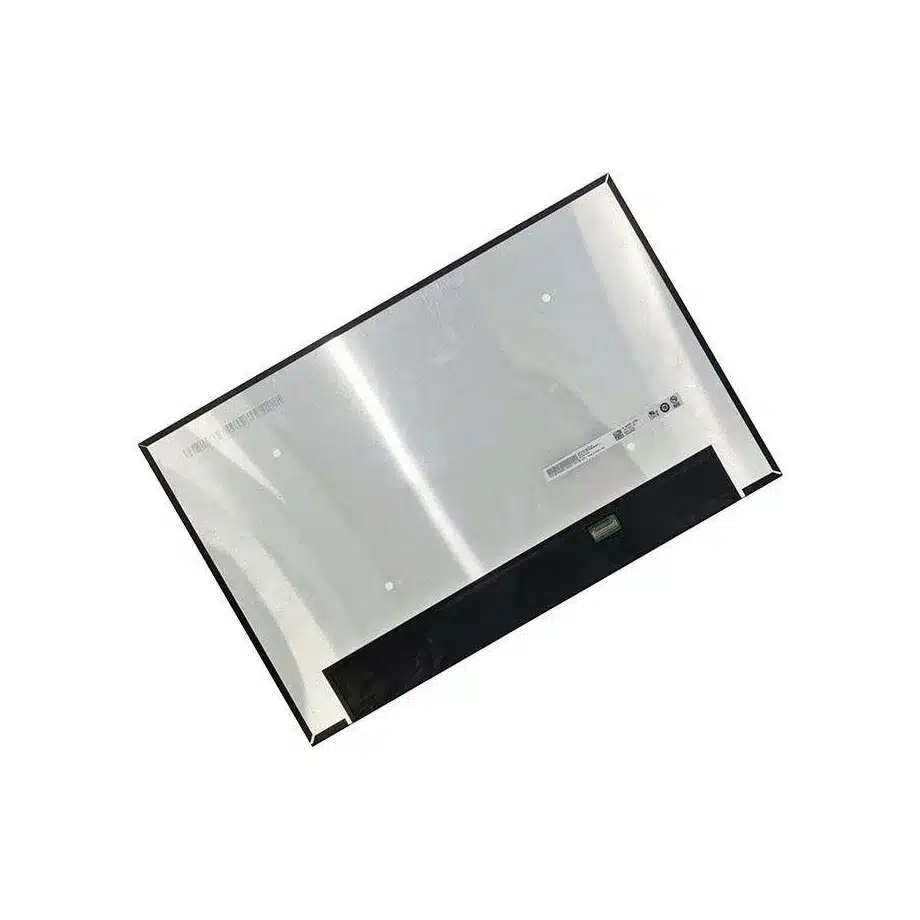
B160UAN08.2 Flat-PCBA 3mm DC AHVA Gaming Display 16in AUO
Model P/N
Size
Resolution
Brightness
Viewing Angle
Connector Type
Operating Temp
Overall(mm)
auo
B160UAN08.2
Brand
Panel Size (inch)
Model P/N
Resolution
Brightness (nits)
Viewing Angle
Contrast Ratio
Response Time
Overall (mm)
Active Area (mm)
Refresh Rate
Display Colors
Panel Type
Connector Type
Surface Treatment
Operating Temp
Touchscreen Type
Storage Temp
Work Mode
Pixel Format
Input Voltage (V)
Vibration Resistance
Weight (g)
Designed For
Product Details
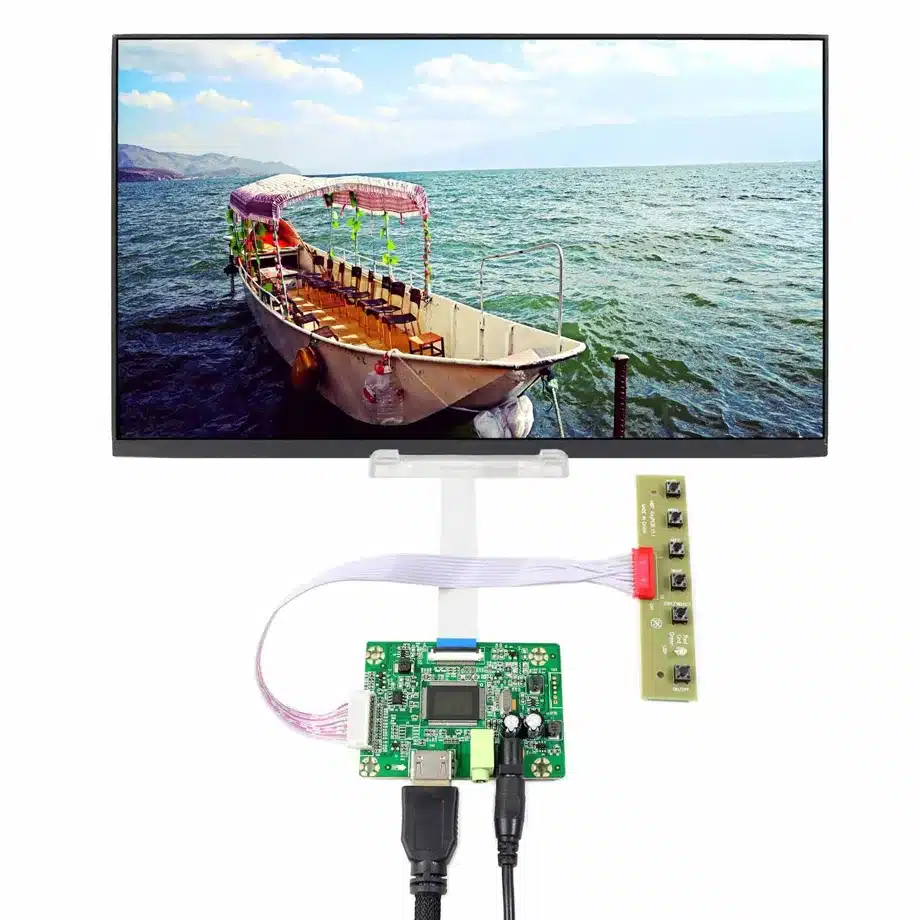
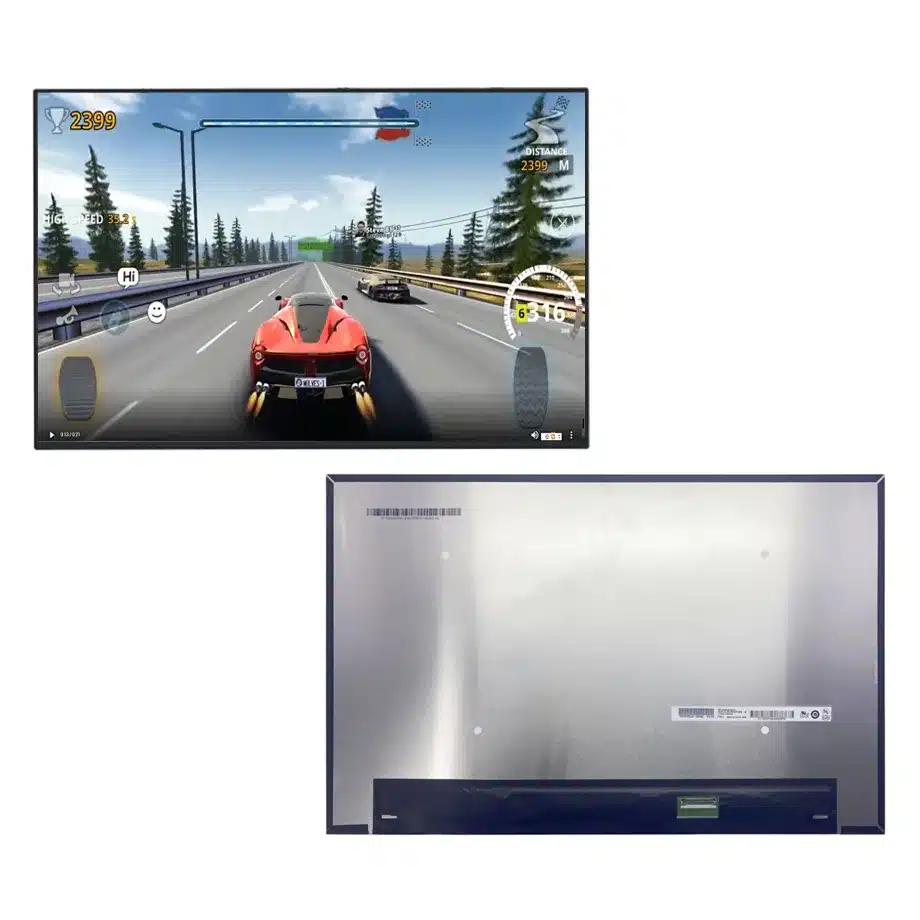
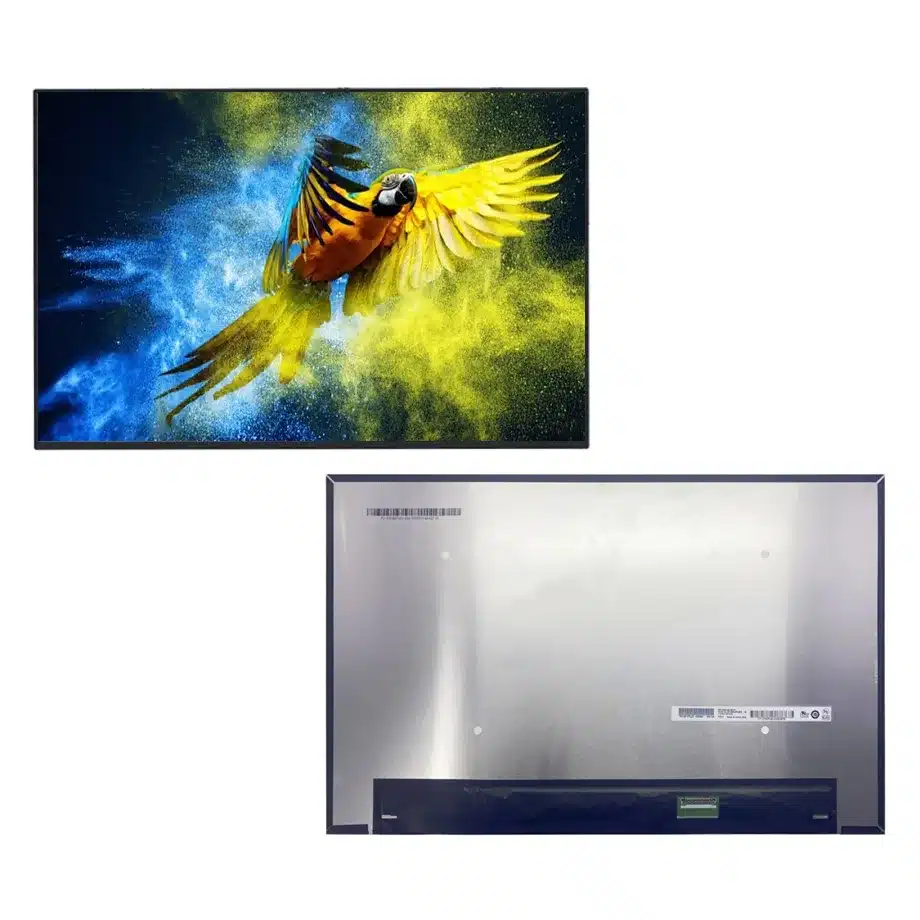
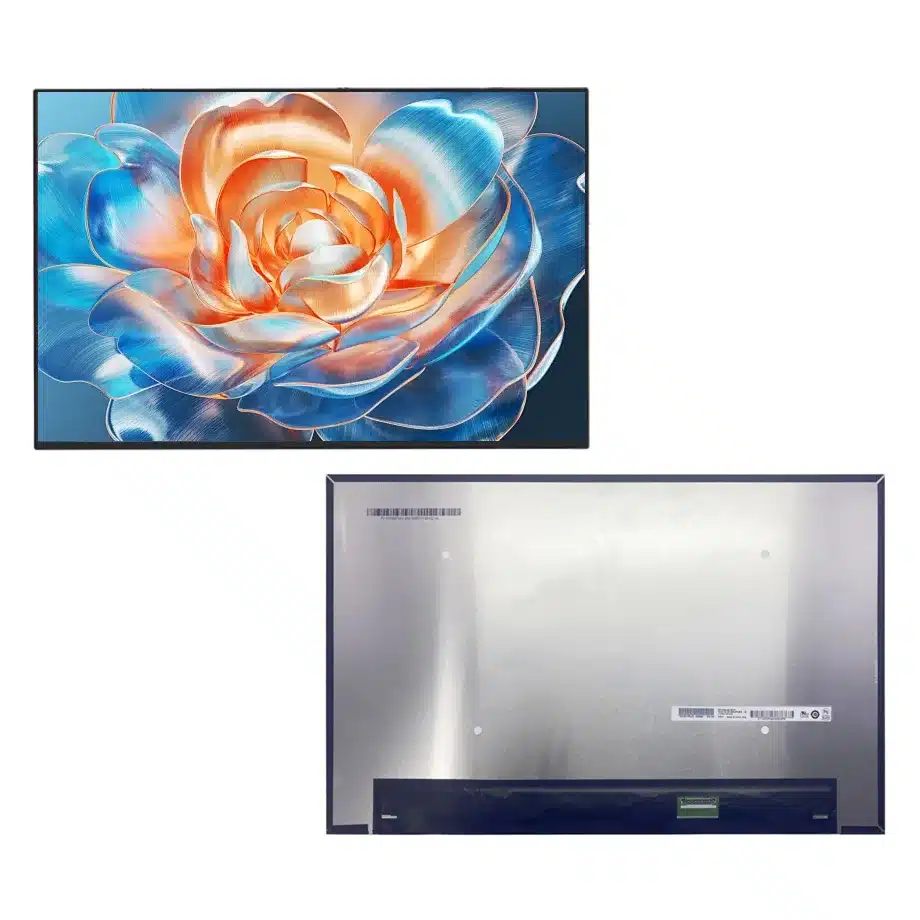
The B160UAN08.2 Flat-PCBA 3mm DC AHVA Gaming Display is a 16.0-inch AUO a-Si TFT-LCD module for WUXGA laptop and gaming designs. The user-supplied configuration fixes a 1920×1200 16:10 image, 144 Hz refresh, four-lane eDP 1.4 HBR2, 300 cd/m² typical luminance and a flat-PCBA 3 mm mechanical package. The same-model reference adds PSR2, AMD FreeSync, adaptive-sync and overdrive wording. These features make the panel a platform-integration component: signal margin, refresh-state control, motion tuning and lid mechanics all have to be released together.
A buyer should not treat B160UAN08.2 as interchangeable with B160UAN08.1 or another 16-inch WUXGA panel simply because the resolution and refresh class look familiar. The exact outline is 349.68×232.42×3 mm, the response set is 20 ms Tr+Td / 14 ms G2G / 7 ms G2G with OD, and the production interface is a 40-pin 0.5 mm HBR2 eDP path. Those differences belong in the approved BOM and sample report.
Three buyer value propositions
Flat-PCBA geometry for thin 16-inch lids
The 3 mm module depth and flat-PCBA form reduce rear-volume demand, but they also make adhesive zones, connector height and cable fold more sensitive. The practical buyer value is a clearly bounded mechanical target for slim lid development. Qualification should use the exact drawing and a fully assembled lid rather than a loose bench panel.
144 Hz WUXGA with a four-lane HBR2 transport
A 1920×1200 image at 144 Hz gives the GPU a moderate pixel count while retaining high frame cadence. Four-lane eDP 1.4 HBR2 is the exact transport requirement. This lets the platform team design a specific link budget and production-cable test instead of assuming any 40-pin notebook harness will work.
PSR2 and adaptive-sync feature references for platform tuning
The same-model evidence lists PSR2, FreeSync, adaptive sync and OD. That creates a legitimate test agenda for power-state transitions and variable-refresh behavior. It does not guarantee a particular VRR window, battery saving or universal GPU compatibility; those results must be established on the intended motherboard and firmware.
Key Specifications at a Glance
| Brand | AUO |
|---|---|
| Model P/N | B160UAN08.2 |
| Size | 16.0 inch |
| Resolution | 1920(RGB)×1200, WUXGA, 16:10 |
| Active Area | 344.68(H)×215.42(V) mm |
| Overall | 349.68×232.42×3 mm |
| Brightness | 300 cd/m² (Typ.) |
| Viewing Angle | 89/89/89/89 (Typ.)(CR≥10) |
| Display Colors | 16.7M, 45% NTSC |
| Weight | 390 g (Max.) |
| Refresh Rate | 144 Hz |
| Connector / Native Interface | eDP (4 Lanes), eDP1.4, HBR2 (5.4G/lane), 40 pins 0.5 mm connector |
| Input Voltage | 3.3 V (Typ.) |
| Operating Temperature | 0 ~ 50 °C |
| Storage Temperature | -20 ~ 60 °C |
| Vibration | 1.5G (14.7 m/s²) |
| Panel Type | a-Si TFT-LCD, LCM |
| Pixel Format | RGB Vertical Stripe |
| Surface Treatment | Antiglare |
| Contrast Ratio | 1200:1 (Typ.) |
| Response Time | 20 ms (Typ.)(Tr+Td), 14 ms (Typ.)(G2G), 7 ms (Typ.)(G2G)(OD) |
| Work Mode | AHVA, Normally Black, Transmissive |
| Backlight / Emission | 15,000 hours (WLED, integrated LED driver, DC) |
| Designed For | Laptop and gaming notebook display integration; 144 Hz adaptive-sync WUXGA platforms |
| Touchscreen Type | Without touch screen |
How should the HBR2 cable be qualified at 144 Hz?
Validate the real production harness through the hinge path at native 1920×1200 and 144 Hz. Include cold boot, restart, sleep/wake, lid close/open and a sustained graphics workload. Check whether link training ever retries or falls back, and inspect for intermittent sparkles, blanking or recovery delays after thermal soak. The 40-pin connector count is only a mechanical clue; pin assignment, grounding, shielding, cable length and insertion loss are what determine electrical margin. Preserve the approved cable revision with the panel record because a later cable supplier change can alter high-frequency loss without changing the connector shell.
What should be tested for PSR2 and adaptive sync?
Separate the test matrix into fixed-refresh, variable-refresh and panel-self-refresh cases. For adaptive sync, identify the actual range exposed by the GPU and driver, then sweep frame rate through the lower and upper boundaries while looking for flicker, judder, black frames or incorrect fallback. For PSR2, use static desktop, cursor movement, partial updates, video windows and repeated resume cycles. Store the BIOS and graphics-driver versions used for approval. A feature name in the panel description is evidence that the panel supports the mechanism, not proof that every notebook firmware implements it correctly.
How should the OD response figures be communicated?
Keep all three supplied response figures visible: 20 ms Tr+Td, 14 ms G2G, and 7 ms G2G with overdrive. The fastest number is conditional on OD and should not replace the other values in procurement records. During first-article testing, inspect overshoot and inverse ghosting at 144 Hz and at lower variable-refresh points. Motion behavior can change with drive level and refresh rate. A buyer comparing gaming panels should therefore review the actual OD mode and visible artifacts rather than selecting a part solely from the smallest response number.
Optical acceptance for a standard-gamut gaming panel
The approved component baseline is 300 cd/m² typical luminance, 1200:1 typical contrast and 45% NTSC wording. These facts support ordinary indoor notebook use and do not justify wide-gamut, HDR or sunlight-readable claims. Measure the assembled lid at several user brightness settings and inspect uniformity through the final bezel. If the system includes low-blue-light or software color modes, document them separately because they are platform functions. Keeping the optical target modest and explicit prevents a high-refresh feature from being misread as evidence of premium color performance.
Mechanical release for the 349.68×232.42×3 mm module
Use the exact outline, active-area centering and connector position when checking the lid. Thin modules are vulnerable to local pressure from foam, tape, clips or rear-cover flex even when the external dimensions fit. Review hinge sweep and cable bend over the full opening angle, then repeat open-close cycling on the first article. Inspect image uniformity after the bezel is fully tightened. A service replacement that is one millimeter thicker or has a different PCB edge can create cable strain or pressure marks despite sharing the same 16-inch WUXGA label.
DC backlight behavior and thermal margin
The WLED system includes an LED driver and DC control with a 15,000-hour component rating. Validate the notebook brightness curve, startup level and resume level using the intended firmware. During sustained gaming, measure temperature near the panel electronics and backlight while the GPU is also generating heat. The 0 to 50 °C operating range is a component boundary, not an ambient-room specification. Do not convert the backlight-hour figure into a finished-notebook lifetime promise; service life depends on brightness duty cycle, temperature and system use.
Incoming-lot screening for a high-refresh notebook BOM
Incoming inspection should confirm the exact B160UAN08.2 marking, connector condition, mechanical flatness and agreed cosmetic limits. A short functional sample check at 144 Hz can detect configuration drift before a lot enters production. If a later lot shows different link training, brightness behavior or OD artifacts, route it back to engineering instead of compensating silently in BIOS. This approach keeps the production record tied to measurable behavior and avoids treating a marketplace listing or family designation as evidence of drop-in equivalence.
Engineering evidence to preserve for future replacements
The release dossier should contain the AUO drawing, production 40-pin cable, native timing, 3.3 V sequence, approved refresh modes, adaptive-sync window, PSR2 transition results, OD observations and assembled-lid fit notes. When an alternate is proposed, compare these items field by field. Diagonal size, resolution and refresh rate are useful search filters but are not a compatibility decision. A controlled dossier lets sourcing change supplier lots without losing the technical assumptions that made the original design work.
First-article report for the flat-PCBA build
The first-article report should identify the panel label, cable part number, motherboard revision, BIOS, graphics driver, native 144 Hz timing and the exact mechanical stack. Add screenshots or measurements from fixed-refresh, adaptive-sync and PSR2 cases, then include a lid-fit inspection after final bezel assembly. Record any brightness, resume or motion anomaly with the condition that triggered it rather than using a generic pass/fail note. This makes later supplier-lot review faster because engineering can reproduce the approved state without reconstructing assumptions from informal messages. The report also gives service teams a way to distinguish panel behavior from a later firmware or cable change.
Why B160UAN08.2 needs its own record beside B160UAN08.1
The neighboring model number is not evidence of identical mechanics, firmware behavior or response tuning. The current-run B160UAN08.2 facts specify a 232.42 mm module height, 3 mm depth and a different response set from related models. Preserve those facts as independent evidence. If a sourcing proposal cites another B160UAN08 revision, compare connector location, outline, refresh-state features and production timing as a new candidate. Family naming can be useful for discovery, but production interchangeability is a separate engineering conclusion that must be supported by drawings and tests.
Production handoff and regression triggers
After release, define which changes require focused regression. A new cable supplier should trigger HBR2 link and resume checks; a BIOS display-policy change should trigger adaptive-sync and PSR2 checks; a mechanical lid revision should trigger pressure, cable-route and hinge-clearance review. Incoming panel lots can use a smaller sampling plan when identity and behavior remain stable, but unexplained differences should be quarantined for engineering review. This keeps the qualification workload proportional while preserving control of the highest-risk interactions.
Evidence and engineering references
For exact-model cross-checking, retain the supplied reference at Panelook B160UAN08.2. For eDP terminology and industry context, use the current VESA standards resources; system qualification still depends on the actual host and cable.
Engineering and sourcing review
For release, keep B160UAN08.2 tied to the exact current-run fact set, approved drawing or first article, native interface definition, power sequence, optical acceptance and the target system configuration. Replacement approval should be evidence-based and model-specific; shared size, resolution, connector count or family name is not sufficient proof of interchangeability.
Recommended: Same Size
(16")
Applications & Value of LCD Panel

- Fast sourcing with in-stock panels & cross-reference alternatives
- Stable supply chain with long-term availability
- Engineering-level support from panel to integration
- Custom solutions: cable, touch & optical bonding
- Strict quality control with IQC / OQC / aging test
- Full traceability system for quality assurance
- Complete technical documentation & drawings
- Compliance support: RoHS & certification files
FAQ
About B160UAN08.2 Flat-PCBA 3mm DC AHVA Gaming Display
What is the native interface for B160UAN08.2?
Does B160UAN08.2 support adaptive sync?
What does the 7 ms response figure mean?
Is B160UAN08.2 a wide-gamut or HDR panel?
Can B160UAN08.2 replace another 16-inch WUXGA panel directly?
What should procurement retain for future lot approval?
Can you provide samples for testing before placing a bulk order, and what are the terms?
Yes, samples can be provided for testing before bulk orders. Terms typically include sample unit pricing, freight, and a test window; final details depend on your configuration and destination. Because the B160UAN08.2 is a platform-integration component with a 40-pin 0.5 mm eDP 1.4 HBR2 interface, we recommend confirming sample quantity, test duration, and any required documentation with our sales team. Sample availability and lead time are confirmed on request to match your project schedule.
What are the packaging options for shipping and handling of fragile LCD panels?
Standard export packaging for fragile LCD panels uses anti-static bags, foam cushioning, and reinforced cartons designed for shock and vibration protection. Packaging specifications, pallet configurations, and labeling requirements are confirmed on request so they align with your logistics and storage conditions from -20 to 60 °C.
Can you customize the display driver board to match our existing system's LVDS or eDP interface?
Because the panel's exact timing parameters, power sequencing, and connector pinout are not fully specified on this page, any custom driver board must be validated against the panel's datasheet. Exact customization options and lead times should be confirmed with the supplier.
Do you offer displays with wide viewing angles (e.g., 85/85/85/85)?
Yes, the B160UAN08.2 offers wide viewing angles of 89/89/89/89 (Typ.)(CR≥10), which meets and exceeds the 85/85/85/85 example. This 16.0-inch AUO panel also provides 1920×1200 resolution, 300 cd/m² typical brightness, and a 1200:1 contrast ratio. If your application requires a specific viewing-angle specification or additional optical treatments, confirm with our team so we can match the panel to your integration requirements and verify availability.
