~
~
~
~
~
~
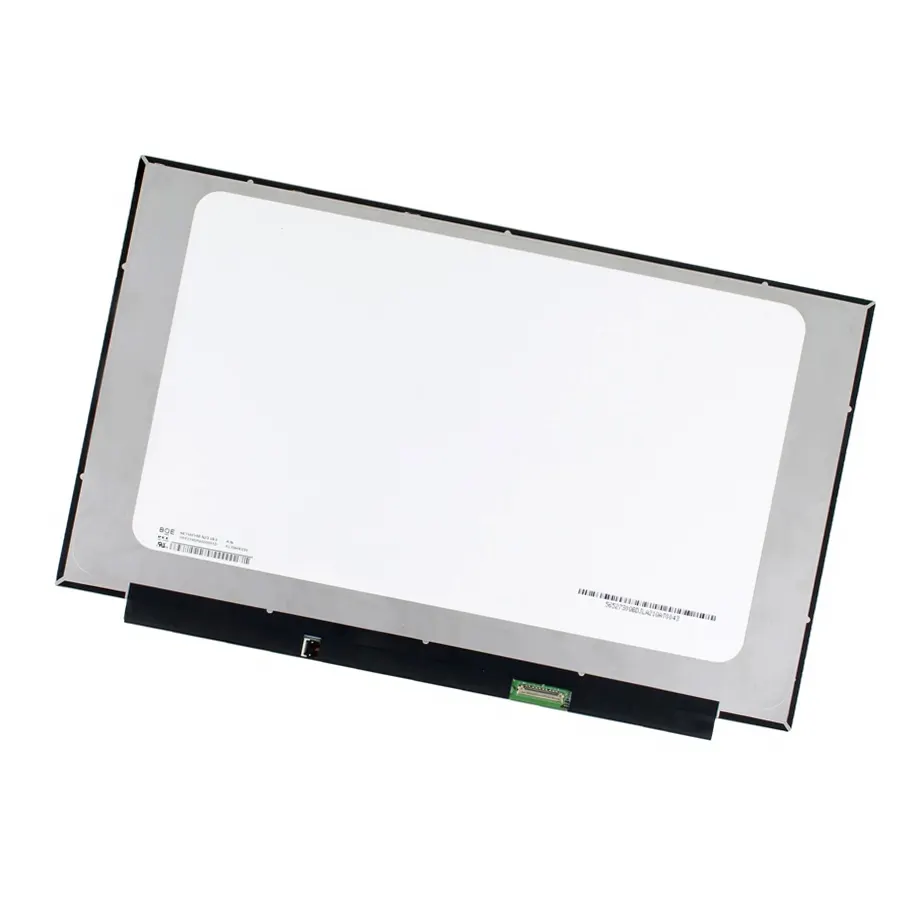
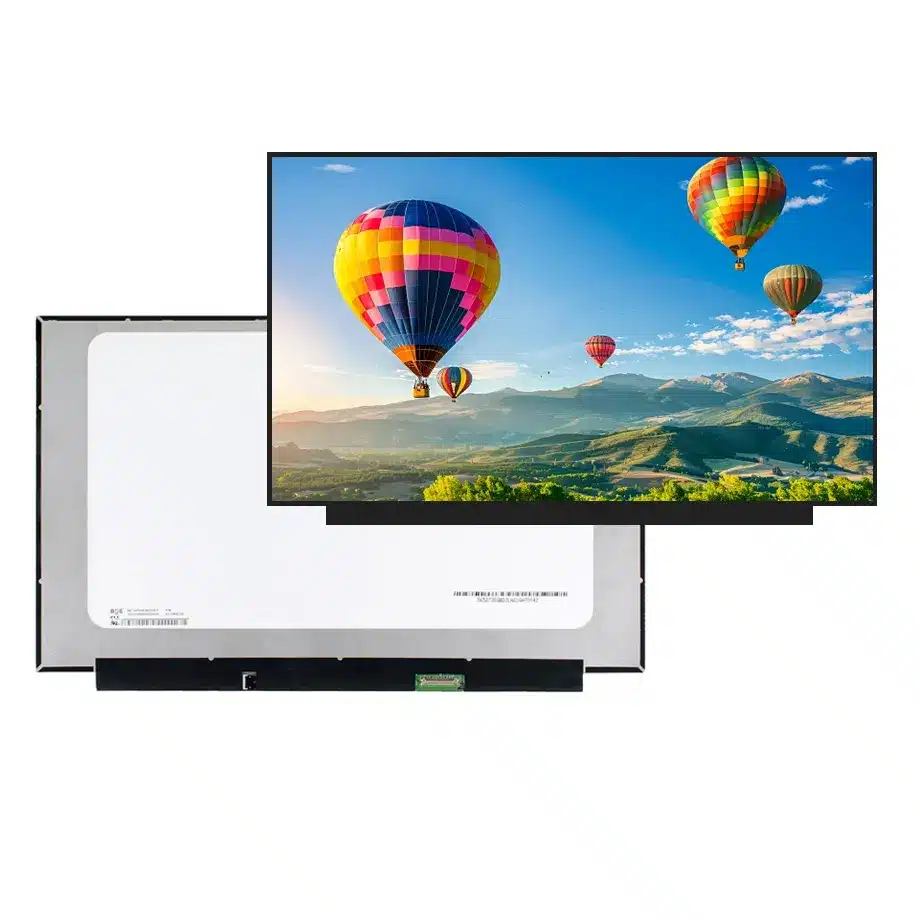
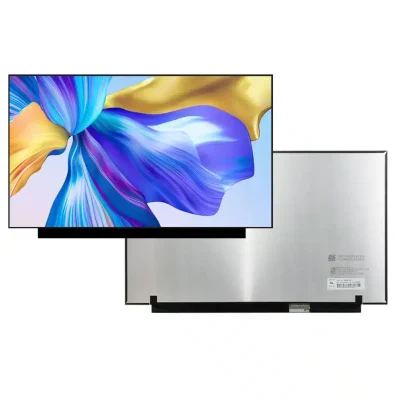
NE156FHM-NZ4 HADS sRGB Notebook Screen BOE
Model P/N
Size
Resolution
Brightness
Viewing Angle
Connector Type
Operating Temp
Overall(mm)
boe
NE156FHM-NZ4
Brand
Panel Size (inch)
Model P/N
Resolution
Brightness (nits)
Viewing Angle
Contrast Ratio
Response Time
Overall (mm)
Active Area (mm)
Refresh Rate
Display Colors
Panel Type
Connector Type
Surface Treatment
Operating Temp
Touchscreen Type
Storage Temp
Work Mode
Pixel Format
Input Voltage (V)
Vibration Resistance
Weight (g)
Designed For
Product Details
Product Overview
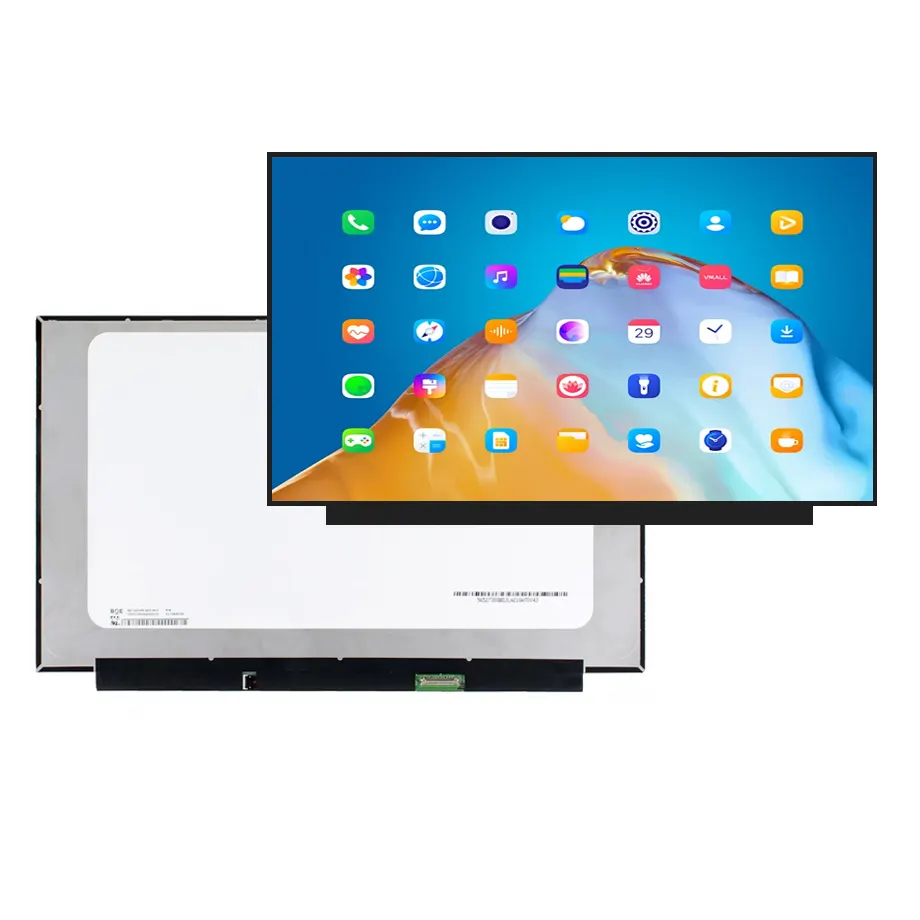
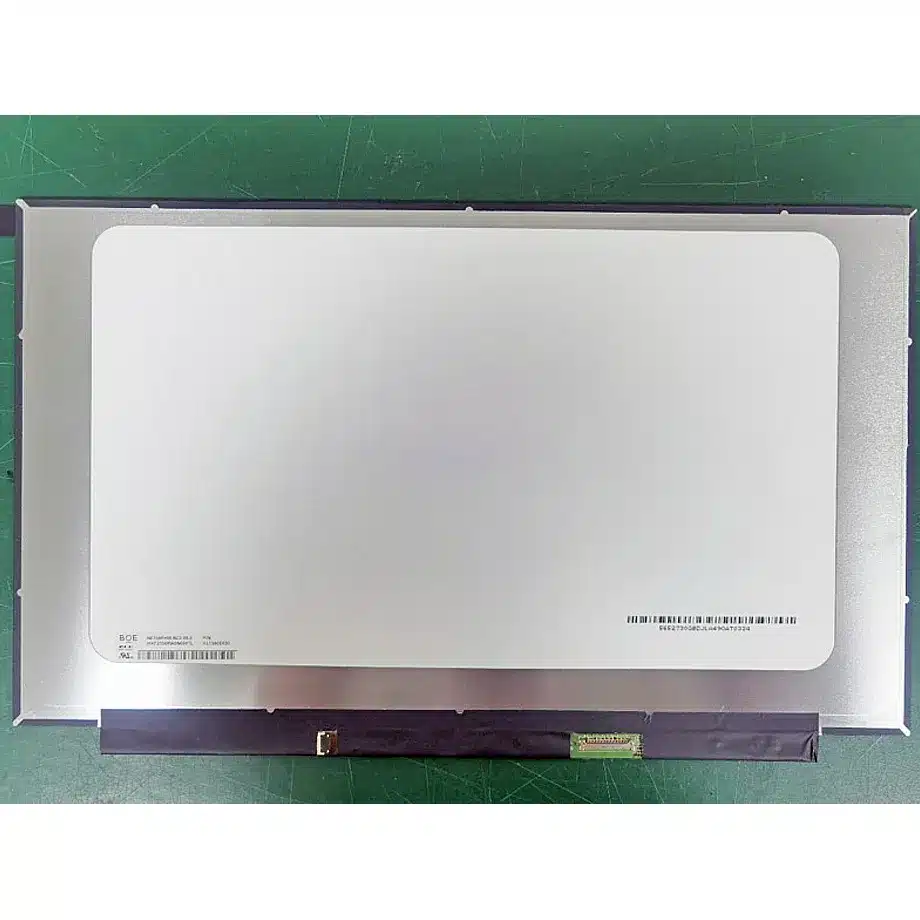
NE156FHM-NZ4 HADS sRGB Notebook Screen is a 15.6-inch BOE Oxide TFT-LCD LCM built for laptop and gaming display integration. The module uses a native 1920(RGB)×1080 FHD raster in a 16:9 format, HADS normally-black transmissive operation, 300 cd/m² typical luminance and a 1000:1 typical contrast ratio. Its active area is 344.16 × 193.59 mm inside a 350.66 × 216.05 × 2.6 mm outline, with a maximum panel mass of 290 g. The exact-model optical data also specifies 16.7M colors, 100% sRGB wording, Low Blue Light, symmetric 85/85/85/85 typical viewing-angle values at CR≥10 and an antiglare surface with 3H hard coating.
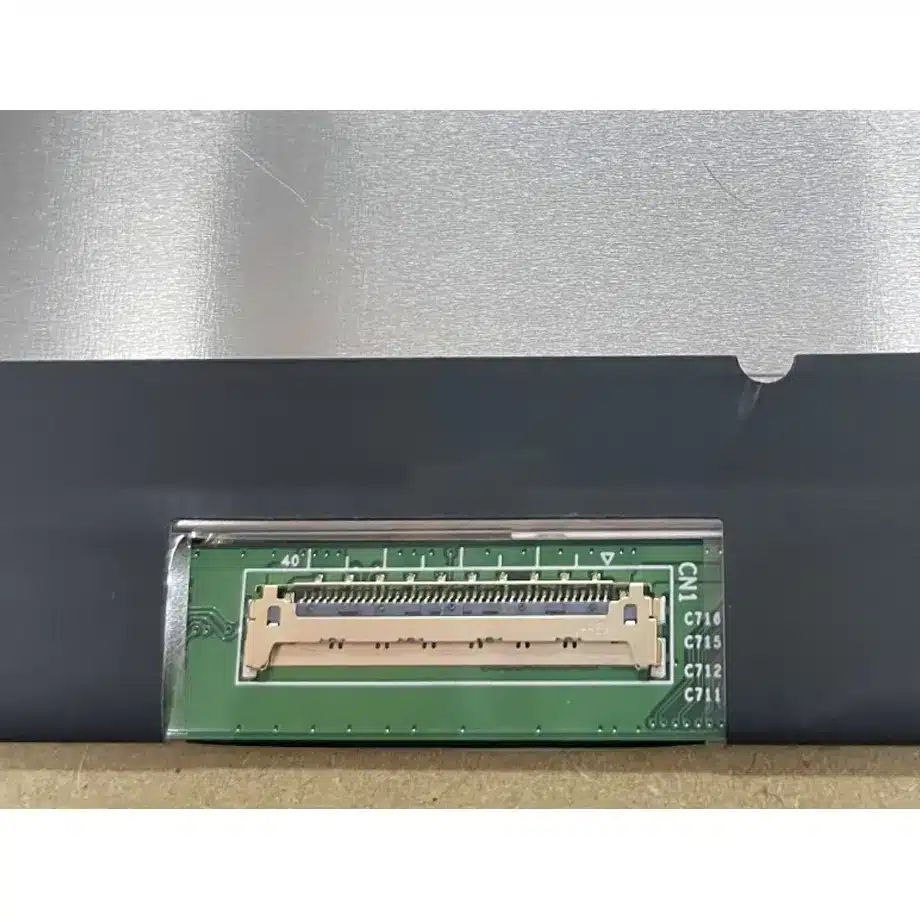
The electrical design is centered on four-lane eDP 1.4 at HBR2, 5.4 Gbit/s per lane, through a 40-pin 0.4 mm connector and 3.3 V typical panel input. The module operates at 240 Hz and carries AMD FreeSync feature wording. An 11S4P WLED backlight with LED driver is integrated, with a 15K-hour backlight-life reference and DC-dimming wording. The exact-model feature set also identifies reverse interface, panel self refresh and overdrive. These are engineering triggers for qualification, not proof that every notebook motherboard can enable every function.
Three Core Buyer Value Propositions
1. A 240 Hz FHD panel creates a clear high-refresh qualification target
The 1920×1080 raster and 240 Hz frame rate define the timing objective that the GPU, embedded-display transmitter, cable and firmware must support together. For gaming-laptop programs, this is more useful than a generic “high refresh” label because the native resolution and frame rate are both known. The panel-side rate does not guarantee a finished-system frame rate under every graphics workload, and it does not establish total input latency. Qualification should separate link stability, pixel transition behavior, GPU rendering and software frame delivery.
2. HADS optics and 100% sRGB wording support a measurable image-quality plan
HADS normally-black operation, 300 cd/m² typical luminance, 1000:1 typical contrast and 100% sRGB wording give optical teams a defined baseline for incoming inspection and notebook calibration. The 100% sRGB value is a gamut-coverage statement rather than proof of factory Delta E, white point, gamma or uniformity. Low Blue Light is likewise a documented feature phrase, not a named third-party certification. Projects with formal eye-comfort or color-accuracy requirements should request the applicable evidence separately.
3. Four-lane HBR2 and a 0.4 mm connector narrow cable and motherboard risk
The exact panel interface uses four HBR2 lanes, a 40-pin connector with 0.4 mm pitch and a 3.3 V typical supply. Those details materially reduce ambiguity during cable selection because common laptop panels can share a 40-pin count while using different pin mapping, pitch, lane count or link rate. Reverse-interface wording makes connector orientation and cable exit direction especially important. Final approval still needs the controlled pin assignment, timing table, AUX behavior and power-on/off sequence.
Key Specifications at a Glance
| Parameter | Confirmed value |
|---|---|
| Manufacturer / model | BOE NE156FHM-NZ4 |
| Display size | 15.6 inch |
| Panel type | Oxide TFT-LCD, LCM |
| Native resolution | 1920(RGB)×1080 FHD, 16:9 |
| Active area | 344.16 × 193.59 mm |
| Outline | 350.66 × 216.05 × 2.6 mm |
| Weight | 290 g maximum |
| Brightness | 300 cd/m² typical |
| Contrast ratio | 1000:1 typical |
| Viewing-angle values | 85/85/85/85 typical at CR≥10 |
| Response time | 9 ms Tr+Td; 6 ms G2G; 3 ms G2G with OD, typical |
| Colors | 16.7M, 100% sRGB, Low Blue Light |
| Surface | Antiglare, hard coating 3H |
| Refresh / sync | 240 Hz; AMD FreeSync feature wording |
| Native interface | eDP 1.4, 4 lanes, HBR2 5.4 Gbit/s per lane |
| Connector | 40 pins, 0.4 mm pitch |
| Panel input | 3.3 V typical |
| Backlight | 11S4P WLED, 15K hrs, with LED driver, DC |
| Touch | Without touch screen |
| Operating / storage | 0 to 50 °C / -20 to 60 °C |
What does 240 Hz require from the embedded-display path?
NE156FHM-NZ4 HADS sRGB Notebook Screen must be treated as a complete 240 Hz signal-chain requirement, not merely as a faster version of a 60 Hz FHD panel. VESA’s Embedded DisplayPort overview explains the role of eDP as the internal link between graphics hardware and an embedded panel. For this exact module, the relevant product facts are four HBR2 lanes, eDP 1.4 and the 40-pin connector.
Bring-up should verify link training, AUX communication, native 1920×1080 timing at 240 Hz, cold boot, sleep/resume and sustained operation during GPU load. Cable impedance, connector quality and routing become more important as link rate rises. A board advertised as “240 Hz capable” is not enough evidence if its panel-side timing, lane mapping or firmware table differs from the BOE implementation. Qualification should also include the intended low-power states because panel self refresh is part of the exact-model feature set.
FreeSync, panel self refresh and DC dimming are system-dependent features
AMD FreeSync wording is documented for the panel, while panel self refresh, DC dimming and overdrive are also identified for this exact model. These features should be handled as interface and firmware requirements rather than as automatic end-product promises. A notebook may need specific graphics-driver support, BIOS tables, AUX commands or power-state handling before the panel behaves as intended. If variable refresh is a project requirement, validate the actual operating range on production-intent hardware instead of assuming a range from another BOE model.
DC dimming describes a backlight-control approach but does not specify the notebook’s complete brightness curve or flicker performance. Panel self refresh can reduce repeated frame transport in suitable use cases, yet the system must still manage transitions correctly. Overdrive can change pixel response behavior and visual artifacts. Engineering acceptance should therefore define separate tests for brightness control, variable refresh, static-image power states and motion response rather than treating the feature list as a single pass/fail claim.
Why the reverse interface and 0.4 mm pitch matter in replacement work
A 40-pin connector is not a sufficient replacement criterion. The 0.4 mm pitch, reverse-interface orientation and four-lane HBR2 mapping all matter to physical mating and electrical compatibility. Two 15.6-inch FHD panels can look nearly identical while using a different connector pitch, cable exit direction or pin allocation. A cable designed for a 0.5 mm connector should not be assumed to fit, and a physically mating connector should never be forced when the controlled drawing indicates a different mechanical key or contact geometry.
For exact-model service replacement, compare the original panel label, cable part number, connector side and lid routing. For new notebook design, verify cable bend radius, strain relief and EMI behavior at the full link rate. The module outline of 350.66 × 216.05 × 2.6 mm is useful for cavity screening, but mounting and local keep-out zones remain drawing-level details. The 290 g maximum mass should be included in hinge and lid-weight calculations rather than replaced by a typical value from a neighboring suffix.
Optical qualification: HADS, antiglare and 100% sRGB
The HADS normally-black transmissive mode is paired with symmetric 85/85/85/85 viewing-angle values, a 1000:1 typical contrast ratio and an antiglare 3H surface. Those facts support a broad-view notebook configuration without relabeling the panel as another LCD technology family. Finished-lid contrast and reflection behavior can still change when the module is installed behind a protective layer or surrounded by a bright bezel, so optical acceptance should use the production assembly where possible.
The 100% sRGB statement should be verified as gamut coverage. A color-managed notebook still needs appropriate GPU output, profiles, white-point control and calibration if the application demands accurate color. Low Blue Light wording should remain a feature statement unless exact-model certification documents are supplied. BOE’s LCD technology portfolio provides manufacturer context for notebook and monitor technologies, but portfolio-level capabilities do not add unlisted certifications to NE156FHM-NZ4.
Response time and overdrive should not be confused with end-to-end latency
The exact-model response data provides several measurement modes: 9 ms typical Tr+Td, 6 ms typical gray-to-gray and 3 ms typical gray-to-gray with overdrive. These numbers describe panel pixel transitions under their respective conditions. They do not measure game-engine render time, GPU queueing, frame transport, scanout or operating-system latency. Procurement and engineering documents should preserve the qualifier attached to each number so that the 3 ms overdrive figure is not presented as an unconditional response value.
At 240 Hz, motion testing should include the intended overdrive mode, representative frame rates and variable-refresh operation where used. Excessive overdrive can create visible inverse ghosting even when a transition-time metric is low. A balanced validation plan therefore combines instrumented response measurements with visual inspection of motion content, brightness transitions and variable-refresh state changes. The exact model’s maximum power reference can also be considered during sustained high-refresh thermal testing rather than extrapolated from a lower-rate panel.
Backlight, thermal and reliability boundaries
The module uses an 11S4P WLED arrangement with an integrated LED driver and a 15K-hour backlight-life reference. That reference is a component specification under its defined conditions, not a notebook warranty period or guaranteed useful life at maximum brightness. Brightness setting, duty cycle and lid temperature influence practical aging. The exact-model information also identifies a maximum panel power of about 6.2 W, which is useful for system budgeting but should not be treated as total notebook display-subsystem consumption.
Operating temperature is 0 to 50 °C and storage temperature is -20 to 60 °C, with a 1.5G vibration reference in the same-model description. These values do not establish industrial-wide-temperature, automotive or rugged qualification. Gaming notebooks should be tested under sustained CPU/GPU load because the display shares a thin enclosure with major heat sources. Verify brightness stability, link behavior and surface temperature at the intended thermal limit instead of qualifying the panel only on an open bench.
Application fit: gaming laptops and high-refresh notebook platforms
NE156FHM-NZ4 HADS sRGB Notebook Screen is documented for Laptop and Gaming applications. The strongest use case is a notebook architecture designed for a 15.6-inch FHD HADS module, 240 Hz operation, four-lane HBR2 eDP, 100% sRGB wording and the exact 0.4 mm reverse-interface connector. Same-model replacement is also appropriate when the installed label is NE156FHM-NZ4 and the production cable and lid mechanics match. No specific notebook SKU fit is claimed because system-level compatibility has not been established for a named computer.
The module has no integrated touch screen. A touch-enabled product would need a separate sensor, controller, cover stack and cabling, with additional optical and mechanical qualification. The 300 cd/m² luminance is a normal panel specification and should not be expanded into sunlight-readable or outdoor claims. Likewise, 240 Hz and FreeSync do not imply an esports certification or guaranteed game performance. Those outcomes belong to the complete notebook platform.
Procurement and validation checklist
- Lock the exact BOE NE156FHM-NZ4 suffix in the BOM and incoming inspection plan.
- Verify native 1920×1080 timing at 240 Hz on the production GPU and motherboard.
- Confirm four-lane HBR2 eDP 1.4, 40-pin 0.4 mm connector, reverse orientation and exact pin mapping.
- Check the 350.66 × 216.05 × 2.6 mm outline and 290 g maximum mass against the lid design.
- Validate 300 cd/m² luminance, HADS viewing behavior, 100% sRGB wording and antiglare surface on production samples.
- Test FreeSync, panel self refresh, DC dimming and overdrive only in modes the target platform intends to support.
- Keep Low Blue Light as documented feature wording unless model-specific certification evidence is supplied.
- Confirm the non-touch architecture and qualify any added digitizer or cover stack separately.
- Request current revision and change-status information before volume procurement; current stock or production listings do not guarantee future supply.
For qualification of NE156FHM-NZ4 HADS sRGB Notebook Screen, provide the target motherboard, production eDP cable, lid drawing, 240 Hz and variable-refresh requirements, color and luminance acceptance limits, thermal conditions and required quantity. Exact-model control should remain the basis for approval so that connector pitch, timing, optical performance and feature behavior stay aligned through sourcing and production.
Recommended: Same Size
(15.6")
Applications & Value of LCD Panel

- Fast sourcing with in-stock panels & cross-reference alternatives
- Stable supply chain with long-term availability
- Engineering-level support from panel to integration
- Custom solutions: cable, touch & optical bonding
- Strict quality control with IQC / OQC / aging test
- Full traceability system for quality assurance
- Complete technical documentation & drawings
- Compliance support: RoHS & certification files