Freya Yang
+86 18318948097
+852 62667476
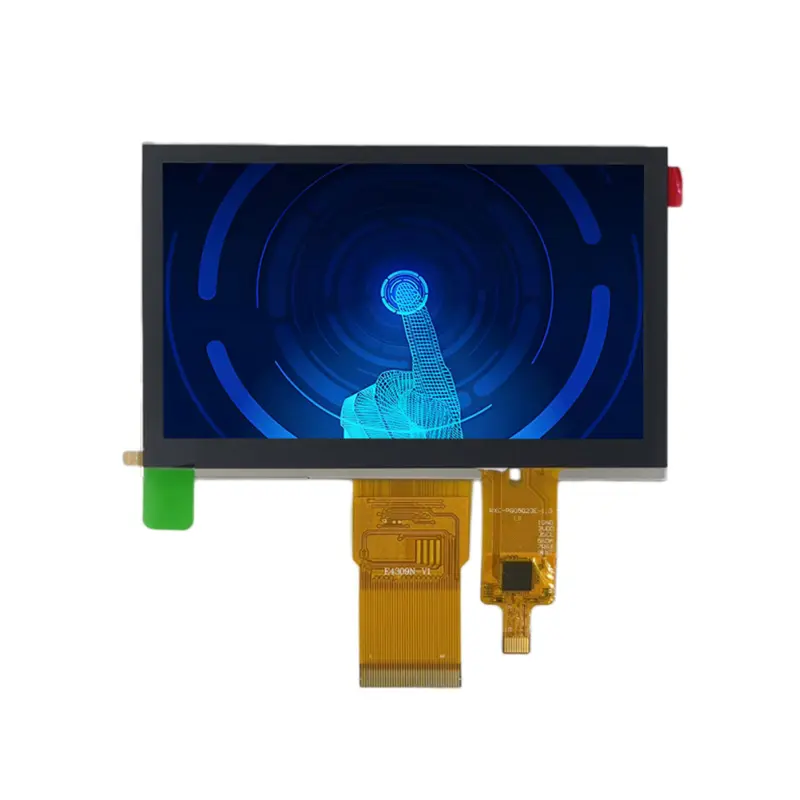
4.3 Inch Portable Navigation Touch Display for Compact Devices
Model P/N
Size
Resolution
Brightness
Viewing Angle
Connector Type
Operating Temp
Overall(mm)
huisoar
HS043480272-05
Brand
Panel Size (inch)
Model P/N
Resolution
Brightness (nits)
Viewing Angle
Contrast Ratio
Response Time
Overall (mm)
Active Area (mm)
Refresh Rate
Display Colors
Panel Type
Connector Type
Operating Temp
Touchscreen Type
Storage Temp
Work Mode
Pixel Format
Input Voltage (V)
Control Type
Designed For
4.3 Inch Portable Navigation Touch Display for Compact Devices
This compact IPS module combines a native 480 × 272 interface, 450 cd/m² typical luminance and projected capacitive touch for portable controls.
Product Summary
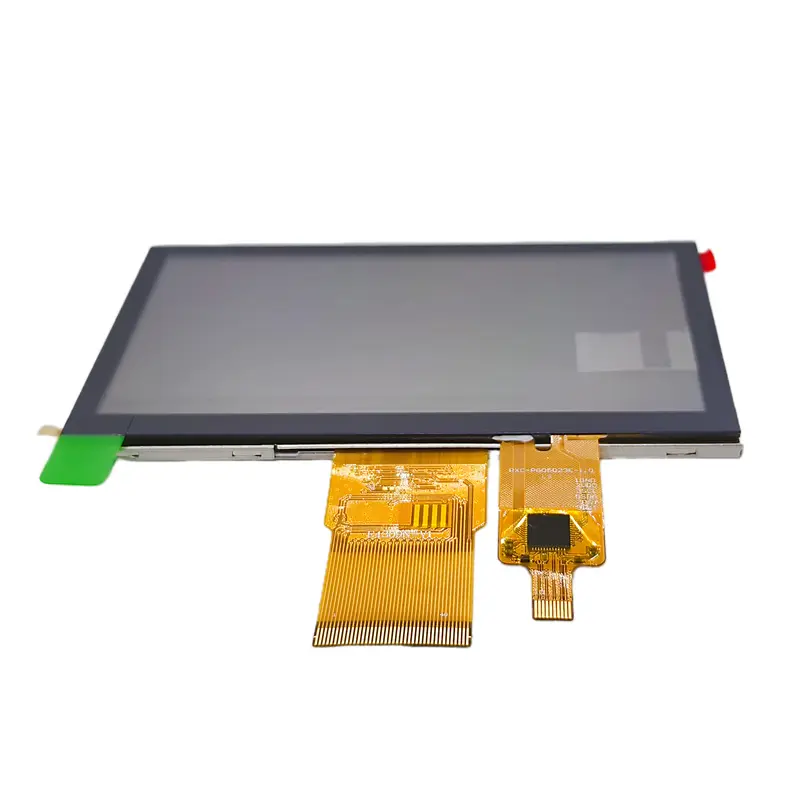
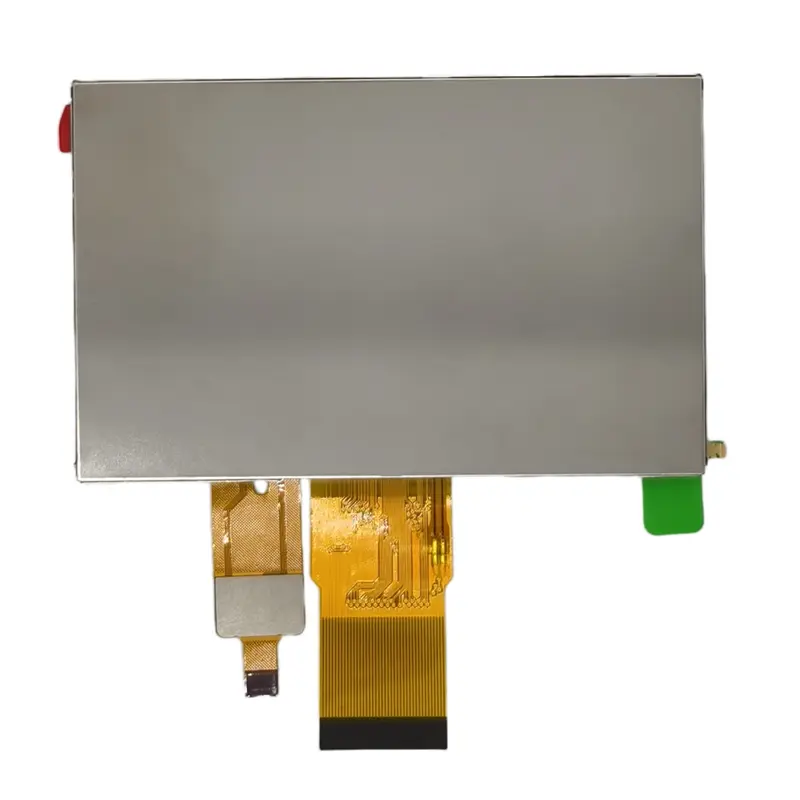
The Portable Navigation Touch Display is a 4.3-inch interactive TFT-LCD assembly for products that require a compact color interface, direct touch input and a familiar 16:9 layout.
Its native 480 × 272 resolution can support route prompts, operating menus, status information, call controls, visitor images and equipment settings. The compact dimensions make it relevant to portable navigation instruments, visual doorbells, smart-home controls and small embedded terminals.
The display and touch functions must be integrated against the approved electrical definition. A 40-pin connector alone does not establish the display bus, touch interface or voltage requirements.
Key Specifications
| Specification | Value |
|---|---|
| Display size | 4.3 inch |
| Native resolution | 480 × 272 pixels |
| Aspect ratio | 16:9 |
| Active area | 95.04 × 53.86 mm |
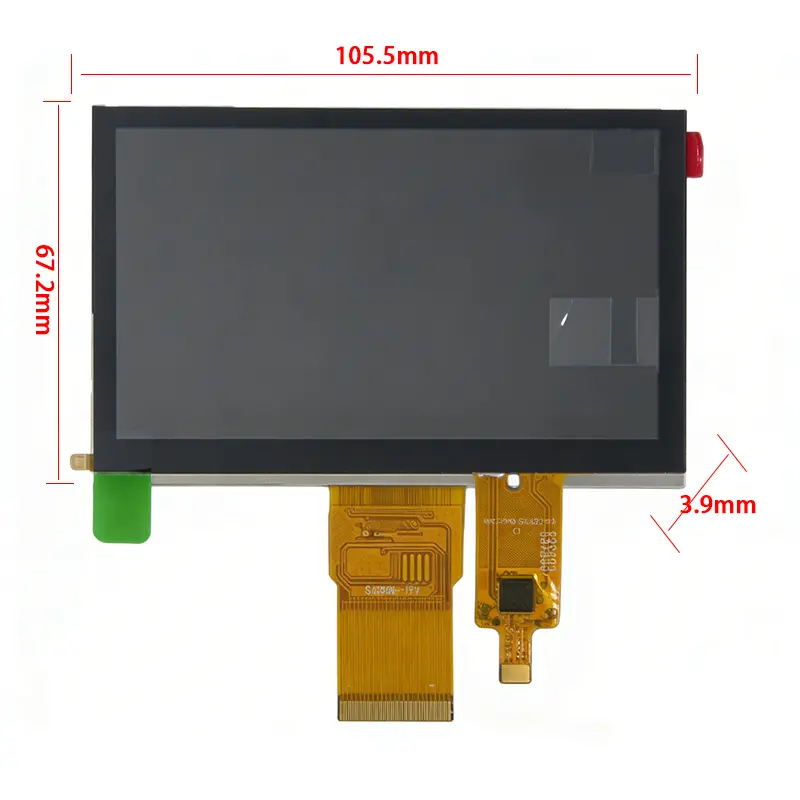
| Assembly envelope | 105.5 × 67.2 × 3.9 mm |
| Panel technology | a-Si IPS TFT-LCD |
| Optical mode | Transmissive |
| Luminance | 450 cd/m² typical |
| Contrast ratio | 1000:1 typical |
| Viewing-angle data | 85/85/85/85, raw sequence |
| Display colors | 16.7M colors |
| Connection | 40 pins |
| Interface terminology | MCU; CPU/SPI also listed |
| Touch technology | Projected capacitive touch |
| Backlight | 10 white LEDs |
| Operating temperature | −20°C to +70°C |
| Storage temperature | −30°C to +85°C |
480 × 272 Interface Design for Compact Navigation
Native 16:9 Content Layout
The 480 × 272 canvas supports a compact widescreen interface for navigation instructions, visitor images, status panels and menu-driven control.
A portable navigation UI can divide the screen into:
- Direction or route information
- Distance and status data
- Device connection state
- Battery or power information
- Menu shortcuts
- Warning messages
- Settings
- Confirmation controls
Visual-doorbell interfaces can use the same canvas for a visitor image, answer controls, volume, unlocking functions and event status.
Native-resolution assets help preserve text clarity and icon alignment. Scaling from a different design canvas can make small labels and touch targets less predictable.
Touch-Target and Information Hierarchy
A 4.3-inch display provides limited physical space, so interactive elements must be prioritized carefully.
Primary controls should remain larger than secondary settings. Warning or confirmation actions should not be placed close to routine navigation buttons. Interface design should also consider:
- Finger-target size
- Viewing distance
- Installation angle
- One-handed use
- Multilingual labels
- Day and night themes
- Accidental-touch prevention
- Cover-lens border area
- Touch sensitivity near edges
Projected Capacitive Touch Integration
Touch Controller and Interface Qualification
The standard assembly includes projected capacitive touch. The available information does not establish the touch controller, touch bus or supported touch-point count.
Engineering review must confirm:
- Touch controller model
- Touch interface
- Interrupt signal
- Reset signal
- Logic voltage
- Connector assignment
- Coordinate orientation
- Firmware requirements
- Touch resolution
- Supported gesture count
- Cover-lens thickness limits
The presence of projected capacitive touch should not be interpreted as proof of ten-point input, glove operation or active-stylus support.
Cover-Lens and Bonding Considerations
The finished touch experience depends on more than the sensor itself. Product design should account for:
- Cover-lens material
- Lens thickness
- Printed border
- Bonding method
- Air gap
- Touch sensitivity
- Edge clearance
- Grounding
- Display noise
- Moisture management
- Cleaning requirements
Optical bonding can be reviewed when the project needs lower internal reflection or a more integrated front stack. The final touch response must be tested with the production lens and enclosure.
Portable Navigation Touch Display Host Integration
The Portable Navigation Touch Display uses a 40-pin host connection. The parameter data uses MCU terminology, while another technical field uses CPU/SPI wording.
40-Pin Connection Review
Before board or cable release, confirm:
- Complete 40-pin assignment
- Display data-bus type
- Bus width
- Clock requirements
- Synchronization signals
- Panel supply voltage
- Logic-voltage levels
- Reset and enable signals
- Backlight voltage/current
- Dimming controls
- Touch-controller signals
- FPC pitch
- Contact side
- Cable orientation
A 40-pin connector does not guarantee the display bus, touch bus, voltage or pin compatibility with another module.
MCU and CPU/SPI Terminology
MCU and SPI are not automatically interchangeable. “CPU/SPI” may describe a supported control route, an alternate configuration or supplier terminology rather than one complete electrical specification.
Do not assume RGB/TTL, 8080 MCU or SPI operation until the approved datasheet and pinout identify:
- Interface standard
- Data width
- Read/write behavior
- Clock polarity and phase
- Maximum transfer rate
- Pixel or frame-buffer architecture
- Required host resources
Optical and Viewing Performance
The module provides 450 cd/m² typical luminance, 1000:1 typical contrast and IPS wide-view performance.
This configuration is suitable for indoor and controlled bright-environment equipment. Final readability depends on the cover lens, surface reflection, bonding, installation angle and ambient lighting.
The 450 cd/m² panel requires finished-cover and ambient-light testing before bright-environment readability is approved.
The viewing-angle values are supplied as a raw 85/85/85/85 sequence. Their directional order should be confirmed before assigning the values to left, right, upper or lower positions.
Mechanical and Environmental Design
The active area measures 95.04 × 53.86 mm. The assembled module envelope is 105.5 × 67.2 × 3.9 mm.
A separate table lists 2.78 mm as the panel maximum thickness. That value should not replace the 3.9 mm assembly depth when the enclosure must accommodate the capacitive touch stack and complete module.
Mechanical review should cover:
- Front opening
- Active-area alignment
- Touch-lens overlap
- Rear FPC clearance
- Connector access
- Cable bend radius
- Mounting pressure
- Housing stiffness
- Lens support
- Assembly tolerance
- Service access
The operating range is −20°C to +70°C, while the storage range is −30°C to +85°C. These are component-level limits and do not qualify the complete device, battery, housing, adhesive or controller board.
Application Scenarios
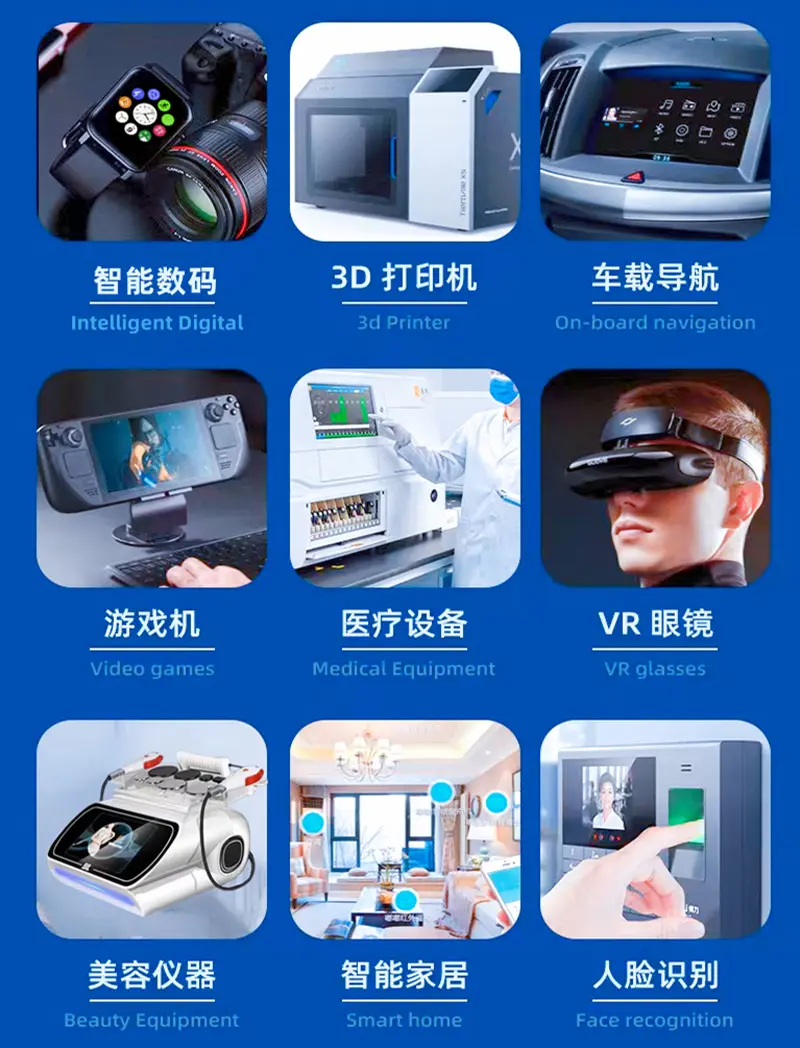
Portable Navigation Instruments
The module can present route information, direction prompts, connection state, settings and compact touch controls in a portable navigator.
Visual Doorbells
The display can support visitor images, call status, answer controls, unlocking actions and system settings in a visual-doorbell interface.
Smart-Home Control Panels
Compact room controls can use the touch display for lighting, climate, access and device-status menus.
Small Industrial HMI Devices
The module can support compact machine controls, service terminals and local setup interfaces where the approved host architecture matches the 40-pin connection.
Portable Service Equipment
Test and service devices can use the screen for setup pages, measured values, status messages and operator input.
Customization Boundaries
Project review can include:
- Host-interface matching
- Approved 40-pin pinout
- FPC length and orientation
- Touch-controller selection
- Cover-lens size and shape
- Printed border
- Optical bonding
- Anti-glare treatment
- Brightness calibration
- Enclosure adaptation
- Branding
- Packaging
- Sample validation
Custom configurations are generally reviewed from 500 pieces, subject to tooling requirements, material availability and the requested specification. Samples and standard-module quantities are confirmed separately.
Procurement Checklist
Submit:
- Approved model-specific datasheet
- Approved mechanical drawing
- Native 480 × 272 timing
- Exact MCU, CPU or SPI bus definition
- Bus width and clock requirements
- Complete 40-pin pinout
- Panel voltage
- Backlight voltage/current
- Enable and dimming signals
- Touch-controller model
- Touch-interface definition
- Interrupt and reset signals
- FPC pitch and contact side
- Cable direction
- Enclosure drawing
- Front opening
- Cover-lens design
- Bonding requirement
- Target lighting conditions
- Sample quantity
- Annual demand
- Production schedule
FAQ
About 4.3 Inch Portable Navigation Touch Display
What must be checked before connecting the 40-pin host?
How should 480 × 272 content be prepared for a compact touch interface?
Is the touch-point count confirmed?
Which thickness should control enclosure design?
Is 450 cd/m² sufficient for bright installations?
Freya Yang
+86 18318948097