Freya Yang
+86 18318948097
+852 62667476
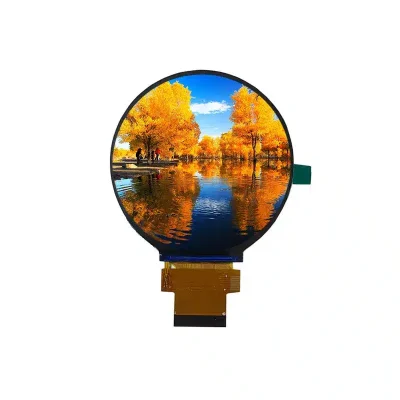
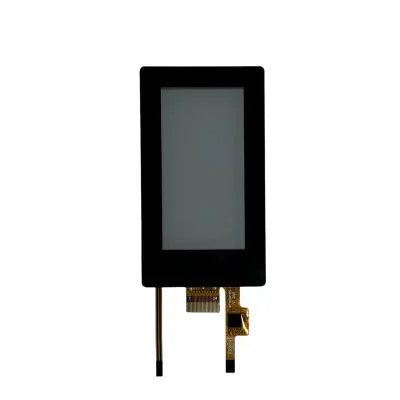
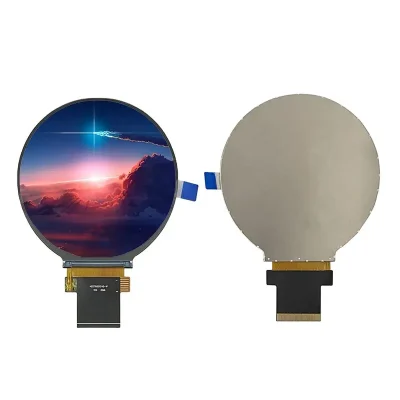
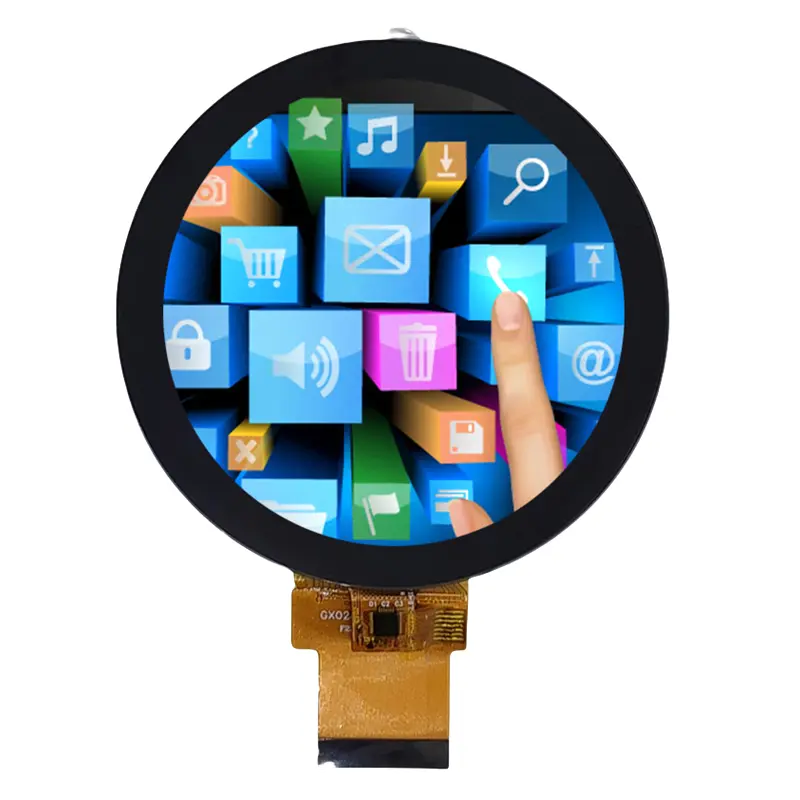
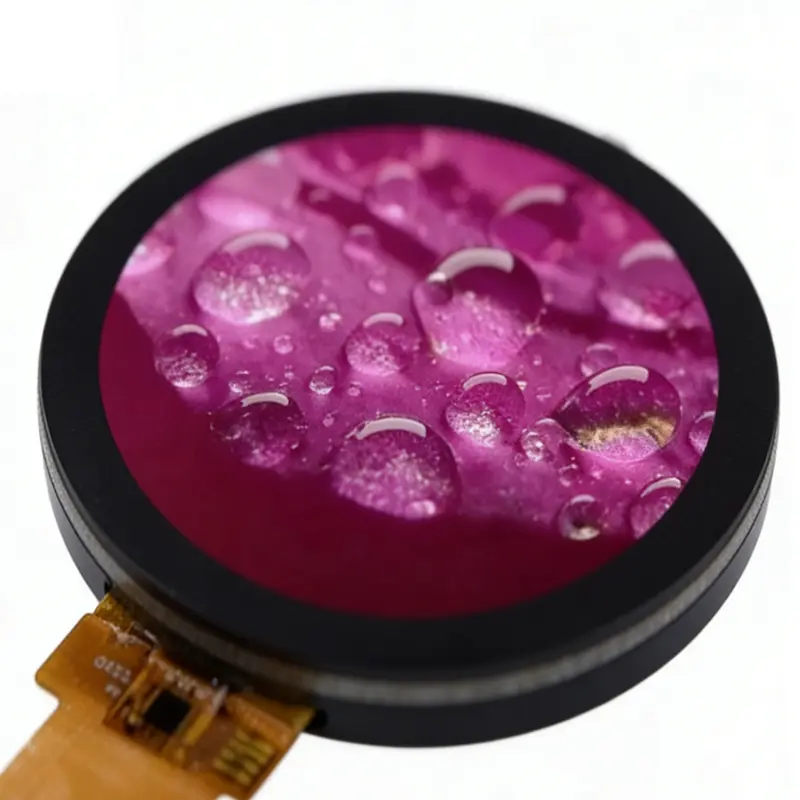
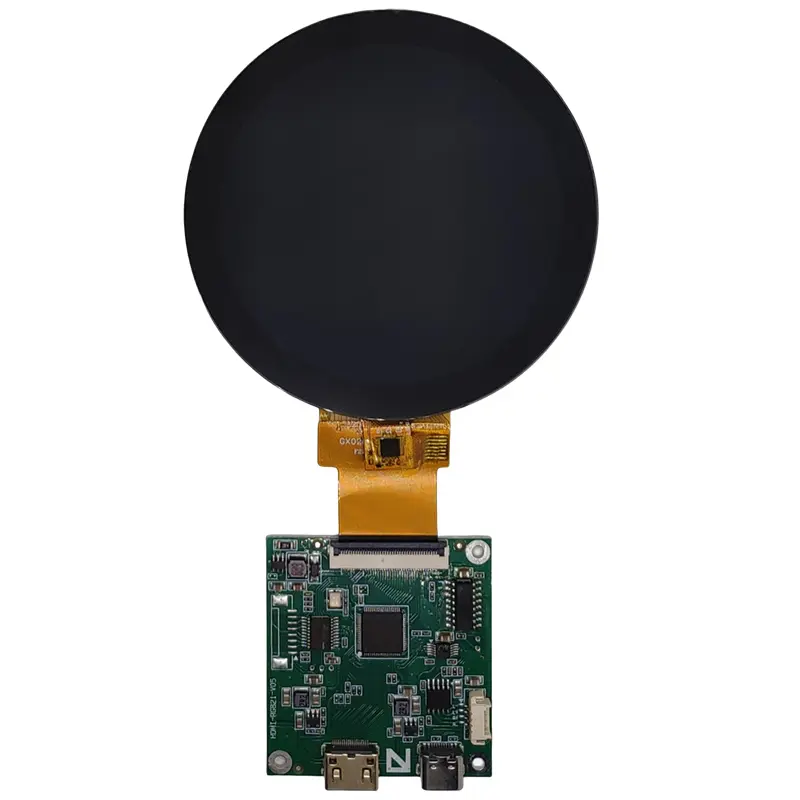
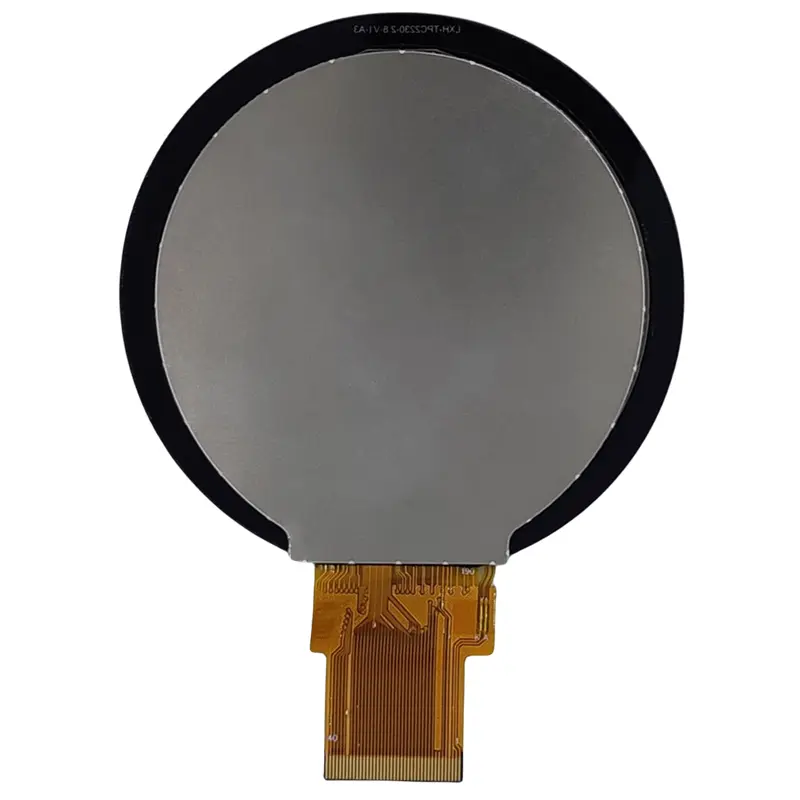
2.8 Inch Round Instrument Touch Display for Control Panels
Model P/N
Size
Resolution
Brightness
Viewing Angle
Connector Type
Operating Temp
Overall(mm)
huisoar
HS028-40RB
Brand
Panel Size (inch)
Model P/N
Resolution
Brightness (nits)
Viewing Angle
Contrast Ratio
Response Time
Overall (mm)
Active Area (mm)
Refresh Rate
Display Colors
Panel Type
Connector Type
Operating Temp
Touchscreen Type
Storage Temp
Work Mode
Pixel Format
Control Type
Operating Environment
Designed For
2.8 Inch Round Instrument Touch Display for Control Panels
This Round Instrument Touch Display combines a circular 480 × 480 IPS panel, 300 cd/m² typical luminance, projected capacitive touch and a 40-pin RGB connection for compact control interfaces.
Product Summary
The 2.8-inch display provides a circular interface for instrument panels, appliance controls and embedded products that do not fit a conventional rectangular screen. Its square 480 × 480 pixel matrix is presented through a round active area measuring 70.128 × 70.128 mm.
The module combines IPS viewing performance, a 1200:1 typical contrast ratio and 16.7M-color output. Projected capacitive touch supports direct interaction, while the RGB/TTL display path allows integration with an embedded host that provides the required pixel data, clock and synchronization signals.
The assembled touch module measures 85 × 85 × 3.30 mm, giving enclosure engineers a defined starting point for bezel, lens and FPC planning.
Key Specifications
| Parameter | Value |
|---|---|
| Display size | 2.8 inch |
| Resolution | 480 × 480 pixels |
| Display shape | Circular |
| Panel technology | a-Si IPS TFT LCD |
| Optical mode | Transmissive |
| Brightness | 300 cd/m² typical |
| Contrast ratio | 1200:1 typical |
| Viewing-angle sequence | 85/85/85/85 |
| Display colors | 16.7M colors |
| Display interface | RGB/TTL |
| Connector | 40 pins |
| Touch | Projected capacitive touch |
| Driver identifier | ST7701S/ST7701SN |
| Active area | 70.128 × 70.128 mm |
| Touch-module envelope | 85 × 85 × 3.30 mm |
| Backlight | Four white LEDs |
| Operating temperature | −20°C to +60°C |
| Storage temperature | −30°C to +80°C |
Circular 480 × 480 Interface Design
Designing Within the Round Safe Area
Although the raster contains 480 × 480 pixels, the visible boundary is circular. Information placed near the four corners of a conventional square canvas will fall outside the usable round area.
A practical circular layout should keep critical items inside a central safe zone. Suitable elements include:
- numeric instrument values
- radial scales
- progress rings
- mode indicators
- status icons
- timers
- temperature settings
- appliance menus
- compact warning messages
- touch controls arranged around the perimeter
The complete UI should be tested with the actual bezel and cover lens, because those parts can reduce the visually usable boundary.
Preparing Icons and Instrument Readouts
Circular screens work well when content follows the geometry rather than forcing a rectangular layout into the available area. Radial scales, segmented rings and centered numerical readouts usually use the space more efficiently than long horizontal menus.
Small text, thin dial marks and warning icons should be evaluated at the native 480 × 480 resolution. Scaling assets from an unrelated raster can soften edges and reduce readability.
A 480 × 480 circular UI requires corner-safe content placement because the square pixel matrix is clipped by the round active area.
Round Instrument Touch Display Integration
Qualifying the 40-Pin RGB Connection
A 40-pin connector does not guarantee compatibility with another RGB LCD module.
Before PCB or adapter-FPC release, engineering should confirm:
- RGB bus width
- pixel-clock frequency
- horizontal and vertical timing
- synchronization polarity
- data-enable behavior
- reset and enable signals
- logic voltage
- power sequence
- complete pin assignment
- FPC pitch
- contact side
- insertion direction
- connector part number
- initialization package
Current comparable round TFT modules use several variations, including 18-bit RGB, 24-bit RGB and RGB combined with a serial command path. The exact module documentation must therefore control the interface design.
Separating RGB Video and Touch Signals
The RGB interface carries display pixel data. It should not be assumed to carry capacitive-touch communication.
The touch assembly may require a separate controller, communication bus and power connection. Confirm:
- touch controller part number
- I²C, USB or other bus
- interrupt and reset lines
- touch supply voltage
- grounding requirements
- supported touch points
- firmware or driver availability
- cover-glass thickness
- bonding construction
The capacitive-touch path must be qualified separately from the RGB video interface.
Understanding the ST7701S Boundary
ST7701S/ST7701SN identifies the display-driver architecture. The name alone does not prove:
- host timing
- bus width
- approved register settings
- initialization sequence
- power-rail order
- firmware availability
- direct compatibility with another ST7701S module
Use the approved module specification and initialization file for development.
Optical Performance for Indoor Controls
The standard module luminance is 300 cd/m² typical. This is appropriate for indoor control panels, instruments and appliance interfaces where ambient light is managed by the enclosure and installation environment.
It should not be described as a sunlight-readable or outdoor-readable configuration without finished-system testing.
Readability can be affected by:
- cover-lens reflectance
- air gap or optical bonding
- surface finish
- bezel shadow
- UI contrast
- backlight drive
- viewing position
- ambient-light direction
The 1200:1 typical contrast ratio supports clear separation between icons, backgrounds and numeric readouts under suitable indoor conditions.
Mechanical Fit and FPC Routing
The circular active area measures:
70.128 × 70.128 mm
The supplied touch-module envelope is:
85 × 85 × 3.30 mm
The mechanical drawing also identifies an LCM width of approximately 76.48 mm before the complete touch border is considered. The approved drawing revision should control production tooling.
Enclosure design should allow for:
- circular visible opening
- cover-lens border
- touch-active area
- FPC exit
- connector height
- FPC bend radius
- adhesive or gasket space
- touch-to-display alignment
- grounding
- tolerance accumulation
- assembly pressure
Temperature and Product Qualification
The component operating range is −20°C to +60°C, with storage from −30°C to +80°C.
These values do not independently establish:
- waterproofing
- condensation resistance
- UV resistance
- vibration grade
- drop resistance
- automotive qualification
- medical certification
- finished-product outdoor suitability
Environmental testing should follow the actual enclosure, cover lens, mounting method, controller board and duty cycle.
Recommended Applications
Instrument Panels
The circular format can present gauges, scales, timers, alarms and operating values in compact equipment.
Appliance Control Interfaces
Coffee machines, ovens, kitchen appliances and smart-home controls can use the round geometry for centered settings, radial menus and touch interaction. Comparable 2.8-inch round RGB touch displays are publicly positioned for coffee-machine and microwave-oven interfaces.
Compact Industrial HMIs
The module can support machine settings, status indicators and small local controls where enclosure space is restricted.
Smart-Home Controllers
Circular thermostats, room controllers and wall-mounted interfaces can use the 480 × 480 raster for radial controls and mode selection.
Specialty Embedded Interfaces
The screen may be considered for custom products that need a distinctive round interface, provided RGB timing, touch communication and mechanical fit are qualified.
Customization and Sample Review
Project-specific review may cover:
- FPC length and orientation
- connector selection
- cover-lens size
- printed border
- optical bonding
- touch controller
- touch communication bus
- brightness calibration
- mounting structure
- packaging
Custom configurations are generally reviewed from 500 pieces, subject to tooling requirements, material availability and the requested specification. Sample and standard-module quantities are confirmed separately.
Procurement Checklist
Before approving a sample or production design, confirm:
- native 480 × 480 timing
- RGB bus width
- pixel clock
- horizontal timing
- vertical timing
- sync polarity
- data-enable behavior
- complete 40-pin assignment
- FPC pitch and contact side
- connector part number
- operating voltage
- power sequence
- ST7701S initialization package
- touch controller
- touch communication bus
- touch-point requirement
- touch voltage
- cover-lens dimensions
- optical-bonding requirement
- 70.128 mm circular active area
- 85 × 85 × 3.30 mm touch-module envelope
- FPC exit and bend clearance
- backlight voltage and current
- brightness target
- surface treatment
- operating and storage limits
- compliance documents
- sample quantity
- annual demand
- production schedule
FAQ
About 2.8 Inch Round Instrument Touch Display
What must be checked before connecting the 40-pin RGB host?
Does the 40-pin FPC also carry the touch signals?
How should a 480 × 480 circular interface be prepared?
What does the ST7701S identifier confirm?
Which dimensions should control enclosure release?
Freya Yang
+86 18318948097