Freya Yang
+86 18318948097
+852 62667476
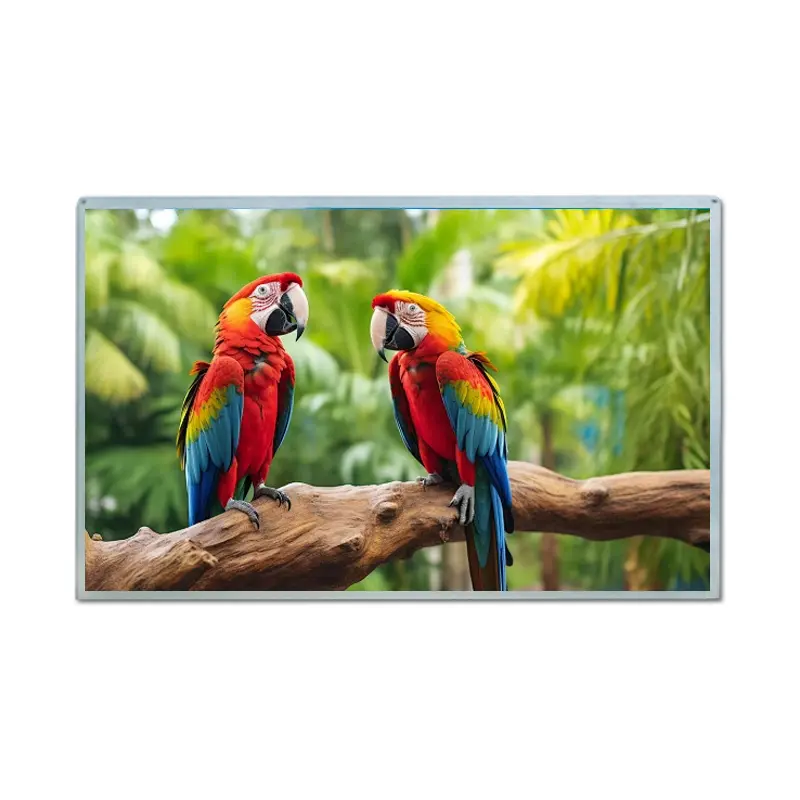
19 Inch WXGA Plus Industrial LCD Display Module for Bus Station Kiosks
Model P/N
Size
Resolution
Brightness
Viewing Angle
Connector Type
Operating Temp
Overall(mm)
huisoar
HS0190GA01-C100
Brand
Panel Size (inch)
Model P/N
Resolution
Brightness (nits)
Viewing Angle
Contrast Ratio
Response Time
Overall (mm)
Active Area (mm)
Refresh Rate
Display Colors
Panel Type
Connector Type
Operating Temp
Touchscreen Type
Storage Temp
Work Mode
Operating Environment
Designed For
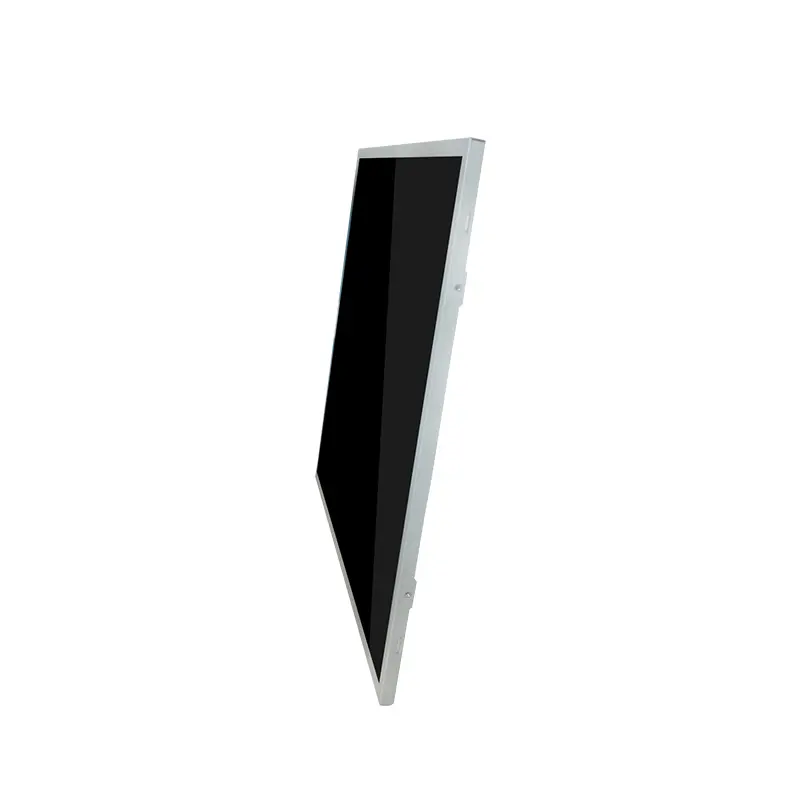
19 Inch WXGA Plus Industrial LCD Display Module for Bus Station Kiosks
A 19-inch 16:10 IPS module combines 1440 × 900 graphics, 1000 cd/m² luminance and 30-pin LVDS for transit kiosks and industrial control panels.
The WXGA Plus Industrial LCD Display Module provides a wide 1440 × 900 workspace for route information, advertising layouts, equipment dashboards and public-information interfaces. Its transmissive a-Si TFT-LCD construction uses IPS optics, a WLED backlight and a standard non-touch configuration. Engineering release should cover native timing, complete LVDS mapping, panel and backlight power, enclosure fit, front-window optics and finished-system environmental protection.
Product Summary
The 19-inch 16:10 format provides a wide workspace for industrial and signage layouts. The 408.24 × 255.15 mm active area can accommodate route maps, schedules, promotional media, status indicators and multi-zone operator interfaces.
Native WXGA+ Content Preparation
Content should be prepared at the native 1440 × 900 raster. Critical text, route numbers, QR codes and safety prompts should remain within the visible region. The host controller must provide the correct pixel timing, refresh rate, color mapping and LVDS signal format for the ordered module.
IPS Viewing Geometry
The listed viewing-angle sequence is 85/85/80/80° for left, right, up and down. This supports off-axis viewing, while cabinet angle, reflections and content contrast still affect the final result.
Key Specifications
| Parameter | Specification |
|---|---|
| Display size | 19 inch |
| Resolution | 1440 × 900 pixels |
| Aspect ratio | 16:10 |
| Panel technology | a-Si TFT-LCD, IPS |
| Optical mode | Transmissive |
| Brightness | 1000 cd/m² typical |
| Contrast ratio | 1000:1 typical |
| Viewing angle | 85/85/80/80° L/R/U/D |
| Display colors | 16.7M |
| Backlight | WLED |
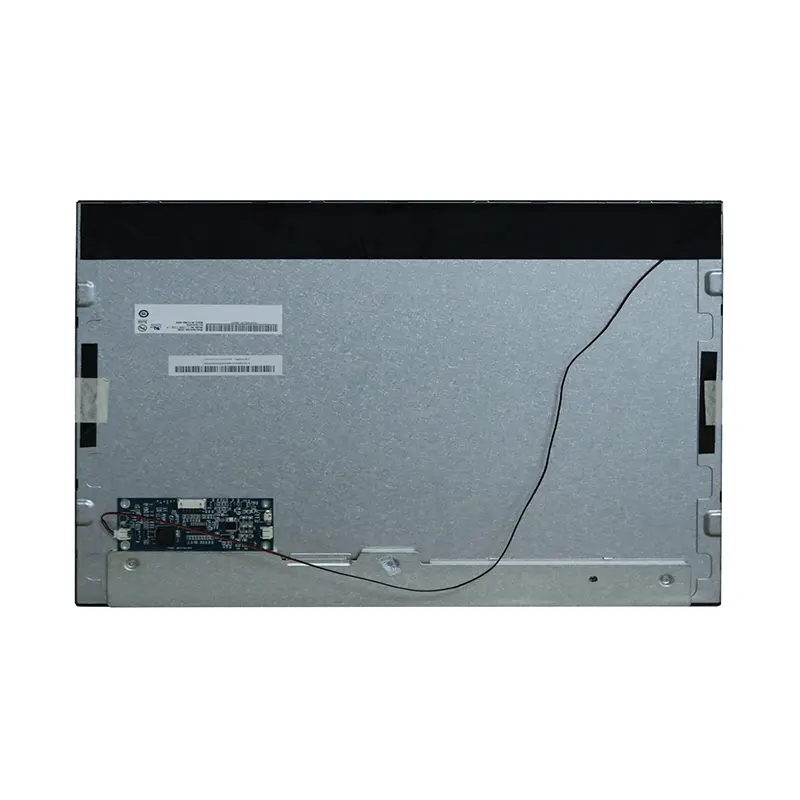
| Interface | 30-pin LVDS |
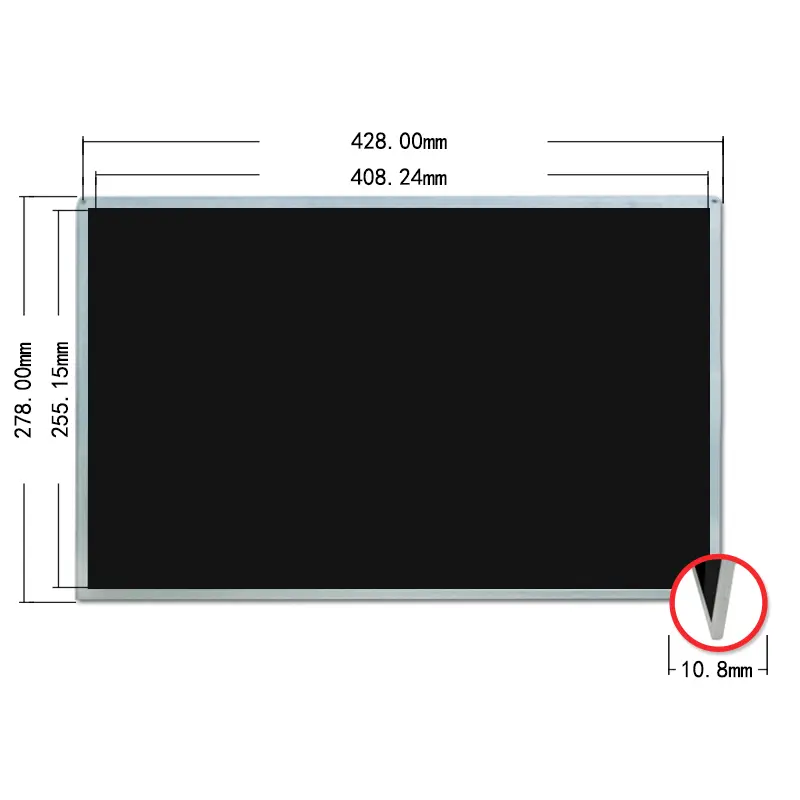
| Active area | 408.24 × 255.15 mm |
| Module outline | 428 × 278 × 10.8 mm maximum |
| Touch | No touch in the standard configuration |
| Operating temperature | 0°C to +50°C |
| Storage temperature | −20°C to +60°C |
Bright-Ambient Optical Planning
Treat 1000 cd/m² as a System-Qualification Value
The 1000 cd/m² typical panel luminance provides a practical basis for bright transit terminals, sheltered bus-station kiosks and industrial equipment. It does not independently guarantee direct-sun readability after installation. Front-window transmission, reflection, air gaps, bonding, shading, viewing distance, dimming range and internal temperature can materially change apparent contrast.
Test a qualification sample behind the intended window under representative site lighting, with the cabinet and thermal path in place.
Preserve Contrast Through the Front Stack
The 1000:1 typical panel contrast can be reduced by reflected ambient light. Protective glass, adhesive layers and internal spacing should be reviewed as one optical stack.
LVDS Integration for the WXGA Plus Industrial LCD Display Module
A 30-Pin Connector Is Not a Compatibility Guarantee
A matching connector shape or pin count does not prove electrical compatibility. The host must match native 1440 × 900 timing, LVDS channel count, bit mapping, voltage levels, connector orientation, grounding and cable construction. VESA/JEIDA or color-depth differences can produce incorrect colors.
A matching 30-pin connector does not guarantee LVDS timing, voltage, mapping or pin compatibility.
LVDS manufacturer guidance likewise identifies host/display mapping, including VESA versus JEIDA, as a critical compatibility check.
Define Panel and WLED Power Separately
The display-data path and WLED backlight circuit are separate integration items. The exact panel rail, backlight voltage and current, enable signal, dimming method and power sequence require the approved electrical specification. Brightness and connector count are insufficient for power design.
Mechanical Fit and Standard Configuration
Active Area Versus Module Envelope
The active image area is 408.24 × 255.15 mm, while the complete module outline is 428 × 278 mm with a maximum thickness of 10.8 mm. The active area controls image-window alignment; the larger dimensions control enclosure clearance. Mounting points, tolerances, connector clearance and cable bends require the approved drawing.
The active area and complete module outline serve different enclosure-design functions.
Standard Non-Touch Architecture
The standard module has no touchscreen. Adding touch changes thickness, optical transmission, controller requirements, grounding and cable routing.
The standard module is non-touch, so touch input requires a separately qualified assembly.
Temperature and Outdoor-System Boundaries
Component Temperature Limits
The module is specified for operation from 0°C to +50°C and storage from −20°C to +60°C. Evaluate cold start, prolonged backlight operation and high-temperature luminance in the final enclosure.
Finished-System Protection
These component limits do not establish an IP rating, condensation resistance, UV stability, vibration grade, impact resistance or weatherproofing.
The 0°C to +50°C operating range does not establish outdoor readiness or an IP rating.
Outdoor-facing installation requires a qualified cabinet, window, cooling path, drainage and cable sealing.
Recommended Applications
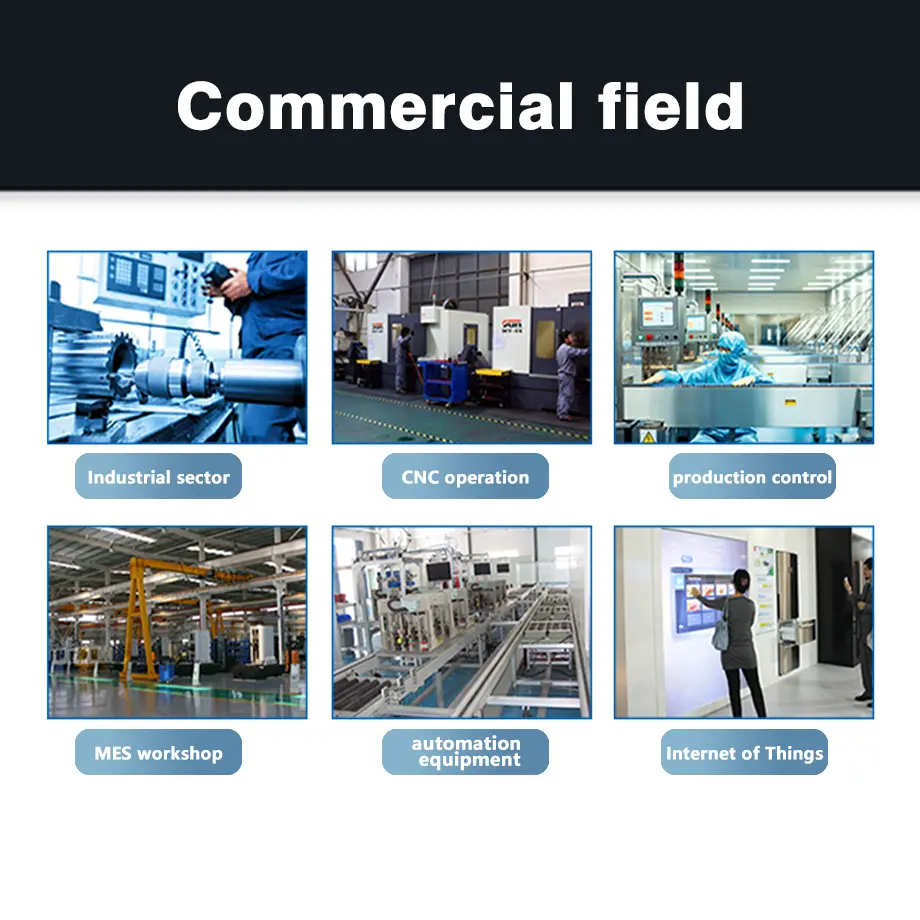
The WXGA Plus Industrial LCD Display Module can be evaluated for bus-station advertising kiosks, transit-information terminals, public guidance displays, sheltered retail signage, industrial control panels, production-monitoring stations and equipment dashboards.
Transit and Public Information
The 16:10 canvas supports route maps, arrival information, advertising zones and service notices. Validate font size and contrast at the intended viewing distance.
Industrial Monitoring
The format also supports trends, alarms, equipment states and operator instructions after system qualification.
The module is not a finished monitor. HDMI, DisplayPort, USB video, media playback, networking and content management require suitable external electronics.
Customization and Sample Qualification
A modified WXGA Plus Industrial LCD Display Module project may include brightness review, LVDS cable adaptation, controller-board matching, cover-lens design, optical bonding, touch integration, enclosure-specific mechanics or WLED control changes.
Project Configuration Scope
Custom configurations are generally reviewed from 500 pieces, subject to tooling requirements, material availability and the requested specification. Sample and standard-module quantities are confirmed separately.
Qualification Sample
The sample should use the intended controller, LVDS cable, power architecture, window, enclosure, content and installation angle. Approve image stability, color mapping, dimming, readability, fit and temperature operation.
Procurement Checklist
- Confirm the assigned model and approved product revision.
- Submit native 1440 × 900 timing and the required refresh rate.
- Submit the complete 30-pin LVDS assignment.
- Confirm LVDS channel count, bit mapping and VESA/JEIDA convention.
- Confirm connector part number, orientation and cable construction.
- Obtain panel and WLED voltage, current, enable, dimming and power-sequence requirements.
- Approve the 408.24 × 255.15 mm active area.
- Approve the 428 × 278 × 10.8 mm maximum envelope.
- Define front-window transmission, reflection, bonding and shading targets.
- Confirm standard non-touch status or specify a separate touch assembly.
- Define sealing, humidity, vibration, structural-load and compliance requirements.
- Provide sample quantity, annual demand, project schedule and acceptance criteria.
FAQ
About 19 Inch WXGA Plus Industrial LCD Display Module
What must be checked before connecting an existing 30-pin LVDS controller?
Is 1000 cd/m² sufficient behind a bus-station kiosk window?
Which dimensions should control enclosure design?
When should this 16:10 module be selected instead of a 5:4 panel?
Can touch be added to the standard module?
Freya Yang
+86 18318948097