
~
~
~
~
~
~
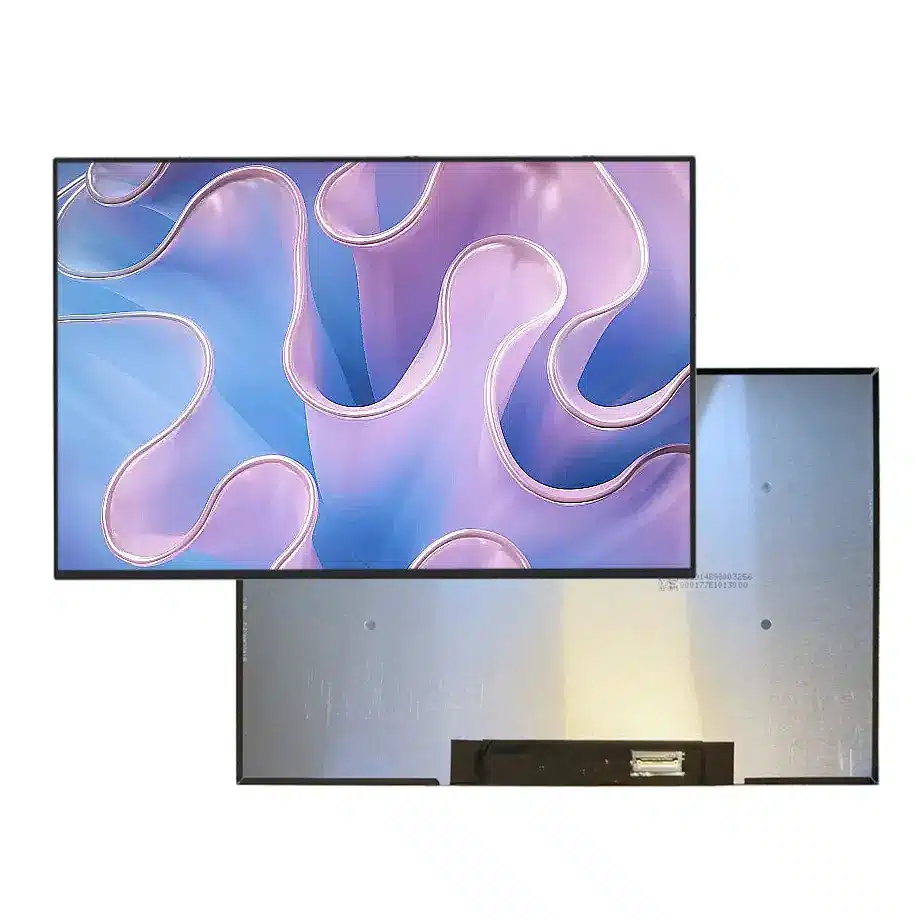
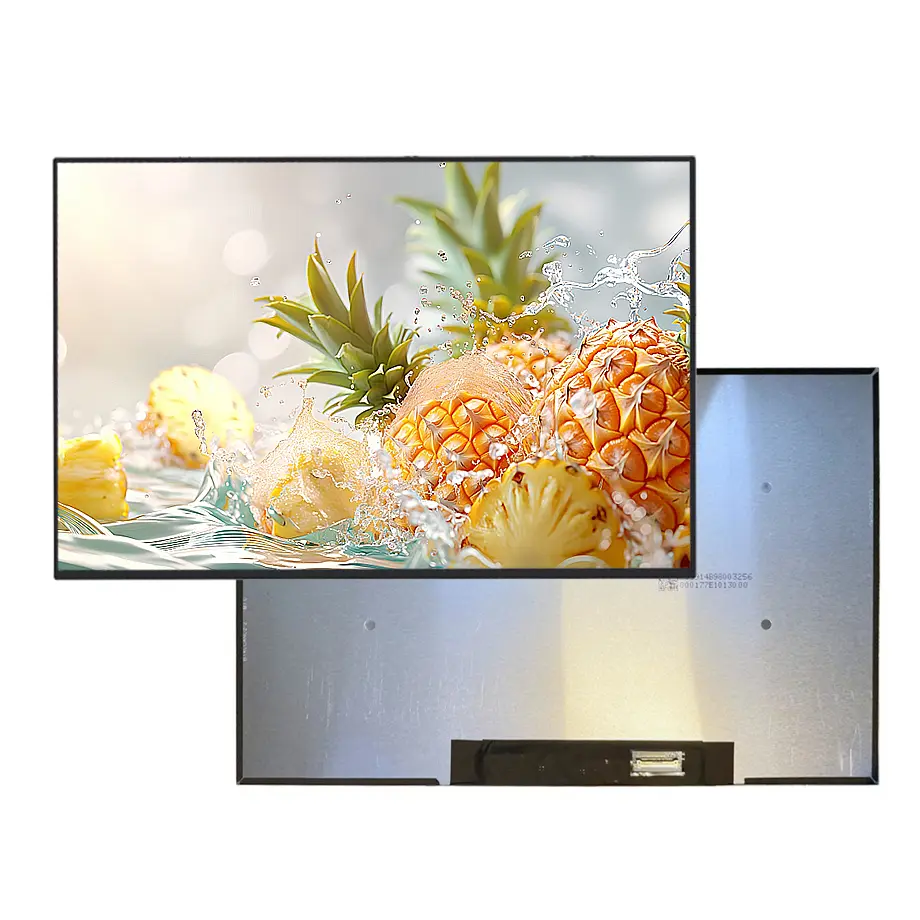
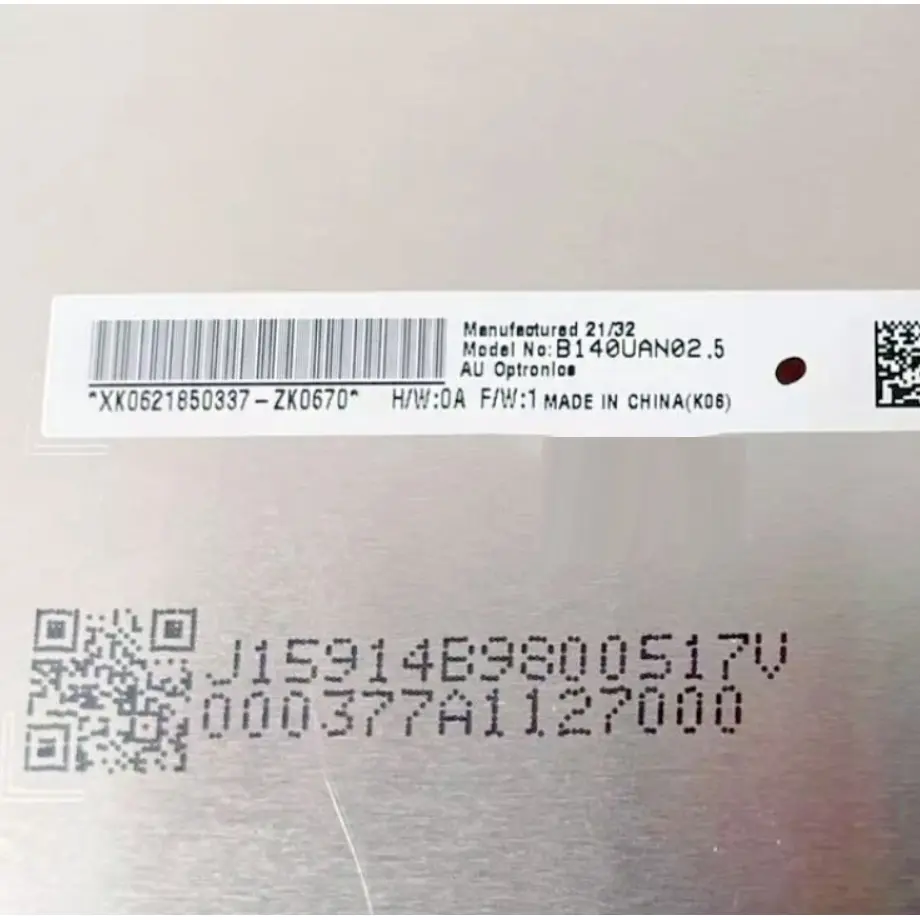
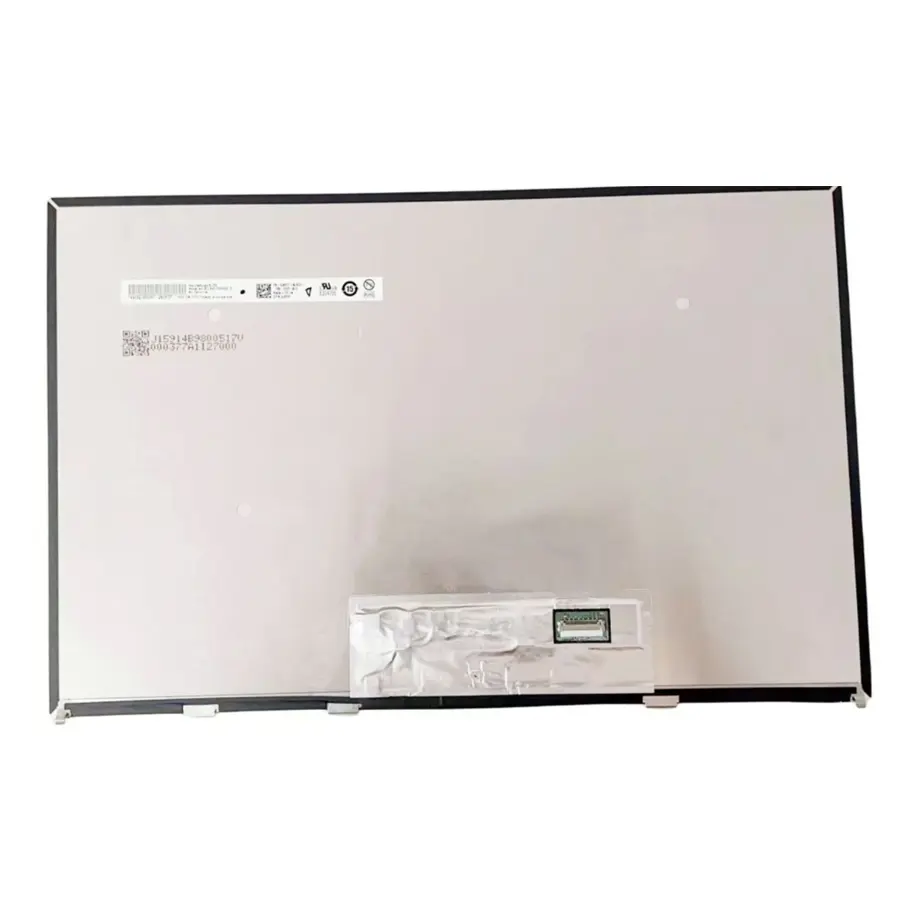
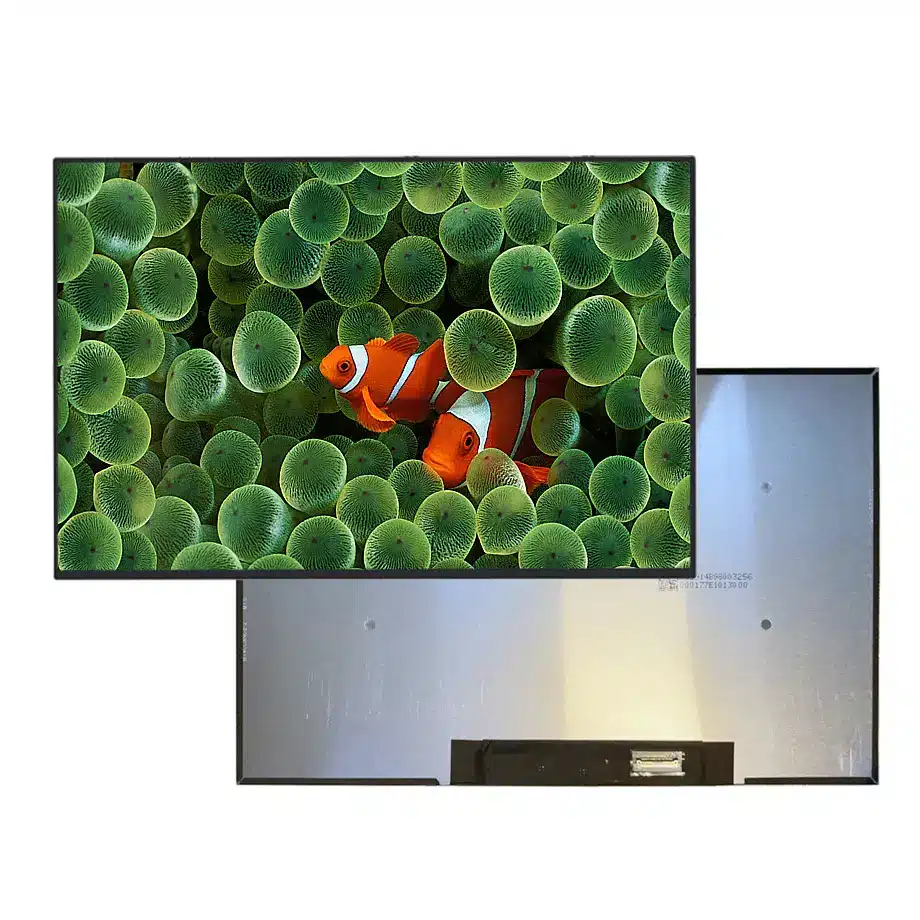
B140UAN02.7 500nit Low-Blue LTPS LCM PSR-SU 14 Inch AUO
Model P/N
Size
Resolution
Brightness
Viewing Angle
Connector Type
Operating Temp
Overall(mm)
auo
B140UAN02.7
Brand
Panel Size (inch)
Model P/N
Resolution
Brightness (nits)
Viewing Angle
Contrast Ratio
Response Time
Overall (mm)
Active Area (mm)
Refresh Rate
Display Colors
Panel Type
Connector Type
Surface Treatment
Operating Temp
Touchscreen Type
Storage Temp
Work Mode
Pixel Format
Input Voltage (V)
Vibration Resistance
Weight (g)
Designed For
Product Details
Product Overview
B140UAN02.7 500nit Low-Blue LTPS LCM is a 14.0-inch AUO LTPS TFT-LCD module positioned for slim WUXGA notebook platforms. It combines a 1920(RGB)×1200 16:10 format with 500 cd/m² typical luminance, a 1500:1 typical contrast ratio and 16.7M colors with 100% sRGB coverage. The active area measures 301.594 × 188.496 mm and the module outline is 306.59 × 198.45 × 4.5 mm.
Its native connection is two-lane eDP 1.4 through a 30-pin connector, supplied at 3.3 V typical. The source data identifies AMD FreeSync, panel self-refresh functions and low-blue-light characteristics. The panel is non-touch and includes a WLED backlight with integrated LED driver. Those details make it a different engineering proposition from a generic 14-inch WUXGA screen: power-management capability, brightness, LTPS construction and connector mapping all need to be considered together.
AUO discusses LTPS notebook benefits such as thin form factor and power efficiency in its notebook technology materials, while its official product overview confirms notebook display as a product segment. VESA's eDP 1.4a information provides interface context for higher-resolution and power-aware embedded panels.
Three Core Buyer Value Propositions
1. 500 cd/m² gives extra notebook luminance headroom
The 500 cd/m² typical figure provides more brightness margin than common 250–300 cd/m² notebook panels. That can help a premium mobile computer remain readable in bright indoor environments or near windows. It is not enough by itself to call the panel sunlight readable or outdoor qualified. Cover reflectance, user brightness limits, thermal policy and battery constraints determine how much of the panel's luminance is available in the finished product.
2. LTPS construction supports a slim, lightweight display stack
The module is specified as LTPS TFT-LCD and measures 4.5 mm at the outline, with a 210 g maximum mass. LTPS technology is associated with higher integration and can support thin mobile displays, but the system benefit must be evaluated in the complete lid. Cable routing, backlight hardware, bezel structure and hinge loading still define the actual notebook thickness and weight.
3. eDP 1.4 plus panel self-refresh features can support power-aware designs
The same-model data lists eDP 1.4 together with PSR, PSR2 and PSR-SU feature references. For battery-powered equipment, self-refresh methods can reduce unnecessary link activity during static content. These are implementation opportunities rather than automatic energy-savings guarantees. The GPU, firmware and operating system have to support the relevant mode, and the platform should be tested for visual artifacts and reliable wake transitions.
Key Specifications at a Glance
| Parameter | Confirmed value |
|---|---|
| Model | AUO B140UAN02.7 |
| Technology | LTPS TFT-LCD, LCM |
| Size / resolution | 14.0 inch, 1920×1200 WUXGA, 16:10 |
| Active area | 301.594 × 188.496 mm |
| Outline | 306.59 × 198.45 × 4.5 mm |
| Weight | 210 g maximum |
| Brightness | 500 cd/m² typical |
| Contrast | 1500:1 typical |
| Viewing angle | 89/89/89/89 typical at CR≥10 |
| Color | 16.7M, 100% sRGB, Low Blue Light |
| Surface | Antiglare, 3H hard coating |
| Refresh | 60 Hz, AMD FreeSync listed |
| Interface | eDP 1.4, 2 lanes, 30-pin connector |
| Backlight | WLED, 15K hours, integrated LED driver |
| Touch | Without touch screen |
| Environment | 0 to 50 °C operating; -20 to 60 °C storage |
How Should Designers Use the 500 cd/m² Brightness?
A high notebook luminance target can improve usability, but it changes power and thermal tradeoffs. Engineers should measure the module at several brightness settings and with representative battery modes rather than evaluating only the maximum user slider position. At 500 cd/m², backlight power and lid temperature may become more relevant than at lower settings, particularly in a thin portable chassis.
B140UAN02.7 500nit Low-Blue LTPS LCM also uses an antiglare surface, so readability depends on both emitted light and reflected ambient light. The surface treatment can reduce mirror-like reflections, but no reflectance percentage is established by the supplied facts. If the notebook is intended for frequent travel or bright offices, test the complete lid under realistic illumination and viewing angles instead of converting the luminance number into an unsupported outdoor-use claim.
Color and eye-comfort positioning
100% sRGB and a low-blue-light feature are both listed for the panel. Those facts can support a productivity or creator-oriented positioning, but they answer different questions. sRGB addresses color gamut, while low-blue-light behavior concerns spectral output and viewing comfort. Neither should be expanded into a health benefit or professional calibration claim without the corresponding test method and certification.
What Are the Practical Benefits of PSR and eDP 1.4?
Panel Self Refresh can allow the display to maintain a static image without requiring the graphics source to transmit every frame continuously. In a battery-powered notebook, that can reduce display-link activity during reading, editing or other static workloads. PSR2 and selective-update concepts can extend that approach to changing portions of the image. Their real efficiency depends on the graphics architecture, operating system, firmware and workload.
The eDP 1.4 two-lane 30-pin interface must be matched at the electrical level. Check the exact connector orientation, lane mapping, AUX channel, backlight control and power sequence. A 30-pin eDP cable from another 14-inch notebook may not be compatible simply because the connector fits mechanically.
Adaptive-sync validation
AMD FreeSync is identified in the model features. Use that as a trigger for platform testing, not as a substitute for it. Exercise frame-rate transitions, full-screen video, windowed applications and resume cycles with the target GPU. Confirm that the panel remains stable when the system changes power mode or refresh behavior, and avoid publishing a finished-device certification unless the full platform has the required evidence.
Why Is Mechanical Replacement More Than a 14-Inch Size Match?
The panel's 306.59 × 198.45 × 4.5 mm outline and 210 g maximum mass are useful for slim-lid design, but mechanical replacement also depends on connector location, PCBA bend, cable fold and support points. The source describes a bent-PCBA slim style. That geometry may conflict with a lid originally designed for a flat-PCBA panel even if the front opening is identical.
The active area is 301.594 × 188.496 mm, so bezel opening should be checked independently from the outer glass and electronics envelope. Before tooling or a fleet-wide replacement purchase, compare the old and new mechanical drawings and inspect a physical sample for cable strain, bezel pressure and hinge clearance.
Where Does This Panel Fit in a Notebook Portfolio?
The documented application is laptop use. B140UAN02.7 500nit Low-Blue LTPS LCM is a strong candidate for premium productivity notebooks that value a 16:10 WUXGA canvas, higher luminance, slim LTPS packaging and power-management features. It may also fit adaptive-sync-capable mobile systems when the graphics platform and firmware support the intended behavior. The panel is non-touch, so it should not be substituted into a touch-dependent platform without a separate system redesign.
Because the operating range is 0 to 50 °C and storage is -20 to 60 °C, the panel remains an indoor/mobile computing component rather than an industrial wide-temperature display. A same-model 1.5G vibration figure is available as a component limit, but a finished notebook still requires its own mechanical and reliability testing.
How Should Power Efficiency Claims Be Kept Evidence-Safe?
LTPS, panel self-refresh and low-blue-light features can all be valuable in a premium notebook, but they should not be converted into an unmeasured battery-life claim. Battery runtime depends on the complete platform: CPU and GPU workload, backlight level, memory, wireless activity, firmware and operating-system policy. The display team can measure panel and link power under defined static and dynamic scenes, then provide those measurements to the system power budget instead of promising a percentage improvement from technology labels alone.
A useful comparison is to run the same notebook workload with the display at controlled luminance settings and to separate backlight power from display-link savings. If PSR is enabled, log whether the system actually enters the intended state and how often it exits because of cursor movement, video or background animation. This approach turns the panel's power-oriented feature set into measurable engineering evidence while preserving a clear boundary between component capability and final battery performance.
For procurement, treat the 500 cd/m², 1500:1 contrast and 210 g mass as exact-model acceptance points. A lower-brightness or heavier family variant may still fit physically but would change the product specification. Incoming inspection should therefore retain the full `B140UAN02.7` identity and not accept a related AUO suffix as an unreviewed substitute.
The 4.5 mm module depth is also a practical acceptance point for lid design. Even when another panel shares the 301.594 × 188.496 mm active area, rear electronics and connector placement can differ. Mechanical interchange should be proven from the current drawing and a sample build rather than inferred from common 14-inch WUXGA geometry.
Procurement Checklist
- Confirm B140UAN02.7 and the required production hardware revision.
- Match the 30-pin eDP 1.4 interface, exact pinout and 3.3 V supply.
- Verify the 306.59 × 198.45 × 4.5 mm outline and bent-PCBA geometry.
- Measure the 500 cd/m² mode with the production thermal and battery policies.
- Validate 100% sRGB and low-blue-light behavior using the intended system settings.
- Test PSR / adaptive-sync-related functions across sleep, resume and graphics transitions.
- Confirm current production status and change information before long-term sourcing.
B140UAN02.7 500nit Low-Blue LTPS LCM combines a bright LTPS WUXGA image, 30-pin eDP 1.4 and notebook power-management features in a thin module. Qualification should focus on the exact electrical map, mechanical stack and system-level power behavior.
Recommended: Same Size
(14")
Applications & Value of LCD Panel

- Fast sourcing with in-stock panels & cross-reference alternatives
- Stable supply chain with long-term availability
- Engineering-level support from panel to integration
- Custom solutions: cable, touch & optical bonding
- Strict quality control with IQC / OQC / aging test
- Full traceability system for quality assurance
- Complete technical documentation & drawings
- Compliance support: RoHS & certification files
