
~
~
~
~
~
~
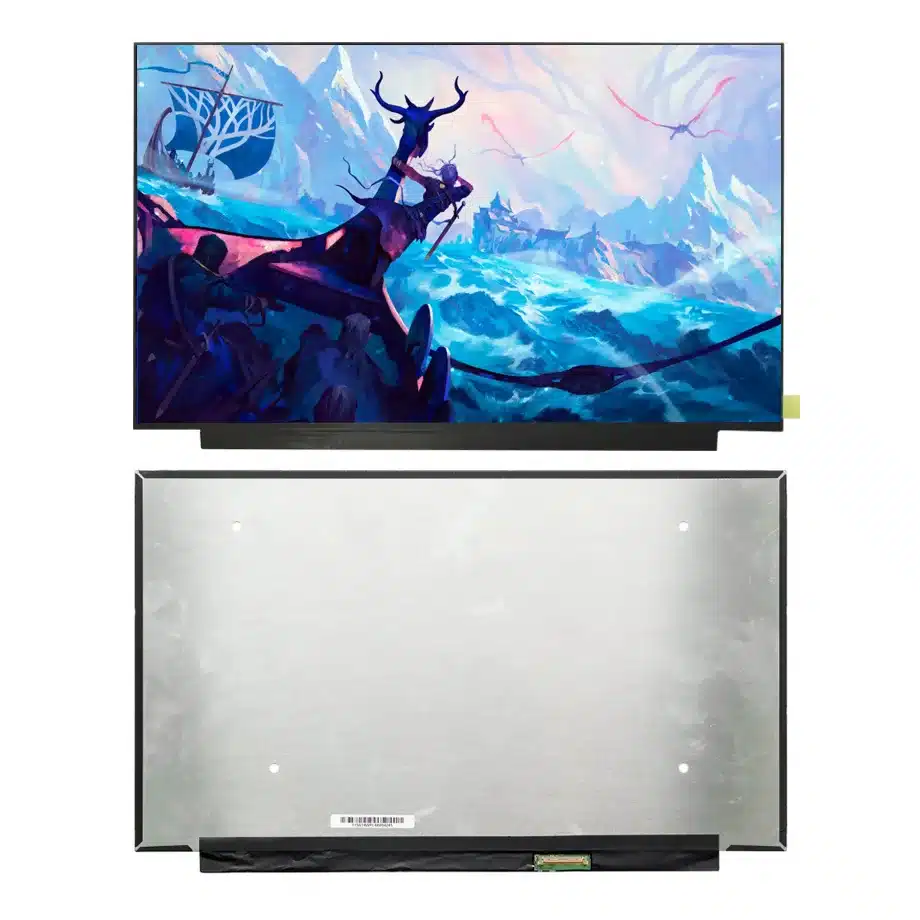
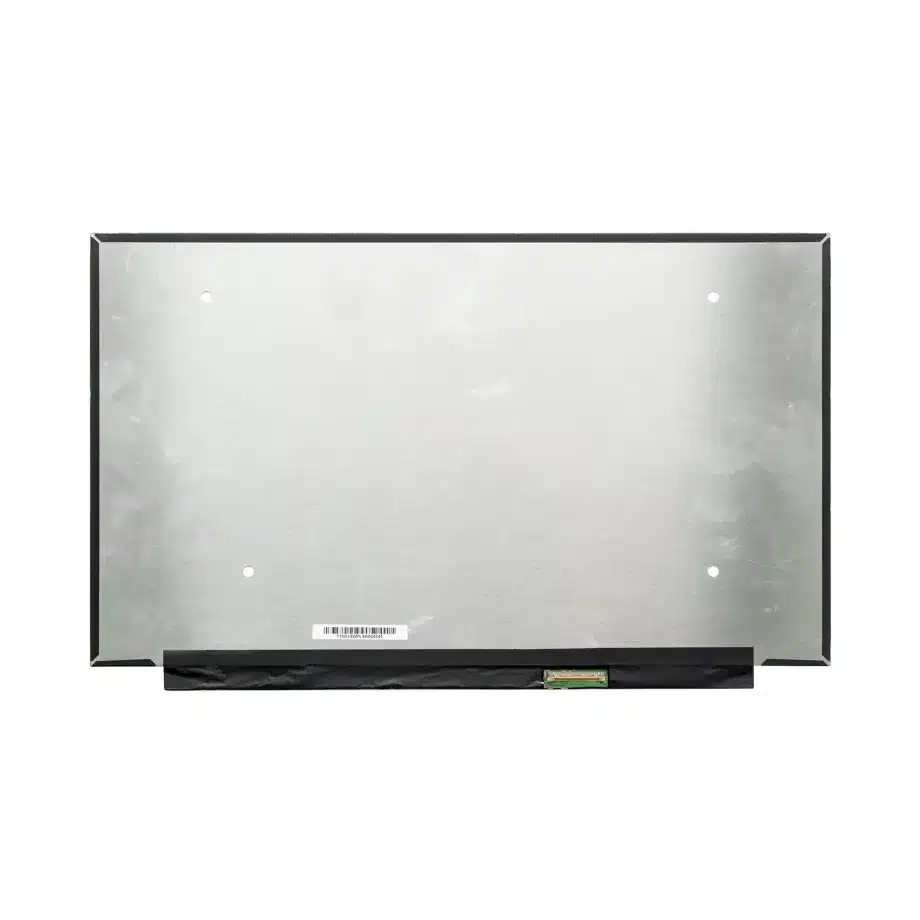
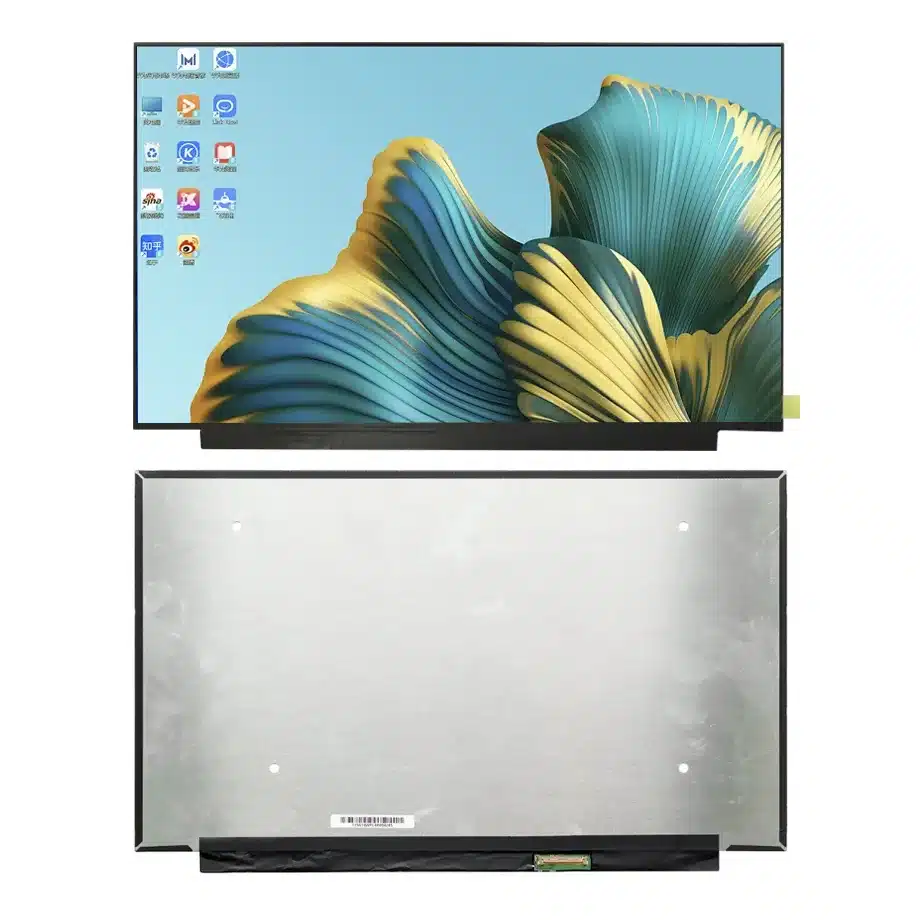
NE156FHM-NX4 HADS Oxide HBR1 Notebook LCM 15.6 Inch FHD BOE
Model P/N
Size
Resolution
Brightness
Viewing Angle
Connector Type
Operating Temp
Overall(mm)
boe
NE156FHM-NX4
Brand
Panel Size (inch)
Model P/N
Resolution
Brightness (nits)
Viewing Angle
Contrast Ratio
Response Time
Overall (mm)
Active Area (mm)
Refresh Rate
Display Colors
Panel Type
Connector Type
Surface Treatment
Operating Temp
Touchscreen Type
Storage Temp
Work Mode
Pixel Format
Input Voltage (V)
Vibration Resistance
Designed For
Product Details
Product Overview
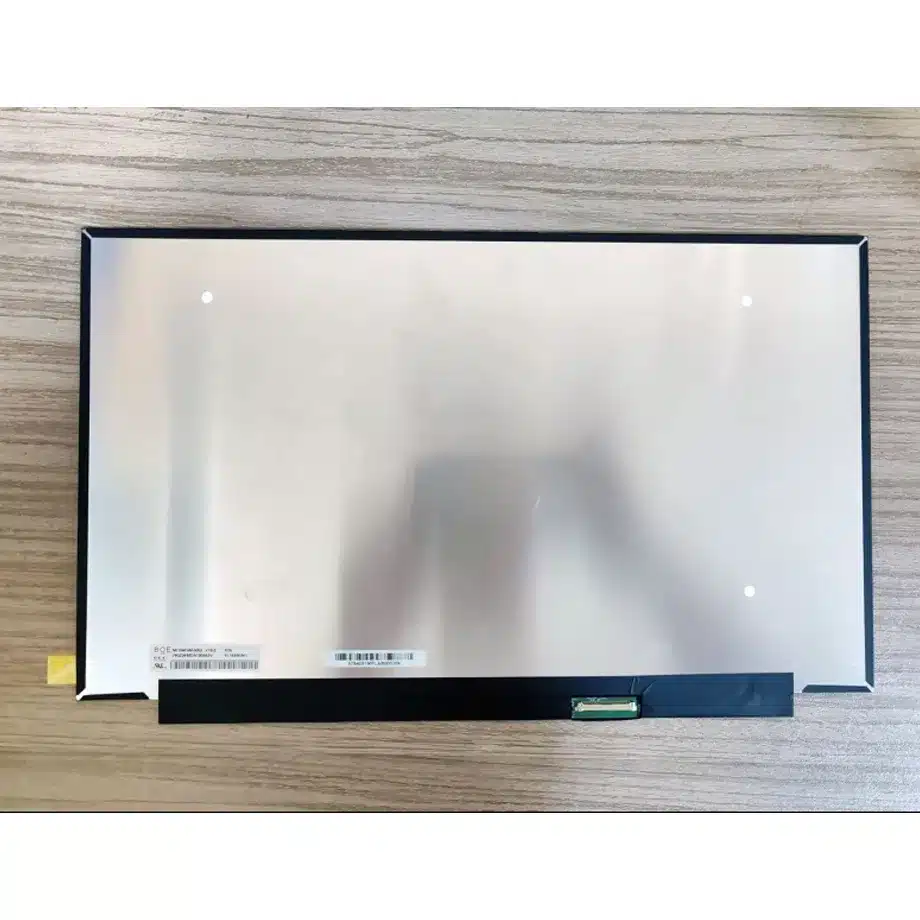
NE156FHM-NX4 HADS Oxide HBR1 Notebook LCM is a 15.6-inch BOE Oxide TFT-LCD module for FHD notebook and gaming-platform integration. It uses a 1920(RGB)×1080 native format in a 16:9 aspect ratio with a 344.16 × 193.59 mm active area. The confirmed panel mode is HADS, normally black and transmissive, with 800:1 typical contrast, 80/80/80/80 minimum viewing at CR≥10, a 20 ms typical Tr+Td response and 16.7M colors. The module operates at 144 Hz and includes an integral WLED backlight with LED driver.
The display-side signal path is four-lane eDP using HBR1 at 2.7 Gbit/s per lane with a 3.3 V typical panel supply. Touch is not included. The operating-temperature range is 0 to 50 °C and storage is -20 to 60 °C. Same-model public information identifies notebook and gaming use and confirms 144 Hz replacement-market positioning, but a production design should still use BOE's exact electrical and mechanical release for connector geometry, outline dimensions and any parameter that is not stated in the confirmed model data.
The exact-model technical listing documents the BOE NE156FHM-NX4 application and core interface facts. For embedded notebook-link context, VESA Embedded DisplayPort guidance explains the role of eDP in internal display connections. These references support integration context; the final pin map and production tolerances remain model-specific.
Three Core Buyer Value Propositions
1. 144 Hz FHD operation for performance notebooks
The 144 Hz refresh target gives a notebook platform a shorter frame interval than a conventional 60 Hz panel while retaining the familiar graphics load of 1920×1080. That combination can suit gaming laptops, performance-focused mobile systems and replacement programs where higher motion cadence is required without moving to WQXGA or UHD. The panel refresh figure is not a complete gaming-performance claim: GPU delivery, firmware, overdrive behavior and system latency still determine the finished experience.
2. Four-lane HBR1 eDP defines a specific replacement boundary
The panel uses four eDP lanes at HBR1 rather than the two-lane paths common on many office notebook displays. That is a practical procurement differentiator because a cable or mainboard designed for another 15.6-inch FHD panel may not expose the same lane arrangement or connector implementation. Matching the exact signal architecture reduces the risk of a visually similar replacement failing during bring-up.
3. Oxide TFT-LCD architecture supports a modern high-refresh module design
The confirmed Oxide TFT-LCD construction distinguishes this product from older a-Si notebook modules. For engineering teams, the important benefit is not a generic technology claim but the exact combination of HADS optical mode, FHD timing, 144 Hz operation and integrated WLED module architecture. Those facts provide a defined starting point for validating a performance notebook without inventing unconfirmed brightness, gamut or mechanical values.
Key Specifications at a Glance
| Parameter | Confirmed value |
|---|---|
| Manufacturer / model | BOE NE156FHM-NX4 |
| Display size | 15.6 inch |
| Panel type | Oxide TFT-LCD, LCM |
| Resolution | 1920(RGB)×1080, FHD, 16:9 |
| Active area | 344.16 × 193.59 mm |
| Display mode | HADS, Normally Black, Transmissive |
| Contrast | 800:1 typical |
| Viewing angle | 80/80/80/80 minimum at CR≥10 |
| Response | 20 ms typical Tr+Td |
| Display colors | 16.7M |
| Refresh | 144 Hz |
| Interface | eDP, 4 lanes, HBR1 2.7 Gbit/s per lane |
| Panel supply | 3.3 V typical |
| Backlight | WLED, 15K hours, integrated LED driver |
| Touch | Without touch screen |
| Operating / storage | 0 to 50 °C / -20 to 60 °C |
What Must Match for a 144 Hz Notebook Replacement?
Diagonal size and FHD resolution are only the first two filters. A replacement candidate also has to match the panel-side eDP architecture, lane count, power rail, connector location, cable route and mechanical envelope. For NE156FHM-NX4, the four-lane HBR1 path is particularly important because many 15.6-inch 1920×1080 office panels use different link configurations. A system can therefore have the correct resolution and still fail to train the display link.
NE156FHM-NX4 HADS Oxide HBR1 Notebook LCM should be brought up first at the intended native 1920×1080 timing and fixed 144 Hz mode. Confirm image stability, brightness control and repeated boot behavior before evaluating workload-specific gaming performance. If the laptop firmware contains panel tables or whitelists, the exact model identity and EDID handling should be checked rather than assuming that any 144 Hz FHD module is accepted automatically.
Cable and connector verification
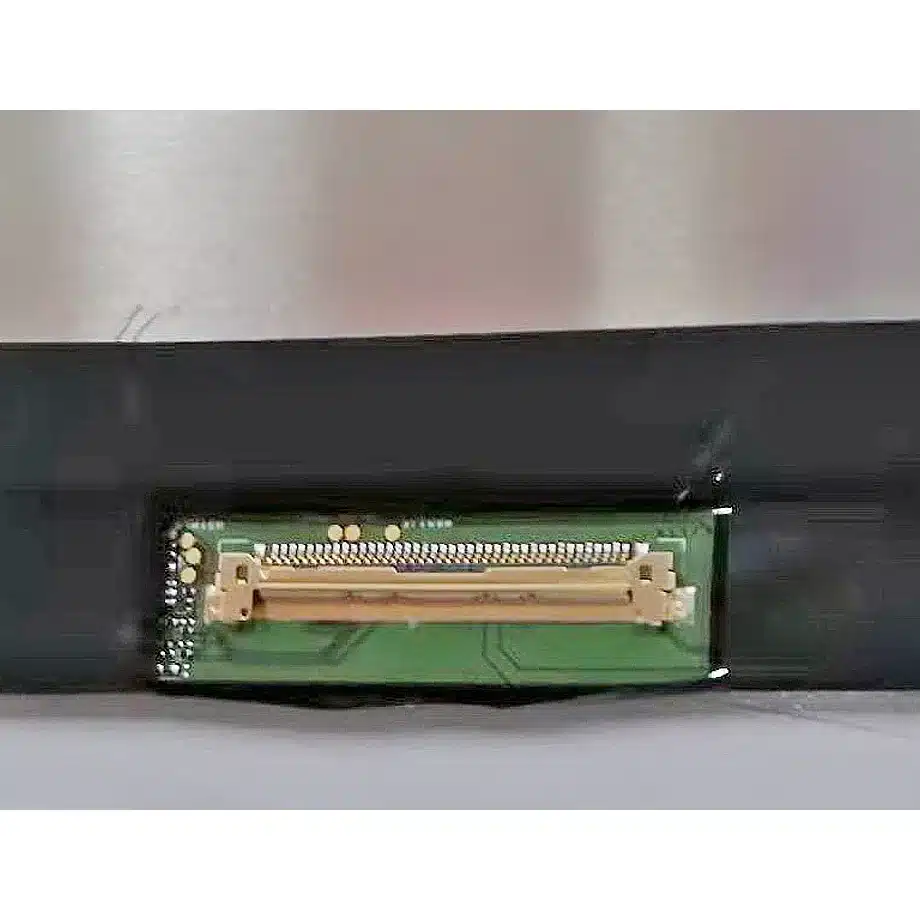
The exact connector pin count is not established in the confirmed specification here, so it should not be guessed from a family member or a visually similar replacement listing. Use the production BOE electrical drawing and the notebook cable specification to verify pin assignment, orientation, AUX signaling and power sequence. That distinction prevents a common service error in which a connector shell appears compatible but the electrical map is not.
How Should 144 Hz Motion Be Qualified?
A 144 Hz refresh rate reduces the frame interval to roughly 6.94 ms, but that number is not the same as pixel response time. The confirmed Tr+Td response is 20 ms typical, so motion evaluation should use real high-contrast transitions, scrolling text and game content rather than assuming that refresh frequency alone eliminates blur. The system's overdrive policy, if any, is not established by the confirmed facts and should not be invented.
Test the panel at multiple GPU frame rates and through common operating transitions such as launching a full-screen game, switching back to the desktop, changing power mode and resuming from sleep. Watch for blanking, flicker, link retraining or unexpected refresh fallback. The most useful qualification record includes the panel model, BIOS version, GPU driver and cable part number that were proven together.
Why Are Missing Brightness and Outline Values Important?
A procurement page should not turn an unknown specification into a family estimate. The confirmed model data does not establish a production luminance value, full outline width/height/depth or module weight. Those are material parameters for lid design, thermal planning and optical acceptance, so the correct engineering action is to request the current BOE drawing and optical table before a new notebook design is frozen.
For service replacement, the original panel can provide useful physical comparison, but a measured old unit should not silently become a manufacturer specification for a new shipment. Mechanical fit should be checked against the exact drawing, especially around the rear electronics, cable bend and bezel support. Brightness acceptance should likewise use an exact-model production requirement rather than a nearby NE156FHM or NV156FHM family value.
Where Does This Module Fit Best?
The documented use cases are laptop and gaming displays. NE156FHM-NX4 HADS Oxide HBR1 Notebook LCM therefore fits 15.6-inch FHD gaming notebooks, performance laptops and replacement programs that need a 144 Hz BOE module with four-lane HBR1 eDP. It can also be evaluated for mobile workstations that value higher motion cadence, provided the mechanical package and controller path are confirmed.
It should not be repositioned as an outdoor, wide-gamut, HDR or touch product without separate evidence. The 0 to 50 °C operating range is a normal notebook component envelope rather than an industrial wide-temperature rating. A gaming application does not change that environmental boundary.
How Should First-Article Approval Be Structured?
Begin with identity: record the complete NE156FHM-NX4 label and the production notebook cable. On the electrical bench, verify the 3.3 V panel rail, four-lane HBR1 link and native 144 Hz timing. Check cold boot, BIOS display, operating-system driver initialization, brightness commands and repeated sleep/wake cycles. Keep the approved BIOS and GPU driver with the qualification record so later software changes can be assessed against a known baseline.
Then move the same sample into the production lid. Confirm active-area alignment, rear clearance, cable strain and any mounting or adhesive scheme from the BOE drawing. Once installed, repeat motion and uniformity checks because bezel pressure or thermal conditions can change the visual result. If the design depends on a brightness target, do not sign off that requirement until the exact BOE luminance specification has been obtained and measured on the final assembly.
How Should Incoming Lots Be Controlled?
For incoming quality control, verify the complete rear label, visible glass condition and cable-side connector geometry before the panel enters notebook assembly. A new supplier lot should be sampled at native 144 Hz using the approved mainboard and cable rather than checked only for a static image. If a later BOE revision changes the mechanical drawing or electrical requirements, rerun the affected fit, link and sleep/wake checks. This keeps a high-refresh replacement program tied to an approved exact-model configuration rather than to a broad 15.6-inch FHD category.
Procurement Checklist
- Confirm the exact BOE NE156FHM-NX4 identity and production revision.
- Match 1920×1080 native timing and fixed 144 Hz operation.
- Verify the four-lane HBR1 eDP path and 3.3 V panel supply from exact-model documents.
- Do not infer connector pin count, module outline, weight or luminance from a related model.
- Check the 344.16 × 193.59 mm active area against the target bezel opening.
- Validate sleep/wake and high-refresh stability with the production cable, BIOS and GPU driver.
- Keep the 15K-hour WLED figure within the manufacturer's documented lifetime basis.
- Confirm current revision and lifecycle information before volume sourcing.
NE156FHM-NX4 HADS Oxide HBR1 Notebook LCM provides a defined FHD 144 Hz notebook platform with Oxide TFT-LCD construction and a four-lane HBR1 signal path. Its production value comes from exact electrical matching and disciplined handling of unresolved mechanical and optical fields rather than from assuming equivalence with a nearby family panel.
Recommended: Same Size
(15.6")
Applications & Value of LCD Panel

- Fast sourcing with in-stock panels & cross-reference alternatives
- Stable supply chain with long-term availability
- Engineering-level support from panel to integration
- Custom solutions: cable, touch & optical bonding
- Strict quality control with IQC / OQC / aging test
- Full traceability system for quality assurance
- Complete technical documentation & drawings
- Compliance support: RoHS & certification files
