
~
~
~
~
~
~
B140UAK02.3 HW3A Win11 I2C On-Cell WUXGA AHVA LCM 14 Inch AUO
Model P/N
Size
Resolution
Brightness
Viewing Angle
Connector Type
Operating Temp
Overall(mm)
auo
B140UAK02.3 HW3A
Brand
Panel Size (inch)
Model P/N
Resolution
Brightness (nits)
Viewing Angle
Contrast Ratio
Response Time
Overall (mm)
Active Area (mm)
Refresh Rate
Display Colors
Panel Type
Connector Type
Surface Treatment
Operating Temp
Touchscreen Type
Storage Temp
Work Mode
Pixel Format
Input Voltage (V)
Touch Interface
Vibration Resistance
Weight (g)
Designed For
Product Details
Product Overview
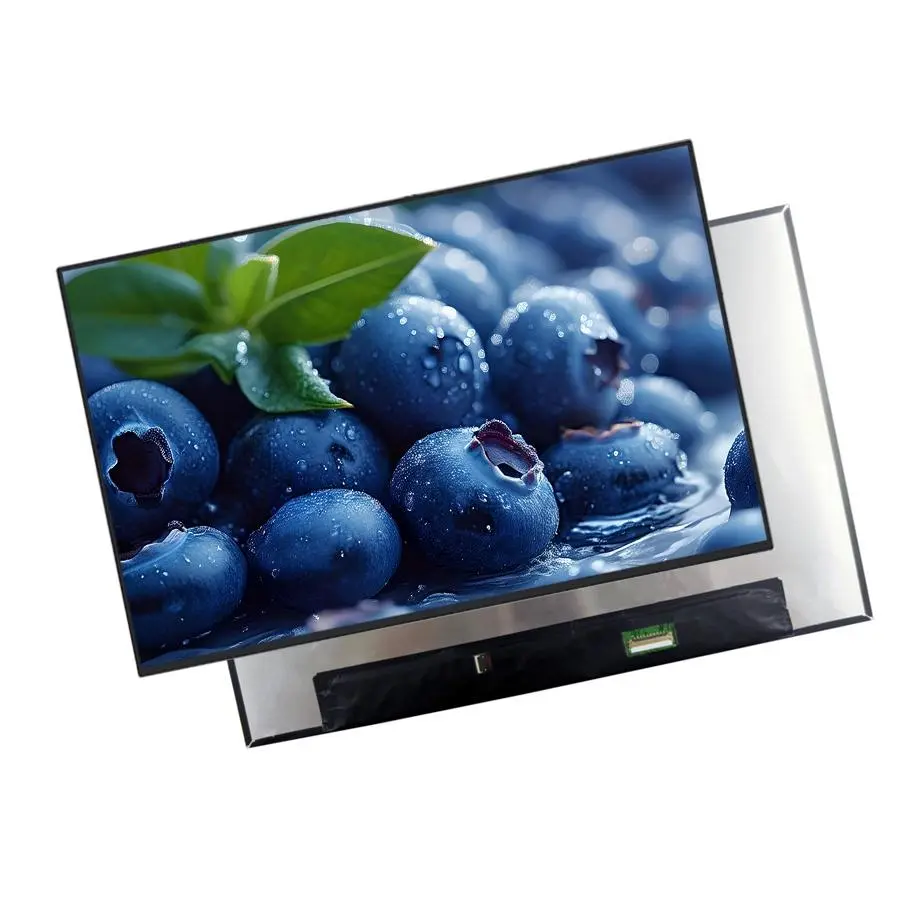
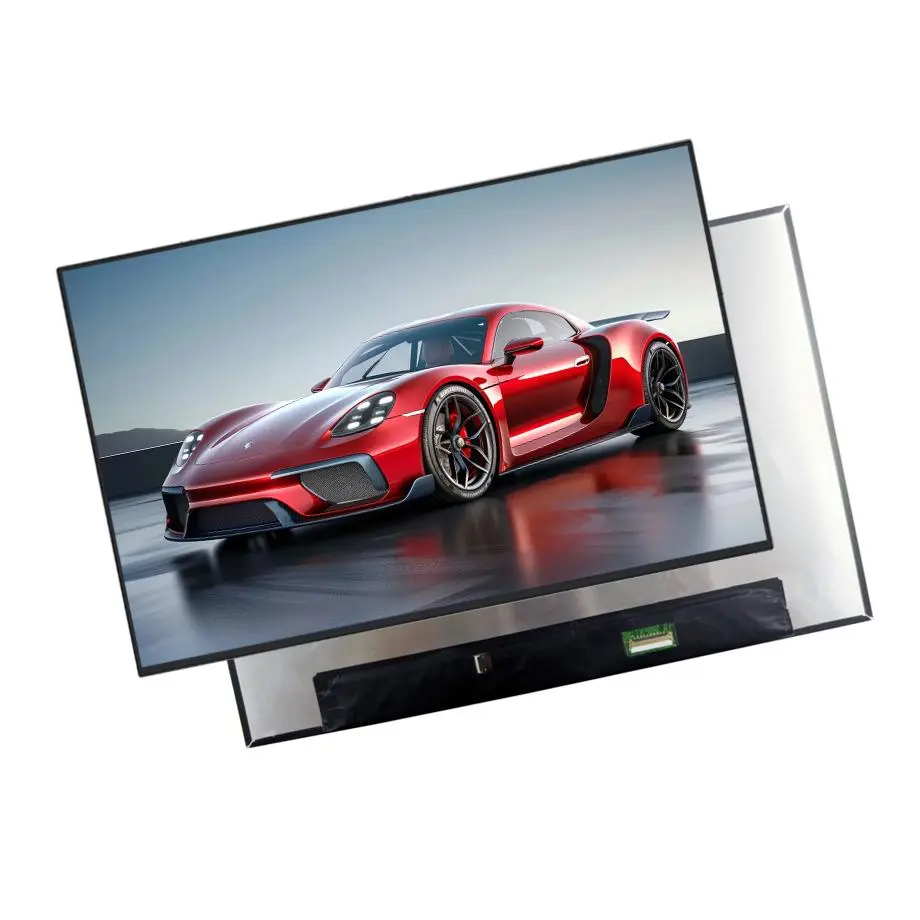
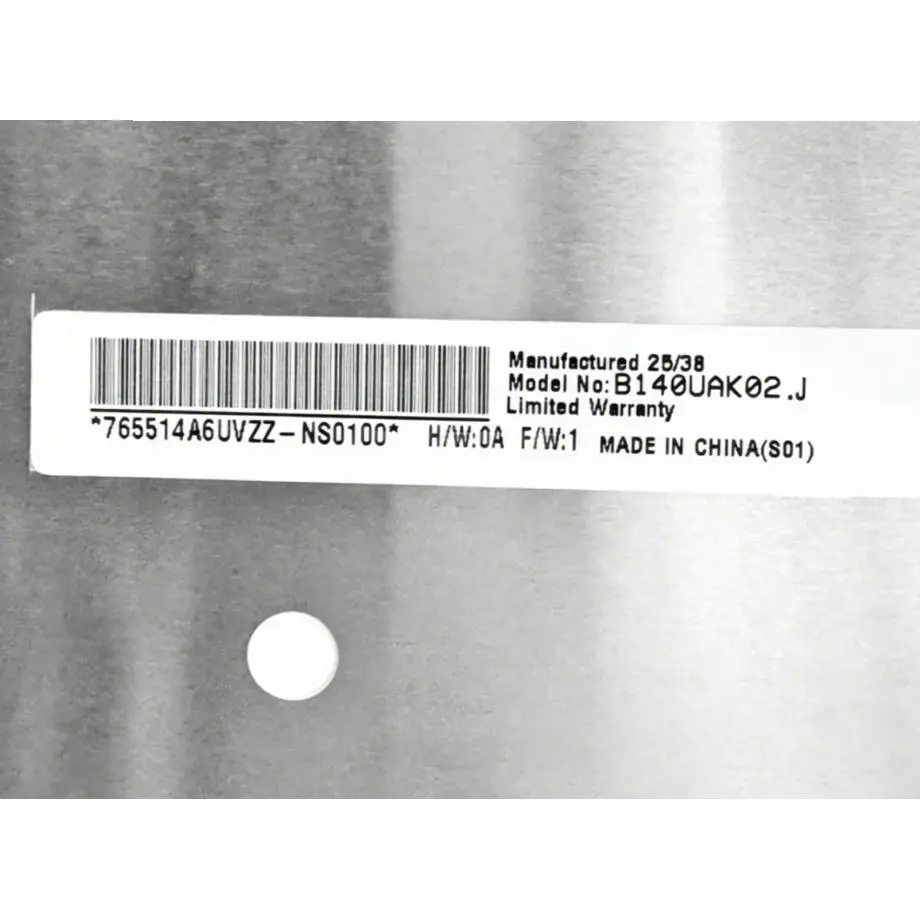
The B140UAK02.3 HW3A Win11 I2C On-Cell WUXGA AHVA LCM is a 14.0-inch AUO a-Si TFT-LCD module for touch-enabled notebook integration. It uses a native 1920(RGB)×1200 WUXGA raster in a 16:10 format, with a 301.594 × 188.496 mm active area inside a 307.29 × 199.25 × 5 mm module outline. The panel is specified for 300 cd/m² typical luminance, 1000:1 typical contrast and symmetric 85/85/85/85 typical viewing at CR≥10. AHVA normally-black transmissive operation, 16.2 million colors and an antiglare 3H surface define the core optical stack.
The display link is two-lane eDP 1.2 through a 40-pin connector with a 3.3 V typical panel supply. A WLED backlight and LED driver are integrated, with a 15K-hour reference. The module also includes On-Cell Touch using I²C and is identified for Windows 11 use in the current product packet. That combination makes display-video qualification and touch qualification separate engineering tracks: eDP carries image data, while the touch device requires its own I²C/HID-compatible host integration, firmware and power-state validation.
Three Core Buyer Value Propositions
On-cell touch and WUXGA reduce front-stack complexity for touch notebooks
The module integrates the touch sensor with the display instead of requiring a separate add-on touch overlay. For a notebook program, this can simplify thickness planning and reduce the number of independently sourced display-stack components. The benefit should still be treated as an integration opportunity rather than a guarantee of finished-system thinness: cover glass, bezel design, hinge geometry, touch controller implementation and mechanical tolerances remain system-level decisions.
Two-lane eDP 1.2 defines a specific controller and cable qualification path
The native interface is not a generic external DisplayPort input. It is an embedded two-lane eDP 1.2 connection on a 40-pin panel connector. VESA describes eDP as the internal display interface used to transport graphics data to embedded panels and notes its use in laptops and other integrated displays (VESA Embedded DisplayPort overview). The host GPU, cable, pin assignment and firmware therefore need to match the model-specific AUO implementation.
Integrated WLED driving gives the power tree a clearer module boundary
The backlight is specified with its LED driver, so the notebook mainboard does not need to reproduce a raw LED-string driver stage for this module. The 3.3 V panel input and backlight/control requirements still need to be verified from the current AUO electrical documentation. The 15K-hour figure is a reference under manufacturer test conditions; it is not a laptop service-life, warranty or lifecycle guarantee.
Key Specifications at a Glance
| Parameter | Specification |
|---|---|
| Manufacturer / model | AUO B140UAK02.3 HW3A |
| Size / type | 14.0 inch a-Si TFT-LCD, LCM |
| Resolution | 1920(RGB)×1200 WUXGA, 16:10 |
| Active area / outline | 301.594 × 188.496 mm / 307.29 × 199.25 × 5 mm |
| Weight | 305 g maximum |
| Brightness / contrast | 300 cd/m² typical / 1000:1 typical |
| Viewing / response | 85/85/85/85 typical at CR≥10 / 25 ms typical Tr+Td |
| Display mode / color | AHVA normally black transmissive / 16.2M colors, 45% NTSC |
| Surface | Antiglare, hard coating 3H |
| Native display interface | eDP 1.2, 2 lanes, 40-pin connector |
| Panel input | 3.3 V typical |
| Backlight | WLED, 15K-hour reference, with LED driver |
| Touch | On-Cell Touch, I²C, identified for Windows 11 use |
| Refresh rate | 60 Hz |
| Temperature | Operating 0 to 50 °C; storage -20 to 60 °C |
| Designed for | Laptop / touch notebook integration |
How should the two-lane eDP 1.2 link be qualified?
The B140UAK02.3 HW3A Win11 I2C On-Cell WUXGA AHVA LCM should be treated as an embedded panel endpoint. A 40-pin connector match is only a mechanical starting point; the notebook controller must also match the AUO pin assignment, two-lane eDP signaling, link rate, timing, AUX behavior, panel enable controls and power sequence. VESA’s eDP material explains that embedded DisplayPort is designed for internal panel transport with a low wire count, but those standards do not supply the exact model pin map or initialization behavior.
Prototype qualification should use the released GPU/SoC platform, BIOS or firmware, production cable and intended power states. Test cold boot, warm restart, sleep/wake, lid-open/lid-close behavior and repeated panel enable/disable cycles. Confirm native 1920×1200 at 60 Hz and check for intermittent link training, color errors, line noise or power-state failures. Record the cable drawing and controller firmware that passed so later procurement does not treat any 40-pin WUXGA panel as interchangeable.
What does I²C On-Cell Touch require from a Windows 11 host?
Display and touch functions use separate interfaces. The panel image uses eDP, while the touch function uses I²C. Microsoft documents HID over I²C as a standard Windows path for integrated touch devices and notes that a touchscreen connection typically includes SDA, SCL, interrupt, power and ground resources (Microsoft touchscreen bus connectivity). That architecture does not prove the touch address, controller identity, firmware version, interrupt polarity or ACPI definition for this specific AUO module.
Windows 11 labeling is not a substitute for platform validation
The current packet identifies the touch function as being for Windows 11, but the notebook integrator still needs to verify HID enumeration, ACPI resources, coordinate orientation, multi-touch behavior if required, wake policy and driver/firmware behavior on the target system image. Microsoft recommends inbox HID paths where possible, but the exact implementation remains an OEM integration responsibility. Do not infer pen support, glove mode, palm rejection or touch-point count unless the model documentation explicitly provides them.
How should the integrated backlight and 300-nit optical target be evaluated?
The module provides a 300 cd/m² typical luminance target and includes the WLED driver. That simplifies the electrical boundary compared with a driverless panel, but finished-notebook brightness still depends on the released module revision, backlight control, firmware dimming curve, cover materials and system thermal conditions. The AUO notebook portfolio describes integrated touch, 16:10 formats and slim display designs as notebook technology directions (AUO notebook display technologies), while exact performance for this part remains governed by its model documentation.
For acceptance testing, measure luminance and uniformity at defined brightness settings after thermal stabilization. If the system has automatic brightness or low-power modes, verify that firmware does not create unacceptable steps, flicker or black-screen transitions. The 45% NTSC figure describes the panel color-gamut reference; it should not be converted into an sRGB or DCI-P3 accuracy claim without appropriate measurement and documentation.
Mechanical fit, reverse-interface routing and touch-stack constraints
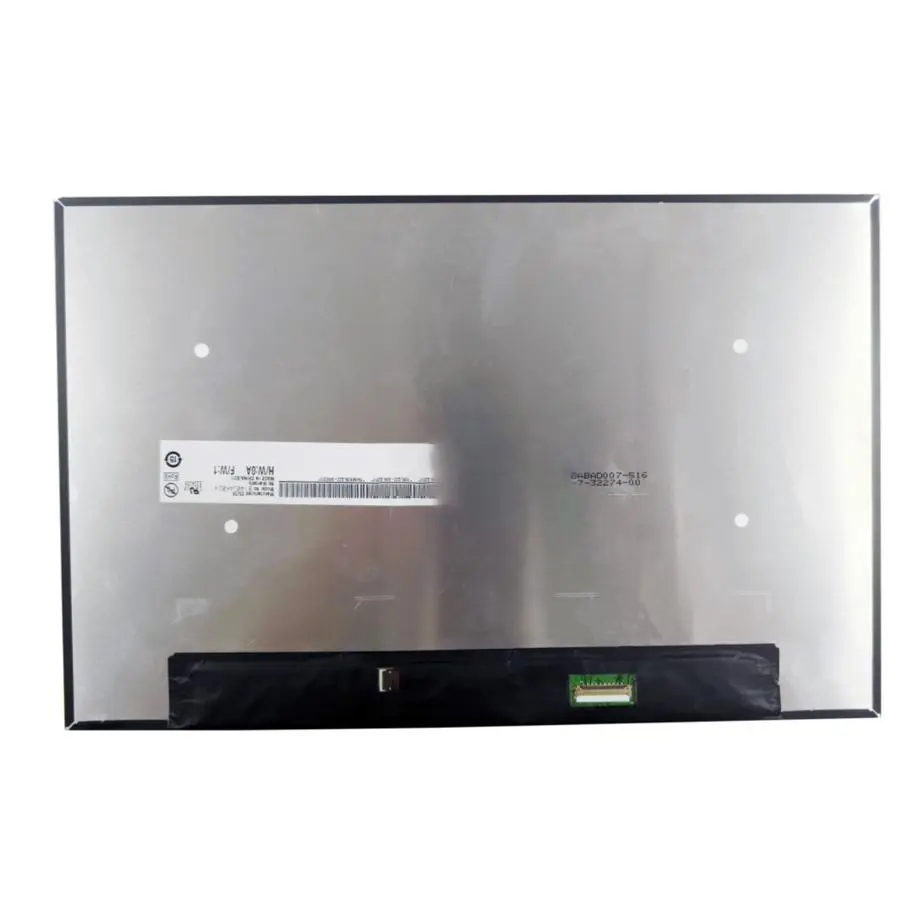
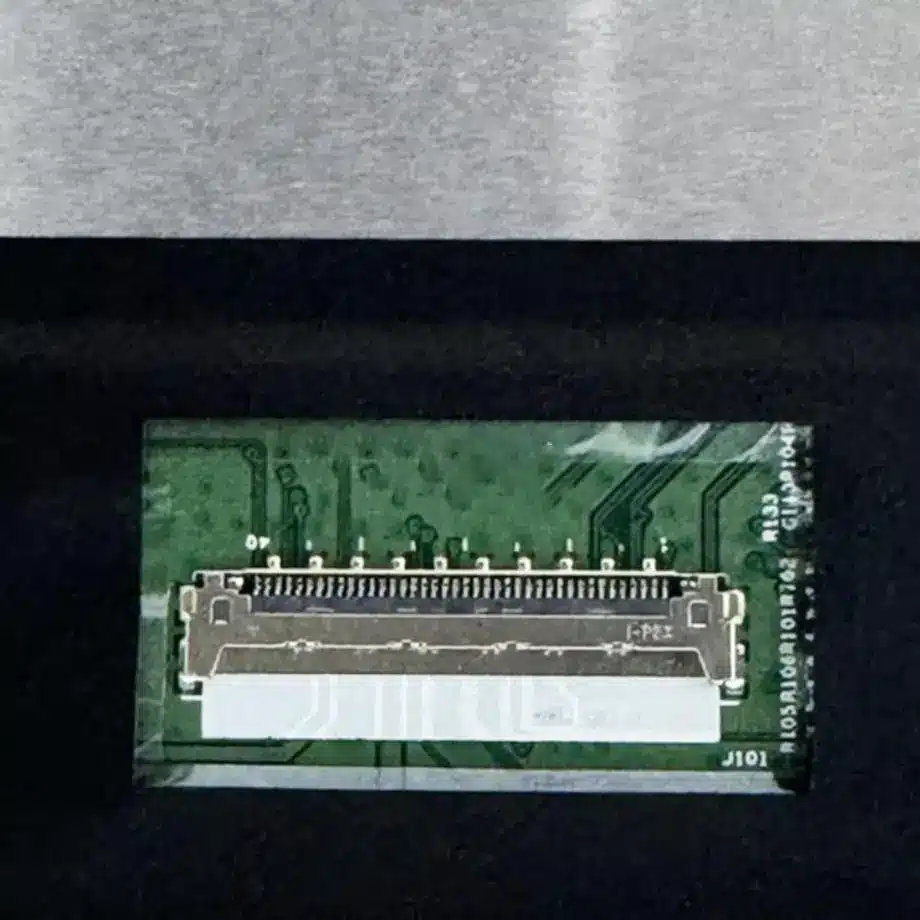
The 307.29 × 199.25 × 5 mm outline and 301.594 × 188.496 mm active area give mechanical teams a starting envelope, while the current product packet also describes a slim PCBA-bent form and reverse-interface orientation. Use the exact drawing to confirm connector location, cable exit, board bend, screw or support locations, keep-out zones and the relationship between the active image and notebook bezel. A nearby 14-inch WUXGA panel can have the same diagonal and still place the eDP connector or touch resources differently.
On-cell touch reduces the need for a separate sensor overlay, but it does not define the finished notebook’s cover-glass, bonding or bezel stack. If the industrial design adds protective glass or a decorative cover, test touch sensitivity and optical reflections on the complete stack. No optical-bonding configuration, impact rating or cover-lens specification is established by the base module facts.
Replacement and procurement controls
A replacement decision for the B140UAK02.3 HW3A Win11 I2C On-Cell WUXGA AHVA LCM should match the complete architecture: 1920×1200 timing, two-lane eDP 1.2, 40-pin mapping, 3.3 V panel supply, On-Cell I²C touch, integrated WLED driver, module outline and reverse-interface arrangement. Similarity in diagonal size, resolution or connector count is not enough. A non-touch 40-pin panel, for example, can require a different cable or leave the host without the I²C touch path expected by the notebook design.
The supporting sourcing description reports Q4 2024 mass production and an in-production status at the time of the reference. Treat that only as procurement context. Before a volume order, ask AUO or an authorized supply channel to confirm the offered HW3A revision, current lifecycle, traceability and applicable PCN/EOL information. Marketplace stock counts do not represent HS-LCD inventory and do not establish future availability.
Engineering Answers in Brief
B140UAK02.3 HW3A is a 14-inch AUO WUXGA AHVA notebook module with two-lane eDP 1.2, a 40-pin connector and 3.3 V typical panel input.
The module combines On-Cell Touch over I²C with the eDP video path, so touch and display interfaces must be qualified separately on the target Windows platform.
The integrated WLED driver simplifies the backlight interface, while the 15K-hour figure remains a reference rather than a notebook service-life guarantee.
The B140UAK02.3 HW3A Win11 I2C On-Cell WUXGA AHVA LCM should be replacement-qualified by exact pinout, touch resources, mechanics and firmware behavior rather than by 14-inch WUXGA specifications alone.
Procurement Checklist
- Specify AUO B140UAK02.3 HW3A and confirm the exact offered hardware revision.
- Request the current 40-pin eDP 1.2 assignment, timing table and panel power sequence.
- Confirm I²C touch address, interrupt behavior, HID/ACPI requirements and Windows 11 integration documentation.
- Validate native 1920×1200 at 60 Hz using the intended GPU, BIOS/firmware and production cable.
- Check the 307.29 × 199.25 × 5 mm outline, active-area position and reverse-interface cable routing against the notebook enclosure.
- Verify brightness, dimming, thermal behavior and touch operation with the final cover/bezel stack.
- Keep unsupported pen, glove, bonding and certification claims out of the qualification baseline.
- Reconfirm lifecycle, traceability and PCN/EOL expectations before volume purchasing.
The B140UAK02.3 HW3A Win11 I2C On-Cell WUXGA AHVA LCM provides a combined WUXGA display and touch platform for notebook integration, with a defined two-lane eDP path, I²C touch function and integrated backlight driver. Production approval should preserve those exact electrical and mechanical boundaries so replacement, firmware and procurement decisions remain tied to the verified AUO configuration.
Recommended: Same Size
(14")
Applications & Value of LCD Panel

- Fast sourcing with in-stock panels & cross-reference alternatives
- Stable supply chain with long-term availability
- Engineering-level support from panel to integration
- Custom solutions: cable, touch & optical bonding
- Strict quality control with IQC / OQC / aging test
- Full traceability system for quality assurance
- Complete technical documentation & drawings
- Compliance support: RoHS & certification files
