
~
~
~
~
~
~
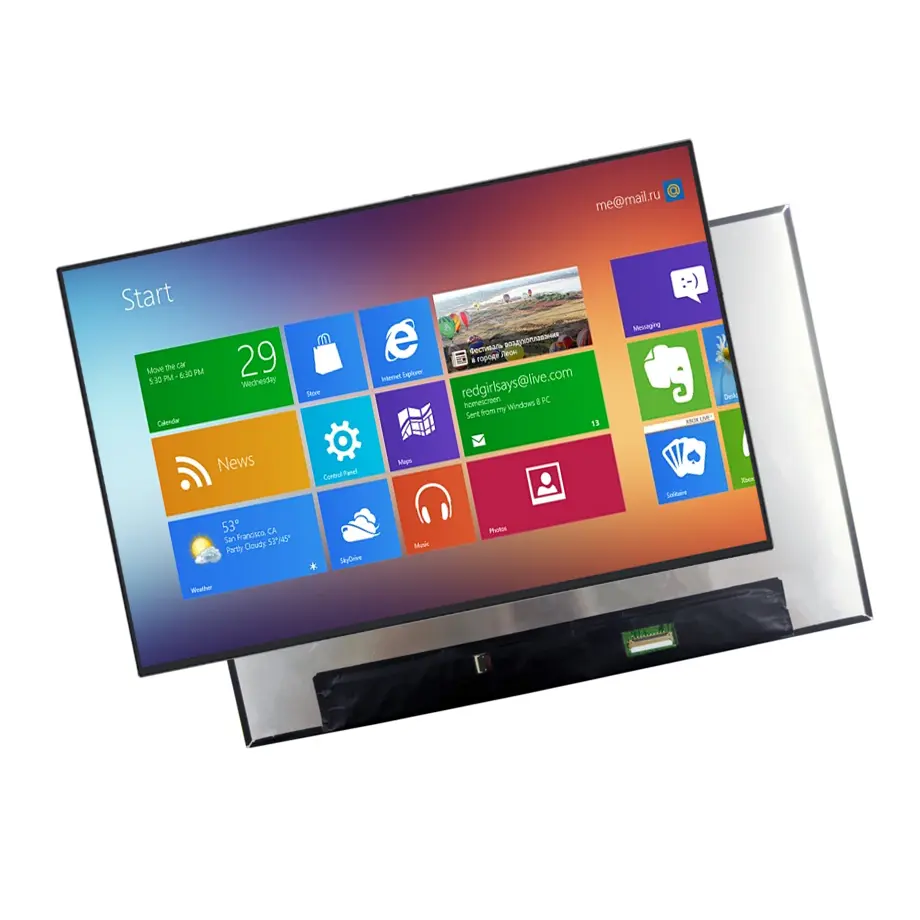
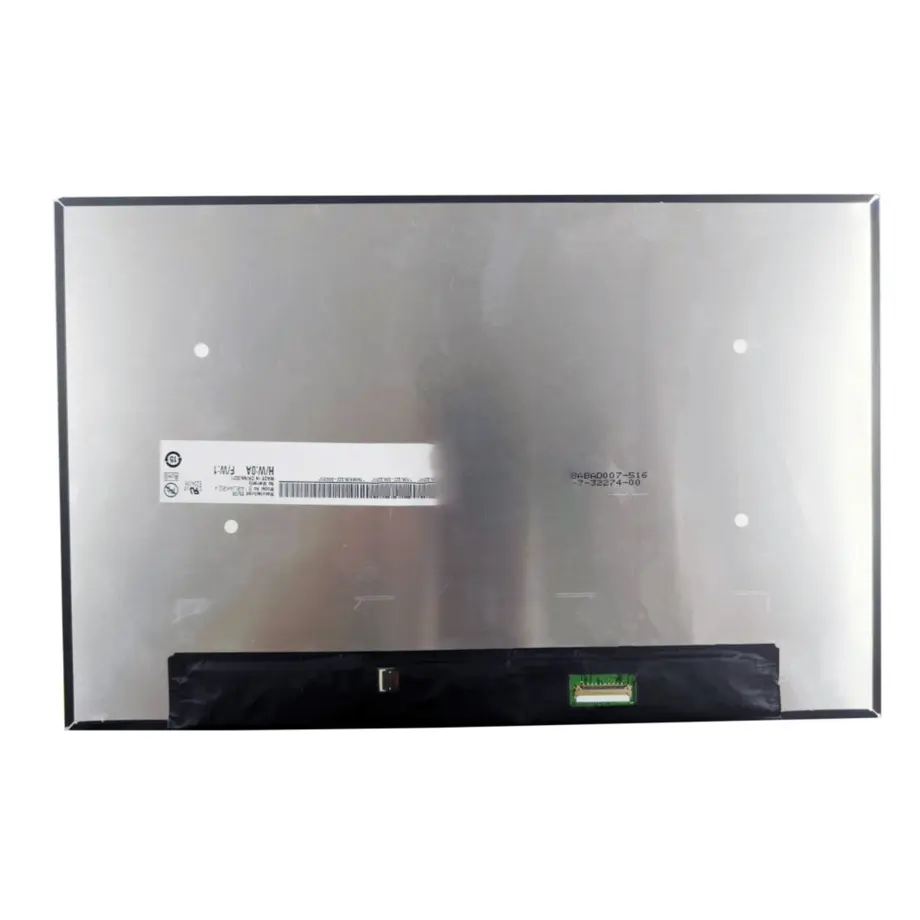
B140UAK02.J Matte On-Cell Laptop Display 14 Inch AUO
Model P/N
Size
Resolution
Brightness
Viewing Angle
Connector Type
Operating Temp
Overall(mm)
auo
B140UAK02.J
Brand
Panel Size (inch)
Model P/N
Resolution
Brightness (nits)
Viewing Angle
Contrast Ratio
Response Time
Overall (mm)
Active Area (mm)
Refresh Rate
Display Colors
Panel Type
Connector Type
Surface Treatment
Operating Temp
Touchscreen Type
Storage Temp
Work Mode
Pixel Format
Input Voltage (V)
Touch Interface
Vibration Resistance
Weight (g)
Designed For
Product Details
Product Overview
B140UAK02.J Matte On-Cell Laptop Display is a 14.0-inch AUO WUXGA LCD module that combines a 1920(RGB)×1200, 16:10 image format with integrated On-Cell Touch. The module uses AHVA normally-black transmissive operation, 300 cd/m² typical brightness, an 800:1 typical contrast ratio and 16.2M colors with 100% sRGB coverage. Its 301.594 × 188.496 mm active area sits inside a 306.59 × 198.6 × 5.25 mm outline.
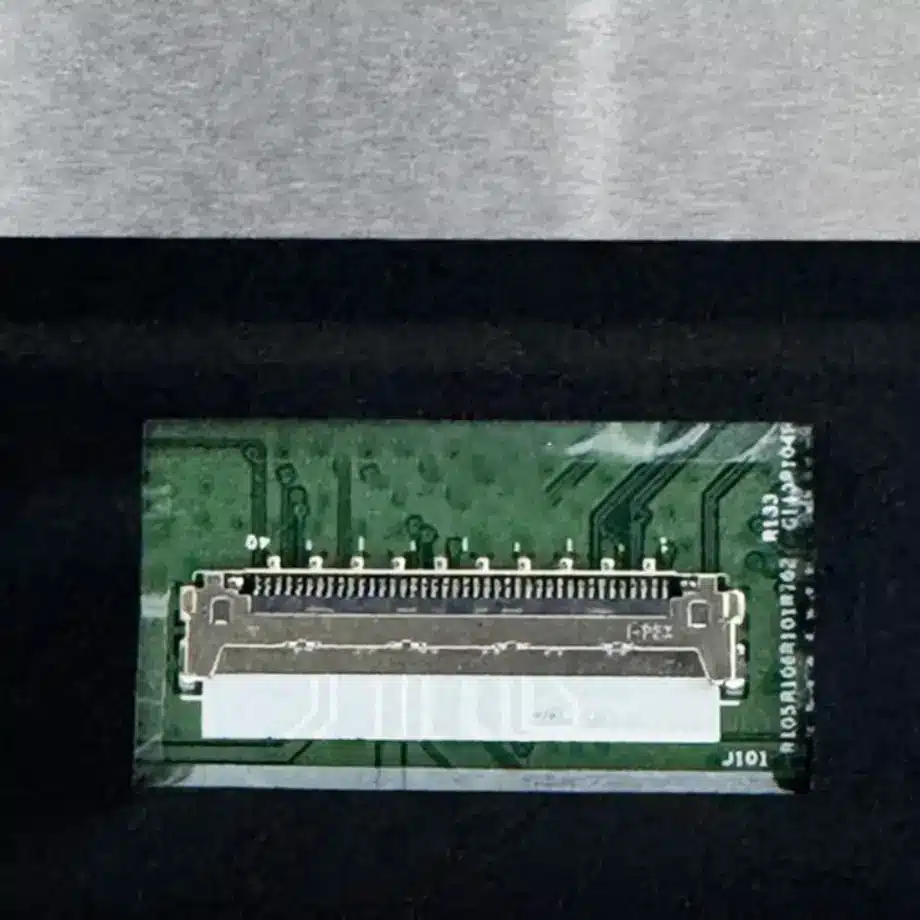
The touch path is identified as I²C and the native video interface is two-lane eDP 1.3 on a 40-pin connector. A 3.3 V typical panel supply powers the display electronics, while the WLED backlight and LED driver are integrated in the LCM. The surface is antiglare with 3H hard coating, making this configuration materially different from a glossy 14-inch replacement even if the resolution and diagonal are the same.
AUO's product portfolio includes notebook panels, and VESA describes eDP as the embedded display transport used between system graphics and internal notebook panels in its eDP documentation. These industry references help frame the integration work; the B140UAK02.J pinout, touch implementation and electrical limits still require exact-model documentation.
Three Core Buyer Value Propositions
1. On-Cell Touch consolidates display and touch into one module
Touch is part of the confirmed B140UAK02.J configuration rather than an optional external overlay. That can reduce mechanical stack height and eliminates the need to source a separate add-on touch panel for the same viewing area. The engineering boundary is equally important: the module still needs host-side I²C support, touch firmware integration and validation through the final cover stack. The supplied evidence does not establish glove use, stylus behavior or touch lifetime.
2. 100% sRGB supports color-consistent productivity work
The panel is specified for 100% sRGB with 16.2M colors. For a productivity notebook, that gives a more complete standard-gamut target than panels specified only with a low NTSC percentage. It can be valuable for web content, office graphics and mainstream creative tasks. The panel figure is not a complete calibration certificate; white point, gamma, uniformity and system color management must still be checked on the assembled notebook.
3. Matte 16:10 WUXGA presentation suits mobile work
The 14-inch 1920×1200 format provides extra vertical workspace compared with 16:9 FHD, while the antiglare surface is intended to reduce mirror-like reflections relative to a glossy panel. That combination is useful for mobile productivity where lighting conditions vary. The 300 cd/m² typical luminance remains an indoor notebook-class value and should not be upgraded to a sunlight-readable claim.
Key Specifications at a Glance
| Parameter | Confirmed value |
|---|---|
| Model | AUO B140UAK02.J |
| Size / format | 14.0 inch, 1920×1200, 16:10 |
| Panel | a-Si TFT-LCD LCM, AHVA normally black |
| Active area | 301.594 × 188.496 mm |
| Outline | 306.59 × 198.6 × 5.25 mm |
| Brightness | 300 cd/m² typical |
| Contrast | 800:1 typical |
| Viewing | 85/85/85/85 typical at CR≥10 |
| Color | 16.2M, 100% sRGB |
| Surface | Antiglare, 3H hard coating |
| Touch | On-Cell Touch, I²C |
| Interface | eDP 1.3, 2 lanes, 40-pin connector |
| Supply | 3.3 V typical |
| Backlight | WLED, 15K hours, with LED driver |
| Refresh / response | 60 Hz / 30 ms typical Tr+Td |
| Environment | 0 to 50 °C operating; -20 to 60 °C storage |
How Should On-Cell Touch Change the Compatibility Check?
With a touch-integrated notebook screen, the replacement decision cannot stop at the image connector. The original system must support the touch-controller connection, I²C communication, required interrupt or control lines and the correct cable assembly. The 40-pin connector count is a useful first filter, but two 40-pin eDP panels can assign touch and display functions differently. The exact schematic or pin table should be checked before a sample is powered.
B140UAK02.J Matte On-Cell Laptop Display is described as suitable for Windows 11 touch use in the supplied data, but operating-system compatibility still depends on the host controller, firmware and driver path. A procurement listing that says “touch” does not establish that a random notebook cable will expose the required I²C signals. If the original machine was non-touch, converting it to this panel may require different cabling and mechanical parts.
Front-stack implications
On-Cell Touch reduces the number of separate sensing layers, yet the notebook can still add a protective or decorative cover. Cover thickness, adhesive, grounding and mechanical pressure can affect touch sensitivity and optical appearance. Test edge accuracy, multi-touch response, sleep/wake recovery and touch operation after the lid is fully assembled rather than accepting a bare-panel bench result.
Why Does 100% sRGB Matter More Than the Color Count Alone?
Sixteen-point-two million colors describes the available gradation, while 100% sRGB describes the reported gamut coverage. Those values answer different buyer questions. A business notebook may only need standard office color, but a content-oriented system can benefit from more predictable sRGB coverage for web graphics and general media. The panel still requires color-management decisions at the system level, especially if multiple suppliers are used in the same notebook program.
The 800:1 typical contrast ratio and AHVA viewing behavior support ordinary wide-angle notebook use. Final measurements can shift after integration because the cover stack, bezel pressure and backlight operating point influence the optical result. Qualification should therefore include multiple points across the screen rather than a single center-luminance reading.
What Does eDP 1.3 Mean for the Mainboard Team?
The native signal is two-lane eDP 1.3 through a 40-pin connector. That defines the display-side transport but does not provide a complete compatibility decision. The system must match the 1920×1200 timing, lane mapping, AUX communication, panel power and backlight controls. eDP revision labels also should not be treated as a promise that every optional feature of the standard is implemented by the panel.
Same-model public information lists sDRRS and DMRRS characteristics. These are relevant to notebook power and refresh-management strategies, but they should be implemented only after the exact AUO documentation and platform firmware requirements are understood. Validate normal boot, operating-system mode changes, panel-off states and resume behavior before enabling aggressive display power-saving features.
Where Is This Panel Most Useful?
The confirmed application is laptop display use. B140UAK02.J Matte On-Cell Laptop Display is most relevant to 14-inch WUXGA notebooks that need a matte surface, full-sRGB coverage and integrated touch in a single LCM. It can also be evaluated for replacement of a matching Dell-associated configuration noted in same-model data, but the part-number reference should be treated as a compatibility clue rather than a guarantee for every laptop carrying a similar marketing name.
For new development, the 16:10 aspect ratio and integrated touch suit business, education and mobile productivity notebooks when the exact cable, lid geometry and touch interface are designed around the module. The product evidence does not establish rugged, medical or outdoor qualification, so those categories should not be added simply because touch is present.
Which Mechanical and Environmental Details Need Sign-Off?
The module outline is 306.59 × 198.6 × 5.25 mm and the maximum weight is 320 g. The source describes a slim design with a bent PCBA, which makes connector clearance and cable routing part of the mechanical decision. A replacement with the same active area can still fail if the rear-board position or lid keep-out zone differs. Use the mechanical drawing for every tooling or replacement decision.
Operating temperature is 0 to 50 °C and storage is -20 to 60 °C. A 1.5G vibration value is also available from same-model reference data. These values are component specifications, not a finished-laptop reliability certification. The OEM remains responsible for drop, hinge, vibration, thermal and enclosure validation of the complete computer.
How Can a Buyer Reduce Touch-Panel Replacement Risk?
Touch notebooks often have more configuration variation than non-touch systems. A service team should photograph the original panel label, connector side and cable before removal, then compare the full AUO model and hardware revision with the purchase specification. The display may power and show an image even when the touch lines are not correctly implemented, so image operation alone is not a sufficient acceptance test. Touch enumeration, coordinate accuracy and wake behavior should be checked before the machine is returned to service.
For fleet procurement, maintain the approved 40-pin cable and touch-controller relationship as part of the bill of materials. If a supplier proposes an alternative panel, require evidence for WUXGA timing, sRGB target, connector mapping, mechanical outline and touch function rather than accepting a generic “14-inch touch screen” description. This avoids a common failure mode where the replacement fits the bezel but loses touch, uses a different surface finish or behaves differently during sleep and resume.
For service documentation, record whether the approved machine uses the touch-enabled cable set and whether the operating system detects the intended touch controller after a cold boot. That evidence is more useful than a generic compatibility label because it captures the actual panel, cable and firmware combination that passed qualification.
Procurement Checklist
- Match the complete B140UAK02.J identity and current revision.
- Confirm 40-pin eDP 1.3 wiring, 1920×1200 timing and 3.3 V supply.
- Verify that the notebook cable exposes the required On-Cell Touch / I²C path.
- Check the 306.59 × 198.6 × 5.25 mm outline and bent-PCBA keep-out area.
- Validate 100% sRGB, brightness and contrast in the final lid assembly.
- Test touch accuracy, sleep/wake and firmware behavior in the production software stack.
- Confirm current production status, revision control and sourcing information before volume use.
B140UAK02.J Matte On-Cell Laptop Display provides a combined WUXGA display-and-touch platform for 14-inch notebooks, but successful qualification depends on the exact 40-pin electrical map, touch path, mechanical geometry and system firmware.
Recommended: Same Size
(14")
Applications & Value of LCD Panel

- Fast sourcing with in-stock panels & cross-reference alternatives
- Stable supply chain with long-term availability
- Engineering-level support from panel to integration
- Custom solutions: cable, touch & optical bonding
- Strict quality control with IQC / OQC / aging test
- Full traceability system for quality assurance
- Complete technical documentation & drawings
- Compliance support: RoHS & certification files
