
~
~
~
~
~
~
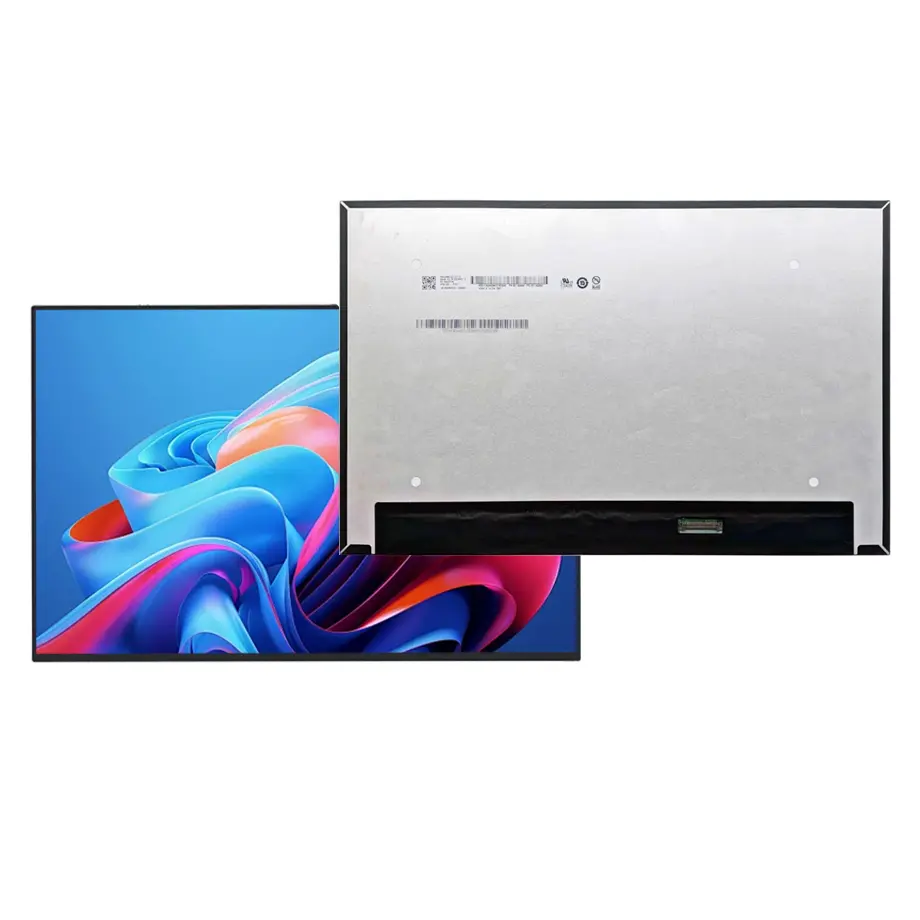
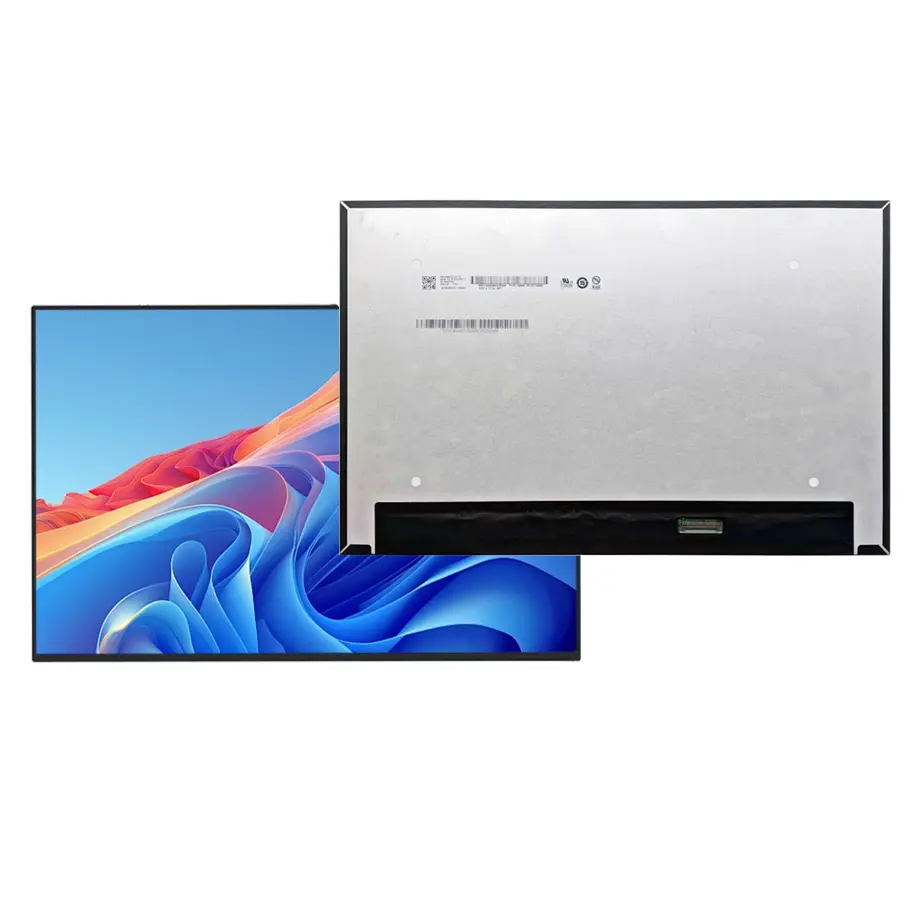
B133UAN01.6 HW0A Adaptive Sync Laptop LCM 13.3 Inch AUO
Model P/N
Size
Resolution
Brightness
Viewing Angle
Connector Type
Operating Temp
Overall(mm)
auo
B133UAN01.6 HW0A
Brand
Panel Size (inch)
Model P/N
Resolution
Brightness (nits)
Viewing Angle
Contrast Ratio
Response Time
Overall (mm)
Active Area (mm)
Refresh Rate
Display Colors
Panel Type
Connector Type
Surface Treatment
Operating Temp
Touchscreen Type
Storage Temp
Work Mode
Pixel Format
Input Voltage (V)
Vibration Resistance
Weight (g)
Designed For
Product Details
Product Overview
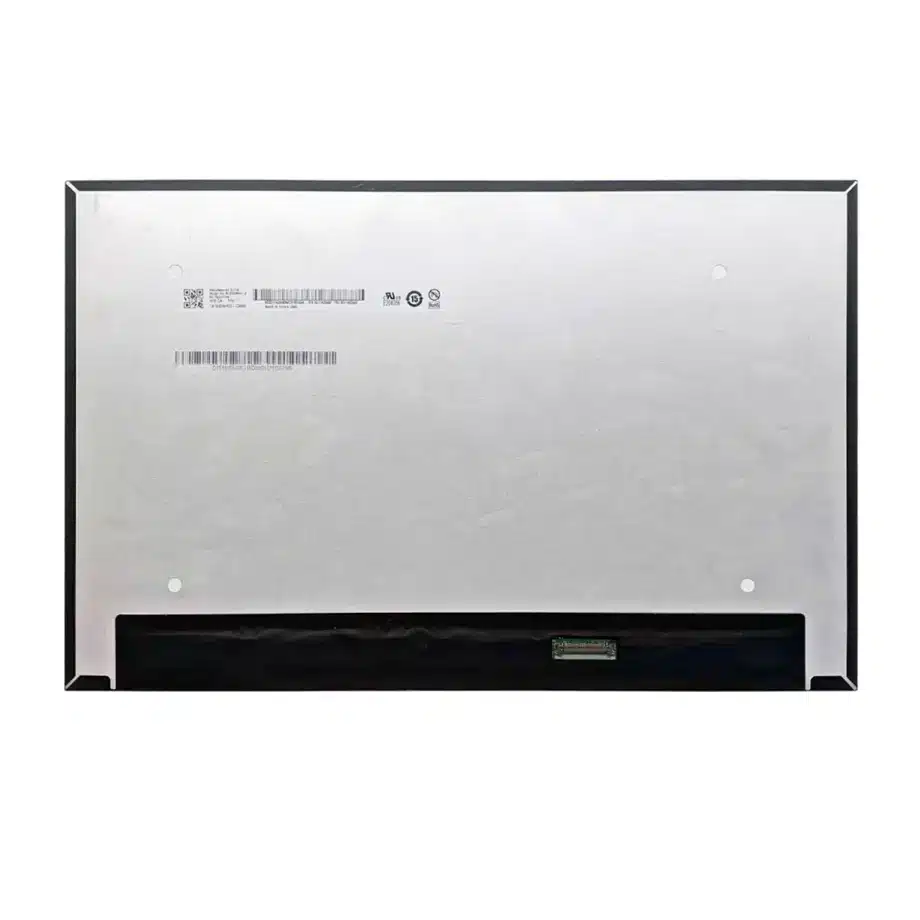
B133UAN01.6 HW0A Adaptive Sync Laptop LCM is a 13.3-inch AUO a-Si TFT-LCD module for notebook integration. It uses a 1920(RGB)×1200 WUXGA image format in a 16:10 aspect ratio, with a 286.042 × 178.776 mm active area and a 291.04 × 187.3 × 5.0 mm module outline. The panel provides 250 cd/m² typical luminance, an 800:1 typical contrast ratio and an AHVA normally-black transmissive mode. It is a complete LCM with WLED backlight and LED driver, not a bare LCD cell.
The supplied configuration is glossy, specified as Haze 0% with 3H hard coating, and it supports 60 Hz operation with FreeSync / G-Sync compatibility noted in the source data. Native display connectivity is two-lane eDP 1.2 through a 30-pin connector, with a 3.3 V typical panel supply. The panel has no integrated touch sensor. Those boundaries matter when an engineer is qualifying it as an original replacement or as the display for a new thin notebook.
AUO lists notebook displays as a core panel-product category on its official product overview. For interface planning, VESA's eDP material explains the role of Embedded DisplayPort in notebook systems. These references support platform-level context; model-specific acceptance must still use the exact AUO drawing and electrical specification.
Three Core Buyer Value Propositions
1. WUXGA 16:10 geometry for productivity notebooks
The 1920×1200 native resolution adds vertical workspace compared with a 1920×1080 panel while retaining a familiar notebook-class pixel load. For office applications, coding, document review and productivity interfaces, the 16:10 canvas can reduce scrolling and give system designers more usable vertical UI space. The benefit applies only when the graphics path and operating system are configured for the native mode; it does not establish application-specific performance or a guaranteed visual preference.
2. Adaptive-sync feature set for smoother variable-frame operation
The same-model source identifies FreeSync / G-Sync and adaptive-sync characteristics at a 60 Hz panel rate. For a notebook platform, that can be useful when graphics output varies with workload and the system is designed to coordinate display timing correctly. The panel label alone does not prove a complete branded certification, a variable-refresh range or gaming performance. Firmware, GPU support and the specific eDP implementation must be qualified in the finished computer.
3. Integrated WLED driver simplifies the display module boundary
The module includes a WLED backlight, LED driver and a 15,000-hour backlight-life figure in the supplied evidence. That gives the OEM a more complete optical/electrical package than a cell-only product and avoids designing a separate LED driver into the notebook mainboard. Lifetime remains dependent on the manufacturer's test basis and operating conditions; the 15K figure must not be converted into a notebook service-life guarantee without the supporting AUO lifetime definition.
Key Specifications at a Glance
| Parameter | Confirmed value |
|---|---|
| Manufacturer / model | AUO B133UAN01.6 HW0A |
| Display size | 13.3 inch |
| Panel type | a-Si TFT-LCD, LCM |
| Resolution | 1920(RGB)×1200, WUXGA, 16:10 |
| Active area | 286.042 × 178.776 mm |
| Outline | 291.04 × 187.3 × 5.0 mm |
| Brightness | 250 cd/m² typical |
| Contrast ratio | 800:1 typical |
| Viewing angle | 85/85/85/85 typical at CR≥10 |
| Colors | 16.2M, 45% NTSC |
| Refresh | 60 Hz; FreeSync / G-Sync listed |
| Native interface | eDP 1.2, 2 lanes, 30-pin connector |
| Panel supply | 3.3 V typical |
| Surface | Glare, Haze 0%, 3H hard coating |
| Backlight | WLED, 15K hours, integrated LED driver |
| Operating / storage | 0 to 50 °C / -20 to 60 °C |
| Touch | Without touch screen |
What Should a Replacement Engineer Match First?
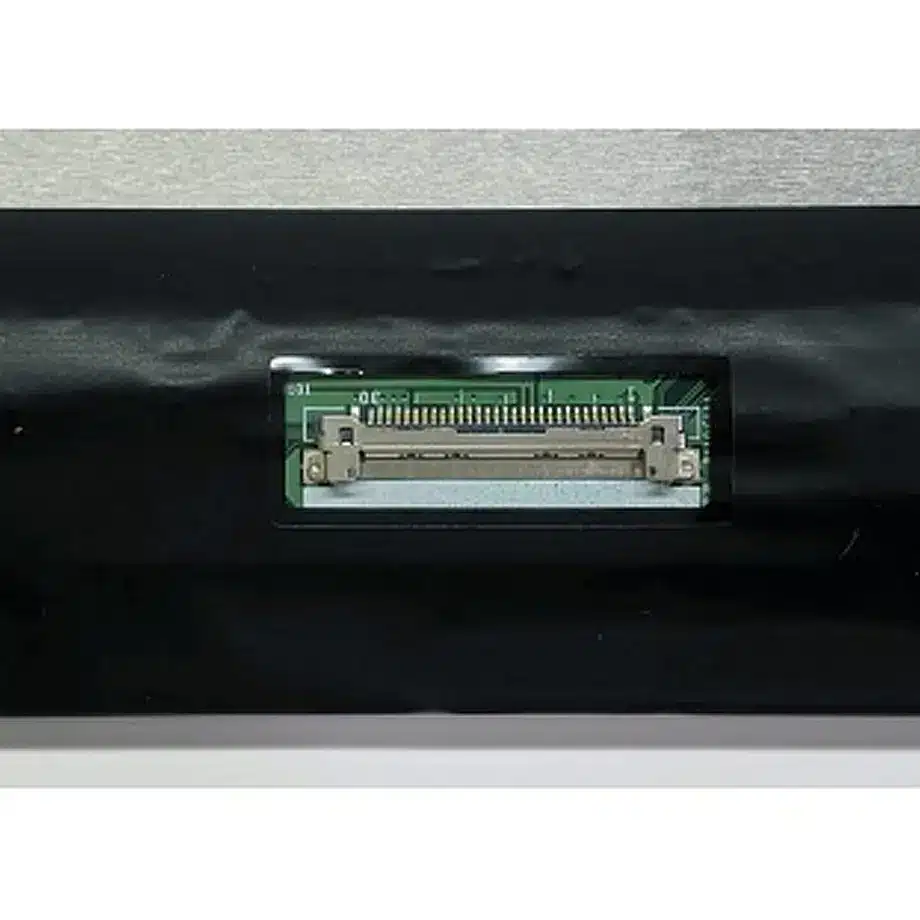
Notebook replacement work is often derailed by treating diagonal size and resolution as the only compatibility criteria. For B133UAN01.6 HW0A, the primary checks are the 30-pin eDP connector, the exact pin assignment, connector position, 3.3 V supply, 291.04 × 187.3 × 5.0 mm outline, mounting geometry and the two-lane eDP timing. A different 13.3-inch 1920×1200 screen may use another connector position, another eDP revision, touch wiring or a different thickness.
The glossy surface is also a meaningful replacement attribute. If the original notebook was designed for a glossy panel, replacing it with an antiglare screen changes reflection behavior and visual character even when electrical operation is successful. Conversely, a project that requires low-reflection matte operation should not assume this Haze 0% configuration meets that requirement. The front-surface choice belongs in the qualification checklist, not just the cosmetic description.
Mechanical fit and PCBA geometry
The source describes a slim configuration with the PCBA bent and T≤3.5 mm for that subassembly. That is not the same as the full 5.0 mm module depth, and the two dimensions should not be merged. The mechanical drawing should be used to verify cable fold, connector clearance and the way the panel sits behind the bezel. Do not force the panel into a lid designed around another PCBA location merely because the active image area is similar.
How Should Adaptive Sync Be Qualified Over eDP 1.2?
B133UAN01.6 HW0A Adaptive Sync Laptop LCM uses an eDP 1.2, two-lane, 30-pin connection. Adaptive display behavior depends on the GPU, timing controller, firmware and operating system working together. A controller that produces a stable fixed 60 Hz mode is not automatically proven for every variable-refresh behavior listed in a panel database. During validation, exercise normal desktop operation, video playback, low-frame-rate rendering, sleep/wake and graphics-mode transitions.
The test should also watch for link retraining, blanking, flicker and recovery behavior. If the notebook vendor intends to market FreeSync or G-Sync capability, confirm the applicable certification or platform requirements independently. The safe product claim is that the source identifies adaptive-sync-related support; the finished notebook feature requires complete system evidence.
Power-state behavior
Because notebook panels spend significant time changing between active, idle and sleep states, power transition behavior deserves separate testing from image quality. Confirm the 3.3 V rail stability, eDP signal sequencing and backlight-enable behavior through repeated suspend/resume cycles. The integrated LED driver simplifies the module boundary, but the notebook still controls enable, brightness and system-level power policies.
Why Does the Glossy Surface Change Optical Evaluation?
A glossy panel can deliver a crisp visual appearance in controlled lighting, but ambient reflections become more visible than on a matte antiglare surface. The 250 cd/m² typical luminance should therefore be evaluated with the actual lid glass, bezel and use environment. It is not evidence of outdoor readability or a high-brightness category. Reflections from windows or overhead lighting can dominate the user experience even if the panel itself reaches its nominal luminance.
The AHVA normally-black mode and 85/85/85/85 typical viewing specification support broad off-axis viewing for a notebook, while the 800:1 typical contrast ratio defines the panel-level optical target. These figures should be checked after final assembly, particularly if the lid adds a protective overlay or the bezel places pressure near the active area.
Where Does This Module Fit Best?
The confirmed application is laptop use. B133UAN01.6 HW0A Adaptive Sync Laptop LCM is therefore suited to WUXGA notebook platforms and replacement projects that need a 13.3-inch 16:10 AUO module, a 30-pin two-lane eDP connection, an integrated WLED driver and a glossy front surface. Same-model information also identifies a Dell part-number association, but that should be treated as a sourcing clue rather than a universal compatibility guarantee.
A buyer should compare the actual original-panel label, connector location and lid construction before ordering. For a new design, the panel can be screened for business notebooks, mobile productivity devices and adaptive-sync-capable portable computers when the mechanical and electrical requirements match. No touch capability should be assumed because the confirmed configuration is non-touch.
How Should Sample Approval Be Structured?
A useful approval plan separates electrical bring-up from optical and mechanical sign-off. Begin with the panel on the intended cable and mainboard, confirm native 1920×1200 timing and stable image operation, then verify brightness control and suspend/resume behavior. After electrical stability is proven, install the module into the production lid so that bezel pressure, hinge motion and cable routing are represented. A bench-only test can miss intermittent contact or pressure effects that appear after full assembly.
For optical review, record center and corner luminance, visible uniformity, contrast behavior and reflections under the target room lighting. Because this configuration is glossy, include a bright-window or overhead-light scenario in the review. If adaptive-sync behavior is part of the product requirement, test it only after the fixed 60 Hz mode is stable. Keep the accepted panel revision, cable part number and firmware version together in the qualification record so procurement does not later substitute an unverified combination.
Procurement and Qualification Checklist
- Confirm the full identity: B133UAN01.6 HW0A, not a different hardware revision.
- Verify 1920×1200 timing, eDP 1.2 two-lane operation and the exact 30-pin mapping.
- Check 291.04 × 187.3 × 5.0 mm module dimensions and PCBA / cable clearance.
- Confirm that a glossy Haze 0% surface is acceptable for the target notebook.
- Validate brightness, viewing and contrast after the panel is installed in the production lid.
- Exercise adaptive-sync-related behavior only with the intended GPU and firmware stack.
- Use the 15K-hour backlight value only within its documented lifetime basis.
- Confirm current revision, production status and change information before volume commitment.
B133UAN01.6 HW0A Adaptive Sync Laptop LCM offers a compact 16:10 WUXGA display path with a complete backlight module and adaptive-sync-oriented feature set. A successful replacement or new notebook design depends on exact connector, mechanical, surface and firmware validation rather than diagonal size alone.
Recommended: Same Size
(13.3")
Applications & Value of LCD Panel

- Fast sourcing with in-stock panels & cross-reference alternatives
- Stable supply chain with long-term availability
- Engineering-level support from panel to integration
- Custom solutions: cable, touch & optical bonding
- Strict quality control with IQC / OQC / aging test
- Full traceability system for quality assurance
- Complete technical documentation & drawings
- Compliance support: RoHS & certification files
