
~
~
~
~
~
~
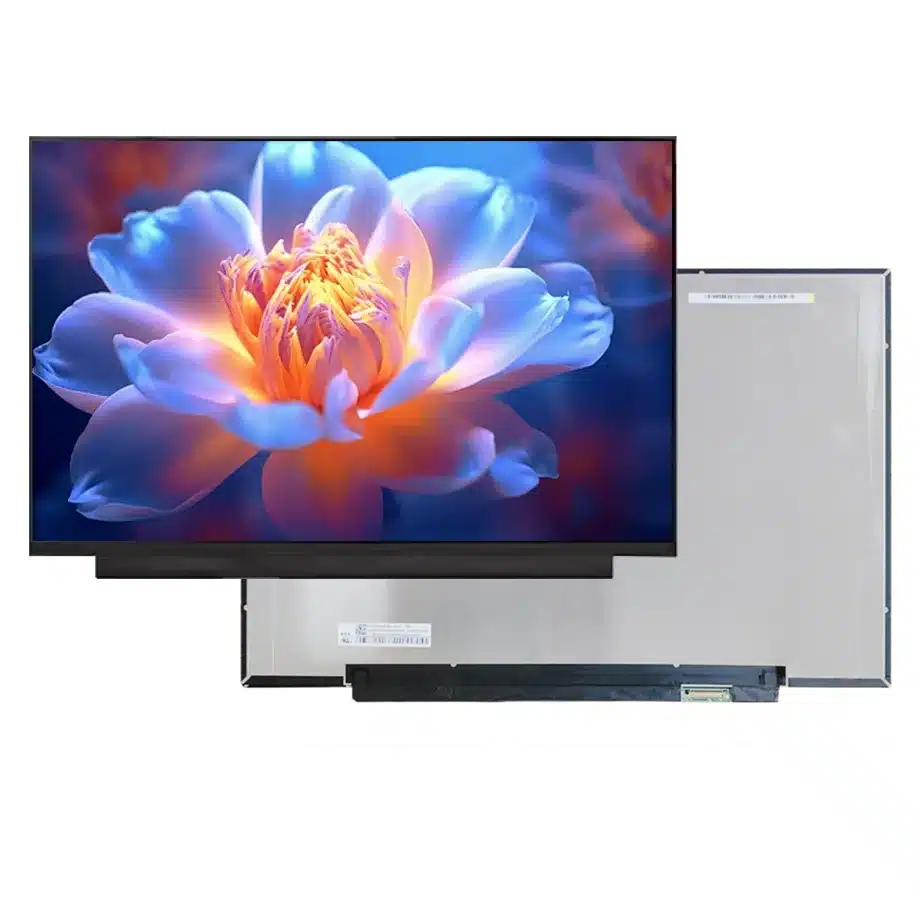
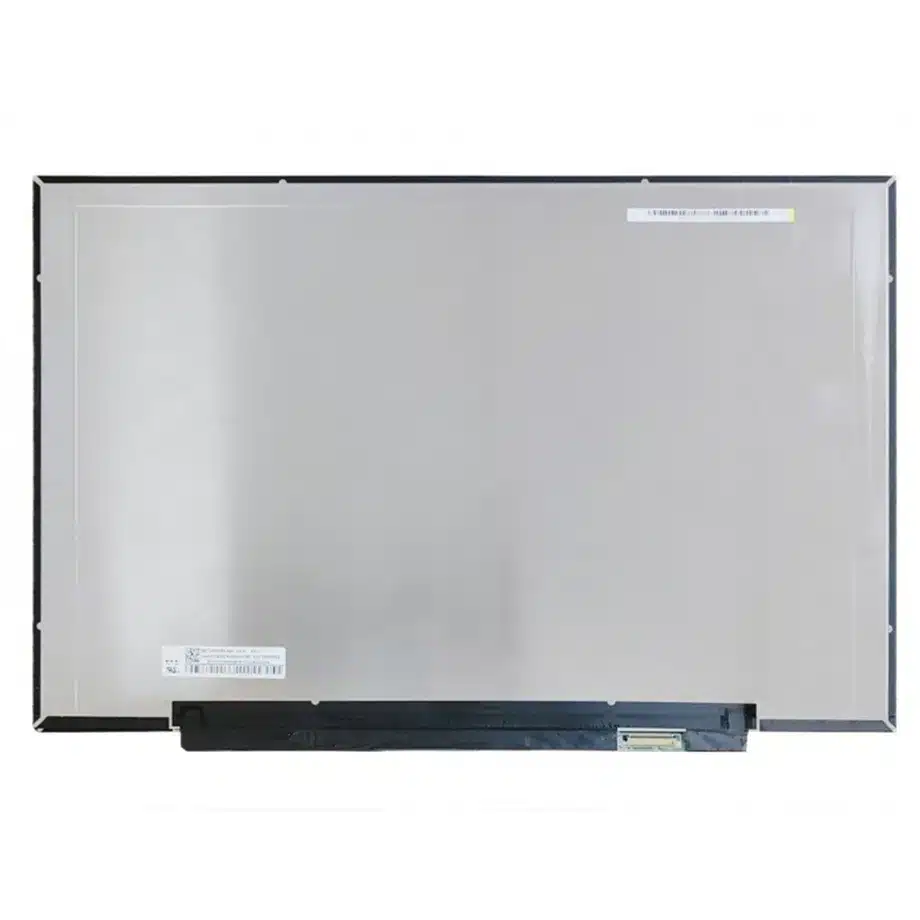
NV153WUM-N41 Acer AG15-51P WUXGA LCM BOE
Model P/N
Size
Resolution
Brightness
Viewing Angle
Connector Type
Operating Temp
Overall(mm)
boe
NV153WUM-N41
Brand
Panel Size (inch)
Model P/N
Resolution
Brightness (nits)
Viewing Angle
Contrast Ratio
Response Time
Overall (mm)
Active Area (mm)
Refresh Rate
Display Colors
Panel Type
Connector Type
Surface Treatment
Operating Temp
Touchscreen Type
Storage Temp
Work Mode
Pixel Format
Input Voltage (V)
Vibration Resistance
Designed For
Product Details
Product Overview
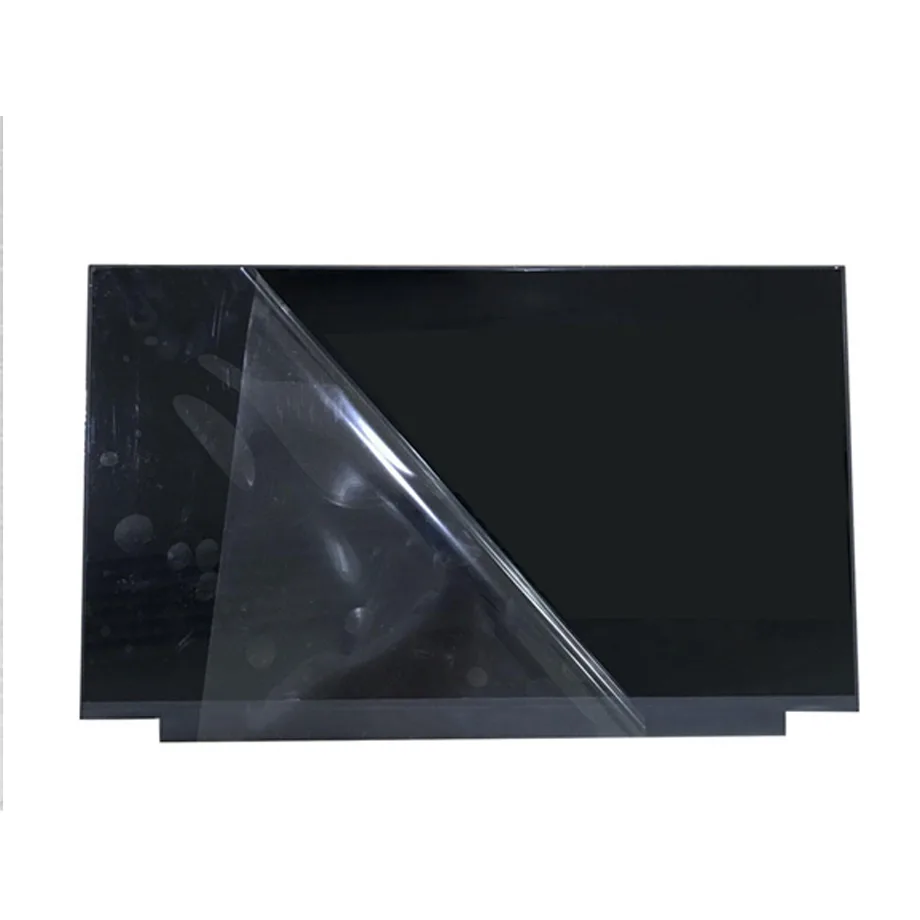
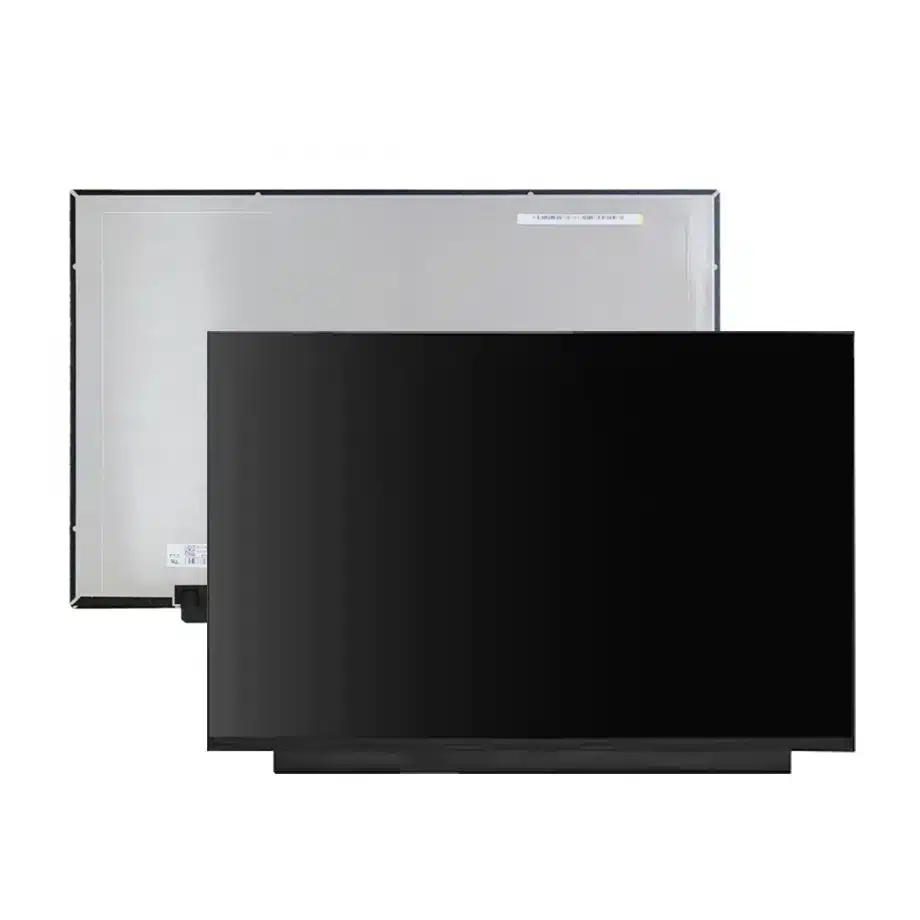
NV153WUM-N41 Acer AG15-51P WUXGA LCM is a 15.3-inch BOE a-Si TFT-LCD notebook module with a native 1920(RGB)×1200 WUXGA 16:10 image. The user-supplied exact-model row defines a 329.472 × 205.92 mm active area, a 334.47 × 233.42 × 3.0 mm physical envelope and a maximum panel mass of 350 g. The surface is antiglare with 3H hard coating.
The confirmed optical specification is 300 cd/m² typical luminance, 1200:1 typical contrast, 89/89/89/89 typical viewing at CR≥10 and 16.2M colors with 45% NTSC. The display operates in ADS normally-black transmissive mode and runs at 60 Hz. Same-model reference data lists AMD FreeSync and DC dimming. The module includes an 11S6P WLED backlight, a 15,000-hour source-life figure and an integrated LED driver.
The native signal link is two-lane eDP 1.2 at HBR1 2.7 Gbit/s per lane through a 30-pin connector with a 3.3 V typical panel supply. The exact-model source associates the panel with Acer AG15-51P, and an independent Acer parts guide lists BOE NV153WUM-N41 in that notebook family. The exact-model technical page supports the panel facts, while VESA eDP guidance provides general interface context.
Three Core Buyer Value Propositions
1. Acer AG15-51P implementation evidence improves service-part screening
Same-model reference data and public Acer parts documentation identify NV153WUM-N41 in the AG15-51P notebook context. That is valuable evidence for repair and procurement teams because it ties the BOE code to a real production laptop. It does not create universal Acer compatibility. The original cable, bezel, lid mechanics and system firmware still need to match the target machine.
2. Flat-PCBA 3.0 mm construction supports thin notebook packaging
The module is specified with a complete 3.0 mm depth and a slim flat-PCBA form style. That gives mechanical teams a clear, low-profile packaging target. A replacement with a bent rear board or thicker electronics can interfere with cable routing or lid clearances even when the active area and diagonal are similar. The full mechanical drawing should remain part of the sourcing record.
3. 1200:1 contrast and 300-nit output provide a balanced productivity baseline
The exact panel combines 300 cd/m² typical luminance with 1200:1 typical contrast and wide 89-degree viewing. This is well aligned with indoor business, education and general productivity use. The 45% NTSC color figure places it in a mainstream rather than wide-gamut class, which helps buyers distinguish it from creator-oriented panels that may share the same WUXGA format.
Key Specifications at a Glance
| Parameter | Confirmed value |
|---|---|
| Manufacturer / model | BOE NV153WUM-N41 / BOE0CEA |
| Display size | 15.3 inch |
| Panel type | a-Si TFT-LCD, LCM |
| Resolution | 1920(RGB)×1200, WUXGA, 16:10 |
| Active area | 329.472 × 205.92 mm |
| Outline | 334.47 × 233.42 × 3.0 mm |
| Weight | 350 g maximum |
| Brightness | 300 cd/m² typical |
| Contrast | 1200:1 typical |
| Viewing | 89/89/89/89 typical at CR≥10 |
| Color | 16.2M, 45% NTSC |
| Response | 20 ms typical Tr+Td |
| Refresh | 60 Hz; AMD FreeSync listed in same-model data |
| Interface | eDP 1.2, 2 lanes, HBR1, 30-pin connector |
| Panel supply | 3.3 V typical |
| Backlight | 11S6P WLED, 15K hours, integrated LED driver, DC dimming |
| Touch | Without touch screen |
| Operating / storage | 0 to 50 °C / -20 to 60 °C |
What Must Match for an Acer AG15-51P Replacement?
Model identity is only the first check. A correct replacement should also match the 334.47 × 233.42 × 3.0 mm envelope, 30-pin two-lane eDP connection, connector location and native WUXGA timing. Even within an Acer notebook family, more than one LCD supplier can be approved, so the service buyer should record the original panel and cable before ordering a bulk replacement.
NV153WUM-N41 Acer AG15-51P WUXGA LCM should be tested with the production notebook or the original service cable. Verify native 1920×1200 at 60 Hz, brightness control, cold boot, restart and suspend/resume. If the system firmware recognizes panel-specific EDID or power behavior, keep the approved BIOS and graphics-driver baseline with the first-article record.
Do not generalize the Acer relationship
The evidence supports use in an Acer AG15-51P context, but it does not prove fit in every Aspire, TravelMate or other Acer notebook. Connector position, cable pinout and lid dimensions remain product-specific. Use the exact machine's service documentation for the final compatibility decision.
How Should the 45% NTSC Color Class Be Positioned?
The supplied color field is 16.2M colors with 45% NTSC. That is a mainstream notebook color class suitable for office software, web work, education and general media. It should not be upgraded to full-sRGB or creator-display positioning from measurements of another panel or a different laptop sample.
If a procurement alternative is proposed, color class should be part of the approval matrix. A mechanically compatible panel with a wider or narrower gamut can change the visual result across a fleet. Projects that require color-critical output should choose a separately evidenced panel and define white point, gamma and uniformity targets at system level.
How Should AMD FreeSync Be Treated on a 60 Hz Panel?
Same-model reference information lists AMD FreeSync while the user-supplied base refresh remains 60 Hz. That feature can be evaluated as adaptive-timing support in a compatible platform, but it does not make the module a high-refresh gaming panel. A variable-refresh range is not established in the current evidence and should not be invented.
Test any FreeSync-related behavior with the intended GPU and firmware after fixed 60 Hz operation is stable. Check for flicker, blanking and recovery during frame-rate changes. The safe public positioning remains laptop/productivity with an additional adaptive-timing capability available for platform qualification.
What Does DC Dimming Change?
Same-model supporting data lists DC dimming for the backlight. That describes the brightness-control method but does not establish a particular flicker metric or eye-comfort certification. Engineers should measure the brightness curve through the complete user adjustment range and inspect low-brightness stability, color change and uniformity.
The integrated LED driver helps define the module boundary, but the notebook firmware still determines brightness commands and power policy. If the system applies different tables on battery and AC power, qualify both states. Any health or comfort claim requires separate documented evidence.
Why Do Flat-PCBA Mechanics Matter?
The panel uses a slim flat-PCBA style and a complete 3.0 mm depth. This is especially relevant in thin notebook lids because a rear board that is bent or positioned differently can interfere with the enclosure even when the active image area matches. Use the exact BOE drawing for connector position, rear keep-out zones and cable fold.
After installation, cycle the hinge and inspect the cable for strain. Check for pressure-related mura or edge light changes after the bezel and rear cover are fully assembled. Mechanical sign-off should use the complete module outline, not only the 329.472 × 205.92 mm active area.
Where Does NV153WUM-N41 Fit Best?
The supplied application is Laptop, and the same-model reference specifically notes Acer AG15-51P. NV153WUM-N41 Acer AG15-51P WUXGA LCM therefore fits mainstream 15.3-inch WUXGA productivity notebooks and service programs that need a slim 30-pin eDP panel with 300-nit output. The model can also support light gaming or adaptive-timing scenarios through the listed FreeSync feature, but its base refresh remains 60 Hz.
The 0 to 50 °C operating range is an ordinary notebook component limit. It should not be reclassified as industrial wide temperature, outdoor high brightness or touch. Inventory taxonomy should remain TFT-LCD rather than application phrases derived from a particular laptop.
How Should First-Article Approval Be Structured?
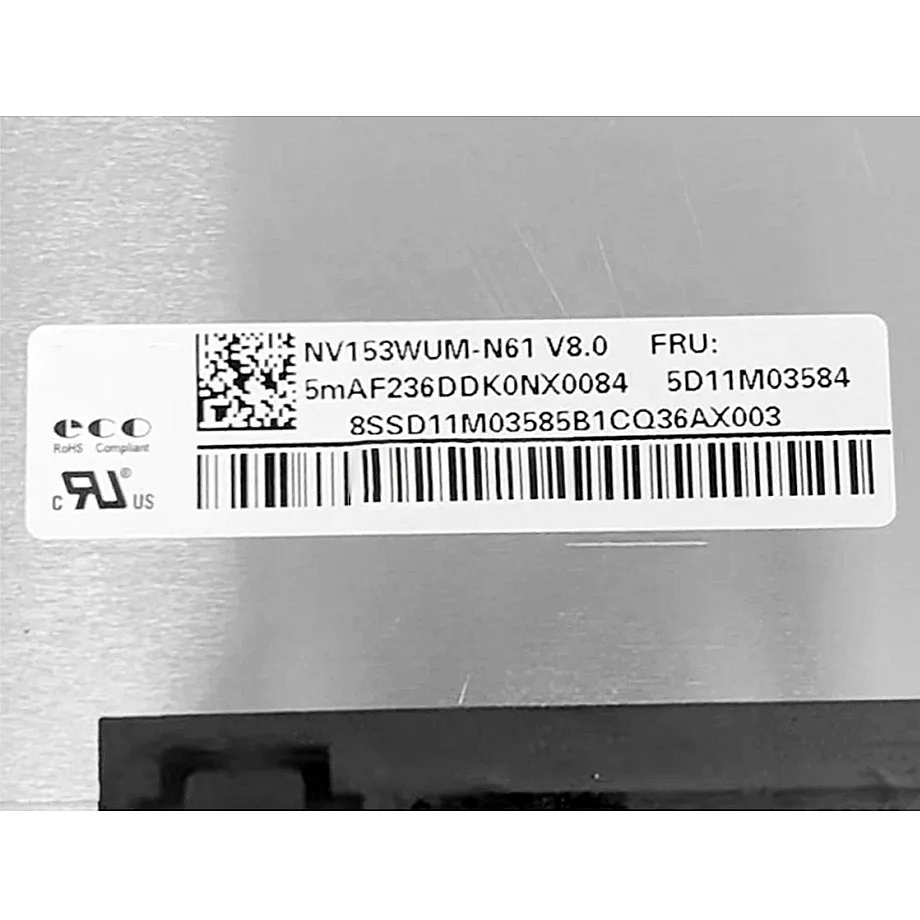
Record the complete NV153WUM-N41 / BOE0CEA label, the production cable and the target notebook identity. Bring the panel up at native WUXGA and verify stable 60 Hz operation, brightness control, restart and sleep/wake. If the system will use FreeSync, add that test after the base mode is stable.
Then install the sample in the final lid. Confirm the 334.47 × 233.42 × 3.0 mm envelope, rear-board clearance and cable path. Measure the 300 cd/m²-class luminance and inspect uniformity after warm-up. Keep the first article as the incoming-lot reference for label, surface and mechanics.
How Should Incoming Lots Be Controlled?
Incoming inspection should verify BOE0CEA identity, the 30-pin connector, module outline and flat-PCBA geometry. Sample units should be tested with the approved notebook cable for native WUXGA image output. A supplier-proposed alternative should remain blocked until its interface, mechanical package, brightness and color class are separately approved.
Production and stock information is time-sensitive. Use it for sourcing context but not as a long-term supply guarantee. Multi-year notebook programs should request current revision and change-notification information from BOE or the authorized channel before committing to volume.
Procurement Checklist
- Confirm exact BOE NV153WUM-N41 / BOE0CEA identity and revision.
- Match the 334.47 × 233.42 × 3.0 mm outline and 350 g maximum mass.
- Verify two-lane eDP 1.2 HBR1 and the exact 30-pin mapping.
- Validate native 1920×1200 at 60 Hz with the production notebook cable.
- Use 300 cd/m², 1200:1 contrast and 45% NTSC as the optical baseline.
- Check DC dimming and any FreeSync-related behavior with production firmware.
- Preserve the flat-PCBA mechanical package and Acer service context.
- Confirm lifecycle and change-notification information before volume sourcing.
NV153WUM-N41 Acer AG15-51P WUXGA LCM is a slim WUXGA notebook module with a clear Acer AG15-51P implementation context, standard-gamut optics and a two-lane eDP architecture. Its replacement value depends on matching the exact cable and mechanical package rather than assuming that all 15.3-inch WUXGA panels are interchangeable.
Recommended: Same Size
(15.3")
Applications & Value of LCD Panel

- Fast sourcing with in-stock panels & cross-reference alternatives
- Stable supply chain with long-term availability
- Engineering-level support from panel to integration
- Custom solutions: cable, touch & optical bonding
- Strict quality control with IQC / OQC / aging test
- Full traceability system for quality assurance
- Complete technical documentation & drawings
- Compliance support: RoHS & certification files
