Freya Yang
+86 18318948097
+852 62667476
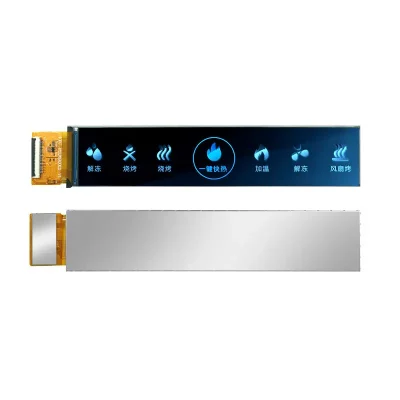
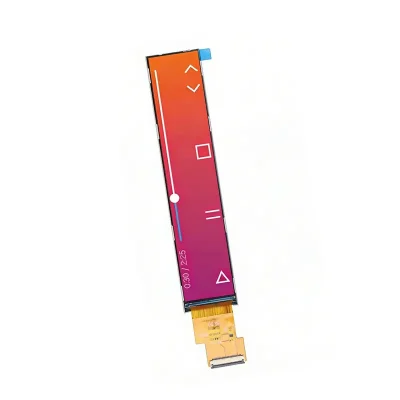
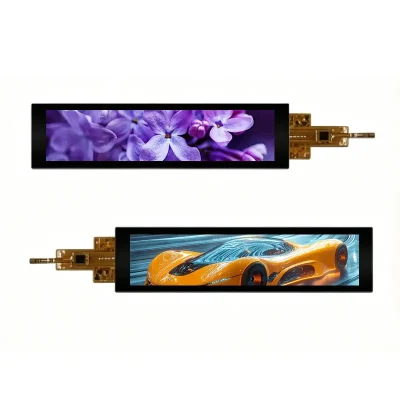
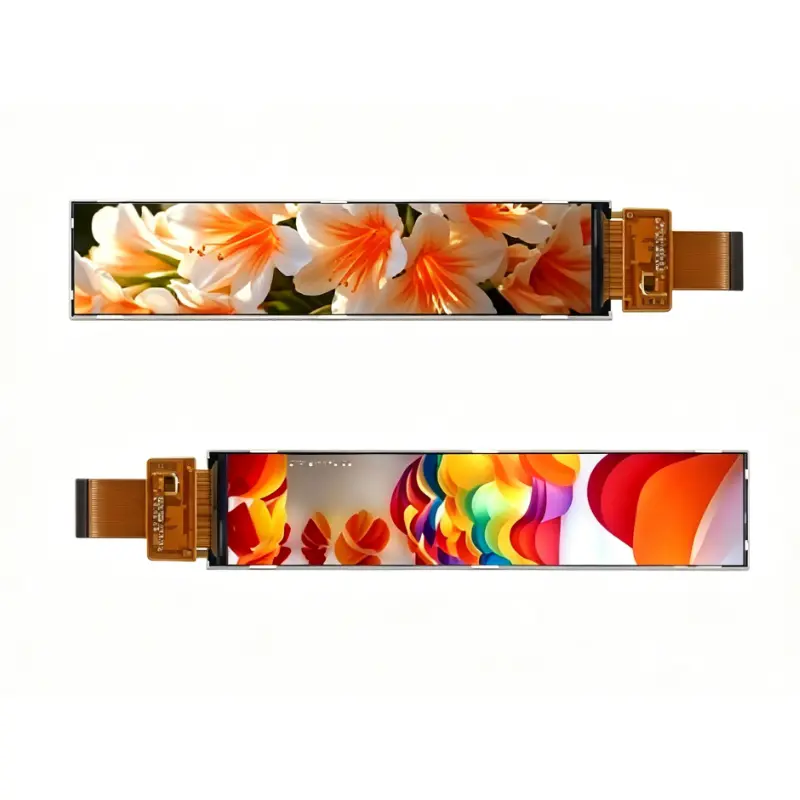
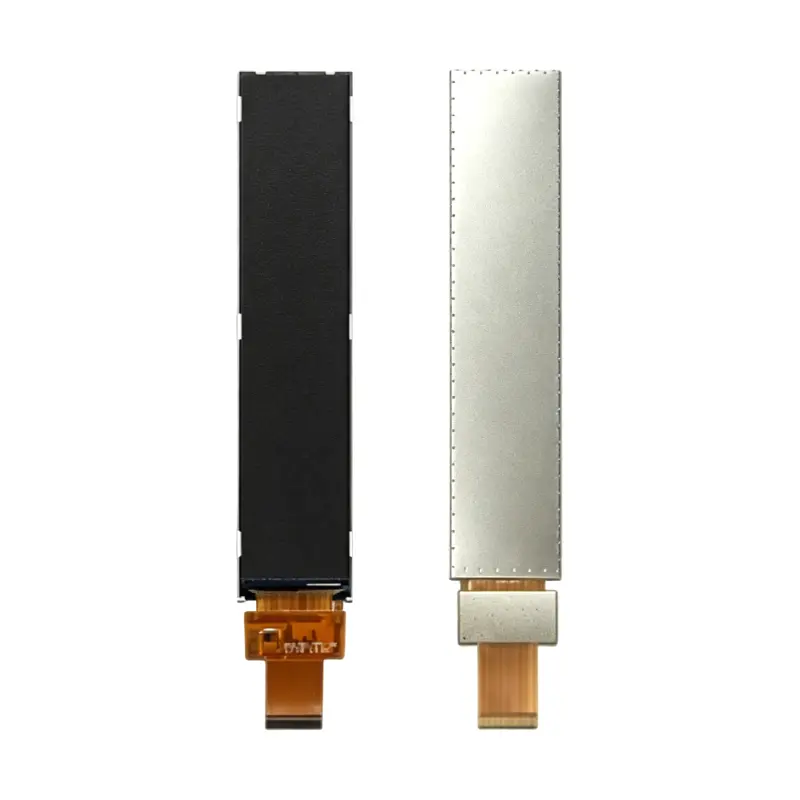
6.9 Inch Appliance Control Bar Display for Embedded HMI
Model P/N
Size
Resolution
Brightness
Viewing Angle
Connector Type
Operating Temp
Overall(mm)
huisoar
HS700097B0
Brand
Panel Size (inch)
Model P/N
Resolution
Brightness (nits)
Viewing Angle
Contrast Ratio
Response Time
Overall (mm)
Active Area (mm)
Refresh Rate
Display Colors
Panel Type
Connector Type
Operating Temp
Touchscreen Type
Storage Temp
Work Mode
Pixel Format
Control Type
Operating Environment
Designed For
6.9 Inch Appliance Control Bar Display for Embedded HMI
This slim IPS module provides a native 280 × 1424 canvas and RGB 24-bit input for narrow appliance and equipment interfaces.
Product Summary
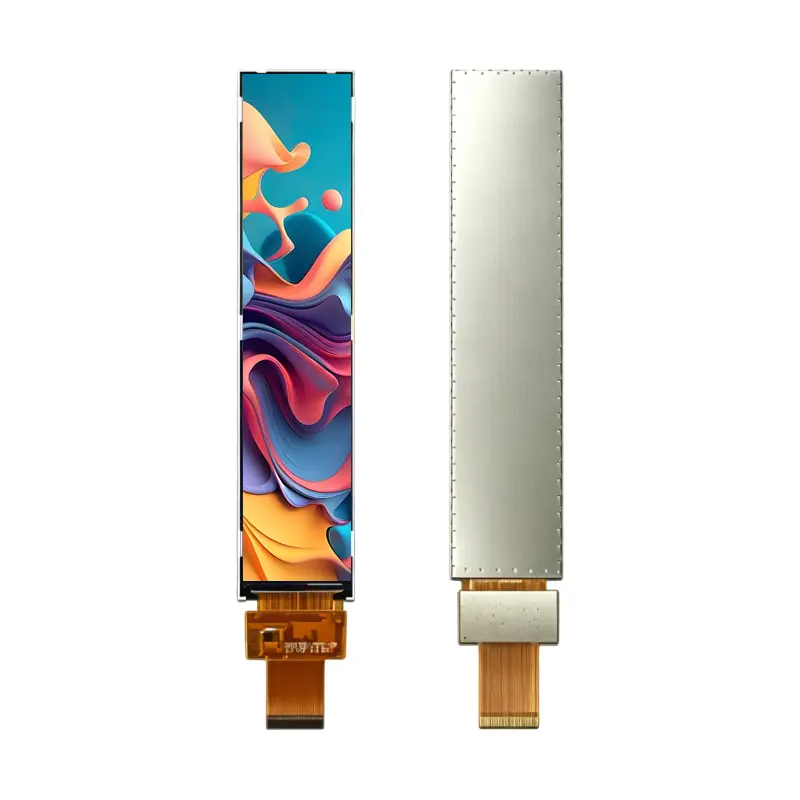
The Appliance Control Bar Display is a compact vertical TFT-LCD component for product designs that need a tall information area but have very little horizontal panel space. Its 280 × 1424 resolution supports vertically arranged menus, temperature values, timers, operating modes, progress graphics, alarms, and status indicators.
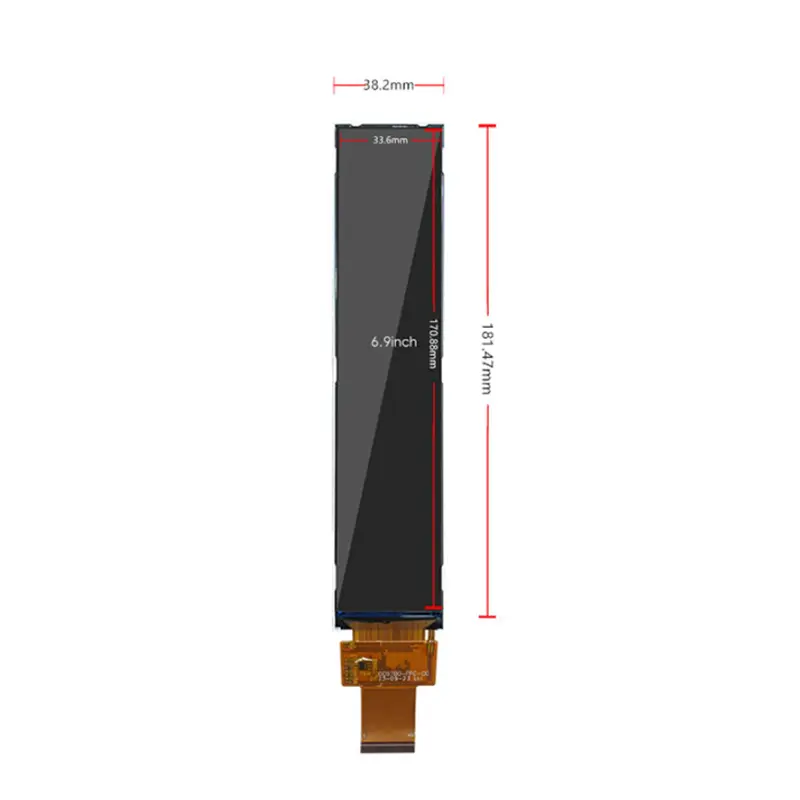
The module combines IPS viewing, 550 cd/m² typical luminance, an RGB 24-bit parallel interface, and a narrow 38.20 × 181.47 × 3.50 mm outline. It is supplied as a non-touch display component rather than a complete appliance controller or finished HMI assembly.
Key Specifications
| Specification | Value |
|---|---|
| Display size | 6.9 inch |
| Resolution | 280 × 1424 pixels |
| Active area | 33.60 × 170.88 mm |
| Module outline | 38.20 × 181.47 × 3.50 mm |
| Panel technology | a-Si IPS TFT-LCD |
| Display mode | Normally black, transmissive |
| Pixel arrangement | RGB stripe |
| Luminance | 550 cd/m² typical |
| Contrast ratio | 1000:1 typical |
| Viewing angle | 80°/80°/80°/80°, L/R/U/D |
| Display colors | 16.7M colors |
| Interface | RGB 24-bit parallel |
| Connection | 40-pin FPC |
| Driver identifier | NV3052C |
| Backlight | WLED |
| Touch status | Non-touch |
| Operating temperature | −20°C to +70°C |
| Storage temperature | −30°C to +80°C |
280 × 1424 Vertical Interface Design
Native UI Raster
The 280 × 1424 raster is designed for a long, upright interface rather than a conventional landscape layout. Product teams can divide the display into vertical content zones for:
- Temperature or pressure values
- Timers and countdowns
- Operating modes
- Progress bars
- Status icons
- Warning messages
- Menu selections
- Equipment states
- Service prompts
- Brand graphics
Native-resolution rendering helps retain text proportions, icon edges, spacing, and line weight. Stretching a landscape user interface into the narrow canvas can make labels difficult to read and create inefficient empty areas.
Content-Zone Planning
The active area is 33.60 × 170.88 mm. Interface designers should account for the front-window opening, printed mask, bezel overlap, mounting tolerance, and viewing distance before releasing the final visual layout.
Frequently used settings should be positioned in easily visible zones. Critical status or warning information should remain inside a validated safe area instead of extending to the edge of the visible window.
IPS Viewing and 550 cd/m² Luminance
Controlled-Light Visibility
The module provides 550 cd/m² typical panel luminance. This is appropriate for evaluation in indoor appliances, industrial control stations, handheld equipment, and other controlled or moderately bright environments.
Front glass, decorative printing, air gaps, adhesives, surface reflections, optical bonding, and enclosure geometry can all reduce finished-front luminance. The completed assembly should be tested under the intended room lighting and viewing angles.
Contrast and Angled Viewing
IPS technology provides 80-degree viewing in the left, right, upper, and lower directions. This helps users read the interface when the product is installed below eye level, above a work surface, or to one side of the operator.
The 1000:1 typical contrast ratio supports separation between text, icons, active controls, and background regions. Actual installed contrast will also depend on ambient reflections and the selected cover construction.
RGB 24-Bit Host Integration
Timing and Signal Qualification
The display uses a 40-pin RGB 24-bit parallel interface.
A 40-pin RGB connector does not guarantee timing, voltage, signal order, or pin compatibility with another panel.
Before hardware release, confirm:
- Pixel clock
- Data-enable mode
- Horizontal synchronization
- Vertical synchronization
- Red, green, and blue data order
- Polarity requirements
- Complete 40-pin assignment
- Signal voltage
- Panel power
- Backlight power
- Reset or enable signals
- Connector pitch
- Contact side
- Pin-1 orientation
- FPC routing
The approved production datasheet and pin definition should control the PCB and cable design.
Non-RGB Sources Require Conversion
HDMI, MIPI DSI, eDP, USB video, LVDS, SPI, and MCU display buses cannot be connected directly unless a suitable bridge or controller creates the required parallel RGB timing and electrical levels.
A controller-board review should confirm the input source, native output resolution, RGB timing, signal voltage, panel power, backlight drive, dimming method, and startup behavior.
Mechanical Fit of the Appliance Control Bar Display
Slim Front-Panel Integration
The Appliance Control Bar Display uses a 38.20 × 181.47 mm footprint with a 3.50 mm controlled module thickness. Its 33.60 × 170.88 mm active area leaves narrow border regions that must be considered in the front-window and printed-mask design.
Mechanical review should include:
- Front opening
- Active-area alignment
- Printed mask overlap
- Cover-glass thickness
- Adhesive stack
- Rear-component clearance
- FPC exit direction
- Bend radius
- Mounting pressure
- Thermal expansion
- Assembly tolerance
- Service access
Use an approved mechanical drawing before enclosure tooling, glass printing, adhesive-die cutting, or bracket release.
FPC and Rear Clearance
The FPC should not be sharply folded or compressed near its bonded region. Prototype evaluation should check connector retention, contact orientation, cable strain, rear clearance, adhesive compression, module flatness, and the effect of product vibration or repeated servicing.
Application and Environmental Qualification
This module can be evaluated for:
- Refrigerator control panels
- Washing-machine display strips
- Air-conditioner interfaces
- Range-hood controls
- Coffee-machine displays
- Narrow industrial HMIs
- Handheld equipment
- Vertical machine-status panels
- Infusion-pump-style equipment interfaces
Medical-device suitability is not established by the display specifications alone. Any medical application requires completed-device risk management, electrical-safety review, software validation, environmental qualification, and applicable regulatory documentation.
The −20°C to +70°C operating range and −30°C to +80°C storage range are component limits. They do not independently establish appliance certification, medical qualification, waterproofing, EMC performance, ESD resistance, shock resistance, or long-term system reliability.
Configuration and Customization Review
The standard module is non-touch. This configuration is useful where input is handled through:
- Physical buttons
- Rotary controls
- Membrane keys
- External sensors
- Host software
- A separately engineered touch surface
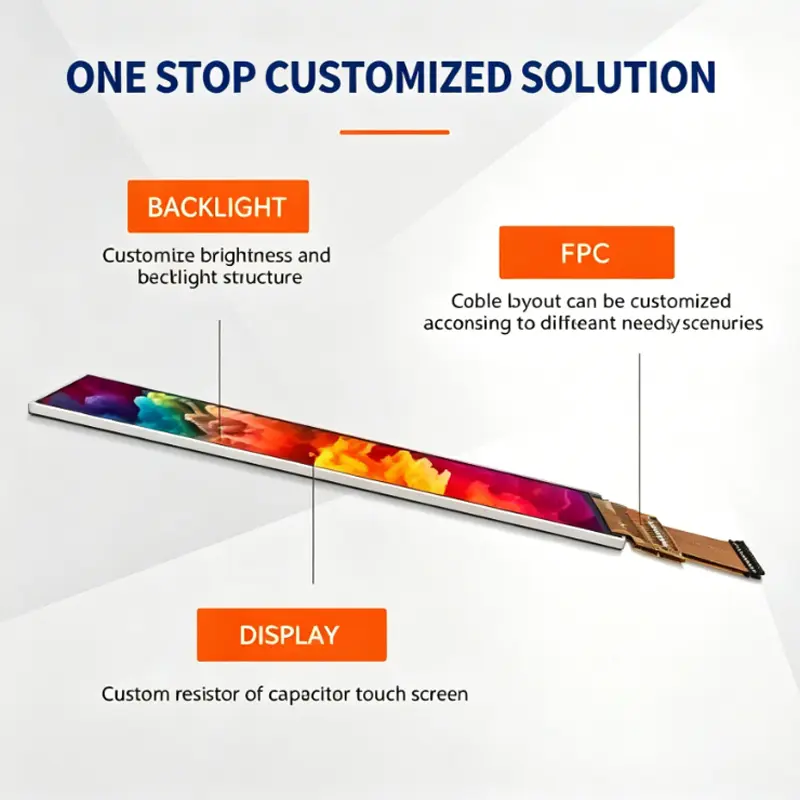
Project review can include RGB timing and host matching, custom FPC routing, complete pin-definition review, cover glass, anti-glare or anti-reflective treatment, optical bonding, enclosure adaptation, optional touch development, branding, packaging, and controller-board planning.
Custom configurations are generally reviewed from 500 pieces, subject to tooling requirements, material availability, and the requested specification. Sample and standard-module quantities are confirmed separately.
Procurement Checklist
Submit:
- Host processor or controller model
- Native 280 × 1424 timing
- Pixel-clock requirement
- DE, HS, and VS operating mode
- 24-bit RGB data order
- Complete 40-pin assignment
- Signal and panel voltages
- Reset or enable requirements
- Backlight-driver data
- Dimming method
- FPC pitch and contact side
- Pin-1 orientation
- Approved mechanical drawing
- Front-window dimensions
- Cover-glass construction
- Target finished-front luminance
- Operating environment
- Sample quantity
- Annual demand
- Production schedule
FAQ
What must be checked before connecting a 40-pin RGB host?
How should a 280 × 1424 user interface be prepared?
Is 550 cd/m² sufficient behind front glass?
What does the NV3052C identifier establish?
When should the non-touch configuration be selected?
Freya Yang
+86 18318948097