Freya Yang
+86 18318948097
+852 62667476
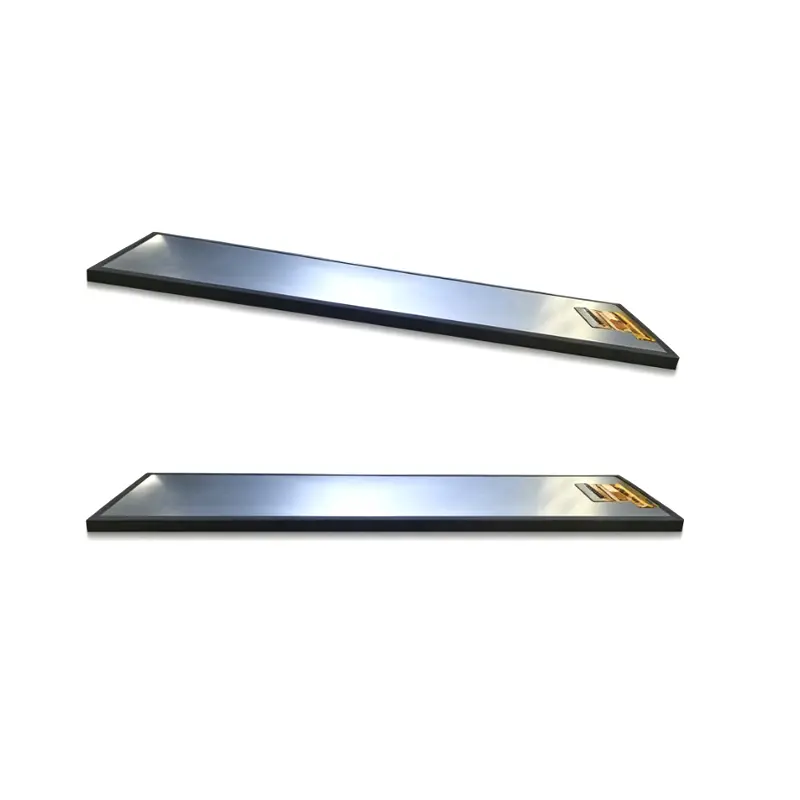
8.8 Inch Slim Equipment Menu Interface LCD Panel Bar Display
Model P/N
Size
Resolution
Brightness
Viewing Angle
Connector Type
Operating Temp
Overall(mm)
huisoar
HS880003S0
Brand
Panel Size (inch)
Model P/N
Resolution
Brightness (nits)
Viewing Angle
Contrast Ratio
Response Time
Overall (mm)
Active Area (mm)
Refresh Rate
Display Colors
Panel Type
Connector Type
Operating Temp
Touchscreen Type
Storage Temp
Work Mode
Pixel Format
Operating Environment
Designed For
8.8 Inch Slim Equipment Menu Interface LCD Panel for Appliances
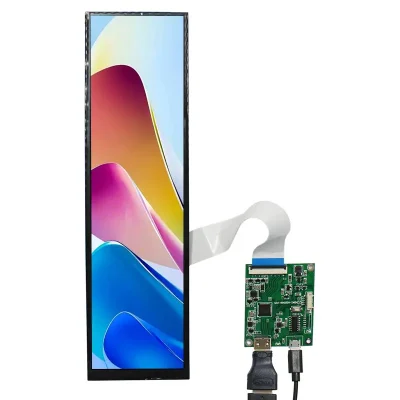
The Slim Equipment Menu Interface LCD Panel combines a native 480 × 1920 IPS screen, 500 cd/m² luminance and a 40-pin MIPI connection for vertical embedded controls.
Product Summary
The Slim Equipment Menu Interface LCD Panel provides a tall, narrow display area for appliance menus, industrial status screens and embedded control interfaces that cannot use a conventional widescreen panel. Its native 480 × 1920 raster supports vertically arranged operating modes, status data, warning messages and menu structures in a compact front-panel footprint.
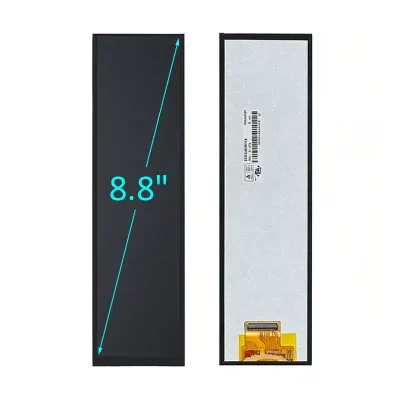
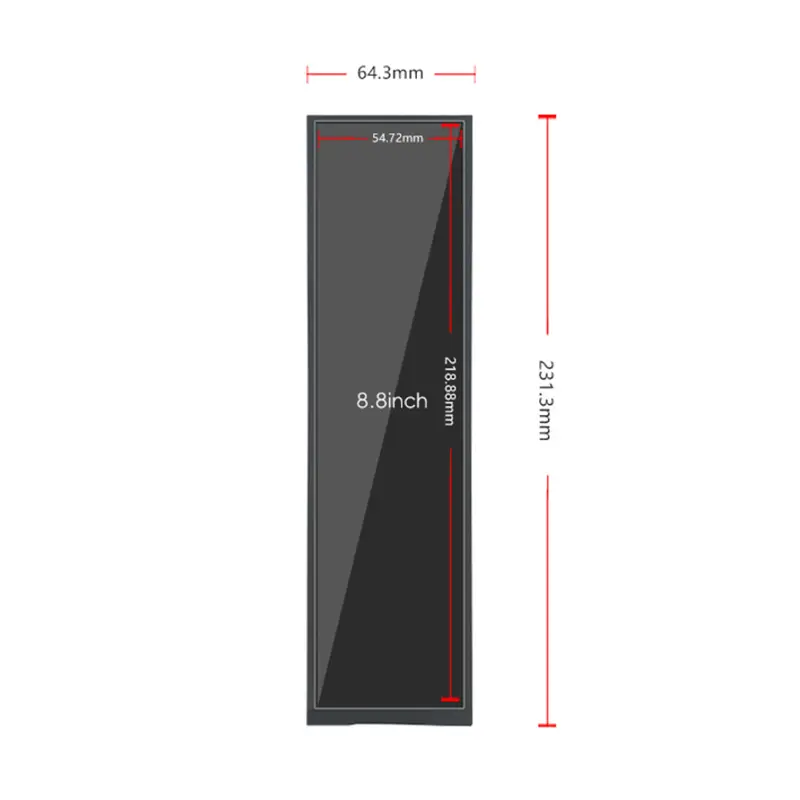
The 8.8-inch module combines IPS viewing, 500 cd/m² typical luminance, an 800:1 typical contrast ratio and 16.7M-color output. Its active area measures 54.72 × 218.88 mm within a slim 64.3 × 231.3 × 4.8 mm outline. The native interface is 40-pin MIPI, and the standard configuration is non-touch.
Key Specifications
| Parameter | Value |
|---|---|
| Display size | 8.8 inch |
| Resolution | 480 × 1920 pixels |
| Format | Vertical bar, approximately 1:4 |
| Panel type | IPS a-Si TFT-LCD |
| Optical structure | Transmissive |
| Luminance | 500 cd/m² typical |
| Contrast ratio | 800:1 typical |
| Viewing angle | 85/85/85/85, L/R/U/D |
| Display colors | 16.7M |
| Pixel arrangement | RGB stripe |
| Interface | 40-pin MIPI |
| Active area | 54.72 × 218.88 mm |
| Overall size | 64.3 × 231.3 × 4.8 mm |
| Backlight | WLED |
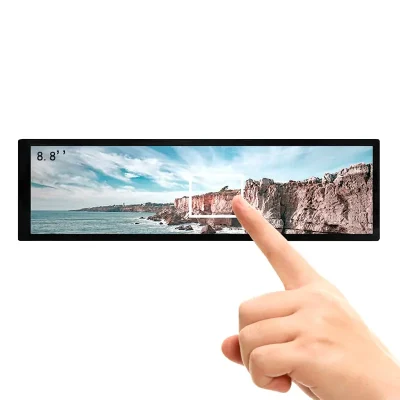
| Touch | Non-touch |
| Operating temperature | −20°C to +70°C |
| Storage temperature | −30°C to +80°C |
Native 480 × 1920 Vertical Interface Design
Appliance Menus and Equipment Status Zones
The portrait canvas supports information arranged in a top-to-bottom sequence. A typical interface can divide the screen into zones for:
- appliance operating modes
- cycle or process progress
- temperature and timing data
- equipment status
- warning messages
- function menus
- maintenance prompts
- energy information
- connection status
- branded graphics
The narrow format can fit beside physical buttons, rotary controls, handles or mechanical assemblies without requiring the width of a conventional display.
Native-Raster Software Preparation
The native 480 × 1920 raster should be used to preserve vertical menu geometry and text detail.
Before approving the interface, validate:
- native display timing
- portrait orientation
- operating-system rotation
- font scaling
- icon dimensions
- list spacing
- content-safe margins
- boot-screen layout
- animation behavior
- language expansion
A graphics source prepared for a landscape screen may create inconsistent spacing, unused areas or distorted controls when rotated without redesign.
IPS Optical Performance for Indoor Equipment
500 cd/m² Luminance Boundary
The panel is specified at 500 cd/m² typical luminance. This level is appropriate for indoor appliances, industrial equipment and controlled environments with moderate ambient lighting.
A 500 cd/m² panel is intended primarily for indoor or controlled-light equipment after front-glass losses are considered.
Finished visibility depends on:
- cover-glass transmission
- surface reflections
- air-gap construction
- optical bonding
- equipment angle
- installation lighting
- operator viewing position
The luminance value does not independently establish outdoor or direct-sunlight readability.
Viewing Angle, Contrast and Color
The panel provides 85/85/85/85 viewing angles in left, right, upper and lower directions. This supports appliances and equipment viewed from standing, seated or off-center positions.
The 800:1 typical contrast ratio supports separation between background areas, menu labels, icons and warning graphics. The RGB-stripe layout and 16.7M-color capability provide a suitable visual foundation for graphical menus and status interfaces, but they do not establish calibrated color accuracy.
40-Pin MIPI Host Integration
Lane, Timing and Pinout Qualification
A 40-pin MIPI connector does not guarantee lane, timing, voltage, initialization or pin compatibility with another panel.
Before fabricating an FPC or applying power, confirm:
- MIPI DSI lane count
- video or command mode
- lane speed
- native 480 × 1920 timing
- complete 40-pin assignment
- connector pitch
- contact side
- FPC orientation
- panel logic voltage
- reset and control signals
- backlight voltage and current
- dimming method
- cable length and routing
The host processor must support the full panel definition rather than only the MIPI interface category.
Initialization and Power Documentation
The approved engineering package should include:
- initialization commands
- reset timing
- power sequence
- sleep and wake behavior
- timing parameters
- display-orientation settings
- backlight enable and dimming controls
Initialization data from another 480 × 1920 MIPI panel should not be assumed compatible. Comparable panels can use different driver ICs, lane definitions, voltages and connector assignments despite sharing the same size and resolution.
Slim Equipment Menu Interface LCD Panel Mechanics
Active Area and Visible Opening
The active image area is 54.72 × 218.88 mm. This value should guide:
- visible bezel opening
- cover-lens window
- printed black mask
- display alignment
- UI-safe margins
- menu-column width
- status-icon placement
Essential values and warning messages should remain inside the approved visible opening after bezel overlap and assembly tolerances are included.
Outline, FPC Routing and Rear Clearance
The panel measures 64.3 × 231.3 × 4.8 mm.
Mechanical review should confirm:
- complete module outline
- active-area position
- FPC exit location
- connector position
- cable bend radius
- mounting support
- rear clearance
- cover-lens overlap
- service access
- enclosure tolerances
The rounded 64 × 231 × 4 mm values should not control tooling when the more precise dimensional reference is available.
Temperature Qualification
The module is specified for operation from −20°C to +70°C and storage from −30°C to +80°C.
These limits support evaluation in industrial equipment, appliances and selected vehicle interiors, but they do not independently establish certification for a specific market.
System qualification should consider:
- cold startup
- high-temperature image behavior
- backlight output across temperature
- controller temperature
- enclosure heat
- condensation
- FPC flexibility
- repeated thermal cycling
Testing should use the final enclosure, front glass, controller and backlight configuration.
Non-Touch Equipment Architecture
The standard panel is non-touch. It is suitable where input is provided through:
- physical buttons
- rotary controls
- membrane keys
- a separate keypad
- remote software
- an external touch assembly
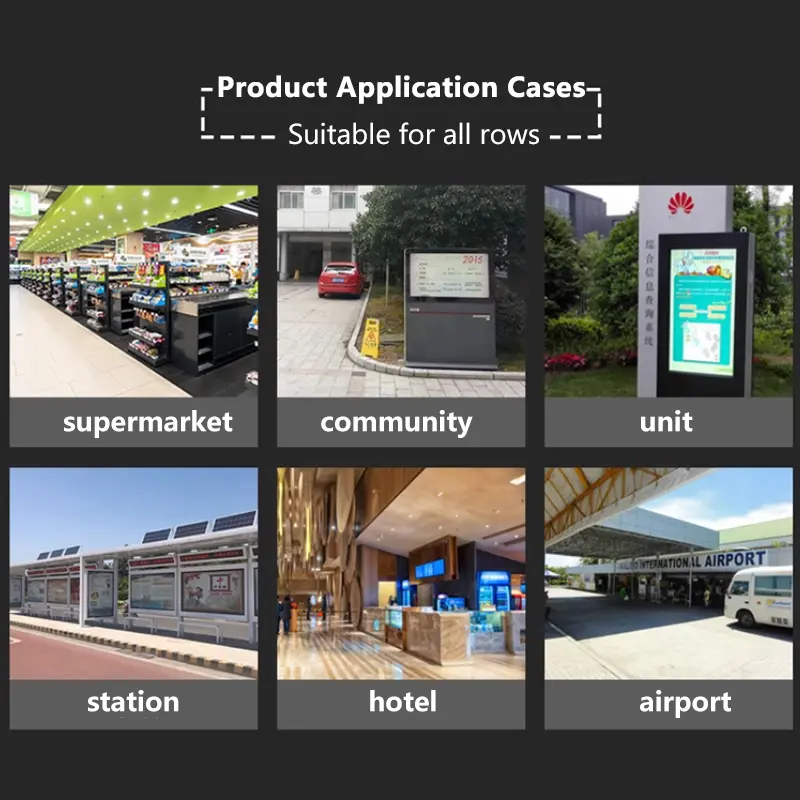
Potential applications include:
- washing-machine control panels
- smart appliance menus
- industrial equipment interfaces
- process-status columns
- advertising terminals
- vertical information strips
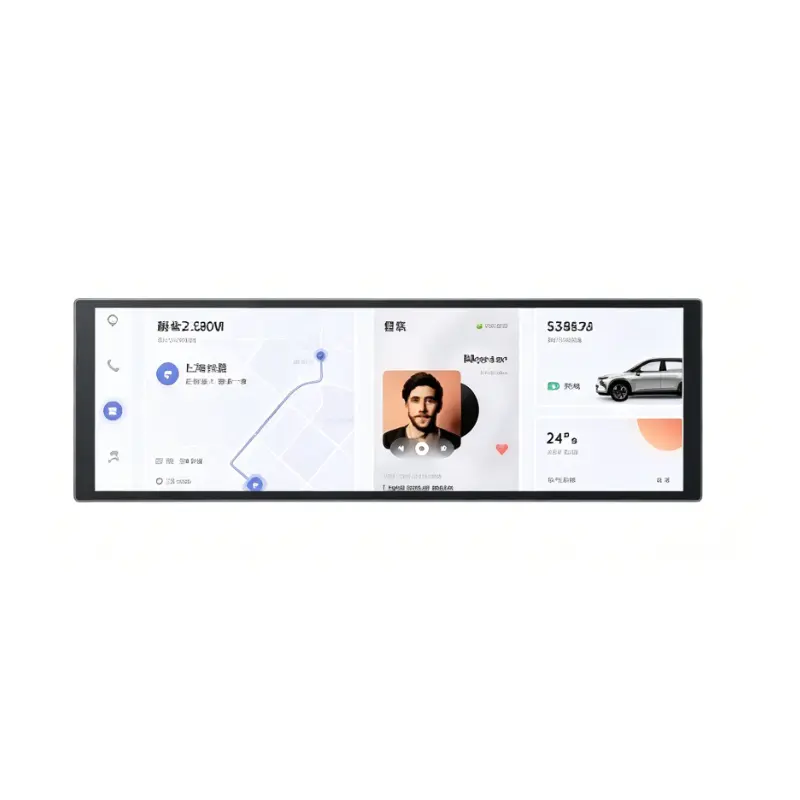
- selected vehicle side displays
- narrow embedded control stations
A non-touch configuration avoids the optical loss, touch-controller integration and additional thickness of an integrated touch stack.
Custom Integration Options
Project review may include:
- MIPI host matching
- custom 40-pin FPC
- timing and initialization verification
- brightness evaluation
- cover-lens sizing
- anti-glare or anti-reflection treatment
- optical bonding
- enclosure adaptation
- FPC routing
- logo or graphic printing
- optional touch development
- packaging and labeling
Custom configurations are generally reviewed from 500 pieces, subject to tooling requirements, material availability and the requested specification. Sample and standard-module quantities are confirmed separately.
Customization for the Slim Equipment Menu Interface LCD Panel should begin after the complete MIPI definition and approved mechanical drawing are available.
Procurement Checklist
Before requesting samples or production approval, submit or confirm:
- native 480 × 1920 timing
- MIPI DSI lane count
- video or command mode
- lane speed
- complete 40-pin assignment
- panel logic voltage
- backlight voltage and current
- approved initialization data
- reset and power sequence
- connector pitch
- FPC contact side and orientation
- 64.3 × 231.3 × 4.8 mm enclosure fit
- active-area position
- cover-glass stack
- 500 cd/m² lighting target
- operating-temperature requirements
- non-touch or optional-touch architecture
- sample quantity
- annual demand
- production schedule
Sample approval should precede controller release, FPC manufacture, cover-lens tooling and enclosure production.
FAQ
About 8.8 Inch Slim Equipment Menu Interface LCD Panel
How should a 480 × 1920 equipment interface be prepared?
Is 500 cd/m² sufficient behind a front lens?
Which dimensions should control enclosure release?
When should the non-touch configuration be selected?
Freya Yang
+86 18318948097