
Touch Panels

Touch sensor and cover-glass solutions for LCD and OLED assemblies, industrial controls and interactive equipment. Match touch behavior, controller communication and mechanical fit to the intended operating environment.
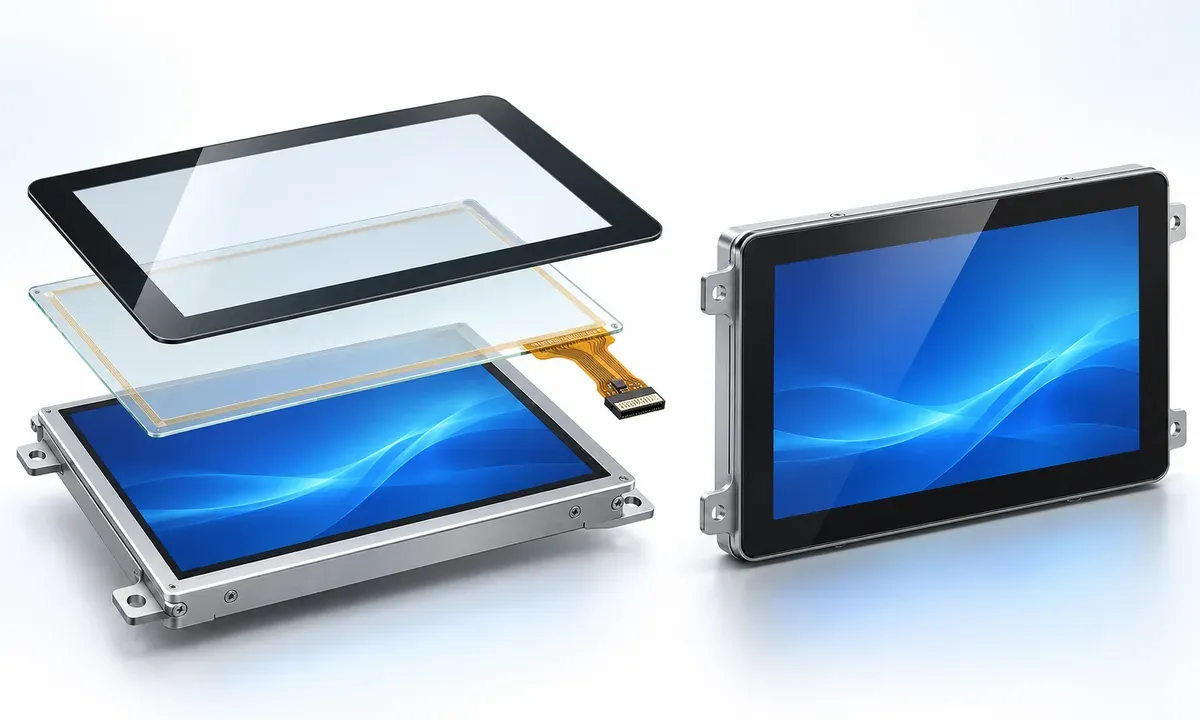
Touch Panels product family concept illustration

Sensor and input method

Choose a sensing method for the intended user input.

Controller communication

Check controller compatibility with the host platform.

Cover glass and mechanics

Align sensor edges, lens features and mounting details.

Noise and environment

Review gloves, moisture and electrical interference.

Touch Panels product family concept illustration

Category Overview

Touch-panel procurement requires a clear separation between the sensor, touch controller, cover lens and underlying display. Technology choice affects input method, optical performance and integration work. A USB or I²C connection describes controller communication rather than universal compatibility with every host. Define the active area, cover-glass structure and environmental behavior, then validate touch accuracy, noise immunity and edge response on the complete equipment assembly.

Touch Panels Product Selection

Filter by Specifications
Sort by:
119 Products Found
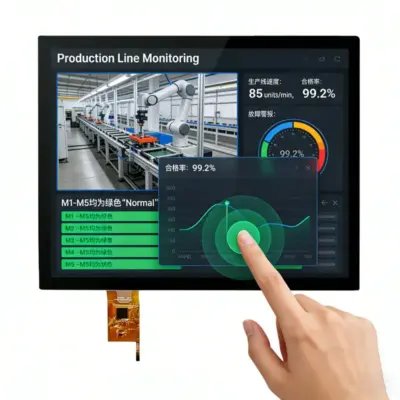
huisoar HS012101LZR20B 12.1-inch 1024×768 tft-lcd PCAP touch display

12.1 Inch 1024x768 Capacitive Touch Display Module for 4:3 HMI Panels
Size:12.1″
Resolution:1024×768
Brightness:600 cd/m²
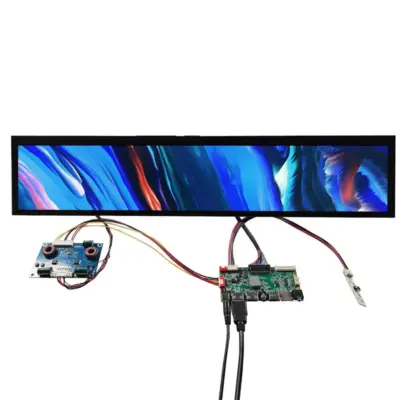
huisoar HS240FBM-NB1 24-inch 1920×360 tft-lcd PCAP touch display

24 Inch Capacitive Touch Shelf Digital Signage Bar LCD Panel Kit
Size:24″
Resolution:1920×360
Brightness:300 cd/m²
huisoar HS070-K003347 7.0-inch 1024×600 tft-lcd PCAP touch display

7 Inch Outdoor Touch Screen Display 1024x600 1000 cd/m² LVDS for HMI
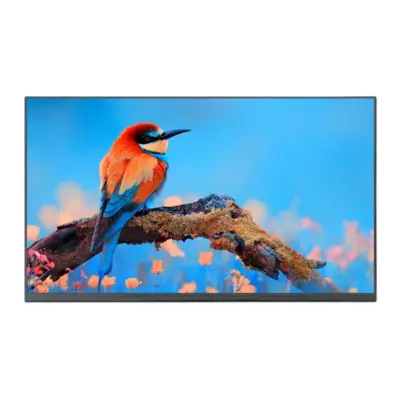
Size:7.0″
Resolution:1024×600
Brightness:1000 cd/m²
huisoar HS156012B0 15.6-inch 1920×1080 tft-lcd PCAP touch display

15.6" Treadmill Uses Capacitance Touch LCD Display Base Panel
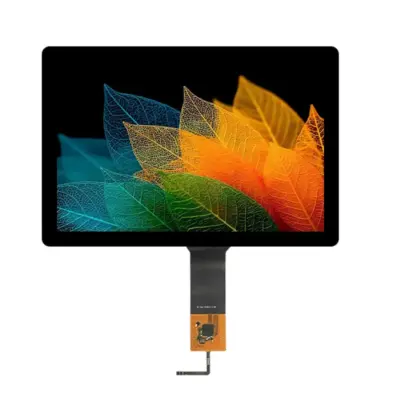
Size:15.6″
Resolution:1920×1080
Brightness:400 cd/m²
huisoar HS121003B0-LD 12.1-inch 1280×800 tft-lcd PCAP touch display

12.1 Inch Wide Temp Medical Equipment LCD Display Module for HMI
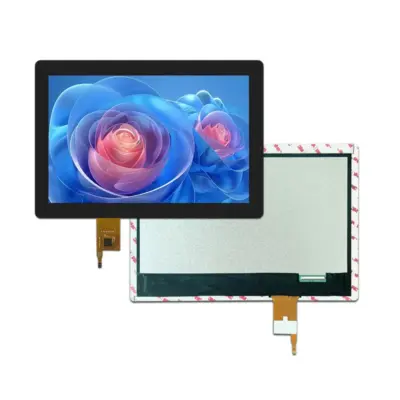
Size:12.1″
Resolution:1280×800
Brightness:750 cd/m²
huisoar HS101072B0-KT 10.1-inch 1920×1200 tft-lcd PCAP touch display

10.1 Inch 1000 Nits Sunlight Readable Wide Temperature LCD for UAV HMI
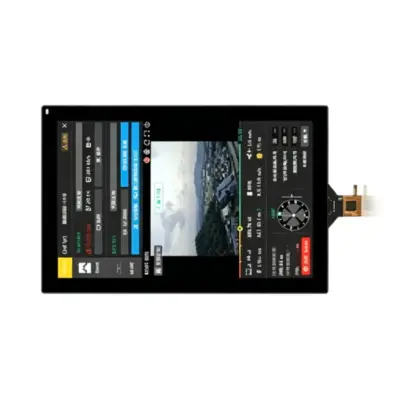
Size:10.1″
Resolution:1920×1200
Brightness:1000 cd/m²
huisoar HS101089N0-SY 10.1-inch 1200×1920 tft-lcd PCAP touch display

10.1 Inch Wide Temperature 2000 Nits PCAP Touch Screen for UAV HMI
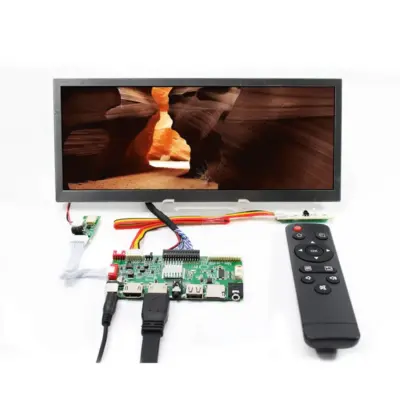
Size:10.1″
Resolution:1200×1920
Brightness:2000 cd/m²
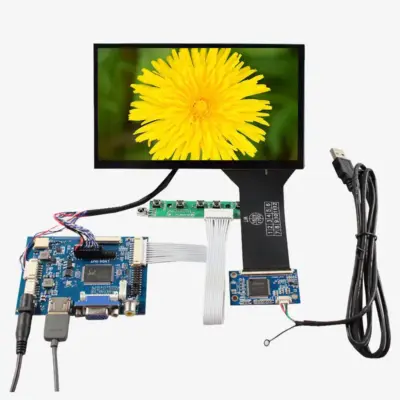
huisoar HS103KPW-A10 10.3-inch 1920×720 tft-lcd Without Touch display

10.3 Inch High Brightness Stretched LCD Controller Kit for USB Media
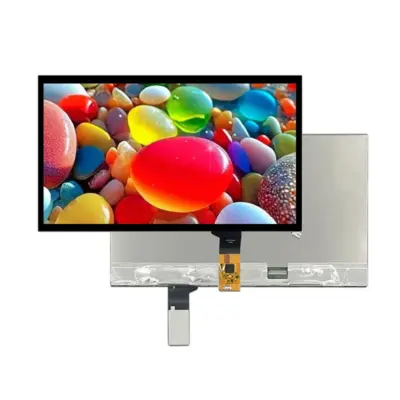
Size:10.3″
Resolution:1920×720
Brightness:850 cd/m²
huisoar HS133016A0-LZ 13.3-inch 1920×1080 tft-lcd PCAP touch display

13.3 Inch Wide Temp Capacitive Touch Display Panel for UAV Systems
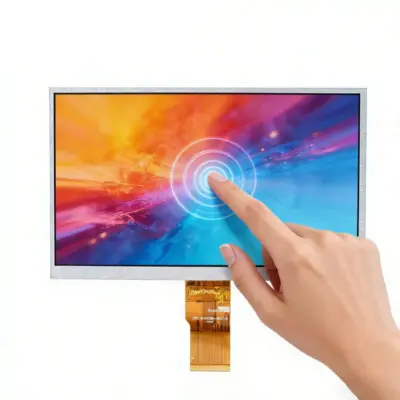
Size:13.3″
Resolution:1920×1080
Brightness:800 cd/m²
huisoar HS101003FT60C 10.1-inch 1024×600 tft-lcd PCAP touch display

10.1 Inch PCAP Touch Medical HMI Display Module for Patient Monitors

Size:10.1″
Resolution:1024×600
Brightness:500 cd/m²

Technical Selection Guide

Use these four checks to compare touch panels for your equipment. Freeze the required configuration and verify the exact drawing, electrical specification and sample behavior before approving production.

Sensor and input method

Specify capacitive, resistive or another suitable touch technology. Define finger, stylus, glove, wet-surface and multi-touch requirements before choosing the sensor.

Controller communication

Check USB, I²C or other supported controller communication, host drivers, firmware and logic levels. Confirm touch-coordinate orientation and display alignment.

Cover glass and mechanics

Review active area, bezel mask, glass thickness, edge treatment, mounting adhesive and clearances. Confirm optical and mechanical drawings for the proposed stack.

Noise and environment

Evaluate grounding, power-supply noise, nearby electronics, moisture and cleaning exposure. Establish acceptance tests on the completed host equipment.

Typical Applications
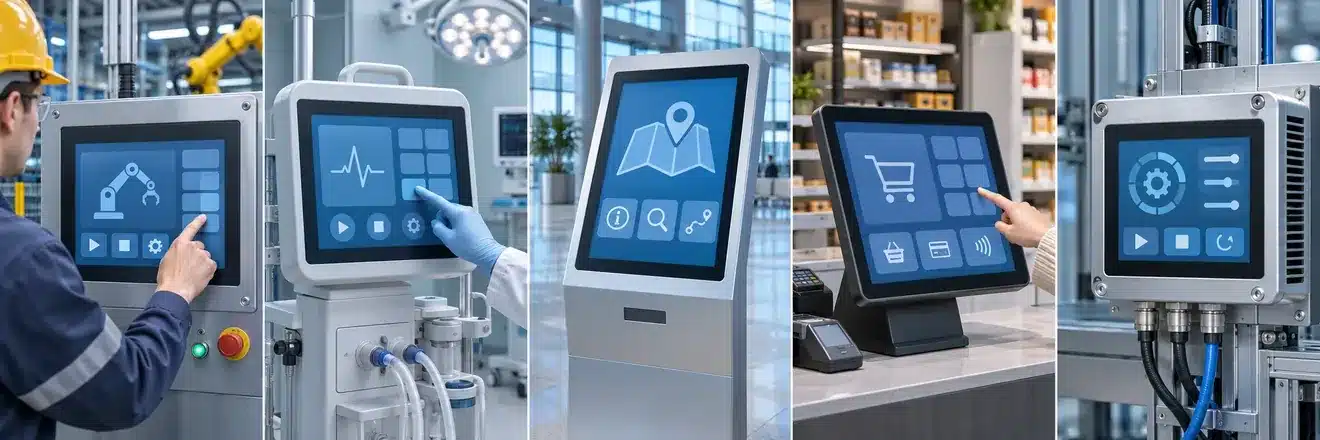
Touch Panels typical OEM application scenarios

Industrial control

Operator touch interfaces for machinery and automation.

Medical equipment

Touch inputs selected for device-specific cleaning and usage.

Self-service kiosks

Interactive terminals with defined surface and enclosure needs.

Commercial equipment

Touch integration for service and retail systems.

Embedded devices

Compact touch interfaces matched to host electronics.

Touch Panels FAQ

What is the difference between a touch panel and a touch display?
A touch panel is the sensing component, sometimes supplied with a controller and cover lens. A touch display combines touch with an LCD or OLED. Confirm exactly which layers, cables and electronics are included in the quotation.
Should I choose capacitive or resistive touch?
The appropriate technology depends on input method, optical requirements, operating environment and system constraints. Define glove or stylus use, touch points, surface contamination and durability expectations. Compare samples under the intended operating conditions.
Will a USB touch controller work with every host?
USB communication does not by itself establish full host compatibility. Confirm the supported operating system, driver or HID behavior, firmware, power requirements and coordinate mapping. Test the exact controller and host combination before approval.
Can touch work through thicker cover glass?
The supported glass structure depends on sensor design, controller tuning and the environment. Specify material, thickness, coatings, printing and adhesive stack. Confirm sensitivity, edge response and false-touch behavior on the proposed complete assembly.
Can the panel operate with gloves or water on the surface?
These functions require suitable sensor and controller design, tuning and validation. Define glove material and thickness, water exposure and expected interactions. Do not treat generic capacitive-touch capability as evidence of reliable wet or gloved operation.
Is optical bonding always required?
Bonding is an integration option rather than a universal requirement. Compare reflection, mechanical support, condensation risk, process limits and repairability. The decision should reflect the display stack and equipment environment, not touch technology alone.
What causes touch noise or false inputs?
Grounding, host electronics, switching supplies, cable routing and moisture can affect touch behavior. Review shielding and grounding with the integrator, and test the assembled equipment. Component-level operation does not replace system-level noise evaluation.
Can cover-glass printing and dimensions be customized?
Customization may include outline, mask, holes, edge finish and other agreed details. Feasibility depends on the glass and sensor structure. Approve drawings, tolerances, cosmetic criteria and sample behavior before committing to tooling and production.
What information should I include in an RFQ?
For touch panels, provide display and touch active areas, sensor type, cover-glass drawing, controller interface, host operating system and required glove or wet-use behavior. Include sample and annual quantities, target schedule, destination and any mandatory validation requirements. This supports a configuration-specific quotation and identifies unresolved engineering items before purchasing.
How are samples, MOQ and tooling charges confirmed?
Sample availability, minimum order quantity, engineering charges and tooling depend on the selected configuration. Ask for these items separately in the quotation. Approve the sample, drawing revision and acceptance criteria before releasing a production purchase order.
Which technical and compliance documents should be reviewed?
Request the exact touch panels part number and revision, specification, mechanical drawing and relevant electrical information. Request applicable material declarations or test reports for that configuration; a category description or illustrative image is not evidence of certification.
How should overseas buyers plan delivery and continuing supply?
Confirm stock or production status, quoted lead time, packaging, shipping terms and required export documents before ordering. For recurring programs, discuss forecast volumes, revision control and change notification. Reconfirm availability when placing each order rather than assuming permanent supply.

Discuss Your Custom Display Requirements

Share your target application, mechanical drawing, interface, operating conditions and volume plan. Our engineering team can review suitable configurations and sample requirements.

Scroll to Top
Request Quote / Datasheet

Response within 12-24 hours. NDA available. Engineering support included.

Fields marked with an asterisk (*) are required.

Contact Information

Request Details