
~
~
~
~
~
~
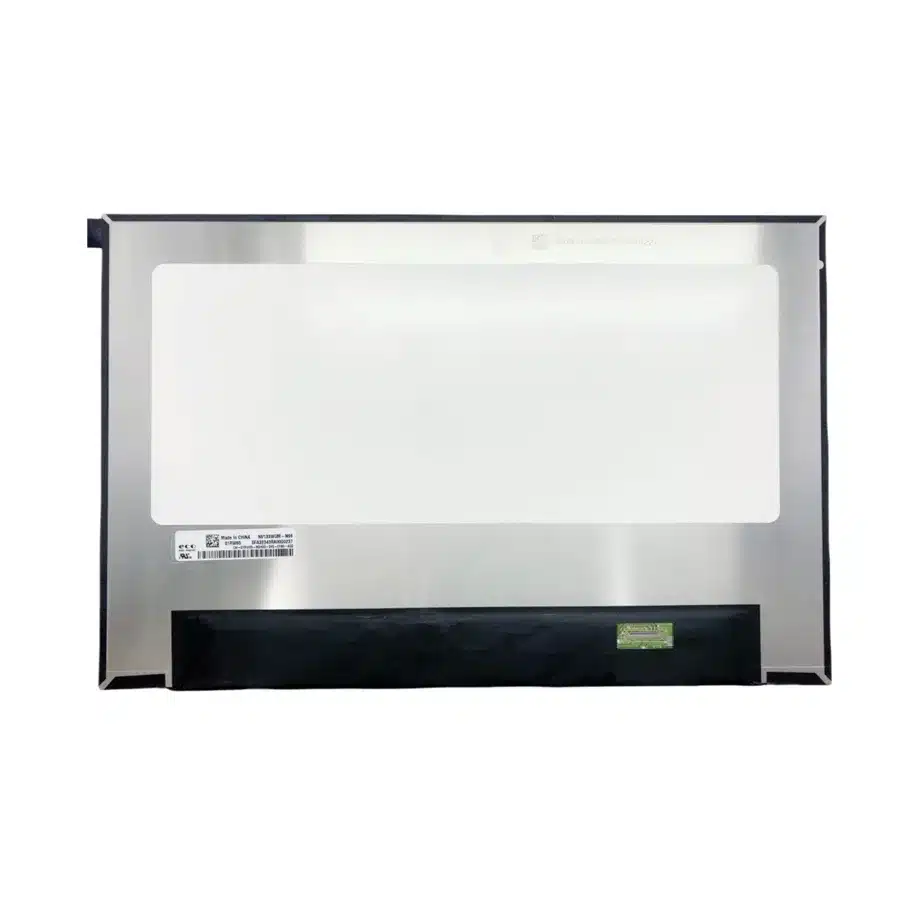
NV133WUM-N6D Notebook LCM eDP 2-Lane Slim Panel BOE
Model P/N
Size
Resolution
Brightness
Viewing Angle
Connector Type
Operating Temp
Overall(mm)
boe
NV133WUM-N6D
Brand
Panel Size (inch)
Model P/N
Resolution
Brightness (nits)
Viewing Angle
Contrast Ratio
Response Time
Overall (mm)
Active Area (mm)
Refresh Rate
Display Colors
Panel Type
Connector Type
Surface Treatment
Operating Temp
Touchscreen Type
Storage Temp
Work Mode
Pixel Format
Input Voltage (V)
Vibration Resistance
Weight (g)
Designed For
Product Details
NV133WUM-N6D Notebook LCM eDP 2-Lane Slim Panel is the controlled component reference for engineering, procurement and system-integration review of this exact 13.3 inch BOE configuration.
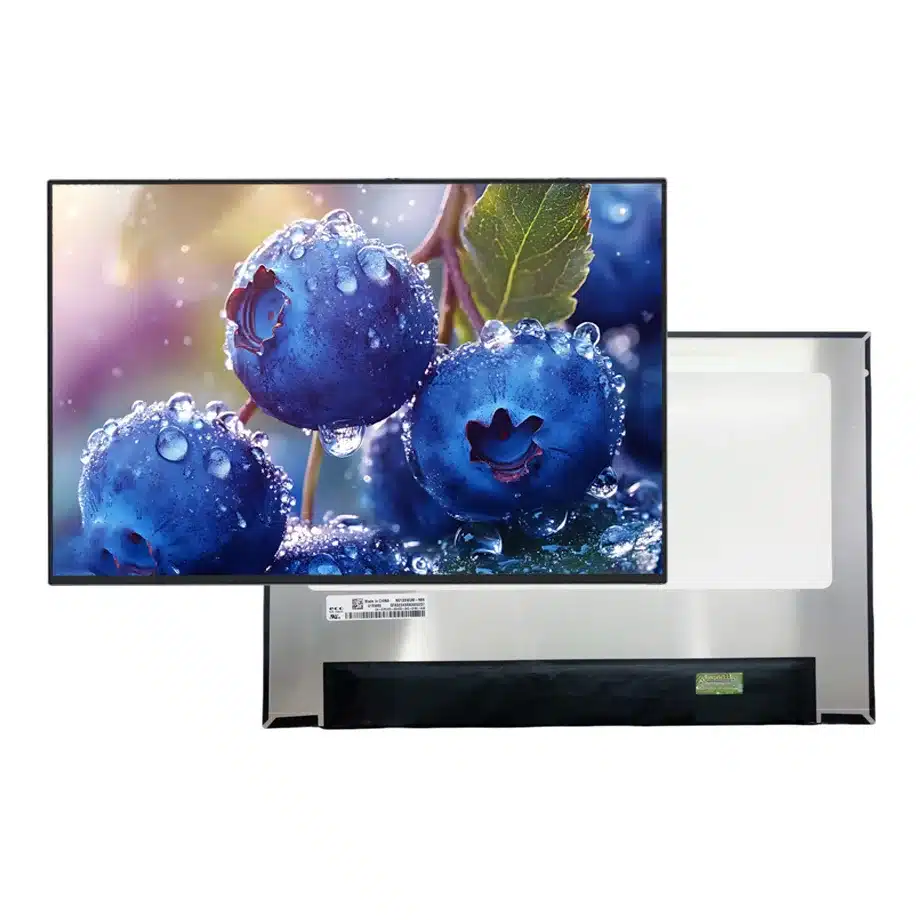
NV133WUM-N6D is a 13.3 inch BOE a-Si TFT-LCD, LCM with 1920(RGB)×1200, WUXGA, 16:10, 400 cd/m² (Typ.) and eDP (2 Lanes), eDP1.4b, HBR1 (2.7G/lane), 30 pins 0.5 mm connector. The current-run packet establishes the electrical, optical, thermal and mechanical baseline. System-level behavior still has to be demonstrated on the intended host, cable, enclosure and firmware stack.
Three buyer value propositions
PSRSU-RC and PSR2 references for power-state engineering
The exact-model evidence includes PSRSU-RC and PSR2 together with AMD FreeSync-related wording. That gives firmware teams a concrete power-state test matrix while keeping battery-life effects and host support bounded to the qualified notebook implementation.
Two-lane HBR1 transport for a compact WUXGA design
The module uses two eDP lanes at HBR1 through a 30-pin connector. This is a precise electrical baseline for a 1920×1200 notebook path, but cable mapping, AUX behavior and BIOS timing still require validation on the production motherboard.
400-nit 100% sRGB panel baseline in a 2.6 mm package
The supplied facts combine 400 cd/m² typical luminance, 100% sRGB wording and a 2.6 mm maximum module depth. These are useful component-level targets for a thin notebook, without implying a finished-system calibration tolerance or universal lid compatibility.
NV133WUM-N6D Notebook LCM eDP 2-Lane Slim Panel should be qualified as one exact configuration; shared diagonal, resolution or connector family is not enough to establish drop-in equivalence.
Key Specifications at a Glance
| Brand | BOE |
|---|---|
| Model P/N | NV133WUM-N6D |
| Size | 13.3 inch |
| Resolution | 1920(RGB)×1200, WUXGA, 16:10 |
| Active Area | 286.042×178.776 mm (H×V) |
| Overall | 291.04×194.88×2.6 mm |
| Brightness | 400 cd/m² (Typ.) |
| Viewing Angle | 89/89/89/89 (Typ.)(CR≥10) |
| Display Colors | 16.7M, 100% sRGB |
| Weight | 185 g (Max.) |
| Refresh Rate | 60 Hz, AMD FreeSync |
| Connector / Native Interface | eDP (2 Lanes), eDP1.4b, HBR1 (2.7G/lane), 30 pins 0.5 mm connector |
| Input Voltage | 3.3 V (Typ.) |
| Operating Temperature | 0 ~ 50 °C |
| Storage Temperature | -20 ~ 60 °C |
| Vibration | 1.5G (14.7 m/s²) |
| Panel Type | a-Si TFT-LCD, LCM |
| Pixel Format | RGB Vertical Stripe |
| Surface Treatment | Antiglare, Hard coating (3H) |
| Contrast Ratio | 1500:1 (Typ.) |
| Response Time | 25 ms (Typ.)(Tr+Td) |
| Work Mode | ADS, Normally Black, Transmissive |
| Backlight / Emission | 15,000 hours (10S6P WLED, integrated LED driver, DC dimming) |
| Designed For | Laptop display integration; 60 Hz WUXGA power-managed notebook platforms |
| Touchscreen Type | Without touch screen |
Power-state validation before battery claims
PSRSU-RC and PSR2 are display power-management references, not a guaranteed battery-life result. Validate static desktop behavior, partial updates, video windows, cursor movement, repeated suspend/resume and graphics-driver restart on the target platform. Record the BIOS, GPU driver and operating-system build used for approval. If later firmware changes display power policy, rerun the state-transition cases before assuming the same user experience.
FreeSync qualification on a 60 Hz panel
The source record includes AMD FreeSync wording even though the nominal refresh point is 60 Hz. Treat that as a host-dependent feature requiring an explicitly measured operating range. Exercise frame-rate changes near the real lower and upper limits, then check for flicker, blanking and recovery after resume. The panel feature does not establish compatibility with every AMD graphics platform or driver branch.
Two-lane HBR1 cable discipline
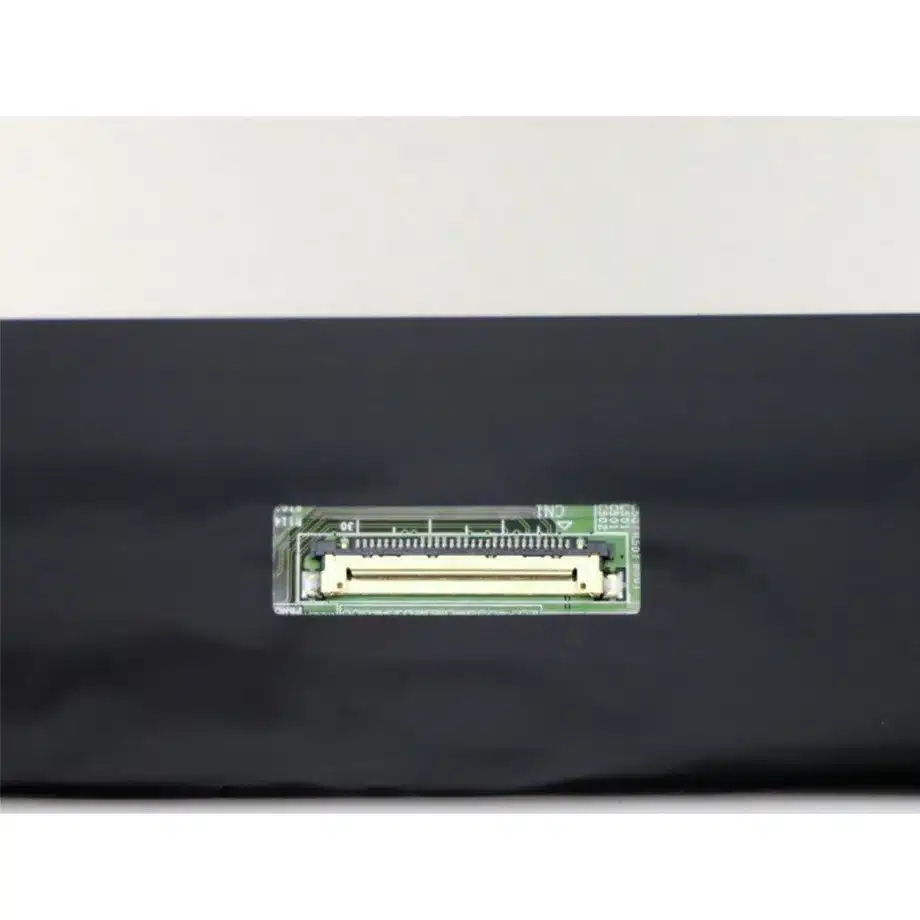
A two-lane HBR1 path can look electrically simple, but 30-pin eDP notebook cables are not interchangeable by connector count alone. Preserve lane mapping, AUX, panel power and backlight-control assignments from the exact schematic. Validate the shipping cable through the real hinge path, because cable length, shielding and bend radius can change link margin even when a bench harness works.
Slim flat-PCBA mechanical release
The 291.04×194.88×2.6 mm envelope and flat-PCBA construction support a thin lid, yet local clearances still matter. Check connector exit, adhesive zones, rear-cover pressure, hinge sweep and active-area centering with the exact drawing. A related 13.3-inch WUXGA panel can place the connector or PCB differently enough to require a new cable or lid support scheme.
DC-dimming brightness behavior
The backlight uses an integrated driver with DC dimming. Measure luminance steps from minimum to maximum brightness and confirm that low-level control remains stable after sleep, restart and AC/battery transitions. DC dimming should remain a technical description of the drive method; it should not be converted into a flicker-free, eye-care or medical claim without separate measurement and documentation.
sRGB color acceptance
The component carries 100% sRGB wording and 400 cd/m² typical luminance. Define whether the notebook program needs gamut coverage only, a white-point target, gamma limits or a calibrated color-error requirement. Measure complete lid assemblies because bezel pressure, optical films and graphics color management can alter the final result. Keep any finished-product calibration claim separate from the panel data.
Response-time expectations for office and mobile use
The supplied response value is 25 ms Tr+Td. That figure should remain visible in the engineering record rather than being replaced by a faster family-level number. Test scrolling text, video and representative UI motion at the actual system mode. If motion quality is a marketing priority, use measured finished-system evidence instead of inferring performance from the FreeSync label.
Thermal boundary in a thin lid
The component operating range is 0 to 50 °C. In a slim notebook, panel temperature depends on backlight level, GPU heat, lid insulation and ambient conditions. Instrument the assembled lid under sustained high-brightness and graphics workloads. The component limit is not an ambient-room specification, so system thermal policy should be based on measured local temperature rather than nominal enclosure air.
First-article evidence package
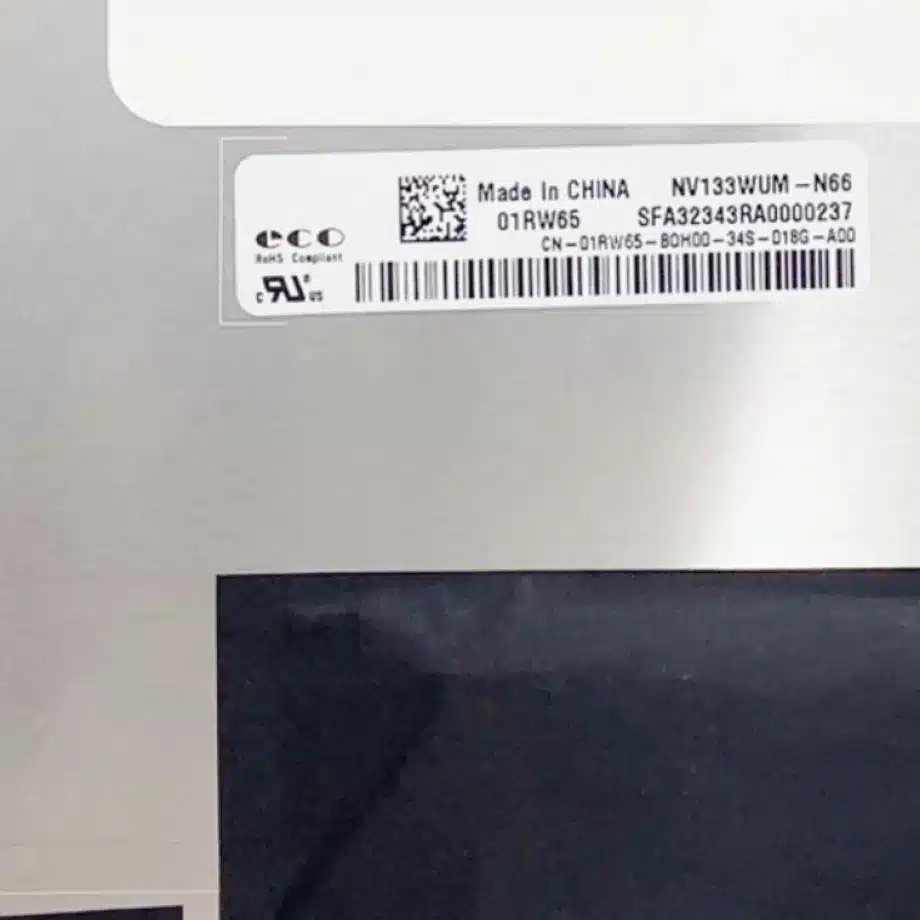
A useful first-article record should include the exact panel label, 30-pin cable part number, BIOS revision, graphics driver, native WUXGA timing, PSR state tests, FreeSync behavior, brightness curve and mechanical-fit photographs. This makes later lot comparisons reproducible and helps distinguish a panel issue from a software, cable or chassis change.
Service replacement screening
Do not approve another 13.3-inch WUXGA display from size and resolution alone. Compare the two-lane HBR1 requirement, pin map, 3.3 V sequence, connector location, panel depth, optical class and power-state feature set. A candidate that needs four lanes or a different cable is a controlled redesign, not a drop-in substitute.
Incoming inspection and traceability
Incoming inspection should confirm the exact model marking, connector condition, surface quality and agreed cosmetic limits. Sample functional testing should include native timing and a representative sleep/resume cycle. Marketplace stock counts or production-state labels are sourcing signals only; they should not be turned into formal lifecycle, availability or second-source guarantees.
Release control for future firmware changes
Keep the approved display settings linked to the BOM. If BIOS, graphics driver or panel power policy changes, run targeted regression on link training, PSRSU-RC, PSR2, adaptive-sync behavior and brightness restoration. The goal is a stable controlled configuration, not an assumption that identical hardware will behave the same under every future software revision.
Procurement communication boundary
Procurement can rely on the confirmed 13.3-inch WUXGA, 400-nit, 100% sRGB, two-lane HBR1, integrated-driver and no-touch facts. It should avoid unsupported statements about guaranteed battery savings, universal FreeSync compatibility, eye safety or long-term supply. Keeping those boundaries explicit reduces ambiguity when a later alternate is reviewed.
Notebook platform handoff
For production handoff, identify the motherboard, production cable, lid drawing and firmware baseline that were actually tested. Store the native timing and brightness-control behavior together with the mechanical release. This lets sourcing and service teams compare future lots against a known-good package rather than reconstructing assumptions from a generic 13.3-inch display description.
Replay and AUPI feature-context review
The same-model feature summary includes AMD Replay and AUPI wording in addition to PSR-related functions. Treat those labels as prompts for platform-specific verification rather than as standalone end-user promises. Capture which graphics stack exposes each function, how the panel enters and exits the relevant state, and whether brightness, cursor updates or video playback remain stable. If the host platform does not expose a feature, do not manufacture a compatibility statement merely because the panel database lists it.
Thin-lid cable serviceability
A 2.6 mm display leaves limited room for cable folds, foam and connector strain relief. During service-oriented review, confirm that the lid can be opened without peeling the panel or sharply bending the eDP harness. Document the approved cable path and adhesive locations with photographs. This evidence is particularly useful when a replacement cable supplier is introduced, because a mechanically stiffer harness can load the connector even if its electrical pinout is unchanged.
Native WUXGA scaling across boot states
Check 1920×1200 rendering not only in the operating-system desktop but also in BIOS setup, recovery tools and installer environments. Some pre-OS graphics paths use different timing or scaling logic from the production driver. A complete qualification should confirm readable text, full active-area use and predictable resume behavior across those states so service teams do not discover display issues only during recovery operations.
Integration review closeout
Close the release only after the panel passes electrical bring-up, power-state transitions, brightness control and full-lid mechanical inspection. A successful image-on bench test is necessary but not sufficient for a thin notebook design with advanced panel self-refresh features.
NV133WUM-N6D Notebook LCM eDP 2-Lane Slim Panel belongs in the released sourcing dossier together with the exact drawing, production interface hardware and test evidence used to approve the target system.
Engineering and sourcing review
Before release, provide the target host or controller, mechanical drawing, production cable, power design and acceptance criteria. Qualification should verify native timing, interface behavior, optical performance, touch behavior where applicable and mechanical fit for the exact NV133WUM-N6D configuration.
NV133WUM-N6D Notebook LCM eDP 2-Lane Slim Panel should remain the reference term for this approved component package so future lots and substitutes can be evaluated against the same evidence.
Recommended: Same Size
(13.3")
Applications & Value of LCD Panel

- Fast sourcing with in-stock panels & cross-reference alternatives
- Stable supply chain with long-term availability
- Engineering-level support from panel to integration
- Custom solutions: cable, touch & optical bonding
- Strict quality control with IQC / OQC / aging test
- Full traceability system for quality assurance
- Complete technical documentation & drawings
- Compliance support: RoHS & certification files
