
~
~
~
~
~
~
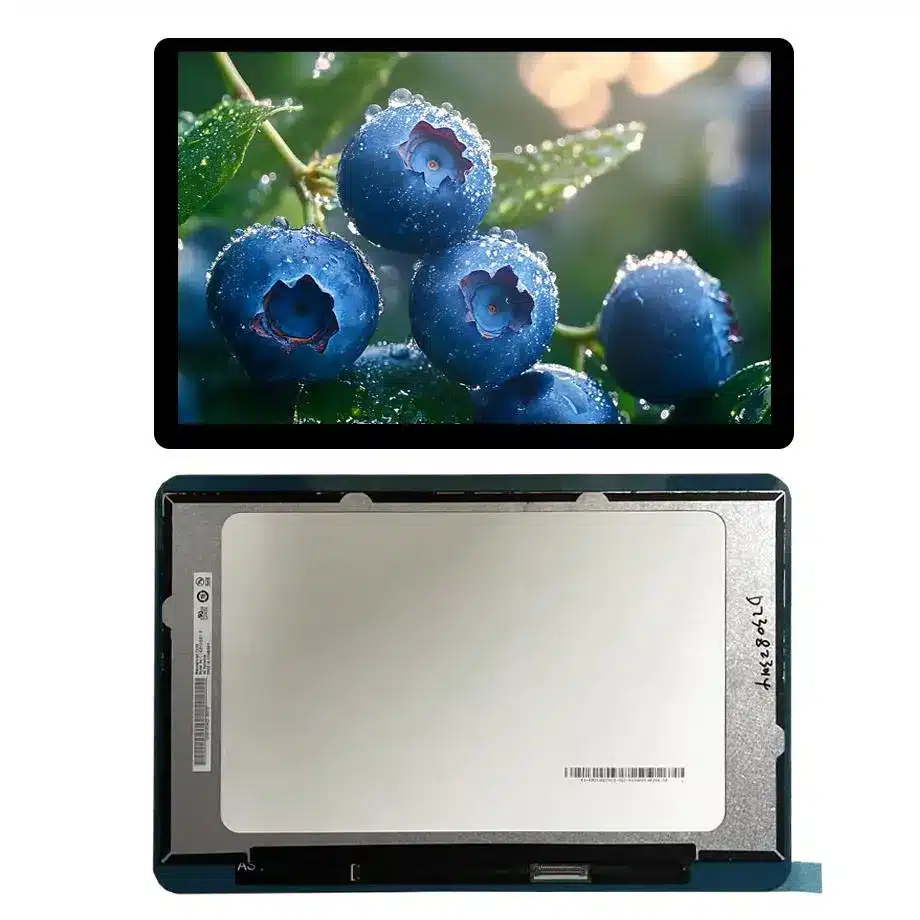
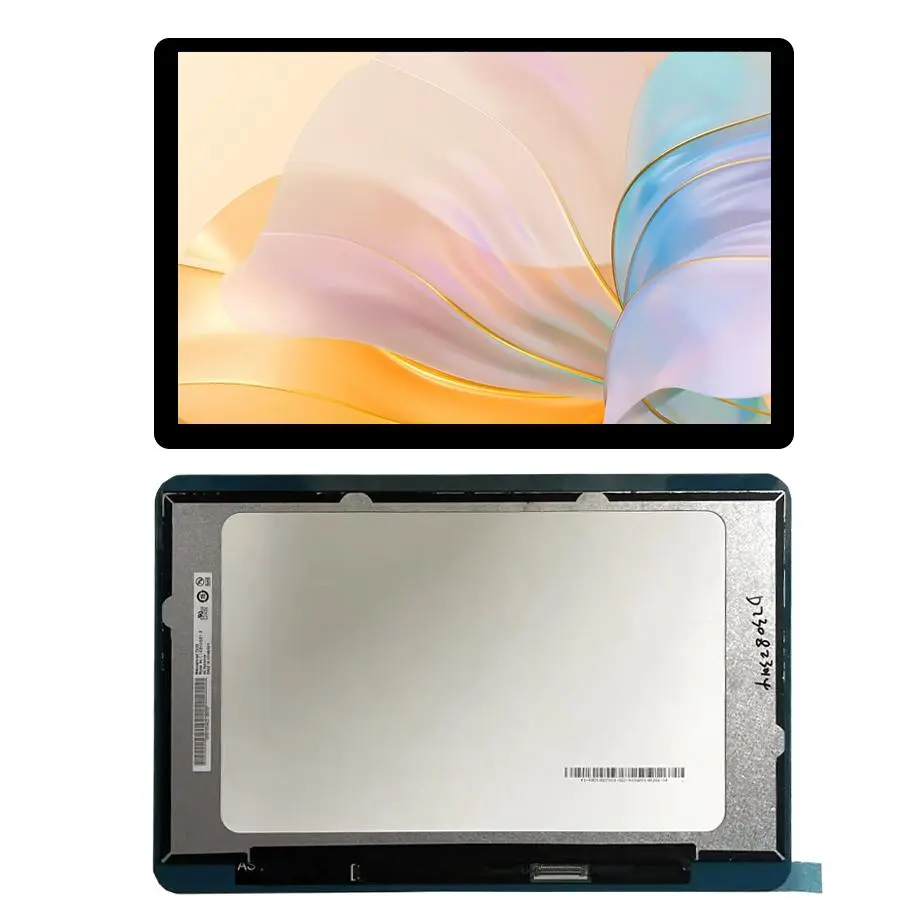
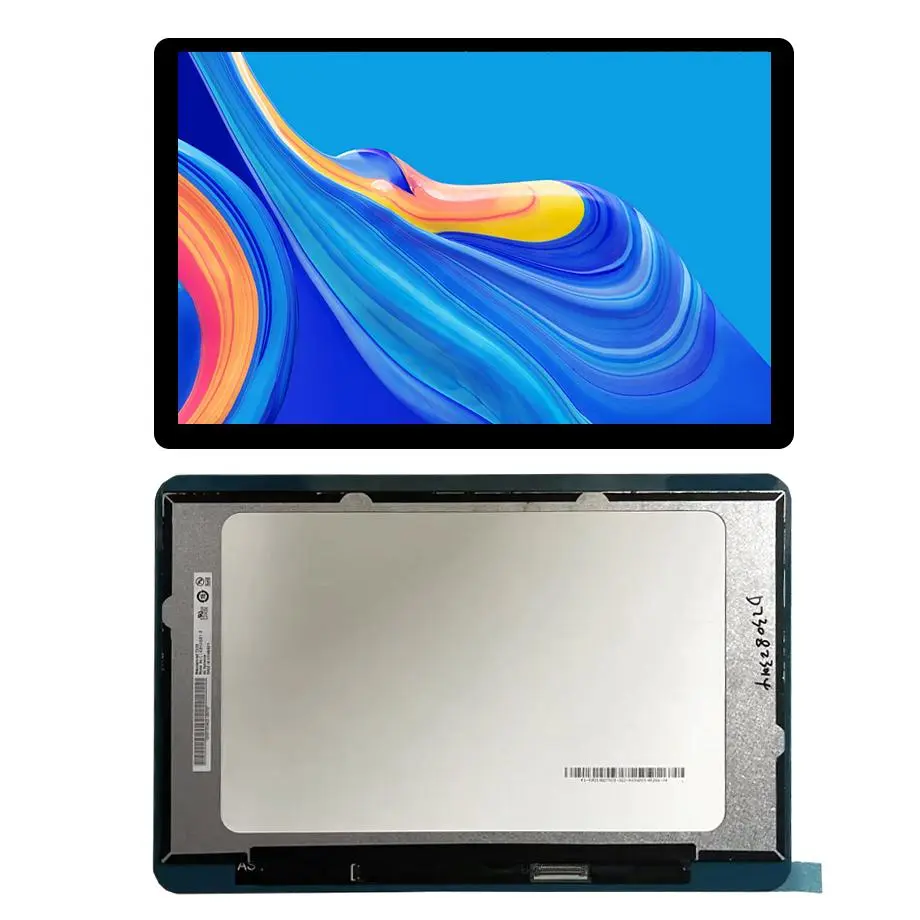
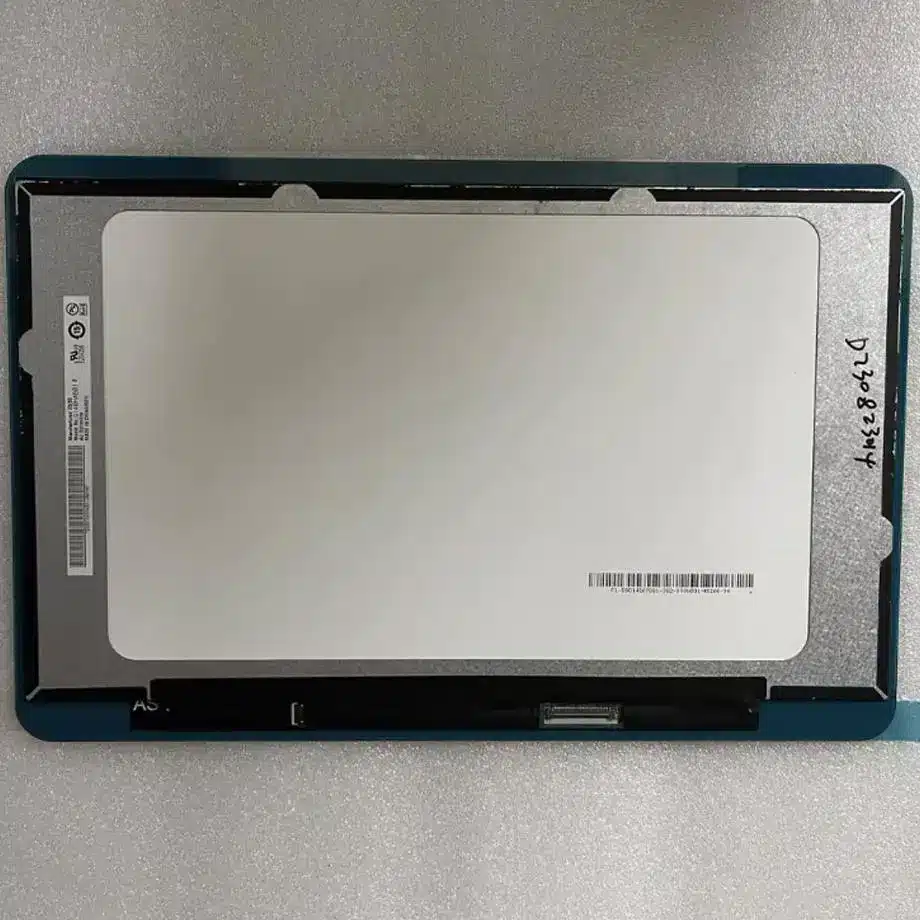
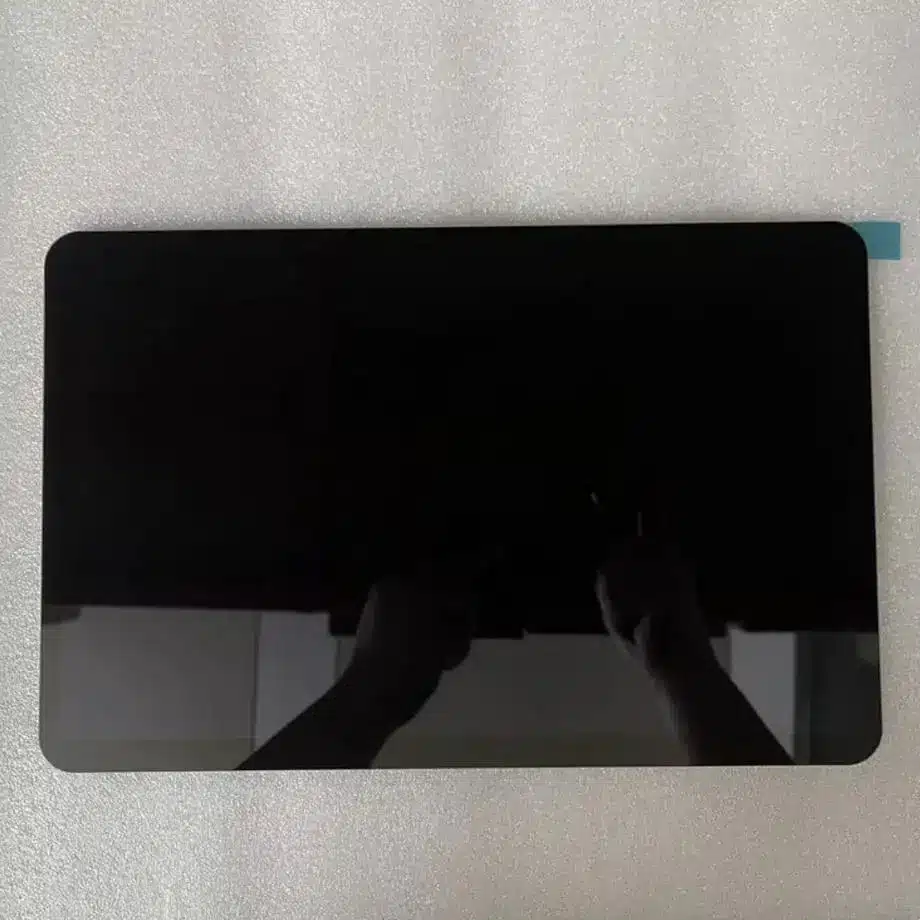
G140HCJ-GN1 AAS eDP POS Display Module 14in Innolux
Model P/N
Size
Resolution
Brightness
Viewing Angle
Connector Type
Operating Temp
Overall(mm)
innolux
G140HCJ-GN1
Brand
Panel Size (inch)
Model P/N
Resolution
Brightness (nits)
Viewing Angle
Contrast Ratio
Response Time
Overall (mm)
Active Area (mm)
Refresh Rate
Display Colors
Panel Type
Connector Type
Surface Treatment
Operating Temp
Touchscreen Type
Storage Temp
Work Mode
Pixel Format
Input Voltage (V)
Vibration Resistance
Designed For
Product Details
Integration Profile
The G140HCJ-GN1 AAS eDP POS Display Module is a 14.0-inch Innolux FHD LCD module with AAS normally-black transmissive operation. It combines a 1920×1080 native image, 310 cd/m² typical luminance, 89-degree four-direction viewing specification and a slim 315.01 × 185.84 × 4.72 mm outline. The module uses two-lane eDP on a 30-pin connector and a 3.3 V typical panel input.
Its WLED backlight is listed with a 30K-hour reference and without an integrated LED driver, so the host design must address video transport and illumination power as separate functions. The supplied maximum power value is 4.1 W. Operating temperature is -10 to 60 °C, storage is -20 to 70 °C, and exact-model reference data lists 1.5G vibration.
Three Core Buyer Value Propositions
- FHD eDP module with a compact notebook-style mechanical envelope. The 14-inch 1920×1080 format, 30-pin eDP connection and sub-5 mm module depth make the panel relevant to slim embedded displays where a laptop-derived form factor is useful. Exact cable and mounting compatibility still require drawing review.
- Wide viewing AAS optics for shared or off-axis interfaces. The 89/89/89/89 typical viewing specification and normally-black AAS mode provide a stronger off-axis baseline than a conventional narrow-view TN panel. Final visibility still depends on enclosure angle, ambient light and the antiglare surface.
- Documented power and temperature boundaries for POS/industrial screening. A 4.1 W maximum value, 3.3 V panel input and -10 to 60 °C operating range help engineers plan power and thermal margins. They do not establish rugged certification, outdoor suitability or a guaranteed service life.
Key Specifications at a Glance
| Model | Innolux G140HCJ-GN1 |
|---|---|
| Display format | 14.0-inch FHD 1920×1080 AAS LCM |
| Brightness | 310 cd/m² typical |
| Video interface | 2-lane eDP, 30-pin connector |
| Panel input | 3.3 V typical |
| Backlight | WLED, 30K-hour reference, external driver required |
| Power | 4.1 W maximum |
| Environment | -10 to 60 °C operating; -20 to 70 °C storage |
Why is eDP important for this 14-inch module?
The G140HCJ-GN1 AAS eDP POS Display Module uses embedded DisplayPort rather than LVDS as its native video path. VESA Embedded DisplayPort guidance describes eDP as a standard designed for embedded displays and explains its use in high-resolution portable systems. For this module, the approved facts specify two lanes and a 30-pin connector; the exact pinout, link rate and timing must still come from the current Innolux documentation.
Host graphics planning
Start by confirming that the graphics processor or bridge can output the panel’s native 1920×1080 mode at 60 Hz over the required two-lane eDP configuration. Then validate link training, AUX communication, sleep/wake behavior and any panel-power control signals. Do not assume that a 30-pin eDP cable from another 14-inch panel is interchangeable.
Cable and EMI review
Route high-speed eDP pairs according to the host and connector requirements, maintain pair geometry and control return paths. Cable length, hinge routing and connector placement can affect signal margin. In a POS terminal or compact industrial computer, the cable may be routed differently from a notebook lid, so the original notebook-style interconnect assumptions should be revalidated.
How should the external WLED driver be selected?
The display includes a WLED light source but not the LED driver. That means the panel’s 3.3 V input is not a substitute for the backlight power design. Obtain the LED string electrical requirements, dimming method, enable behavior and protection limits before selecting a driver. A controller board that generates eDP may or may not include suitable LED driving; those are separate compatibility questions.
The 30K-hour backlight reference should be preserved as a source-defined value, not converted into a finished-system lifetime guarantee. LED lifetime depends on drive current, temperature and the source’s measurement criterion. For a commercial terminal expected to operate long daily hours, measure backlight temperature at the intended brightness and enclosure airflow.
Dimming and low-light behavior
If the POS or industrial UI needs automatic or low-level dimming, test the actual driver across the required range. Look for flicker, color shift, unstable startup and abrupt low-end steps. The current facts do not establish a particular PWM frequency or analog-dimming method, so those details should remain open until model-specific documentation is obtained.
Key Specifications
| Active area | 309.312 × 173.988 mm |
|---|---|
| Outline | 315.01 × 185.84 × 4.72 mm |
| Weight | 255 g typical / 265 g maximum |
| Mode | AAS, normally black, transmissive |
| Viewing | 89/89/89/89 typical at CR≥10 |
| Contrast | 800:1 typical |
| Response | 30 ms typical Tr+Td |
| Color | 16.7M; 72% NTSC |
| Surface | Antiglare, hard coating 3H |
| Vibration reference | 1.5G (14.7 m/s²) |
Where can the module be used?
Same-model sources identify laptop use and also place G140HCJ-GN1 in industrial-display channels; an exact-model distributor page lists POS as an application. Those findings support a bounded Designed For set of laptop, industrial display and POS-terminal integration. Innolux display-application overview provides manufacturer context for Innolux industrial applications including POS, kiosk and HMI markets, but the broader page should not be used to invent certification or exact machine compatibility for this model.
The G140HCJ-GN1 AAS eDP POS Display Module is therefore a reasonable candidate for compact POS terminals, service counters, embedded operator displays and notebook-derived industrial computers when the electrical and mechanical design matches. It should not be marketed as outdoor, automotive, medical or rail grade without product-specific evidence.
POS-terminal considerations
For a point-of-sale system, check viewing angle at both standing and seated positions, antiglare behavior under retail lighting, boot/resume timing and cable routing through the enclosure. If a touch overlay is added, remember that this panel is supplied without touch; the touch sensor, cover glass, controller and host interface become a separate subsystem.
Industrial enclosure considerations
The 315.01 × 185.84 × 4.72 mm outline and 255 g typical mass are useful for enclosure planning. Reserve clearance for the eDP connector, cable bend radius and external LED driver. Do not use diagonal size as the mechanical definition; mounting features and connector position must come from the released drawing.
What should be compared in a replacement study?
Compare native 1920×1080 timing, two-lane eDP behavior, the exact 30-pin definition, 3.3 V panel input, active area, outline, thickness, backlight requirements, surface treatment and temperature range. Also compare the optical mode and viewing behavior because a visually similar 14-inch FHD panel can use a different LCD mode or brightness class.
A replacement should be tested on the actual host board. Verify cold boot, repeated resume, brightness control, full-screen patterns and the target application UI. If the replacement uses a different backlight driver requirement or connector position, the change may affect both electronics and mechanics even when the image format is identical.
How should power and thermal margin be reviewed?
The supplied 4.1 W maximum value is useful for system budgeting, but it should be interpreted with the exact source definition. Confirm whether the value includes the backlight, panel electronics or both before using it for regulator sizing. Measure the production-intent configuration rather than relying only on a nominal budget.
At the -10 to 60 °C operating limits, check startup, image stability, response behavior and brightness. The 1.5G vibration reference can support early screening, but the source does not establish a complete shock/vibration qualification method for the finished terminal. Mechanical qualification must be defined by the actual product requirements.
What should procurement confirm?
Request the current Innolux specification, mechanical drawing, eDP pin definition, backlight electrical data and reliability information needed by the project. Third-party exact-model references describe the model as in production; that is a market-status signal, not a guarantee of HS-LCD stock, lead time, MOQ, second-source availability or long-term supply.
For a POS or industrial platform, record the approved panel revision, cable drawing, graphics configuration and backlight-driver design. If a later change is proposed, compare it against this baseline and decide which electrical, optical, software and mechanical tests must be repeated.
Sample acceptance
Sample acceptance should include cosmetic inspection, native-resolution image patterns, eDP stability, brightness control, off-axis viewing and thermal checks. If the project adds a touch overlay or cover lens, repeat optical and mechanical checks after that stack is installed because reflection and viewing behavior can change.
Engineering Answers in Brief
G140HCJ-GN1 uses a two-lane eDP native video interface on a 30-pin connector; it is not a native HDMI display.
G140HCJ-GN1 includes a WLED backlight but requires an external LED driver matched to the model-specific backlight requirements.
The module is supplied without an integrated touchscreen, so touch requires a separate sensor/controller stack.
The -10 to 60 °C operating range and 1.5G vibration reference support industrial screening but do not prove rugged or transportation certification.
Procurement Checklist
- Confirm the current Innolux drawing and exact 30-pin eDP definition.
- Verify native FHD timing, link training and sleep/wake behavior on the target graphics platform.
- Obtain model-specific WLED string and dimming requirements before selecting the external driver.
- Check outline, active area, connector location and cable bend radius against the enclosure.
- Validate the UI under retail/industrial lighting and at the expected viewing angles.
- Record the approved panel revision, host configuration and backlight-driver setup for lifecycle control.
How should the first article be tested?
Use a staged test: verify eDP and power first, then backlight control, then optics, then mechanics and temperature. The G140HCJ-GN1 AAS eDP POS Display Module should pass repeated boot/resume cycles and full-screen image patterns before the enclosure is finalized. After installation, repeat viewing, brightness and thermal checks with the real cable routing and any added cover or touch stack.
Recommended: Same Size
(14")
Applications & Value of LCD Panel

- Fast sourcing with in-stock panels & cross-reference alternatives
- Stable supply chain with long-term availability
- Engineering-level support from panel to integration
- Custom solutions: cable, touch & optical bonding
- Strict quality control with IQC / OQC / aging test
- Full traceability system for quality assurance
- Complete technical documentation & drawings
- Compliance support: RoHS & certification files
