
~
~
~
~
~
~
MB140DS01-1 Two-Lane HBR1 DC-Dim HIS WUXGA HKC

Model P/N
Size
Resolution
Brightness
Viewing Angle
Connector Type
Operating Temp
Overall(mm)
hkc
MB140DS01-1
Brand
Panel Size (inch)
Model P/N
Resolution
Brightness (nits)
Viewing Angle
Contrast Ratio
Response Time
Overall (mm)
Active Area (mm)
Refresh Rate
Display Colors
Panel Type
Connector Type
Surface Treatment
Operating Temp
Touchscreen Type
Storage Temp
Work Mode
Pixel Format
Input Voltage (V)
Vibration Resistance
Weight (g)
Designed For
Product Details
MB140DS01-1 14in HBR1 Two-Lane DC-Dim 45% NTSC HIS WUXGA Notebook LCM is the controlled component identity for engineering, sourcing and replacement review of this 14-inch WUXGA notebook configuration.
MB140DS01-1 is a 14-inch HKC a-Si TFT-LCD, LCM with 1920(RGB)×1200, WUXGA, 16:10, 60 Hz refresh and eDP (2 Lanes), eDP1.2, HBR1 (2.7G/lane), 30 pins 0.5 mm connector. The current-run parameters establish the exact electrical, optical and mechanical baseline. System behavior still has to be demonstrated in the target product.
Three buyer value propositions
WUXGA 16:10 format for compact notebook integration
The 1920×1200 native canvas provides a 16:10 working area in a 14-inch module. That gives notebook teams a clear mechanical and timing baseline without implying compatibility with every 14-inch lid or cable.
Two-lane HBR1 eDP path for a defined low-bandwidth host design
The module uses two eDP lanes at HBR1 through a 30-pin connector. This should be matched to the motherboard and cable map exactly; a different 30-pin eDP panel can still require another lane configuration or pin assignment.
Integrated WLED driver with DC dimming
The exact configuration includes an LED driver and DC dimming. That simplifies the display-side backlight architecture while keeping brightness behavior and system power sequencing dependent on the notebook firmware and board design.
MB140DS01-1 14in HBR1 Two-Lane DC-Dim 45% NTSC HIS WUXGA Notebook LCM should be qualified as one exact configuration rather than approved from family-level assumptions.
Key Specifications at a Glance
| Brand | HKC |
|---|---|
| Model P/N | MB140DS01-1 |
| Size | 14 inch |
| Resolution | 1920(RGB)×1200, WUXGA, 16:10 |
| Active Area | 301.594×188.496 mm (H×V) |
| Overall | 306.59×198.9×5 mm |
| Brightness | 250 cd/m² (Typ.) |
| Viewing Angle | 85/85/85/85 (Typ.)(CR≥10) |
| Display Colors | 16.7M, 45% NTSC |
| Weight | 300 g (Max.) |
| Refresh Rate | 60 Hz |
| Connector / Native Interface | eDP (2 Lanes), eDP1.2, HBR1 (2.7G/lane), 30 pins 0.5 mm connector |
| Input Voltage | 3.3 V (Typ.) |
| Operating Temperature | 0 ~ 50 °C |
| Storage Temperature | -20 ~ 60 °C |
| Vibration | 1.5G (14.7 m/s²) |
| Panel Type | a-Si TFT-LCD, LCM |
| Pixel Format | RGB Vertical Stripe |
| Surface Treatment | Antiglare (Haze 25%), Hard coating (3H) |
| Contrast Ratio | 800:1 (Typ.) |
| Response Time | 25 ms (Typ.)(Tr+Td) |
| Work Mode | HIS, Normally Black, Transmissive |
| Backlight / Emission | 15,000 hours (WLED, integrated LED driver, DC dimming) |
| Designed For | Laptop display integration; WUXGA 16:10 notebook platforms |
| Touchscreen Type | Without touch screen |
Notebook mechanical release
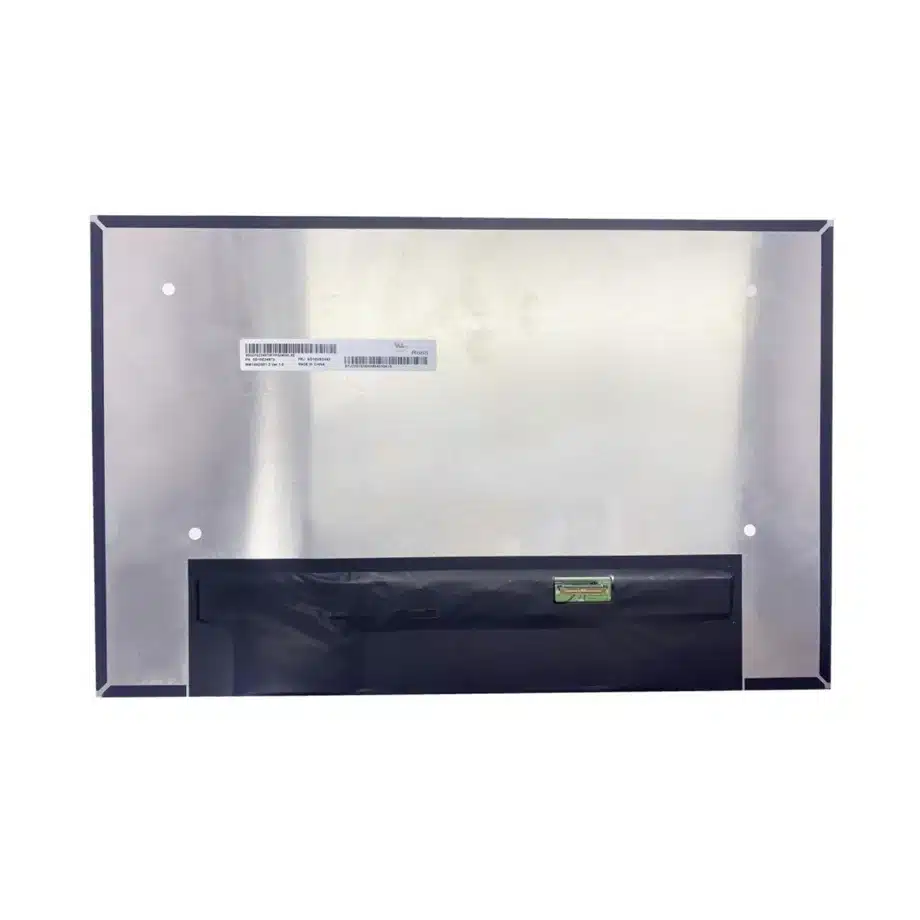
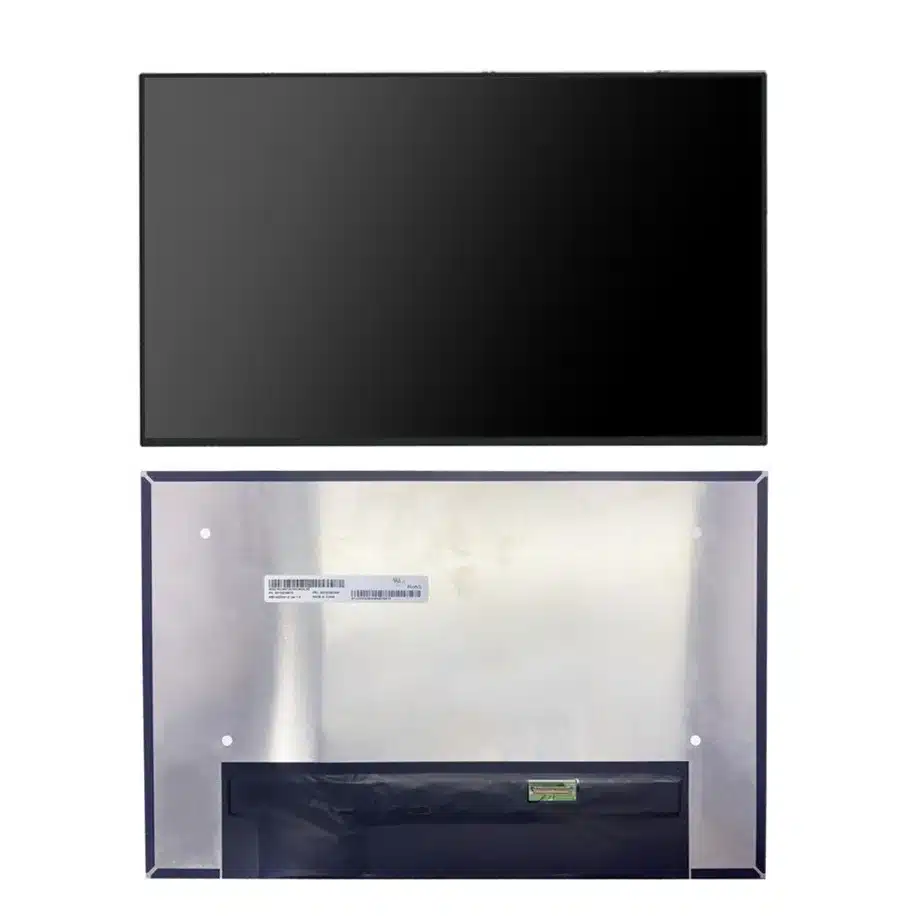
Compare the 306.59×198.9×5.0 mm maximum envelope, active area and bent-PCBA geometry with the intended lid. Check hinge sweep, cable fold, bezel pressure and rear-cover clearance using the exact drawing.
Two-lane eDP bring-up
Validate 1920×1200 timing, two-lane HBR1 transport, AUX communication and 3.3 V sequencing on the shipping motherboard. Save the approved cable part number with the BOM so later sourcing does not assume all 30-pin panels are interchangeable.
DC dimming behavior
The WLED system is documented with an integrated driver and DC dimming. Test startup brightness, low-level dimming steps, resume behavior and firmware control over the actual notebook brightness range.
Optical target
A 250 cd/m² typical luminance and 45% NTSC wording define a standard notebook optical baseline. They do not support wide-gamut, HDR or outdoor-readable claims, so assembled-lid acceptance should stay within the confirmed evidence.
Surface handling
The antiglare 25% haze and 3H hard coating are exact surface properties. Manufacturing should define cleaning and handling methods that avoid scratching or contaminating the display while preserving the intended matte appearance.
Response and office use
The 25 ms Tr+Td response figure is appropriate to evaluate as a standard notebook display parameter. Motion-intensive claims should be avoided unless the finished system has separate evidence demonstrating them.
Power-state regression
Test cold boot, restart, sleep, wake and lid-close cycles with the production BIOS and graphics stack. A display that works on a bench can still fail during power-state transitions if sequencing or AUX behavior differs from the approved configuration.
Replacement screening
A candidate replacement should match the WUXGA timing, two-lane HBR1 eDP path, 30-pin connector definition, mechanical envelope, backlight-control approach and optical class before service teams treat it as interchangeable.
Incoming inspection
Incoming lots should be checked for exact model identity, connector damage, cosmetic condition and a representative functional sample at native timing. Do not turn marketplace stock data into a formal availability or lifecycle guarantee.
Release documentation
Retain the drawing, cable map, 3.3 V sequence, brightness-control test, native timing and assembled-lid fit result. These artifacts provide the reproducible basis for production and future alternate qualification.
Bent-PCBA lid clearance
The module's slim construction includes a bent PCBA, so the maximum 5.0 mm depth does not describe a uniform slab. Review the exact rear profile when setting foam thickness, hinge clearance and cable routing. During first-article assembly, close the rear cover fully and inspect for local pressure or PCB interference. Repeated lid motion should not pull on the 30-pin connector. A flatter alternative panel may still be mechanically incompatible if its board fold or connector location differs from this HKC configuration.
HBR1 lane-count discipline
Two-lane HBR1 is a relatively modest transport compared with newer four-lane notebook panels, but that does not make it generic. The shipping cable must preserve the exact lane and AUX mapping expected by the motherboard and panel. Validate cold boot and resume at native WUXGA timing, then check whether BIOS updates alter link-training behavior. If a future replacement uses more lanes or a different eDP revision, treat that as an electrical change requiring explicit host and cable review.
DC-dimming user experience
DC dimming changes LED current rather than relying on a pulse-width duty cycle, but the resulting user experience still depends on the driver and firmware curve. Check luminance steps from minimum to maximum brightness, especially near the low end where regulation resolution may be coarse. Verify that brightness returns correctly after sleep, restart and AC/battery transitions. Do not convert the DC-dimming label into an eye-comfort or flicker certification claim without separate measurement and documentation.
Standard-gamut notebook positioning
The 45% NTSC color-gamut wording and 250 cd/m² luminance define a mainstream notebook optical target. This is useful for office, education and general productivity designs that do not require wide-gamut or HDR performance. Procurement and SEO copy should keep that positioning accurate rather than stretching the specification into premium-color claims. If a project later requires greater gamut or outdoor readability, choose and qualify a different exact model instead of relying on software changes to create capability the panel does not document.
WUXGA workspace and scaling
The 16:10 WUXGA format provides more vertical workspace than 16:9 FHD at a similar notebook size. Validate the target operating system at native scaling, including BIOS screens, installer environments and recovery utilities that may not use the full graphics driver. Check panel centering and active-area alignment through the finished bezel. These system checks are especially relevant when converting an older 16:9 platform to 16:10, because mechanical fit and firmware timing can both change.
Notebook replacement documentation
For service use, record the exact HKC model, product code where used, cable part number, connector orientation, lid drawing and brightness-control behavior. A technician should not choose a replacement solely from '14-inch 1920×1200 eDP.' The approved service note should identify the two-lane HBR1 requirement and any mechanical constraints created by the bent PCBA. This turns the engineering qualification into a repeatable field process rather than an informal compatibility assumption.
Notebook first-article gate
The first production-intent notebook build should verify more than image-on status. Record the HKC panel label, 30-pin cable part number, BIOS revision, graphics driver, native WUXGA timing and brightness-control behavior. Check the rear cover for contact with the bent PCBA, then cycle the lid repeatedly while watching the connector and cable fold. Run brightness from minimum to maximum on battery and AC power and confirm that the DC-dimming implementation behaves consistently after sleep and resume. Inspect the matte 3H surface after normal assembly handling so cosmetic limits are understood before mass production. Because this is a standard-gamut 250-nit module, acceptance should focus on the actual project needs rather than adding wide-gamut or outdoor claims. Keeping this compact first-article package with the BOM gives sourcing and service teams a concrete reference when another 14-inch WUXGA panel is proposed. Include a visual check of active-area centering through the final bezel and verify that factory recovery screens also render at the intended geometry. If the notebook uses regional keyboard or lid variants, confirm those variants do not alter cable routing or rear-cover pressure around the display.
MB140DS01-1 14in HBR1 Two-Lane DC-Dim 45% NTSC HIS WUXGA Notebook LCM belongs in the released sourcing dossier together with the exact drawing, production interface hardware and test evidence used to approve the target system.
Engineering and sourcing review
Before release, provide the target host or controller, mechanical drawing, production cable, power design and acceptance criteria. Qualification should verify native timing, interface behavior, optical performance and mechanical fit for the exact MB140DS01-1 configuration.
MB140DS01-1 14in HBR1 Two-Lane DC-Dim 45% NTSC HIS WUXGA Notebook LCM should remain the reference term for this approved component package so future lots and substitutes can be evaluated against the same evidence.
Recommended: Same Size
(14")
Applications & Value of LCD Panel

- Fast sourcing with in-stock panels & cross-reference alternatives
- Stable supply chain with long-term availability
- Engineering-level support from panel to integration
- Custom solutions: cable, touch & optical bonding
- Strict quality control with IQC / OQC / aging test
- Full traceability system for quality assurance
- Complete technical documentation & drawings
- Compliance support: RoHS & certification files
