
~
~
~
~
~
~
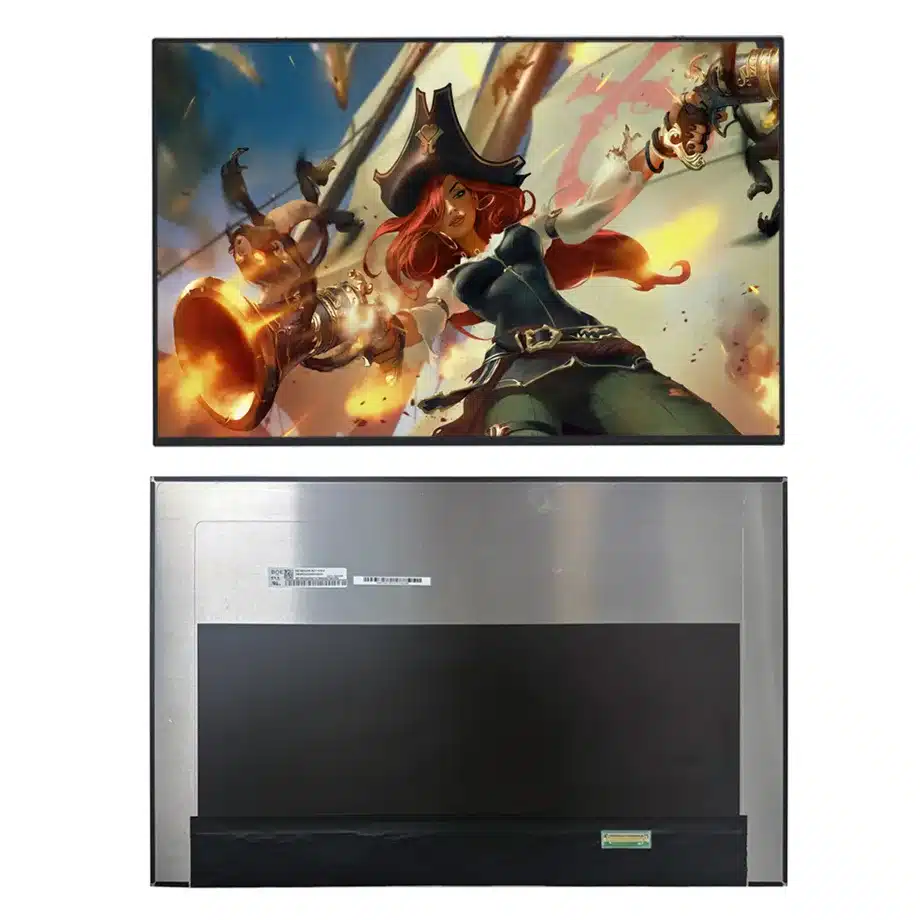
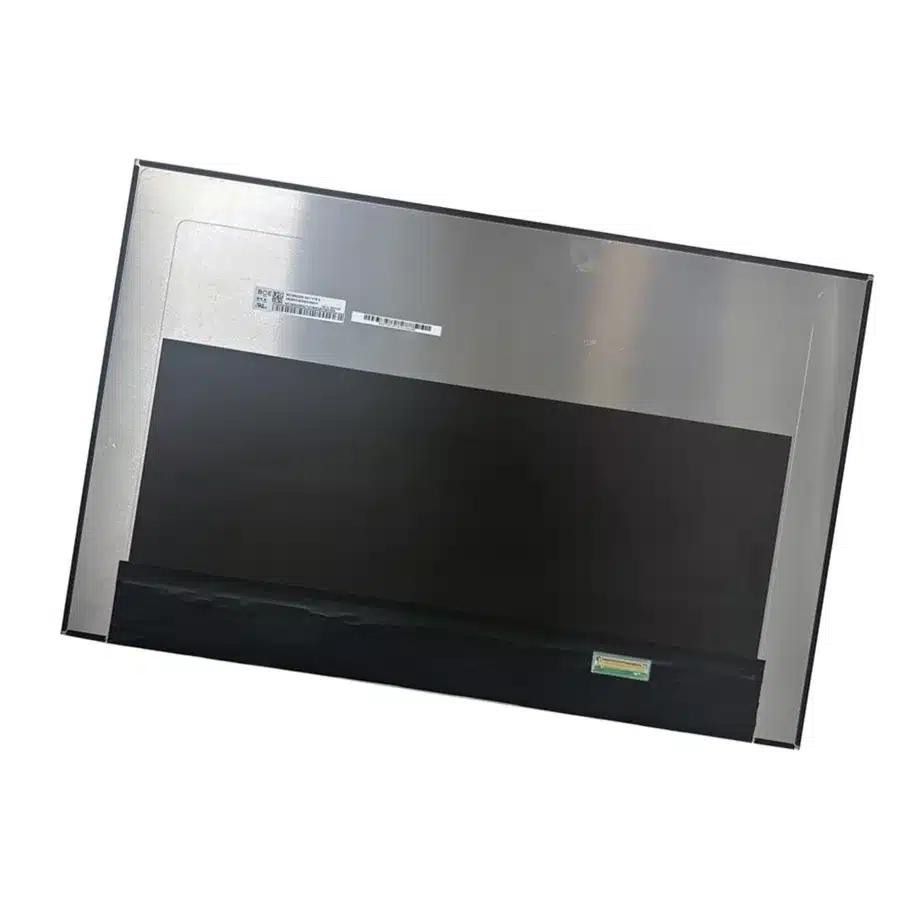
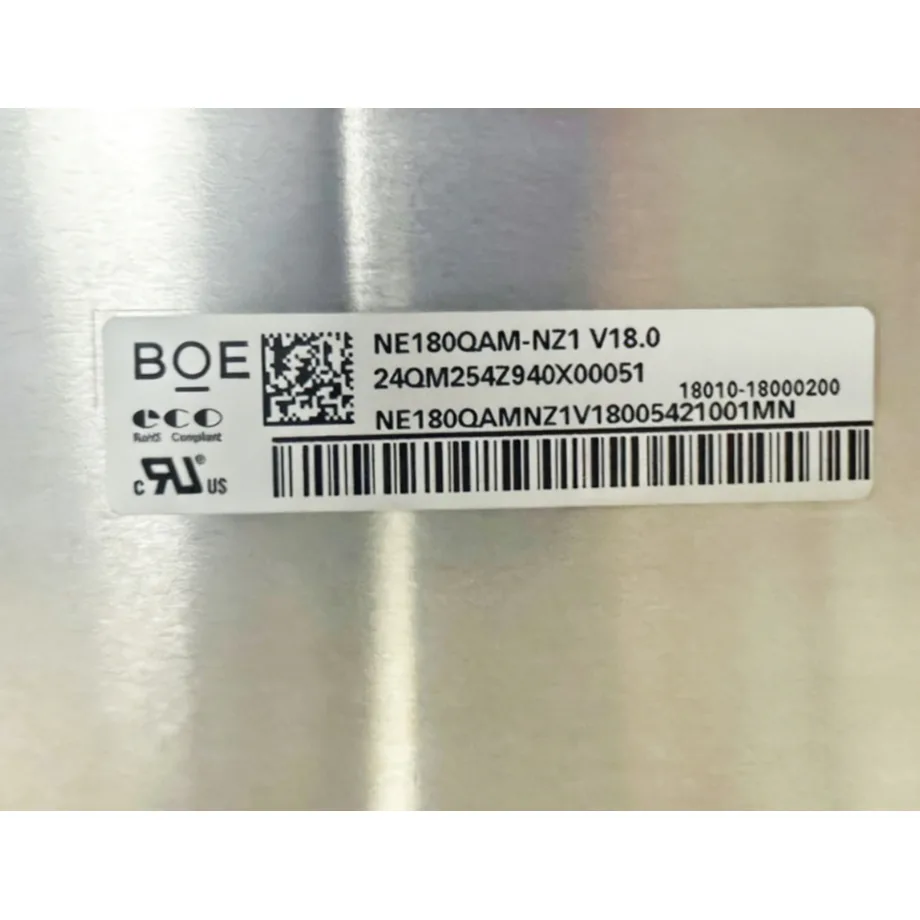
NE180QAM-NZ1 Gaming LCD Panel 240Hz WQUXGA FreeSync BOE
Model P/N
Size
Resolution
Brightness
Viewing Angle
Connector Type
Operating Temp
Overall(mm)
boe
NE180QAM-NZ1
Brand
Panel Size (inch)
Model P/N
Resolution
Brightness (nits)
Viewing Angle
Contrast Ratio
Response Time
Overall (mm)
Active Area (mm)
Refresh Rate
Display Colors
Panel Type
Connector Type
Surface Treatment
Operating Temp
Touchscreen Type
Storage Temp
Work Mode
Pixel Format
Input Voltage (V)
Vibration Resistance
Weight (g)
Designed For
Product Details
NE180QAM-NZ1 Gaming LCD Panel 240Hz WQUXGA is the controlled component identity for engineering, sourcing and replacement review of this 18-inch WQUXGA gaming notebook configuration.
NE180QAM-NZ1 is a 18-inch BOE Oxide TFT-LCD, LCM with 3840(RGB)×2400, WQUXGA, 16:10, 240 Hz refresh and eDP (4 Lanes), eDP1.4, HBR3 (8.1G/lane), 40 pins 0.5 mm connector. The current-run parameters establish the exact electrical, optical and mechanical baseline. System behavior still has to be demonstrated in the target product.
Three buyer value propositions
WQUXGA 240 Hz combination for premium notebook platforms
The exact configuration combines 3840×2400 resolution with a 240 Hz refresh target. That creates a demanding GPU, cable and power-design requirement that should be validated on the actual notebook rather than inferred from eDP generation alone.
HBR3 transport with adaptive-sync feature references
Four-lane eDP 1.4 HBR3 is paired with FreeSync/G-Sync-related wording plus PSR1, HSR and OD references. These features provide a concrete platform test matrix while remaining dependent on BIOS, GPU and driver implementation.
500-nit 100% DCI-P3 panel baseline
The component evidence includes 500 cd/m² typical luminance and 100% DCI-P3. This supports a high-performance optical target while final color accuracy, HDR behavior and finished-system certification still require notebook-level measurement.
NE180QAM-NZ1 Gaming LCD Panel 240Hz WQUXGA should be qualified as one exact configuration rather than approved from family-level assumptions.
Key Specifications at a Glance
| Brand | BOE |
|---|---|
| Model P/N | NE180QAM-NZ1 |
| Size | 18 inch |
| Resolution | 3840(RGB)×2400, WQUXGA, 16:10 |
| Active Area | 387.763×242.352 mm (H×V) |
| Overall | 394.76×253.75×5.5 mm |
| Brightness | 500 cd/m² (Typ.) |
| Viewing Angle | 89/89/89/89 (Typ.)(CR≥10) |
| Display Colors | 16.7M, 100% DCI-P3 |
| Weight | 560 g (Max.) |
| Refresh Rate | 240 Hz |
| Connector / Native Interface | eDP (4 Lanes), eDP1.4, HBR3 (8.1G/lane), 40 pins 0.5 mm connector |
| Input Voltage | 3.3 V (Typ.) |
| Operating Temperature | 0 ~ 50 °C |
| Storage Temperature | -20 ~ 60 °C |
| Vibration | 1.5G (14.7 m/s²) |
| Panel Type | Oxide TFT-LCD, LCM |
| Pixel Format | RGB Vertical Stripe |
| Surface Treatment | Antiglare, Hard coating (3H) |
| Contrast Ratio | 1200:1 (Typ.) |
| Response Time | 5 ms (Typ.)(G to G), 3 ms (Typ.)(G to G)(OD) |
| Work Mode | ADS, Normally Black, Transmissive |
| Backlight / Emission | 15,000 hours (WLED, integrated LED driver, DC dimming) |
| Designed For | Laptop and gaming notebook display integration; 240 Hz WQUXGA adaptive-sync platforms |
| Touchscreen Type | Without touch screen |
HBR3 link validation
Use the production 40-pin cable and motherboard to validate HBR3 training at the native 3840×2400/240 Hz operating point. Include repeated boot, resume and lid-cycle tests because lower-rate success does not prove maximum-mode margin.
Adaptive-sync matrix
Measure the variable-refresh range actually exposed by the intended GPU and driver. Sweep frame rate through that range and check for flicker, blanking, unstable fallback or recovery problems rather than assuming feature labels guarantee every platform combination.
Overdrive review
The response data distinguishes 5 ms G-to-G from 3 ms G-to-G with overdrive. Keep the faster value conditional on OD and evaluate overshoot, inverse ghosting and motion behavior across both high and lower refresh states.
WQUXGA GPU load
The 3840×2400 native canvas substantially increases pixel throughput compared with lower-resolution notebook panels. Validate graphics performance, thermal behavior and power policy under realistic content before freezing the system performance profile.
Color and luminance
The 500 cd/m² and 100% DCI-P3 values are panel-level facts. Measure the assembled lid for white point, gamut, luminance and uniformity if the notebook program needs controlled color output; do not infer a factory calibration tolerance without separate evidence.
Mechanical fit
Use the 394.76×253.75×5.5 mm maximum envelope, bent-PCBA geometry and connector location when releasing the lid. Check hinge clearance, cable fold, bezel pressure and rear-cover support through the full opening range.
DC-dimming behavior
The integrated WLED driver is documented with DC dimming. Test the actual brightness curve, low-level behavior and recovery from sleep with the target firmware, because user-visible dimming depends on host control as well as panel hardware.
HSR and PSR1 qualification
The same-model feature set references HSR and PSR1. Test mode transitions, static-screen behavior and resume paths on the actual BIOS and graphics stack; do not generalize these features into universal power-saving or compatibility claims.
Replacement screening
A substitute must be compared on WQUXGA timing, HBR3 link, 40-pin mapping, 240 Hz support, mechanical envelope, backlight control and optical targets. An 18-inch high-resolution panel with another transport or refresh scheme is a new qualification.
Controlled sourcing package
Retain the exact drawing, cable, BIOS/driver baseline, 240 Hz timing, adaptive-sync result, OD setting and optical acceptance record. This package allows later lots or candidate alternates to be reviewed against measured evidence instead of headline specifications.
WQUXGA HBR3 bandwidth validation
Driving 3840×2400 at 240 Hz creates a demanding panel link even with four HBR3 lanes. Validate signal integrity through the production hinge cable and connector path, including cold start, repeated resume and long gaming sessions. The cable should be tested in its real bent state through the hinge rather than flat on a bench. If a later cable revision changes shielding, conductor size or length, rerun high-refresh qualification before accepting the substitution.
PSR1 and high-refresh coexistence
The same-model feature set includes PSR1 alongside a 240 Hz gaming target. Those modes serve different operating conditions, so qualification should verify transitions between low-activity display states and high-performance rendering. Test static desktop, video playback, rapid application switching and resume from sleep. Record BIOS and graphics-driver versions used for approval. The presence of PSR1 in the panel feature list does not by itself guarantee a specific notebook battery-life improvement.
HSR and adaptive-sync behavior
HSR and FreeSync/G-Sync-related wording provide a reason to build a structured timing matrix. Determine which refresh states the host actually exposes and how the panel behaves when workload changes quickly. Watch for blank frames, brightness pumping, unstable timing or failure to return to the preferred mode. Keep the final claims tied to the tested notebook platform; the panel's feature capability should not be generalized into compatibility with every GPU or driver branch.
OD response validation
The panel lists 5 ms G-to-G and 3 ms G-to-G with OD. That distinction must remain visible in technical copy because the faster figure depends on overdrive. Evaluate overshoot and inverse ghosting at 240 Hz and at representative lower refresh points. If firmware allows several overdrive levels, record the approved setting. A service BIOS or graphics update that changes the overdrive path should trigger motion regression testing before the change is released.
WQUXGA thermal and power planning
An 18-inch 3840×2400 panel at 240 Hz can place substantial demand on the GPU and display link. Measure complete-system power and local lid temperature during realistic high-load gaming and productivity workloads. The panel's 0 to 50 °C operating boundary is a component limit, not an ambient rating for the finished notebook. Thermal policy, GPU power limits and display brightness should be validated together so sustained performance does not push the module outside its qualified local environment.
Wide-gamut notebook color control
The 100% DCI-P3 wording and 500 cd/m² luminance support a premium panel baseline, but the shipping notebook still requires a color-management plan. Define whether the product uses native gamut, an sRGB emulation mode or factory profiles, and measure the assembled lid at the brightness settings used for marketing claims. Do not infer a calibration tolerance or formal HDR certification from gamut and luminance alone. Preserve representative measurements with the release package for later firmware regression.
Premium-notebook release gate
A WQUXGA 240 Hz notebook panel should be released only after the display path, power-state behavior and lid mechanics have been tested as one system. Use the production HBR3 hinge cable and verify maximum refresh after cold boot, repeated suspend/resume and sustained GPU load. Exercise PSR1 and HSR-related modes where the platform exposes them, then confirm that adaptive-sync transitions do not leave the panel in an unstable state. Record the OD setting used for the 3 ms response condition and keep it tied to the approved BIOS/driver baseline. Mechanical review should inspect the bent-PCBA area and connector clearance with the lid fully assembled. Optical acceptance should retain the 500-nit and 100% DCI-P3 component values without turning them into unsupported calibration or HDR claims. This combined gate creates a reproducible premium-notebook display package for production and later service. Include native-resolution checks in BIOS or recovery environments where the full graphics stack may not be active. If the notebook supports multiple performance profiles, validate the display in each profile so power-policy changes do not unintentionally alter the approved refresh, brightness or resume behavior.
NE180QAM-NZ1 Gaming LCD Panel 240Hz WQUXGA belongs in the released sourcing dossier together with the exact drawing, production interface hardware and test evidence used to approve the target system.
Engineering and sourcing review
Before release, provide the target host or controller, mechanical drawing, production cable, power design and acceptance criteria. Qualification should verify native timing, interface behavior, optical performance and mechanical fit for the exact NE180QAM-NZ1 configuration.
NE180QAM-NZ1 Gaming LCD Panel 240Hz WQUXGA should remain the reference term for this approved component package so future lots and substitutes can be evaluated against the same evidence.
Recommended: Same Size
(18")
Applications & Value of LCD Panel

- Fast sourcing with in-stock panels & cross-reference alternatives
- Stable supply chain with long-term availability
- Engineering-level support from panel to integration
- Custom solutions: cable, touch & optical bonding
- Strict quality control with IQC / OQC / aging test
- Full traceability system for quality assurance
- Complete technical documentation & drawings
- Compliance support: RoHS & certification files
