Freya Yang
+86 18318948097
+852 62667476
7 Inch 120Hz Raspberry Pi Touch Display Module for Handheld Gaming

Model P/N
Size
Resolution
Brightness
Viewing Angle
Connector Type
Operating Temp
Overall(mm)
huisoar
HS7A1509V1KT
Brand
Panel Size (inch)
Model P/N
Resolution
Brightness (nits)
Viewing Angle
Contrast Ratio
Response Time
Overall (mm)
Active Area (mm)
Refresh Rate
Display Colors
Panel Type
Connector Type
Operating Temp
Touchscreen Type
Storage Temp
Work Mode
Pixel Format
Touch Interface
Weight (g)
Designed For
7 Inch 120Hz Raspberry Pi Touch Display Module for Handheld Gaming
The Full HD ADS screen is paired with a compact controller for responsive touch and high-refresh handheld interfaces.
Product Summary
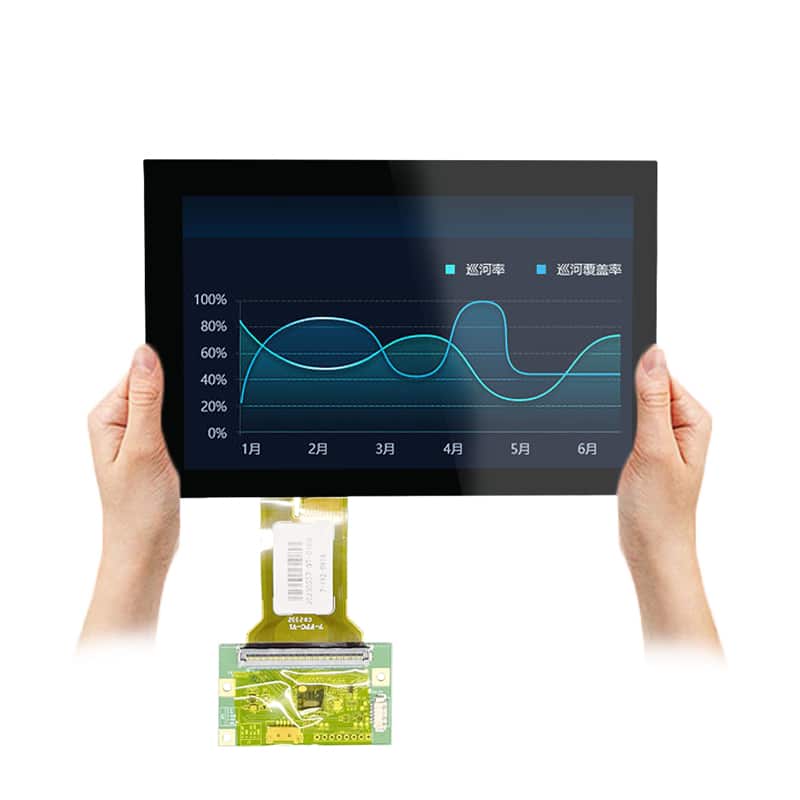
The 120Hz Raspberry Pi Touch Display Module is a compact 7-inch screen-and-controller solution for handheld gaming consoles, Raspberry Pi development, portable system displays and interactive embedded equipment. It combines native 1920 × 1080 resolution, 120 Hz refresh, 10-point capacitive touch and a 500 cd/m² ADS display in a front assembly measuring 173.5 × 95.5 mm.
The eDP connection belongs to the internal panel path, while Mini HDMI and qualified USB-C connections provide external host options through the controller. This distinction is important when selecting a Raspberry Pi, PC, console or embedded host.
A 120 Hz display rating does not guarantee that every host, cable or controller mode will output 1920 × 1080 at 120 Hz. The complete signal path must support the required timing.
Key Specifications
| Parameter | Value |
|---|---|
| Display size | 7 inches |
| Native resolution | 1920 × 1080 pixels |
| Refresh rate | 120 Hz |
| Display mode | ADS, Normally Black |
| Luminance | 500 cd/m² typical |
| Contrast ratio | 1200:1 |
| Viewing angle | 89°/89°/89°/89° listed sequence |
| Display colors | 16.7M, 8-bit |
| Color gamut | 100% sRGB |
| Active area | 154.944 × 87.156 mm |
| Front assembly | 173.5 × 95.5 mm |
| Viewing opening | 150 × 85 mm |
| Panel interface | eDP |
| Touch | 10-point capacitive |
| Controller size | 115 × 61 mm |
| Video input | Mini HDMI |
| USB-C | Touch, power and configuration-dependent video paths |
| Input-power reference | 5 V DC / 2 A |
| Operating temperature | 0°C to +50°C |
Full HD 120Hz Performance for Compact Gaming
Native 1920 × 1080 Image Detail
Full HD resolution provides a dense interface for gaming menus, emulation front ends, system monitoring, development tools and compact desktop content. The 154.944 × 87.156 mm active area produces a detailed image in a small mechanical envelope.
Native output is preferable to software scaling. Confirm that the selected Raspberry Pi operating system, GPU configuration and application can render the intended interface at the required size and orientation.
Host Requirements for 120 Hz Output
The display supports a 120 Hz operating target, but the host must also support the required pixel clock, timing, output mode and cable bandwidth. A system that only produces 1920 × 1080 at 60 Hz will not gain 120 Hz operation from the display alone.
For Raspberry Pi projects, verify the selected HDMI mode, operating-system configuration and controller-board EDID behavior. For consoles and PCs, verify that the chosen connector and output settings expose the required 1080p120 mode.
ADS Color and Viewing Performance
The detailed panel configuration identifies ADS normally-black operation, 16.7M colors, 8-bit output, 100% sRGB and a listed 89°/89°/89°/89° viewing sequence. These characteristics support colorful gaming graphics and shared viewing from different positions.
The 500 cd/m² typical luminance is intended for indoor and controlled-light equipment. It does not establish sunlight readability, IP65 protection or outdoor-HMI suitability.
Integrating the 120Hz Raspberry Pi Touch Display Module
eDP Panel and External Controller Architecture
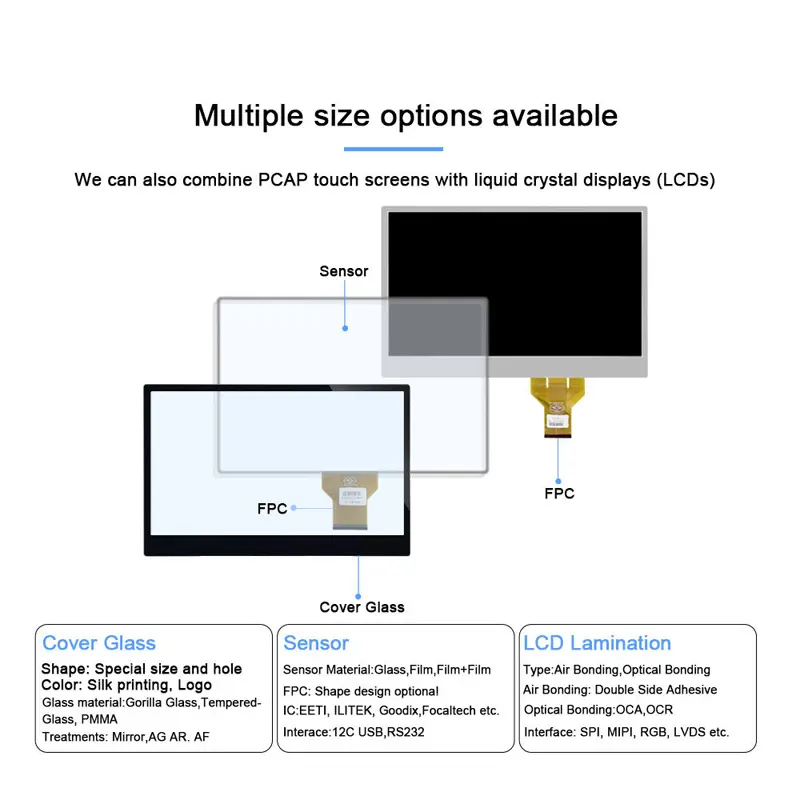
The LCD panel uses eDP internally. A Raspberry Pi, console or conventional PC does not normally connect directly to the panel’s eDP interface without a matched controller, cable and firmware.
The external controller converts a supported host-video input into the signal required by the panel. The controller revision, panel identity and firmware should therefore be treated as one qualified assembly.
Mini HDMI Video Path
Mini HDMI is the clearest confirmed host-video input. It is the primary route for Raspberry Pi boards, PCs and game consoles that provide HDMI output.
Touch does not travel through HDMI. A separate USB connection is normally required for touch enumeration unless the ordered USB-C configuration explicitly combines video, touch and power.
USB-C Video, Touch and Power Roles
The controller graphics identify one Type-C connection for touch at 5 V / 2 A and a separate Type-C connection described as power only. Other configuration graphics show a full-featured USB-C single-cable route.
These descriptions indicate a board-revision or connection-mode dependency. Before specifying one-cable operation, confirm that the ordered controller supports USB-C video input and that the host provides a compatible video Alt Mode. A power-only USB-C port cannot carry display video.
Touch, Mechanical and Power Planning
10-Point Capacitive Touch
The touch assembly supports 10-point capacitive input. Actual gesture support, calibration and driver behavior depend on the operating system and host connection.
A Raspberry Pi or PC may support touch through the controller’s USB path, while a game console may accept video without accepting touch input. Confirm the intended host and operating system during sample testing.
Front Assembly and Controller Clearance
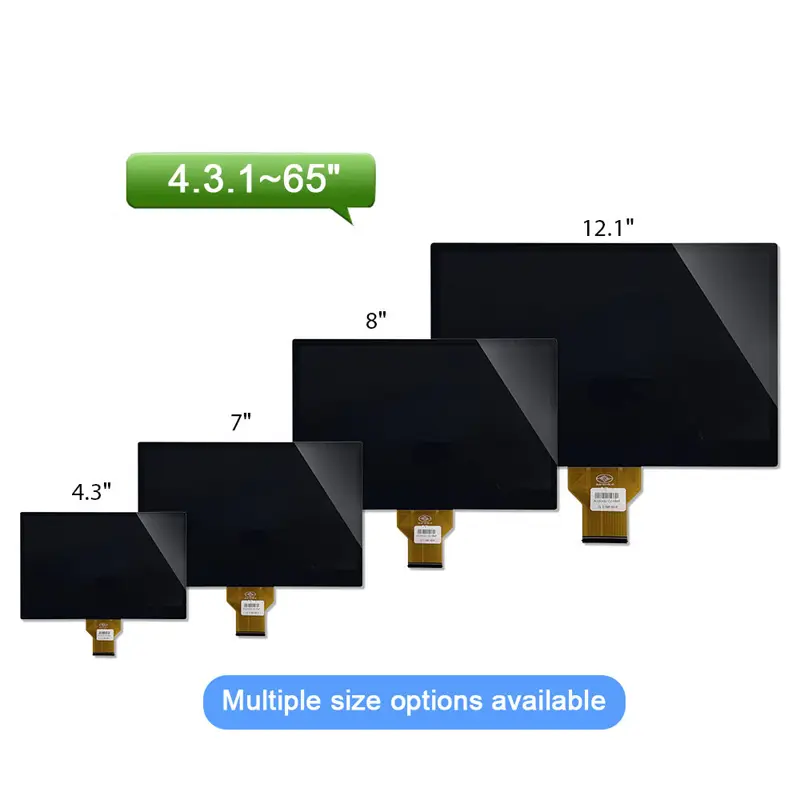
The front touch assembly measures 173.5 × 95.5 mm, with a 150 × 85 mm opening reference. The pixel active area is 154.944 × 87.156 mm.
The controller board measures 115 × 61 mm. Reserve additional room for the Mini HDMI plug, USB-C connectors, audio connections, menu controls, cable bend radius and thermal airflow. Enclosure release should use an approved combined drawing because the panel-outline table and front-assembly graphic do not fully agree.
5 V / 2 A Power Input
The controller ports are labeled with a 5 V / 2 A reference. Use a stable supply and confirm whether the selected connection powers only the controller or also supports video and touch.
Do not treat the 5 V / 2 A label as measured product consumption. Final power budgeting should include the controller, panel, backlight, touch system and any connected audio hardware.
Applications and Selection Boundaries
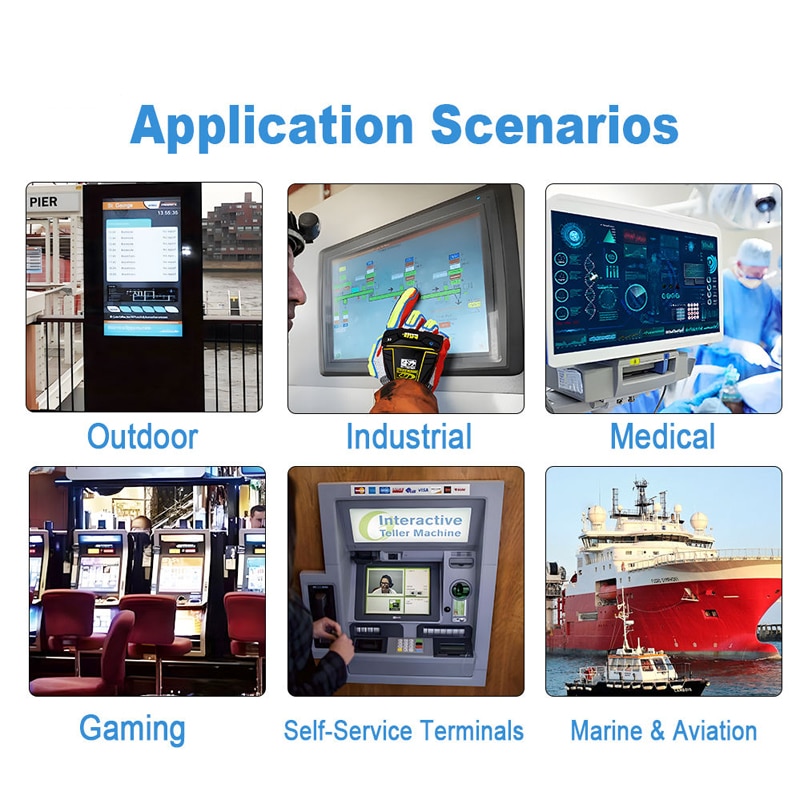
This 120Hz Raspberry Pi Touch Display Module is suited to Raspberry Pi 5 handheld consoles, portable emulation systems, compact gaming-controller projects, small PC status screens, embedded development terminals and interactive equipment prototypes.
Select the Mini HDMI route when the host provides HDMI and touch can use a separate USB connection. Select a qualified full-featured USB-C route only when both the host and the ordered controller support compatible video, touch and power functions.
The confirmed configuration is not an IP65 outdoor monitor, sunlight-readable HMI, military display or wide-temperature industrial panel.
Configuration and Customization
Project review may cover controller firmware, EDID and refresh-mode support, eDP panel matching, USB-C connection roles, touch-controller integration, cover lens, FPC routing, enclosure design, mounting, speaker integration, branding and packaging.
Custom configurations are generally reviewed from 500 pieces, subject to tooling requirements, material availability and the requested specification. Sample and standard-kit quantities are confirmed separately.
Procurement Checklist
Confirm the following before sample or production approval:
- Approved HS7A1509V1KT documentation
- Native 1920 × 1080 timing at 120 Hz
- Exact ADS/eDP panel identity
- eDP lane, link-rate and pin data between panel and controller
- Controller-board revision and firmware
- Mini HDMI output capability of the host
- USB-C video Alt Mode support where required
- USB-C touch and power roles
- Stable 5 V DC / 2 A supply
- 10-point touch controller and operating-system support
- 154.944 × 87.156 mm active area
- 173.5 × 95.5 mm front outline
- 150 × 85 mm opening
- Approved LCD and touch mechanical drawing
- 115 × 61 mm controller-board clearance
- Earphone, speaker and audio-accessory scope
- 500 cd/m² lighting suitability
- 0°C to +50°C operating range
- Included cable and power-adapter scope
- Sample criteria, quantity and annual demand
FAQ
About 7 Inch 120Hz Raspberry Pi Touch Display Module
What must be checked before connecting this display to a Raspberry Pi 5?
When can one USB-C cable carry video, touch and power?
Does every Raspberry Pi or console support 1920 × 1080 at 120 Hz?
Which dimensions should control the enclosure design?
How does the eDP panel connection differ from the Mini HDMI and USB-C inputs?
Freya Yang
+86 18318948097