
Passenger Information Displays
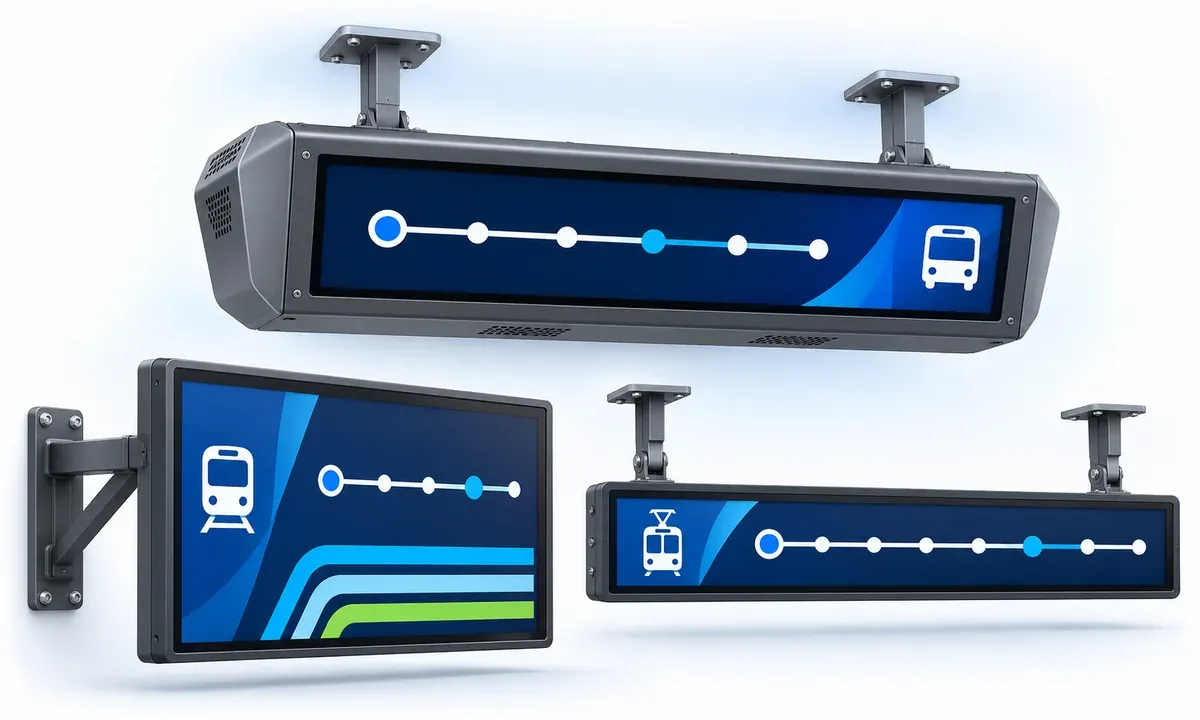
Viewing and content geometry
Match the display geometry to passenger viewing positions.
Information-system interface
Separate the panel interface from information-system data.
Environment and qualification
Define the installation and qualification requirements.
Maintenance and continuity
Plan service access, spare units and configuration control.
Category Overview
Passenger Information Displays Product Selection
Filter by Specifications

43 Inch High Luminance Stretched Signage LCD Module for Transit
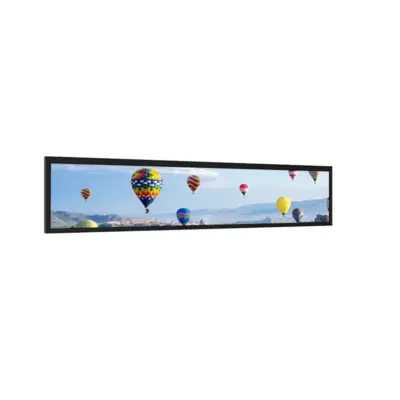
48.5 Inch Bright Stretched LCD Panel for Passenger Information

43 Inch Ultra-Bright LCD Panel for Transit Hubs
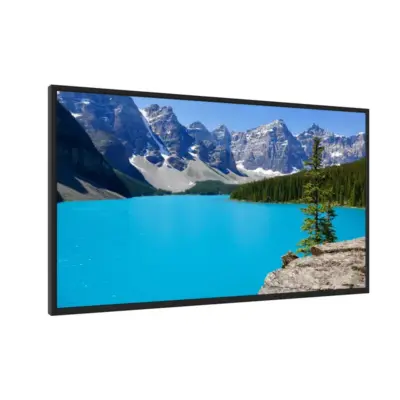
75 Inch UHD Sunlight Readable Signage LCD Panel for Transit Hubs

55 Inch Public Transit Signage Display for Bright Stations

32–65 Inch Bus Stop Digital Signage for Transit Information
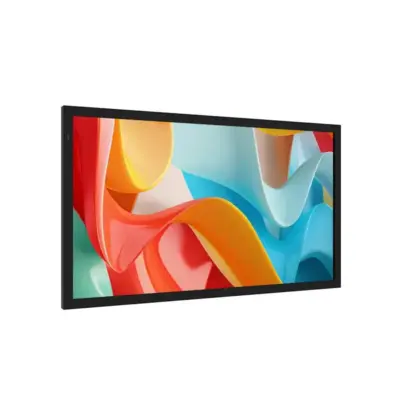
75 Inch Waterproof Digital Signage Monitor for Transit Hubs
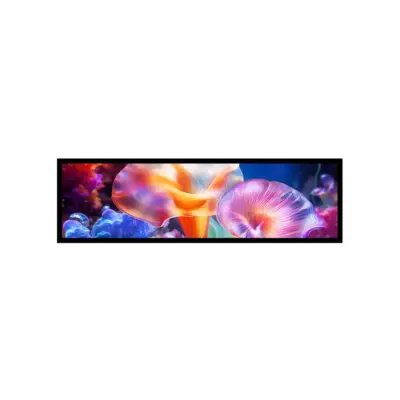
49.5 Inch Passenger Information Stretched Display Panel for Transit
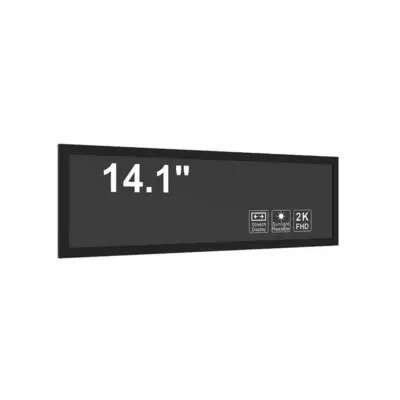
14.1 Inch eDP Transit Header Screen 500-5000 Nits for Slim Passenger Info
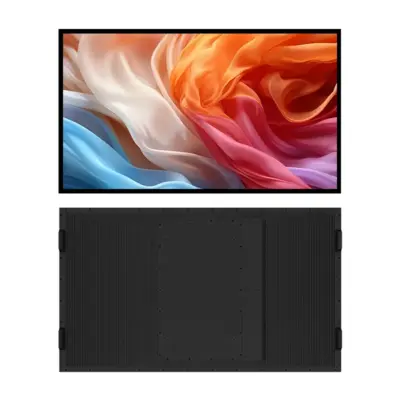
75 Inch Waterproof Digital Signage Monitor for 4K Outdoor Networks IP66
Technical Selection Guide
Viewing and content geometry
Define viewing distance, active area, orientation, text size and route-map layout. Validate representative passenger information in the intended installation.
Information-system interface
Specify video input, content controller, data connection and update behavior separately. Confirm responsibility for software, protocol integration and system supervision.
Environment and qualification
Distinguish in-vehicle, platform and indoor station conditions. Provide the project standards, mounting and power requirements and request configuration-specific evidence.
Maintenance and continuity
Review service access, connector retention, replacement procedure and revision control. Plan spares and supply requirements against the project operating schedule.
Typical Applications
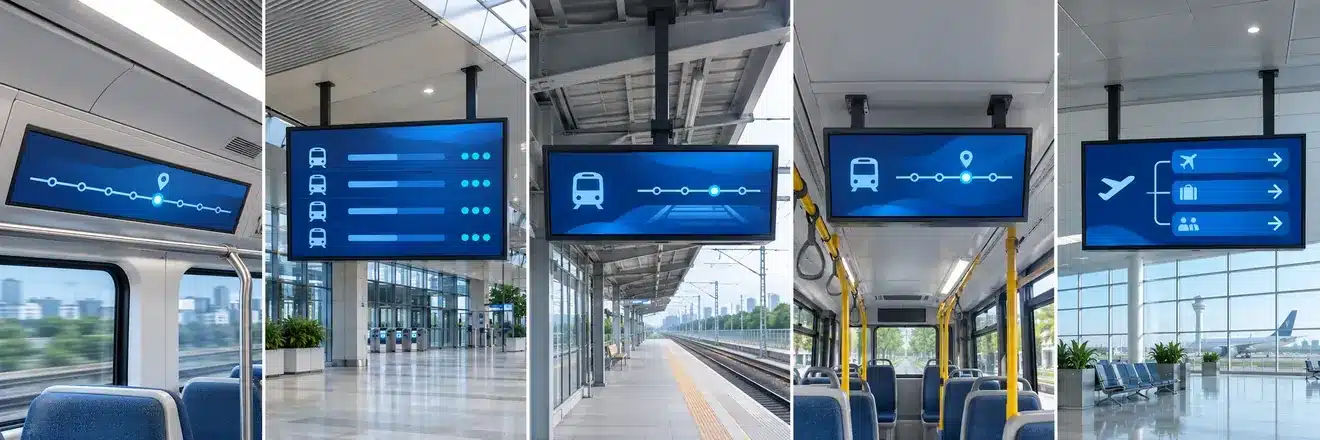
Vehicle route maps
Linear route and stop-information display layouts.
Station information
Passenger-facing information within transport facilities.
Platform displays
Display projects with defined site and viewing conditions.
Bus and coach systems
In-vehicle information interfaces evaluated for the installation.
Transport hubs
Coordinated public information and wayfinding hardware.
Passenger Information Displays FAQ
Is a passenger information display a complete information system?
How should viewing distance affect display selection?
Can one display serve both vehicles and stations?
Does the category imply railway or vehicle certification?
Which data or video interfaces should be specified?
Can brightness be adjusted for changing light conditions?
What should be reviewed for in-vehicle mounting?
How should replacement and spare units be planned?
What information should I include in an RFQ?
How are samples, MOQ and tooling charges confirmed?
Which technical and compliance documents should be reviewed?
How should overseas buyers plan delivery and continuing supply?
Related Categories
Discuss Your Custom Display Requirements
Share your target application, mechanical drawing, interface, operating conditions and volume plan. Our engineering team can review suitable configurations and sample requirements.