Freya Yang
+86 18318948097
+852 62667476
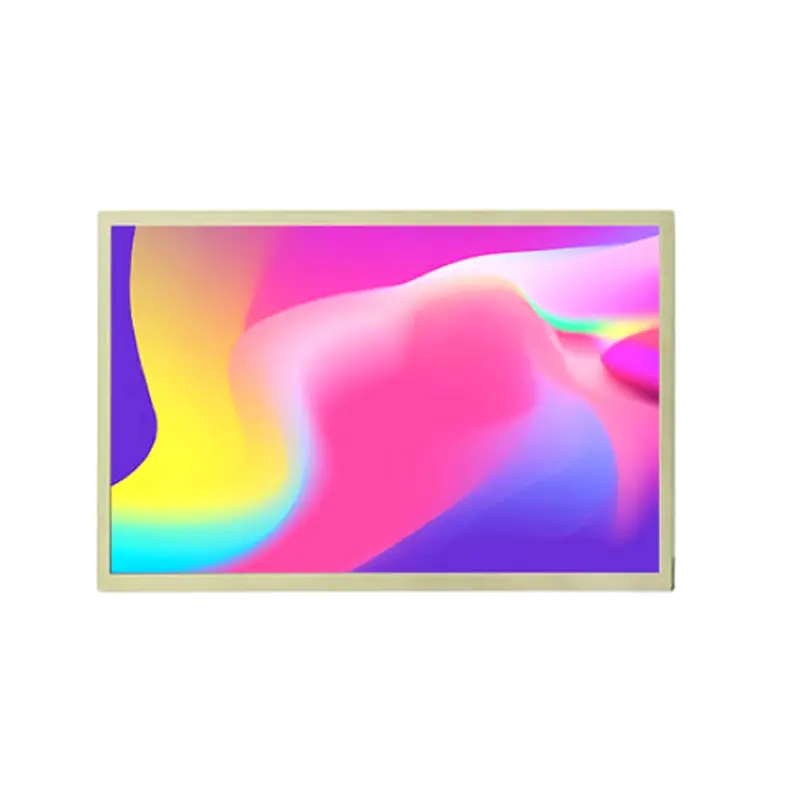
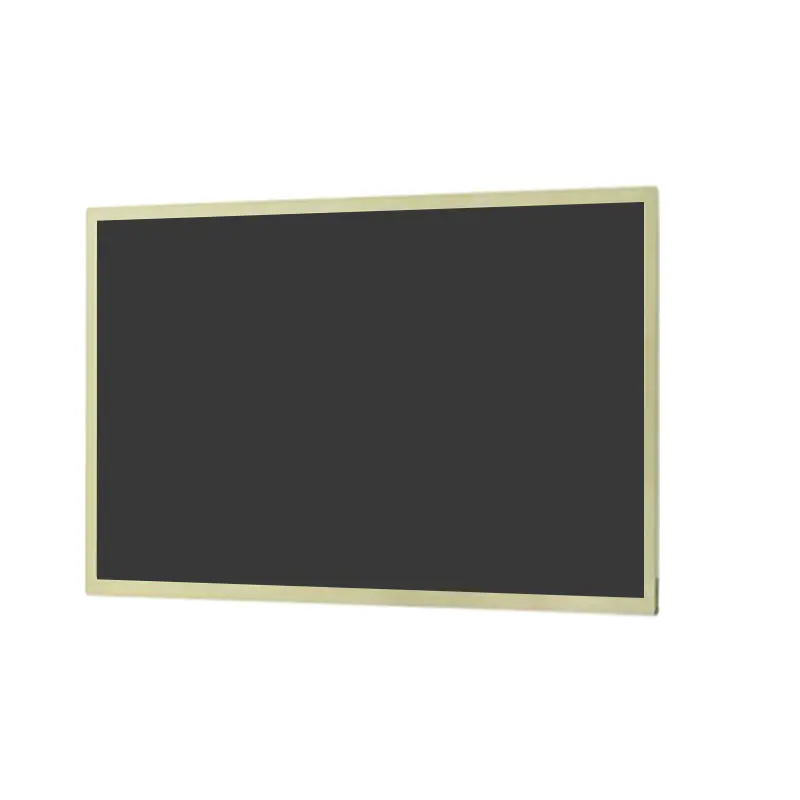
10.1 Inch Industrial WXGA LCD Panel for Control Systems
Model P/N
Size
Resolution
Brightness
Viewing Angle
Connector Type
Operating Temp
Overall(mm)
huisoar
HS101WHB-NE05
Brand
Panel Size (inch)
Model P/N
Resolution
Brightness (nits)
Viewing Angle
Contrast Ratio
Response Time
Overall (mm)
Active Area (mm)
Refresh Rate
Display Colors
Panel Type
Connector Type
Operating Temp
Touchscreen Type
Storage Temp
Work Mode
Pixel Format
Input Voltage (V)
Control Type
Operating Environment
Motherboard Type
Designed For
10.1 Inch Industrial WXGA LCD Panel for Control Systems
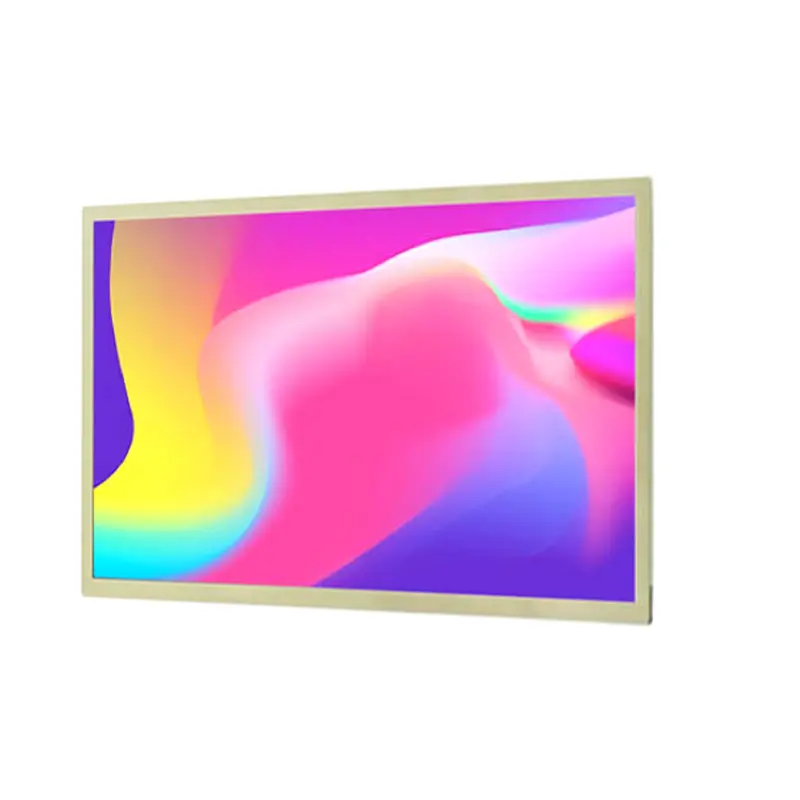
This non-touch 10.1-inch IPS panel combines a native 1280 × 800 workspace, 500-nit luminance and 40-pin LVDS integration for embedded control equipment.
Product Summary
The Industrial WXGA LCD Panel provides a compact 16:10 display format for control terminals, automation equipment and embedded visual systems. Its native 1280 × 800 raster offers enough space for status indicators, menus, alarm lists, process graphics and equipment data without requiring a larger enclosure.
The panel uses an IPS full-view structure with 85/85/85/85° typical viewing angles, 500-nit typical luminance and a 1300:1 typical contrast ratio. A standard non-touch construction supports equipment where operator input is handled through physical controls, an external touch layer or another interface.
Key Specifications
| Parameter | Value |
|---|---|
| Size | 10.1 inch |
| Resolution | 1280 × 800 pixels |
| Aspect ratio | 16:10 |
| Panel type | a-Si IPS TFT LCD |
| Luminance | 500 nits typical |
| Contrast ratio | 1300:1 typical |
| Viewing angles | 85/85/85/85° typical, L/R/U/D |
| Colors | 262K/16.7M |
| Interface | 40-pin LVDS |
| Backlight | WLED |
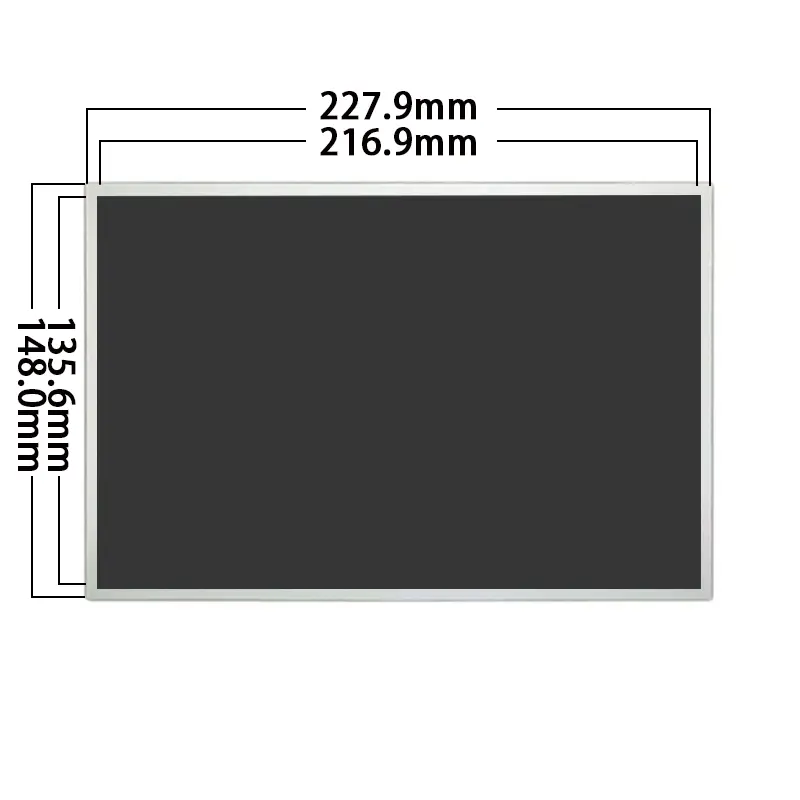
| Active area | 216.96 × 135.6 mm |
| Overall | 227.91 × 148 × 8.4 mm maximum |
| Touch | Non-touch |
| Operating temperature | 0°C to +50°C |
| Storage temperature | −20°C to +60°C |
WXGA Interface Layout for Control Equipment
Native 1280 × 800 UI Preparation
The 1280 × 800 raster should be driven natively to preserve industrial UI detail.
Native WXGA output keeps text, icons, trend lines and equipment diagrams aligned with the physical pixel grid. Scaling from a different resolution can soften fine text or introduce inconsistent spacing in status tables and control graphics.
16:10 Workspace for Industrial Data
The 16:10 format provides more vertical working area than a comparable 16:9 display. This can be useful for:
- alarm and event lists
- parameter menus
- process diagrams
- multi-row status tables
- control dashboards
- equipment service screens
Interface layouts should account for the final bezel opening and any reserved safety margins around the active image area.
Optical Performance in Controlled Bright Environments
500-Nit Luminance
The panel is rated at 500 nits typical. This level can support industrial rooms, equipment bays, bright indoor work areas and semi-exposed installations where ambient lighting is higher than in a conventional office.
A 500-nit panel does not by itself establish outdoor or sunlight-readable performance after cover glass and installation conditions are applied.
Front glass, air gaps, bonding materials, surface reflections and installation angle can reduce finished-system contrast. The optical stack should be evaluated in the actual lighting environment.
IPS Full-Angle Viewing
The 85/85/85/85° typical viewing-angle specification is given in left, right, up and down order. This supports readable status information when operators approach the equipment from different positions.
IPS viewing helps preserve image consistency, but it does not replace a finished-system review. Cover-glass reflection, mounting angle and ambient light still affect perceived readability.
40-Pin LVDS Integration
Timing, Voltage and Pinout Qualification
The display uses a 40-pin LVDS interface. Before selecting a controller board or releasing a custom cable, confirm:
- native 1280 × 800 timing
- LVDS mapping
- signal voltage
- channel configuration
- bit depth
- complete pin assignment
- connector pitch
- contact side
- connector position
- panel power
- backlight-control requirements
A 40-pin connector does not guarantee LVDS timing, voltage, bit-depth or pin compatibility with another 40-pin panel.
The complete interface specification must be matched to the controller and cable before sample power-up.
HDMI, MIPI and eDP Hosts Need Conversion
HDMI, DisplayPort, MIPI DSI, eDP, USB and parallel RGB sources cannot drive the panel directly unless a controller or bridge produces the required LVDS output.
The controller solution should be evaluated as a complete path covering:
- input format
- native WXGA output
- LVDS timing
- panel power
- WLED backlight control
- cable routing
- electromagnetic and thermal conditions
No controller-board compatibility should be assumed from resolution or connector count alone.
Industrial WXGA LCD Panel Mechanical Planning
Active Area and Visible Opening
The active display area is 216.96 × 135.6 mm. This value should guide the visible window, content-safe area and front-glass printing.
The enclosure opening should allow for:
- bezel overlap
- assembly tolerance
- display alignment
- viewing angle
- front-glass border
- cable exit
- mounting structure
Critical labels and controls should remain within the approved visible area.
Outline and 8.4 mm Depth
The overall module reference is 227.91 × 148 mm with a maximum thickness of 8.4 mm. These dimensions affect enclosure depth, rear clearance, frame design and mounting-point selection.
An approved drawing should be used before releasing:
- enclosure tooling
- sheet metal
- mounting brackets
- front glass
- cable length
- connector routing
The 8.4 mm module depth does not include any separately developed touch, cover-glass or controller-board assembly unless explicitly defined.
Non-Touch System Architecture
The standard configuration is non-touch. It is suitable where interaction is provided through:
- physical buttons
- rotary controls
- keypad input
- remote operation
- external touch overlays
- supervisory software
A non-touch panel can simplify the front stack and avoid the optical loss, touch-controller routing and software integration associated with an integrated touch assembly.
Optional touch development requires separate definition of the sensor technology, cover lens, controller, interface, FPC routing and environmental requirements.
Recommended Application Boundaries
The panel may be evaluated for:
- industrial control panels
- factory automation terminals
- equipment dashboards
- building-control interfaces
- compact information kiosks
- machine-status displays
- portable test and service equipment
- smart equipment interfaces
- indoor monitoring terminals
No automotive, medical, waterproof, outdoor, or sunlight-readable qualification is implied. Projects with those requirements need separate product, certification and environmental review.
Custom Integration Options
Project review may include:
- LVDS controller-board matching
- custom LVDS cable
- connector orientation
- FPC and pin-definition review
- cover-glass sizing
- anti-glare or anti-reflection treatment
- optical bonding evaluation
- enclosure adaptation
- mounting support
- brightness configuration review
- optional touch development
- packaging and labeling
Custom configurations are generally reviewed from 500 pieces, subject to tooling requirements, material availability and the requested specification. Sample and standard-module quantities are confirmed separately.
Procurement Checklist
Before requesting samples or production review, submit or confirm:
- native 1280 × 800 timing
- LVDS mapping
- signal voltage and bit depth
- full 40-pin assignment
- controller-board model
- connector pitch and contact side
- installation orientation
- approved active-area and outline drawing
- front-glass construction
- 500-nit optical target
- required operating temperature
- touch or non-touch requirement
- sample quantity
- annual demand
- qualification documentation
Sample approval should be completed before cable production, controller release, enclosure tooling or volume procurement.
FAQ
About 10.1 Inch Industrial WXGA LCD Panel
What must be checked before replacing another 40-pin LVDS panel?
How should UI assets be prepared for the 1280 × 800 panel?
Is 500-nit luminance sufficient behind cover glass?
Which dimensions should control enclosure release?
When should the non-touch configuration be selected?
Freya Yang
+86 18318948097