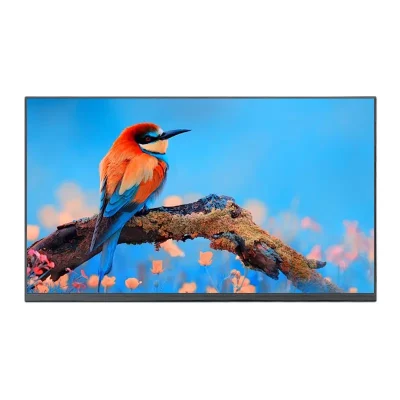
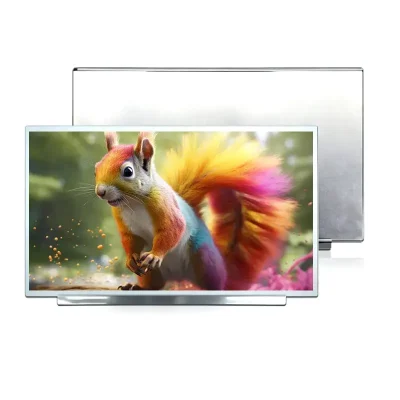
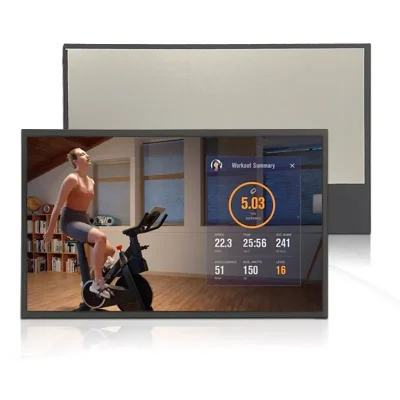
Freya Yang
+86 18318948097
+852 62667476
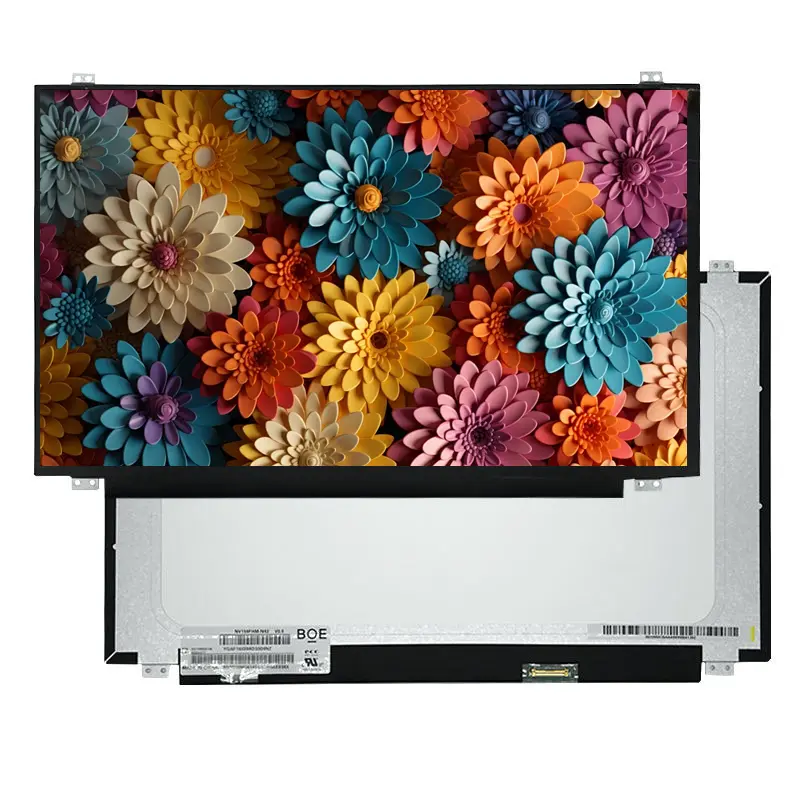
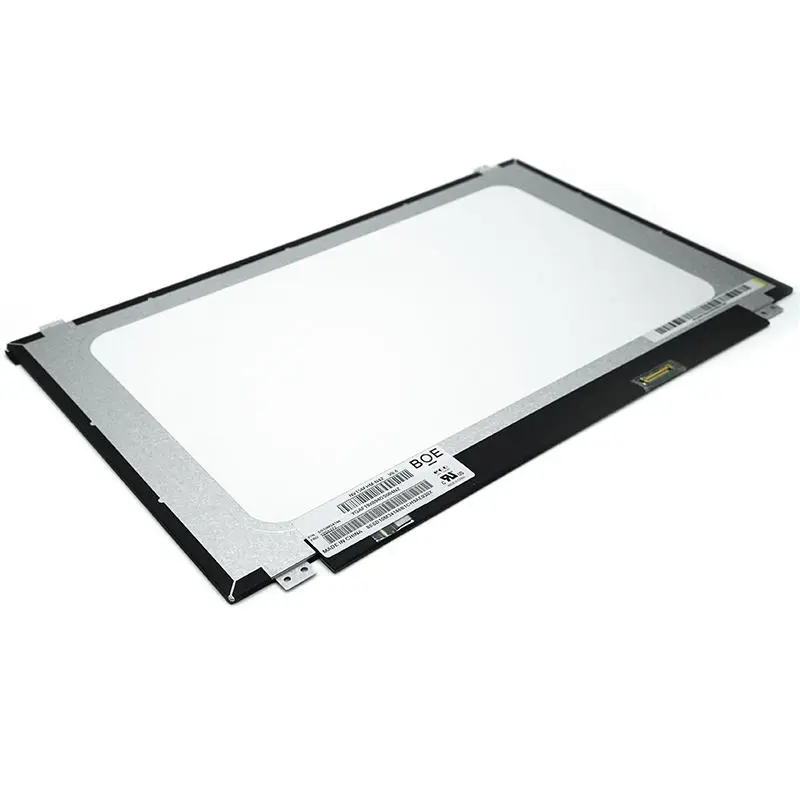
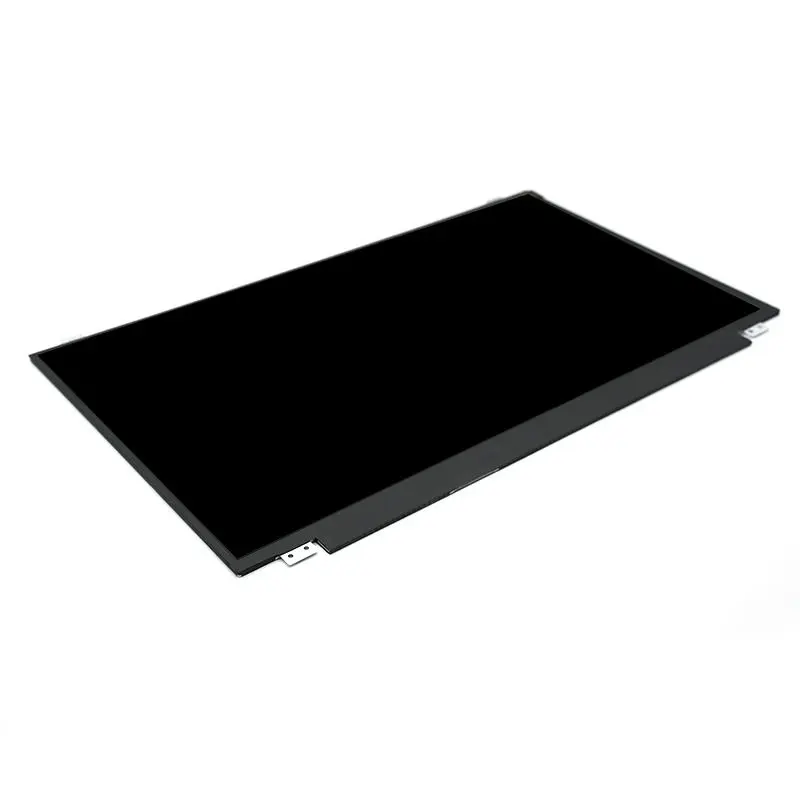
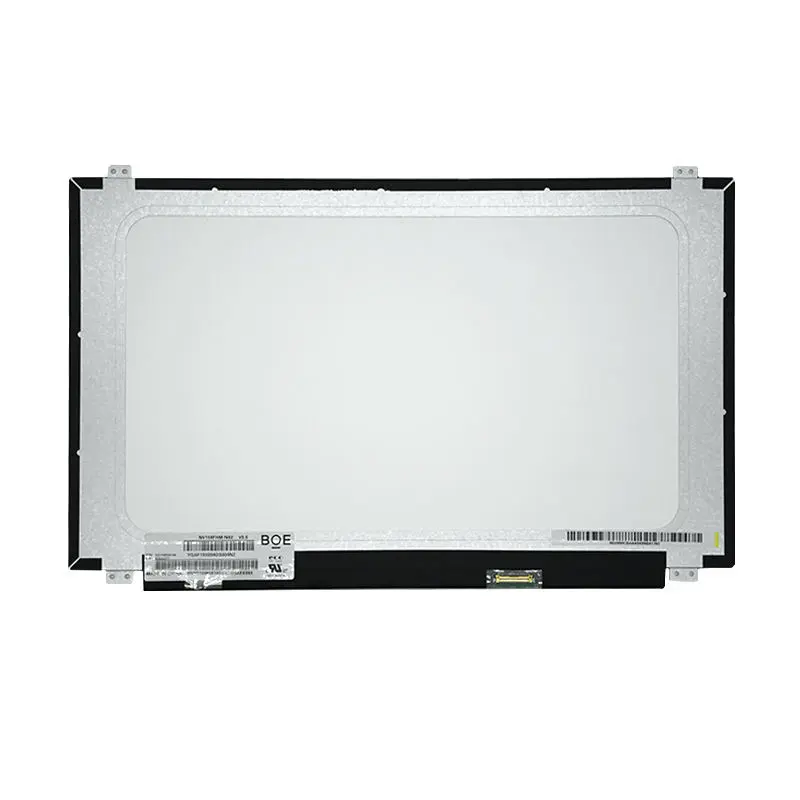
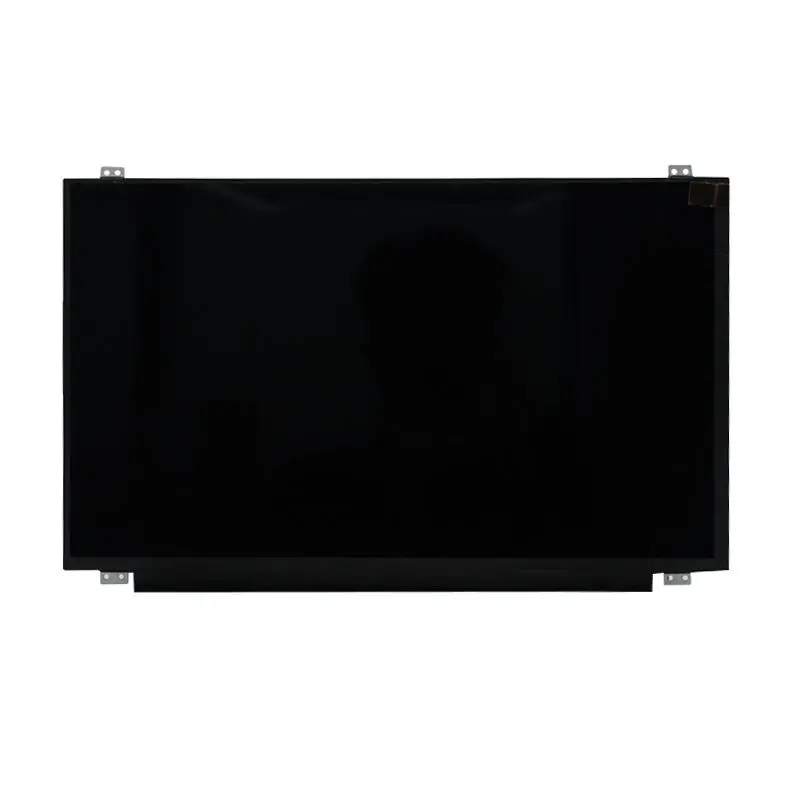
15.6 Inch Notebook Display Panel for Portable Systems
Model P/N
Size
Resolution
Brightness
Viewing Angle
Connector Type
Operating Temp
Overall(mm)
huisoar
HS156CS66FH001
Brand
Panel Size (inch)
Model P/N
Resolution
Brightness (nits)
Viewing Angle
Contrast Ratio
Response Time
Overall (mm)
Active Area (mm)
Refresh Rate
Display Colors
Panel Type
Connector Type
Surface Treatment
Operating Temp
Touchscreen Type
Storage Temp
Work Mode
Pixel Format
Input Voltage (V)
Control Type
Operating Environment
Designed For
15.6 Inch Notebook Display Panel for Portable Systems
This slim Full HD TFT panel combines an anti-glare 3H surface, eDP integration and a notebook-class active area for portable equipment design.
Product Overview
The Notebook Display Panel is a 15.6-inch Full HD TFT component intended for notebook-class portable systems, compact computing equipment and custom embedded products. Its 1920 × 1080 native resolution provides a familiar 16:9 workspace for application interfaces, documents, diagnostic software and multimedia content.
A 344.16 × 193.59 mm active area gives enclosure designers a defined visual window, while the 3.2 mm maximum profile supports products where total system depth must remain controlled. The anti-glare 3H surface is useful for equipment that may be operated under indoor lighting, near windows or in work areas where direct reflections can reduce screen clarity.
Compatibility must be evaluated against the original panel model, eDP host output, connector arrangement, cable route and mechanical structure. Matching diagonal size and resolution alone is not sufficient.
Key Specifications at a Glance
| Specification | Confirmed value |
|---|---|
| Display size | 15.6 inch |
| Native resolution | 1920 × 1080 pixels |
| Panel technology | TFT LCD |
| Display mode | Normally black |
| Active area | 344.16 × 193.59 mm |
| Pixel pitch | 0.17925 × 0.17925 mm |
| Pixel arrangement | RGB vertical stripe |
| Display colors | 16.7 million |
| Color gamut | 45% NTSC typical, 42% minimum |
| Surface | Anti-glare, 3H |
| Interface | eDP |
| Maximum thickness | 3.2 mm |
Full HD Layout for Notebook-Class Interfaces
1920 × 1080 Workspace
The 1920 × 1080 pixel format supports a broad range of notebook-style interface layouts. It provides enough workspace for split application windows, control software, service documentation, graphical dashboards and video content without requiring an unusually large enclosure.
For embedded computing projects, the Full HD raster should be matched to the host graphics output at its native timing. Scaling from a different resolution can affect text clarity and graphical sharpness, so native 1920 × 1080 operation is preferable when the system platform supports it.
344.16 × 193.59 mm Active Area
The active area is the illuminated image region, not the complete panel outline. It should be used when defining:
- front-window size;
- black-mask coverage;
- visible opening;
- bezel overlap;
- optical alignment;
- touch-sensor opening;
- graphical safe area.
The housing must also accommodate the wider mechanical outline, rear PCBA structure, connector position and cable bend zone.
Optical Characteristics for Portable Equipment
Anti-Glare 3H Surface
The anti-glare treatment is intended to reduce distinct reflections from ambient light. This can improve practical readability in offices, classrooms, service environments and portable workstations where overhead lamps or nearby windows may otherwise create visible glare.
The 3H designation refers to the confirmed surface-hardness specification. It should not be presented as impact resistance, vandal resistance or a replacement for protective cover glass.
A separate cover lens may change reflection, haze, brightness and perceived contrast. Any additional glass or touch stack should therefore be evaluated with a physical sample.
Evaluating 45% NTSC Color Coverage
The confirmed color-gamut specification is 45% NTSC typical and 42% minimum. This is appropriate for standard notebook interfaces, documents, control software, general multimedia and many equipment displays.
It should not be positioned as a wide-gamut panel for professional color grading, print-proofing or color-critical imaging. Buyers who require broader gamut coverage should define the target color space and request a different verified panel specification.
The 45% NTSC specification is suitable for general-purpose interfaces but does not establish professional color-reference performance.
Integrating the Notebook Display Panel
eDP Host Compatibility
The panel is intended for an eDP display path. Before integration, the host system should confirm:
- supported eDP revision;
- native 1920 × 1080 timing;
- lane count;
- link rate;
- color-depth configuration;
- panel power requirements;
- backlight control;
- enable sequencing;
- cable impedance;
- connector position;
- complete pin assignment.
An eDP interface label alone does not prove that two panels are interchangeable. Notebook panels can differ in lane configuration, connector orientation, cable routing, power sequence and mechanical construction.
Connector and Cable Qualification
The task data identifies a 30-pin eDP configuration. Procurement and engineering teams should still verify:
- connector part number;
- connector pitch;
- top-contact or bottom-contact orientation;
- connector location;
- cable exit direction;
- pin-one position;
- pin assignment;
- panel-power pins;
- auxiliary-channel pins;
- backlight-enable and dimming signals;
- mounting clearance;
- cable bend radius.
A 30-pin eDP connector does not guarantee compatibility with another 30-pin notebook panel.
The safest replacement process begins with the original panel model and approved mechanical and electrical drawings, not the connector count alone.
With-PCBA and Without-PCBA Mechanical Options
The panel information provides two different mechanical envelopes:
| Configuration | Maximum outline |
|---|---|
| Without PCBA | 350.66 ± 0.3 × 205.25 ± 0.3 × 3.2 mm |
| With PCBA | 350.66 ± 0.3 × 214.75 ± 0.5 × 3.2 mm |
The extra vertical dimension in the with-PCBA configuration affects:
- rear clearance;
- cable routing;
- bracket design;
- hinge structure;
- enclosure depth;
- ventilation path;
- fastening locations;
- service access.
The with-PCBA and without-PCBA outlines must not be treated as interchangeable enclosure dimensions.
Mechanical drawings should identify the exact measurement datum, PCB protrusion, connector position, mounting points and tolerance stack before tooling is released.
Application Fit
This Notebook Display Panel can be evaluated for:
- notebook-style portable computers;
- mobile workstations;
- portable service terminals;
- compact industrial computers;
- education devices;
- diagnostic consoles;
- portable test equipment;
- embedded computing systems;
- custom monitor assemblies;
- transportable control stations.
Its standard-gamut, anti-glare and Full HD profile makes it better suited to general-purpose visual interfaces than to sunlight-readable outdoor terminals or professional color-reference systems.
Products operating in harsh temperatures, vibration, high humidity or regulated environments require additional qualification because those grades are not confirmed for this assigned panel.
Customization Boundaries
Project review may include:
- brightness-version selection;
- eDP cable matching;
- connector-position review;
- PCBA configuration;
- cover lens;
- anti-glare or alternative optical treatment;
- capacitive-touch development;
- mounting support;
- controller-board matching;
- enclosure adaptation;
- packaging and labeling.
Touch is not confirmed as standard for the assigned module. Adding touch requires separate confirmation of:
- sensor technology;
- cover-lens dimensions;
- touch controller;
- touch interface;
- bonding method;
- combined thickness;
- optical loss;
- bezel design;
- firmware requirements.
Custom configurations are generally reviewed from 500 pieces, subject to tooling requirements, material availability and the requested specification. Samples and standard-module quantities are confirmed separately.
Procurement Checklist
Before approving the panel, confirm:
- Original panel model
- Assigned replacement model
- Native 1920 × 1080 timing
- eDP revision
- Lane count and link rate
- 30-pin assignment
- Connector part and pitch
- Connector position
- Contact orientation
- Cable length and bend direction
- Panel-power requirements
- Backlight enable and dimming
- Active area of 344.16 × 193.59 mm
- With-PCBA or without-PCBA configuration
- Exact outline drawing
- 3.2 mm maximum thickness
- Mounting and bracket structure
- Anti-glare 3H requirement
- 45% NTSC color suitability
- Brightness target
- Touch requirement
- Operating environment
- Sample approval
- Quantity and annual demand
- Required compliance documents

FAQ
About 15.6 Inch Notebook Display Panel
What must be checked before replacing another 15.6-inch notebook panel?
How do the with-PCBA and without-PCBA outlines affect enclosure design?
Is 45% NTSC appropriate for the intended application?
Does a 30-pin eDP connection make the panel universally compatible?
What information is required before adding capacitive touch?
Freya Yang
+86 18318948097