
Digital Signage Displays

Display solutions for retail, commercial information and public-facing installations. Define the operating site, orientation, content source and service requirements before choosing a panel or complete signage assembly.
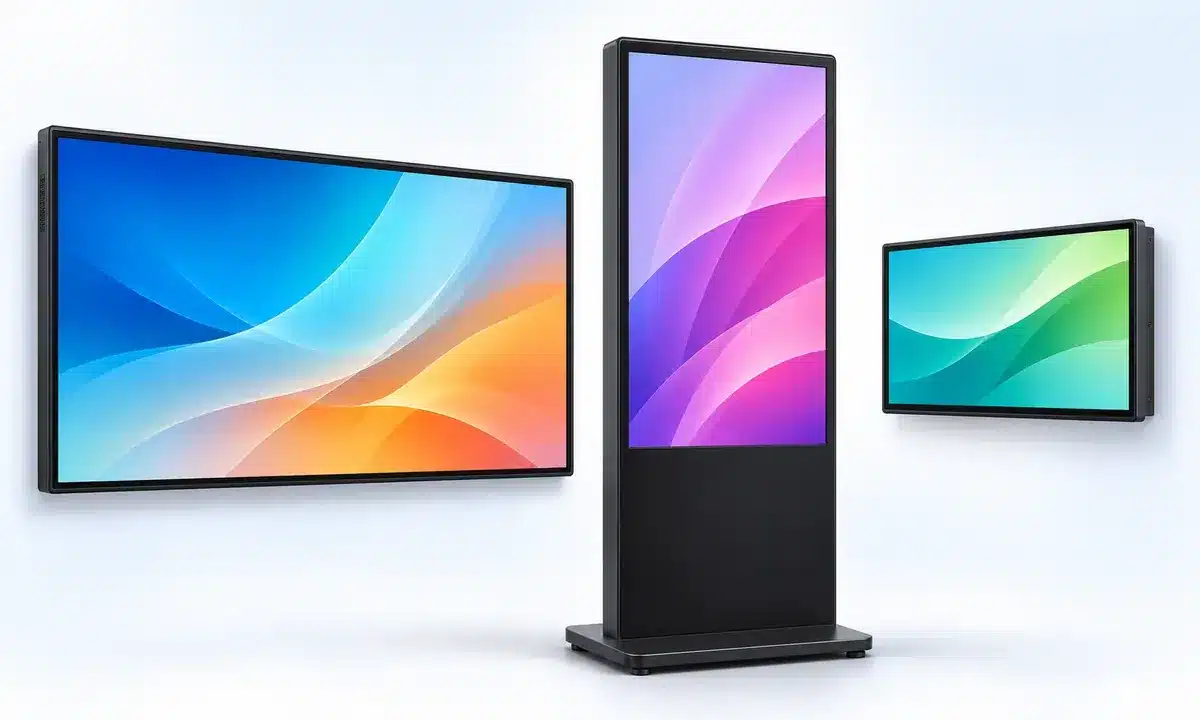
Digital Signage Displays product family concept illustration
Installation and audience

Choose the format for the installation and audience.

Display and playback scope

Define responsibility for display and playback hardware.

Duty cycle and heat

Evaluate image duty, ambient heat and cooling.

Mounting and maintenance

Plan the mounting arrangement and maintenance access.

Digital Signage Displays product family concept illustration

Category Overview

Digital signage procurement should separate the LCD panel, display assembly, media player, content software and installation work. A panel specification does not describe the capabilities of the complete signage system. HuiSoar supports display-side selection and integration review for commercial projects. Compare native resolution, viewing distance, brightness, operating schedule, orientation and mounting. Confirm included electronics, environmental protection and service access so the quotation matches the intended installation and maintenance plan.

Digital Signage Displays Product Selection

Filter by Specifications
Sort by:
87 Products Found
huisoar HS420IVN-GD30 42.0-inch 1920×480 tft-lcd Without Touch display

42 Inch Outdoor Wide Temperature Stretched Bar Display for Transit
Size:42.0″
Resolution:1920×480
Brightness:3000 cd/m²
huisoar HS105ENT-ND15 105.0-inch 5120×2160 tft-lcd Non-touch display

105 Inch Large Format Outdoor Airport Information Display Module
Size:105.0″
Resolution:5120×2160
Brightness:1500 cd/m²
huisoar HS860MNX01D01-BK 86.0-inch 3840×2160 tft-lcd Without Touch display

86 Inch Ultra Slim Storefront Digital Signage Display for Retail
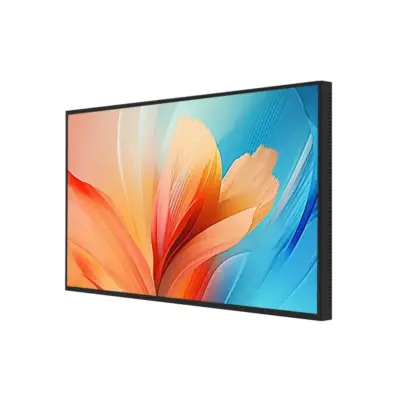
Size:86.0″
Resolution:3840×2160
Brightness:2000 cd/m²
huisoar HS650ENT-GD50 65-inch 3840×2160 tft-lcd Without Touch display

65 Inch 5000 Nits 4K TFT LCD Module for Digital Signage
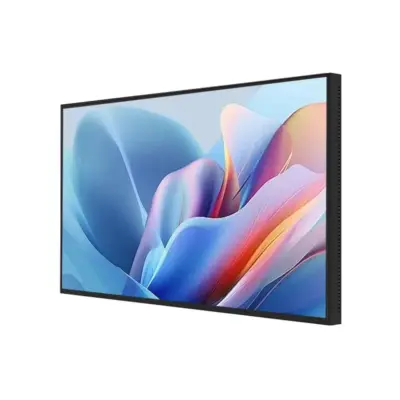
Size:65″
Resolution:3840×2160
Brightness:3500 cd/m²
huisoar HS750MNX02D01-BK 75.0-inch 3840×2160 tft-lcd Without Touch display

75 Inch 2500 Nits 4K Window Display Panel for Storefronts
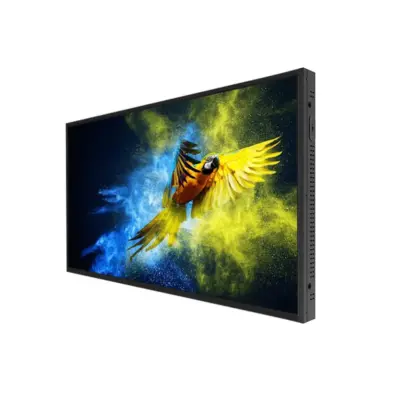
Size:75.0″
Resolution:3840×2160
Brightness:2500 cd/m²
huisoar HS490MNX02D01-BK 49-inch 1920×1080 tft-lcd Without Touch display

49 Inch Sunlight Viewable Storefront Digital Signage Display
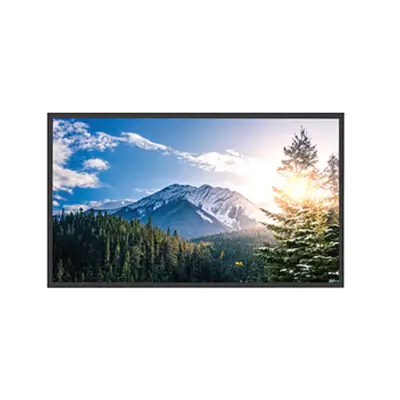
Size:49″
Resolution:1920×1080
Brightness:2500 cd/m²
huisoar HS490ENT-GD04 49.0-inch mechanical dimension drawing

49 Inch Ultra High Brightness Window Facing Display for Storefronts
Size:49.0″
Resolution:1920×1080
Brightness:5000 cd/m²
huisoar HS550ENT-N30 55-inch 3840×2160 tft-lcd Without Touch display

55 Inch 3000 Nits Sunlight Viewable LCD Panel for Outdoor Signage
Size:55″
Resolution:3840×2160
Brightness:3000 cd/m²
huisoar HS55O-MNSLGB 55-inch 1920×1080 tft-lcd Without Touch display

55 Inch 4000 Nits Window Facing Digital Signage for Storefronts

Size:55″
Resolution:1920×1080
Brightness:4000 cd/m²

46 Inch Sunlight Readable Outdoor-Facing LCD Monitor for Retail

Size:46″
Resolution:1920×1080
Brightness:4000 cd/m²

Technical Selection Guide

Use these four checks to compare digital signage displays for your equipment. Freeze the required configuration and verify the exact drawing, electrical specification and sample behavior before approving production.

Installation and audience

Define indoor, window-facing or outdoor placement, viewing distance and orientation. Set content and optical requirements for the actual viewing environment.

Display and playback scope

Clarify whether the requirement is a panel, monitor or integrated signage assembly. Specify the content player, signal input and any control or network functions separately.

Duty cycle and heat

Confirm the required operating schedule, dimming and power behavior. Review enclosure ventilation, sun exposure and orientation-specific thermal conditions.

Mounting and maintenance

Provide mounting and access constraints, connector locations and replacement expectations. Confirm included accessories and documentation in the project scope.

Typical Applications
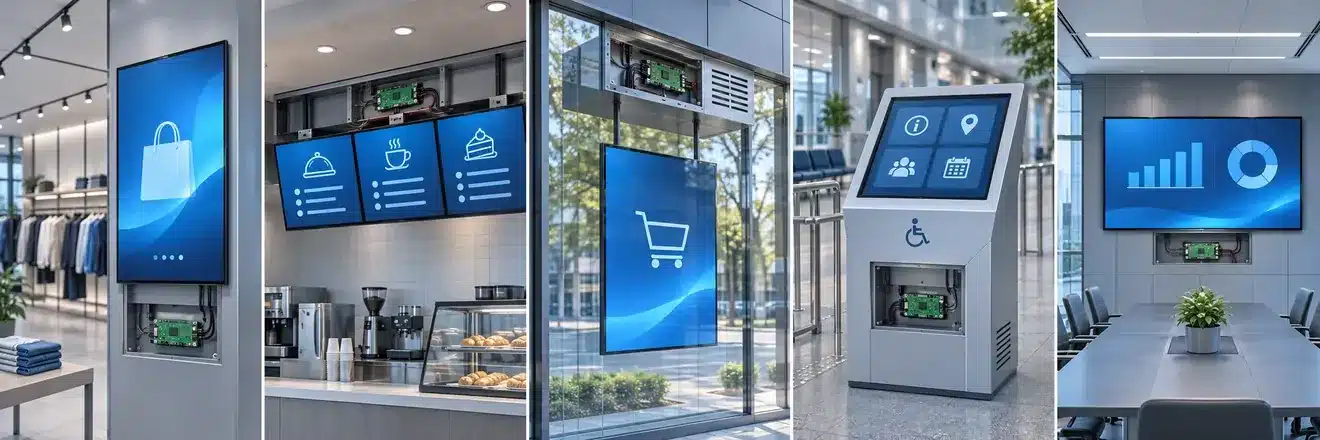
Digital Signage Displays typical OEM application scenarios

Retail displays

In-store visual communication with defined viewing conditions.

Menu and information boards

Legible content at the required viewing distance.

Window-facing installations

Displays reviewed for glare and heat behind glass.

Public information kiosks

Display assemblies integrated into accessible service locations.

Corporate communication

Commercial display hardware for scheduled information content.

Digital Signage Displays FAQ

Is a signage display the same as an LCD panel?
Not necessarily. A bare panel, a monitor and an integrated signage system include different electronics and mechanical parts. Confirm whether the quotation includes a controller, enclosure, media player, touch, software or installation accessories.
How should indoor and outdoor signage be distinguished?
Define ambient light, direct sunlight, moisture, temperature and the enclosure boundary. Outdoor use requires configuration-specific review. A bright indoor monitor should not be assumed weather-resistant or thermally suitable for an outdoor site.
Can the display be installed in portrait orientation?
Portrait suitability depends on the panel, enclosure, heat paths and mounting. Confirm the intended orientation with the proposed assembly and test content mapping. Do not rely only on the ability to rotate the source image.
Is a media player or content management system included?
Only if explicitly listed in the proposal. Display hardware, playback electronics and content-management software are separate parts of a signage project. Specify required formats, scheduling, network management and responsibility for software support.
Can the display operate continuously?
Confirm the specified duty cycle for the exact panel and assembly. Review power, thermal conditions, dimming and maintenance requirements. A generic signage label is not sufficient evidence for unrestricted continuous operation.
What determines readable text size?
Viewing distance, native resolution, active display dimensions, ambient light and content design all matter. Test representative text and graphics at the installation distance rather than selecting resolution independently of screen size and layout.
How should window-facing signage be evaluated?
Assess reflections, solar heat gain, cover glass, sustained luminance and enclosure ventilation. Conditions behind a shop window can differ from an indoor room. Validate the complete installation under representative daylight and temperature.
Can touch be included in a signage assembly?
Touch integration is project-specific. Define user interaction, cover-glass structure, controller interface, installation environment and host software. Confirm what is included and validate touch behavior on the completed kiosk or display assembly.
What information should I include in an RFQ?
For digital signage displays, provide the installation site, active display size, viewing distance, orientation, operating schedule, input or playback scope, mounting and environmental requirements. Include sample and annual quantities, target schedule, destination and any mandatory validation requirements. This supports a configuration-specific quotation and identifies unresolved engineering items before purchasing.
How are samples, MOQ and tooling charges confirmed?
Sample availability, minimum order quantity, engineering charges and tooling depend on the selected configuration. Ask for these items separately in the quotation. Approve the sample, drawing revision and acceptance criteria before releasing a production purchase order.
Which technical and compliance documents should be reviewed?
Request the exact digital signage displays part number and revision, specification, mechanical drawing and relevant electrical information. Request applicable material declarations or test reports for that configuration; a category description or illustrative image is not evidence of certification.
How should overseas buyers plan delivery and continuing supply?
Confirm stock or production status, quoted lead time, packaging, shipping terms and required export documents before ordering. For recurring programs, discuss forecast volumes, revision control and change notification. Reconfirm availability when placing each order rather than assuming permanent supply.

Discuss Your Custom Display Requirements

Share your target application, mechanical drawing, interface, operating conditions and volume plan. Our engineering team can review suitable configurations and sample requirements.

Scroll to Top
Request Quote / Datasheet

Response within 12-24 hours. NDA available. Engineering support included.

Fields marked with an asterisk (*) are required.

Contact Information

Request Details