
Touch Panels
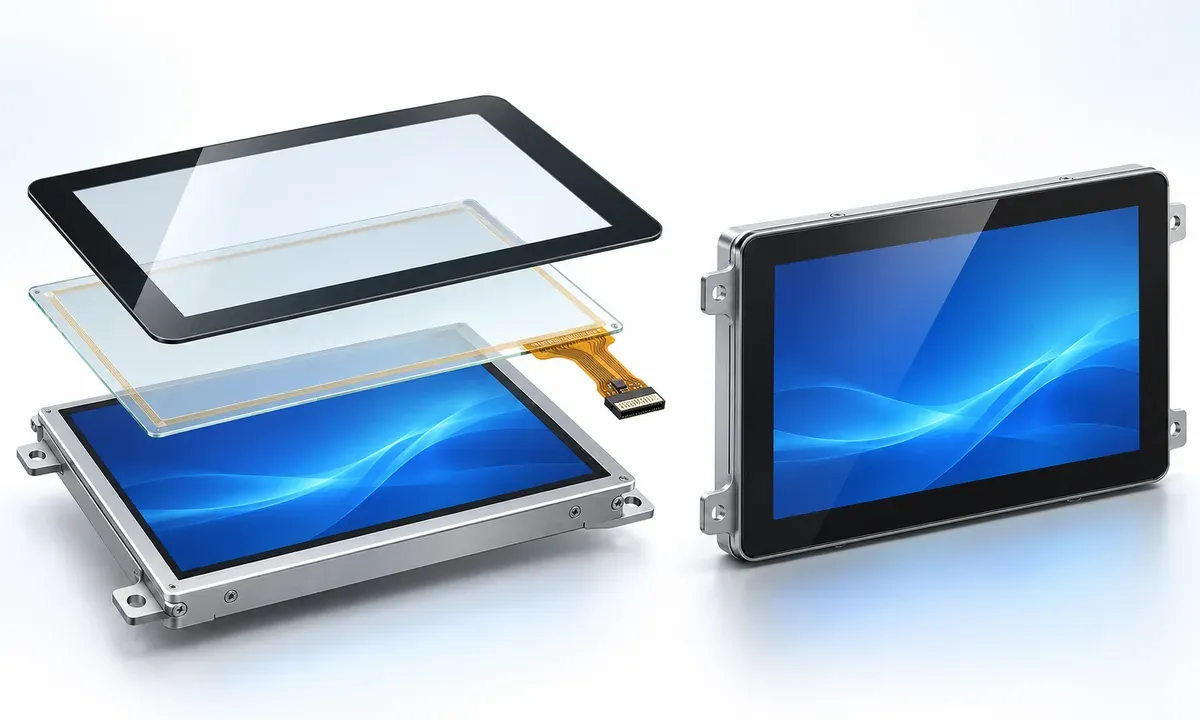
Sensor and input method
Choose a sensing method for the intended user input.
Controller communication
Check controller compatibility with the host platform.
Cover glass and mechanics
Align sensor edges, lens features and mounting details.
Noise and environment
Review gloves, moisture and electrical interference.
Category Overview
Touch Panels Product Selection
Filter by Specifications
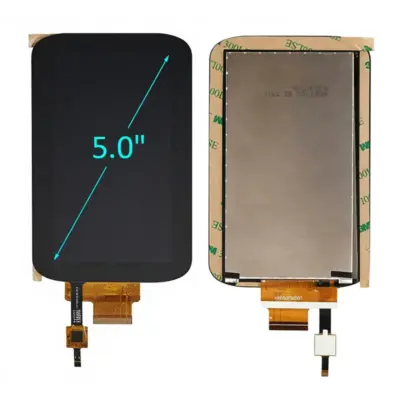
Portable Device Touchscreen Module 5 inch 480x854 MIPI DSI Handhelds IPS PCAP display
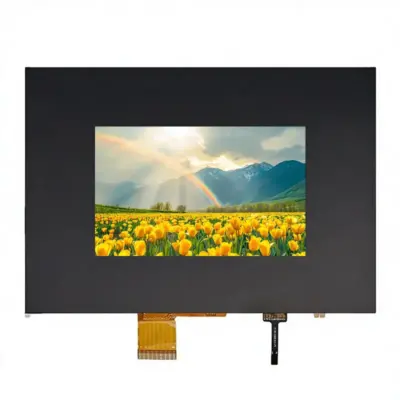
5 Inch RGB HMI TFT Module With PCAP Capacitive Touch Display
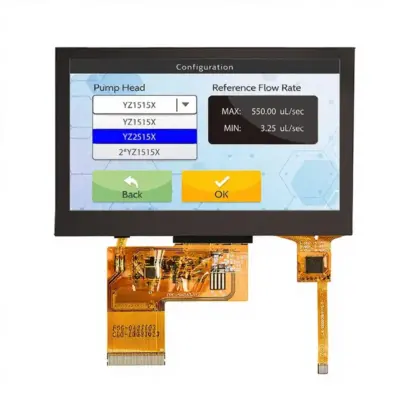
4.3 Inch Daylight HMI Touch Panel for Embedded Controllers
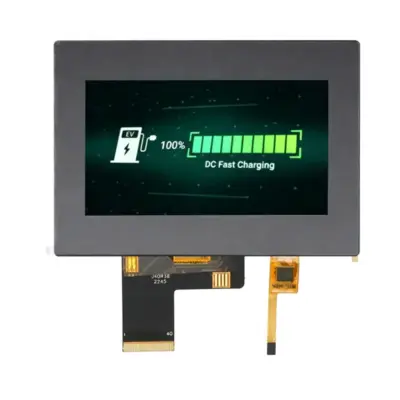
EV Charger Touch LCD Module 4.3 Inch IPS PCAP display for RGB HMI Panels
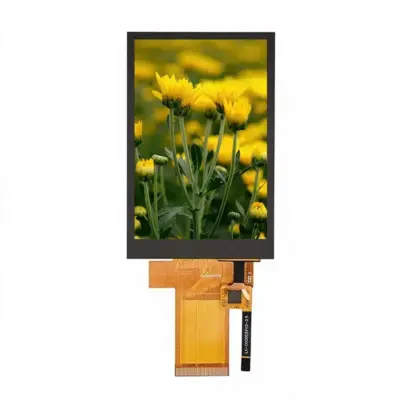
3.5 Inch MCU Capacitive TFT Screen With 320×480 ILI9488 PCAP Touch LCD Module
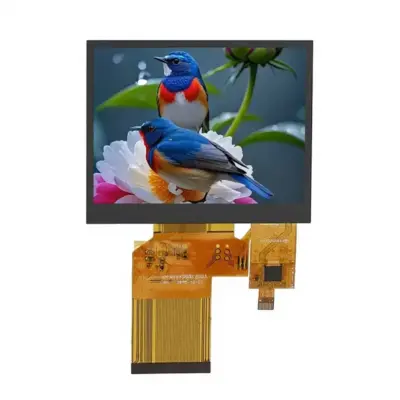
Capacitive HMI LCD Module 3.5 Inch GT911 I2C Touch Systems display
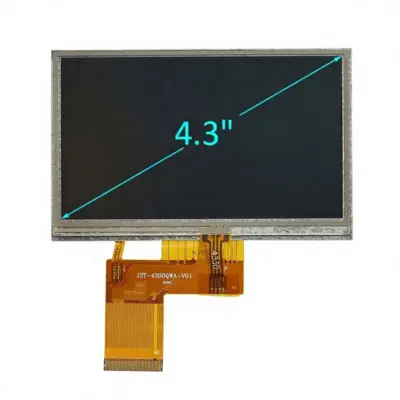
4.3 Inch Stylus Input TFT Screen With 480×272 Resistive Touch RGB LCD Module

Embedded Touch LCD Module 3.5 Inch RGB Resistive Display For RGB Controller Boards
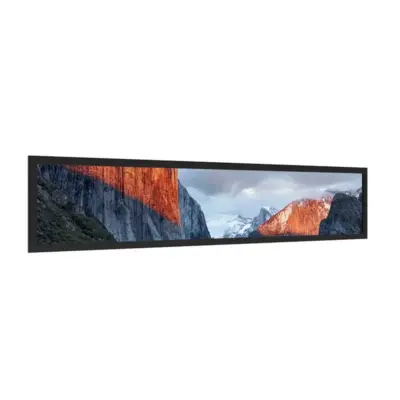
28 Inch Metro Timetable LCD Panel 4000:1 for LVDS Passenger Systems

13.3 Inch EV Charging Touch Panel Station Display for Smart Outdoor Chargers
Technical Selection Guide
Sensor and input method
Specify capacitive, resistive or another suitable touch technology. Define finger, stylus, glove, wet-surface and multi-touch requirements before choosing the sensor.
Controller communication
Check USB, I²C or other supported controller communication, host drivers, firmware and logic levels. Confirm touch-coordinate orientation and display alignment.
Cover glass and mechanics
Review active area, bezel mask, glass thickness, edge treatment, mounting adhesive and clearances. Confirm optical and mechanical drawings for the proposed stack.
Noise and environment
Evaluate grounding, power-supply noise, nearby electronics, moisture and cleaning exposure. Establish acceptance tests on the completed host equipment.
Typical Applications
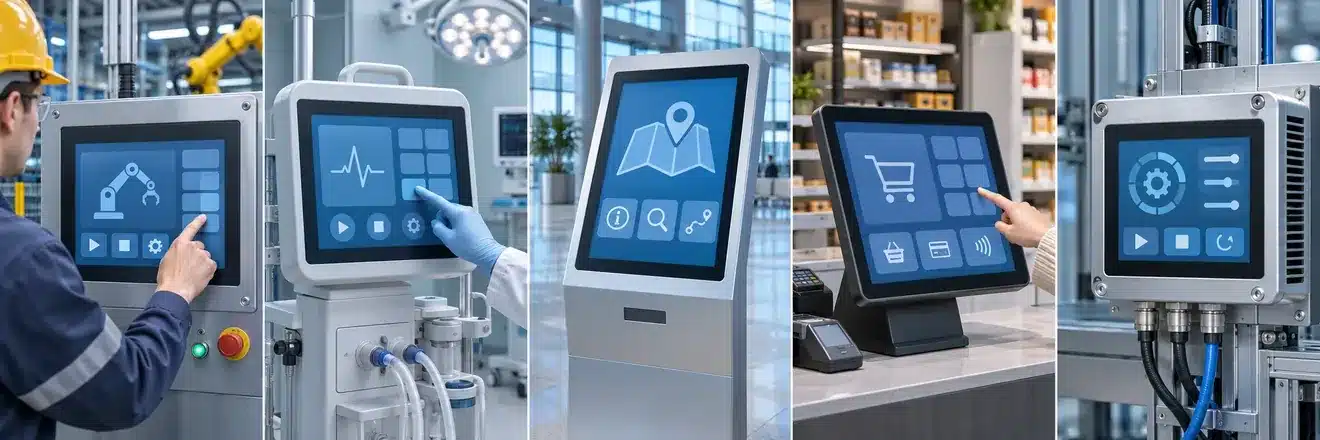
Industrial control
Operator touch interfaces for machinery and automation.
Medical equipment
Touch inputs selected for device-specific cleaning and usage.
Self-service kiosks
Interactive terminals with defined surface and enclosure needs.
Commercial equipment
Touch integration for service and retail systems.
Embedded devices
Compact touch interfaces matched to host electronics.
Touch Panels FAQ
What is the difference between a touch panel and a touch display?
Should I choose capacitive or resistive touch?
Will a USB touch controller work with every host?
Can touch work through thicker cover glass?
Can the panel operate with gloves or water on the surface?
Is optical bonding always required?
What causes touch noise or false inputs?
Can cover-glass printing and dimensions be customized?
What information should I include in an RFQ?
How are samples, MOQ and tooling charges confirmed?
Which technical and compliance documents should be reviewed?
How should overseas buyers plan delivery and continuing supply?
Related Categories
Discuss Your Custom Display Requirements
Share your target application, mechanical drawing, interface, operating conditions and volume plan. Our engineering team can review suitable configurations and sample requirements.